Complete Any Incomplete Sentence with Multiple Distinct Options
Paste any text fragment and get multiple grammatically correct completions, each taking a different approach, with tone and audience controls.
Finish a Sentence
AI Sentence Finisher
Paste any incomplete sentence or text fragment and get multiple distinct completion options, each grammatically correct, naturally fitting, and different in approach. Choose your tone and target audience.
Results
AI Sentence Finisher
AI Sentence Finisher
Paste your text on the left and click the button to see the results.
- Multiple distinct completions for each sentence fragment
- 2, 3, or 4 completion options per fragment
- Full sentence shown — not just the added ending
- Each option uses a different approach or emphasis
- Six tone options: professional, conversational, formal, persuasive, friendly, creative
- Six audience calibrations for vocabulary and register
Multiple Options, Each Genuinely Different
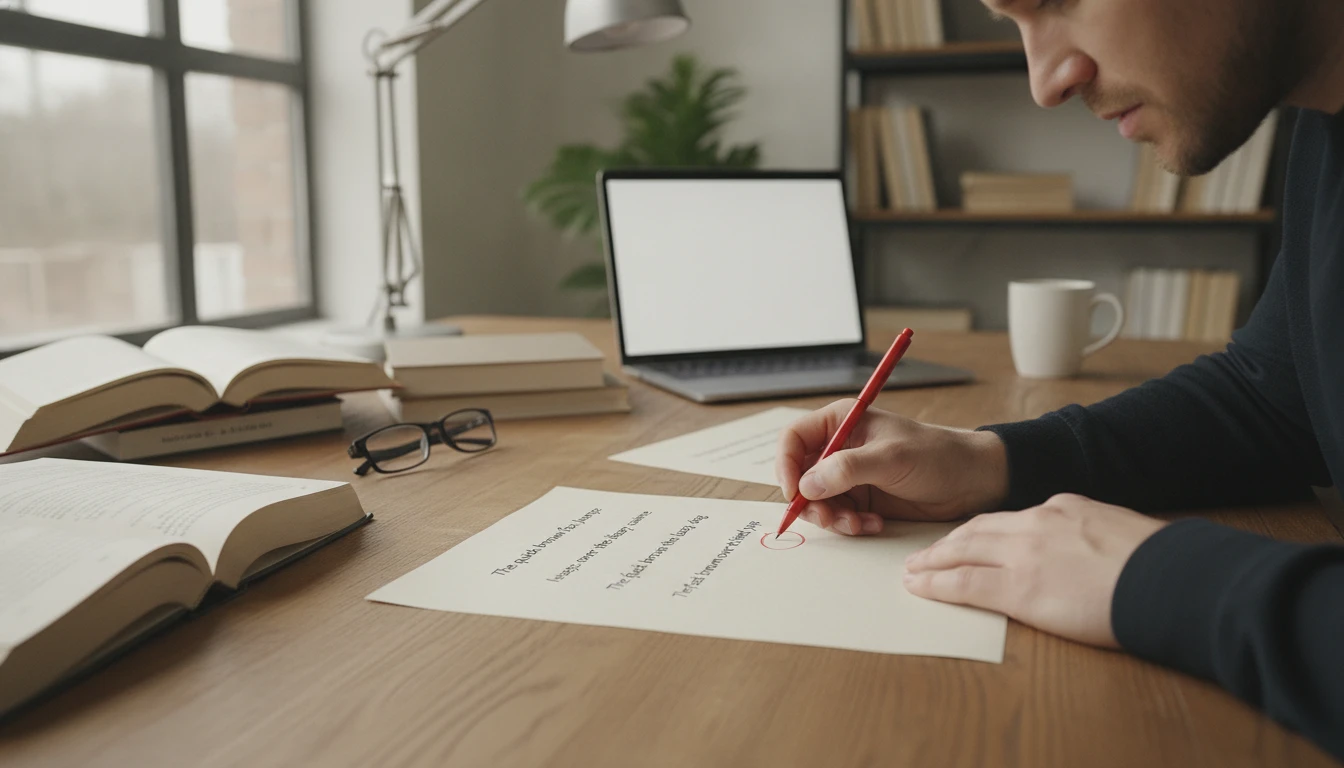
Getting one completion for a sentence fragment is only marginally better than writing it yourself — you still have no alternatives to compare. Getting three or four completions that are meaningfully different gives you real choice: one that is direct and assertive, one that leads with a benefit, one with a narrative approach, one that is concise and formal. This is how professional writers work — they generate multiple options and choose the best one, not the first one that comes to mind. The tool provides the options; you make the selection.
Try the Sentence Finisher
Full Sentence Every Time — Not Just the Ending
Many sentence completion tools return only the added part — the ending they generated — leaving you to manually reconstruct the full sentence. This tool always returns the complete sentence from beginning to end, so every completion is immediately ready to copy and use. The original fragment is shown above for reference, and each numbered option below it is the full, completed sentence. No assembly required.
See a Complete Sentence
Calibrated to Tone and Audience
A completion for a board-level executive report should sound different from a completion for a casual email to a colleague, even if both are finishing the same fragment. The professional tone produces polished, formal completions. The persuasive tone produces benefit-led, action-oriented completions. The conversational tone allows contractions and natural phrasing. The creative tone produces vivid, unexpected completions. Six tone options and six audience calibrations let you match the completion to the context where the sentence will actually appear.
Set Tone and AudienceHow to Finish a Sentence
Paste Your Fragment
Paste the incomplete sentence or text fragment — one or several. The tool identifies each fragment and generates completions for each one separately. You can paste partial sentences, opening clauses, or any text that trails off mid-thought.
Choose Tone, Count, and Audience
Select the tone (professional, conversational, formal, persuasive, friendly, or creative), how many completions you want (2, 3, or 4), and the target audience for vocabulary and register calibration.
Get the Completed Sentences
Receive multiple complete sentences — the full sentence from beginning to end, with a brief note on each option's approach. Choose the best one, edit it, or use it as inspiration for your own wording.
Who Uses It

Writers Overcoming Writer's Block
When a sentence stalls mid-thought, the problem is rarely that you do not know what to say — it is that no specific wording feels right. Paste the fragment, get three or four options, and pick the one that matches what you were trying to say. The completions often clarify what direction you actually want to take, even if you ultimately rewrite them in your own words.

Business and Professional Writers
Use the professional or persuasive tone to complete sentences for proposals, reports, presentations, and executive communications. Paste the key sentence fragments — the ones that are hardest to close — and pick from the options. Particularly useful for closing arguments, value propositions, and recommendation statements where the exact wording matters.

Non-Native English Writers
Starting a sentence in English is often easier than finishing it — especially when the right vocabulary or grammatical structure for the ending does not come naturally. Paste the fragment you know how to start and get natural, fluent completions in the tone that fits your context. Use the non-native English speakers audience calibration for clear, natural completions without idioms or complex vocabulary.

Students and Academic Writers
Complete thesis statements, argument sentences, and topic sentences using the formal/academic tone. Paste the beginning of the argument you are trying to make and get multiple ways to close it — then rewrite the best one in your own words to maintain academic integrity. The completions help clarify the argument you are trying to make, even when you revise them significantly.
Deep Dive
The Art of Sentence Endings
How a sentence ends matters as much as how it begins. Understanding what makes a strong sentence closing helps you evaluate and select from the generated options.
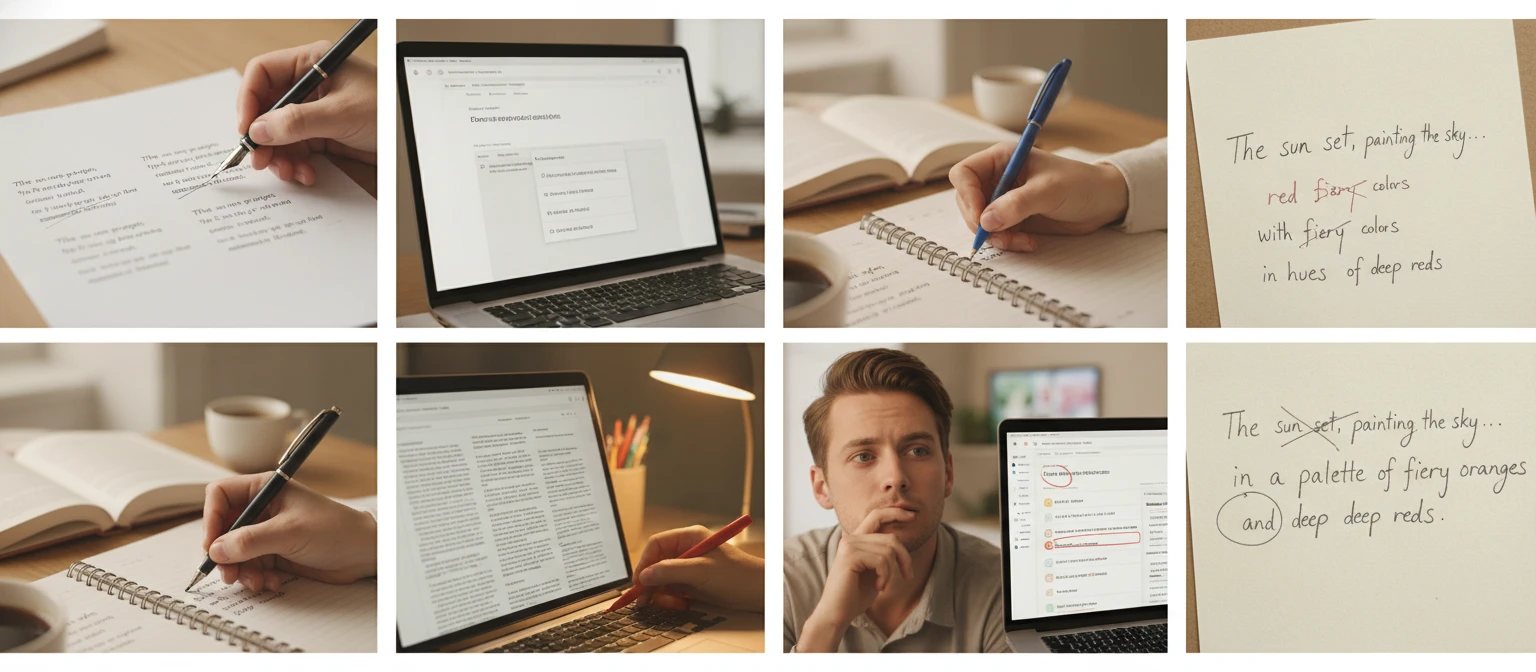
Note: AI-generated sentence completions are strong starting points. The best approach is to use the option that comes closest to what you mean, then rewrite it in your own voice and with any specific facts or details you have.
Why Use It
Multiple Distinct Options
Two, three, or four completions per fragment — each meaningfully different in approach, emphasis, and specific wording, not just synonym variations.
Full Sentence Every Time
Every completion shows the full sentence from start to finish — ready to copy and use directly, no reconstruction needed.
Six Tones, Six Audiences
Match the completion to the context: professional, conversational, formal, persuasive, friendly, or creative — calibrated to your target reader.
Writing Notes Included
After the completions, brief notes identify the strongest option, what to consider when choosing, and any issues in the original fragment.
Frequently Asked Questions
Can I paste multiple sentence fragments at once?
Yes. Paste as many incomplete sentences as you like in a single submission. The tool identifies each fragment separately and generates the selected number of completions for each one. Each fragment gets its own section in the output.
Does it show the full sentence or just the ending it added?
Every completion shows the full sentence from beginning to end — the original fragment plus the generated ending, presented as a complete, ready-to-use sentence. You never have to manually reconstruct it.
What if my sentence is already complete?
If you paste a sentence that is already complete, the tool will note this and generate completions that extend or develop the sentence further — adding a consequence, a qualification, a contrasting point, or additional context. The Writing Notes will flag that the original was already complete.
Which tone should I use for business writing?
Professional for reports, proposals, and formal communications. Persuasive for sales materials, pitches, and value propositions. Formal for legal, regulatory, or board-level documents. Conversational for internal communications, emails to colleagues, or customer-facing content where a human tone is appropriate.
How many completions should I request?
Three is the default and works well for most use cases — it gives you enough variety to make a meaningful comparison without being overwhelming. Use two when you want a faster result or when you already have a strong sense of direction. Use four when you are exploring different angles and want the broadest range of options to choose from.
Finish Your First Sentence Instantly
Sign up free and get 100 credits instantly. Paste any incomplete sentence and get multiple distinct completion options in seconds.
Disclaimer: This tool uses generative AI technology which may produce content that resembles copyrighted materials or that is inaccurate, incomplete, or out-of-date. It is provided for general information and educational purposes only and is not intended for illegal activities or to replace professional advice, diagnosis, or treatment. Users are solely responsible for how they use the generated content. If you plan to use AI-generated content commercially or publicly, we strongly recommend reviewing it for potential copyright issues and obtaining proper permissions where necessary. We accept no liability for copyright infringement or any other consequences resulting from the use of content generated by this tool.