Summarize Any YouTube Video. Paste a URL. Get Key Points Instantly.
Paste any YouTube URL and get a concise overview, numbered key points, and actionable takeaways without watching the full video.
Summarize a Video
AI YouTube Video Summarizer
Paste a YouTube URL and get an AI-powered summary with key points, actionable takeaways, and topics covered. Works with any video that has captions.
Supports youtube.com/watch?v=..., youtu.be/..., and youtube.com/shorts/... Video must have captions enabled.
Results
Video Summary
AI YouTube Video Summarizer
Paste a YouTube URL on the left, then click Summarize Video.
- Key points from the video
- Actionable takeaways you can apply
- All main topics and themes covered
- Works with any captioned YouTube video
- Supports standard, Shorts, and youtu.be links
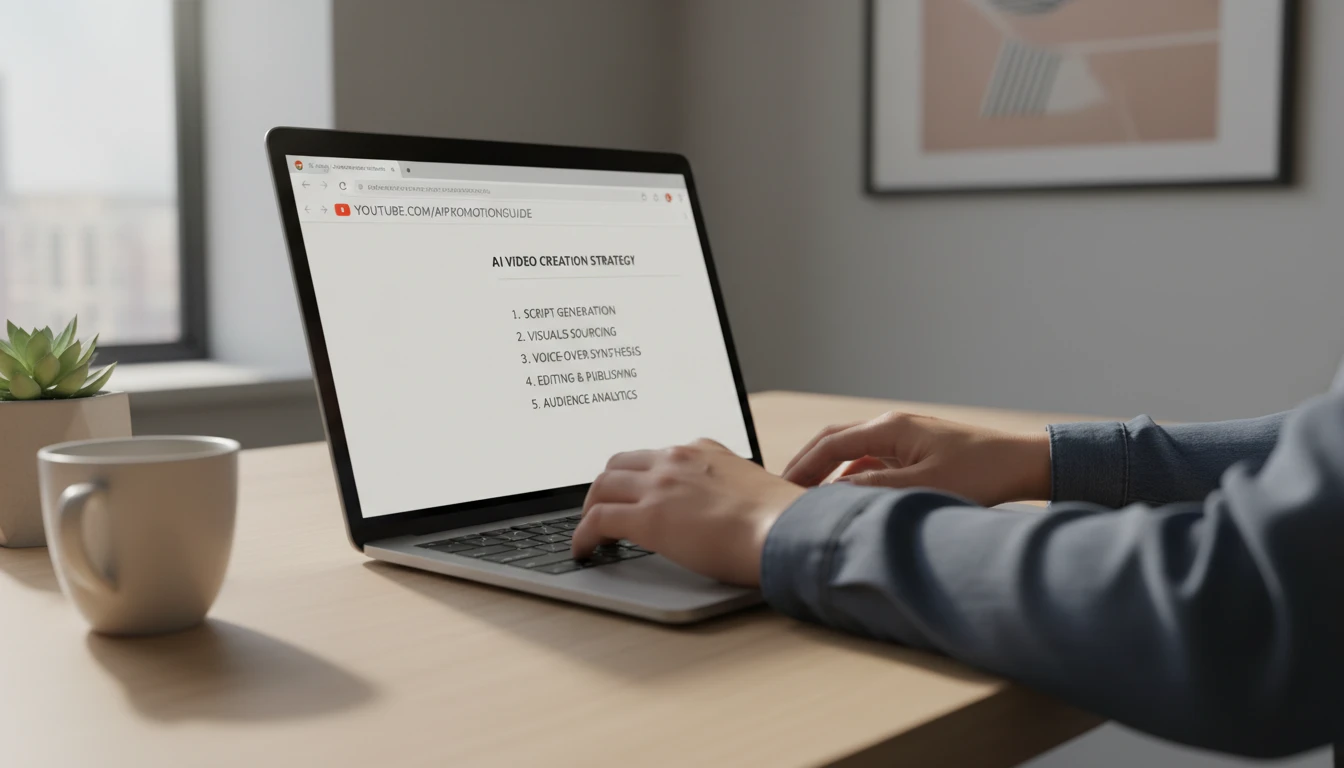
Paste Any YouTube URL and Get a Structured Summary
All three major YouTube URL formats work: standard watch URLs (youtube.com/watch?v=...), shortened links (youtu.be/...), and YouTube Shorts (youtube.com/shorts/...). The AI extracts the video transcript, processes it through a two-pass summarization pipeline for long videos, and returns a clean summary with an overview, key points, actionable takeaways, and main topics. For long lectures or podcasts the transcript is chunked and each section is summarized before combining into a coherent final output.
Summarize Now
Key Points, Takeaways, and Topics From Every Video
The summary output is always structured the same way: a brief overview paragraph, a numbered list of 5 to 10 key points covering the main content in the order it is discussed, a bullet list of 3 to 5 actionable takeaways you can apply right away, and topic tags for all the main themes and subjects covered in the video. This structured format makes it easy to scan the summary in under a minute and decide whether to watch the full video or use the key points directly in your notes.
Try It Now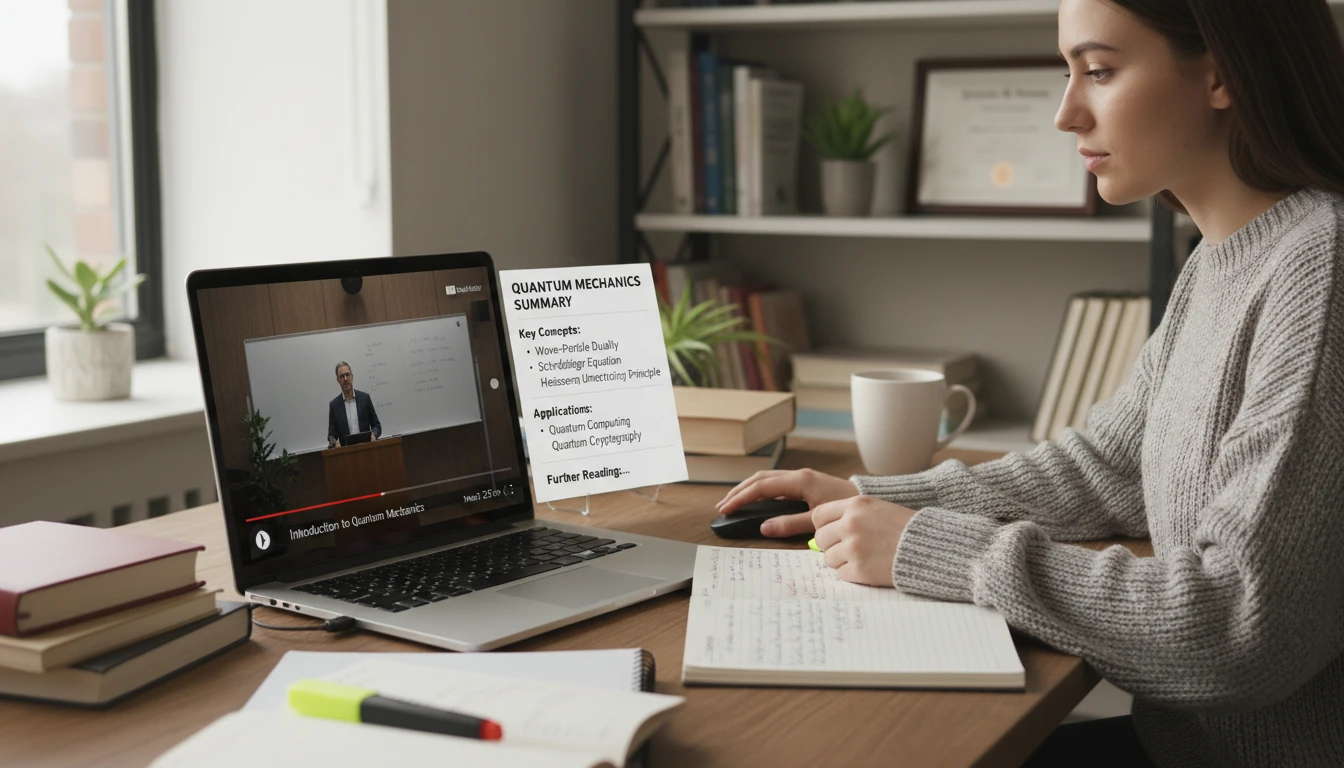
Handles Long Videos and Lectures With Multi-Pass Summarization
YouTube lectures, conference talks, and full podcast episodes can run for hours. The summarizer handles any length by automatically chunking the transcript when it exceeds the direct processing limit. Each chunk is summarized independently and then all chunk summaries are combined into a final synthesis pass. This means you get a coherent summary whether the video is 5 minutes or 3 hours long. Most two-hour lectures produce a summary you can read in under 3 minutes.
Summarize a Long VideoHow to Summarize a YouTube Video
Paste the YouTube URL
Copy the URL from your browser address bar or the YouTube share button and paste it into the URL field. Standard watch links, youtu.be short links, and Shorts URLs all work.
Start the Summary
Click Summarize Video. Each summary costs 25 credits, regardless of video length.
Get Your Summary
The AI fetches the transcript, processes it, and returns a structured summary with overview, key points, takeaways, and topic tags in seconds.
Who Uses It

Students and Lecture Notes
Find the YouTube recording of a lecture or class and paste the URL to get a structured summary you can study from. Build revision notes without re-watching hours of footage. Use the key points to identify what to review in the original video.

Professionals Staying Current
Summarize conference talks, product demos, webinars, and industry presentations without sitting through the full video. Paste the URL and get the key points and takeaways in a format you can quickly share with your team.
Researchers and Content Creators
Research topics efficiently by summarizing interviews, explainer videos, and documentary content. Get the key arguments and facts without watching everything in full. Use the topic tags to identify which videos are most relevant to your research.

Lifelong Learners
Work through a playlist of educational videos much faster by summarizing each one before deciding which to watch in full. Get the core insight from a TED Talk, a science explainer, or a history documentary in under a minute.
Deep Dive
Getting the Best Results
The summarizer works best with certain types of videos. Understanding what affects summary quality helps you choose the right videos to summarize.

Note: The summarizer requires the video to have captions or auto-generated subtitles. Videos without captions cannot be summarized.
Why Use It
Any Captioned Video
Supports standard watch links, youtu.be short links, and YouTube Shorts. Works with any video that has captions or auto-generated subtitles.
Structured Output
Always returns an overview, numbered key points, actionable takeaways, and topic tags. Consistent format every time.
Any Length
Multi-pass chunked summarization handles videos of any length. From 2-minute clips to 3-hour lectures.
Fast and Affordable
Most videos are summarized in under 30 seconds. 25 credits per video, regardless of length.
Frequently Asked Questions
How does the YouTube Video Summarizer work?
You paste a YouTube URL and the AI fetches the video transcript, analyzes the content, and generates a structured summary with an overview, key points, actionable takeaways, and topic tags. For long videos the transcript is automatically split into sections, each section is summarized, and the summaries are combined into a final coherent output.
What types of YouTube videos can be summarized?
Any YouTube video that has captions or auto-generated subtitles can be summarized. This includes educational videos, TED Talks, tutorials, interviews, news reports, product reviews, lectures, podcasts, conference talks, and documentaries. Standard videos, YouTube Shorts, and youtu.be links are all supported.
What if the video does not have captions?
The tool requires the video to have captions or auto-generated subtitles to work. If captions are not available you will see an error message. Most popular educational, news, and professional content has captions. You can check by looking for the CC icon in the YouTube player controls.
What URL formats are supported?
Three formats are supported: standard watch URLs (youtube.com/watch?v=...), shortened links (youtu.be/...), and YouTube Shorts (youtube.com/shorts/...). Simply paste the URL from your browser address bar or the YouTube share button.
Can it summarize very long videos or full lectures?
Yes. The tool handles videos of any length. For long videos the transcript is automatically split into sections, each section is summarized independently to capture the key points, and all summaries are combined into a final synthesis. A 2-hour lecture typically produces a full summary in under a minute.
What does the summary include?
Each summary includes: a 2-4 sentence overview of the main topic, a numbered list of 5-10 key points from the video, 3-5 actionable takeaways you can apply, and topic tag badges for all the main subjects covered. The structure is consistent across all videos.
Summarize Your First Video Instantly
Sign up free and get 100 credits instantly. Paste a YouTube URL and get a structured summary in seconds.
Disclaimer: This tool uses generative AI technology which may produce content that resembles copyrighted materials or that is inaccurate, incomplete, or out-of-date. It is provided for general information and educational purposes only and is not intended for illegal activities or to replace professional advice, diagnosis, or treatment. Users are solely responsible for how they use the generated content. If you plan to use AI-generated content commercially or publicly, we strongly recommend reviewing it for potential copyright issues and obtaining proper permissions where necessary. We accept no liability for copyright infringement or any other consequences resulting from the use of content generated by this tool.