RauGen Canvas
Design Canvas for creating visuals. AI Image, Fashion, and Ad Creative Flows for building no-code AI pipelines — drag, connect, and run AI nodes to generate images, fashion content, and product ads.


Flows

AI Image Flow
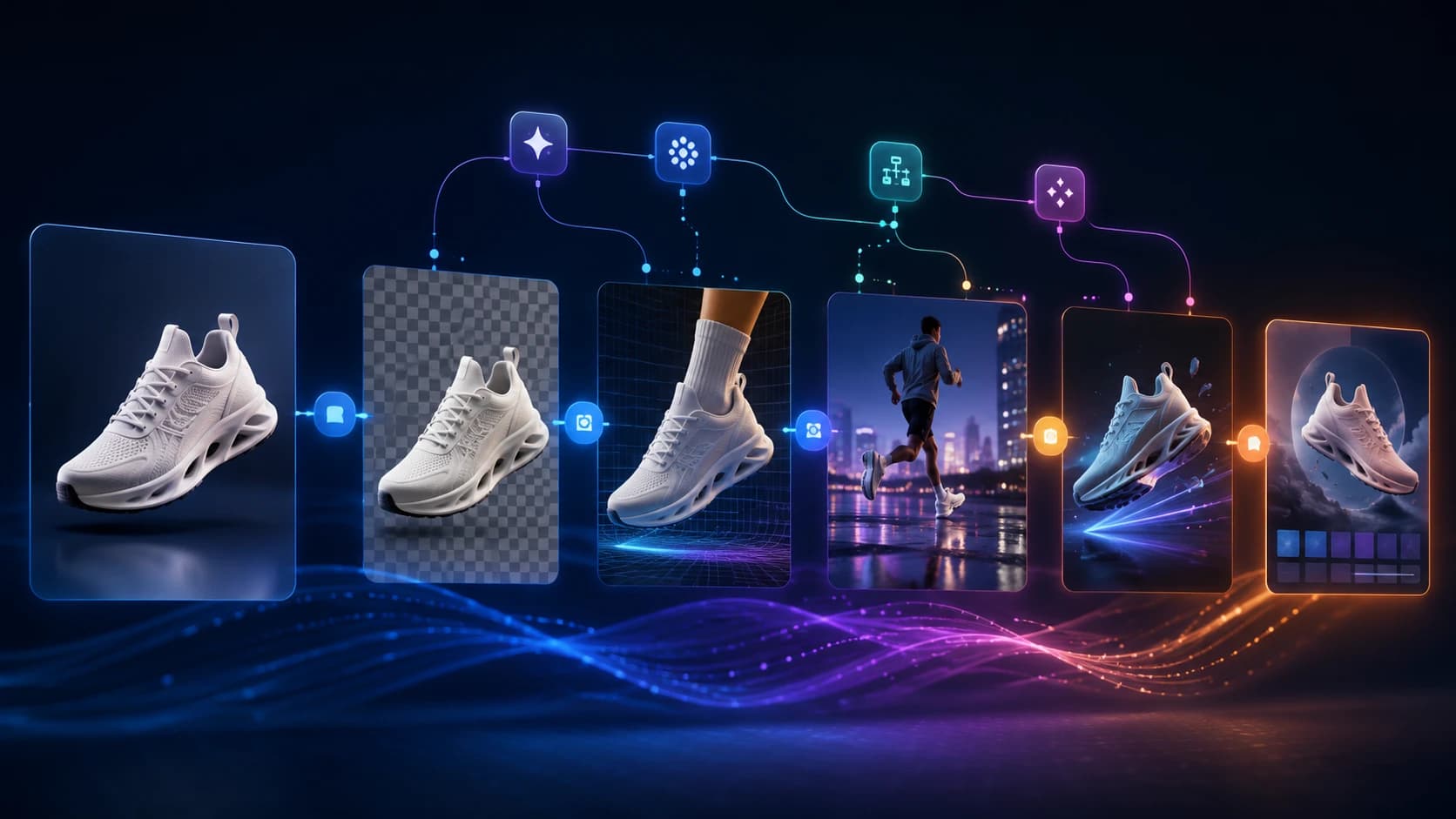
A drag-and-drop AI pipeline builder for images. Remove backgrounds, swap faces, apply art styles, run virtual try-ons, remove objects, and upscale — all wired together in a visual canvas.
AI Fashion Flow
End-to-end AI canvas for fashion brands and designers. Virtually dress models, swap fabrics, generate campaign scenes, create technical flat sketches, and export for Amazon, Shopify, and social media.

AI Ad Creative Flow
Full ad production pipeline for e-commerce and brands. Create product shots, lifestyle scenes, social ad formats, banner creatives, and video ads. Output directly to Instagram, TikTok, Pinterest, Amazon, and Shopify.
How to get the most from AI canvases
Canvases work differently from single-step tools. A few habits produce better results and faster flows.
Pick the canvas that matches your output
Design Canvas is for creating visual assets like posters, banners, and social posts. AI Image Flow is for general photo editing and generation pipelines. AI Fashion Flow is purpose-built for garments, models, and brand content. AI Ad Creative Flow is focused on product advertising for e-commerce platforms.
Build pipelines, not one-off edits
Each canvas is a node graph. Connect an image input to a background remover, pipe the output into a lifestyle scene generator, then into an Instagram formatter. Rerun the whole pipeline on a new photo in one click.
Start from a template
Every canvas ships with starter templates that demonstrate common flows. Open a template, swap in your own images, and run — no setup required. Templates are also a fast way to learn how nodes connect.
Save and resume your pipelines
Pipelines are saved automatically to your account. Name them, share them, or clone them as starting points for new projects. Each node records its last output so you can inspect every step in the chain.