Record Square Videos Built for Social Media Feeds
Capture 1080×1080 webcam footage that fills the frame on Instagram, Facebook, and LinkedIn without cropping or black bars. Pause, resume, and download when done.
Start Recording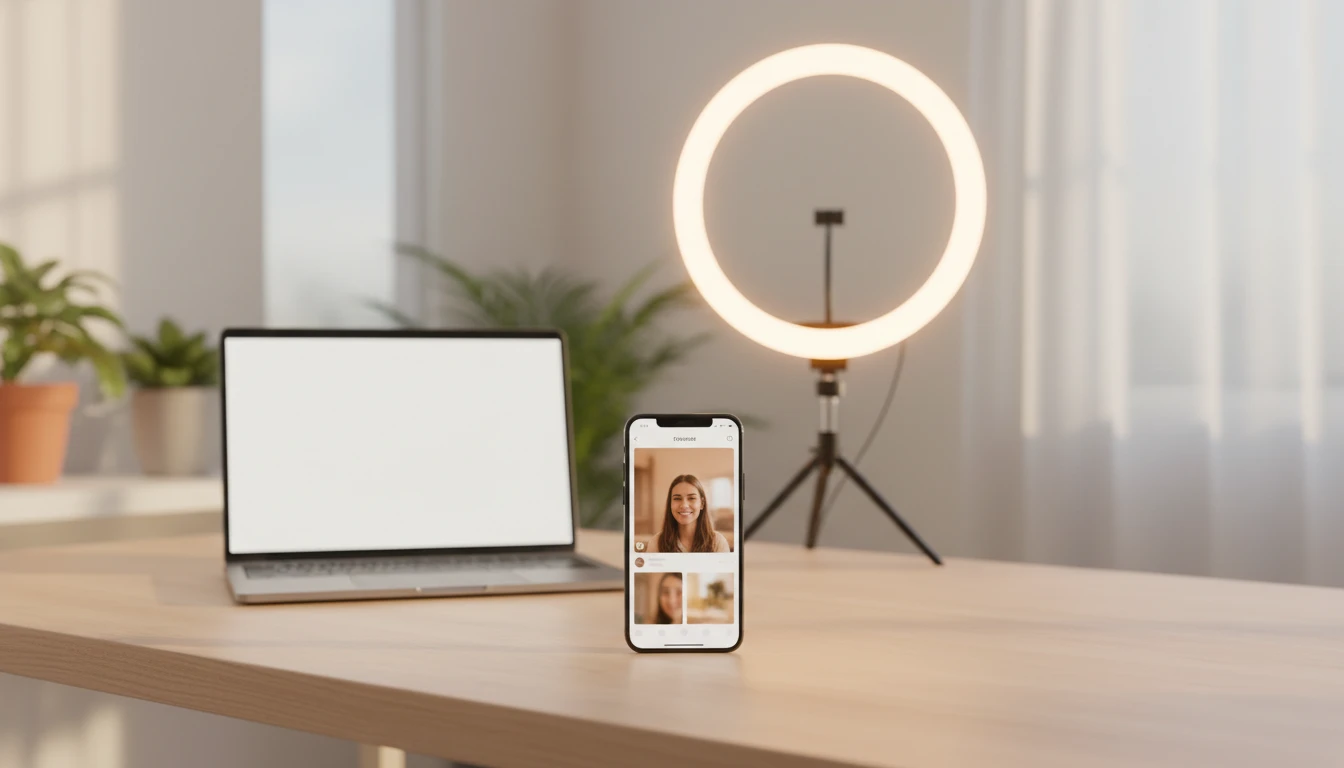
Square Video Recorder
Record 1080×1080 square webcam videos for Instagram, Facebook, and LinkedIn
Controls
Camera preview will appear here
Tips for a Great Square Video
- •Centre yourself in the frame — the square crop will trim the sides of a wide camera feed.
- •Use a ring light or face a window for even, flattering lighting.
- •Keep important content away from the very edges to avoid cropping on tighter platform displays.
- •The output is always 1080×1080 regardless of your webcam's native ratio.
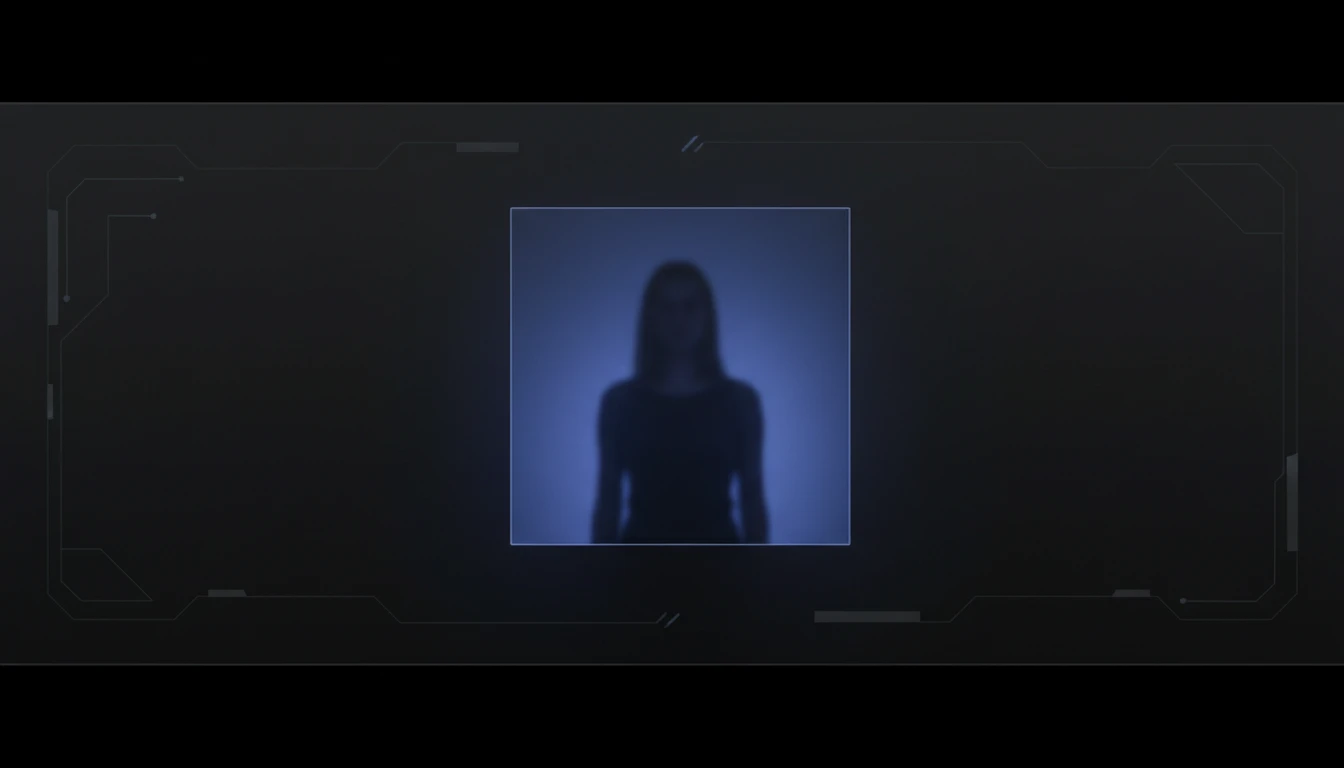
True 1:1 Canvas Output at 1080p
Your camera feed is drawn onto a 1080×1080 offscreen Canvas at 30 fps. If your webcam is wider than square, the frame is centred and letterboxed horizontally. The result is always a perfect square with no distortion.
Try It Now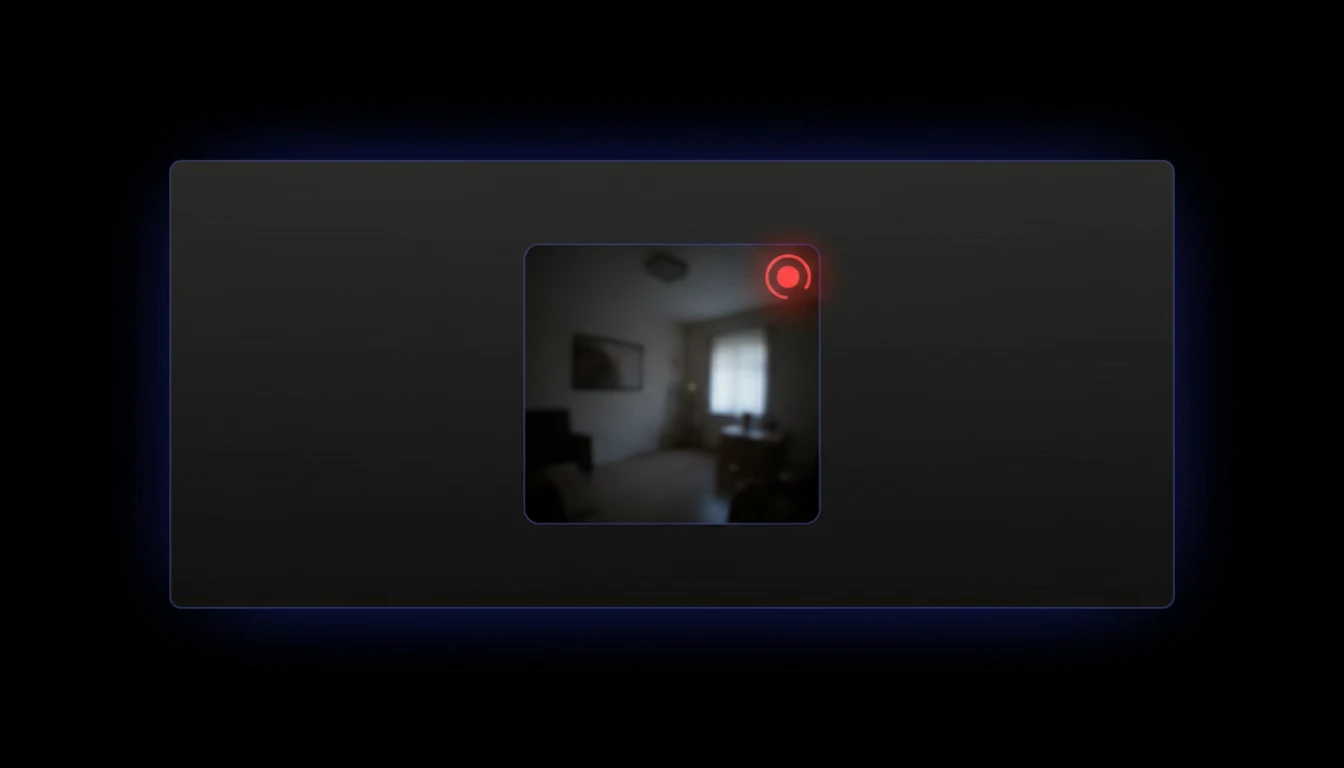
Live Mirrored Preview
A mirrored square preview lets you frame yourself, check lighting, and position your content before stopping. The recorded output plays back in normal orientation.
Try It Now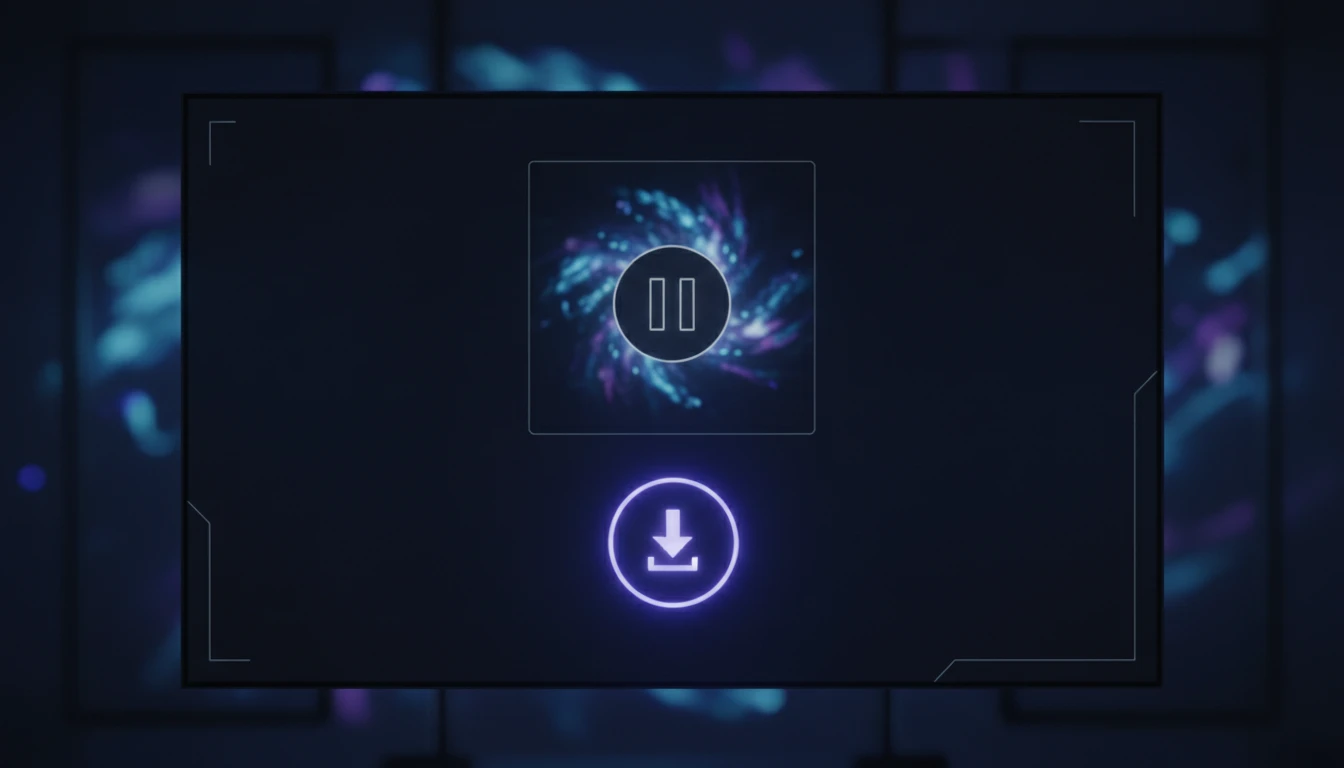
Pause, Resume, and Download
Pause at any point without splitting the file, resume to continue the same recording, and download the finished square video with one click.
Try It NowRecord a square video in three steps
Click Start Recording
Allow camera and microphone access when prompted. Your live square preview appears immediately so you can frame yourself.
Record your video
Speak naturally into the camera. Use Pause if you need a break, then Resume to continue into the same file.
Stop and download
Click Stop when finished. Preview the square video in the browser, then click Download to save it.
Deep Dive
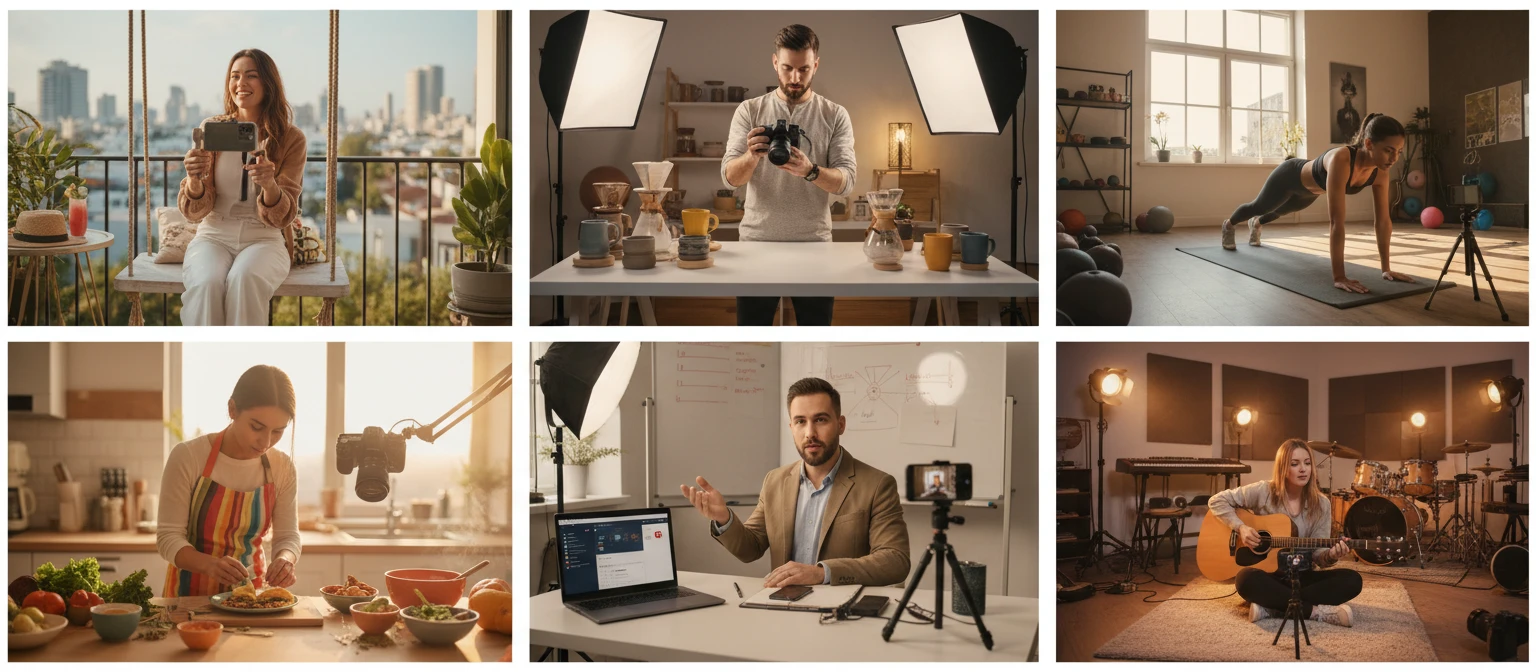
How Square Video Recorder Works
A 1080×1080 Canvas enforces the square ratio and feeds the MediaRecorder — all locally in your browser.
Why Use This Square Video Recorder
Always 1:1 Square
Canvas compositing guarantees 1080×1080 output regardless of your webcam's native ratio.
Audio Included
Microphone with echo cancellation and noise suppression is recorded alongside the video.
Pause and Resume
Pause mid-recording and resume into the same file without splitting or editing.
No Install, No Upload
Everything runs locally in your browser — record and download without installing anything.
Who Uses It
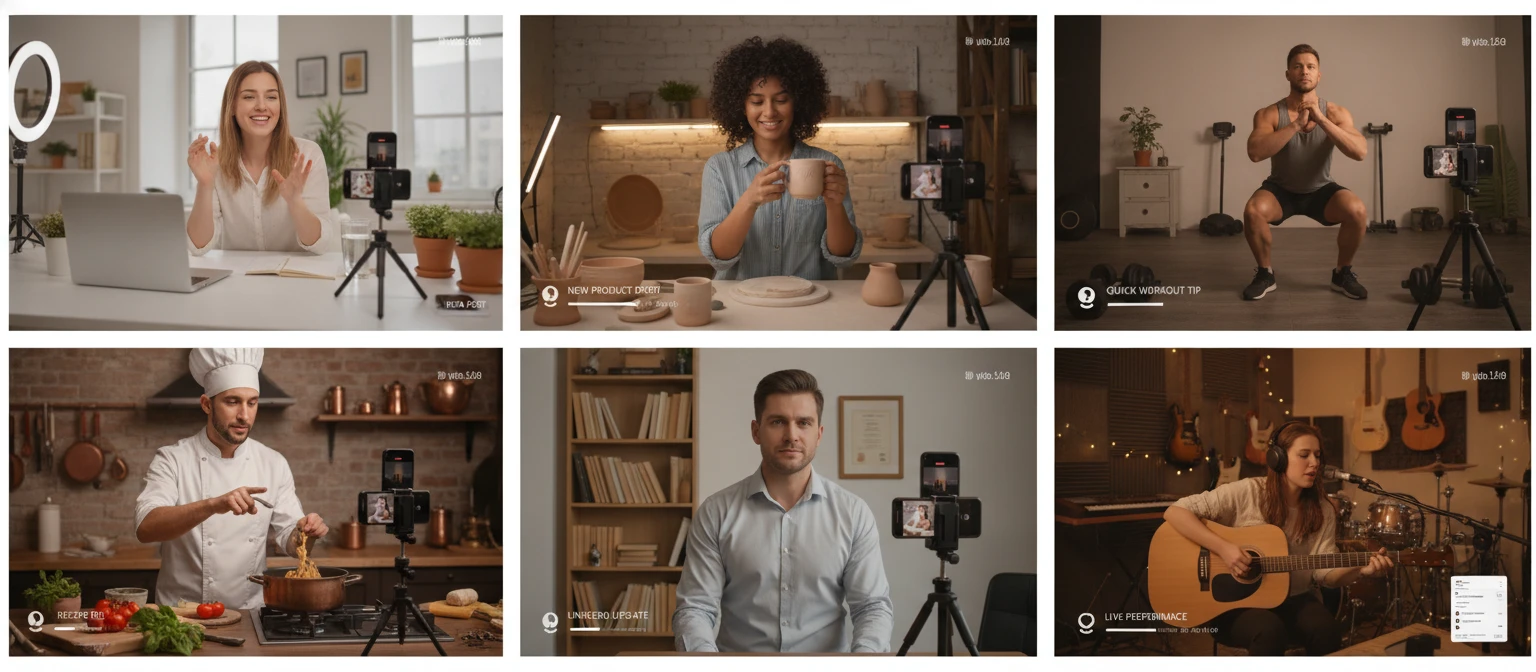
Who Uses Square Video Recorder
Anyone who creates content for social media feeds that display square videos prominently.
Frequently Asked Questions
What resolution does the square recorder output?
The recorder always outputs 1080×1080 pixels. This is enforced by drawing your camera feed onto a fixed-size Canvas, regardless of your webcam's native resolution or aspect ratio.
What happens if my webcam is not natively square?
The camera frame is scaled to fit inside the 1080×1080 canvas while maintaining its original proportions. For a wider-than-square feed, unused space appears on the sides. For a taller feed, unused space appears at the top and bottom. The non-square area is filled with black.
Which social platforms benefit most from square video?
Square videos take up significantly more feed space than landscape videos on Instagram, Facebook, and LinkedIn feeds on mobile. They also work well as Facebook ads and LinkedIn sponsored content where square performs strongly.
Can I pause and resume recording?
Yes. Clicking Pause suspends recording without stopping it, and Resume continues adding to the same file. The final download contains all footage from the session as a single continuous video.
What file format is the downloaded video?
The recorder saves in WebM format using the VP9 or VP8 codec with Opus audio. WebM plays natively in Chrome, Firefox, and Edge. To convert to MP4 for broader upload compatibility, use any standard video converter.
Why is the live preview mirrored?
The preview is horizontally flipped so it behaves like a mirror, making it easier to frame yourself and check your appearance. The recorded and downloaded video plays back in the normal, non-mirrored orientation.
Is there a recording time limit?
There is no enforced time limit. Recording continues until you click Stop. Very long recordings may consume significant browser memory because video chunks are held in RAM, so for extended sessions consider downloading and re-recording in shorter segments.
Ready to Record Your First Square Video?
Open the recorder, allow camera access, and have a 1080×1080 square video ready to post in minutes.