Record Vertical Videos Ready for TikTok, Reels, and Shorts
Capture 1080×1920 webcam footage in the 9:16 format that fills the phone screen on every short-form platform. Pause, resume, and download when done.
Start Recording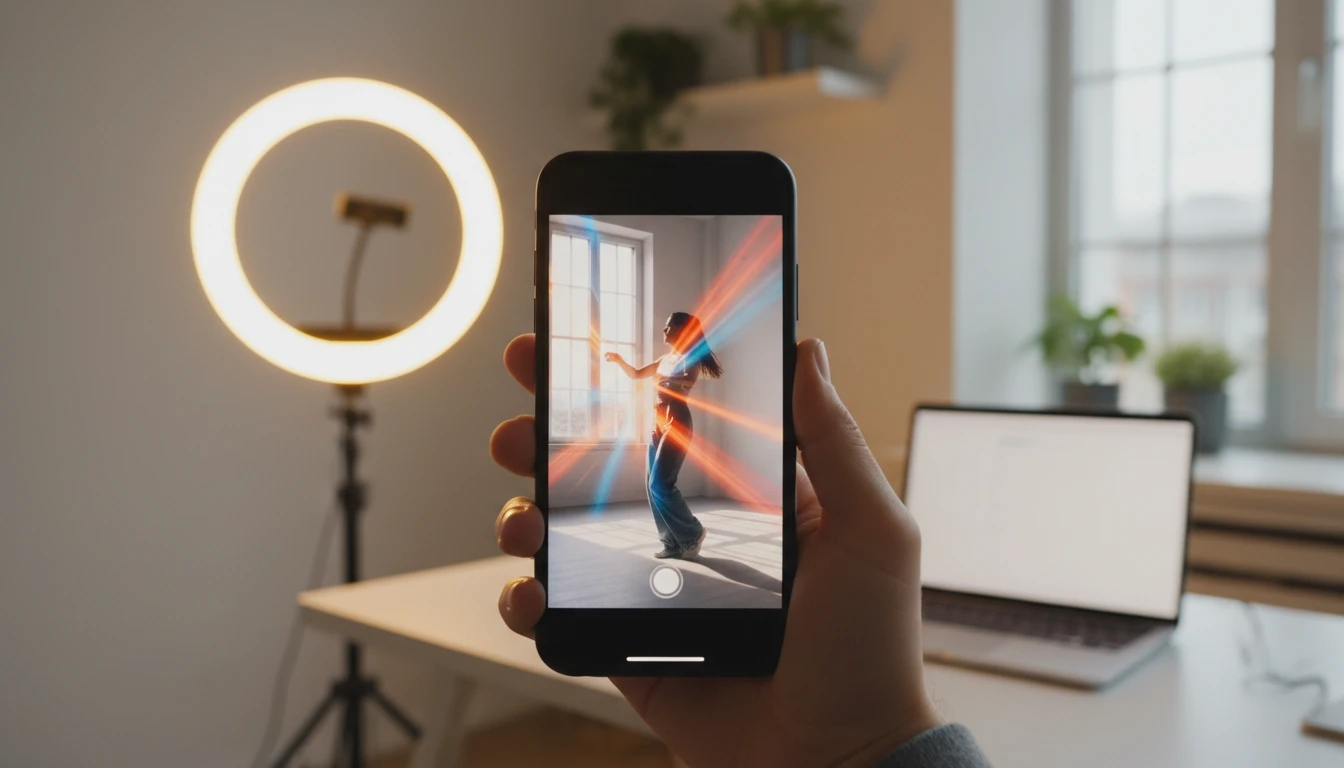
Vertical Video Recorder
Record 1080×1920 vertical webcam videos for TikTok, Instagram Reels, and YouTube Shorts
Controls
Camera preview will appear here
Tips for a Great Vertical Video
- •Centre yourself vertically in the frame — the 9:16 crop will trim the sides of a wide webcam feed.
- •On a desktop webcam, position the camera at eye level and move closer to fill more of the frame.
- •Face your main light source to keep your face well lit and avoid dark shadows.
- •The output is always 1080×1920 regardless of your webcam's native ratio.
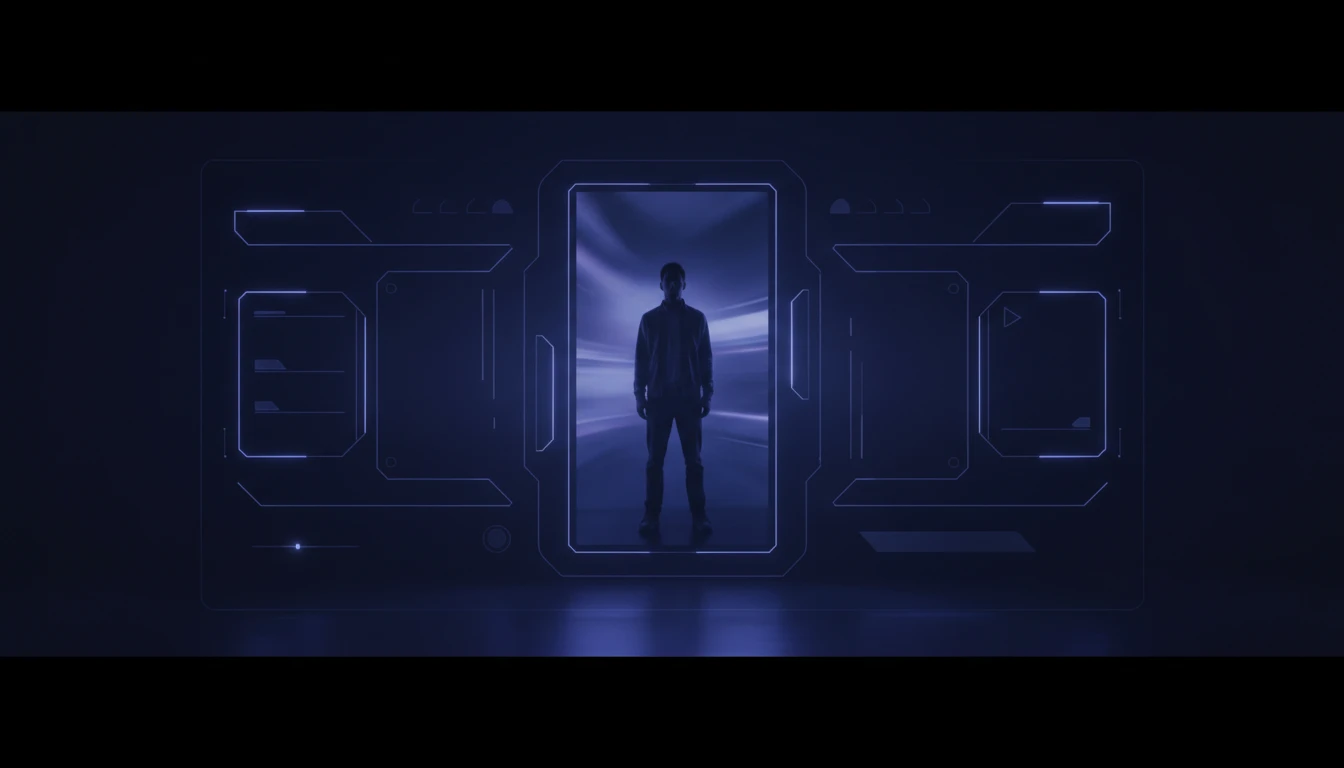
True 9:16 Canvas at 1080p
Your camera feed is drawn onto a 1080×1920 offscreen Canvas at 30 fps. Wider webcam feeds are letterboxed vertically so the subject stays centred in the tall frame. The output is always proper 9:16, ready to upload without re-encoding.
Try It Now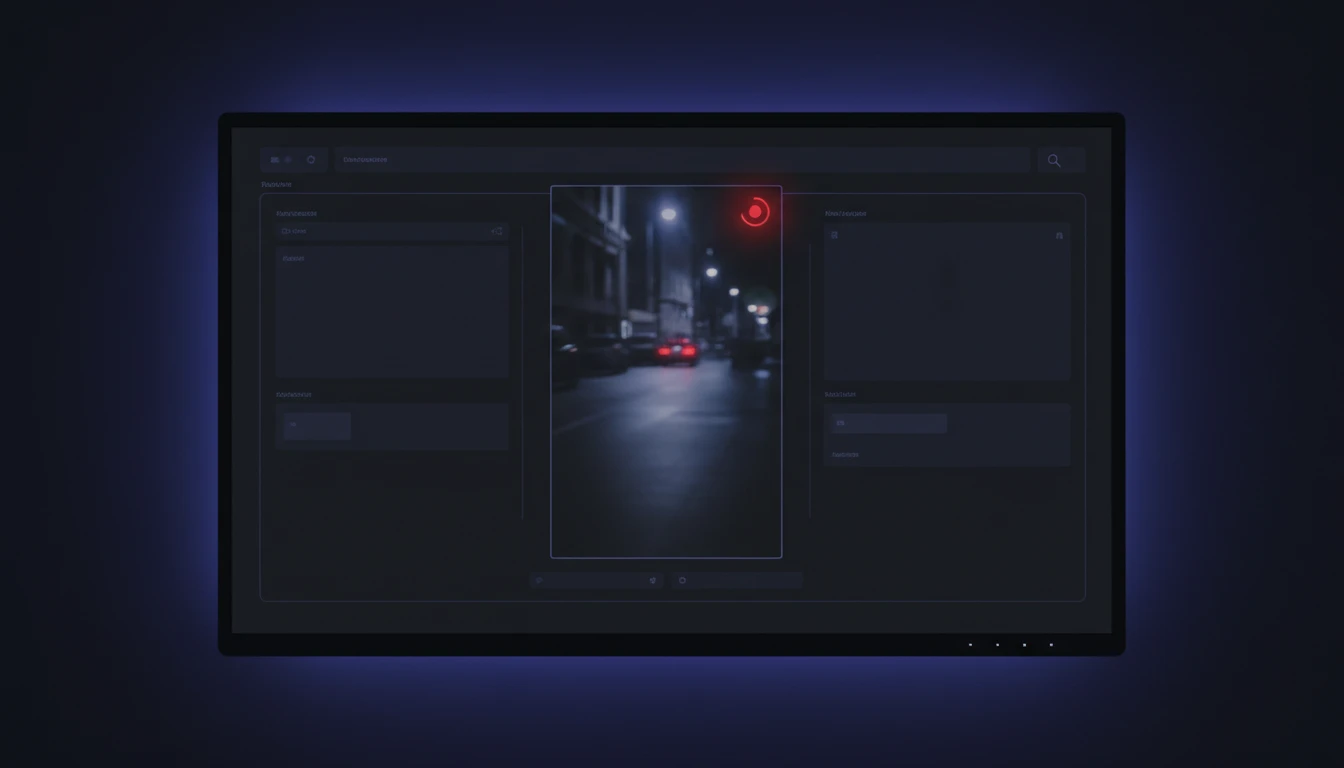
Live Mirrored Preview
A mirrored portrait preview lets you frame yourself correctly before stopping. The recorded and downloaded video plays back in normal orientation without the flip.
Try It Now
Pause, Resume, and Download
Pause mid-recording without splitting the file, resume to continue the same take, and download the finished vertical video with a single click.
Try It NowRecord a vertical video in three steps
Click Start Recording
Allow camera and microphone access when prompted. Your live vertical preview appears immediately so you can check your framing.
Record your video
Speak naturally into the camera. Use Pause if you need a break, then Resume to continue into the same file.
Stop and download
Click Stop when finished. Preview the 9:16 video in the browser, then click Download to save it for upload.
Deep Dive
How Vertical Video Recorder Works
A 1080×1920 Canvas enforces the 9:16 ratio and feeds the MediaRecorder — all locally in your browser, nothing uploaded.
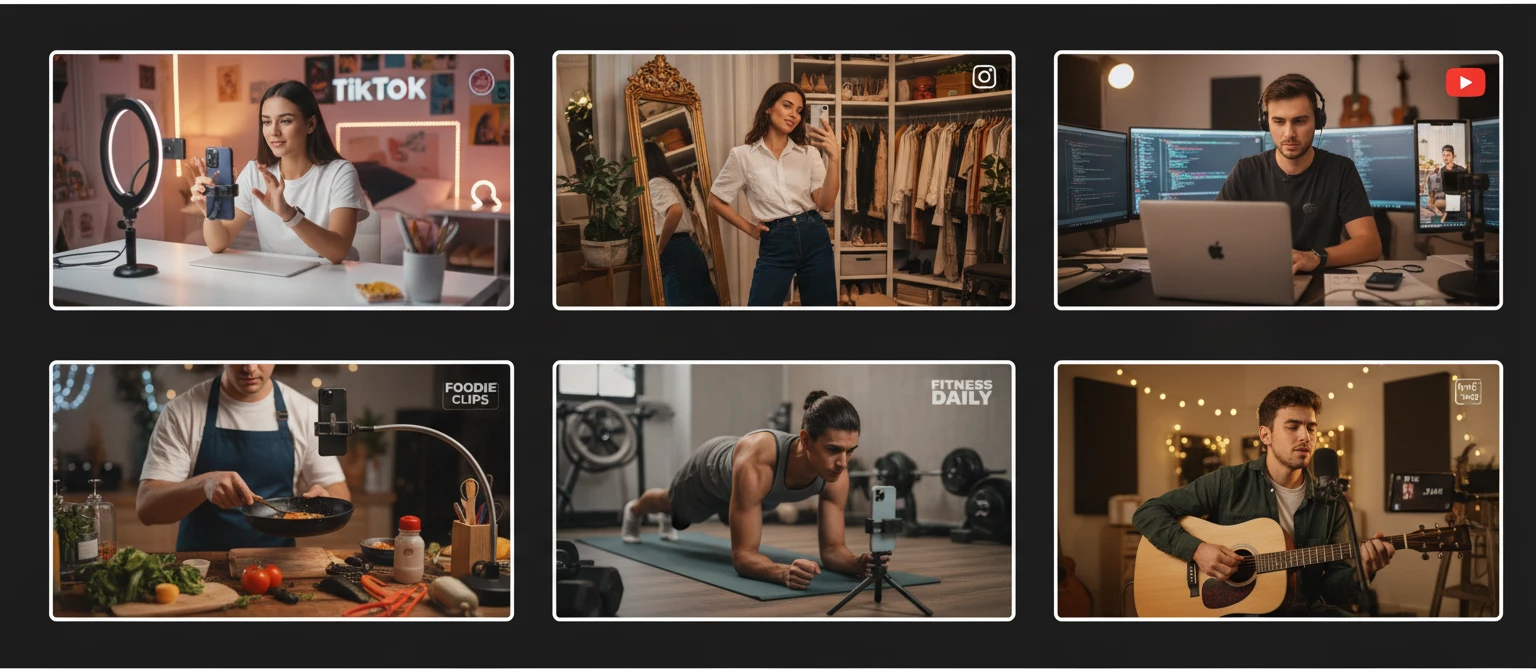
Why Use This Vertical Video Recorder
Always 9:16 Vertical
Canvas compositing guarantees 1080×1920 output regardless of your webcam's native ratio.
Audio Included
Microphone with echo cancellation and noise suppression is recorded alongside the video.
Pause and Resume
Pause mid-recording and resume into the same file without splitting or editing.
No Install, No Upload
Everything runs locally in your browser — record and download without installing anything.
Who Uses It
Who Uses Vertical Video Recorder
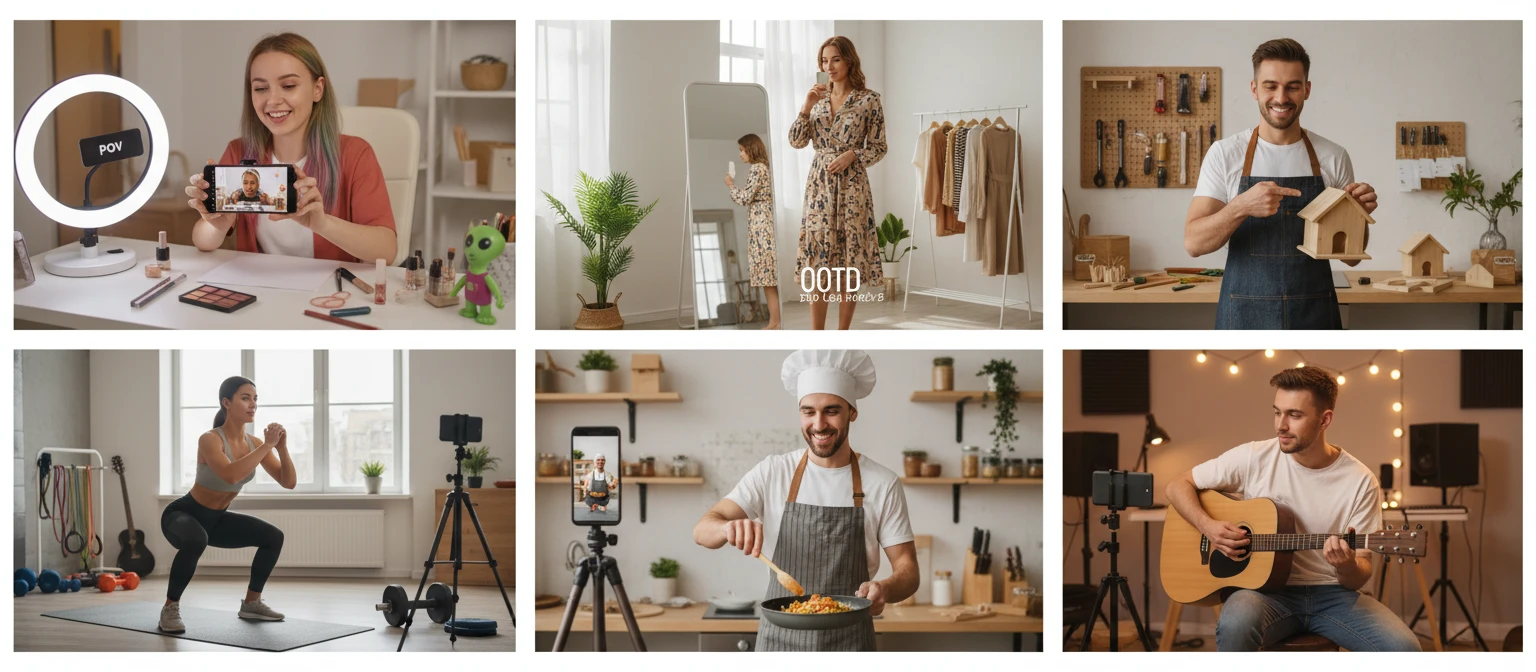
Short-form creators and anyone producing content for mobile-first platforms.
Frequently Asked Questions
What resolution does the vertical recorder output?
1080×1920 pixels — Full HD in 9:16 portrait orientation. This is the native resolution used by TikTok, Instagram Reels, and YouTube Shorts for the best quality display on mobile screens.
My desktop webcam is widescreen. Will the video look cropped?
Yes, by design. A standard 16:9 webcam feed is wider than the 9:16 canvas, so the sides are clipped and the centre of the frame fills the tall portrait format. Position yourself in the centre of your webcam view to stay in frame.
Which platforms accept 9:16 vertical video?
TikTok, Instagram Reels, YouTube Shorts, Facebook Reels, Snapchat Spotlight, and Pinterest Idea Pins all use the 9:16 format as their primary short-form video ratio.
Can I pause and resume recording?
Yes. Clicking Pause suspends recording without stopping it, and Resume continues adding to the same file. The final download contains all footage from the session as one continuous video.
What file format is the downloaded video?
The recorder saves in WebM format using the VP9 or VP8 codec with Opus audio. WebM plays natively in Chrome, Firefox, and Edge. Most social platforms accept WebM directly, or you can convert to MP4 using any standard video converter before uploading.
Why is the live preview mirrored?
The preview is flipped horizontally so it behaves like a mirror, making it easier to frame yourself. The recorded and downloaded video is in normal, non-mirrored orientation.
Is there a recording time limit?
No enforced limit. Recording continues until you click Stop. Note that short-form platforms have their own upload limits: TikTok accepts up to 10 minutes, Instagram Reels up to 90 seconds, and YouTube Shorts up to 60 seconds.
Ready to Record Your First Vertical Video?
Open the recorder, allow camera access, and have a 1080×1920 vertical video ready to post in minutes.