Play a Synthesizer in Your Browser
A complete subtractive synthesizer that runs entirely in your browser using the Web Audio API. Shape sound with two oscillators, a noise generator, a resonant low-pass filter, an ADSR envelope, and reverb, chorus, and echo effects. Play with your computer keyboard or mouse, dial in your own patch, load a preset, or hit Randomize.
Start Playing
Ready in Music Studio
Click the synth to play in AI Music Studio.
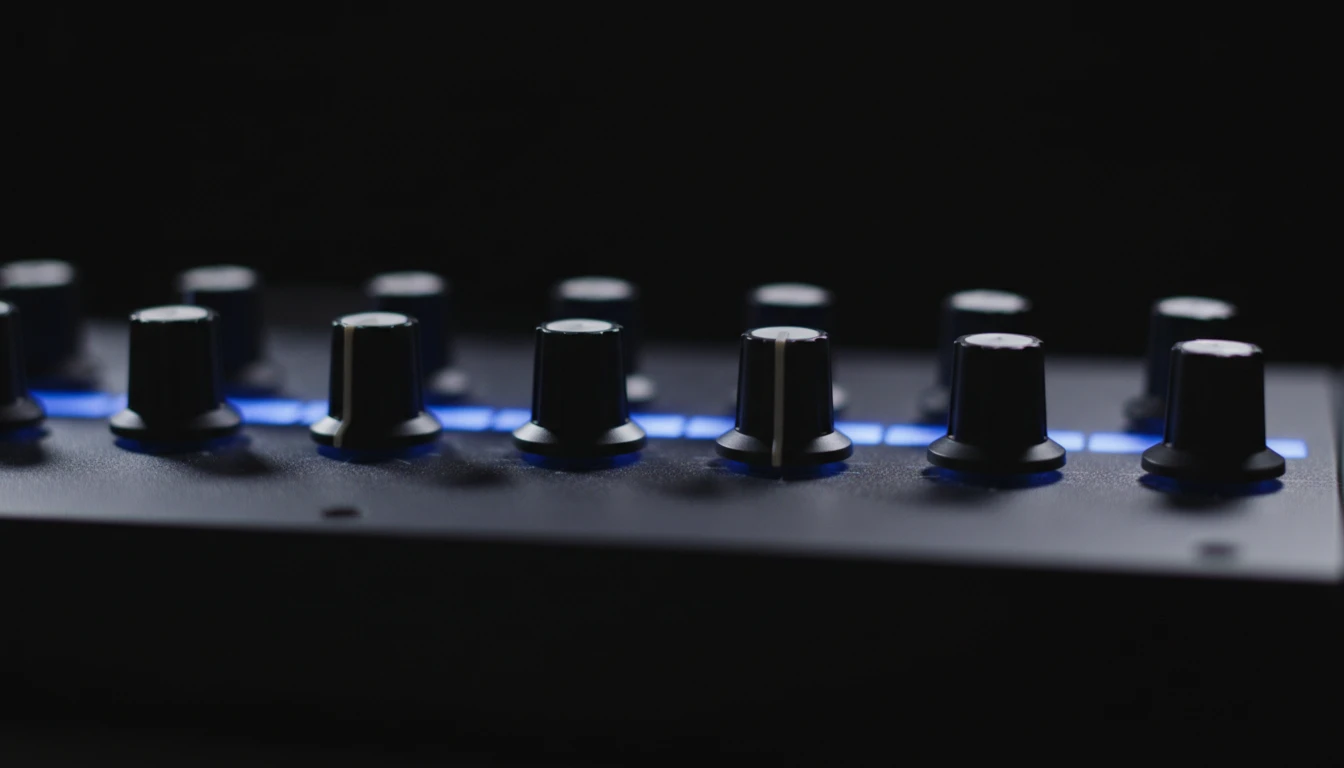
Two Oscillators, Noise, and a Filter
Blend two independent oscillators — each with sine, triangle, square, or sawtooth waveforms — detune them for a thick, layered sound, and add a white, pink, or brown noise layer. A resonant low-pass filter with cutoff and resonance shapes the final tone.
Try It Now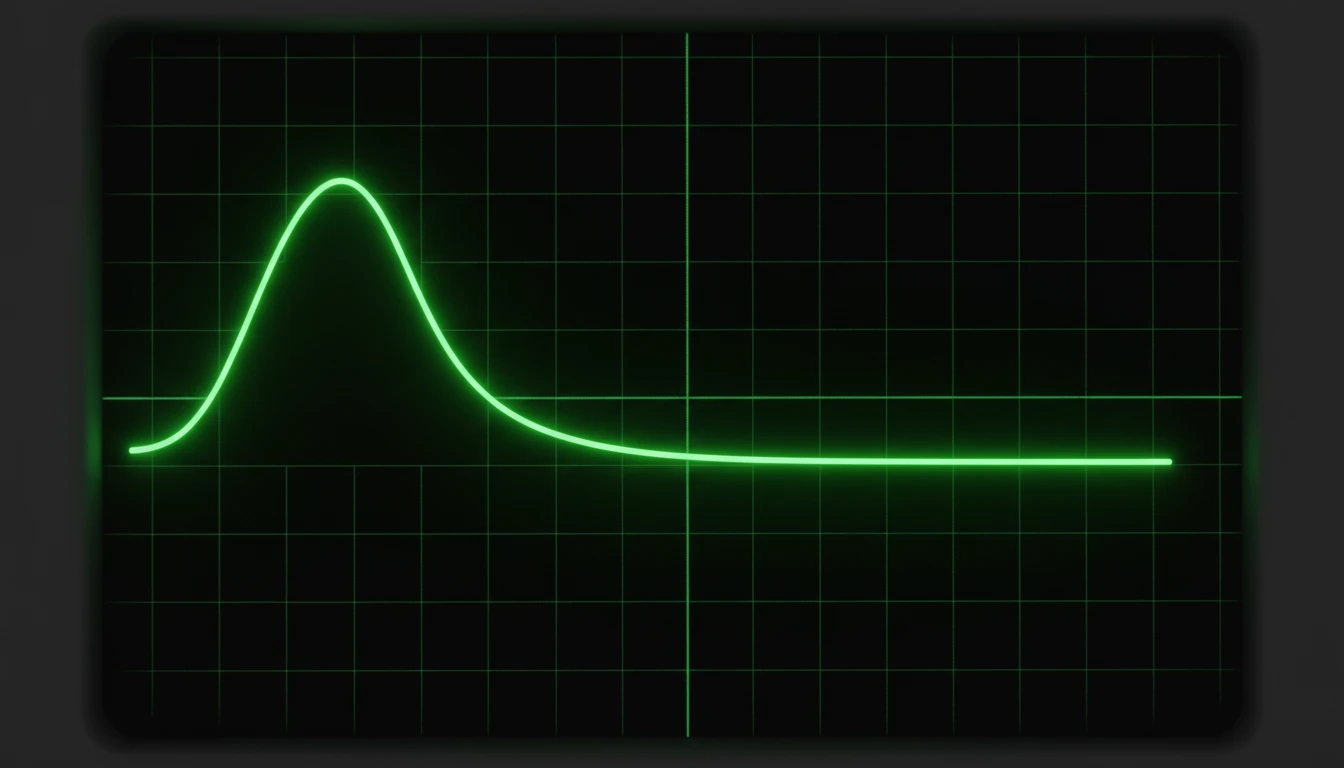
Shape the Sound with the Envelope
The ADSR envelope controls how each note evolves: Attack sets how fast it fades in, Decay and Sustain shape the body, and Release controls how long it rings out after you let go. Slow the attack for pads, shorten it for plucks and basses.
Shape a Sound
Presets and Randomize
Load a ready-made patch from the Presets menu, or hit Randomize to discover a brand-new sound instantly. Open Settings to change volume, octave, and key labels.
Load a PresetHow to use the virtual synthesizer
Play the keyboard
Click the keys or use your computer keyboard — the top row of letters plays the white keys and the number row plays the black keys. Hold several keys for chords.
Dial in a sound
Drag any knob up or down to adjust it. Blend the oscillators, open or close the filter, shape the envelope, and add effects. Or open Presets and pick a starting point.
Save the patch you like
Your knobs, volume, and octave stay in the browser after you set them. Hit Randomize again any time you want a new starting point.
Deep Dive
How the Synthesizer Works
Synthesizers come in many forms, but most are built from the same core components. This virtual synth includes the most common building blocks used to create and shape sound.
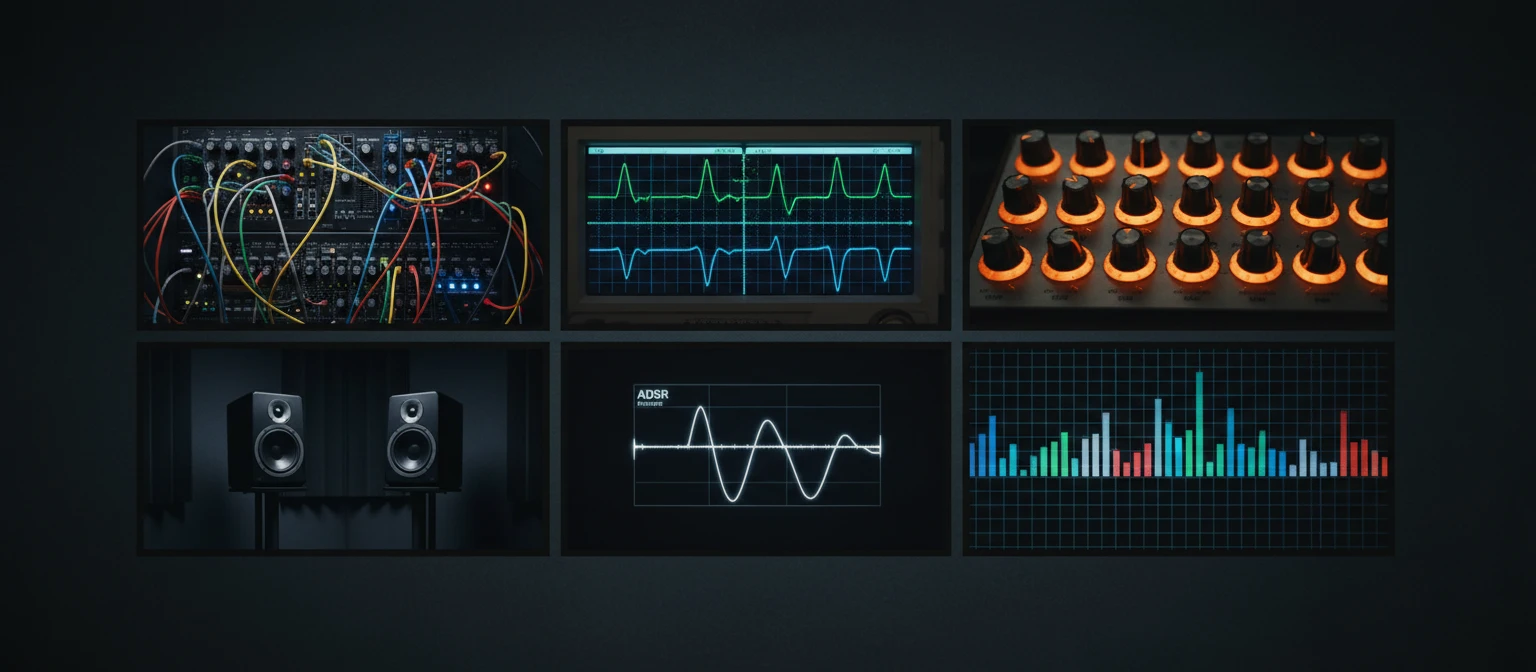
All sound is generated locally in your browser with the Web Audio API. Nothing is sent to any server.
Why Use This Synthesizer
No Installation
A full synth in any modern browser. Open the page and play in seconds.
Real Synthesis
Two oscillators, noise, a resonant filter, ADSR envelope, and effects — genuine subtractive synthesis, not samples.
Polyphonic
Hold multiple keys at once for chords, pads, and layered voicings.
Presets & Randomize
Start from a ready-made patch or generate a new sound instantly with one click.
Settings That Stick
Volume, octave, and key labels stay on the machine after you set them.
Keyboard Layout
Letter row for white keys, number row for black keys — play chords with both hands.
Who Uses It
Who Uses the Virtual Synthesizer
From curious beginners to producers sketching ideas and students learning synthesis.

No sign-in, no download, no cost. Runs entirely in your browser.
Frequently Asked Questions
Do I need to install anything to play the synthesizer?
No. The synthesizer uses the Web Audio API built into every modern browser. Just open the page and click a key or press a keyboard key to start making sound.
What keyboard keys correspond to which notes?
The top row of letters (Q W E R T Y U I O P) plays the white keys starting from C in the selected octave. The number row (2, 3, 5, 6, 7, 9, 0) plays the black keys — matching the physical gaps in a piano keyboard. You can change the octave in Settings.
How do I change the sound?
Drag any knob up or down to adjust it. The OSC1 and OSC2 sections set the waveforms and pitch, Noise adds texture, the Filter shapes the tone, the Envelope controls how notes evolve over time, and the Effects add reverb, chorus, and echo. You can also open the Presets menu for ready-made sounds or hit Randomize.
What is the difference between the two oscillators?
Both oscillators generate the core tone. OSC1 has extra controls for octave and fine tune (detune). Layering two oscillators — especially with a small detune or an octave difference — creates a fuller, thicker, more interesting sound than a single oscillator alone.
What does the filter do?
It is a resonant low-pass filter. The Cutoff knob sets the highest frequency allowed through — lower values make the sound darker and softer. The Resonance knob emphasises frequencies around the cutoff point; higher values create a sharper, more vocal or "squelchy" character.
Why is there no sound when I first open the page?
Browsers block audio until you interact with the page. Click a key or press a keyboard key once and audio activates for the rest of the session.
Ready to Make Some Sound?
Scroll up, press Q to play a note, and start twisting knobs.