Free Online Metronome
A precise, Web Audio API-powered metronome for musicians at every level. Set a tempo from 20 to 300 BPM, choose your time signature, tap a tempo by ear, or activate mute practice to train your inner rhythm. Runs entirely in your browser — no download, no plugin, no account.
Start Metronome
RAUGEN · MM-2
Allegro
BEATS
SPACE start · T tap · arrows ±1 · shift ±10

Set Tempo with Slider or Tap
Drag the BPM slider to dial in any tempo from 20 to 300, or just tap the "Tap Tempo" button at the speed that feels right. The metronome averages your taps for an accurate reading. Use the left and right arrow keys for fine adjustments.
Try It Now
Visual Beat Indicators
Glowing dots pulse on every beat, with the first beat of each measure highlighted in a brighter accent colour. At a glance you always know exactly where you are in the bar — even without sound.
See It in Action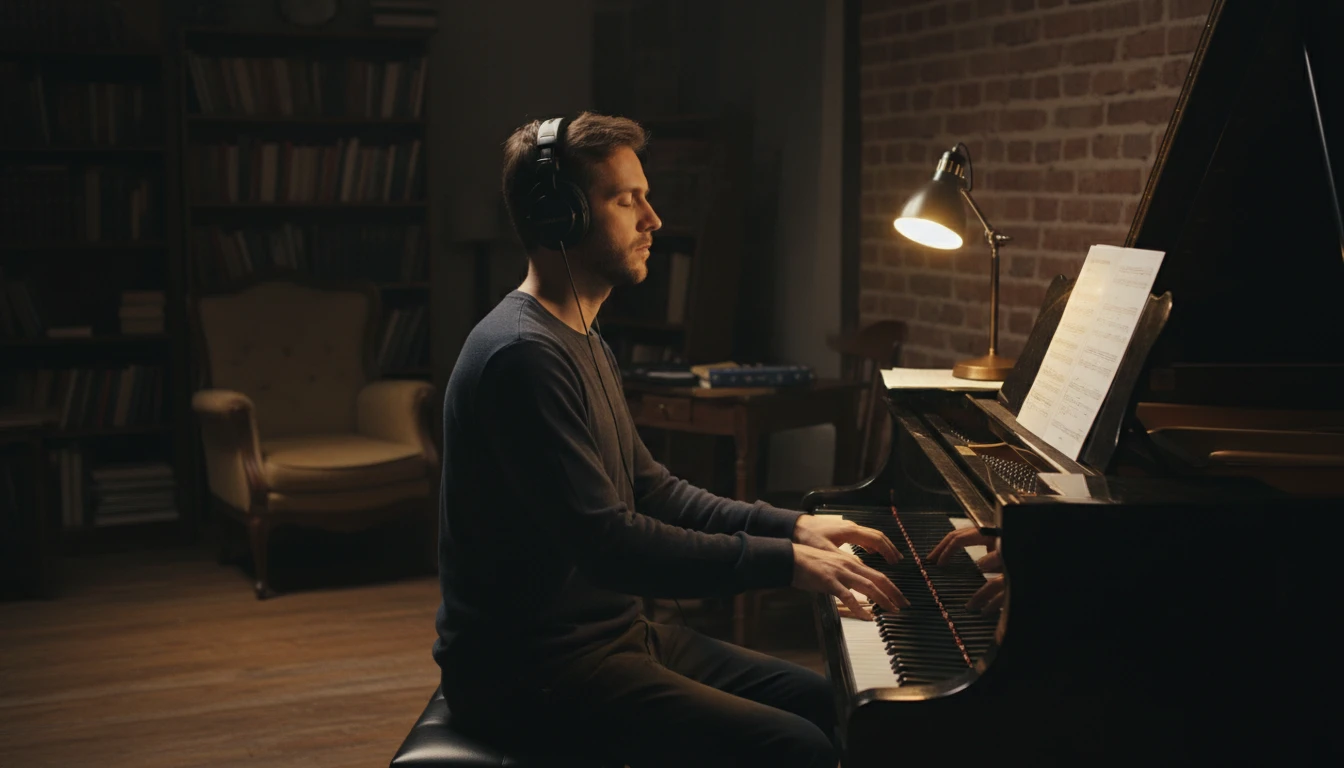
Mute Practice — Train Your Inner Clock
Enable Mute Practice to have the metronome play for N bars and then go silent for M bars. Keep the tempo going in your head during the silent bars to sharpen your internal sense of time.
Enable Mute ModeHow to use the online metronome
Set your tempo
Drag the BPM slider, click + / − to nudge, or press the Tap Tempo button (or T key) at the speed you want. The metronome displays the classical tempo name (Andante, Allegro, etc.) for the current BPM.
Choose a time signature
Select how many beats are in each bar — 1 through 8. The first beat of each bar is accented with a louder click and a brighter dot. Common choices are 4 (4/4), 3 (3/4 waltz), and 2 (march).
Press Start and practise
Hit the Start button or press the Space bar. Optionally enable Mute Practice in the Advanced panel to train your internal clock. When you're done, press Stop or Space again.
Deep Dive
How the Metronome Works
Accurate timing is the core requirement of a metronome. This one uses the Web Audio API clock — the most precise time source available in a browser.
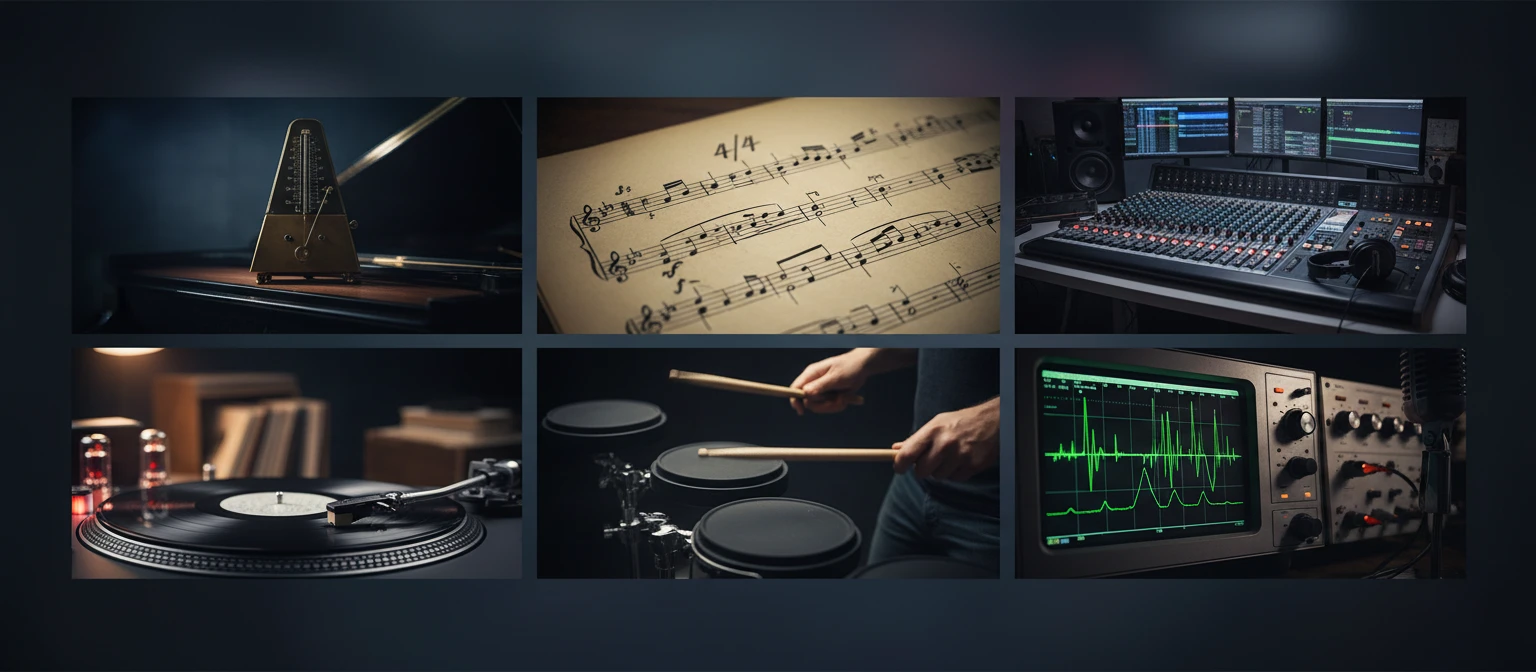
All audio is generated locally in your browser. Nothing is sent to any server.
Why Use This Metronome
Sub-millisecond Accuracy
Web Audio API hardware clock scheduling — far more precise than setInterval or setTimeout alone.
Any Time Signature
1 to 8 beats per measure. The first beat is always accented for instant downbeat orientation.
Tap Tempo
Tap the T key or the button to set tempo by feel. Averages your last several taps automatically.
Mute Practice
Play N bars, mute M bars — classic technique to build a strong internal clock.
Keyboard Shortcuts
Space to start/stop, arrow keys to adjust BPM (Shift+arrow for ±10), T for tap tempo.
No Install, No Sign-In
Opens instantly in any modern browser. Works offline once the page has loaded.
Who Uses It
Who Uses a Metronome
From beginners building basic timing to professionals fine-tuning complex rhythms.
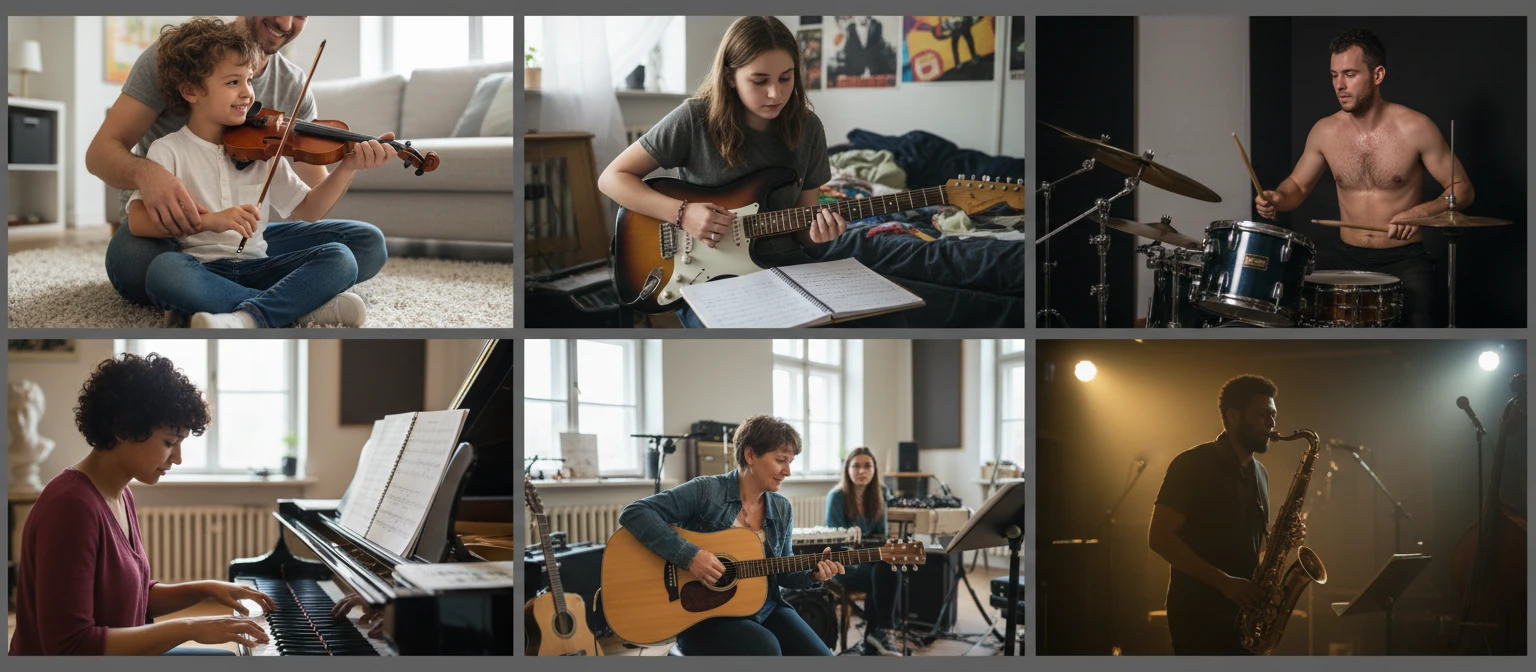
Free to use. No account, no download, no time limit.
Frequently Asked Questions
How accurate is the online metronome?
This metronome uses the Web Audio API's `AudioContext.currentTime`, which is synchronised to the device's audio hardware. Beats are scheduled 100 ms ahead of time, making timing errors imperceptible to humans (typically under 1 ms). It is far more accurate than any approach that relies solely on `setTimeout` or `setInterval`.
How do I change the time signature?
Click one of the numbered buttons in the "Beats per measure" section (1 through 8). The beat dots will update immediately. Beat 1 is always accented with a louder click and a brighter dot.
How does tap tempo work?
Click the Tap Tempo button (or press T) repeatedly in time with the music. After your second tap the metronome calculates the average interval between all of your recent taps and converts it to BPM. Taps older than 3 seconds are discarded so you can start a new tap sequence at any time.
What is mute practice and how do I use it?
Mute practice (also called silent beat practice) alternates between bars where the metronome clicks and bars where it is silent. You have to maintain the tempo mentally during the silent bars. Open the "Mute practice" panel, turn on the toggle, and choose how many bars to play and how many to mute. A good starting point is 3 bars play / 1 bar mute.
Why is there no sound when I click Start?
Browsers require a user interaction before allowing audio playback. Clicking the Start button is already that interaction, so audio should play immediately. If it does not, try clicking anywhere on the page first, then click Start.
What do the classical tempo names mean?
The tempo label (Largo, Adagio, Andante, Moderato, Allegro, Vivace, Presto, Prestissimo) is the traditional Italian term for the current speed range, as it would be written on a piece of sheet music. Largo is the slowest (under 60 BPM) and Prestissimo is the fastest (over 200 BPM).
Can I use the metronome offline?
Once the page has loaded in your browser, the metronome works entirely locally — all audio is generated by the Web Audio API on your device. You do not need an internet connection to keep using it within the same browser session.
Ready to Practise?
Set your BPM, choose a time signature, and hit Start. Your timing will thank you.