Play Piano Instantly in Your Browser
A C2–C7 piano keyboard that runs entirely in your browser. Click keys, tap on touch screens, or use your computer keyboard to play notes and chords. No app, no sign-in, no cost.
Start Playing
Ready in Music Studio
C2–C7
Click the keyboard to play in AI Music Studio.
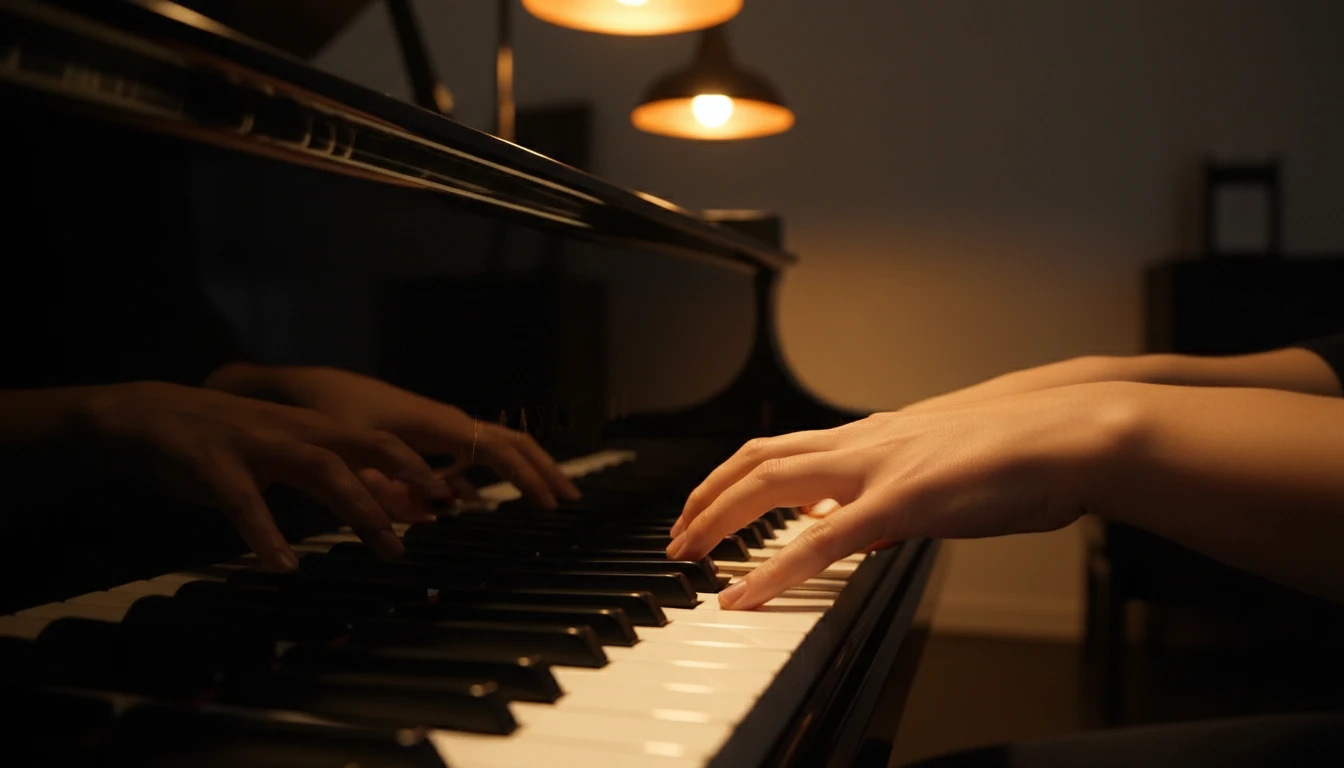
Full Polyphonic Sound
Hold multiple keys at the same time to play chords. The Web Audio API engine handles as many simultaneous notes as your browser supports — triads, seventh chords, full voicings.
Try It Now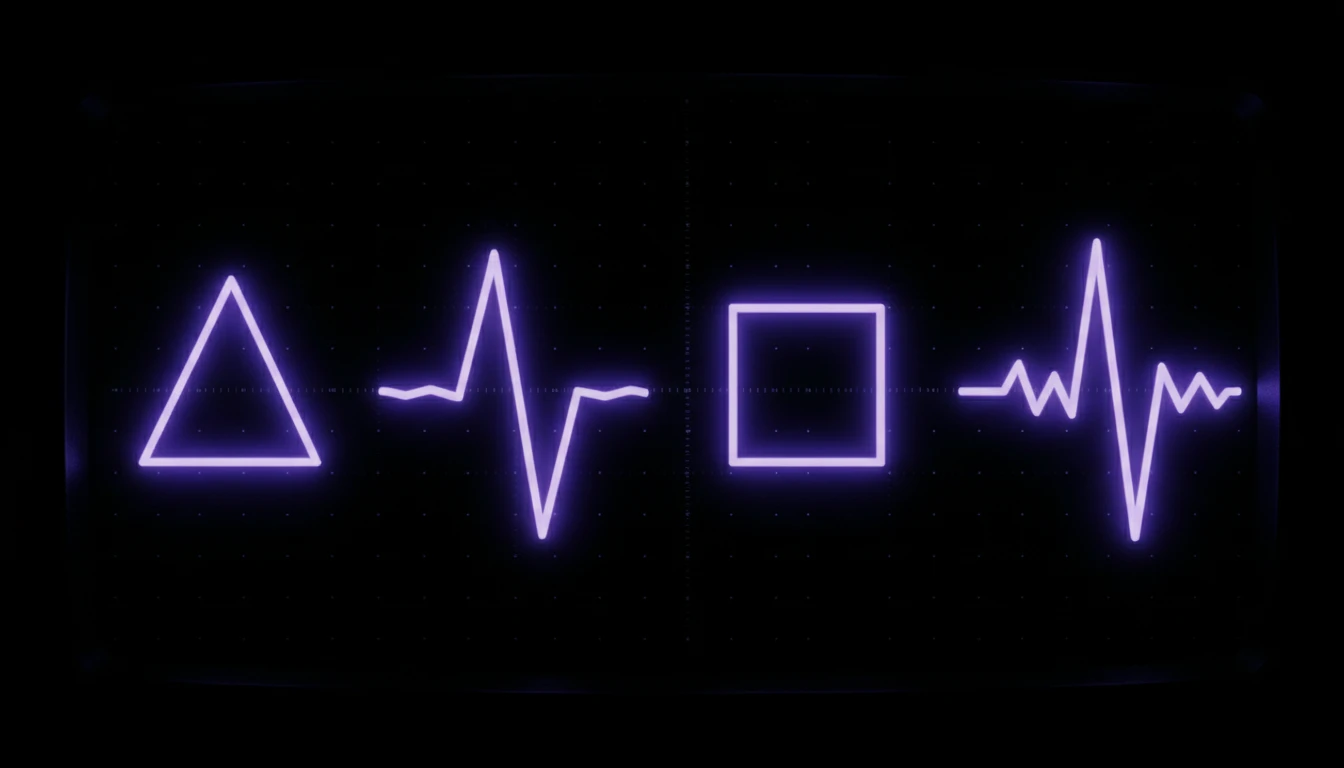
Four Playable Sounds
Switch between Piano, Pure Sine, Synth Lead, and 8-Bit. Piano uses a sampled grand when it can load, then a built-in tone if it cannot. The others are generated in real time.
Explore Sounds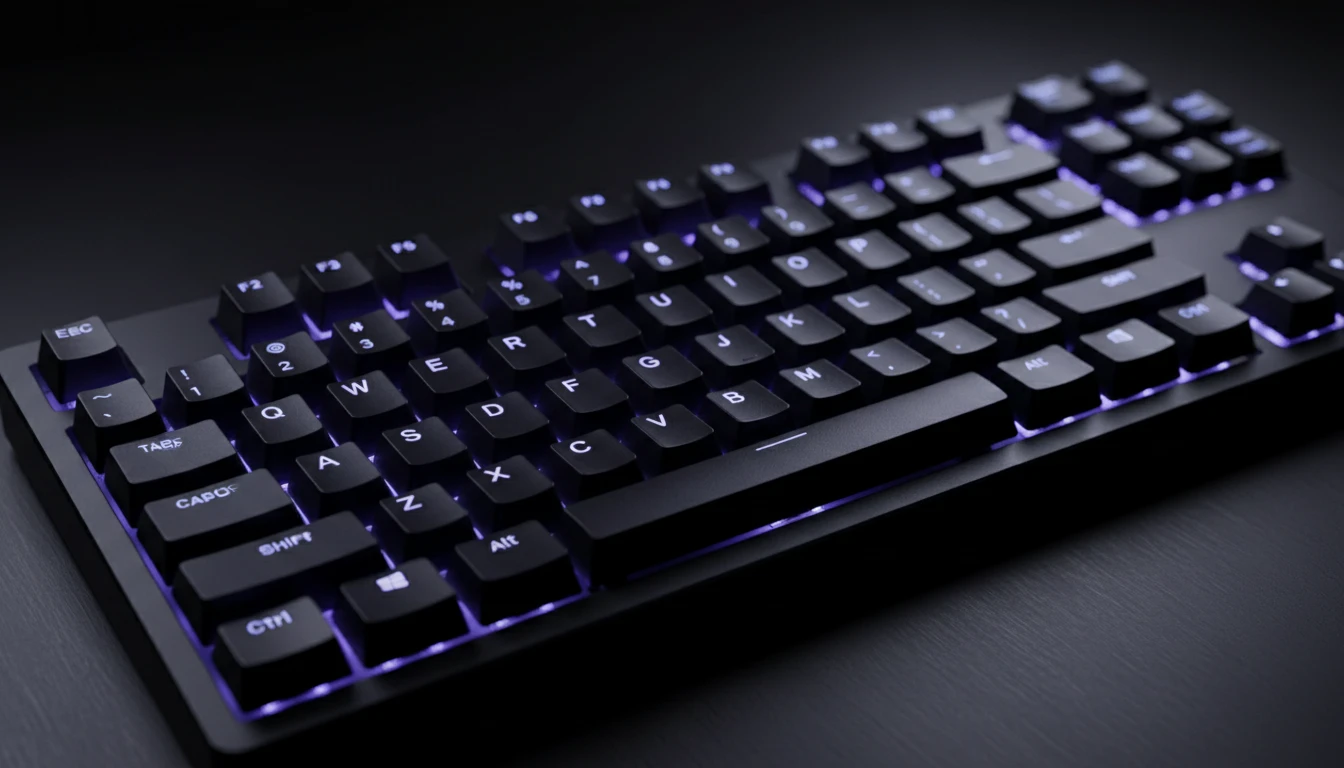
Computer Keyboard Mapping
The Z row, Q row, and I O P map a playable span of the board. Shift the keyboard octave in Settings to reach C2 or C6. Hold multiple keys for chords. Labels can be toggled on or off.
See the MapStart playing in three steps
Open the page
The piano loads instantly in your browser. No download, no installation, no sign-in. Just open the page.
Click or tap any key
Click white or black keys with your mouse, tap on a touch screen, or press the mapped computer keyboard keys. Audio activates on your first interaction.
Play notes and chords
Hold multiple keys at once for chords. Switch sounds, turn on sustain or a metronome click, and toggle labels for guidance.
Deep Dive
How the Browser Piano Works
The piano uses the Web Audio API built into every modern browser — no plugins or downloads needed.
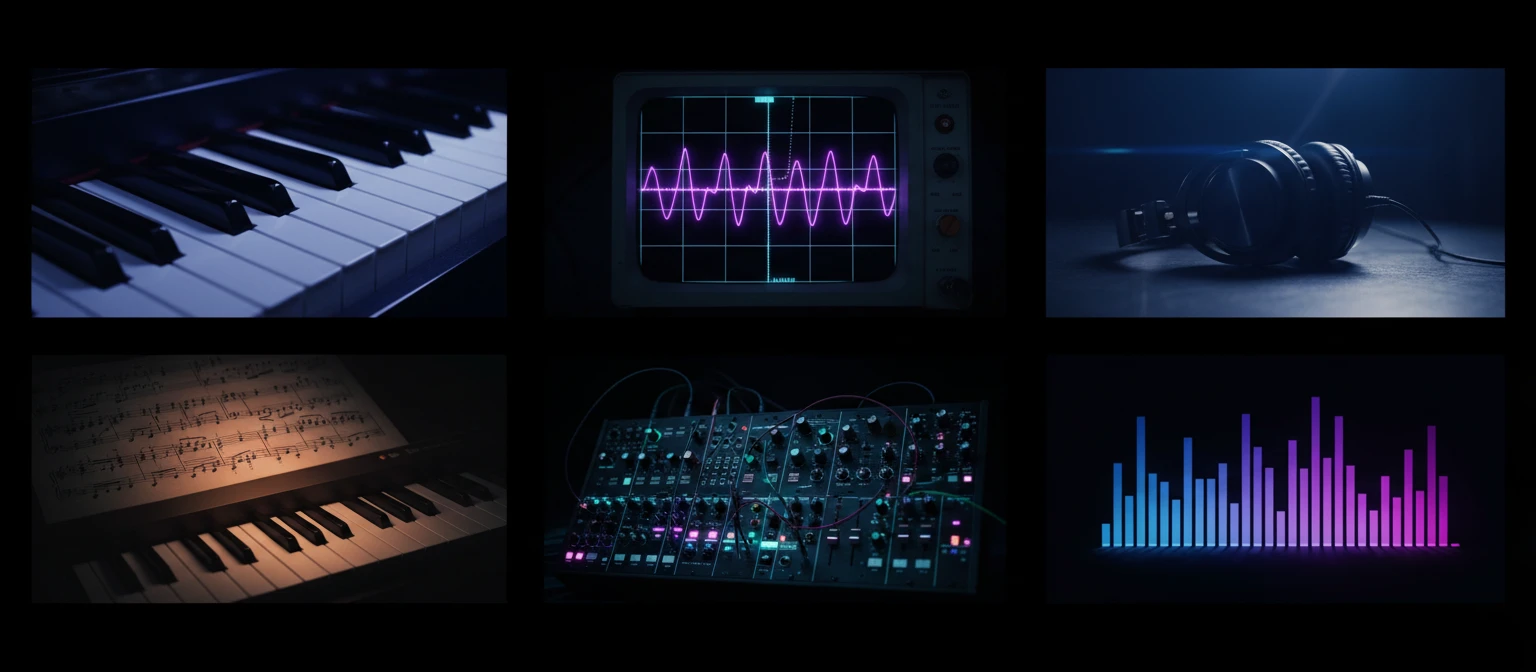
All audio is generated locally in your browser. Nothing is sent to any server. Your playing session is completely private.
Why Use This Piano
No Installation
Runs entirely in your browser. Open the page and play immediately.
Polyphonic Chords
Hold multiple keys at once for full chords and voicings.
Keyboard Shortcuts
Z, Q, and I O P play a span of the C2–C7 board, with an octave shift in Settings.
Four Sounds
Piano, Pure Sine, Synth Lead, and 8-Bit — plus sustain and a click.
Who Uses It
Who Uses the Virtual Piano
From beginners learning their first scale to developers testing audio apps — here are the most common uses.
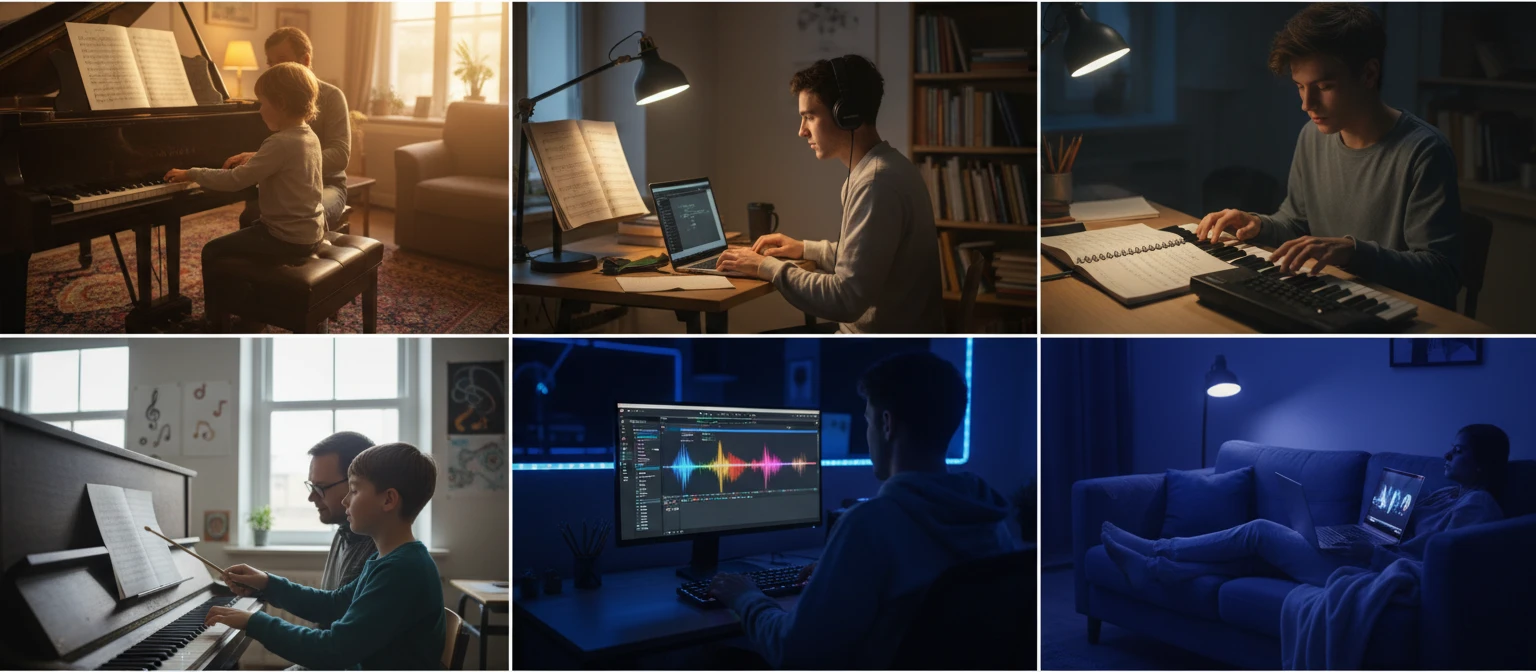
Runs entirely in your browser. No server calls, no sign-in.
Frequently Asked Questions
Do I need to install anything to play?
No. The piano runs entirely in your browser using the Web Audio API. No plugins, no apps, and no sign-in are required. Just open the page and click a key.
How do I play with my computer keyboard?
The Z row plays white keys from C in the selected keyboard octave, with S D G H J for the black keys. The Q row is the next octave, and I O P cover C D E above that. Change Keyboard octave in Settings to start at C2, C3, or C4. Hold multiple keys for chords.
Can I play chords?
Yes. The piano is fully polyphonic. You can press multiple mouse buttons, touch multiple keys on a touch screen, or hold several keyboard keys at the same time to play chords.
Does it work on mobile and tablet?
Yes. The keyboard responds to touch events on any touch-screen device. Scroll sideways on smaller screens to reach the full C2–C7 board.
What do the Sound options do?
Piano is the sampled grand (with a built-in tone if samples cannot load). Pure Sine is a clean tone. Synth Lead is a bright saw. 8-Bit is a square, video-game style sound. Settings also has sustain and a metronome click.
Why is there no sound when I first open the page?
Modern browsers block audio before the user interacts with the page. Click any key or press a keyboard key once and audio will activate for the rest of your session.
Ready to Play?
Scroll back up to the keyboard, click a key, and start making music right now.