Get Lossless WAV Audio from Any MP3
Upload your MP3 and download an uncompressed WAV file. Perfect for audio editors, DAW projects, and broadcast delivery.
Convert a File Now
Audio Format Converter
Upload any audio file, choose an output format, and download the converted result. Supports MP3, WAV, FLAC, AAC, OGG, ALAC, WMA, Opus and M4A.
Drop your audio file here
or click to browse
DAW-Ready 16-bit PCM Output
The output is standard 16-bit PCM WAV, the universal lossless format accepted by Pro Tools, Logic Pro, Ableton Live, Audacity, and every other major DAW. Load it directly without any re-sampling step.
Convert Now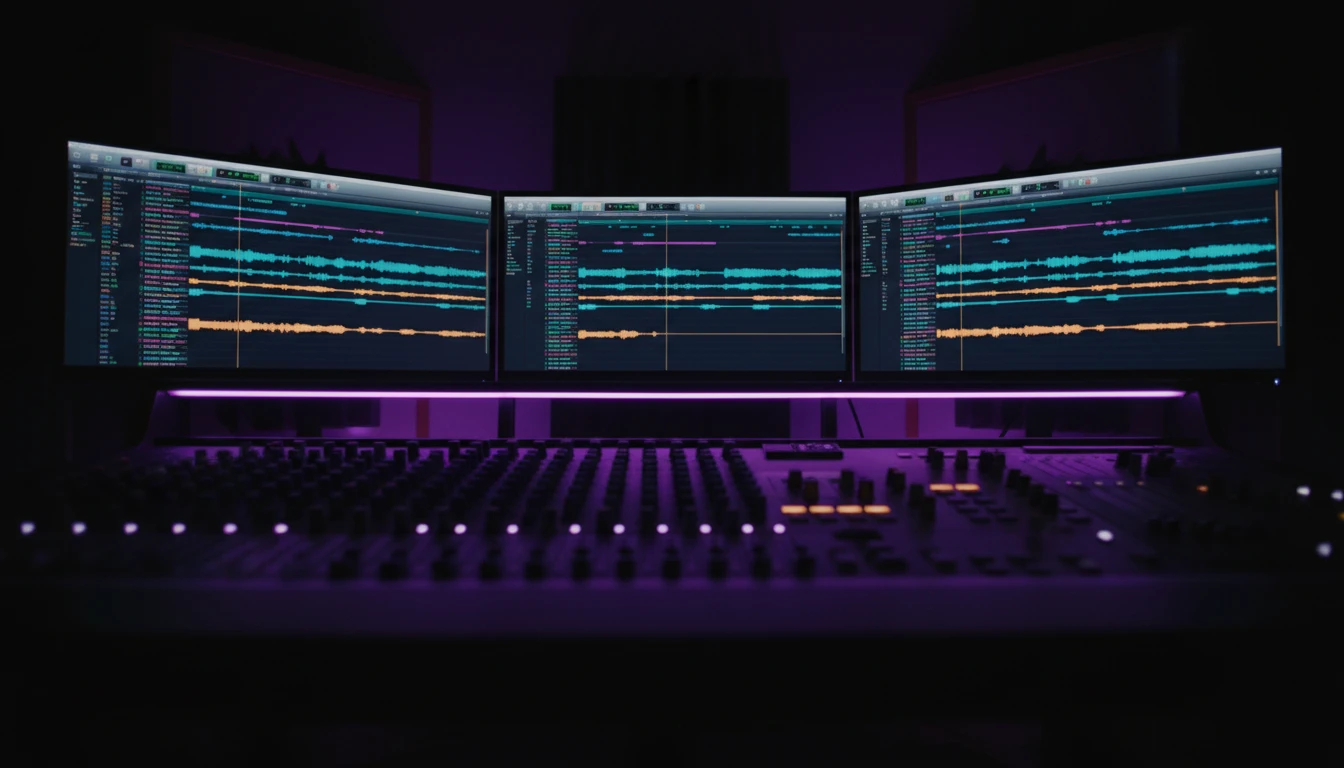
FFmpeg-Powered Conversion
Every conversion runs through FFmpeg on dedicated servers. Accurate sample rate, bit depth, and channel mapping are preserved. The same engine used by VLC, YouTube, and professional broadcast tools.
Try It Free
Waveform Preview Before You Download
After conversion a browser audio player lets you verify the output before saving. Play the WAV directly in the page, then download with the original filename preserved.
See It in ActionThree steps to a WAV file
Drop or select your MP3
Drag and drop an MP3 file onto the tool, or click "Choose File" to browse. The format is validated before conversion starts.
Convert to WAV
Click "Convert to WAV". The file is uploaded and processed by FFmpeg on our servers. A progress bar tracks the job.
Download your WAV
When conversion is complete, preview the output in the browser player, then download. The original filename is preserved.
Deep Dive
MP3 vs WAV: What You Actually Need to Know
MP3 trades audio data for small file sizes; WAV keeps every sample intact. Here is what that means in practice.
Pro tip: if you need to re-compress to a different format after editing in WAV, keep the master WAV and re-export. Never compress a compressed file.
Why Use This Converter
Fast Conversion
Most files convert in under 30 seconds on dedicated servers.
DAW-Ready Output
Standard 16-bit PCM WAV, compatible with Pro Tools, Logic, Ableton, Audacity, and more.
FFmpeg-Powered
Industry-standard FFmpeg handles every conversion. Accurate sample rates and channel mapping preserved.
Fast and Simple
Upload your file, click convert, download WAV. Works in any modern browser.
Who Uses It
Who Uses MP3 to WAV Conversion
Anyone who edits, mixes, or archives audio benefits from a lossless container. Here are the most common workflows.
Converts using FFmpeg on dedicated servers.
Frequently Asked Questions
Will converting MP3 to WAV improve audio quality?
No. MP3 is a lossy format. Any audio data discarded during the original MP3 encoding is gone permanently and cannot be recovered by converting to WAV. What you do gain is a lossless container that prevents further quality degradation in subsequent edits or re-exports.
What sample rate and bit depth does the output WAV use?
The output preserves the sample rate of the source audio as decoded and is encoded as 16-bit PCM. For a typical 44.1 kHz MP3 you will get a 44.1 kHz / 16-bit WAV.
How large will the WAV file be?
WAV files are uncompressed. As a rough rule, one minute of stereo 44.1 kHz / 16-bit WAV is about 10 MB. A 5-minute track converted from MP3 will typically be around 50 MB.
Is there a file size limit?
The upload limit is 100 MB per file. Most typical MP3 tracks are well within this limit.
How long does conversion take?
Most MP3 files convert in under 30 seconds. Larger files may take up to a minute depending on server load.
Ready to Convert Your MP3?
Drop a file into the converter above and get lossless WAV in seconds.