Play Piano Right in Your Browser
A full online piano that runs entirely in your browser. Use the top row of letter keys for white notes and the number row for black notes, or just click the keys. Pin chord shapes and share them with a link — no app or account needed.
Start Playing
Ready in Music Studio
Click the piano to play in AI Music Studio.
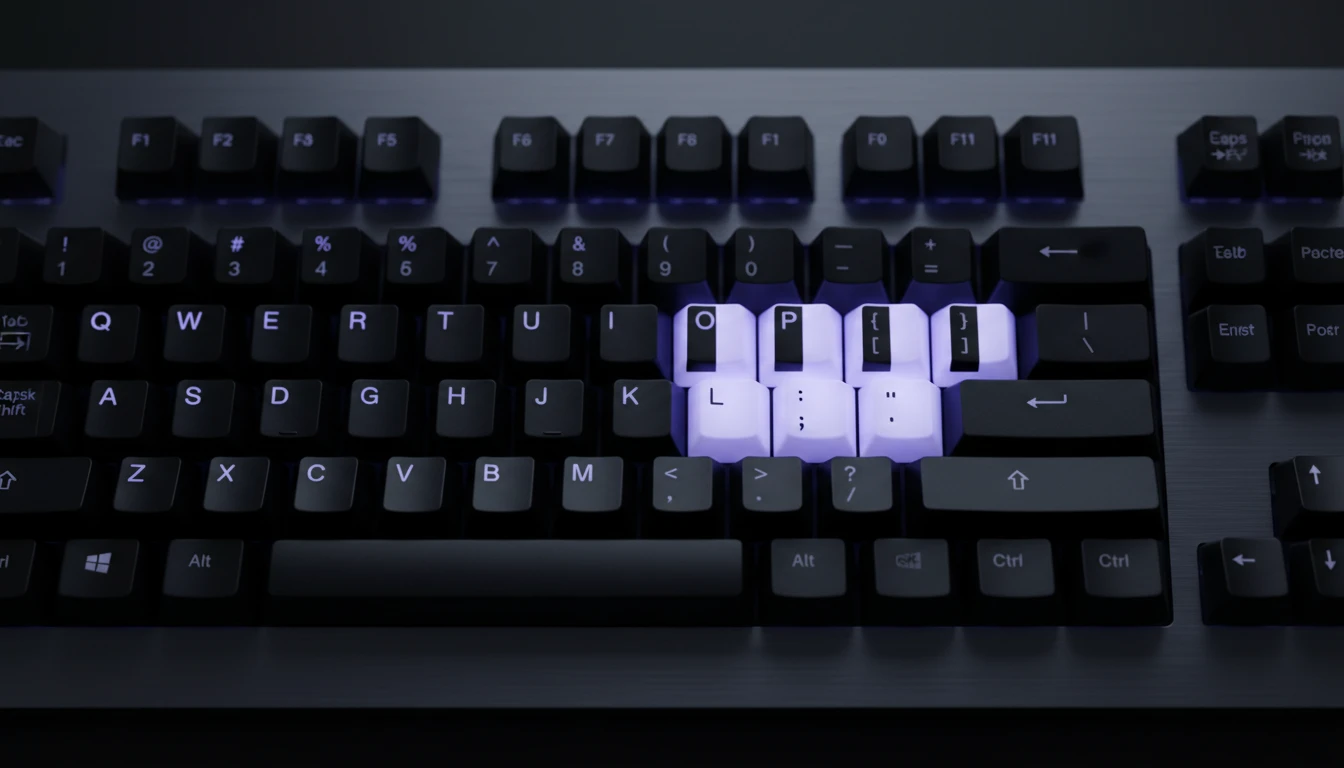
Computer Keyboard to Piano Keys
Your keyboard's top row of letters (Q–P) maps to white piano keys. The number row (2, 3, 5, 6, 7, 9, 0) maps to black keys — matching the real gaps in a piano keyboard. Hold multiple keys at once for chords.
Try It Now
Sampled Steinway Sound
The keys play a sampled grand-piano voice in your browser. Open Settings to change volume, show note names or keyboard shortcuts, and shift the computer-key octave while the full C3–B6 board stays on screen.
Open Settings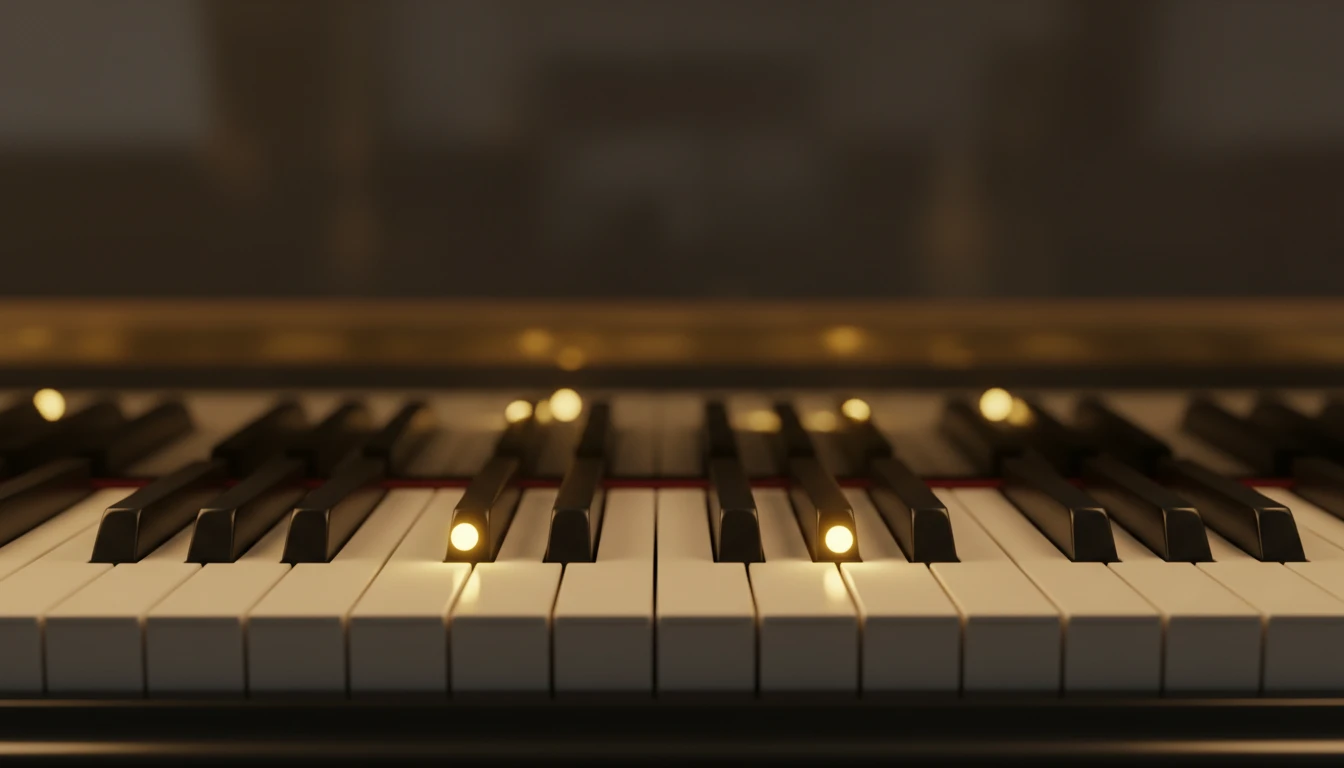
Pin Chords and Share via URL
Click Pin, then click any keys to tag them. Press Space or Play to hear all tagged notes as a chord. Your pins are encoded into the page URL — copy it to save or share your chord shape.
Pin a ChordHow to use the virtual piano
Open the page and play
The piano loads instantly. Click any key or press Q–P on your keyboard to produce sound. No sign-in, no plugin, no download.
Customise in Settings
Click Settings to switch key labels between note names and keyboard shortcuts, adjust the volume, and change the octave to play higher or lower notes.
Pin, play, and share
Use Pin mode to tag a chord shape and share it via URL. Press Space at any time to play all pinned notes as a chord.
Deep Dive
How the Online Piano Works
Everything runs in your browser using the Web Audio API — no server calls, no plugins.

All audio plays locally in your browser. Your playing never leaves your device.
Why Use This Piano
No Installation
Runs in any modern browser. Open the page and play in seconds.
Polyphonic
Hold as many keys as you like simultaneously — chords, runs, and voicings all work.
Keyboard Layout
Letter row for white keys, number row for black keys — intuitive and easy to memorise.
Sampled Steinway
A grand-piano voice in the browser — not a raw oscillator tone.
Pin Chords
Tag notes, play them with the spacebar, and share your chord via URL.
Adjustable Octave
Shift the keyboard shortcuts across 3 octave ranges to suit your playing style.
Who Uses It
Who Plays the Virtual Piano
From first-time learners to music professionals finding a quick tool.
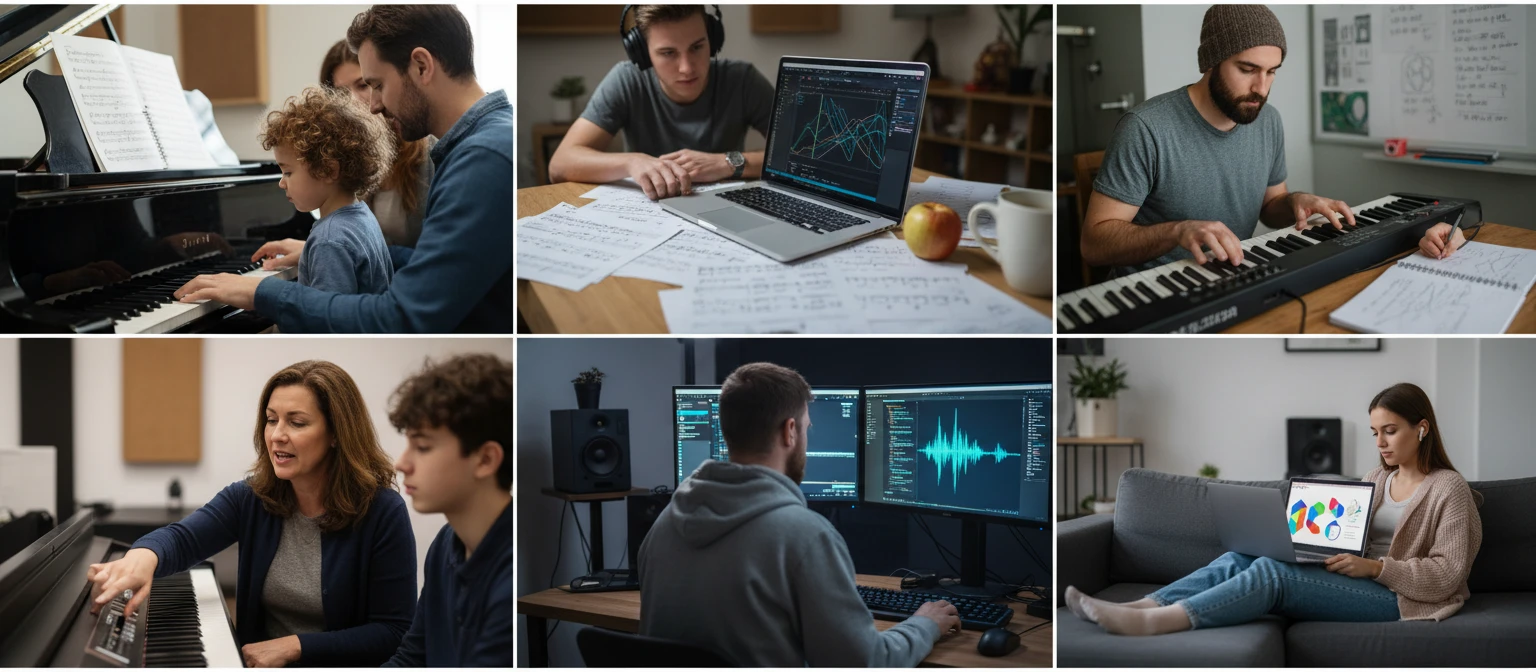
No sign-in, no download, no cost. Runs entirely in your browser.
Frequently Asked Questions
Do I need to install anything to play?
No. The piano uses the Web Audio API built into every modern browser. Just open the page and click a key to start.
What keyboard keys correspond to which notes?
The top row of letters (Q W E R T Y U I O P) plays the white keys starting from C in the selected octave. The number row (2, 3, 5, 6, 7, 9, 0) plays the black keys — matching the physical gaps in a real piano where there are no sharps or flats. Switch to "Keyboard Keys" labels in Settings to see the shortcuts directly on the piano.
How do I change the octave?
Click the Settings button and use the octave control to select octave 3, 4, or 5. This shifts what notes your keyboard shortcuts play while keeping the full piano visible.
What is Pin mode?
Click Pin to enter pin mode. While pinning, clicking keys tags them with a gold dot. Once you have tagged the notes of a chord, press Space or Play to hear them all at once. Copy the page URL to save or share your pins.
How do I share a chord with someone?
Pin the notes of your chord, then copy the URL from your browser's address bar. Anyone who opens that link will see the same notes pre-pinned on their piano.
Can I play chords?
Yes. The piano is fully polyphonic. Press multiple letter keys at the same time, click multiple keys with your mouse (or touch several keys on a touch screen) to play chords.
Why is there no sound when I first open the page?
Browsers block audio before any user interaction. Click a key or press a letter key once and audio activates for the rest of the session.
Ready to Play?
Scroll up to the keyboard, press Q to play middle C, and start making music.