Play Drums Right in Your Browser
A full virtual drum machine with pressure-style pads and real sampled drums from classic machines like the TR-808. Hit the pads with your mouse or computer keyboard, switch kits, and share the machine with a link — no app or account needed.
Start Playing
Ready in Music Studio
Click the pads to play in AI Music Studio.
Play the Pads With Your Keyboard
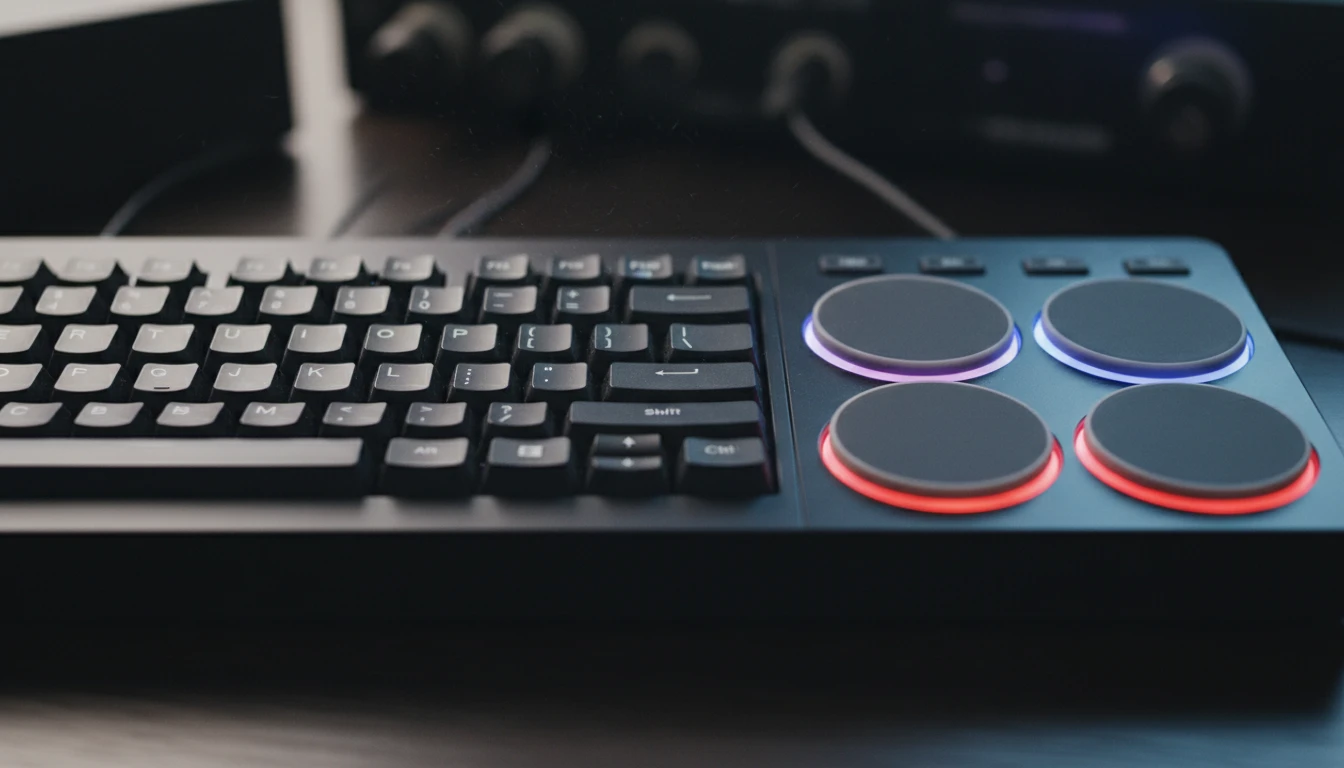
Each row of pads maps to a row of keys on your computer keyboard — the number row, then Q, A, and Z rows. The key is printed on every pad so you can drum a beat with both hands.
Try It Now
Switch Between Classic Drum Machines
Choose from iconic drum machines including the TR-808 and more. The pads rebuild to match each kit, so you always have the right kick, snare, hats, toms, and percussion at your fingertips.
Change the Kit
Share the Kit via URL
Your chosen kit is stored in the page URL. Copy the link to reopen the same machine, or send it so someone else lands on the same drums.
Copy the Kit LinkHow to use the virtual drum machine
Open the page and play
The drum machine loads a sampled kit automatically. Click any pad or use your computer keyboard to hit it. No sign-in, no plugin, no download.
Pick a drum kit
Click the Kit button to switch between classic drum machines. The pads rebuild to match the sounds in each kit.
Share the kit
Copy the page URL to save or send the kit you are on. Anyone who opens the link gets the same drum machine.
Deep Dive
How the Online Drum Machine Works
The drum machine plays real recorded samples from classic hardware, triggered from pressure-style pads mapped to your keyboard.
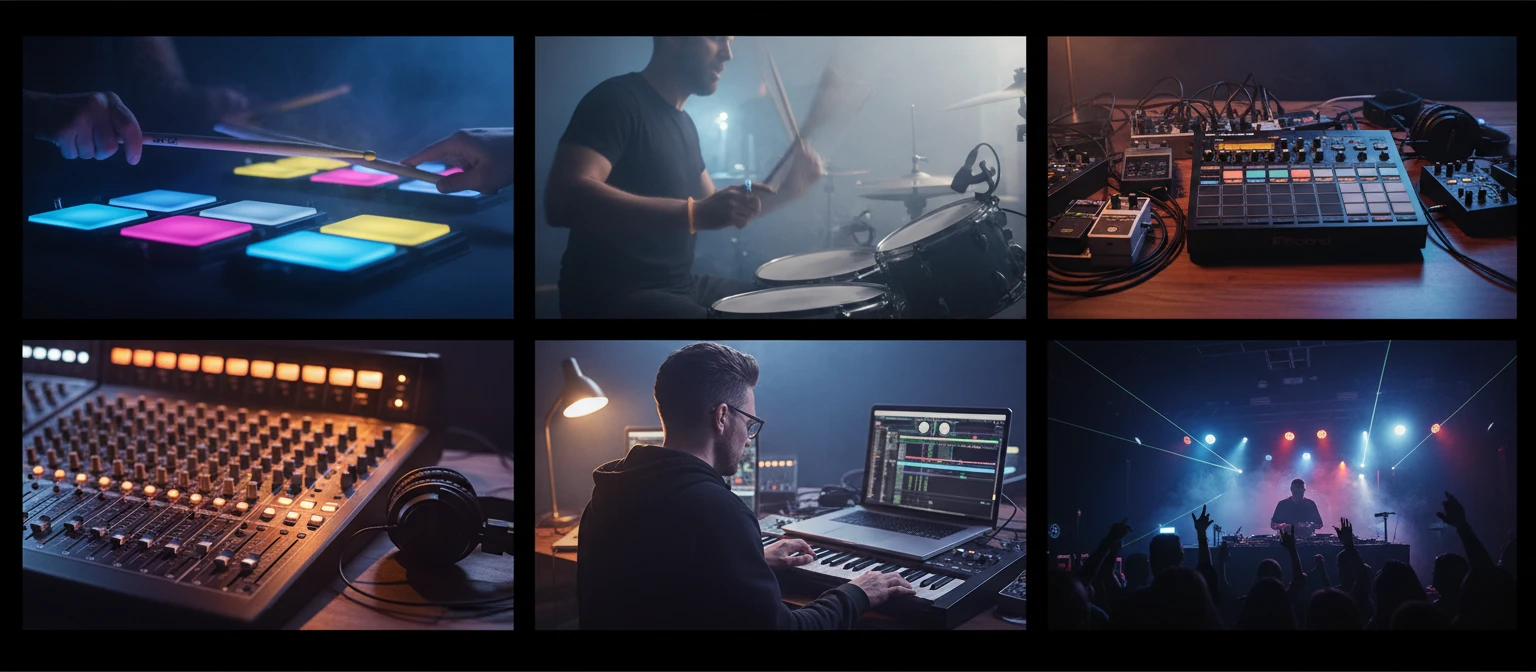
All audio plays locally in your browser. Your playing is never sent to a server.
Why Use This Drum Machine
Real Sampled Drums
Authentic recorded drum samples from classic machines, not synthesised hits.
Multiple Kits
Switch between iconic drum machines like the TR-808 in one click.
Keyboard Play
Pad rows map to keyboard rows — drum a beat with both hands.
Settings Rack
Volume, velocity, EQ, and reverb stay on the machine after you set them.
Backlit Pads
Colour-coded pads light up on every hit for clear visual feedback.
Share via URL
Your kit is saved in the URL — reopen or share the same machine.
Who Uses It
Who Plays the Virtual Drum Machine
From beat makers and producers to teachers and curious first-timers.
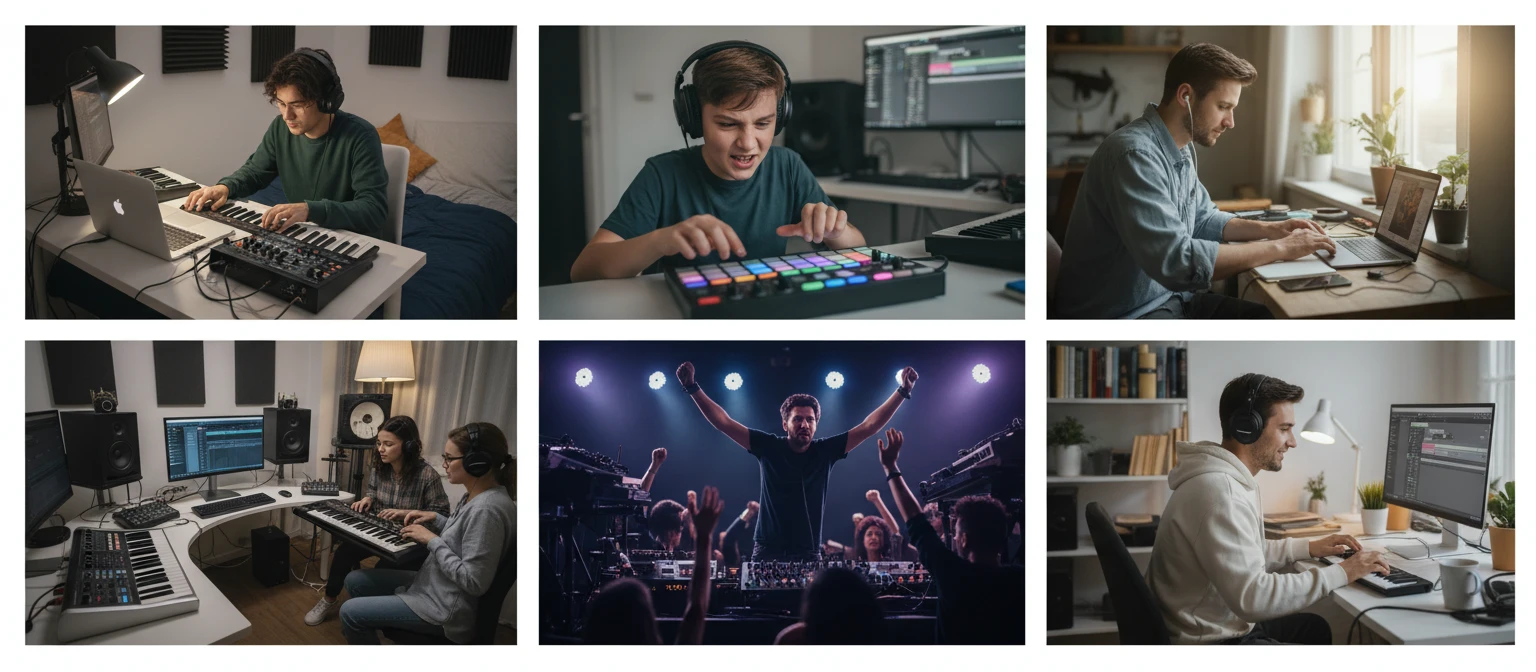
No sign-in, no download, no cost. Runs entirely in your browser.
Frequently Asked Questions
Do I need to install anything to play?
No. The drum machine loads real recorded samples in your browser and plays them with the Web Audio API. Just open the page and hit a pad to start.
How do the keyboard shortcuts work?
The pads are arranged in a grid, and each row matches a row of your keyboard: the number row (1 2 3 4), then the Q row, the A row, and the Z row. The mapped key is printed on every pad.
How do I change the drum kit?
Click the Kit button in the toolbar to choose from several classic drum machines, including the TR-808. The pads rebuild automatically to match the sounds in the kit you pick.
Can I share my drum machine?
Yes. Your chosen kit is stored in the page URL, so copying the address and sharing it reopens the drum machine with the same kit.
What is a TR-808?
The Roland TR-808 is a legendary drum machine from the 1980s whose deep kick, snappy snare, and crisp hats define countless hip-hop, pop, and electronic records. This tool plays sampled 808 sounds along with other classic machines.
Ready to Make a Beat?
Scroll up to the pads, hit a key, and start drumming.