Play Xylophone Right in Your Browser
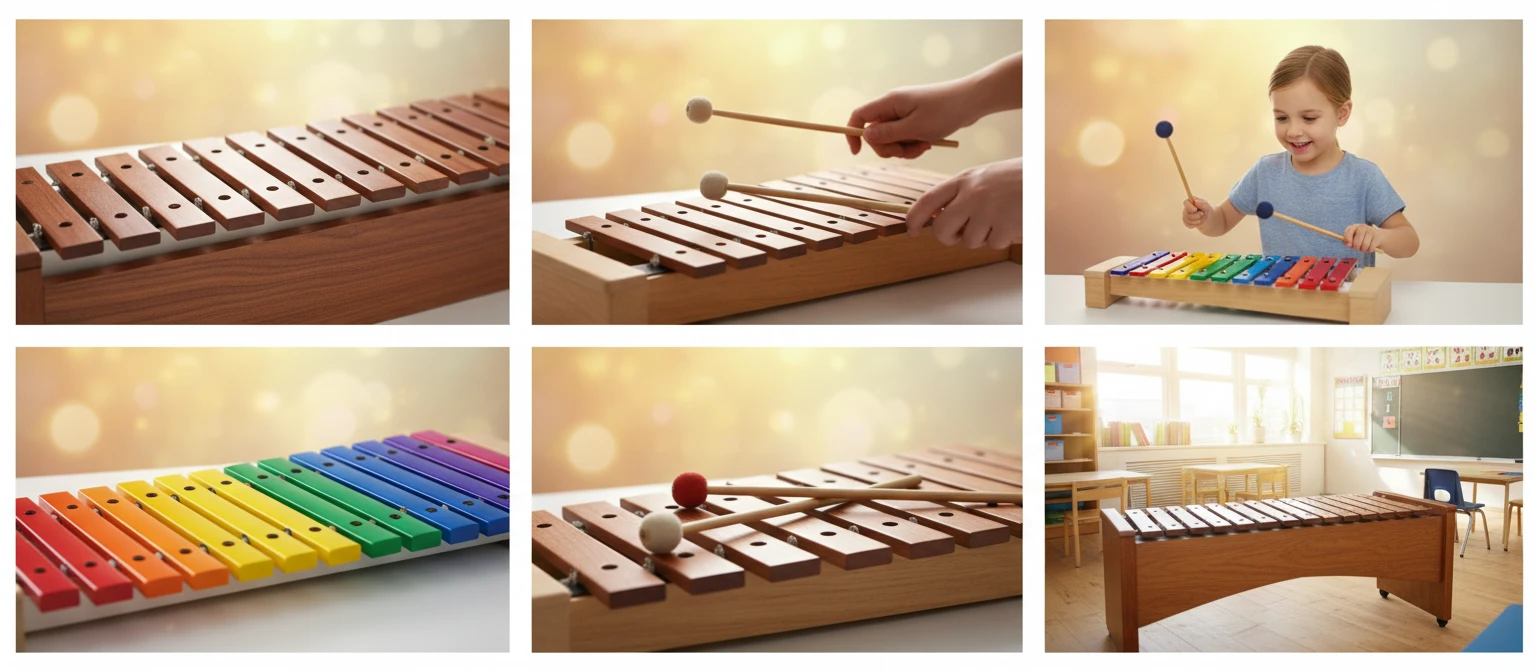
A full virtual xylophone with a row of warm wooden bars and a bright, sampled tone. Play with your computer keyboard or click the bars, choose the root note and scale, and switch between natural wood and Boomwhacker colours — no app or account needed.
Start Playing
Ready in Music Studio
Click the xylophone to play in AI Music Studio.

Computer Keyboard to Wooden Bars
The number row on your keyboard corresponds to the bars from left to right, so you can play scales and melodies quickly without touching your mouse.
Try It Now
Pick Any Root Note and Scale
Choose the starting note and the scale the bars follow — Major, Minor, Pentatonic, Blues, Chromatic, and more. The layout rebuilds instantly so every bar sounds in key.
Change the Scale
Boomwhacker Colours
Switch from natural wood to multi-coloured bars matching the Boomwhackers colour scheme — great for classrooms and colour-coded learning. Your setup is saved in the URL to share.
Try ColoursHow to use the virtual xylophone
Open the page and play
The xylophone loads a sampled sound automatically. Click any bar or use your keyboard number row to strike it. No sign-in, no plugin, no download.
Set the root note and scale
Click Root note to change the starting note and Scale to change which scale the bars follow, so the whole xylophone is tuned to what you want to play.
Colour and share
Click Color to switch between wood and Boomwhacker colours. Your root note, scale, and colour are saved in the page URL — copy it to save or share your setup.
Deep Dive
How the Online Xylophone Works
The xylophone plays a real recorded wooden-bar sample across a single row of bars tuned to the root note and scale you choose.
All audio plays locally in your browser. Your playing is never sent to a server.
Why Use This Xylophone
Warm Wooden Sound
A real recorded xylophone sample, not a synthesised tone.
Any Root & Scale
Tune the bars to any root note and a wide range of scales.
Keyboard Play
The number row plays the bars left to right — perfect for quick runs.
Boomwhacker Colours
Switch to colour-coded bars for classrooms and learning.
Share via URL
Your root, scale, and colour are saved in the URL to share.
Instant & Free
No download, no sign-in — it runs entirely in your browser.
Who Uses It
Who Plays the Virtual Xylophone
From curious kids to music teachers, composers, and colour-coded learners.

No sign-in, no download, no cost. Runs entirely in your browser.
Frequently Asked Questions
Do I need to install anything to play?
No. The xylophone loads a real recorded sample in your browser and plays it with the Web Audio API. Just open the page and click a bar to start.
How do the keyboard shortcuts work?
The number row on your keyboard corresponds to the bars from left to right — 1 plays the first bar, 2 the second, and so on. The top letter row (Q W E R T) continues past the tenth bar.
How do I change the root note and scale?
Click Root note to choose the starting note (with sharp or flat spelling), and click Scale to choose which scale the bars follow, such as Major, Minor, Pentatonic, Blues, or Chromatic. The bars rebuild instantly.
What are the Boomwhacker colours?
Boomwhackers are colour-coded percussion tubes where each note has a fixed colour. Click Color to switch the bars from natural wood to the matching Boomwhacker colours, which is handy for classrooms and colour-coded learning.
Can I share my xylophone setup?
Yes. Your root note, scale, and colour choice are stored in the page URL. Copy the address from your browser and anyone who opens it will see the exact same xylophone.
What is the difference between a xylophone and a glockenspiel?
A xylophone has wooden bars and a warm, woody tone, while a glockenspiel has metal bars and a bright, bell-like tone that sounds much higher. Both are struck with mallets.
Ready to Play?
Scroll up to the bars, pick a scale, and start playing a melody.