Play Glockenspiel Right in Your Browser
A full virtual glockenspiel with rows of metal bars laid out like a keyboard and a bright, sampled bell sound. Play with your computer keyboard or click the bars, pin notes and melodies, and share your pins with a link — no app or account needed.
Start Playing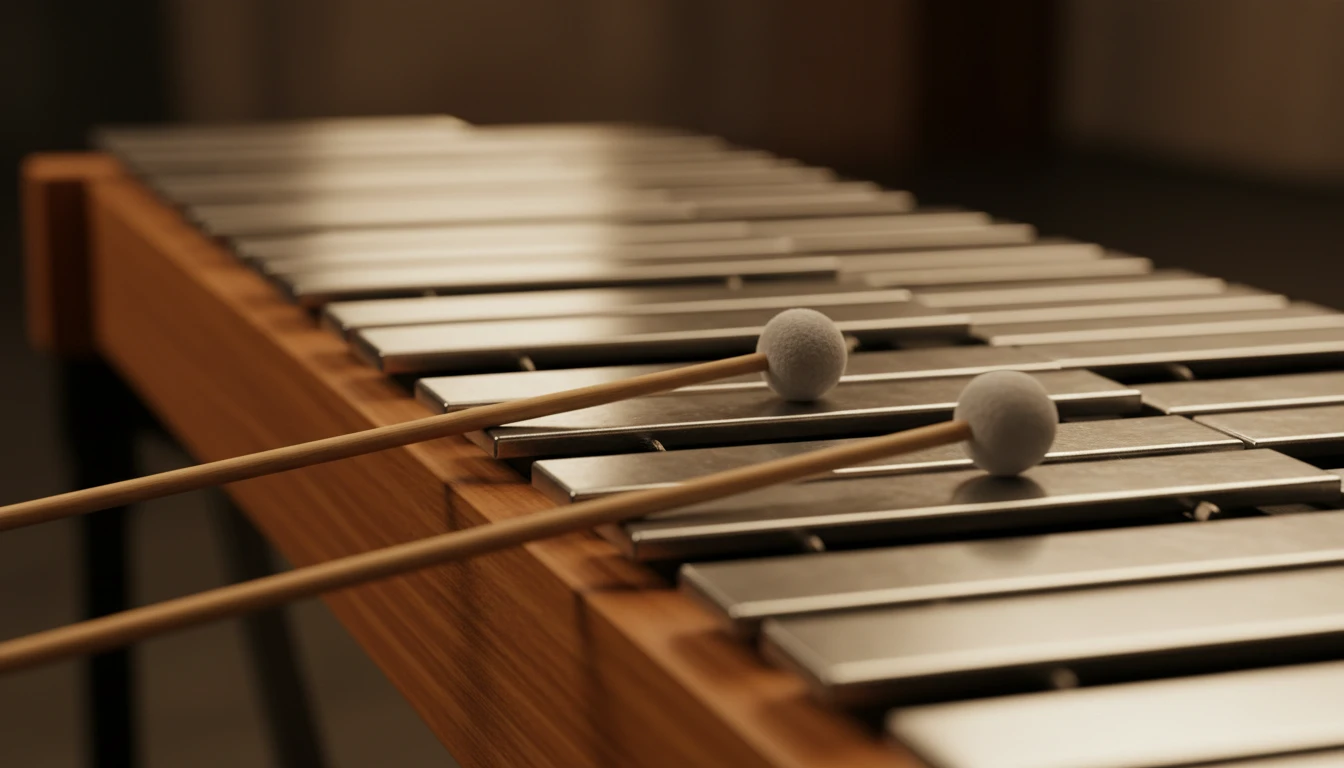
Ready in Music Studio
Click the glockenspiel to play in AI Music Studio.
Computer Keyboard to Metal Bars
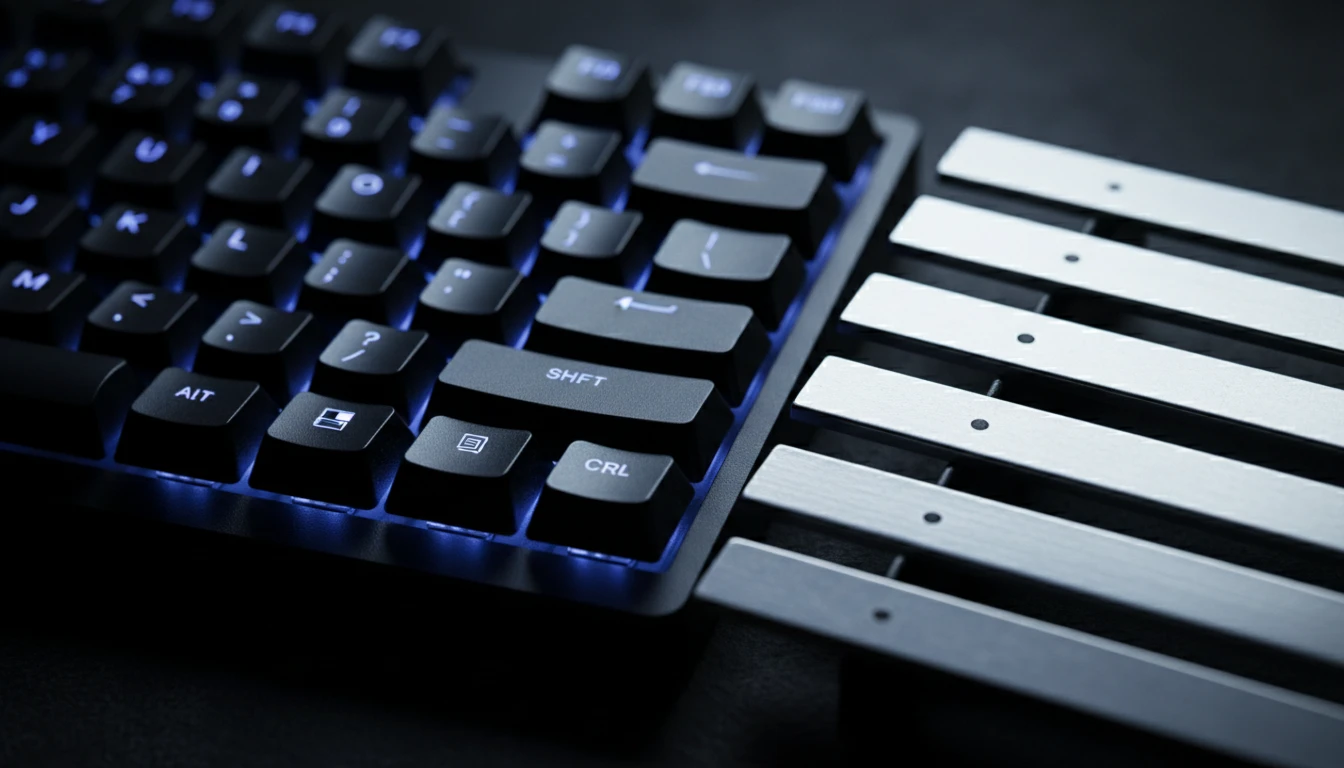
The top letter row of your keyboard strikes the natural bars and the number row strikes the sharp bars, just like a piano layout. Play melodies and simple chords without touching your mouse.
Try It Now
Bright Sampled Bells
Each bar rings a sampled glockenspiel voice. Open Settings for volume, note names, keyboard labels, and the octave the computer keys play.
Open Settings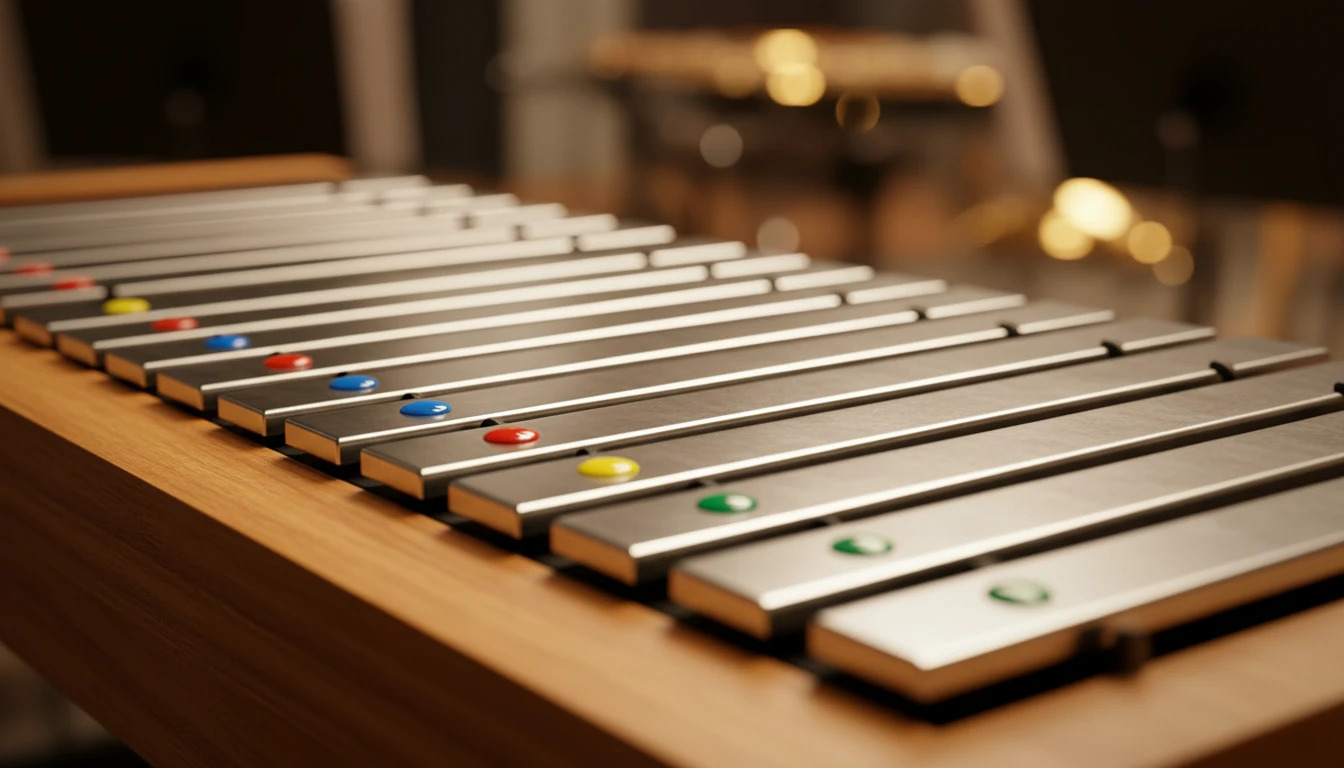
Pin Notes and Share via URL
Click Pin, then click bars to tag them. Each note is labelled, and pressing Play or the spacebar plays them in sequence. Your pins are saved in the page URL — copy it to save or share a melody.
Pin a MelodyHow to use the virtual glockenspiel
Open the page and play
The glockenspiel loads a sampled bell sound automatically. Click any bar or use your computer keyboard to strike it. No sign-in, no plugin, no download.
Customise in Settings
Open Settings to show note names or keyboard shortcuts on the bars, pick the octave for the keyboard shortcuts, and adjust the volume.
Pin, play, and share
Use Pin mode to tag a melody, then copy the page URL to save or share your pins.
Deep Dive
How the Online Glockenspiel Works
The glockenspiel plays a real recorded bell sample across two rows of metal bars laid out like a piano keyboard.
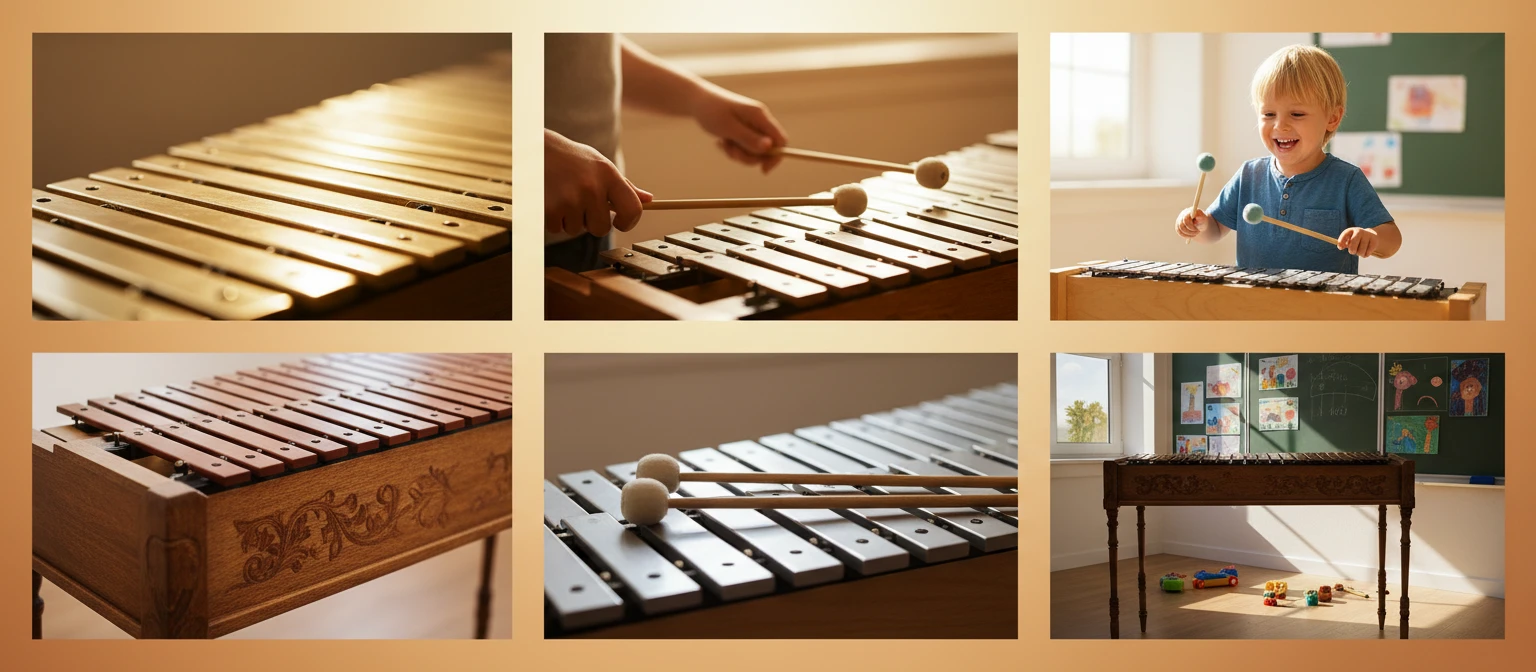
All audio plays locally in your browser. Your playing is never sent to a server.
Why Use This Glockenspiel
Bright Bell Sound
A real recorded glockenspiel sample, not a synthesised tone.
Keyboard-Style Bars
Natural and sharp bars laid out like a piano across three octaves.
Keyboard Play
Letter row for natural bars, number row for sharps — play melodies fast.
Settings Rack
Volume, labels, and keyboard octave stay after you set them.
Pin Notes & Melodies
Tag bars, then play them back in sequence with the spacebar.
Share via URL
Your markings are saved in the URL — copy it to share a melody.
Who Uses It
Who Plays the Virtual Glockenspiel
From curious kids to teachers, composers, and anyone who loves bright bell tones.
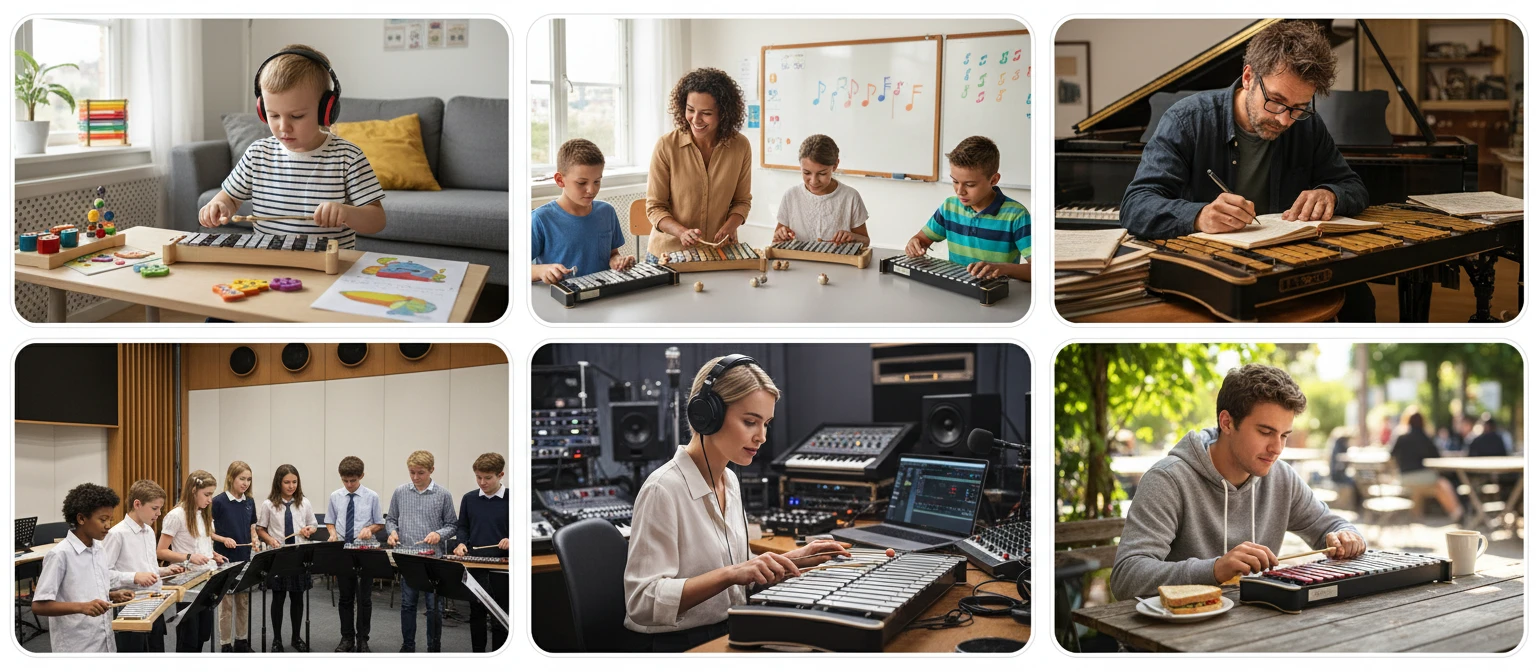
No sign-in, no download, no cost. Runs entirely in your browser.
Frequently Asked Questions
Do I need to install anything to play?
No. The glockenspiel loads a real recorded bell sample in your browser and plays it with the Web Audio API. Just open the page and click a bar to start.
How do the keyboard shortcuts work?
The top letter row (Q W E R T Y U I O P) strikes the natural bars and the number row (2 3, 5 6 7, 9 0) strikes the sharp bars, just like a piano. You can change which octave the shortcuts play in Settings.
What does the Settings button do?
Settings lets you show note names or keyboard shortcuts on the bars, choose the octave for the keyboard shortcuts, and adjust the overall volume.
What does Pin mode do?
Click Pin, then click bars to tag them. Each pinned note is labelled. Press Play or the spacebar to play all pinned notes in sequence — handy for sketching a melody.
What is a glockenspiel?
A glockenspiel is a percussion instrument made of tuned metal bars arranged like a keyboard and struck with mallets. It produces a bright, bell-like tone and sounds two octaves higher than written.
Ready to Play?
Scroll up to the bars, click one, and start ringing out a melody.