Extract Lyrics from Any Song. With Timestamps.
Upload any audio file and get the full lyrics transcribed — proper punctuation, grouped by Verse, Chorus, Bridge, and more. Optional [MM:SS] timestamps on every line. 13 languages plus auto-detect.
Extract Lyrics
Extract Lyrics from Your Song
Upload an audio file and we'll open AI Music Studio with it ready to extract the full lyrics — grouped by section, with optional timestamps.
Drag & drop your audio here
or click to browse — MP3, WAV, FLAC, up to 50MB
Runs inside AI Music Studio — choose language, toggle timestamps, then extract.

Upload Any Song — Get the Full Lyrics Instantly
No manual work required. Upload an MP3, WAV, M4A, OGG, WebM, or FLAC file or record directly from your microphone. The AI listens to the vocal track and transcribes every lyric line with proper punctuation and capitalisation. Lines are automatically grouped into song sections — Verse, Pre-Chorus, Chorus, Bridge, Outro — so the transcript reads like a proper lyric sheet rather than a wall of text.
Extract Lyrics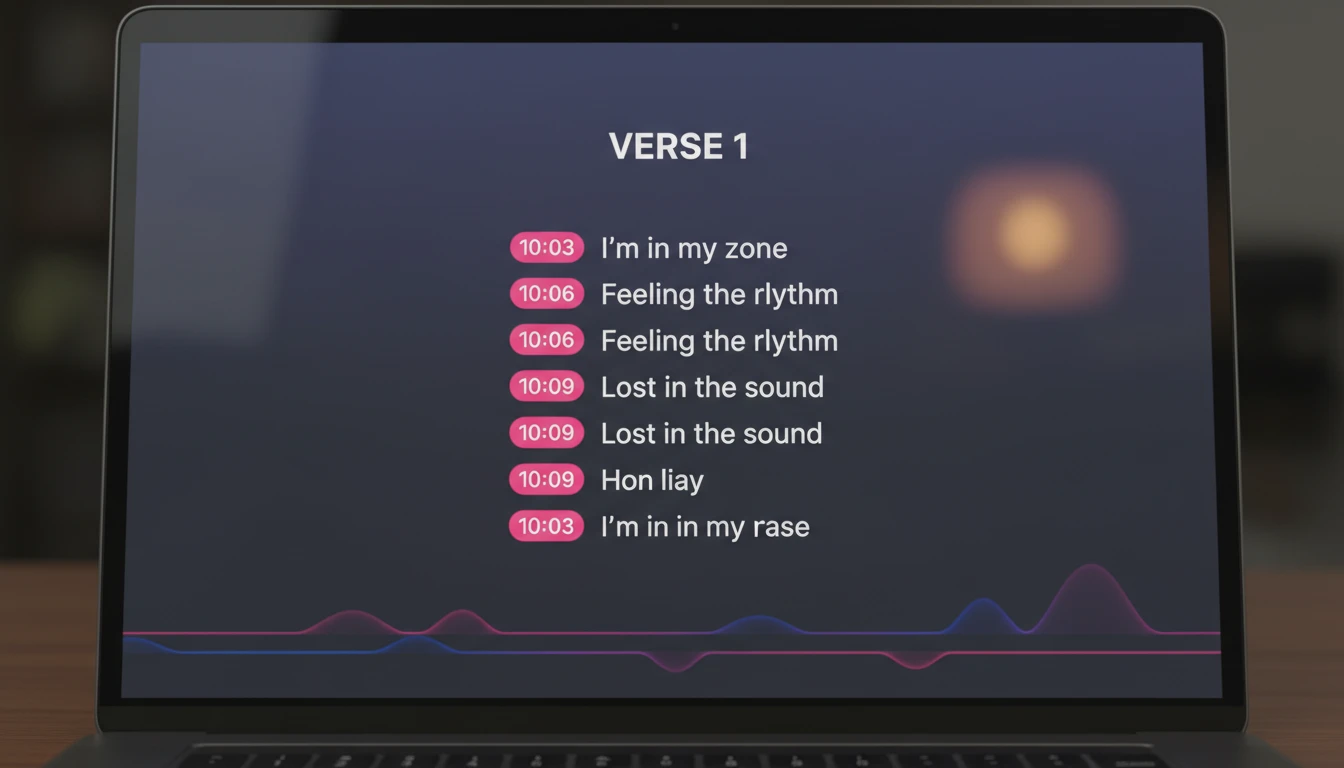
Optional [MM:SS] Timestamps on Every Line
Enable timestamps before extracting and every lyric line gets an inline [MM:SS] marker showing exactly where in the song that line is sung. This is particularly useful for karaoke editing, subtitle creation, music study, and any workflow where you need to link a specific lyric line to the exact moment in the audio. The timestamps appear as compact fuchsia pills that don't break the reading flow of the transcript.
Try with Timestamps
13 Languages Plus Auto-Detect
Auto-detect handles the majority of mainstream music automatically. When your song is in a specific language, select it manually for the most accurate transcript. English, Spanish, French, German, Italian, Portuguese, Chinese, Japanese, Korean, Arabic, Russian, and Hindi are all supported. The language of the extracted lyrics is shown in the Track Info card alongside the explicit content flag, so you always know exactly what the AI detected before you use the output.
Choose Your LanguageHow to Extract Lyrics from a Song
Upload Your Audio File
Click the upload area and select an MP3, WAV, M4A, OGG, WebM, or FLAC file, or record directly from your microphone. The tool accepts files up to 50MB.
Choose Language and Timestamps
Select a language or use Auto-detect. Toggle Include Timestamps on if you want [MM:SS] markers on every lyric line — useful for karaoke, lyric videos, or study.
Get Your Lyrics Transcript
Click Extract Lyrics and receive the full lyrics grouped by Verse, Chorus, Bridge, and more. Copy lyrics-only to clipboard or download as a .txt file.
Who Uses It
Musicians and Songwriters Studying Lyrics
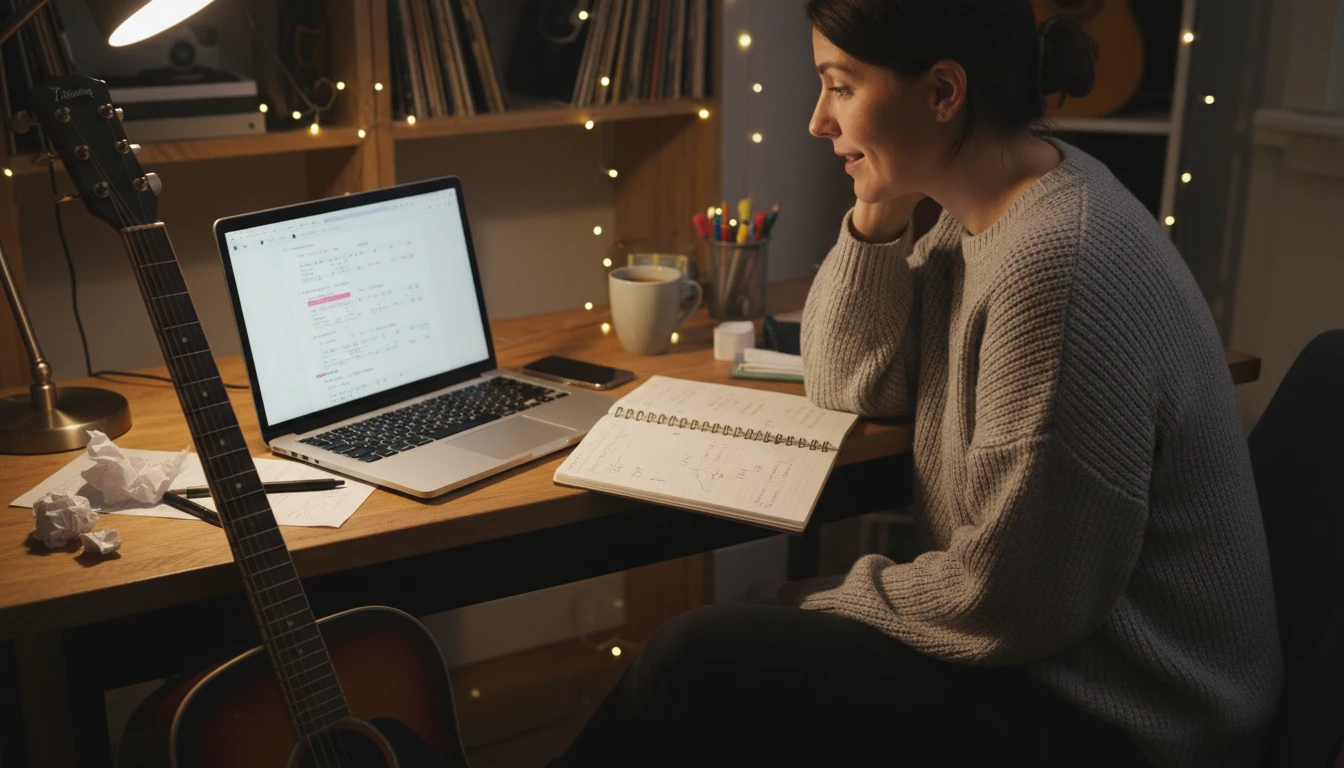
Upload reference tracks to extract their full lyrics and study the rhyme scheme, syllable patterns, and structure. Compare verse lengths, chorus construction, and bridge placement across multiple songs without searching unreliable lyrics websites. The timestamped transcript also lets you follow along with the audio line by line for deeper study.
Karaoke Creators and Subtitle Editors
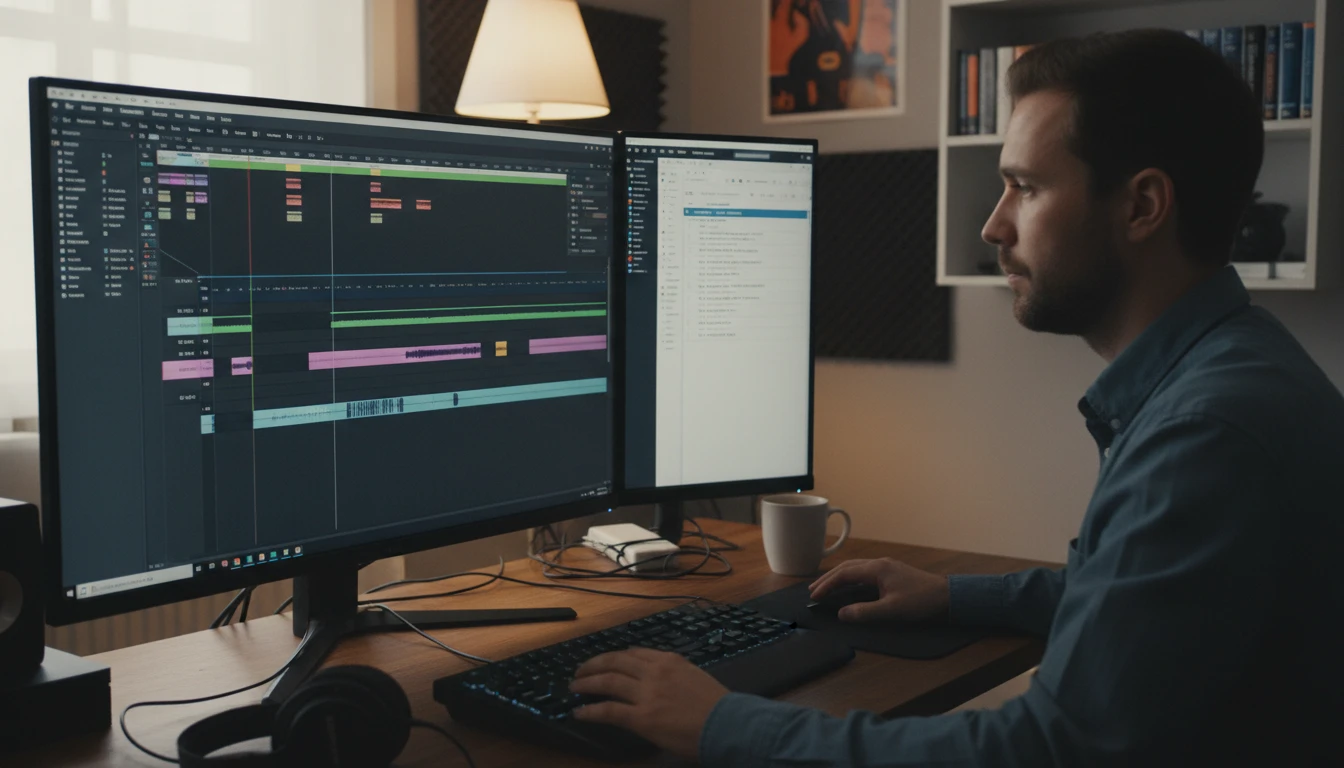
Extract lyrics with timestamps and use the time-coded output as the starting point for karaoke tracks, lyric videos, or subtitle files. The [MM:SS] markers on every line give you a timestamp reference that maps directly to the position in the original audio, making it straightforward to sync text to video without transcribing manually.

Music Fans Who Want Accurate Lyrics
Lyrics websites frequently contain errors, unofficial edits, or missing sections. Extract the lyrics directly from the audio file and get exactly what is sung in that recording — not a community-edited version. This is especially useful for songs where lyrics websites consistently misquote lines or for languages where reliable lyric databases are sparse.

Language Learners Using Music
Learning a language through music is highly effective, but it requires an accurate transcript to follow along. Extract the full lyrics of a foreign-language song, enable timestamps, and use the result as a study guide. Follow the audio line by line, look up unfamiliar words, and use the timestamps to replay specific sections. 13 languages are supported so the tool works for the most commonly studied musical languages worldwide.
Deep Dive
Getting the Most Accurate Lyrics Extraction
The accuracy of lyrics extraction depends on vocal clarity, recording quality, and language selection. These tips help you get the cleanest, most complete transcript.
Note: Lyrics extraction accuracy depends on vocal clarity, audio quality, and language. Songs with heavily processed vocals, instrumental sections, or very dense fast-paced lyrics may produce less complete transcripts. Always review before using in a final product.
Why Use the Lyrics Extractor
Extract from Any Song
Upload MP3, WAV, M4A, OGG, WebM, or FLAC files or record directly in the browser. The AI transcribes every sung or spoken lyric line.
Optional Timestamps
[MM:SS] time markers on every line — toggle on for karaoke, lyric videos, subtitles, and music study. Toggle off for a clean plain transcript.
13 Languages
English, Spanish, French, German, Italian, Portuguese, Chinese, Japanese, Korean, Arabic, Russian, Hindi, plus auto-detect.
Copy or Download
One-click copy of lyrics-only text to clipboard or download as a .txt file. Lines are grouped by Verse, Chorus, Bridge, and more.
Frequently Asked Questions
How does the Music Lyrics Extractor work?
You upload an audio file or record directly from your microphone. The AI listens to the vocal track and transcribes every sung or spoken lyric line with proper punctuation and capitalisation. Lines are automatically grouped into song sections — Verse, Pre-Chorus, Chorus, Bridge, Outro — and optionally marked with [MM:SS] timestamps. You can then copy the lyrics or download them as a .txt file.
What audio formats are supported?
MP3, WAV, M4A, OGG, WebM, and FLAC are all supported. You can also record directly in the browser, which creates a WebM audio file automatically. WAV and FLAC are lossless formats that produce the most accurate lyrics extraction. MP3 at 128 kbps or above works well for most songs.
What languages are supported?
English, Spanish, French, German, Italian, Portuguese, Chinese, Japanese, Korean, Arabic, Russian, and Hindi are all available for selection. Auto-detect is also available and works well for most major languages in mainstream recordings. For regional dialects or mixed-language songs, selecting the primary language manually often produces better results.
What are the timestamps and how do I use them?
When you enable timestamps, every lyric line gets an inline [MM:SS] marker showing approximately where in the song that line is sung. Timestamps are most useful for karaoke editing, lyric video creation, subtitle production, and music study where you need to link a specific line to the exact moment in the audio. Toggle timestamps off when you just need the plain lyrics text.
Can I copy just the lyrics without the section labels?
The Copy button copies the full plain-text version of the lyrics including section labels like [Verse 1] and [Chorus]. This format is compatible with most songwriting apps and lyric databases. If you need only the lines without labels, you can quickly remove them from the downloaded .txt file in any text editor.
Does it work for instrumental songs?
Yes — instrumental tracks are handled gracefully. If the AI cannot detect any audible lyrics, the output section will note that the track appears to be instrumental or that the lyrics are inaudible. The Track Info card will show the language as "Instrumental / No Lyrics".
How does the credit pricing work?
The lyrics extractor costs 30 credits per minute of audio, with a minimum of 30 credits. Duration is rounded up to the nearest full minute. The estimated credit cost is displayed before you click Extract Lyrics so you can confirm before spending credits.
How accurate is the lyrics extraction?
Accuracy is high for songs with clear, prominent vocals and minimal heavy processing. The AI handles proper punctuation, capitalisation, and section grouping automatically. Accuracy decreases for songs with extreme vocal effects, very fast-paced dense rapping, heavy background music that drowns out the vocals, or very low-quality audio files. Always review the transcript before using it in a final product.
Extract Lyrics from Any Song Instantly
Sign up free and get 100 credits instantly. Upload any song and get the full lyrics — grouped by section, with optional timestamps — in seconds.
Disclaimer: This tool uses generative AI technology which may produce content that resembles copyrighted materials or that is inaccurate, incomplete, or out-of-date. It is provided for general information and educational purposes only and is not intended for illegal activities or to replace professional advice, diagnosis, or treatment. Users are solely responsible for how they use the generated content. If you plan to use AI-generated content commercially or publicly, we strongly recommend reviewing it for potential copyright issues and obtaining proper permissions where necessary. We accept no liability for copyright infringement or any other consequences resulting from the use of content generated by this tool.