Play Ukulele Right in Your Browser
A full virtual four-string ukulele with a realistic fretboard and a warm nylon-string sound in standard g-C-E-A tuning. Play with your computer keyboard or click the strings, pin out chords and scales, highlight note names across the neck, and share your pins with a link — no app or account needed.
Start Playing
Ready in Music Studio
Click the ukulele to play in AI Music Studio.
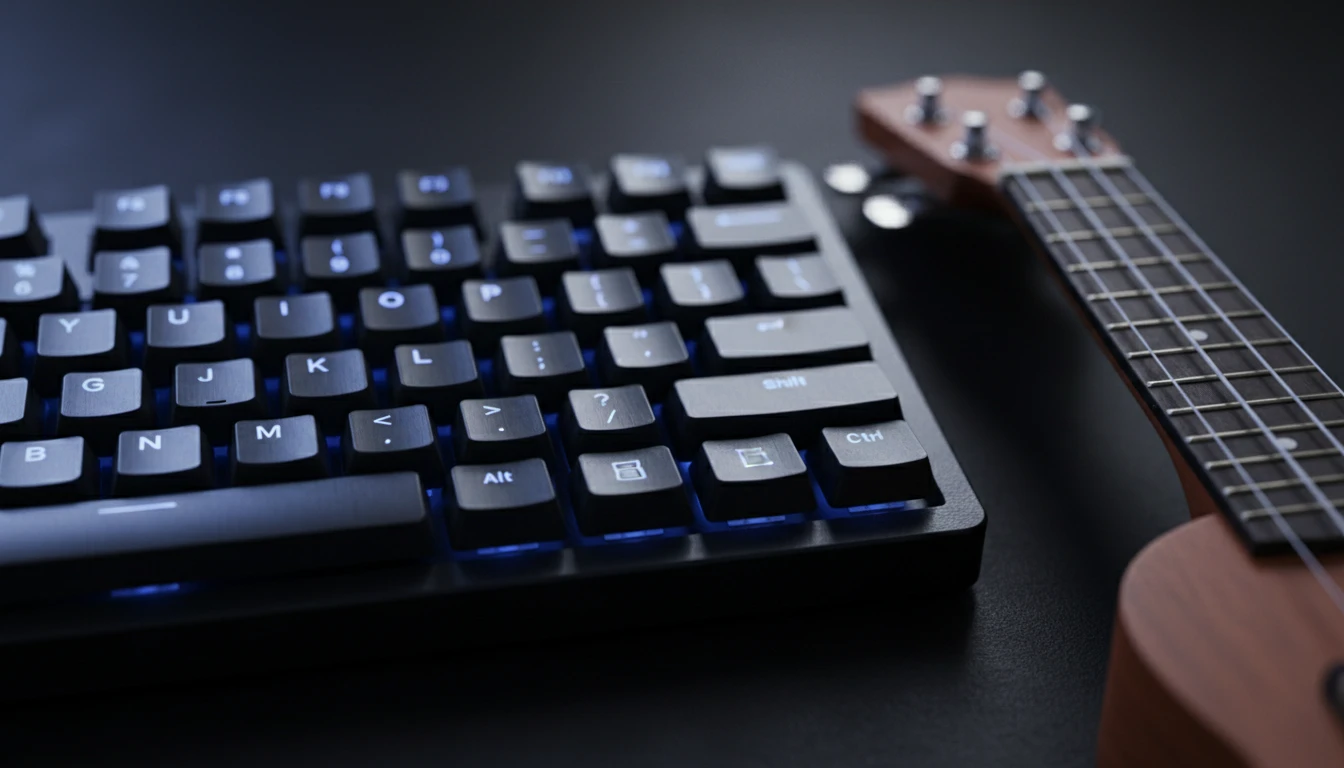
Computer Keyboard to Ukulele Strings
The four rows of keys on your keyboard correspond to the four strings of the ukulele — A, E, C, and G. Each key along a row moves you up the frets, so you can play chords and melodies without touching your mouse.
Try It Now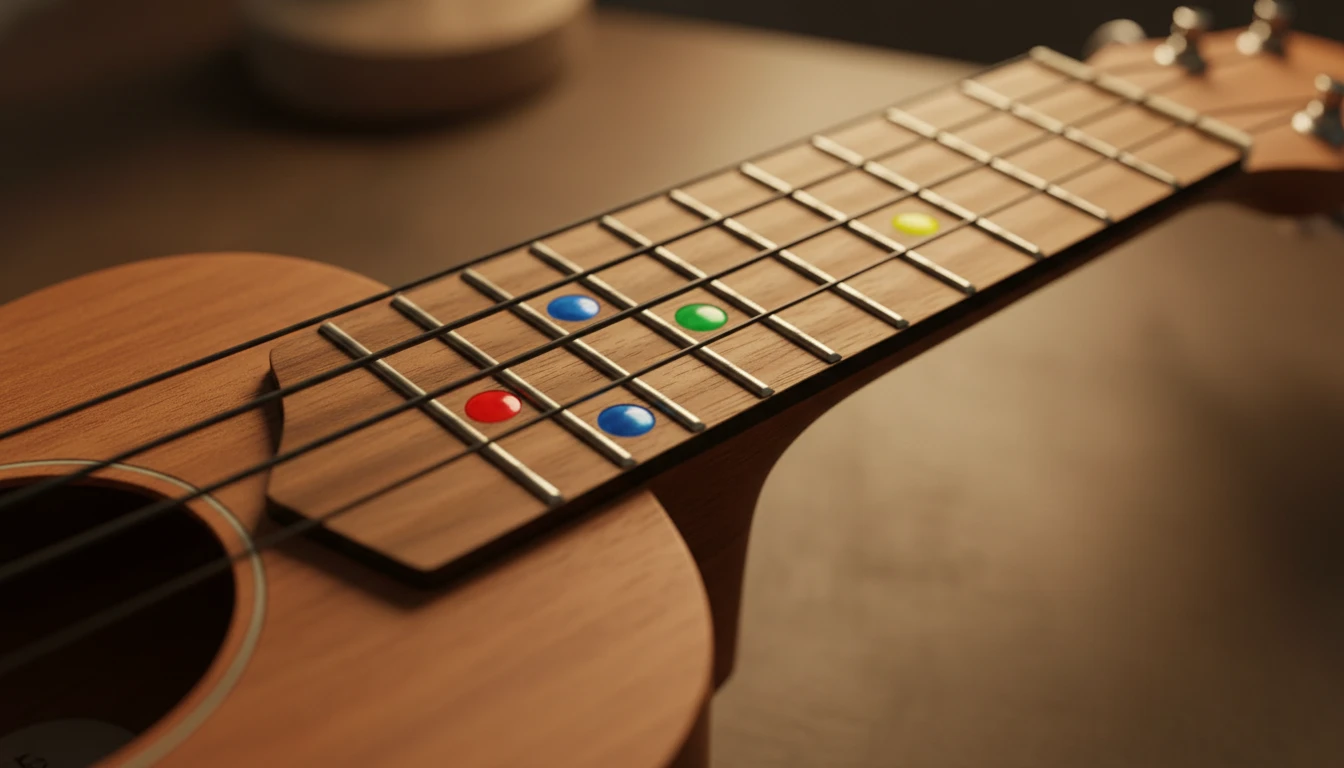
Pin Chords and Scales
Click Pin, then click positions on the fretboard to tag them. Each note is colour-coded and labelled. Hold Alt to spell a note with a flat instead of a sharp. Press Play or the spacebar to strum all your pinned notes.
Pin a Chord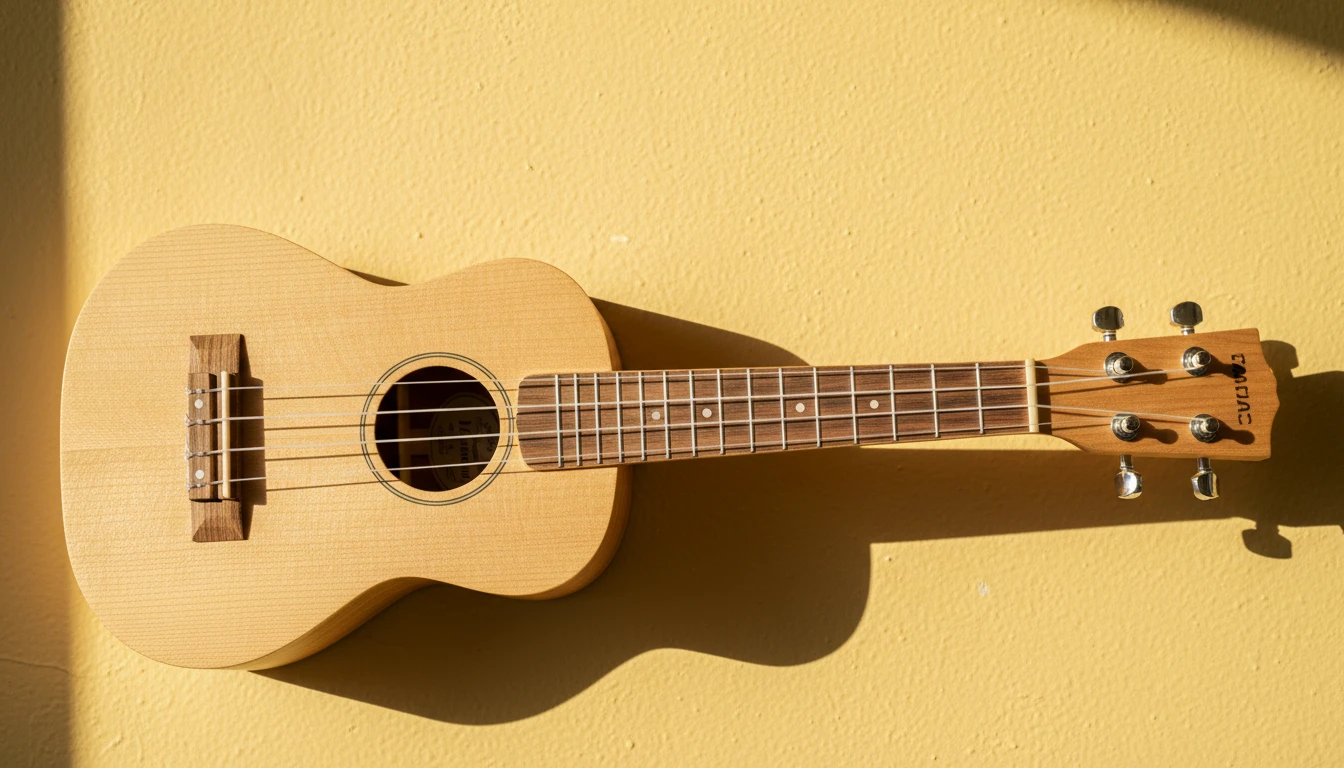
Highlight Notes and Share via URL
Turn on Highlight to show the note name at every fret so you can learn the neck. Your pinned notes are saved in the page URL — copy it to save your chord shape or send it to someone else.
Highlight NotesHow to use the virtual ukulele
Open the page and play
The ukulele loads a sampled nylon-string sound automatically. Click any fret or use your computer keyboard to play. No sign-in, no plugin, no download.
Highlight notes
Click Highlight to show the note name at every fret so you can find your way around the neck and learn where each note lives.
Pin, play, and share
Use Pin mode to tag a chord or scale, press Space or Play to strum it, and copy the page URL to save or share your pins.
Deep Dive
How the Online Ukulele Works
The ukulele plays a real recorded nylon-string sample, mapped across a standard g-C-E-A tuned four-string fretboard.
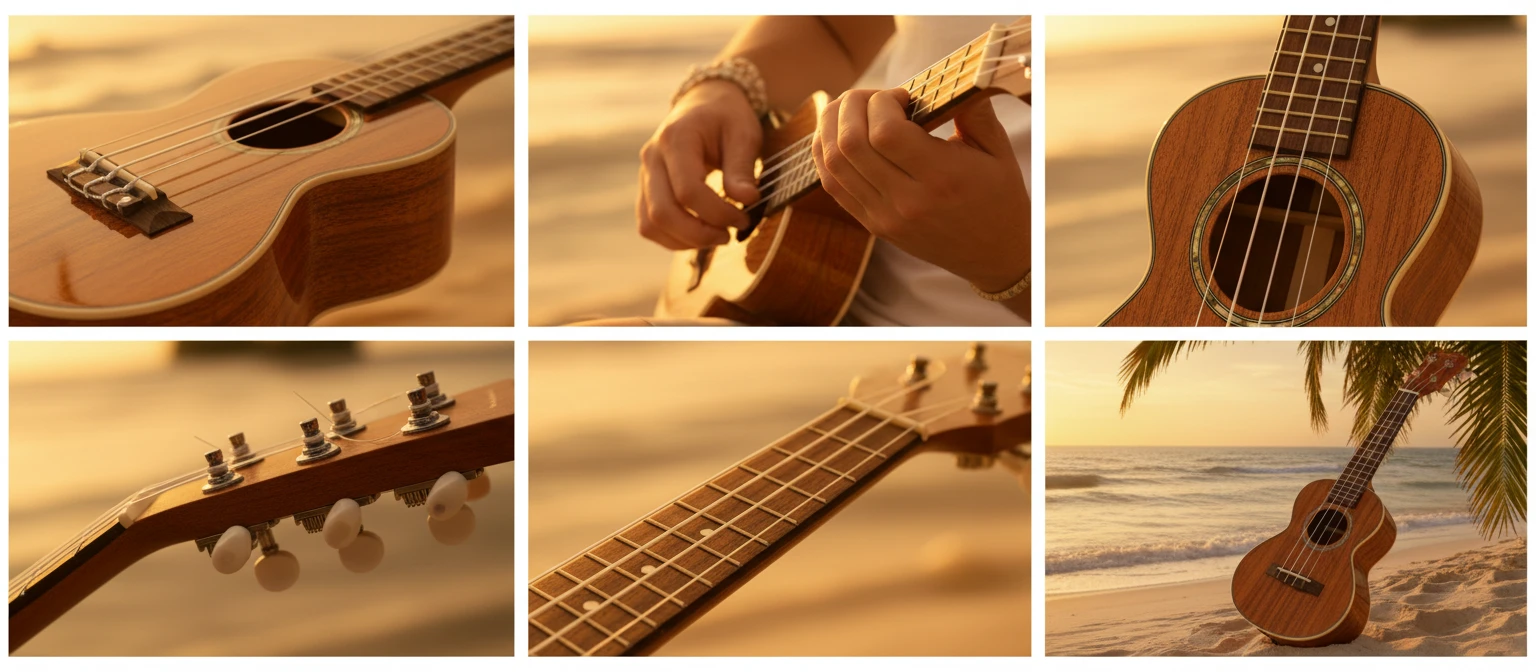
All audio plays locally in your browser. Your playing is never sent to a server.
Why Use This Ukulele
Realistic Sound
A real recorded nylon-string sample, not a synthesised tone.
Full Fretboard
Four strings, 12 frets, standard g-C-E-A tuning, with inlay markers.
Keyboard Play
Four key rows map to the four strings — play the whole neck from your keyboard.
Pin Chords & Scales
Tag positions, colour-coded and labelled, then strum them with the spacebar.
Note Highlighting
Show note names across the entire neck to learn the fretboard fast.
Share via URL
Your pins are saved in the URL — copy it to share a chord or scale.
Who Uses It
Who Plays the Virtual Ukulele
From first-time learners to teachers and songwriters sketching chord shapes.

No sign-in, no download, no cost. Runs entirely in your browser.
Frequently Asked Questions
Do I need to install anything to play?
No. The ukulele loads a real recorded nylon-string sample in your browser and plays it with the Web Audio API. Just open the page and click a string to start.
How do the keyboard shortcuts work?
The four rows of keys on your keyboard correspond to the four ukulele strings (A, E, C, G from top to bottom). Each key along a row moves one fret higher, so the number row plays the A string, the Q row plays the E string, the A row plays the C string, and the Z row plays the G string.
What tuning does the ukulele use?
Standard reentrant tuning: g C E A, where the top g string is a "high G" that sounds higher in pitch than the C and E strings. This is the most common soprano, concert, and tenor ukulele tuning.
What does Pin mode do?
Click Pin, then click positions on the fretboard to tag them. Each pinned note is colour-coded and labelled with its note name. Press Play or the spacebar to strum all pinned notes in sequence. Hold Alt while pinning to spell a note with a flat (♭) instead of a sharp (♯).
How do I share a chord or scale?
Pin the notes you want, then copy the URL from your browser's address bar. Anyone who opens that link will see the same notes pre-pinned on their fretboard.
Why is there no sound when I first open the page?
Browsers block audio before any user interaction, and the sample takes a moment to load. Click a string once the sound has loaded and audio will play for the rest of the session.
Ready to Play?
Scroll up to the fretboard, click a string, and start strumming.