Play Handpan Right in Your Browser
A virtual hang drum with a center ding and eight tone fields. Tap with the mouse or use Space and 1–8. Pick a classic scale and play in AI Music Studio — no app or account.
Start Playing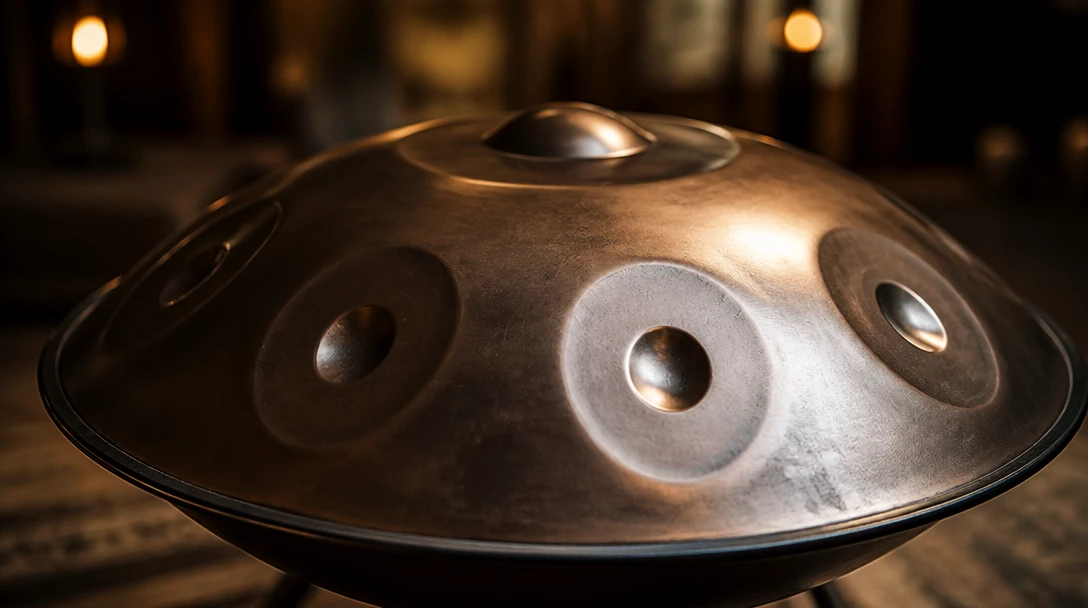
Ready in Music Studio
Click the handpan to play in AI Music Studio.
Play the Ding and Tone Fields
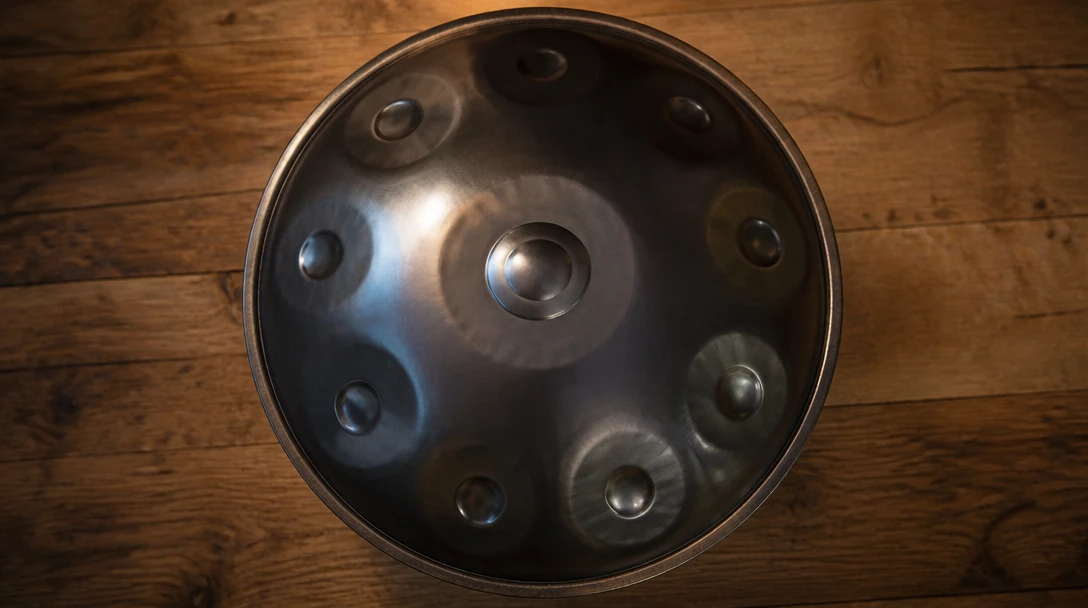
The center ding is the low root. Eight fields sit around it like a real 9-note handpan. Space hits the ding; 1–8 play the ring.
Try It Now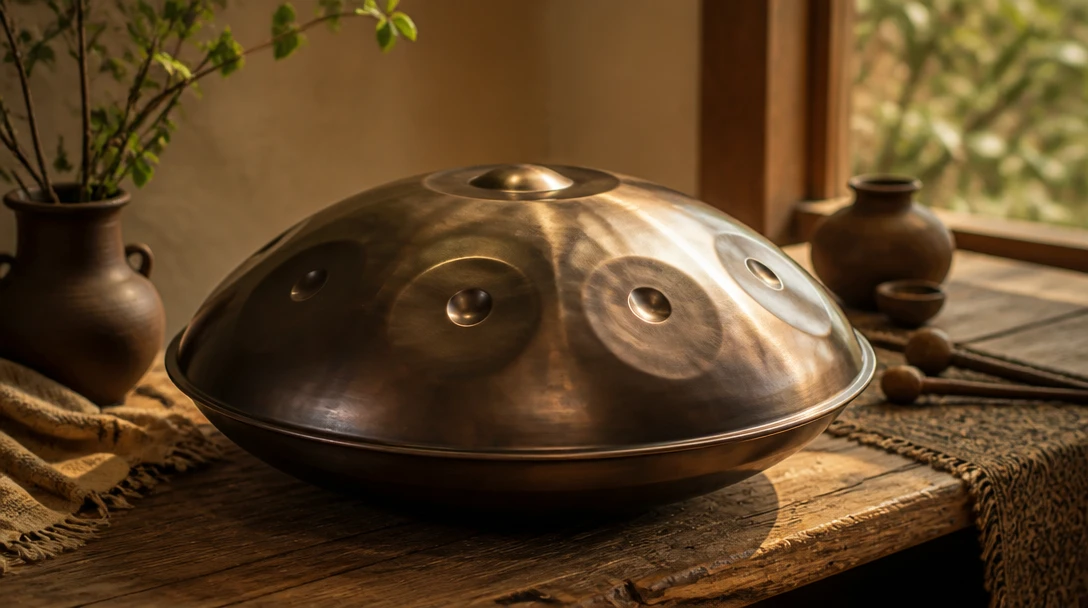
Switch Classic Hang Scales
D Kurd, D Celtic, C Major, and A Minor. The pan rebuilds so every field stays in the scale you picked.
Change the Scale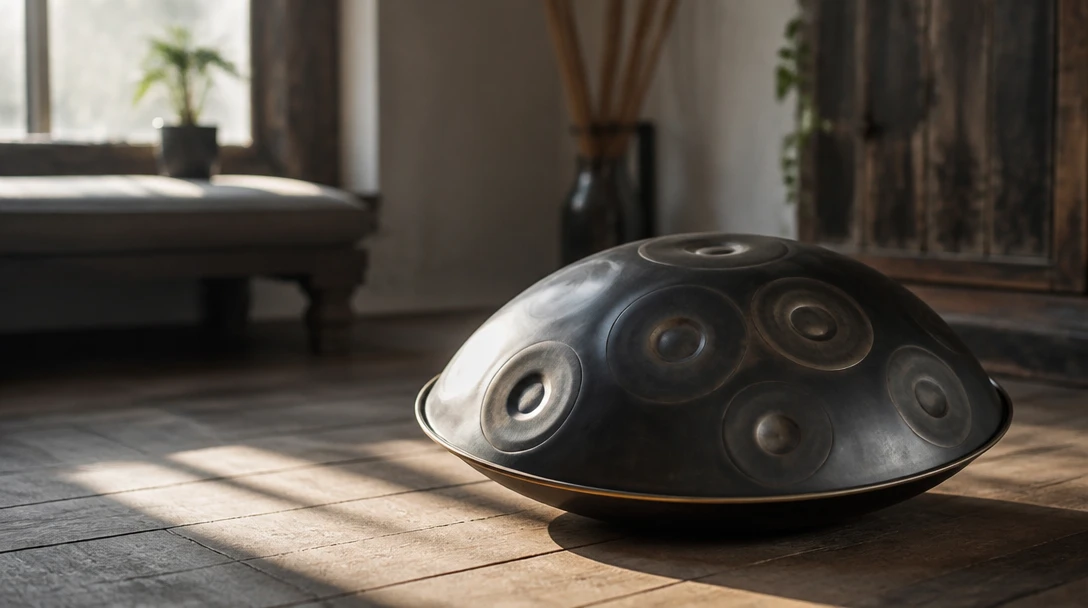
Open in AI Music Studio
The toolbox page is a visual launch. Playing happens in the studio under Play → Virtual Handpan.
Open Music StudioHow to use the virtual handpan
Open the page and tap
Click the handpan on this page to jump into AI Music Studio. No sign-in, no plugin.
Pick a scale
Choose D Kurd, D Celtic, C Major, or A Minor. The ding and eight tones update together.
Play with keys or taps
Space is the ding. 1–8 or QWER / ASDF play the ring. Settings holds volume and room.
Deep Dive
How the Online Handpan Works
The instrument synthesises a steel hang tone in your browser — a soft strike, a long sustain, and a low ding under eight scale tones.
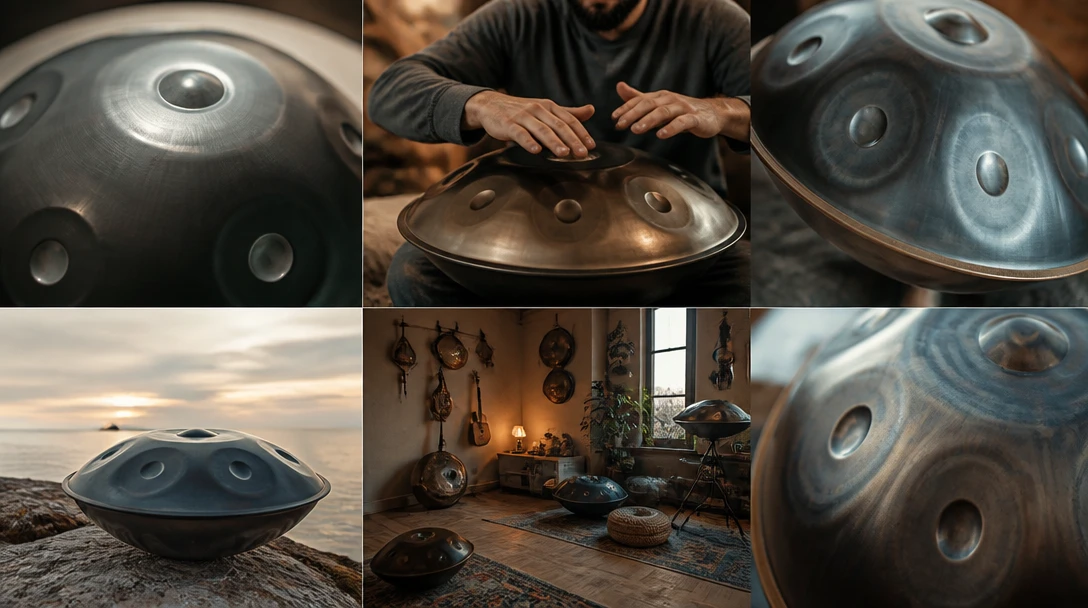
All audio plays locally in your browser. Your playing is never sent to a server.
Why Use This Handpan
Real hang layout
Center ding and eight surrounding tone fields.
Classic scales
D Kurd, D Celtic, C Major, and A Minor.
Keyboard play
Space plus 1–8, or QWER / ASDF.
Opens in Music Studio
Toolbox launches the studio miniapp — it does not play here.
Who Uses It
Who Plays the Virtual Handpan
From hang players to anyone who wants a calm steel voice in the browser.
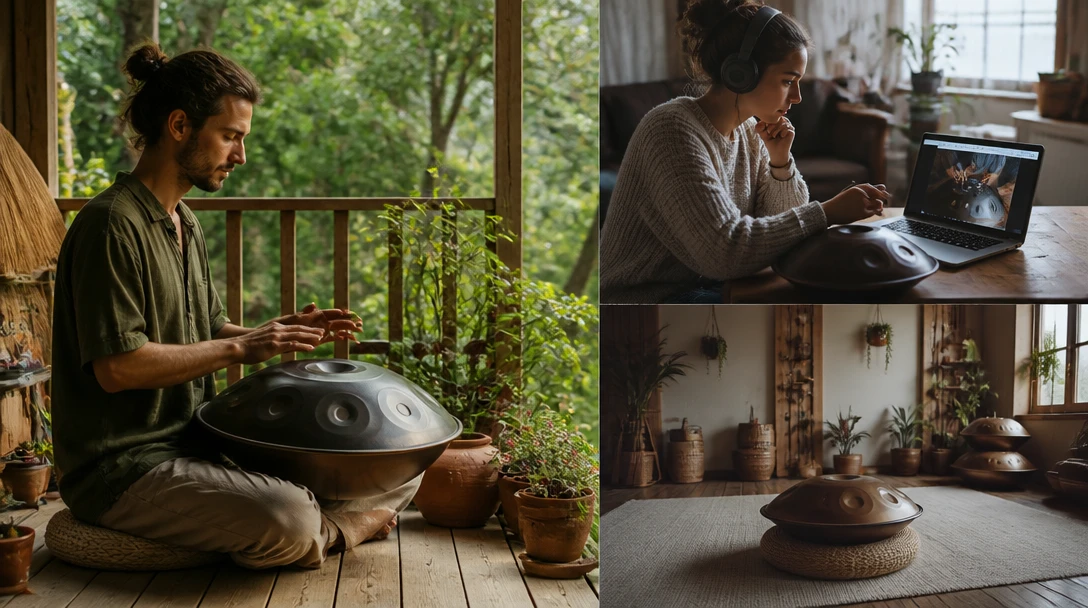
No sign-in, no download, no cost. Runs in AI Music Studio.
Frequently Asked Questions
Do I need to install anything?
No. Click the handpan on this page to open AI Music Studio. The tone is generated in the browser.
How do the keyboard shortcuts work?
Space, X, or Z hits the ding. 1–8 play the eight tone fields clockwise from the top. QWER and ASDF are the same ring.
Can I play on the toolbox page?
No. The toolbox page is a visual launch. Playing happens at /ai-studio/music?appId=virtual-handpan.
Ready to Play the Handpan?
Open AI Music Studio and tap the ding.