Convert PLY Scan Meshes to STL for 3D Printing and CAD
Convert PLY meshes from 3D scanning, photogrammetry, and research pipelines into the STL format for use in slicer software, 3D printers, and CAD tools. Take scan geometry directly from capture to print without manual format conversion steps.
Convert Now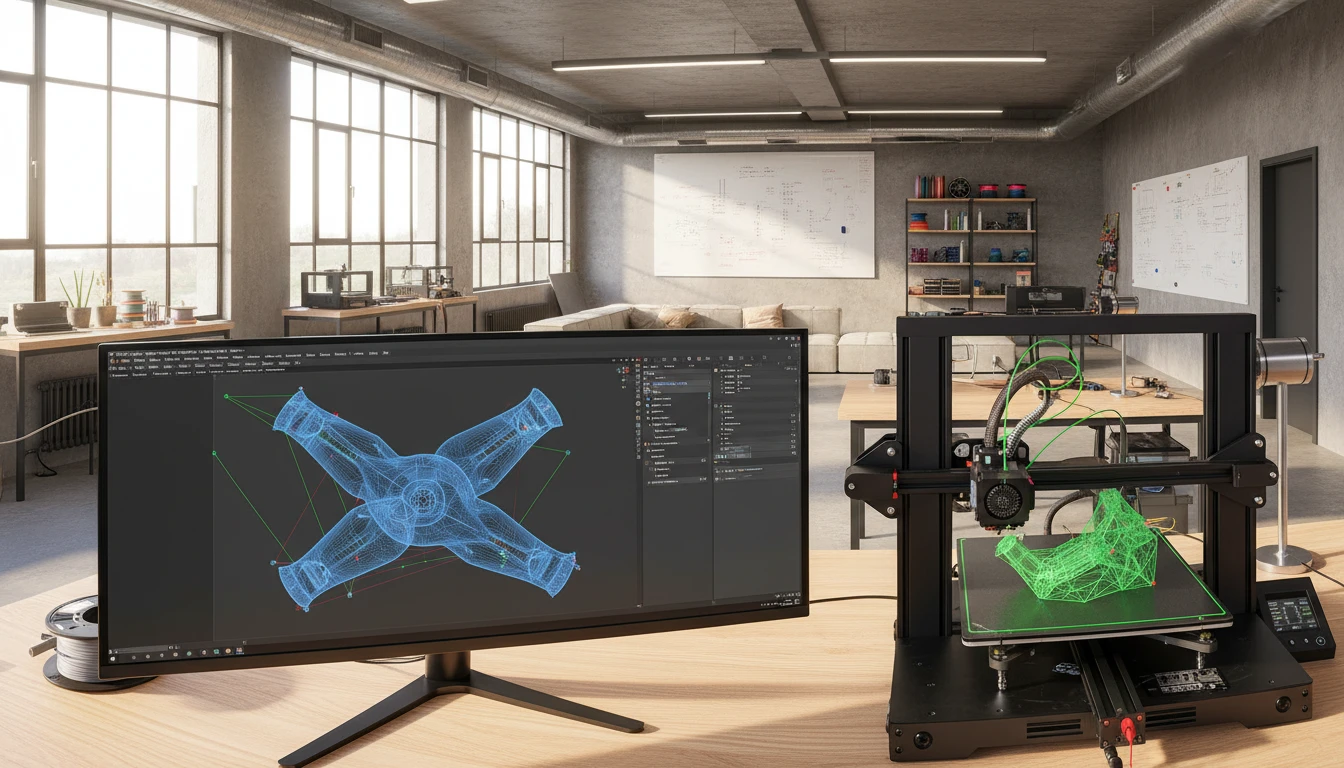
Convert PLY to STL
Upload a PLY file and download the converted STL — all processing happens on the server.
Drop your PLY file here
or click to browse
Accepts .ply files
From Photogrammetry Scan to Print-Ready STL
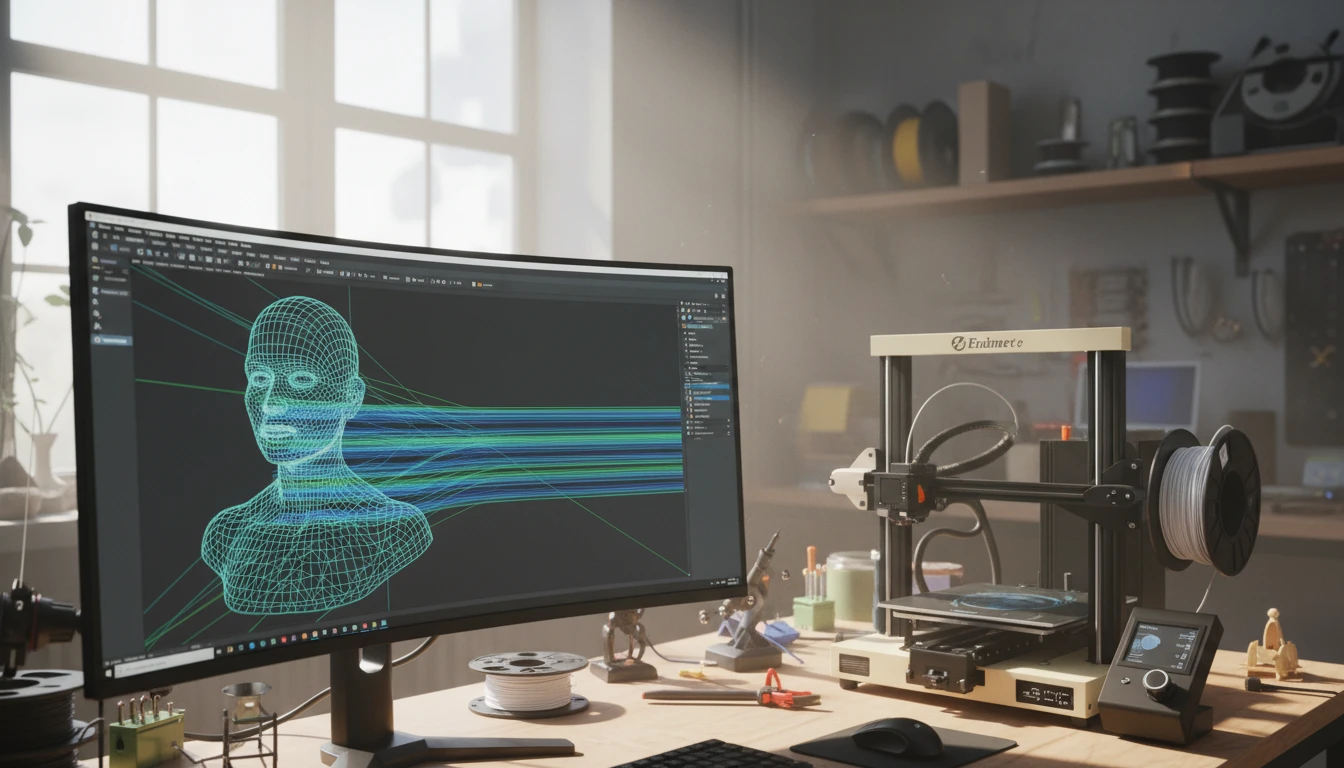
PLY is the native output of 3D scanners and photogrammetry tools, but 3D printers and slicer software universally accept STL as their standard input. Converting PLY to STL wraps scan geometry in the format that every slicer — Cura, PrusaSlicer, Bambu Studio, and Chitubox — reads without plugins, taking scan captures directly into the printing pipeline.
Convert Now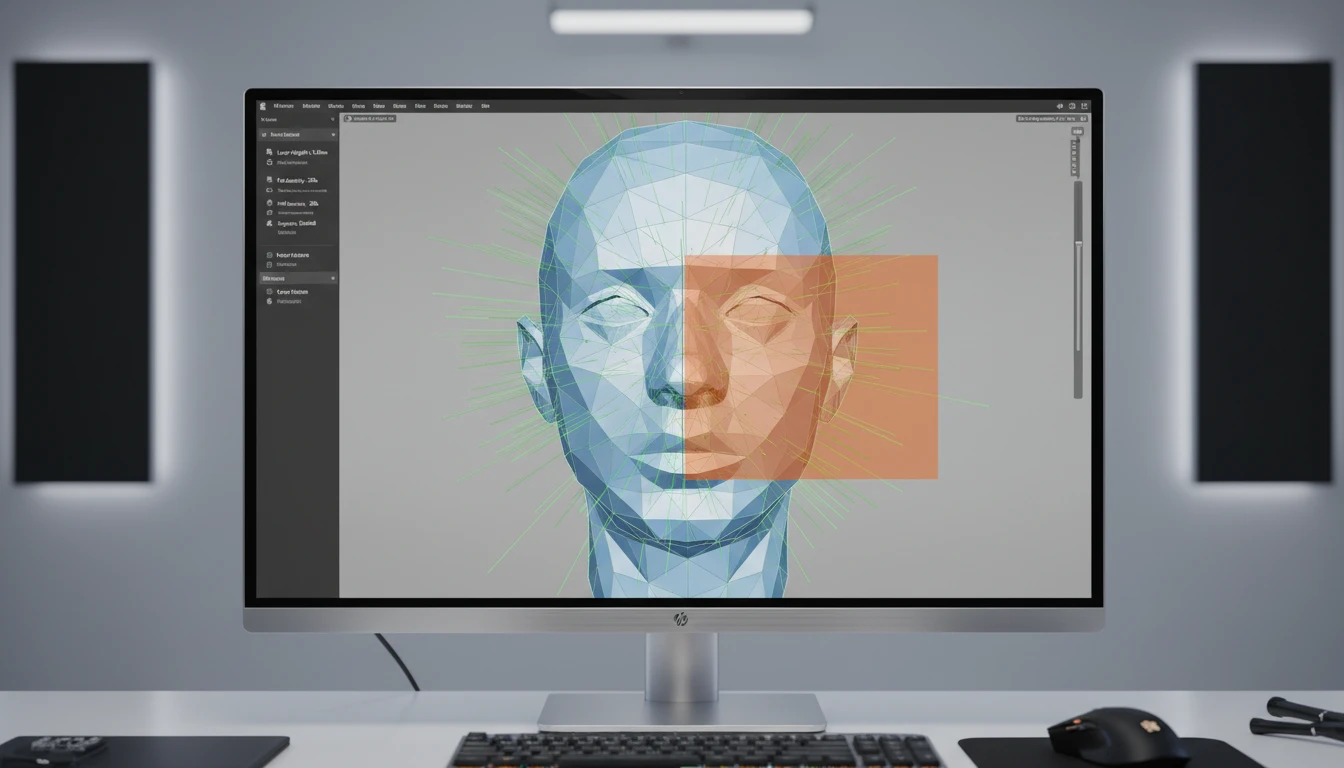
Triangulated Geometry for Slicer Compatibility
STL stores geometry exclusively as triangulated faces, which is exactly what slicer software and FDM and resin printers require. The converter triangulates PLY polygon faces and writes them as STL facets with correct outward-facing normals, producing slicer-compatible geometry from scan data without manual mesh cleanup steps in the DCC.
Convert Now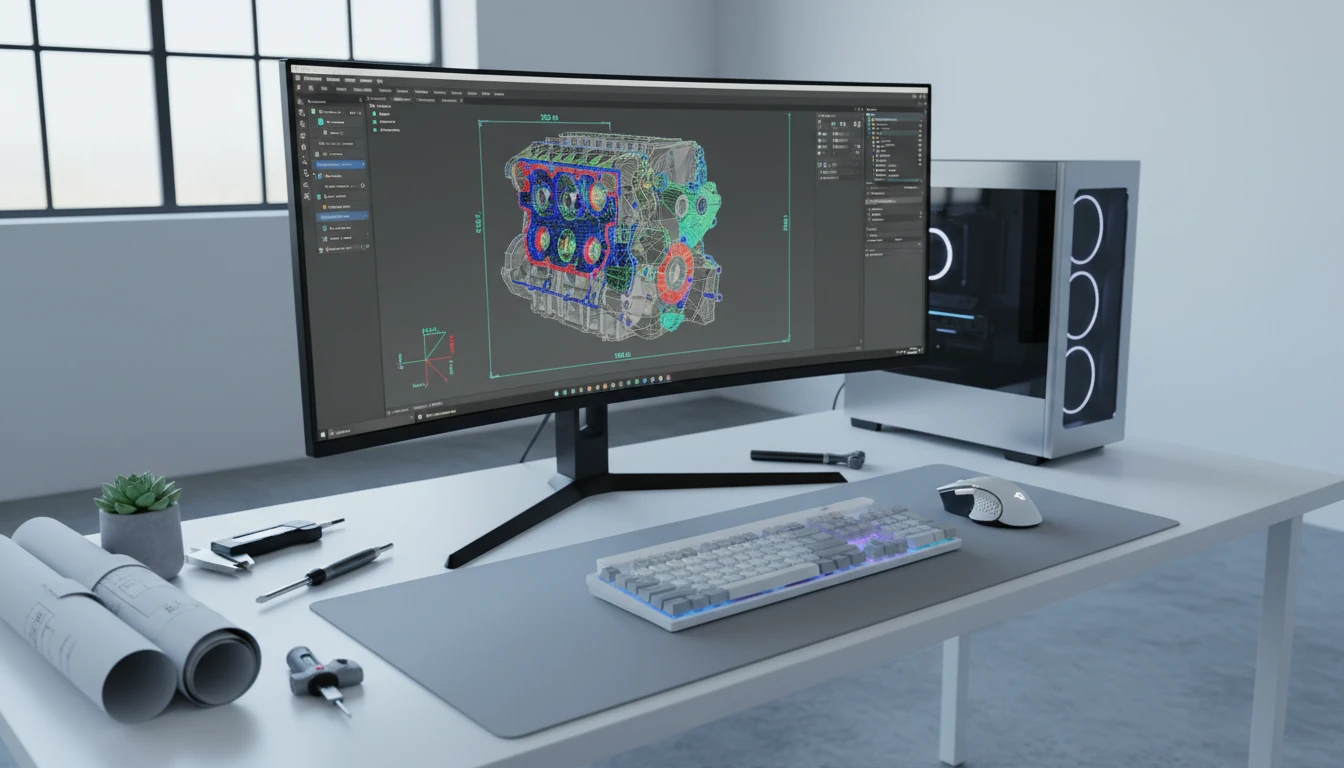
CAD and Engineering Workflow Integration
STL is the standard 3D geometry exchange format for CAD tools, FEA preprocessors, and engineering analysis software. Converting PLY scan geometry to STL gives captured objects a direct path into SolidWorks, Fusion 360, ANSYS, and similar tools for dimensional inspection, fit analysis, and reverse engineering workflows.
Convert NowHow to Convert PLY to STL
Upload Your PLY File
Drag and drop a PLY file into the upload zone or click to browse. Both ASCII and binary PLY files up to 100 MB are supported.
Sign In and Convert
Sign in to start the conversion. The server triangulates the PLY polygon geometry and writes it as STL facets with outward-facing normals.
Download the STL
Once ready, click Download. The STL file is immediately usable in Cura, PrusaSlicer, Bambu Studio, SolidWorks, Fusion 360, and any other slicer or CAD tool.
Deep Dive
PLY and STL: Scan Data Format vs. Print and CAD Standard

Why Use It
No Software to Install
The conversion runs on the server. No MeshLab batch export, Blender Python scripts, or local Assimp CLI tools needed. Upload and download directly from your browser.
Triangulated for Printing
PLY polygon faces are triangulated and written as STL facets with outward-facing normals, producing slicer-compatible geometry from scan data without manual DCC mesh cleanup steps.
Universal Slicer and CAD Compatibility
STL is accepted by every slicer and CAD application without plugins. The converted file slots directly into Cura, PrusaSlicer, Bambu Studio, SolidWorks, Fusion 360, and hundreds of other tools.
Scan to Print Pipeline
PLY is the scan world's data format. STL is the 3D printing and CAD exchange standard. Converting PLY to STL bridges photogrammetry captures and scan data directly into printing and engineering workflows.
Who Uses It
Who Converts PLY to STL

Frequently Asked Questions
Are both ASCII and binary PLY files supported?
Yes. The converter handles both ASCII PLY and binary PLY (little-endian and big-endian). Binary PLY is the compact standard output of most 3D scanners and photogrammetry tools for large meshes.
Is the STL output binary or ASCII?
The converter produces binary STL by default, which is more compact than ASCII STL for large meshes. Binary STL is accepted by all modern slicer software and CAD tools without any compatibility issues.
Are the STL normals correct for 3D printing?
Yes. The converter writes outward-facing normals for each STL facet. Most slicer software recomputes normals internally regardless of the stored values, but the converter outputs correct normals following the STL specification.
Does the converter triangulate polygon faces from the PLY?
Yes. STL only supports triangular facets. If the PLY file contains quad or n-gon polygon faces, the converter triangulates them before writing the STL output.
What is the maximum PLY file size?
The converter supports PLY files up to 100 MB. Binary STL output is compact, though very large scan meshes may produce large STL files depending on polygon count.
Convert Your PLY File to STL Now
Upload your PLY scan or mesh and get a print-ready STL in seconds. No install, no manual steps.