Convert PLY Scans and Meshes to the Universal OBJ Format
Convert PLY meshes from photogrammetry, 3D scanning, and research pipelines into Wavefront OBJ and make them accessible in Blender, Maya, ZBrush, and any DCC tool or pipeline that relies on the universally supported OBJ format.
Convert Now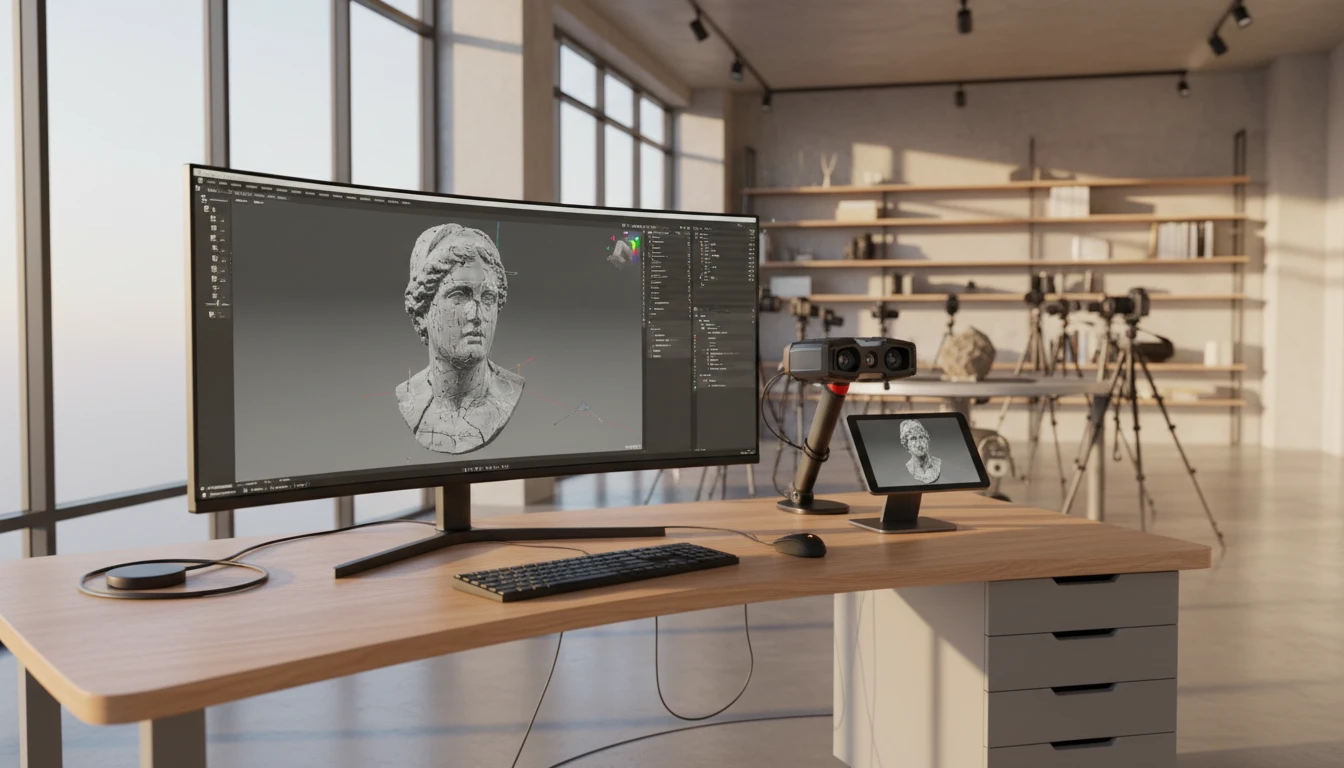
Convert PLY to OBJ
Upload a PLY file and download the converted OBJ — all processing happens on the server.
Drop your PLY file here
or click to browse
Accepts .ply files
From Scan Data to Universal DCC Mesh
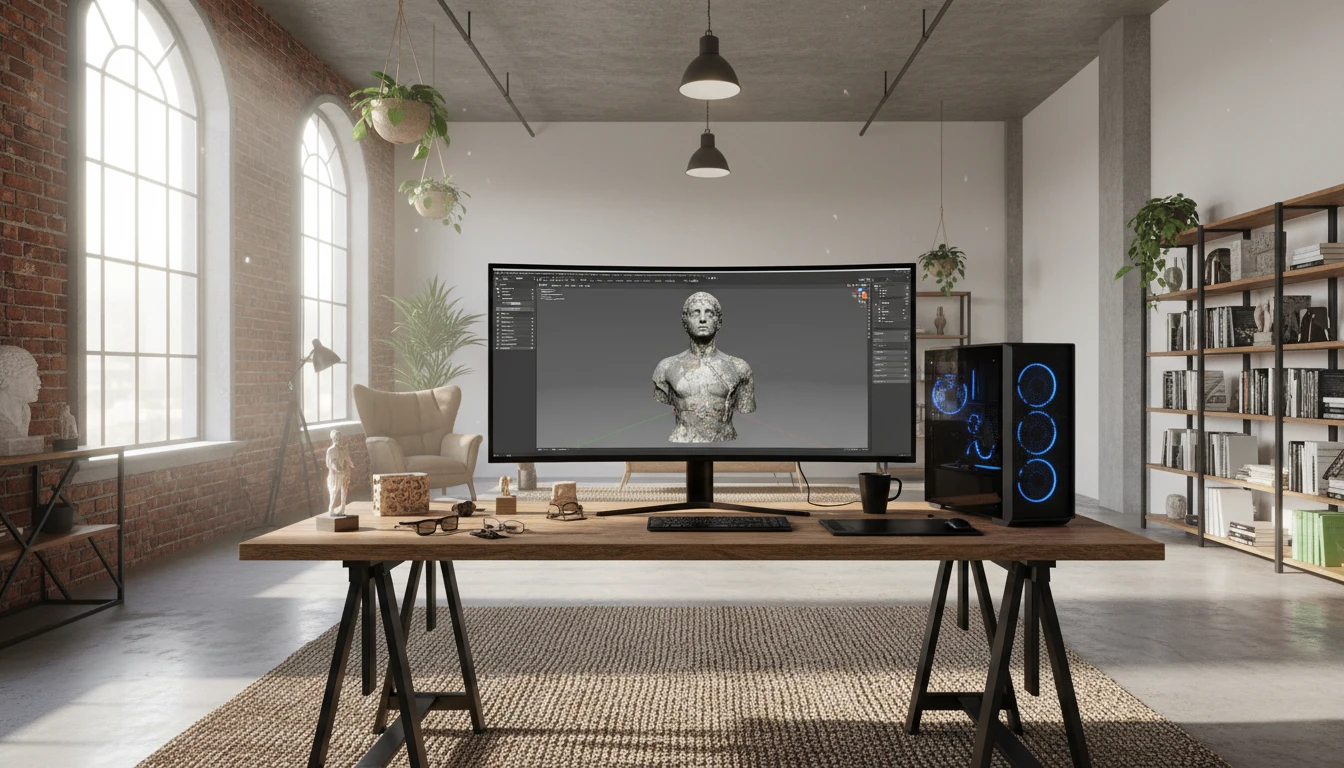
PLY is the native output of 3D scanners and photogrammetry tools, but many DCC applications and pipelines read OBJ more consistently. Converting PLY to OBJ wraps scan geometry in the most universally compatible DCC format available, opening it to Blender, Maya, ZBrush, Houdini, and hundreds of other tools without plugins.
Convert Now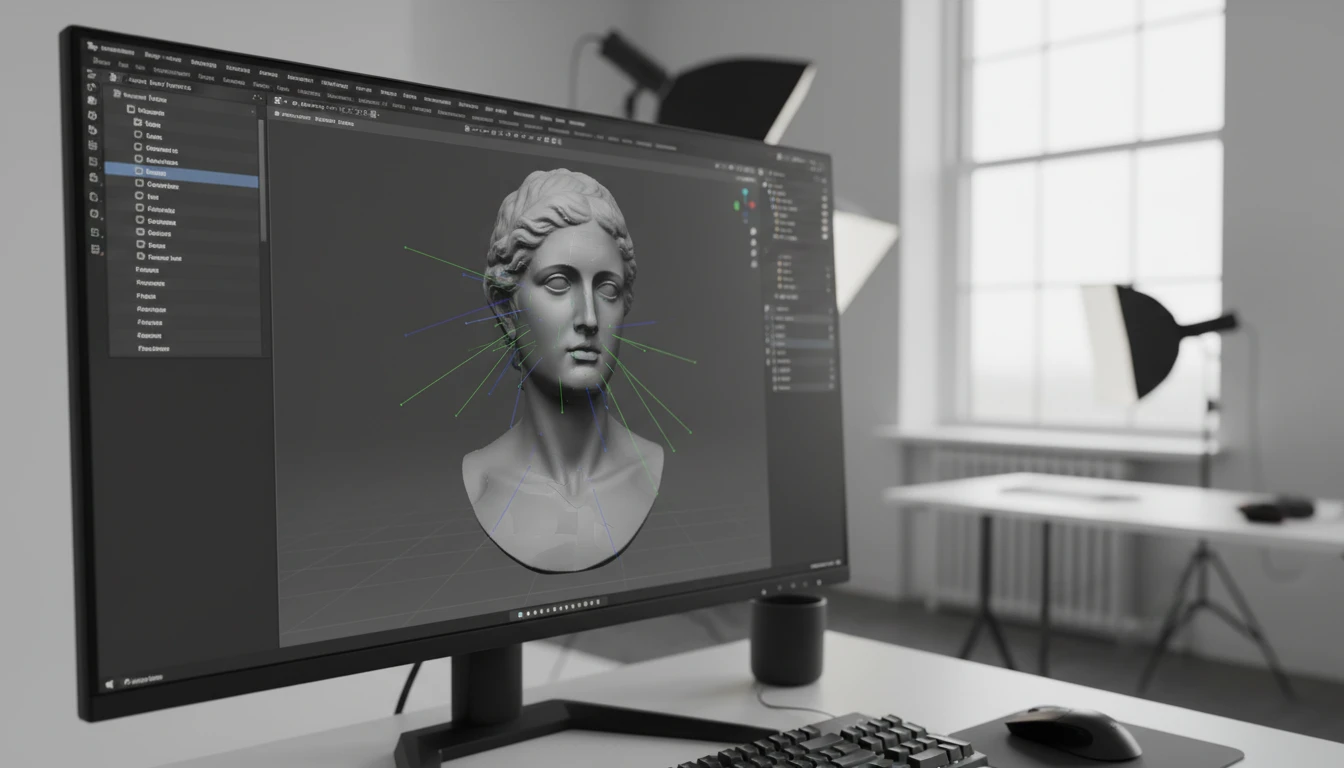
Vertex Normals Written to OBJ
PLY scan files typically carry per-vertex normals from the scanning pipeline. The converter reads these and writes them as OBJ vn entries, preserving smooth surface shading in DCC tools that use vertex normals for rendering and editing without requiring manual normal recalculation after import.
Convert Now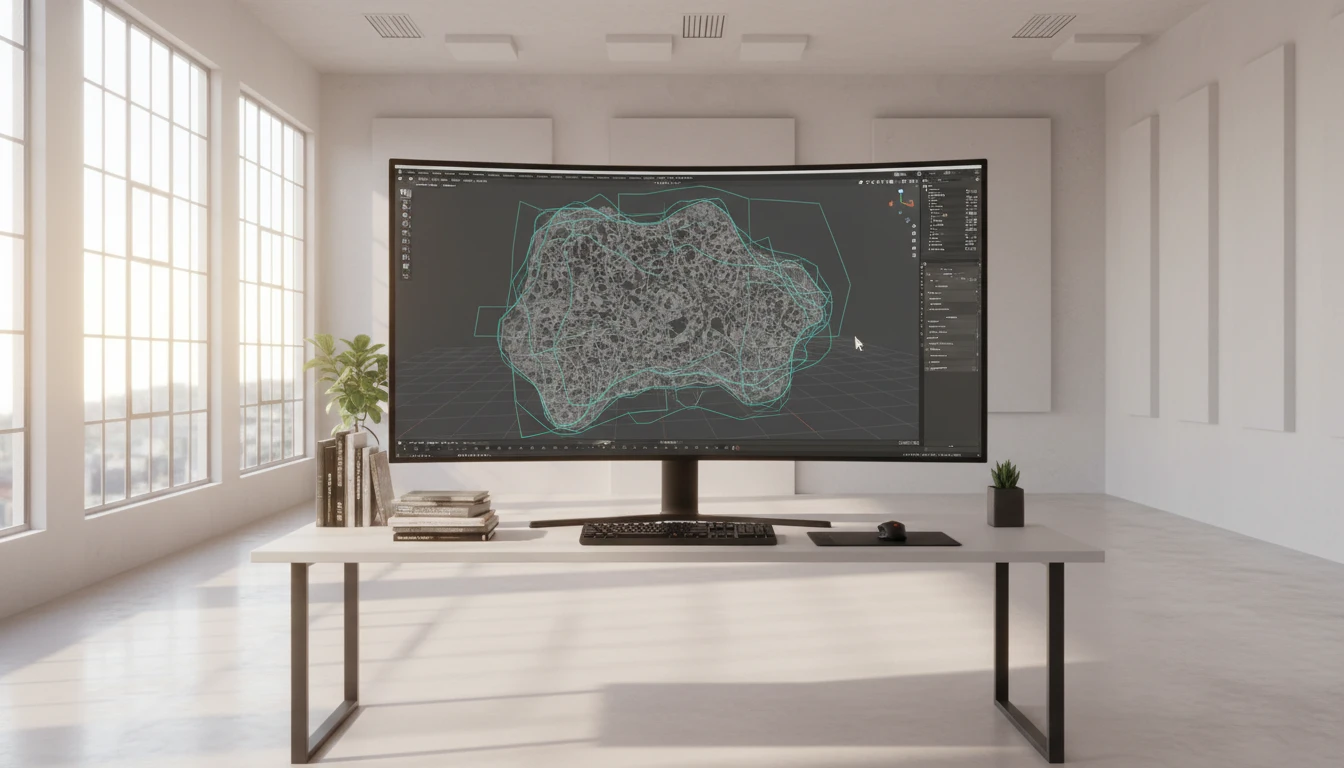
Sculpting, Retopology, and Pipeline Ready
OBJ is the entry point for ZBrush sculpting, Blender retopology, Houdini procedural workflows, and virtually every other DCC pipeline. Converting PLY to OBJ gives scan geometry a direct path into production DCC tools for retopology, texture baking, and scene integration.
Convert NowHow to Convert PLY to OBJ
Upload Your PLY File
Drag and drop a PLY file into the upload zone or click to browse. Both ASCII and binary PLY files up to 100 MB are supported.
Sign In and Convert
Sign in to start the conversion. The server parses the PLY geometry, normals, and vertex colors, then writes them into a Wavefront OBJ file.
Download the OBJ
Once ready, click Download. The OBJ file is immediately importable into Blender, Maya, ZBrush, Cinema 4D, Houdini, and any other DCC tool or 3D pipeline.
Deep Dive
PLY and OBJ: Scan Data Format vs. Universal DCC Mesh
Why Use It
No Software to Install
The conversion runs on the server. No MeshLab batch scripts, Blender Python export pipelines, or local Assimp CLI tools needed. Upload and download directly from your browser.
Vertex Normals Preserved
Per-vertex normals from PLY scan files are written as OBJ vn entries, preserving smooth surface shading for DCC tools that use normals for rendering and normal-based editing operations.
Universally Compatible
OBJ is accepted by every DCC application without plugins or special settings. The converted file slots directly into Blender, Maya, ZBrush, Houdini, and hundreds of other tools.
Scan to DCC Pipeline
PLY is the scan world's data format. OBJ is the DCC portability standard. Converting PLY to OBJ bridges photogrammetry and scan captures into production DCC workflows for retopology, rendering, and scene integration.
Who Uses It
Who Converts PLY to OBJ
Frequently Asked Questions
Are both ASCII and binary PLY files supported?
Yes. The converter handles both ASCII PLY and binary PLY (little-endian and big-endian). Binary PLY is more compact and the standard output of most scan and photogrammetry tools for large meshes.
Are vertex normals from the PLY preserved in the OBJ output?
Yes. Per-vertex normals stored in the PLY file are written as OBJ vn (vertex normal) entries, preserving smooth surface shading for DCC tools that use normals for rendering and editing.
Does the OBJ output include vertex colors from the PLY?
Standard OBJ does not support per-vertex colors natively. If the PLY file carries per-vertex RGB color data, the converter writes a companion MTL file with material color definitions to represent the color distribution, though per-vertex color fidelity depends on the DCC tool's MTL handling.
Does the OBJ output include UV texture coordinates?
If the PLY file carries per-vertex UV texture coordinates (common in some photogrammetry outputs), the converter writes them as OBJ vt entries, preserving the UV mapping for texture assignment in the target DCC tool.
What is the maximum PLY file size?
The converter supports PLY files up to 100 MB. OBJ is an ASCII format, so the output may be larger than the binary PLY source for the same geometry.
Convert Your PLY File to OBJ Now
Upload your PLY scan or mesh and get a universal OBJ in seconds. No install, no manual steps.