Bring OFF Research Meshes into the Real-Time Web Pipeline
Convert OFF (Object File Format) meshes from computational geometry research into compact binary GLB and make them viewable in web browsers, AR experiences, Unity, Unreal, and any real-time pipeline that speaks the glTF standard.
Convert Now
Convert OFF to GLB
Upload a OFF file and download the converted GLB — all processing happens on the server.
Drop your OFF file here
or click to browse
Accepts .off files

From ASCII Research Format to Compact Web Delivery
OFF is a human-readable ASCII format designed for computational geometry research. GLB is the binary container for glTF — compact, fast to parse, and natively supported by every modern web renderer. Converting OFF to GLB makes research meshes viewable in any browser without specialist software.
Convert Now
Vertex Colors Carried into GLB
OFF files can carry optional per-vertex RGBA color columns. The converter reads these values and maps them to GLB vertex color attributes, so the original color distribution from the research mesh is visible in Three.js, Babylon.js, model-viewer, and any other color-aware glTF renderer.
Convert Now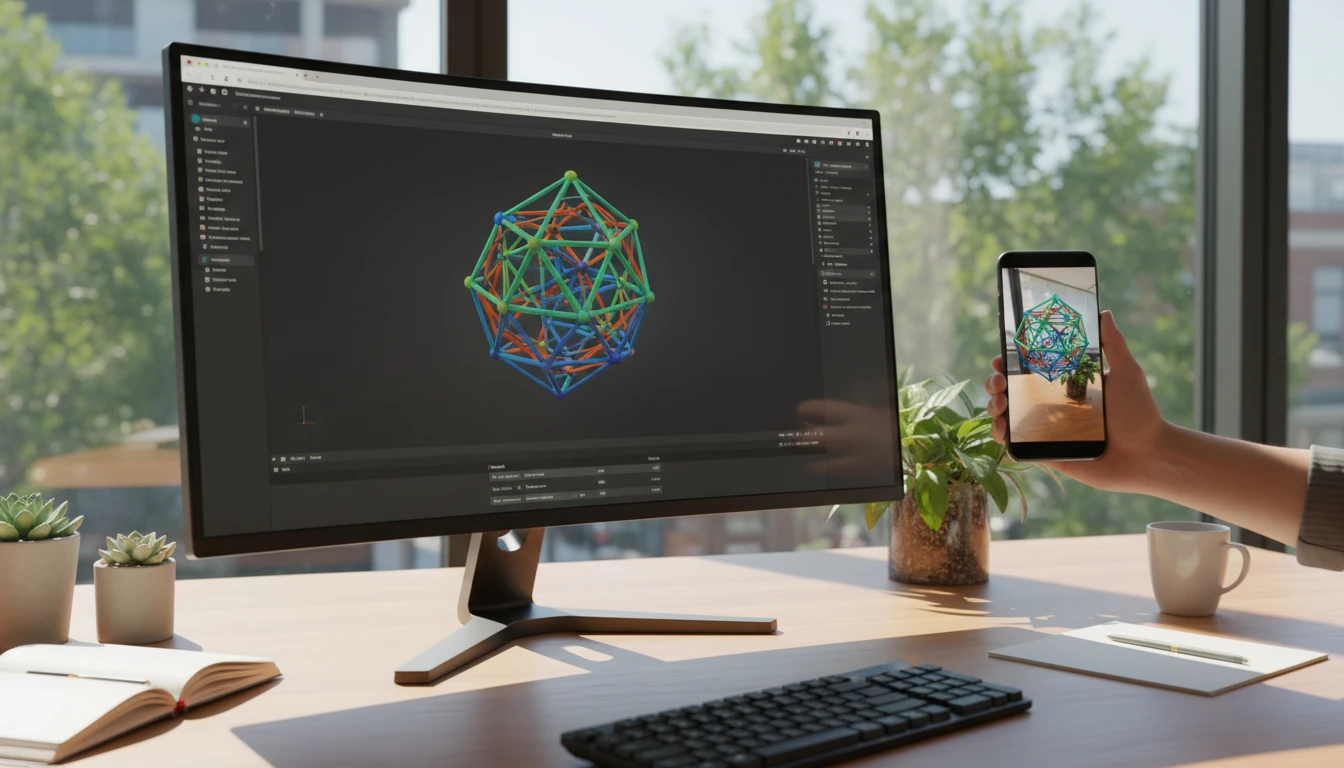
AR and Real-Time Engine Ready
GLB is the format of choice for iOS AR Quick Look, Android Scene Viewer, Three.js, Babylon.js, Unity, and Unreal. Converting OFF to GLB gives academic and research geometry a single-file delivery format that works across every major real-time platform without plugins.
Convert NowHow to Convert OFF to GLB
Upload Your OFF File
Drag and drop an OFF file into the upload zone or click to browse. Files up to 100 MB are supported.
Sign In and Convert
Sign in to start the conversion. The server parses the OFF geometry and vertex colors, then packs them into a compact binary GLB container.
Download the GLB
Once ready, click Download. The single-file GLB is immediately loadable in Three.js, Babylon.js, model-viewer, Unity, Unreal, iOS AR Quick Look, and Android Scene Viewer.
Deep Dive
OFF and GLB: Research ASCII vs. Real-Time Binary

Why Use It
No Software to Install
The conversion runs on the server. No MeshLab batch scripts, Blender export scripts, or local Assimp CLI pipelines needed. Upload and download directly from your browser.
Vertex Colors Preserved
Per-vertex RGBA colors from the OFF file are written as GLB vertex color attributes, keeping the original color distribution visible in Three.js, model-viewer, and any other color-aware glTF renderer.
Compact Single-File Output
GLB is a binary container — dramatically more compact than ASCII OFF. One self-contained file with no external dependencies to manage, ready for web delivery or engine import.
Research to Web Pipeline
OFF is the research community's geometry format. GLB is the web's delivery standard. Converting OFF to GLB bridges academic computational geometry directly into web viewers, AR apps, and real-time engines.
Who Uses It
Who Converts OFF to GLB

Frequently Asked Questions
What is the OFF file format?
OFF (Object File Format) is a simple ASCII format for representing polygonal meshes. It lists vertex coordinates followed by face definitions, with optional per-vertex RGBA color columns. It is widely used in computational geometry research and tools like MeshLab, CGAL, and OpenMesh.
Does the GLB output include vertex colors from the OFF file?
Yes. If the OFF file contains per-vertex RGBA color columns, the converter maps them to GLB vertex color attributes. These are visible in Three.js, Babylon.js, model-viewer, and any other glTF renderer that supports vertex colors.
What is the difference between GLB and GLTF?
GLTF is a JSON text file that references external BIN geometry buffers and texture files. GLB is the binary container that packs the JSON, BIN, and optionally textures into a single file. GLB is easier to deploy because it has no external dependencies and is typically smaller due to binary encoding.
Does OFF support polygon faces or only triangles?
OFF supports arbitrary polygon faces. The converter triangulates any non-triangular faces during conversion to produce a GLB mesh compatible with all GPU renderers.
What is the maximum OFF file size?
The converter supports OFF files up to 100 MB. The resulting GLB will typically be significantly smaller than the ASCII OFF source due to binary encoding.
Convert Your OFF File to GLB Now
Upload your OFF research mesh and get a compact, web-ready GLB in seconds. No install, no manual steps.