AI Watermark Remover — Erase Watermarks & Logos Instantly
Upload any image and watch AI cleanly erase watermarks, logos, brand marks, and semi-transparent overlays — filling the removed areas with naturally reconstructed background
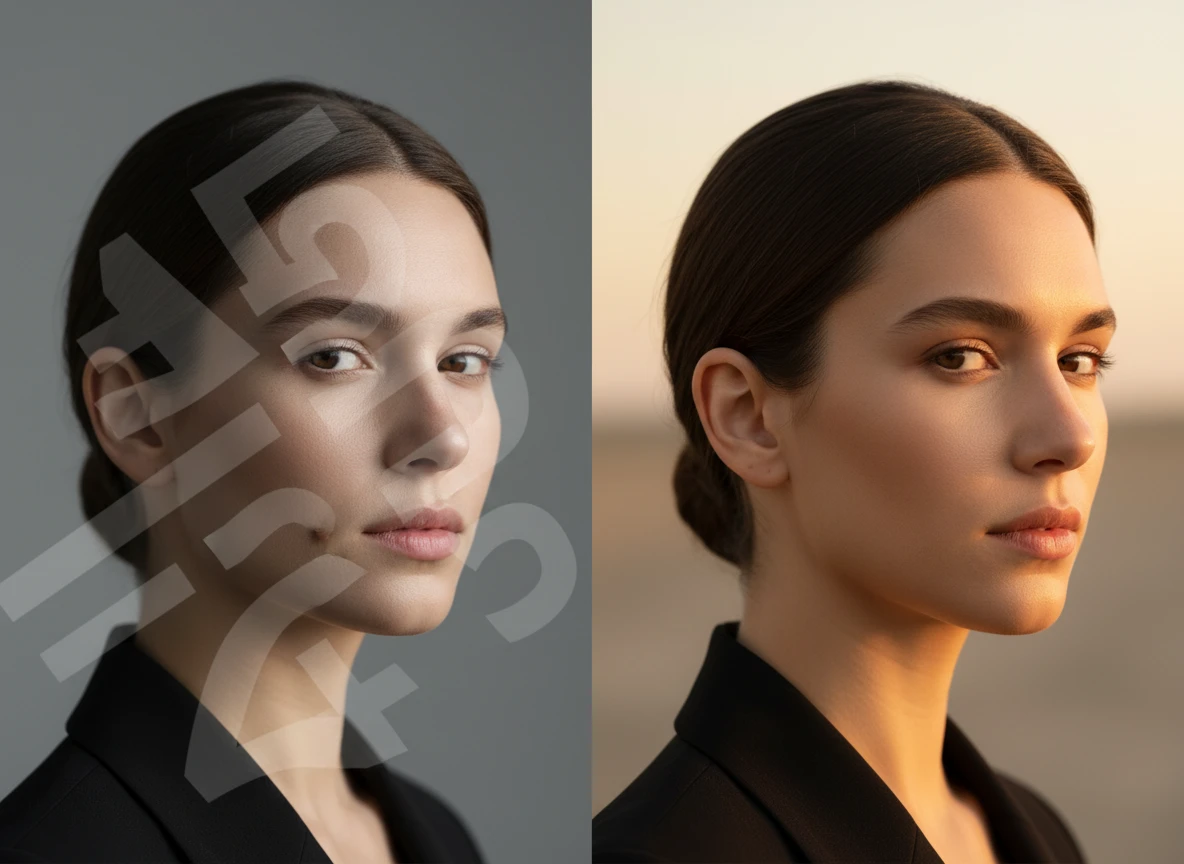
Powerful Features
Everything You Need to Remove Watermarks
Professional AI-powered watermark and logo removal at your fingertips
Watermark & Logo Erasure
Remove any type of watermark — semi-transparent logos, brand marks, copyright symbols, promotional overlays, and tiled watermarks — from any image.
Intelligent Background Reconstruction
AI fills the area behind every removed watermark with naturally generated content that seamlessly blends with the surrounding pixels.
Powered by SeeDream v5 Lite
Uses ByteDance SeeDream v5 Lite — a state-of-the-art multi-image editing model with exceptional background reconstruction and seamless blending.
Before & After History
All your results are saved with the original and processed versions side by side for easy comparison and re-download.
How to Remove Watermarks with AI
Clean any image in just three simple steps
Upload Your Image
Select any image containing a watermark, logo, or brand overlay you want removed — JPG, PNG, or WEBP.
Click Remove Watermark
Hit the Remove Watermark button — SeeDream v5 Lite AI identifies the watermark regions and reconstructs the background naturally.
Download the Clean Image
Compare the before and after side by side, then download your clean, watermark-free image in high resolution.
Perfect For
Trusted by photographers, designers, content creators, and businesses worldwide
Product Photography
Clean watermarks, stock-agency overlays, and brand marks from product shots so you can use them in your own e-commerce listings and marketing materials.
Social Media & Content
Erase promotional watermarks and brand overlays from stock images and screenshots to repurpose them freely in your own creative content.
Archival & Photo Restoration
Remove date stamps, copyright notices, and agency watermarks from scanned or archival photos to restore them to their original clean state.
Design & Creative Projects
Strip sample watermarks from reference images and mockups during the design and prototyping phase before finalising your licensed assets.
Expert Tips & Insights
Everything you need to know to get the cleanest watermark removal results every time
How AI Watermark Removal Works
AI watermark removal uses image inpainting — the model identifies the watermark region and fills it with contextually generated pixels that match the surrounding image content.
Key Facts
Inpainting models analyse surrounding texture, colour, and structure to reconstruct erased areas
Modern AI distinguishes watermark pixels from image content without manual masking
Fill quality depends on image complexity — simple backgrounds produce near-perfect results
Getting the Best Results
Watermark removal quality depends on the image and watermark type. Solid opaque logos on simple backgrounds produce the cleanest results; semi-transparent tiled watermarks are the most challenging.
Key Facts
Opaque logos on uniform backgrounds are removed most cleanly
Semi-transparent watermarks require more inference to reconstruct the underlying image
Higher-resolution source images always produce better output quality
About SeeDream v5 Lite
This tool is powered by ByteDance SeeDream v5 Lite Edit — a state-of-the-art image editing model optimised for multi-image composition, content-aware inpainting, and seamless background reconstruction.
Key Facts
SeeDream v5 Lite supports up to 10 input images and excels at complex instruction following
Content-aware fill analyses the full image context, not just the immediate area around the watermark
Ultra-quality output with fast generation makes it ideal for both casual and professional workflows
Opaque vs Semi-Transparent Watermarks
Solid opaque watermarks and semi-transparent overlay watermarks require different amounts of AI inference. Opaque marks block the background entirely; semi-transparent ones partially blend with it.
Key Facts
Solid opaque logos on uniform backgrounds are the easiest to remove
Semi-transparent watermarks require the AI to infer what is beneath the overlay
Repeated tiled watermarks covering the full image are the most challenging case
Legal & Ethical Considerations
Watermark removal should only be applied to images you own or have explicit permission to modify. Removing stock agency watermarks without purchasing a licence may violate intellectual property law.
Key Facts
Only remove watermarks from images you own or have explicit permission to edit
Removing stock photo watermarks without a licence violates the stock agency's terms
AI-generated images and your own photography are generally safe to clean up
Iterating for Better Results
If the first pass leaves subtle artefacts, running the processed image through the tool a second time can further clean up any residual marks, especially on complex backgrounds.
Key Facts
Run the output image as a new input to clean up residual artefacts
Use the "Use as Source" button in your history to re-run in one click
Compare results side by side in your history to verify the cleanup was successful
Pro Tips for Cleaner Watermark Removal
Get the most natural-looking results with these practical techniques
Use High Resolution
Upload the highest resolution version available — more pixels gives the AI more context to reconstruct the background naturally behind the watermark
Run It Twice
If the first pass leaves subtle artefacts, use the "Use as Source" button in your history to re-run the processed image for a second pass of cleanup
Simple Backgrounds Work Best
Watermarks over solid colours or gradients are erased most cleanly — complex textures like grass, fabric, or patterns may show subtle reconstruction variations
More AI Studio Tools
Discover other powerful AI tools to enhance your creative workflow

AI Image Text Remover
Erase text, captions, subtitles, and overlaid writing from images instantly with AI
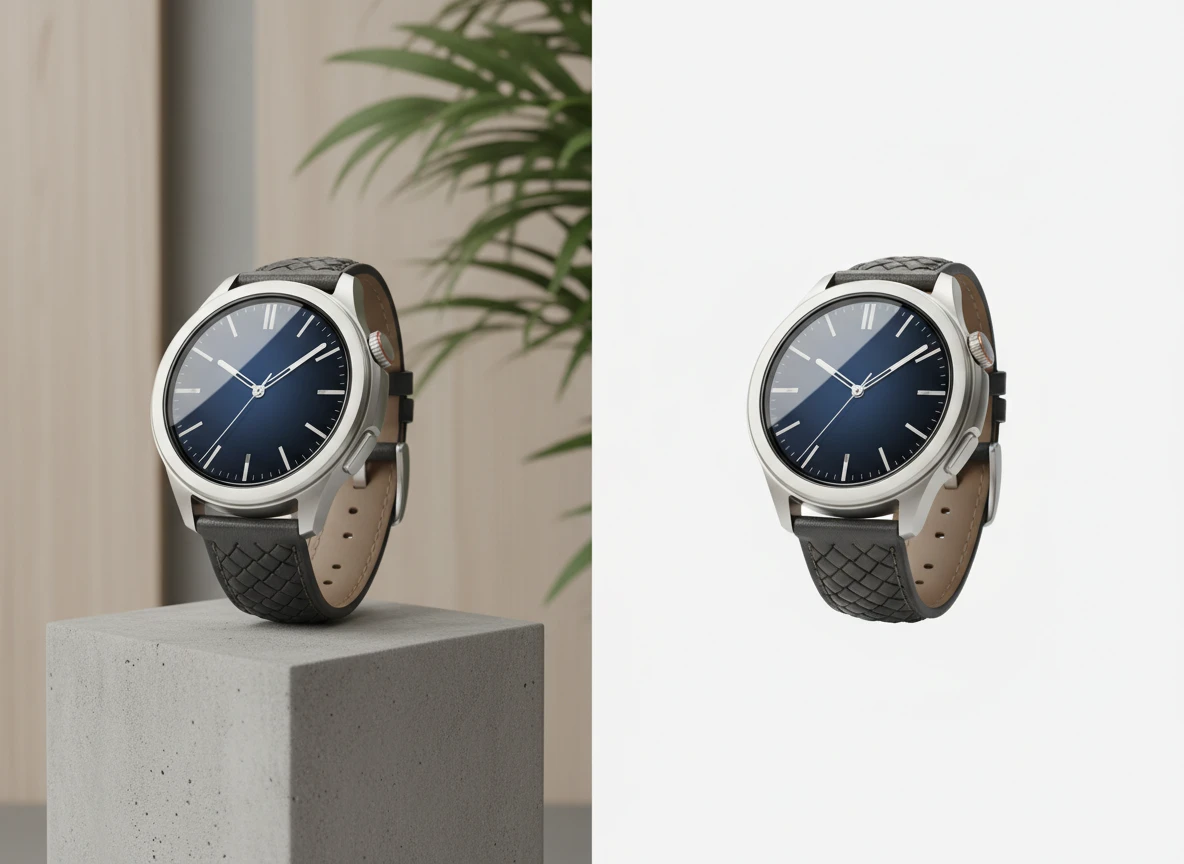
AI Background Remover
Remove backgrounds from images instantly with AI for clean transparent PNGs
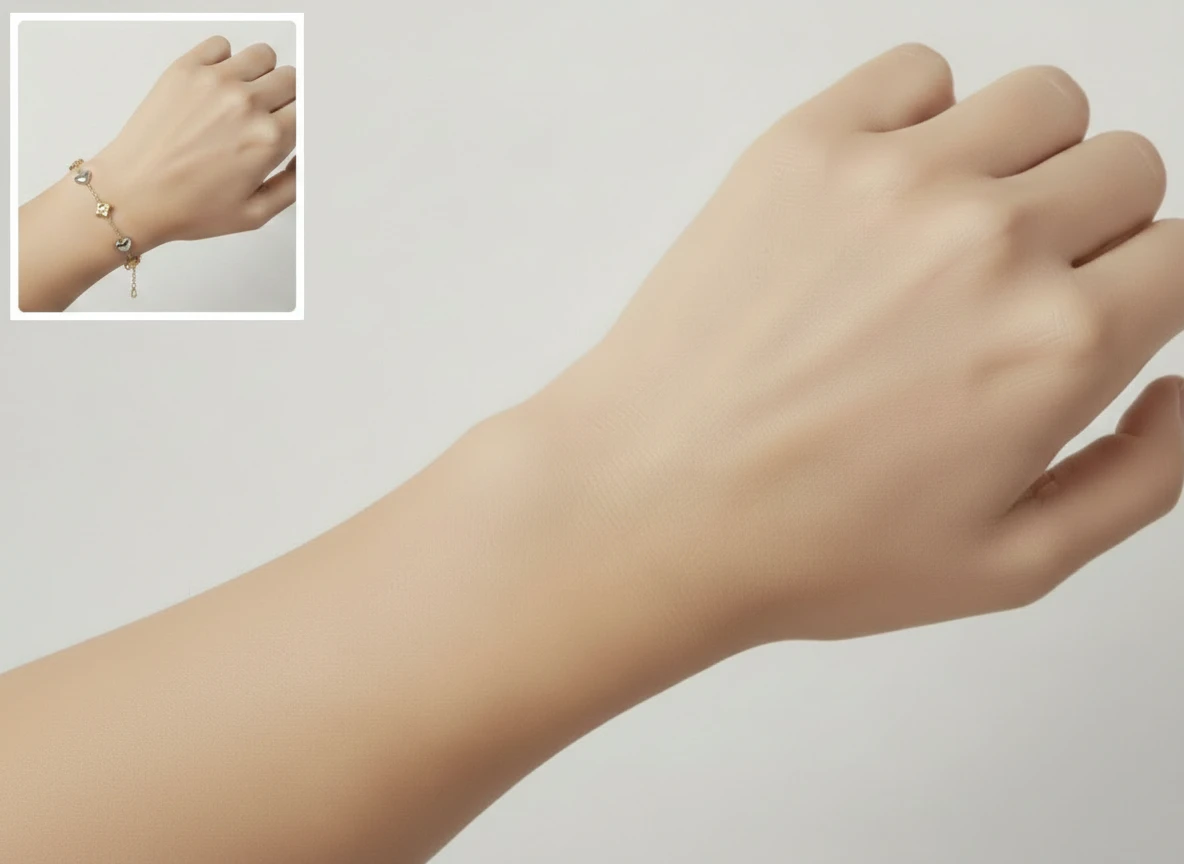
AI Object Remover
Remove unwanted objects from photos with AI and intelligent background fill

AI Photo Editing
Edit photos professionally with AI — enhance, correct, and transform images
Ready to Clean Your Images?
Try AI Watermark Remover now and erase unwanted watermarks in seconds
Launch Watermark Remover