Generate Any Tattoo Design from a Text Description
Describe the subject, style, and composition. AI creates a tattoo-ready design in seconds. Blackwork, fine line, neo-traditional, Japanese, geometric, and more.
Generate a Tattoo Design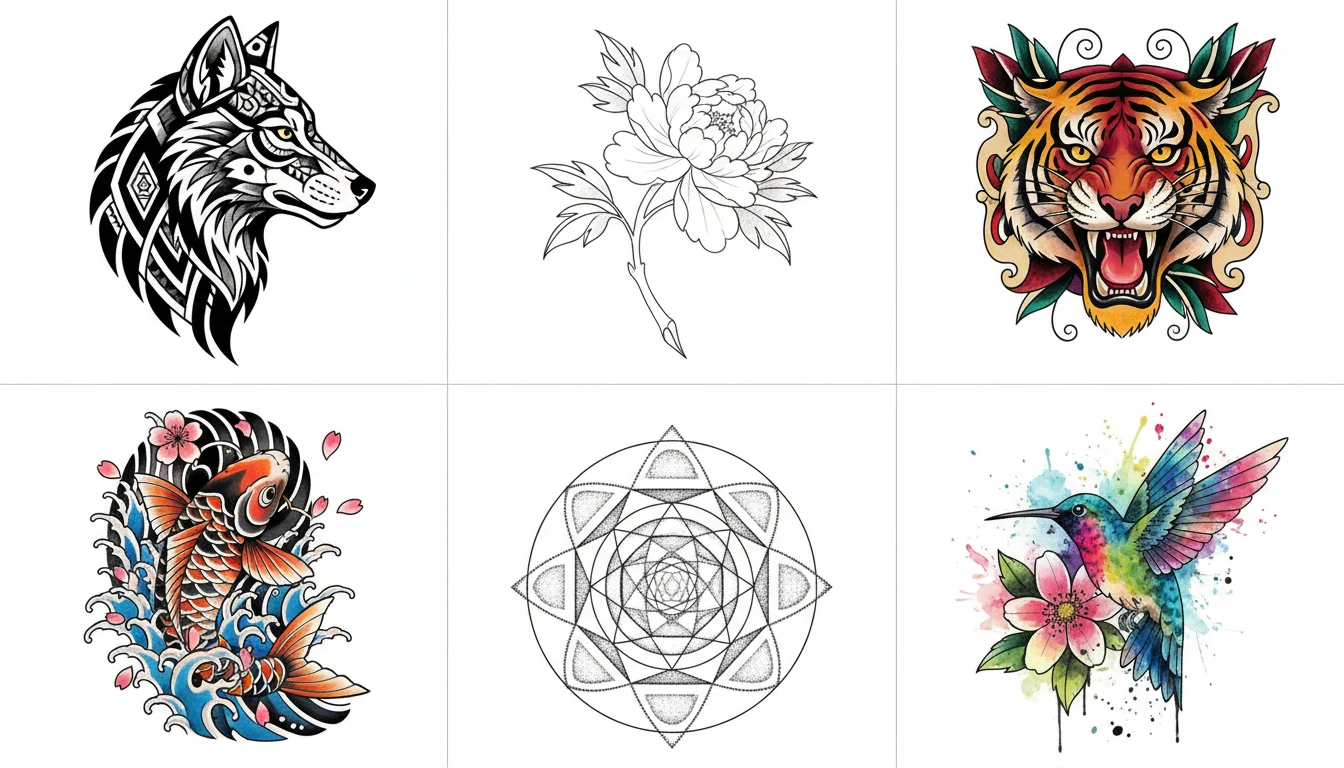
Describe Your Tattoo
Say the design, pick a style, then open it in AI Image Studio to generate.
Runs inside the AI Image Studio — generate and edit in one place.
Blackwork and Fine Line
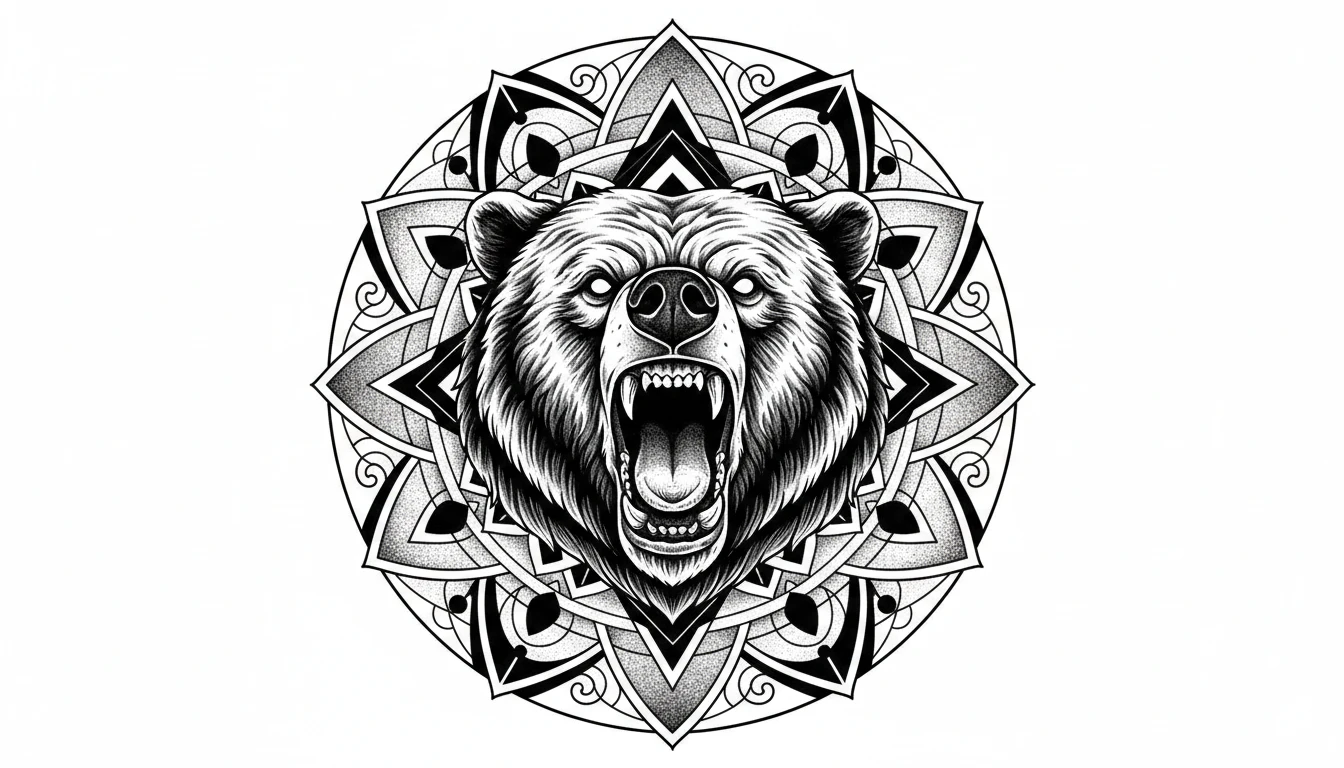
The two most requested tattoo styles. Bold blackwork with strong graphic fills and negative space, or delicate fine line with thin elegant linework. Both translate perfectly to skin and hold detail at any size.
Generate a Blackwork Design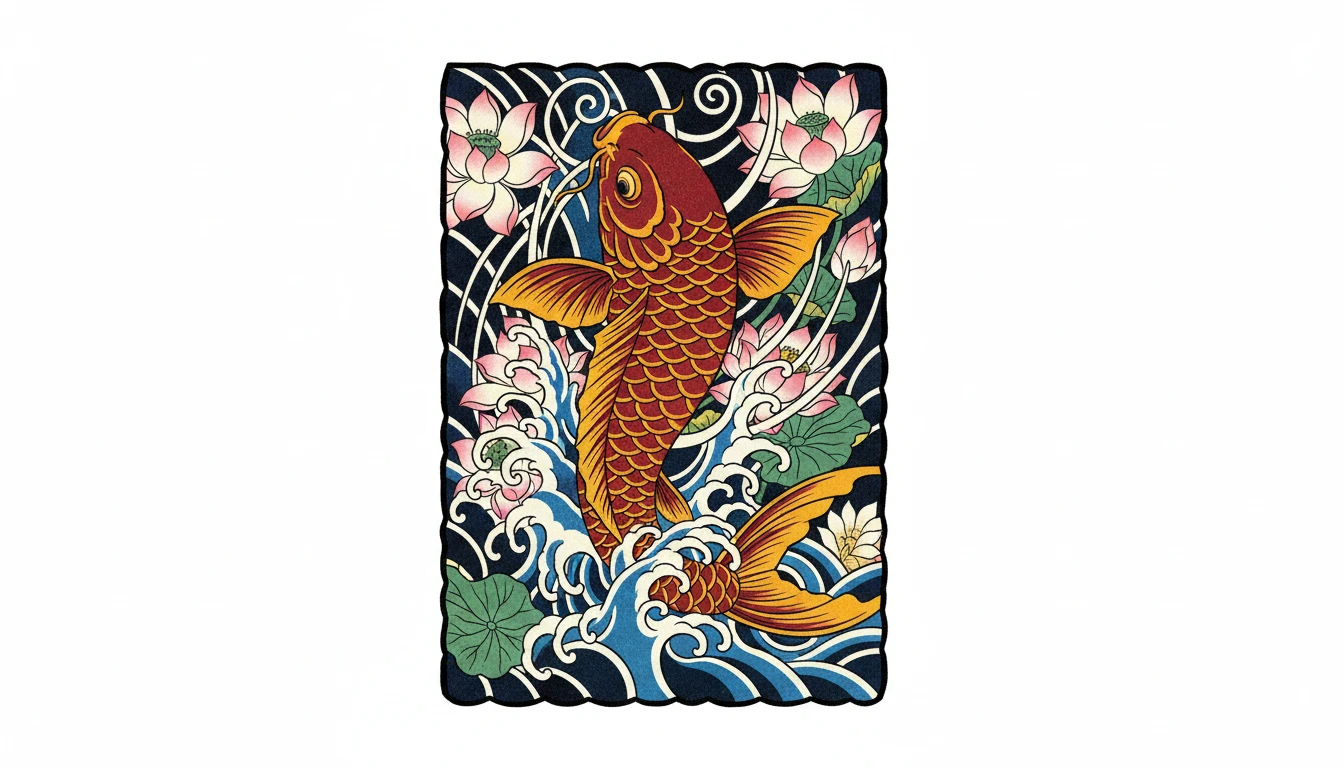
Japanese and Neo-Traditional
Richly detailed and full of character. Japanese irezumi with flowing compositions, wind bars, and vibrant color. Neo-traditional with thick outlines, illustrative depth, and ornamental flourishes.
Generate a Japanese Design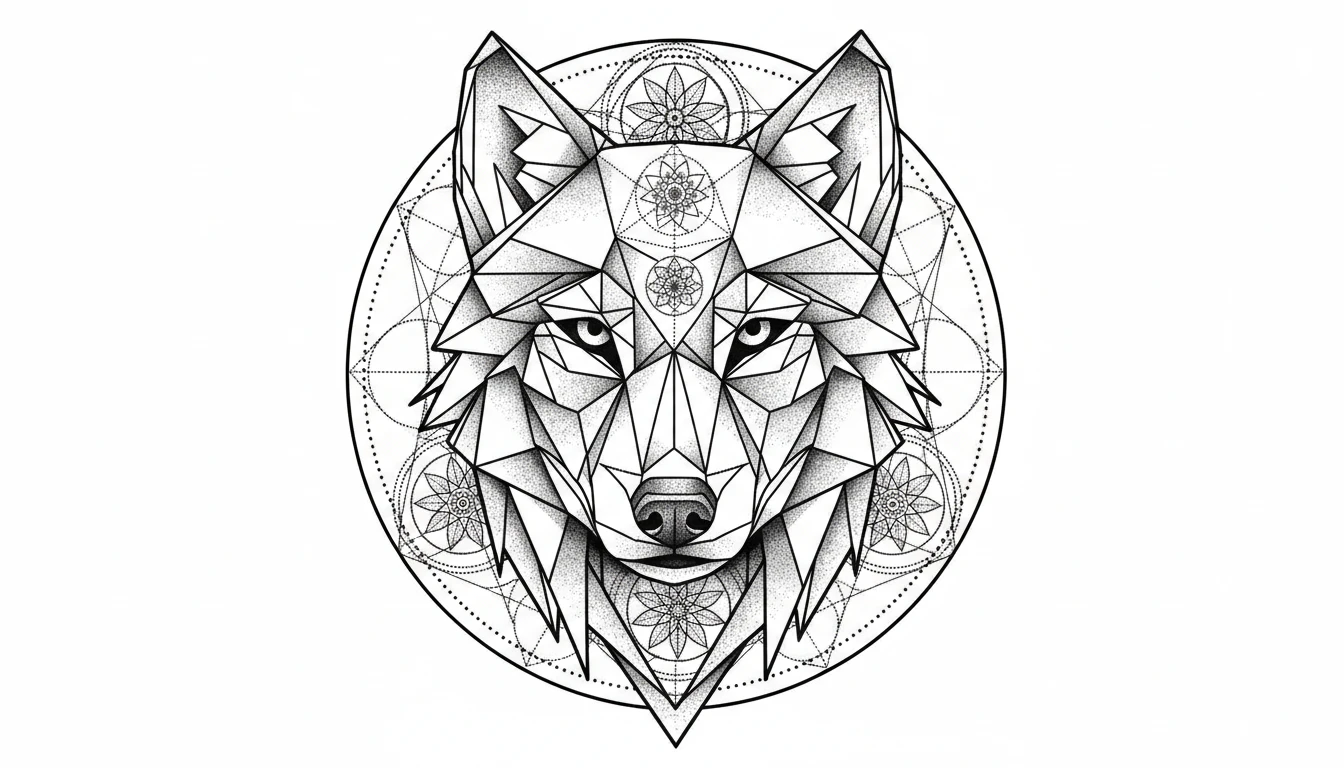
Geometric and Dotwork
Precise, mathematical, and meditative. Geometric tattoos with sacred geometry and symmetrical patterns, combined with pointillism dotwork shading for texture and depth.
Generate a Geometric Design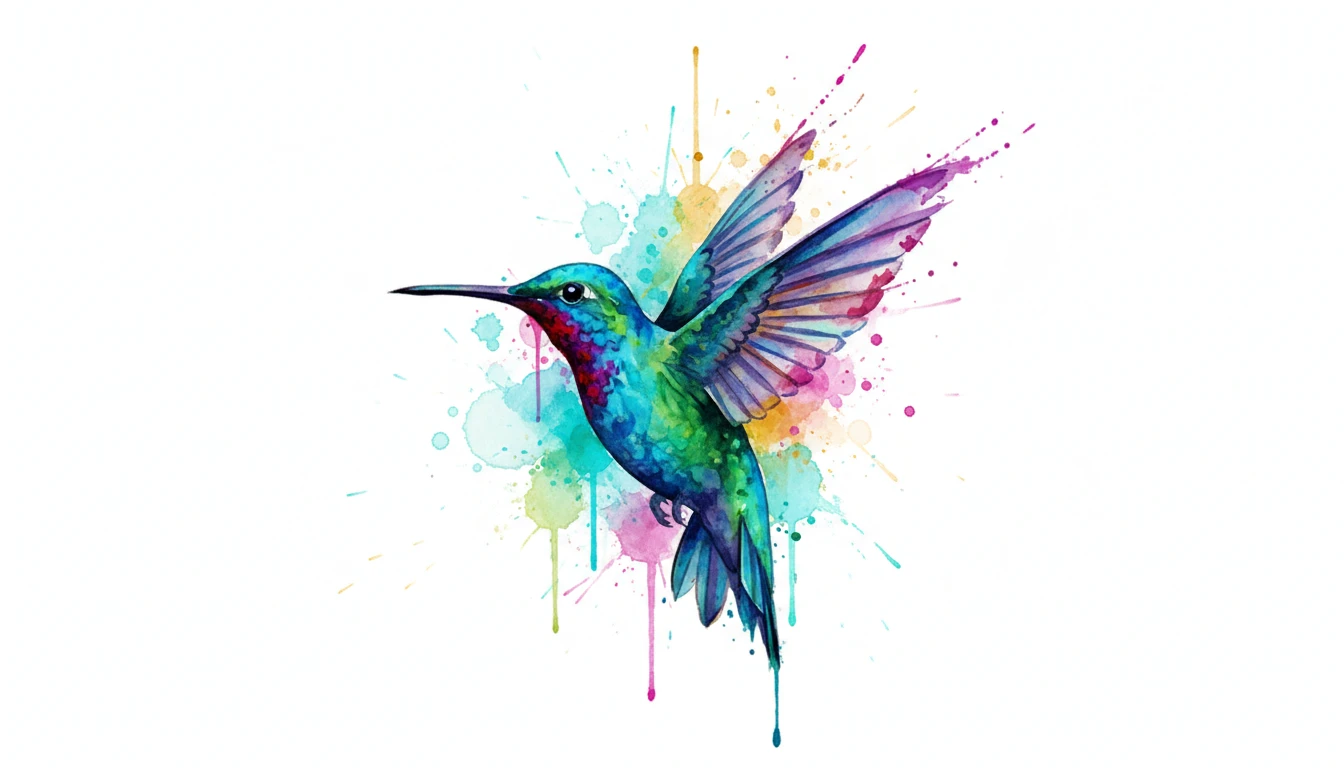
Watercolor and Realism
Painterly watercolor tattoos with loose ink washes and vivid color bleeds. Black and grey realism with photorealistic shading, deep shadows, and hyperrealistic detail.
Generate a Watercolor DesignWho Uses AI Tattoo Generator
Tattoo Enthusiasts
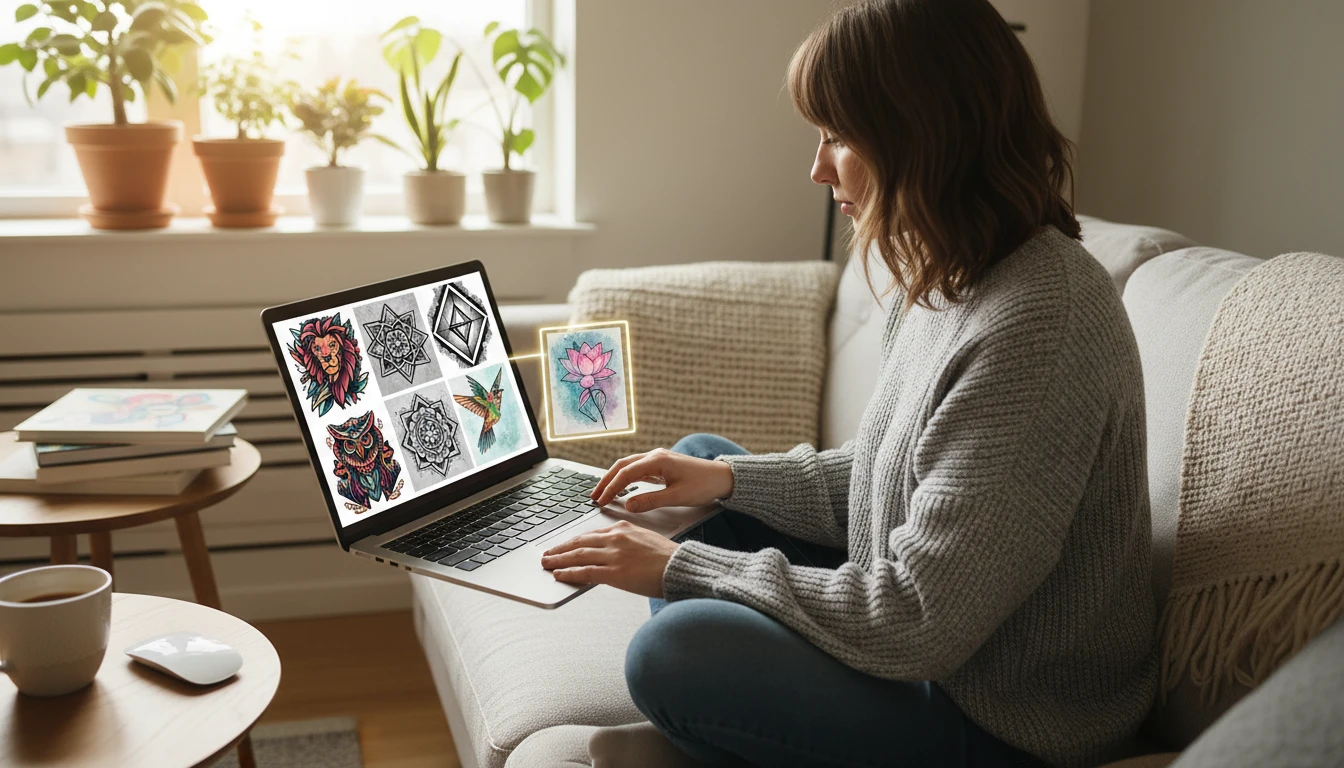
Explore and visualize dozens of tattoo concepts in minutes before committing to a permanent piece. Generate variations across styles, subjects, and compositions until the design feels exactly right.
Tattoo Artists and Studios
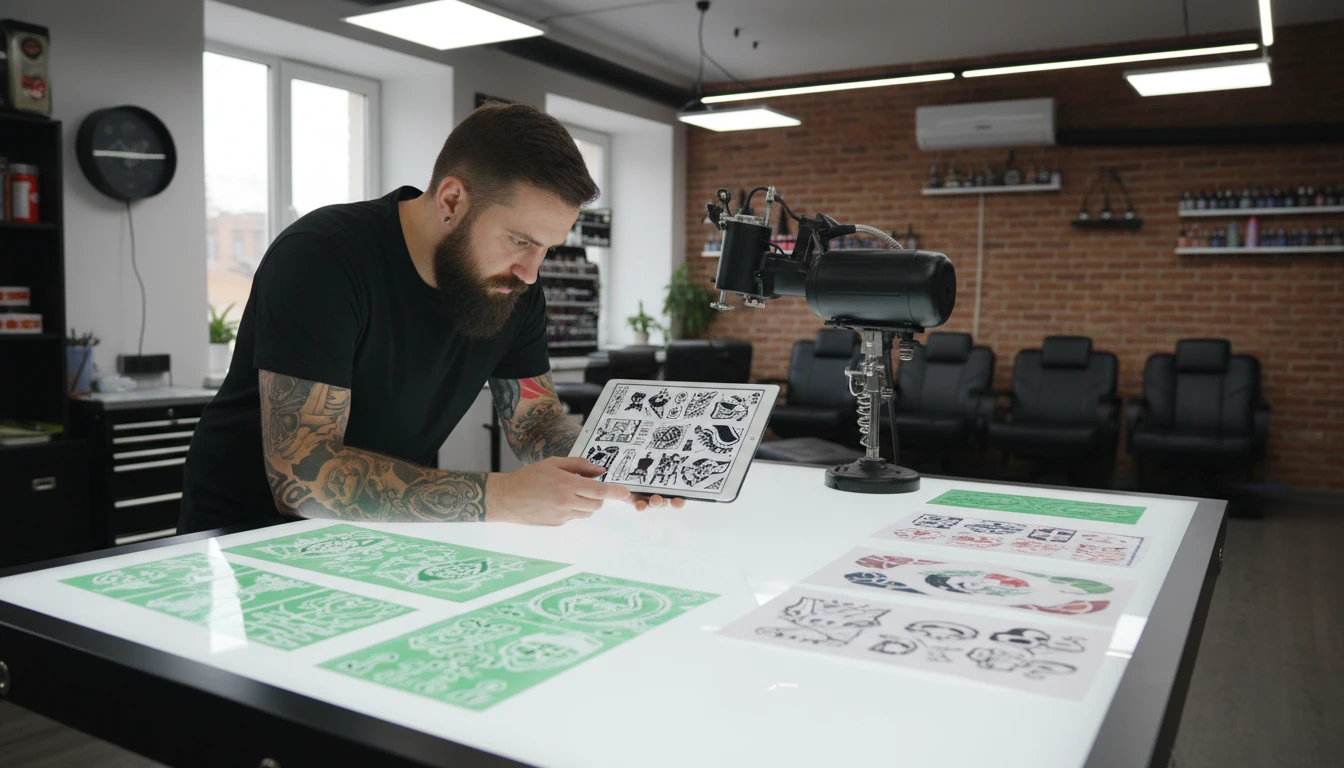
Generate flash art sets, client consultation references, and design concepts rapidly. Speed up the creative process and offer clients a wider range of design directions.
Client Brief and Consultation
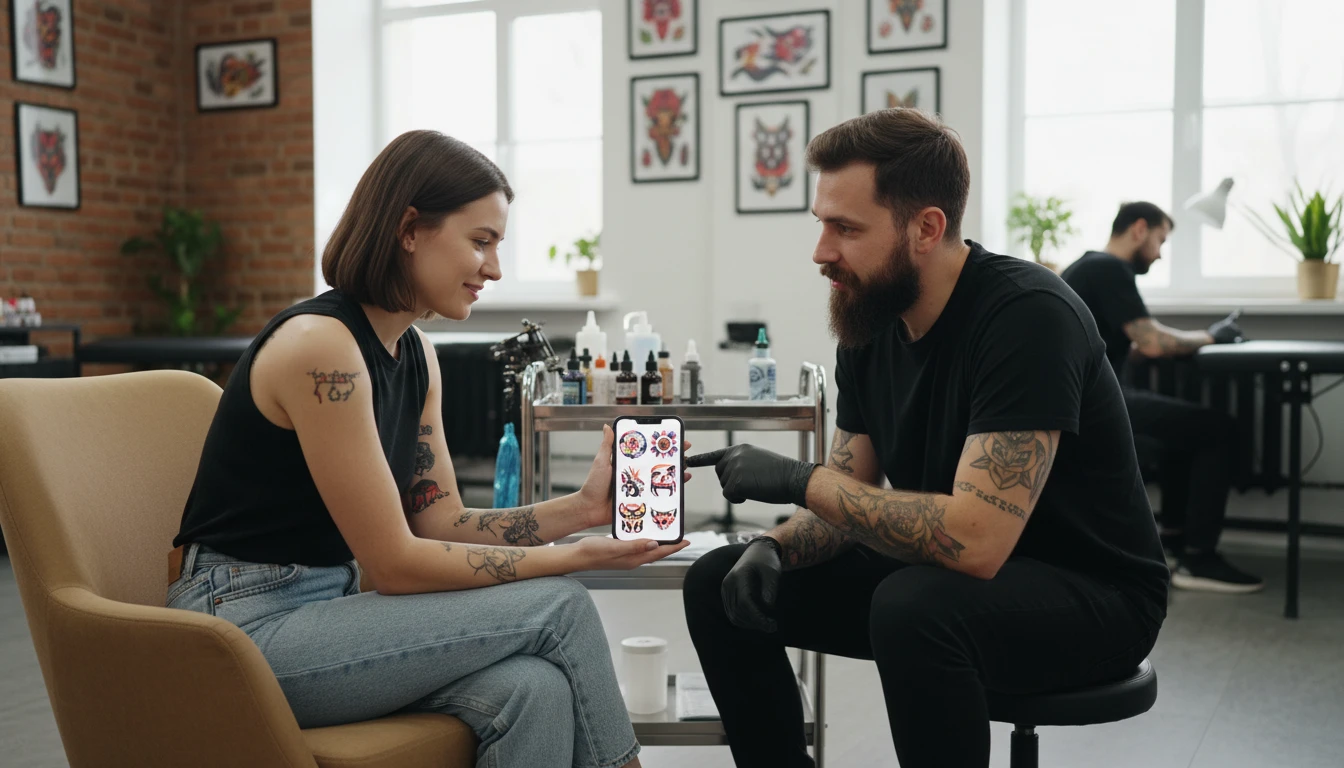
Use AI designs as reference material to communicate your vision to a tattoo artist clearly. Show placement, composition, and style without a lengthy verbal description.
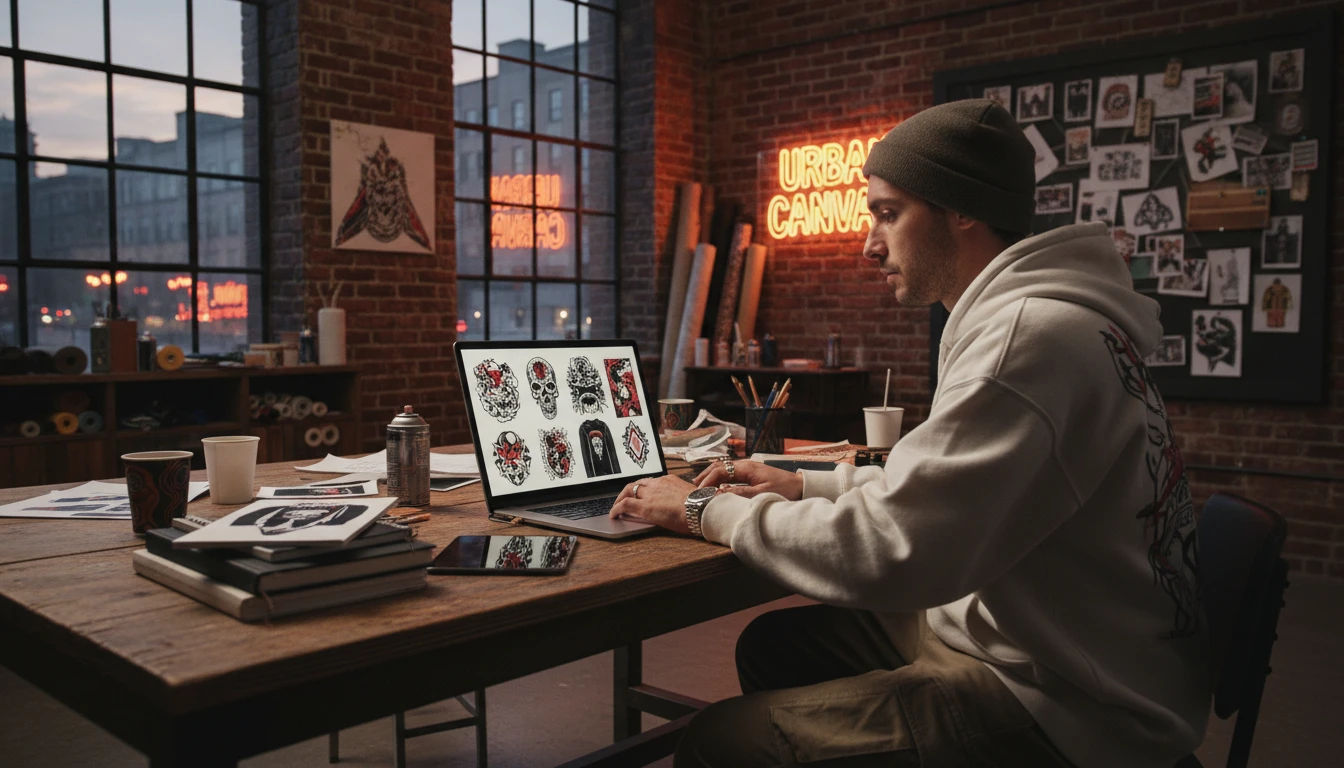
Merch and Streetwear Brands
Apply tattoo-aesthetic artwork to apparel, posters, stickers, and merchandise. Generate original tattoo-style graphics for streetwear brands and print-on-demand shops.
How to Generate AI Tattoo Designs
From description to tattoo-ready design in four simple steps
Describe Your Tattoo Design
Write the subject, key elements, and any composition notes. "A roaring bear with a floral wreath", "a compass rose with fine linework", "a geometric wolf with dotwork shading". The more detail, the better.
Choose a Tattoo Style
Select from Blackwork, Fine Line, Neo-Traditional, Traditional American, Japanese Irezumi, Geometric, Watercolor, Dotwork, Minimalist, or Black and Grey Realism. Style is the most important creative decision.
Pick Aspect Ratio and Upload a Reference (Optional)
Portrait (2:3) suits sleeve and full-piece designs. Square works for chest or shoulder pieces. Upload an existing tattoo or sketch to refine the composition or match a specific style.
Generate and Download
Click Generate and your design is ready in seconds. Download at high resolution to bring to your tattoo artist as a reference, or iterate further until the concept is exactly right.
Explore More
More AI Studio Tools
Discover other powerful AI tools to enhance your creative workflow
AI Illustration Generator
Generate stunning digital illustrations from text descriptions in watercolor, digital painting, storybook, fantasy, anime, and more styles
AI Silhouette Generator
Generate clean, crisp silhouette images from text descriptions. People, animals, scenes, and objects in classic black, gradient, gold, neon, and more styles.
AI Clipart Generator
Generate high-quality clipart from text descriptions in flat design, cartoon, sticker, hand-drawn, and more styles
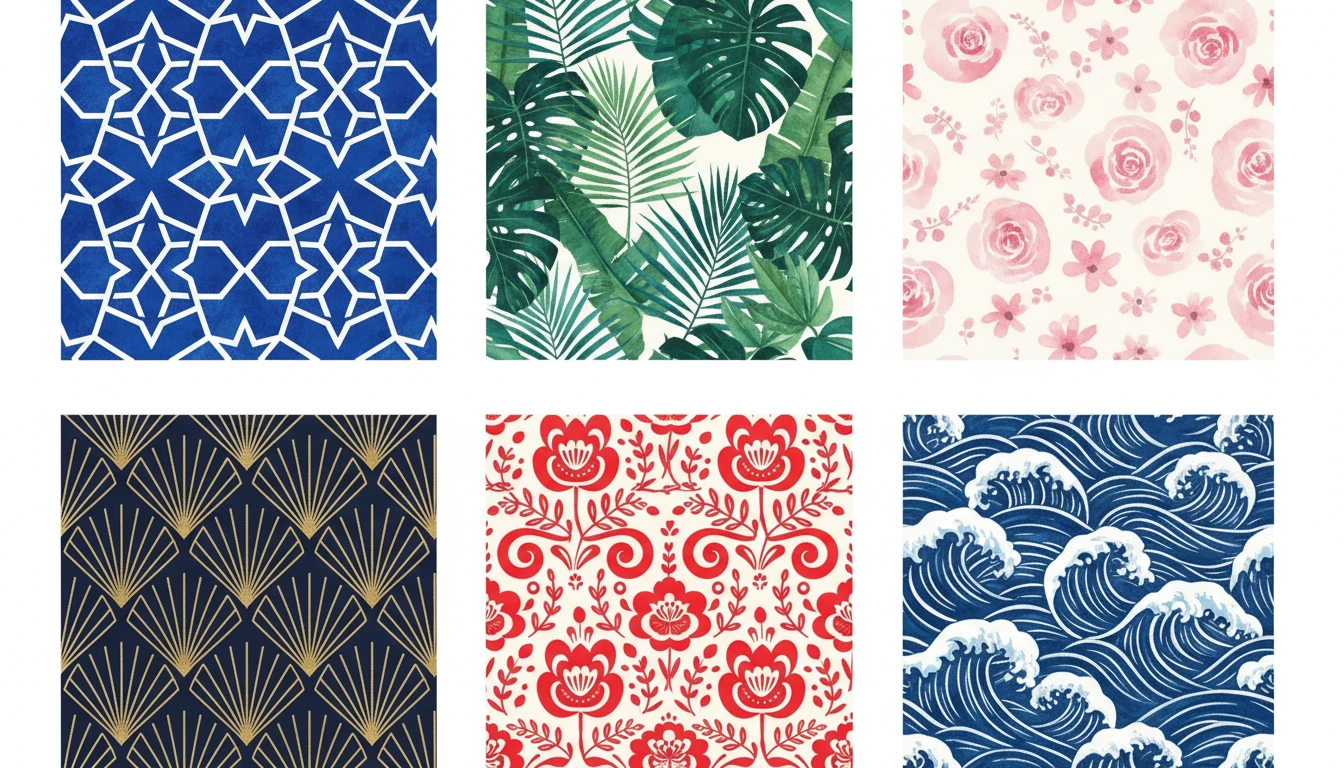
AI Pattern Generator
Generate seamless repeating patterns from text descriptions in geometric, floral, botanical, ethnic, abstract, Art Deco, damask, watercolor, Scandinavian, and Japanese styles
Opens in
Image Studio
Frequently Asked Questions
Everything you need to know to get started.
What is AI Tattoo Generator?
AI Tattoo Generator creates custom tattoo designs from text descriptions. Describe any subject and choose a tattoo style. AI generates a design in seconds. Blackwork, fine line, Japanese, geometric, watercolor, and more.
What tattoo styles are available?
You can choose from Blackwork, Fine Line, Neo-Traditional, Traditional American, Japanese Irezumi, Geometric, Watercolor, Dotwork, Minimalist, and Black and Grey Realism. Each applies a distinct visual language and technique to the design.
How do I write a good tattoo prompt?
Lead with the subject and style: "a blackwork roaring bear", "a fine line peony bouquet", "a Japanese koi fish". Add shading details like "dotwork shading", "bold outlines", or "black and grey realism" for more precise results. Mentioning the intended placement also helps shape the composition.
Can I upload a reference image?
Yes. Upload an existing tattoo photo, flash art, or sketch to guide the AI toward a specific style, composition, or subject treatment. This is ideal for evolving an existing design or matching a particular artist aesthetic.
What aspect ratio should I use?
Portrait (2:3) suits sleeve, arm, and full vertical designs. Square (1:1) works well for chest, shoulder, and calf pieces. Landscape (3:2, 16:9) suits back and ribcage compositions that span a wide horizontal area.
Can I take the AI design directly to a tattoo artist?
Yes, as a reference. AI-generated designs work best as concept and communication tools. Bring the design to a consultation so your artist can create a hand-drawn stencil tailored to your skin, placement, and proportions.
Start Designing Your Tattoo Today
Describe any subject and style. AI creates a tattoo-ready design in seconds.
Generate Your Tattoo DesignDisclaimer: This tool uses generative AI technology which may produce content that resembles copyrighted materials or that is inaccurate, incomplete, or out-of-date. It is provided for general information and educational purposes only and is not intended for illegal activities or to replace professional advice, diagnosis, or treatment. Users are solely responsible for how they use the generated content. If you plan to use AI-generated content commercially or publicly, we strongly recommend reviewing it for potential copyright issues and obtaining proper permissions where necessary. We accept no liability for copyright infringement or any other consequences resulting from the use of content generated by this tool.