Generate Stunning Illustrations from a Text Description
Describe any scene, character, or concept and AI creates a beautiful illustration in seconds. Watercolor, digital painting, storybook, anime, flat vector, and more.
Generate an Illustration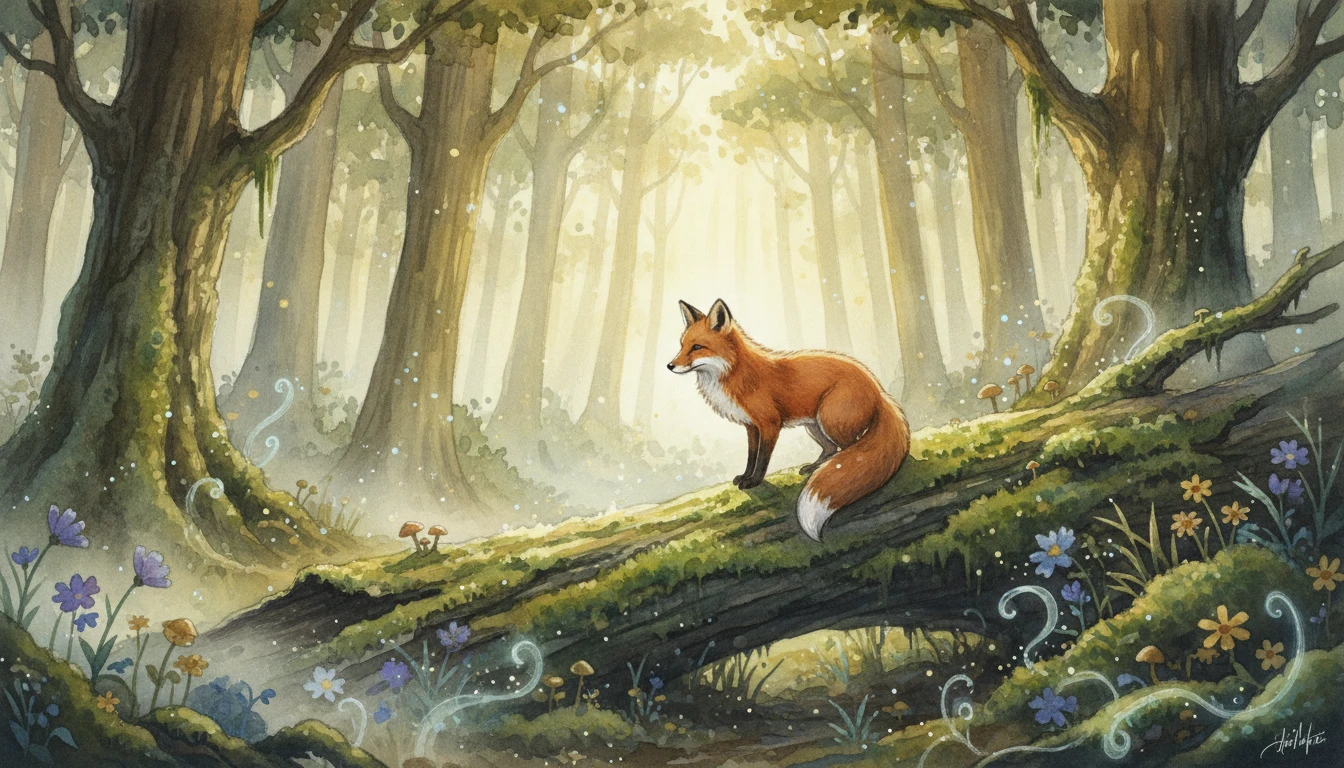
Describe Your Illustration
Describe a scene, character, or concept and pick a style, then open it in AI Image Studio to generate.
Runs inside the AI Image Studio — generate and edit in one place.
Storybook and Children's Illustrations
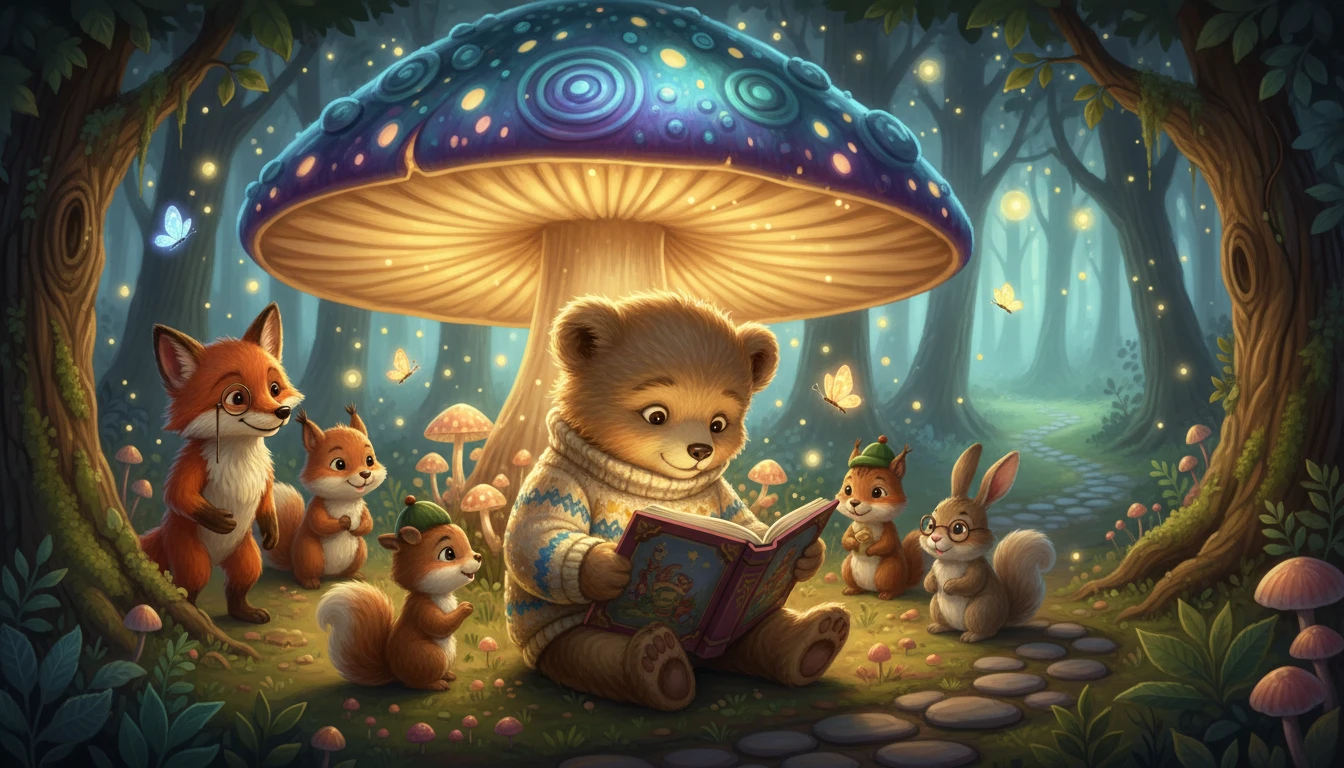
Create warm, whimsical illustrations for children's books, educational materials, and storytelling projects. Describe the scene and AI delivers charming, character-rich artwork in a storybook aesthetic.
Generate a Storybook Illustration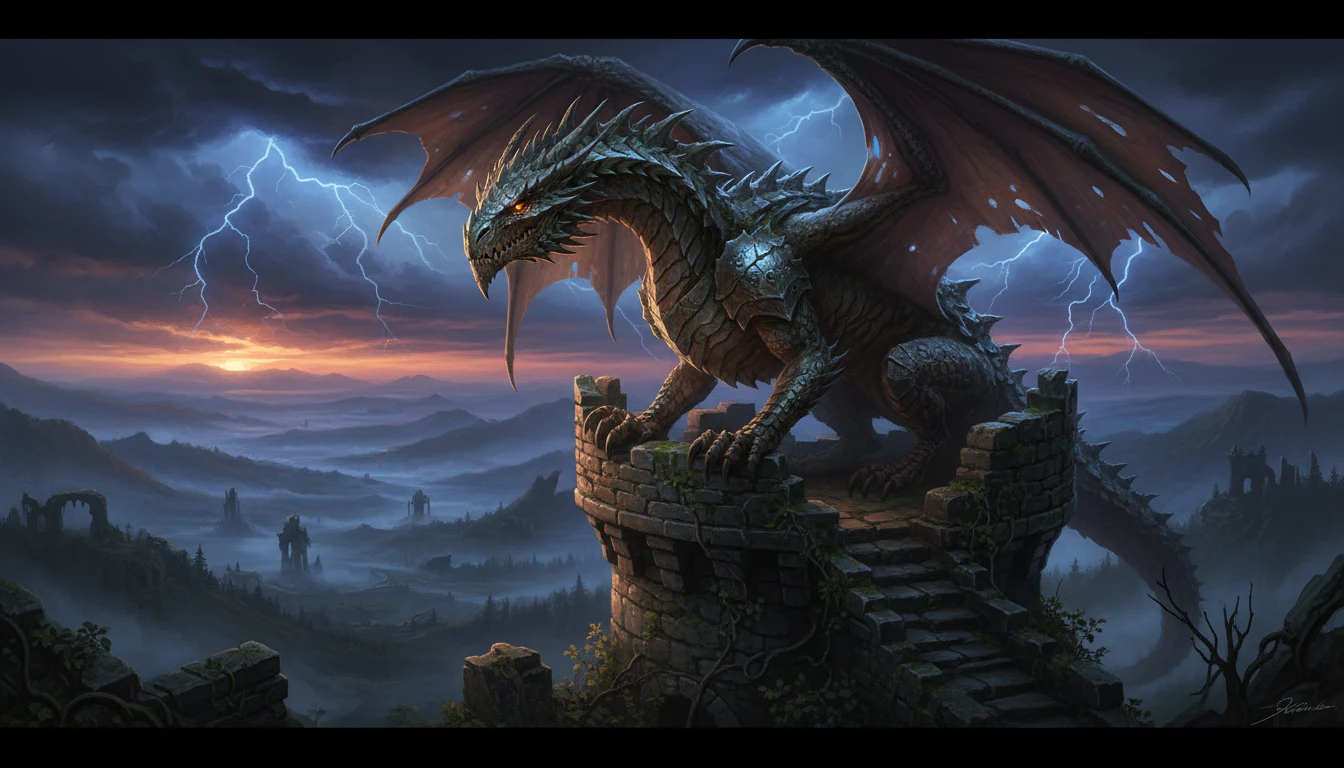
Fantasy and Concept Art
Generate epic fantasy scenes, character concepts, and world-building artwork for games, novels, and creative projects. Dramatic lighting, rich environments, and cinematic detail.
Try Fantasy Style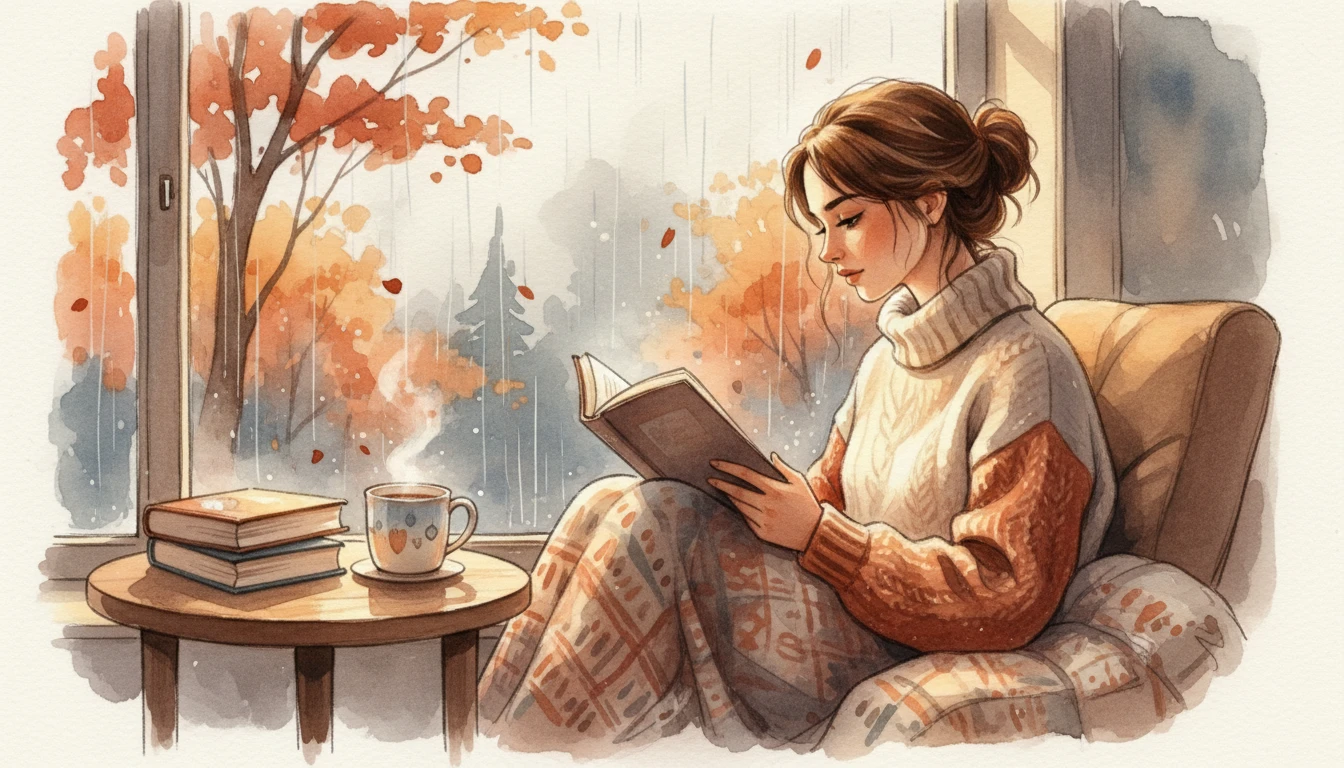
Watercolor and Fine Art Illustrations
Create beautiful painterly illustrations with soft watercolor washes, delicate color bleeds, and hand-crafted artistic texture. Perfect for editorial art, greeting cards, and fine art prints.
Try Watercolor Style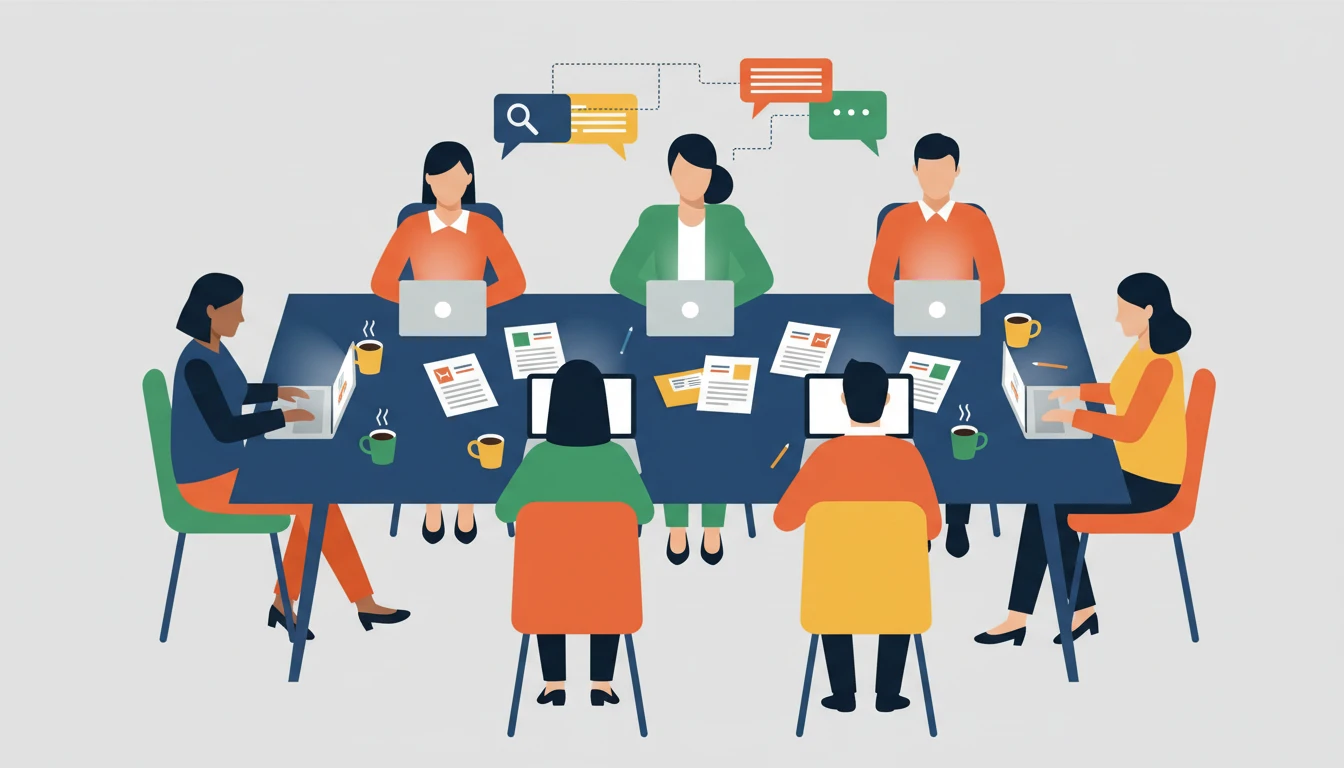
Flat and Editorial Illustrations
Generate clean, bold flat vector illustrations for editorial use, product landing pages, marketing materials, and brand storytelling. Modern graphic style with strong visual impact.
Try Flat StyleWho Uses AI Illustration Generator
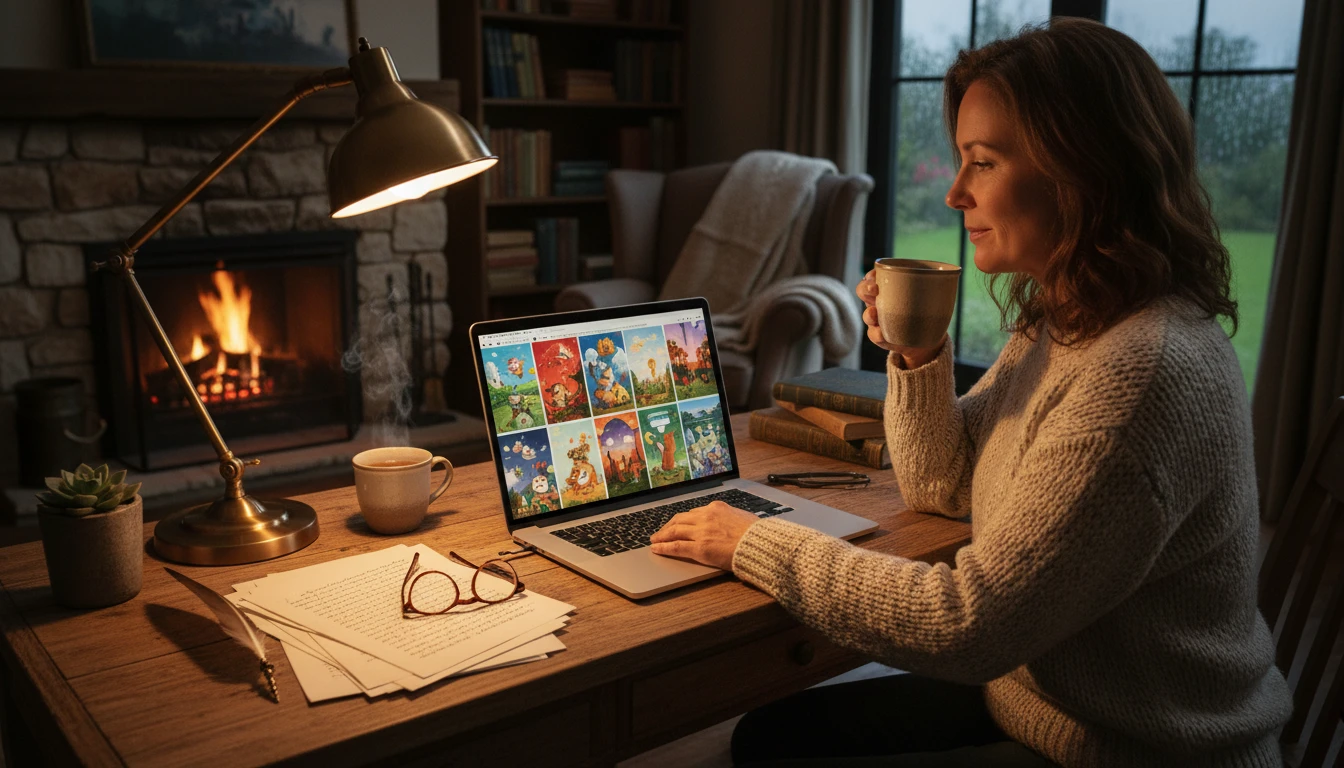
Authors and Self-Publishers
Create professional illustrations for children's books, novel covers, chapter headers, and self-published titles without commissioning an illustrator. Describe each scene and AI delivers the artwork.
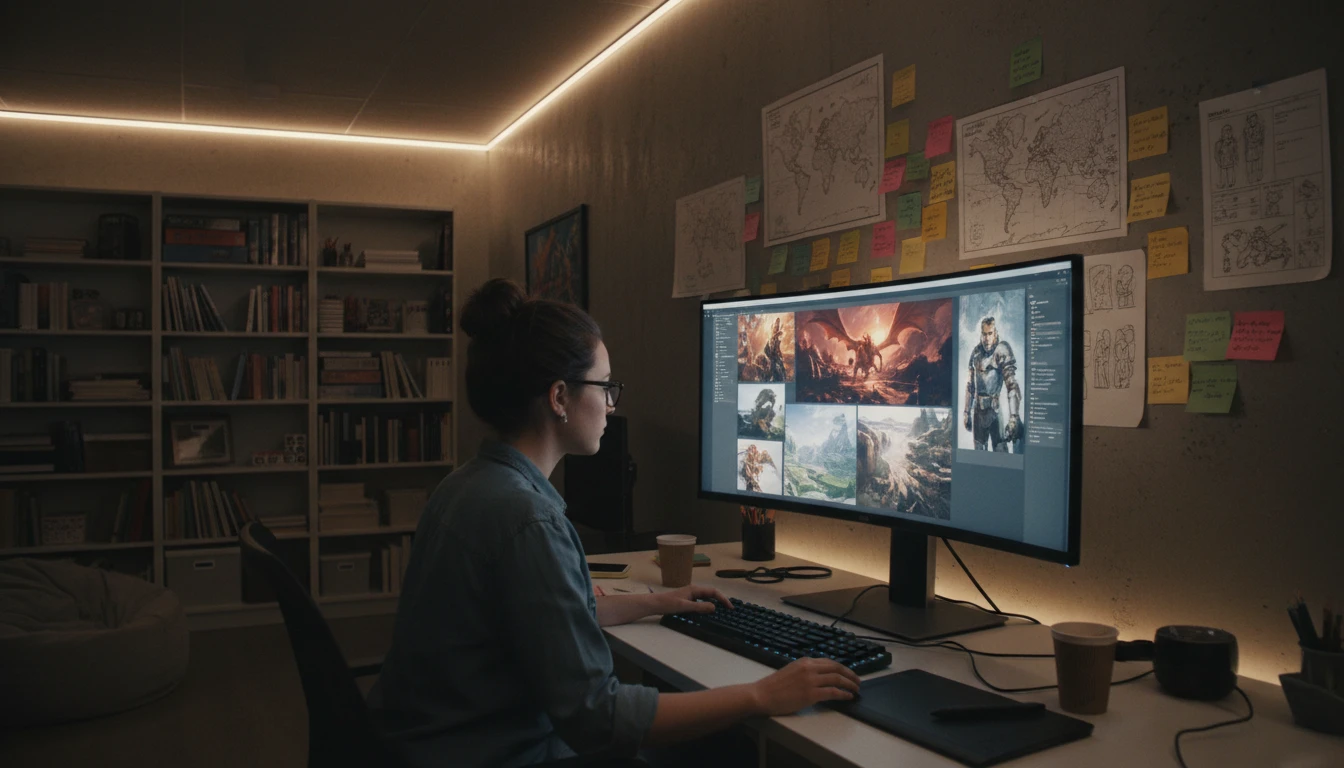
Game Developers and Worldbuilders
Generate concept art, environment illustrations, and character artwork for indie games, tabletop RPGs, and narrative projects. Explore visual directions quickly before committing to final production art.
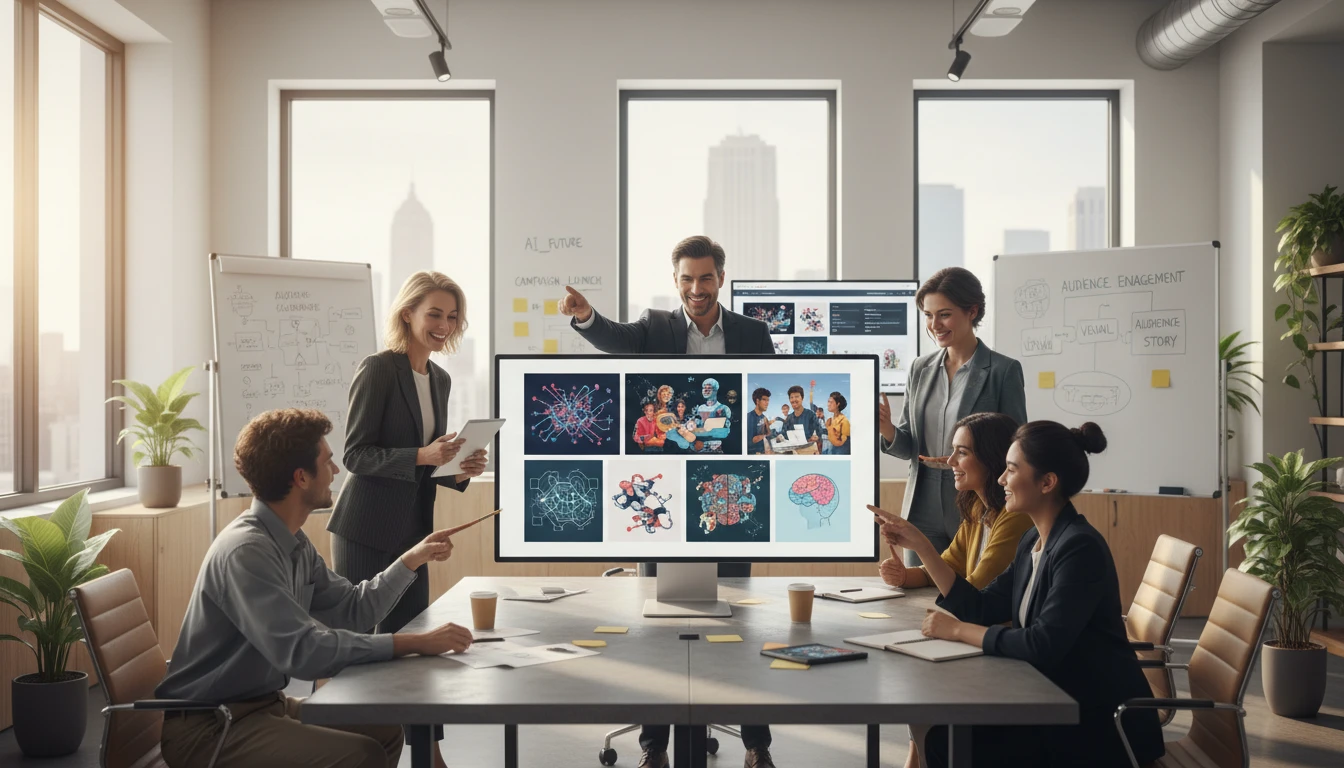
Marketing and Content Teams
Produce custom editorial illustrations for blog posts, social media, email campaigns, and brand storytelling without a design handoff. Describe the concept and get a unique artwork in seconds.
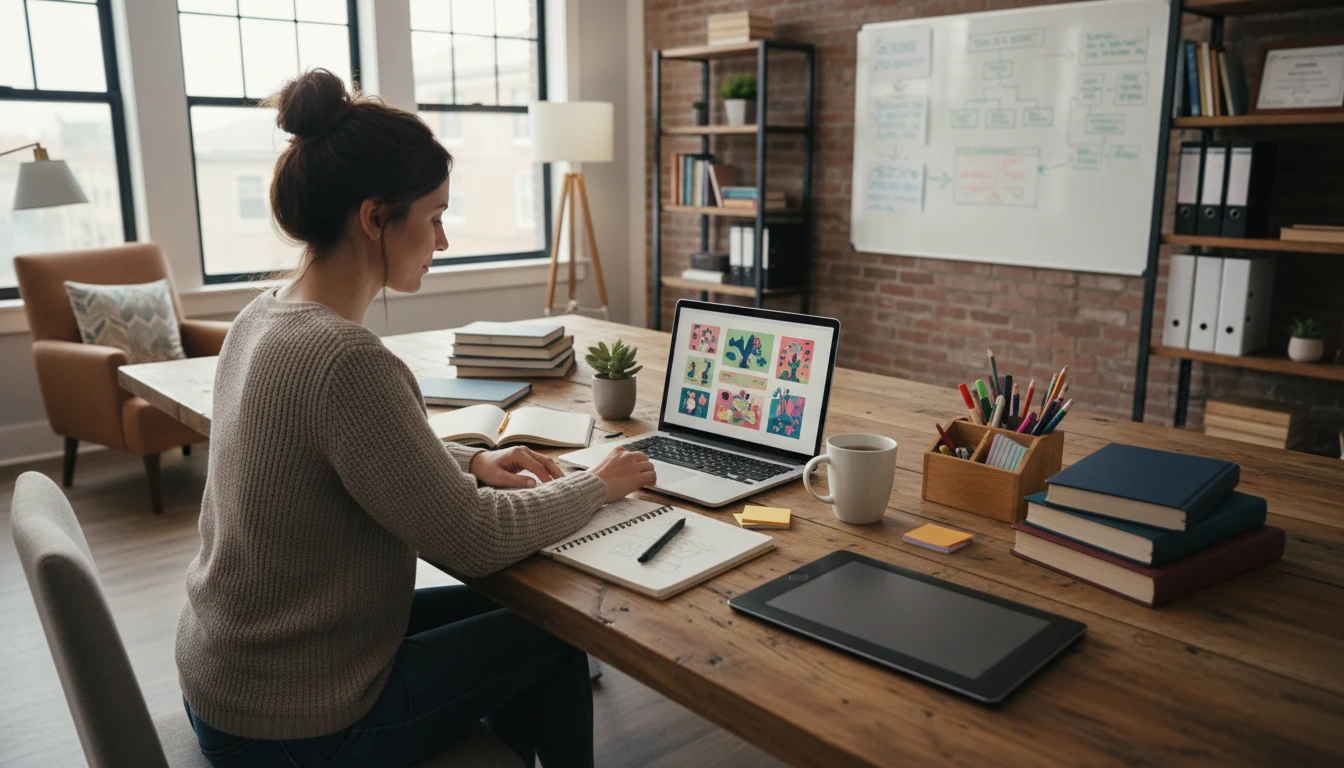
Educators and Course Creators
Generate engaging illustrations for e-learning courses, presentations, educational materials, and explainer content. Custom artwork that matches your lesson theme and visual tone.
How to Generate AI Illustrations
From description to stunning artwork in four simple steps
Describe Your Illustration
Write a detailed description of the scene, subject, mood, and setting. Include specific details like characters, environment, lighting, and atmosphere for the most vivid results.
Add a Reference Image (Optional)
Upload a reference photo, artwork, or sketch to guide the style, composition, or subject of the illustration. AI uses it as visual context alongside your text prompt.
Choose an Illustration Style
Select from digital painting, watercolor, storybook, flat/vector, fantasy, ink, anime, gouache, retro/vintage, or line art to define the visual language of your illustration.
Pick an Aspect Ratio
Use landscape (4:3 or 16:9) for scenes and environments, portrait (2:3 or 9:16) for characters and vertical compositions, and square (1:1) for social media posts.
Generate and Download
Click Generate and your illustration is ready in seconds. Download in high resolution for use in books, games, marketing, presentations, or print.
Explore More
More AI Studio Tools
Discover other powerful AI tools to enhance your creative workflow
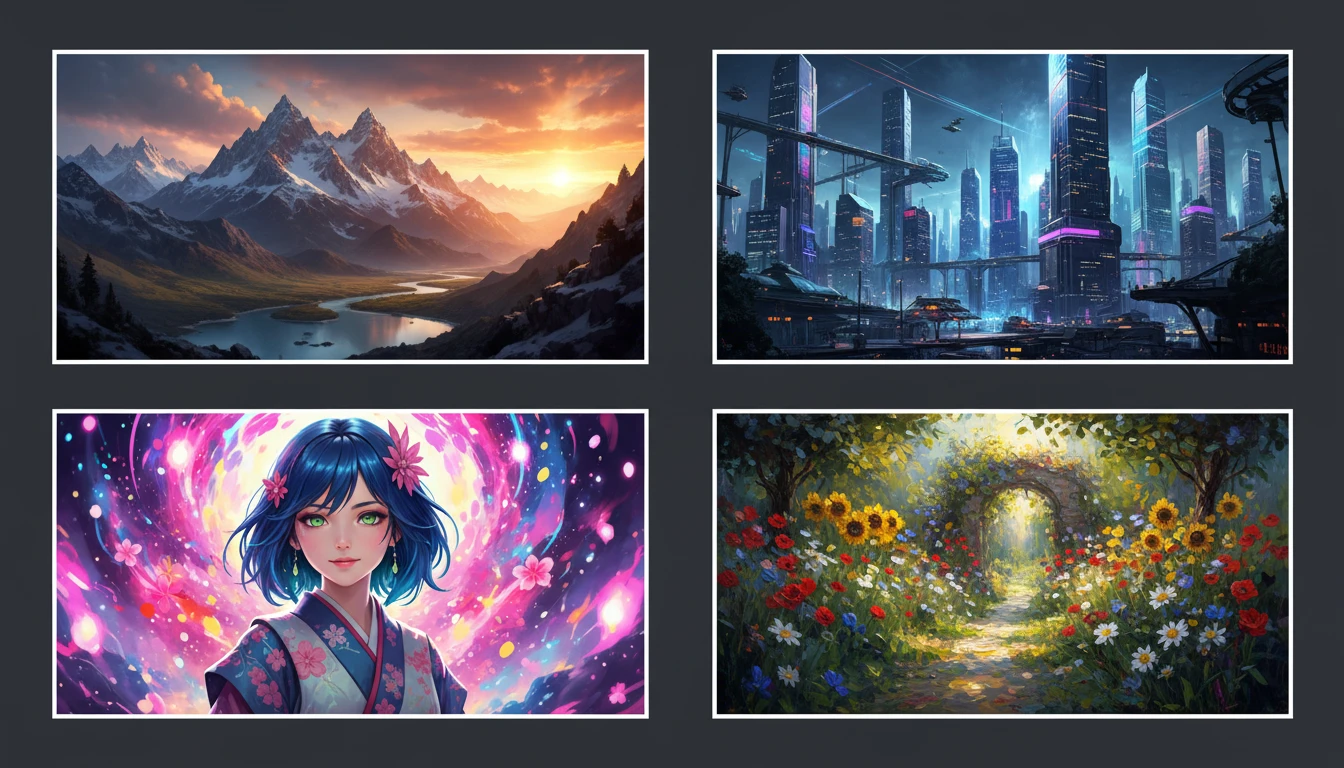
AI Text to Image
Describe any scene, character, or concept and AI generates a high-quality image in seconds. Choose from 10 artistic styles including photorealistic, cinematic, anime, oil painting, watercolor, and more, plus full aspect ratio control. Supports detailed prompt inputs and optional reference image uploads to guide the composition or style.
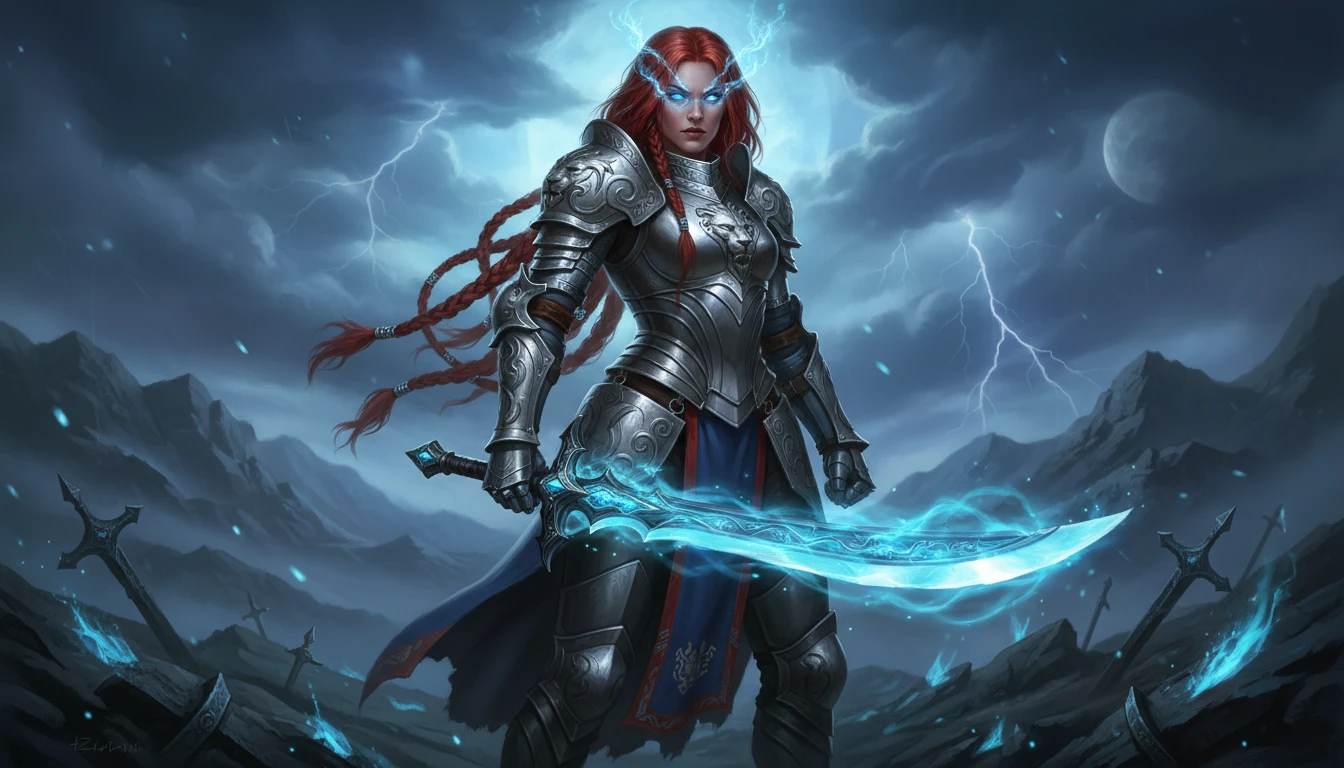
AI Character Generator
Generate unique characters for games, stories, comics, and art from text descriptions in fantasy, anime, chibi, sci-fi, and more styles
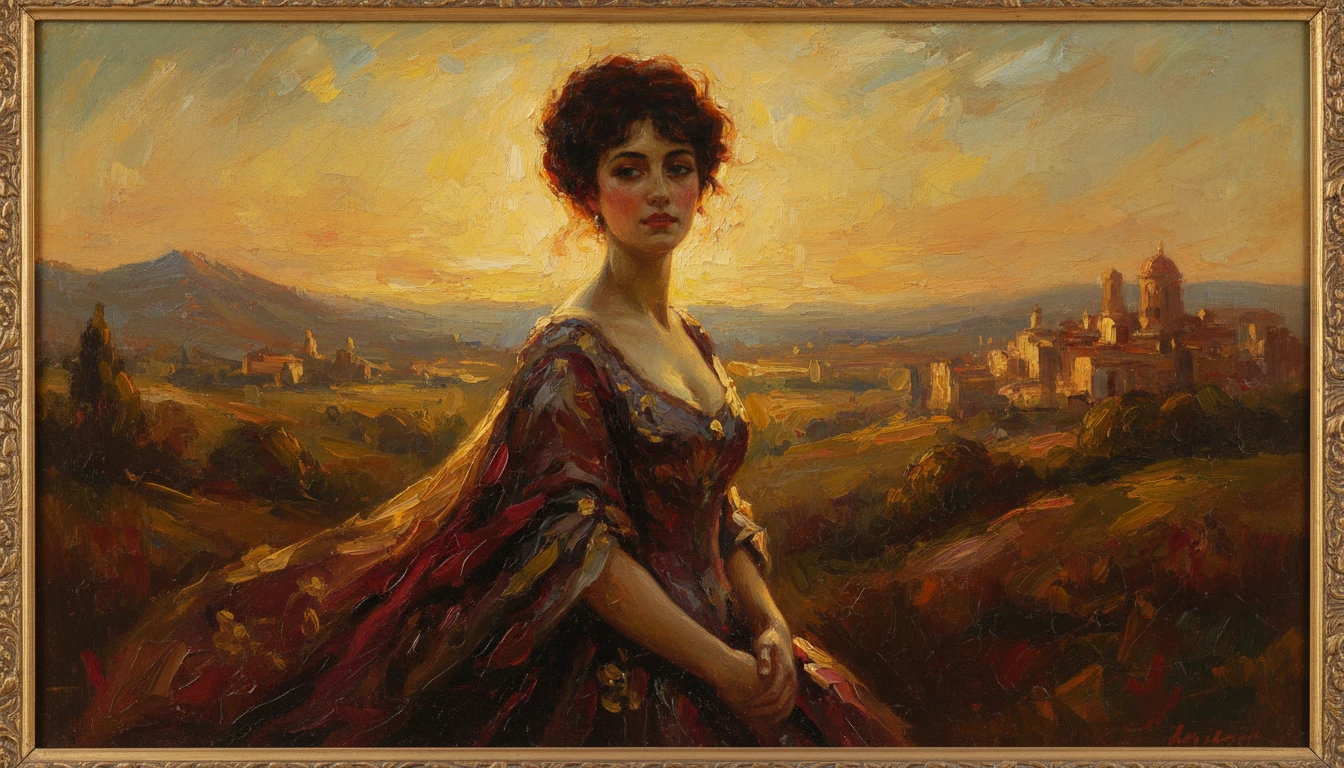
AI Photo to Art
Upload any photo and AI reimagines it as a handcrafted work of fine art. Choose from 20 artistic styles including Oil Painting, Watercolor, Impressionist, Pencil Sketch, Charcoal, Japanese Ukiyo-e, Surrealism, Stained Glass, Renaissance, Baroque, and more. Each result is generated to look like a real artwork created by hand, not a digital photo filter. Supports portraits, landscapes, still life, and architectural subjects.
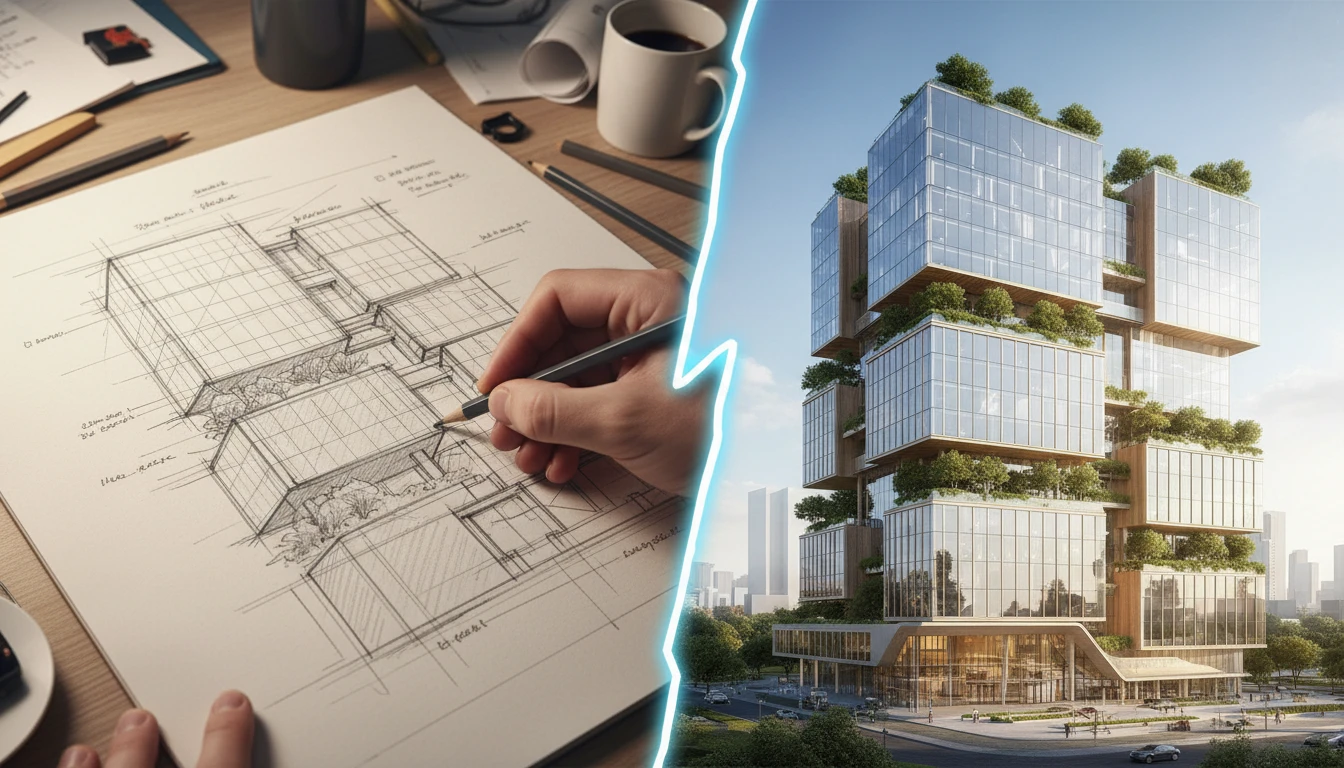
AI Sketch to Image
Upload any hand-drawn sketch, pencil drawing, blueprint, or concept line art and AI converts it into a detailed, fully rendered image. The model interprets the outline structure and fills it with colors, textures, lighting, and lifelike detail. Works for character concepts, architectural sketches, product designs, storyboards, and more.
Opens in
Image Studio
Frequently Asked Questions
Everything you need to know to get started.
What is AI Illustration Generator?
AI Illustration Generator creates original illustrations from text descriptions. Describe any scene, character, or concept and choose an illustration style. AI generates the artwork in seconds.
What illustration styles are available?
You can choose from Digital Painting, Watercolor, Storybook, Flat / Vector, Fantasy, Ink, Anime, Gouache, Retro / Vintage, and Line Art. Each applies a distinct visual treatment and artistic aesthetic.
What aspect ratio works best for illustrations?
Landscape ratios (4:3 or 16:9) work best for scenes and environments. Portrait ratios (2:3 or 9:16) suit character art and vertical compositions. Square (1:1) is ideal for social media and profile artwork.
How do I write a good illustration prompt?
Describe the subject, setting, mood, and lighting in detail. For example: "a fox sitting on a mossy log in an enchanted forest, morning mist, golden light" gives the AI much more to work with than just "a fox in a forest".
Can I generate illustrations for a children's book commercially?
Yes. You retain rights to the illustrations you generate on RauGen and can use them for commercial purposes including self-published books, educational materials, marketing, and merchandise.
What is the difference between AI Illustration Generator and AI Text to Image?
AI Illustration Generator is optimized for artistic, stylized illustration work: storybook, watercolor, fantasy, anime, ink, and more. AI Text to Image is a more general-purpose image generator suited to a wider range of photographic and artistic output types.
Start Generating Illustrations Today
Describe any scene or concept and AI creates a stunning illustration in seconds.
Generate Your First IllustrationDisclaimer: This tool uses generative AI technology which may produce content that resembles copyrighted materials or that is inaccurate, incomplete, or out-of-date. It is provided for general information and educational purposes only and is not intended for illegal activities or to replace professional advice, diagnosis, or treatment. Users are solely responsible for how they use the generated content. If you plan to use AI-generated content commercially or publicly, we strongly recommend reviewing it for potential copyright issues and obtaining proper permissions where necessary. We accept no liability for copyright infringement or any other consequences resulting from the use of content generated by this tool.