Generate Any Clipart from a Text Description
Describe what you need and AI creates ready-to-use clipart in flat design, cartoon, hand-drawn, isometric, pixel art, watercolor, and more styles.
Generate Clipart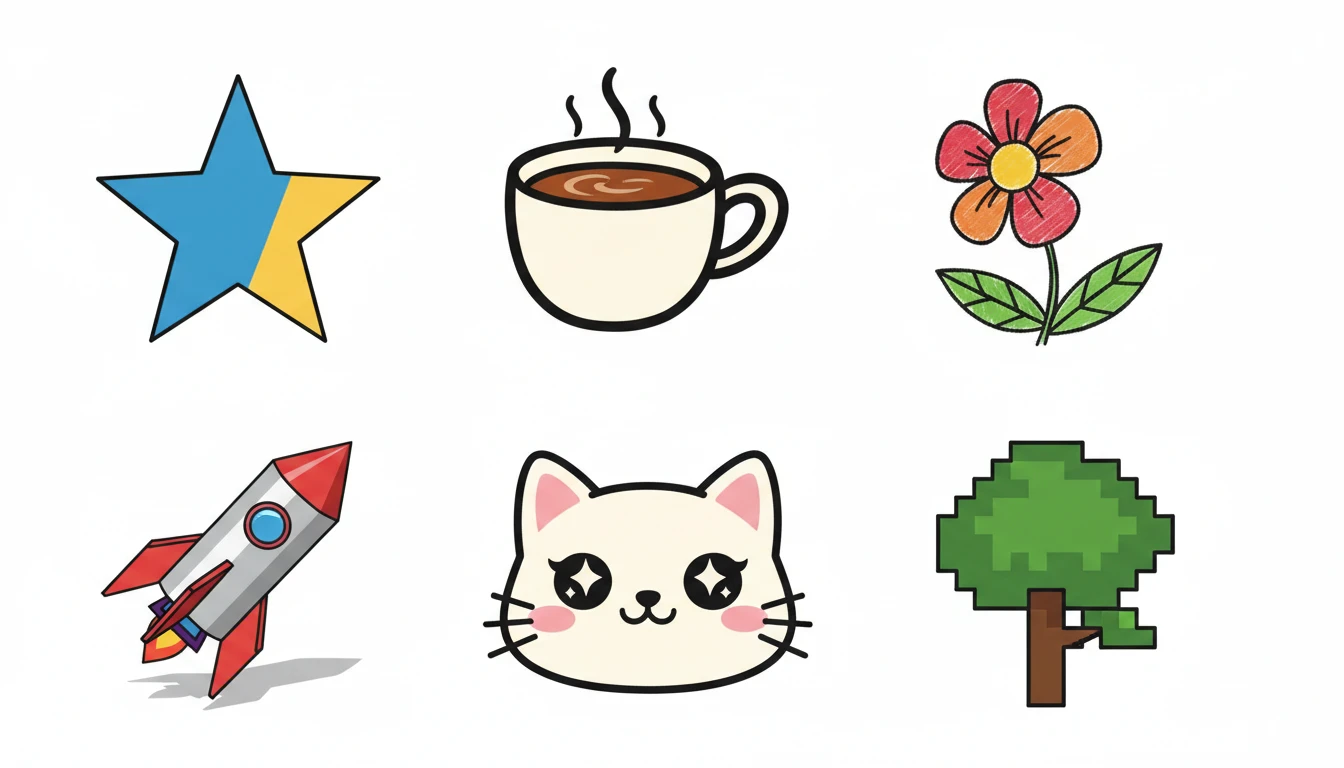
Describe Your Clipart
Say what you want and pick a style, then open it in AI Image Studio to generate.
Runs inside the AI Image Studio — generate and edit in one place.
Flat Design Icons and UI Clipart
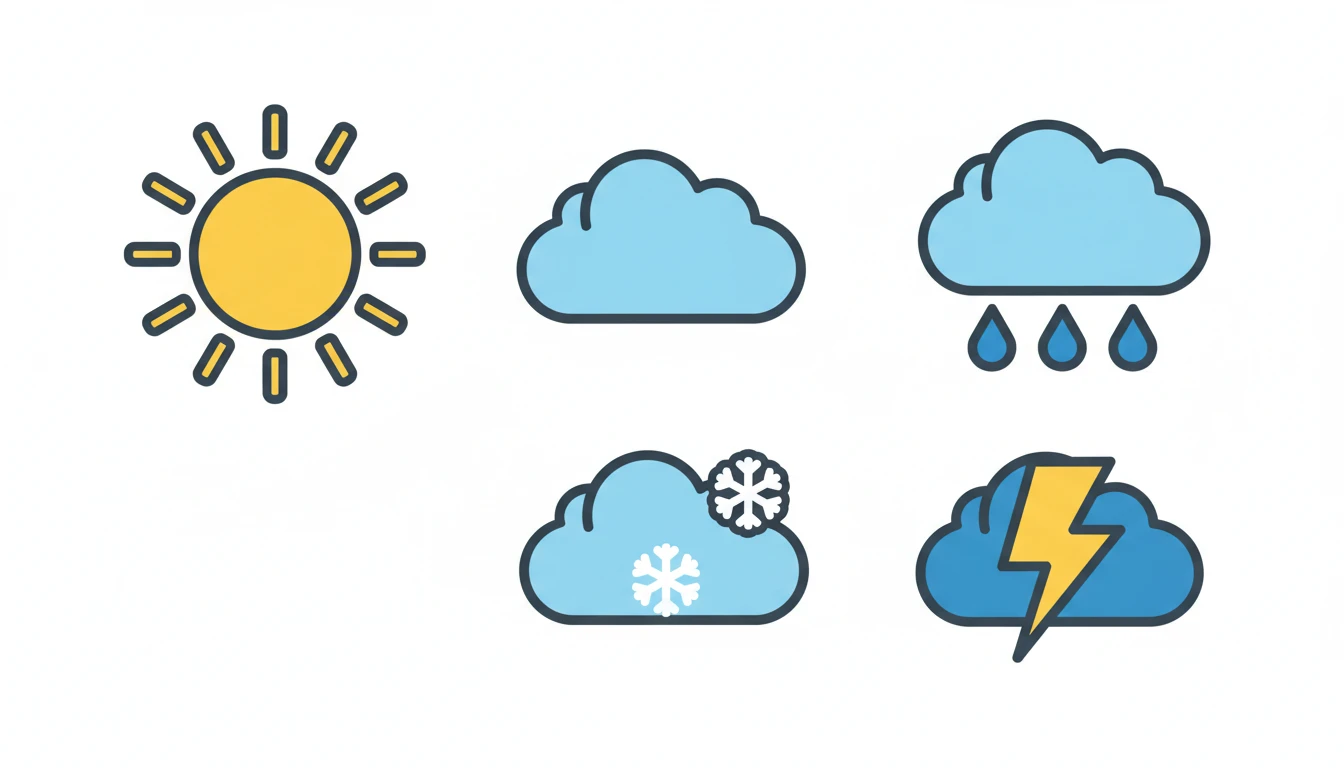
Generate clean, scalable flat design clipart for apps, websites, and presentations. Describe any icon or graphic and get crisp, consistent vector-style results instantly.
Generate Flat Design Clipart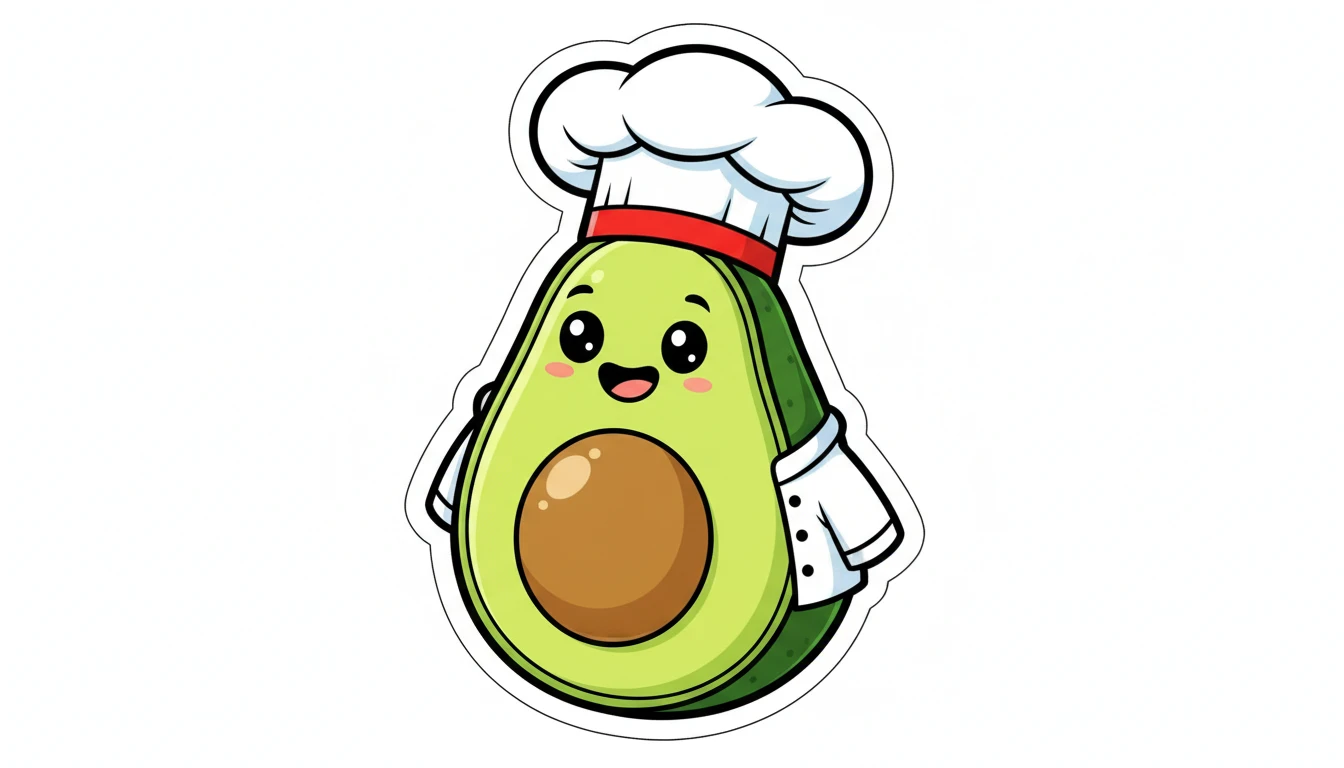
Cartoon and Sticker Clipart
Create fun, expressive cartoon and sticker-style clipart for social media, merchandise, kids content, and branding. Bold outlines, vivid colors, and playful energy.
Try Cartoon Style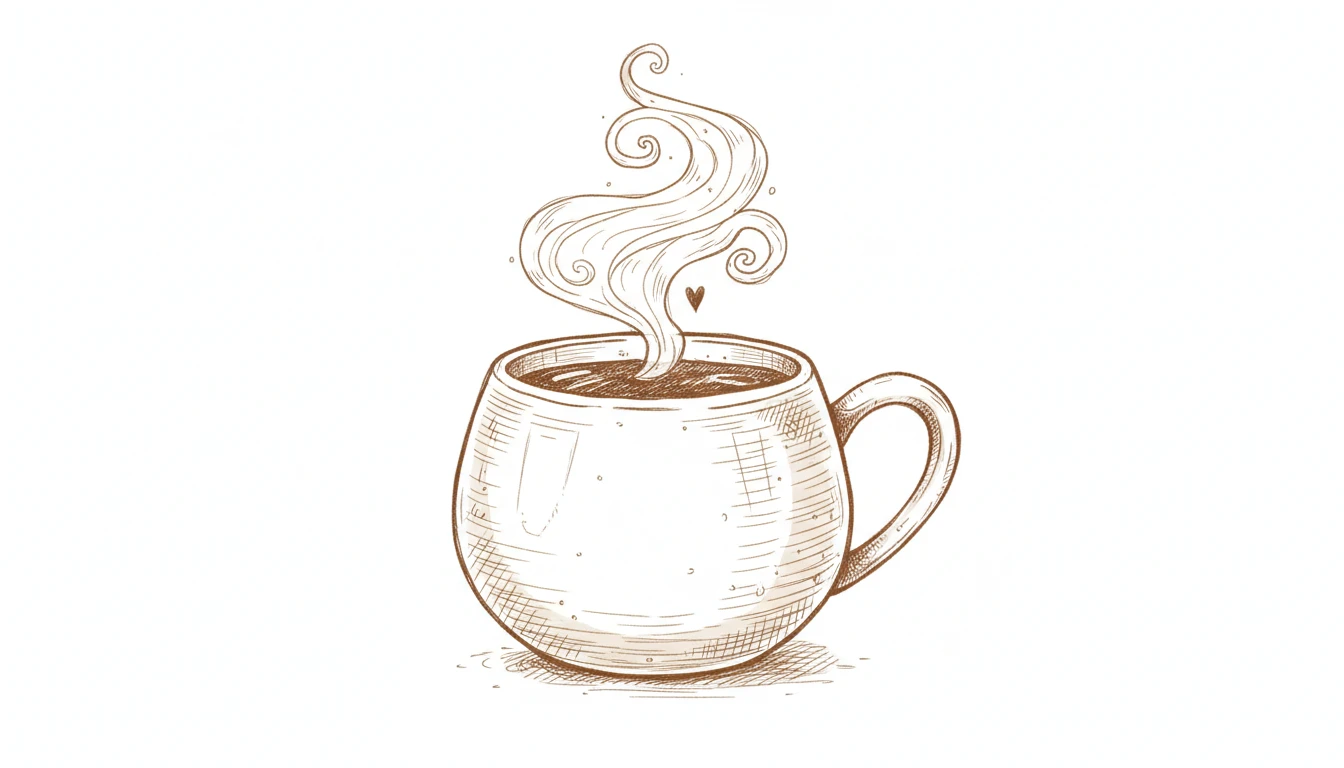
Hand-Drawn and Doodle Clipart
Generate organic, hand-crafted clipart with ink-sketch textures and natural imperfect lines. Ideal for journals, educational materials, and creative projects.
Try Hand-Drawn Style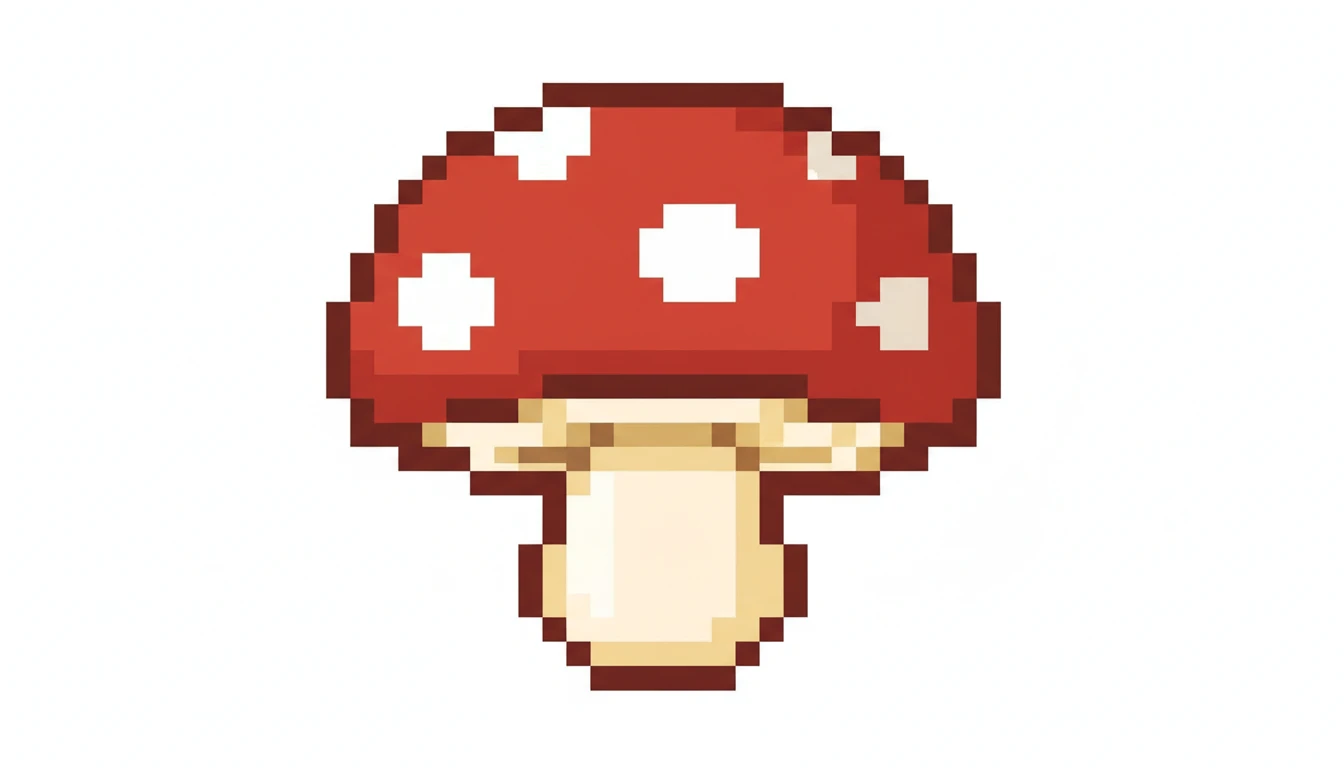
Pixel Art and Retro Clipart
Generate crisp retro pixel art clipart for games, nostalgia-themed projects, and digital collections. Define any subject and get clean 8-bit style results.
Try Pixel Art StyleWho Uses AI Clipart Generator
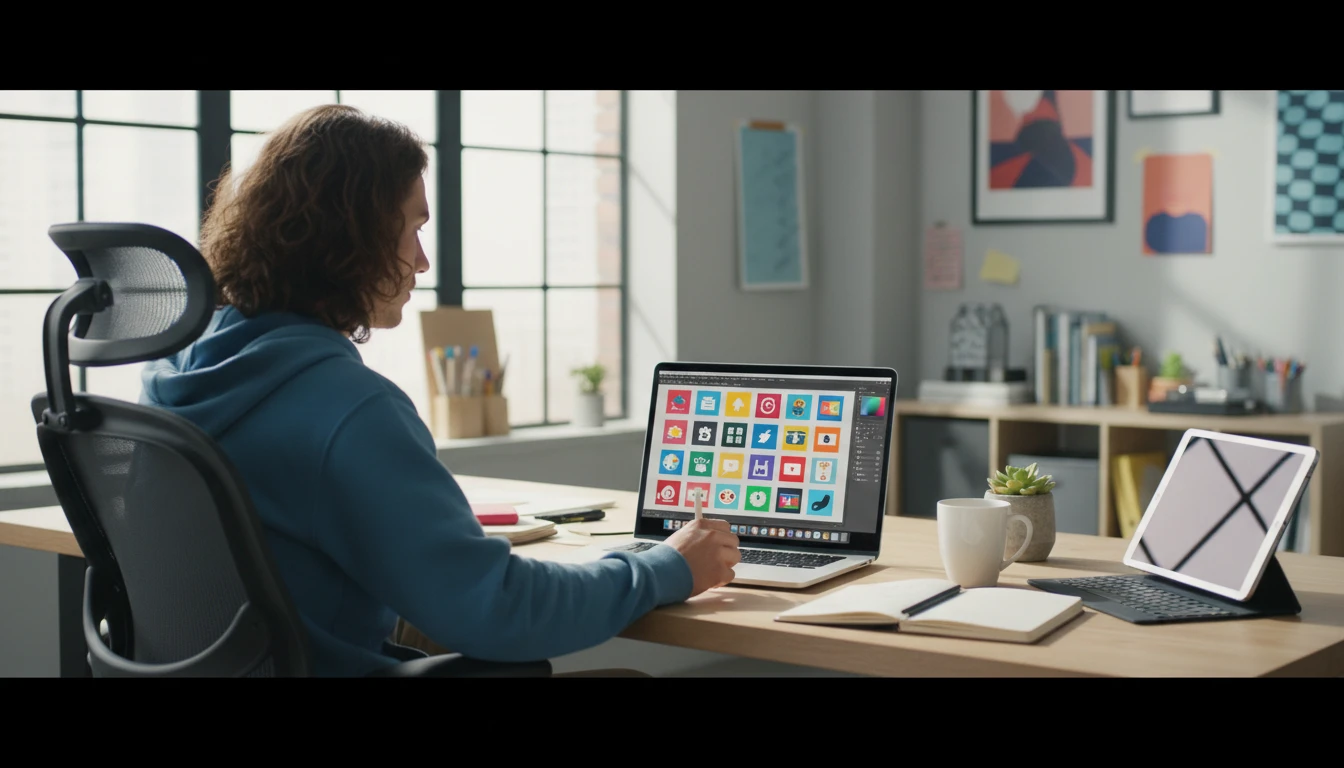
Designers and Illustrators
Rapidly prototype icon sets, explore visual styles, and generate placeholder clipart for mockups. Use AI results as starting points or reference for further illustration work.
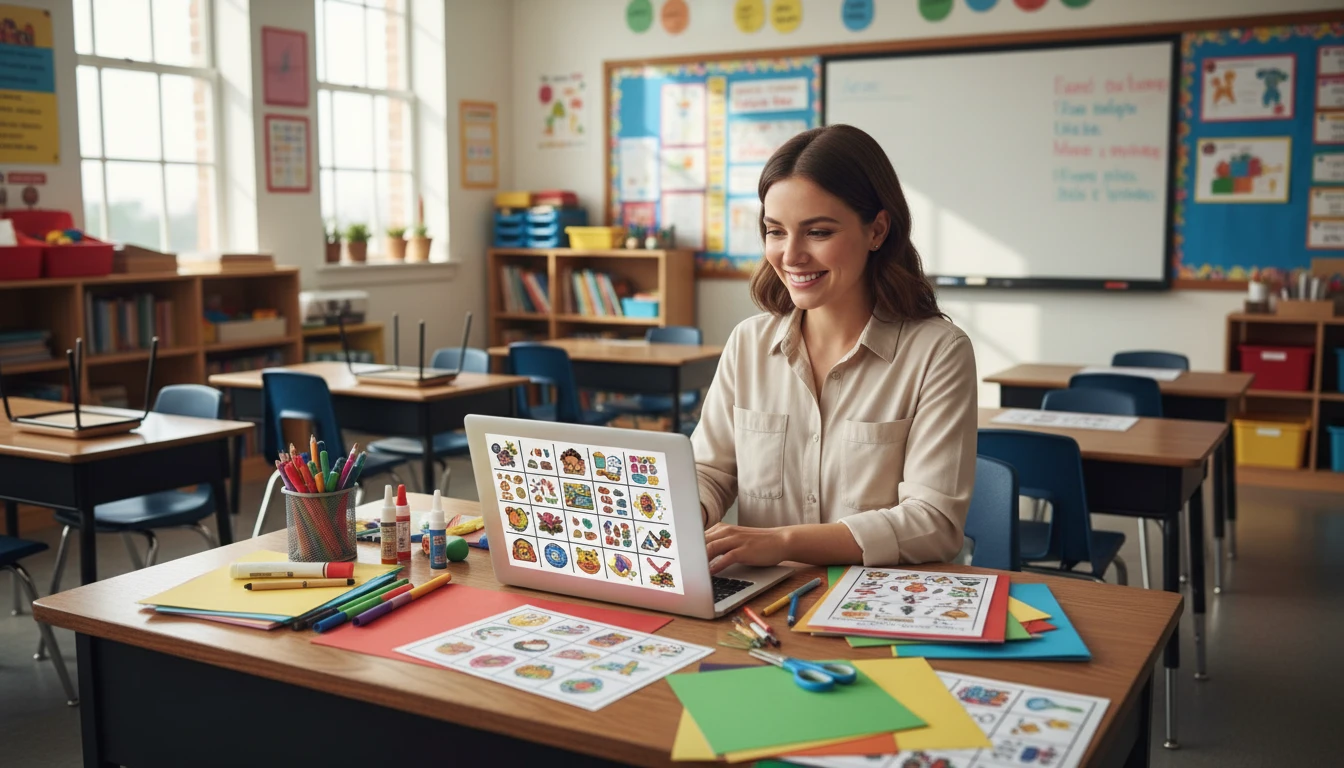
Educators and Content Creators
Create custom clipart for worksheets, lesson materials, presentations, and children's educational content without needing design skills or clipart subscriptions.
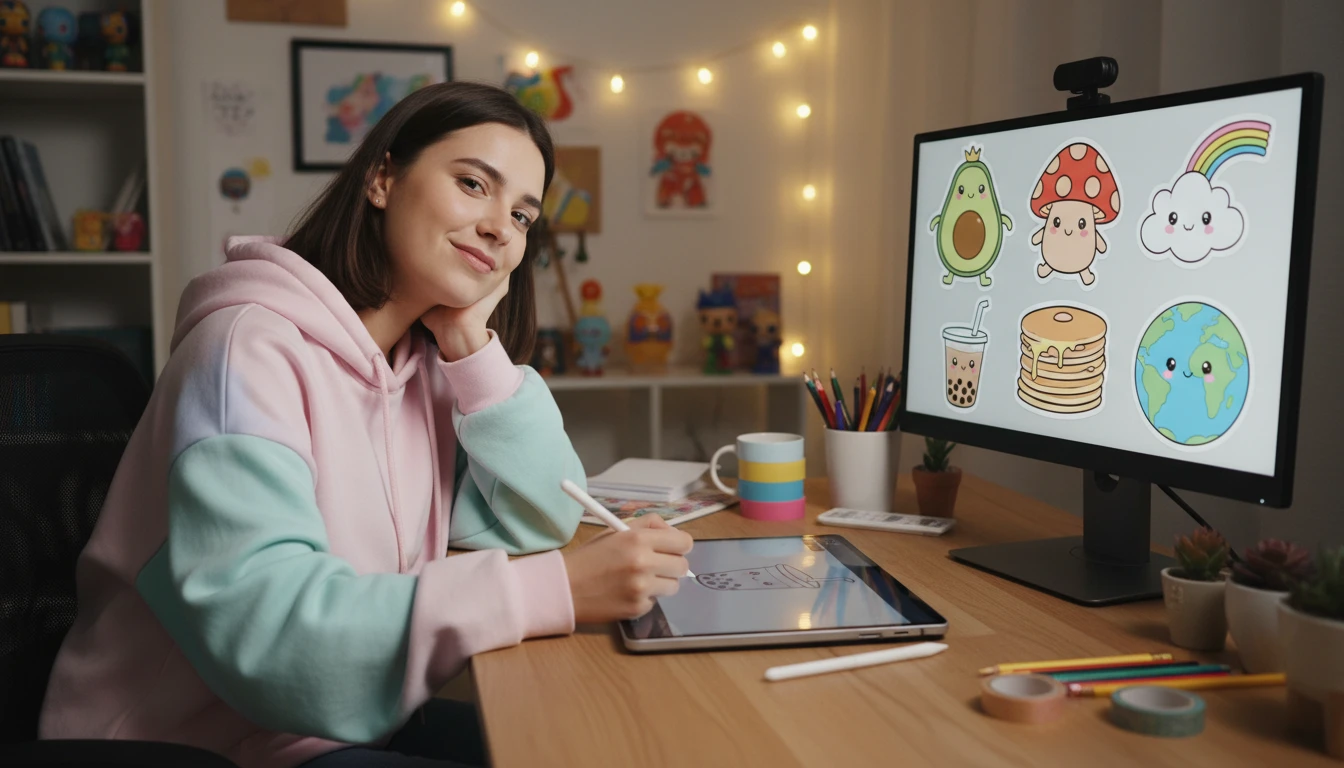
Social Media and Sticker Creators
Generate batches of sticker-style clipart for Telegram, WhatsApp, iMessage, and merchandise stores. Describe a character, object, or emotion and get sticker-ready artwork instantly.
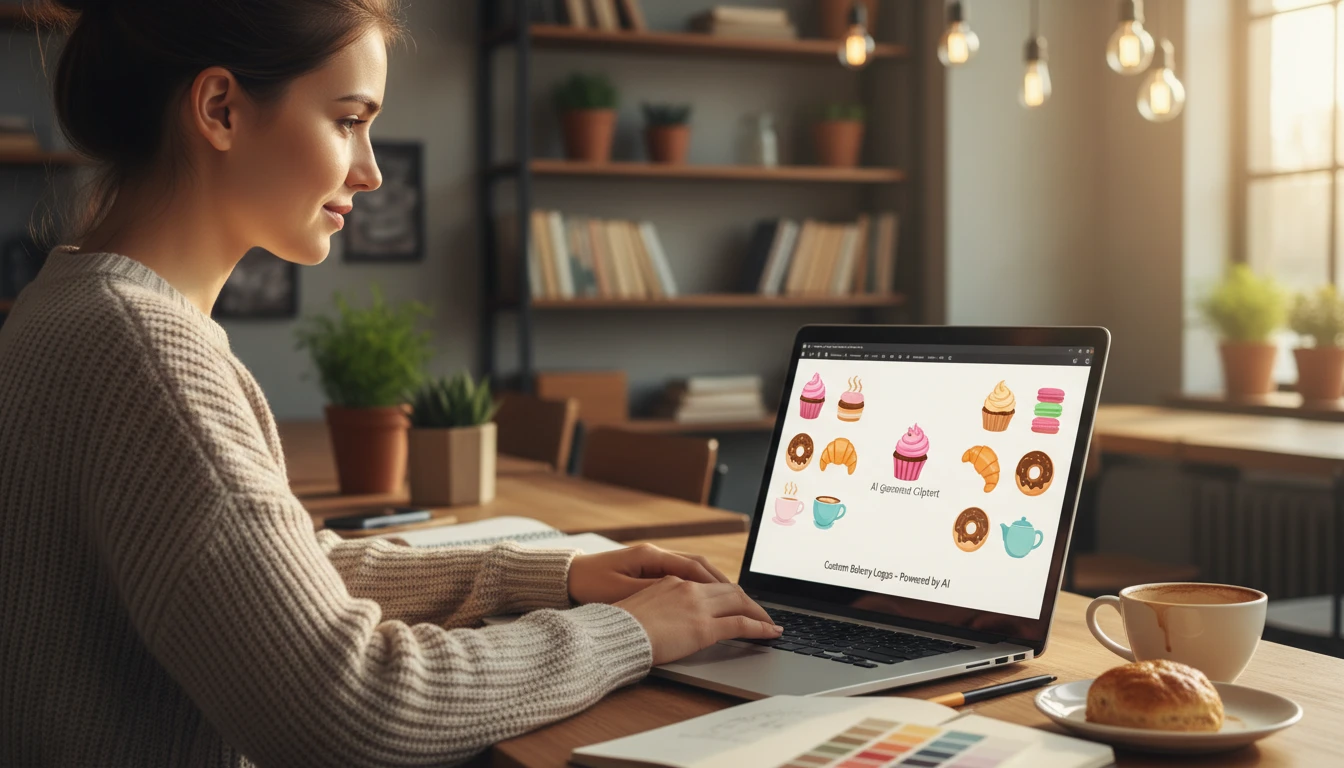
Small Business Owners
Create branded clipart for menus, signage, social media posts, packaging, and marketing materials without hiring a designer. Describe your brand elements and generate matching clipart.
How to Generate AI Clipart
From description to ready-to-use clipart in four simple steps
Describe Your Clipart
Write what you want: the subject, key details, and any colors. Be specific. "A smiling cat in a witch hat" works better than just "cat".
Choose a Clipart Style
Select from flat design, cartoon, sticker, hand-drawn, isometric, pixel art, watercolor, minimal, kawaii, or vintage to set the visual look.
Pick an Aspect Ratio
Use square (1:1) for icons and standard clipart. Switch to landscape or portrait for banners, stickers, or decorative artwork.
Generate and Download
Click Generate and your clipart is ready in seconds. Download it as PNG and use it anywhere: presentations, websites, print, or social media.
Explore More
More AI Studio Tools
Discover other powerful AI tools to enhance your creative workflow
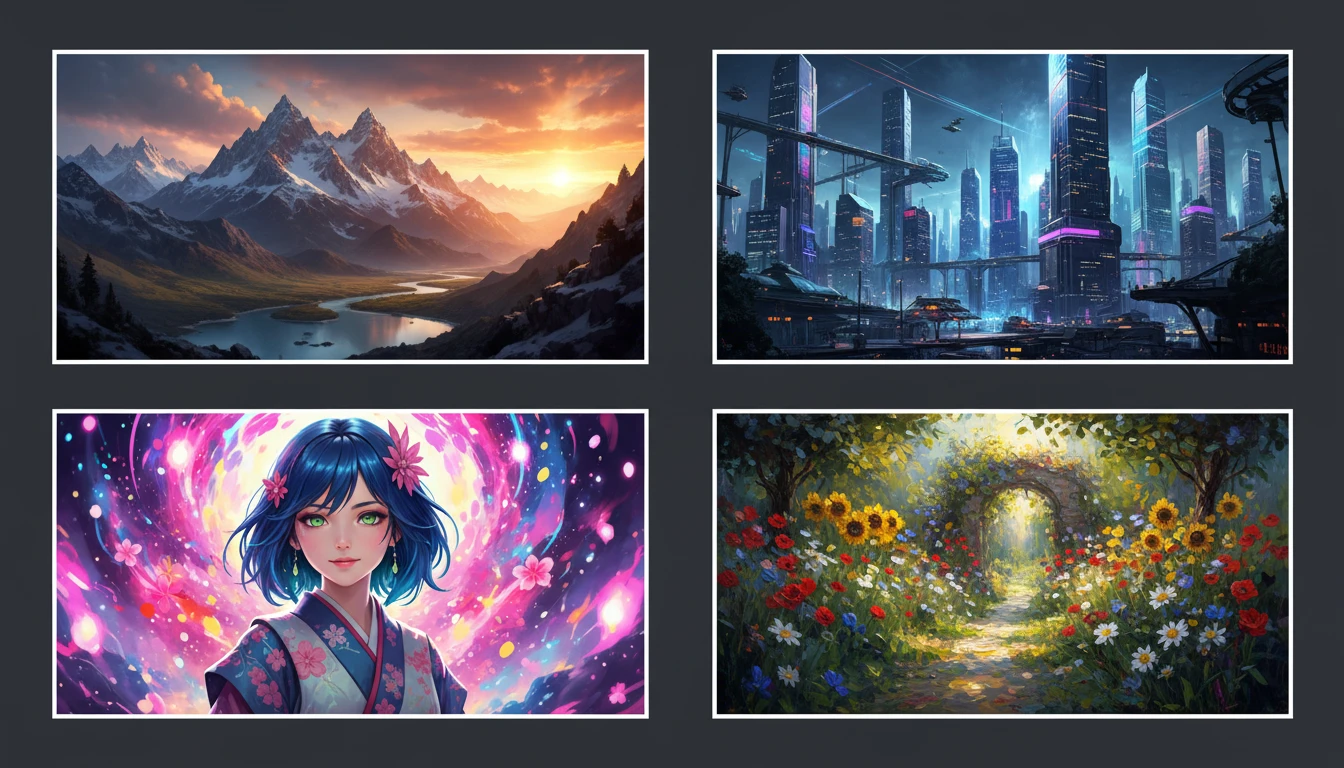
AI Text to Image
Describe any scene, character, or concept and AI generates a high-quality image in seconds. Choose from 10 artistic styles including photorealistic, cinematic, anime, oil painting, watercolor, and more, plus full aspect ratio control. Supports detailed prompt inputs and optional reference image uploads to guide the composition or style.
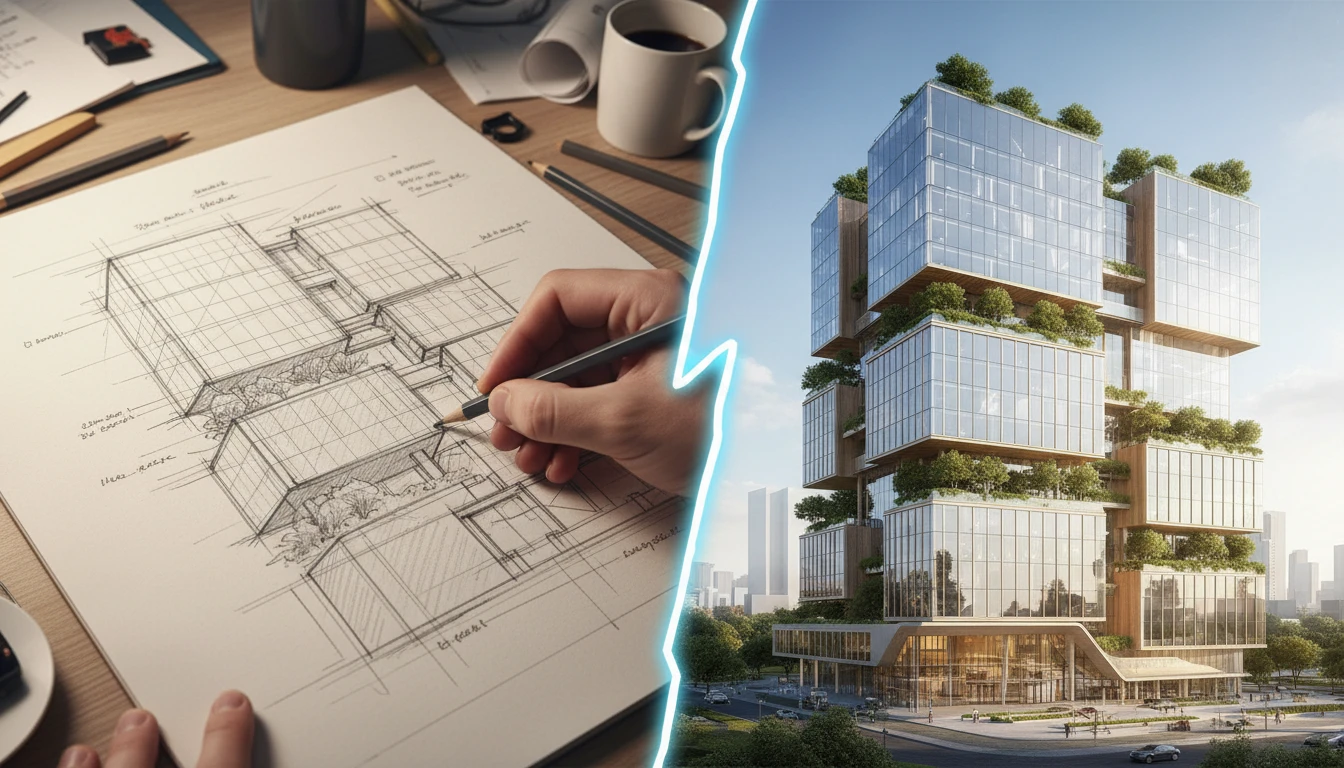
AI Sketch to Image
Upload any hand-drawn sketch, pencil drawing, blueprint, or concept line art and AI converts it into a detailed, fully rendered image. The model interprets the outline structure and fills it with colors, textures, lighting, and lifelike detail. Works for character concepts, architectural sketches, product designs, storyboards, and more.
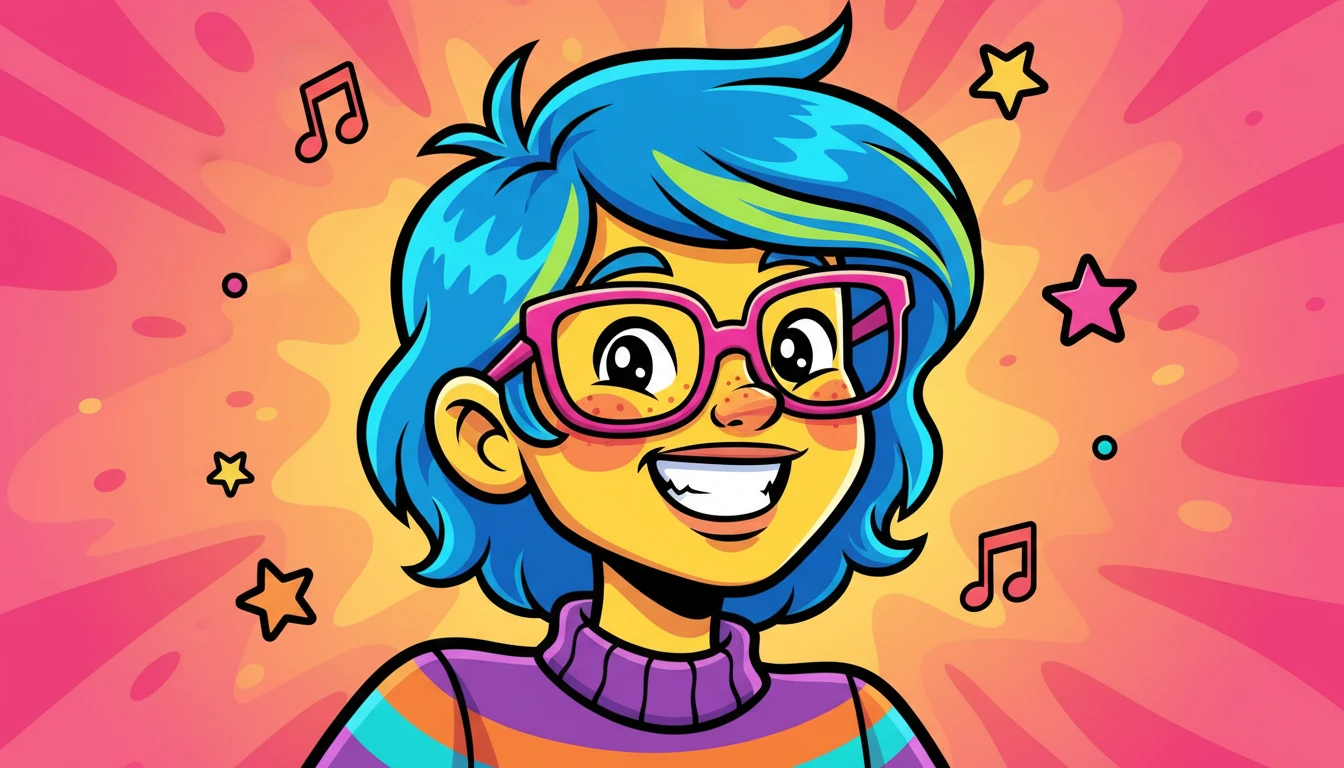
AI Image to Cartoon
Transform any photo into cartoon artwork in 18 styles including Anime, Pixar, Disney, Ghibli, and more
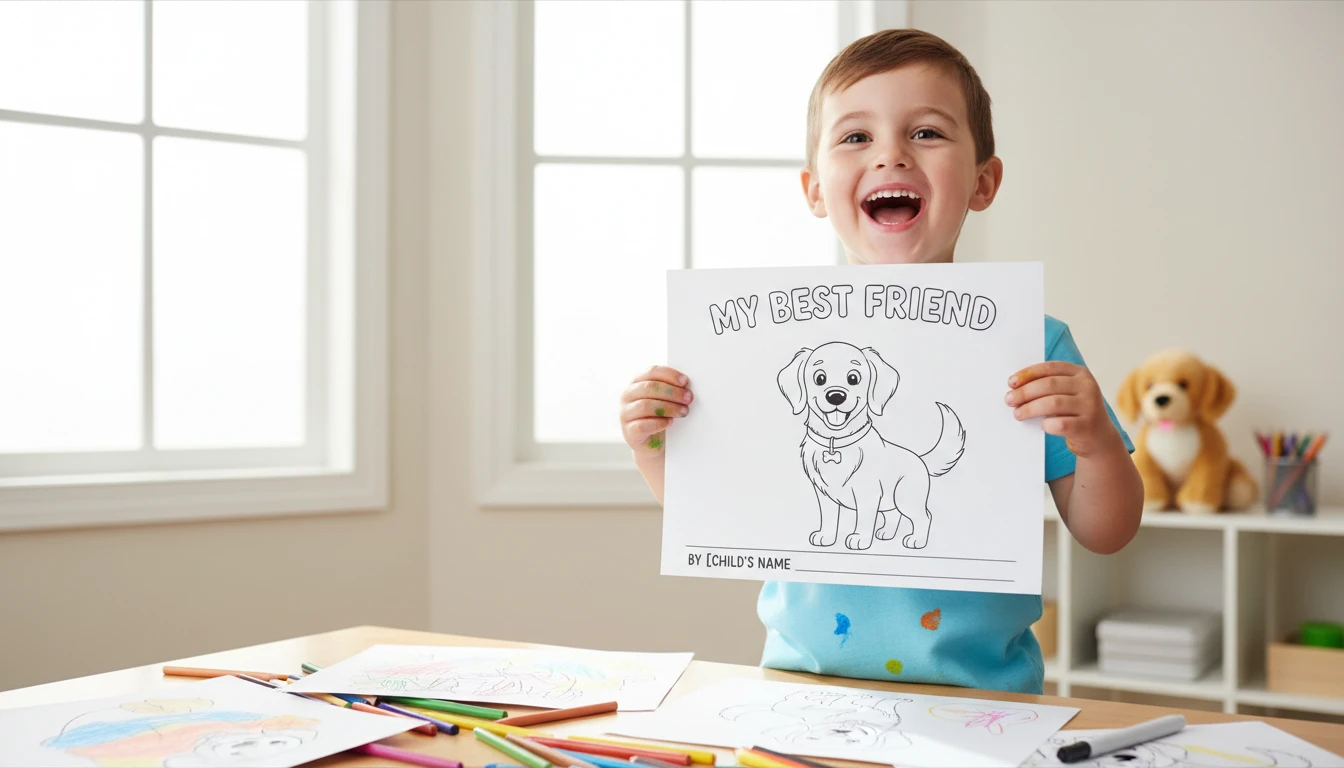
AI Image to Coloring Page
Upload any photo and AI converts it into a clean, print-ready black and white coloring page. Choose from 10 styles including simple outlines for children, detailed adult coloring pages, mandala patterns, and sketch-style line art. Works well for portraits, pets, landscapes, and objects. Downloads as a high-resolution PNG ready to print at home or at a print shop.
Opens in
Image Studio
Frequently Asked Questions
Everything you need to know to get started.
What is AI Clipart Generator?
AI Clipart Generator creates ready-to-use clipart images from text descriptions. Describe any subject and choose a style (flat design, cartoon, sticker, hand-drawn, pixel art, and more). AI generates the image in seconds.
What clipart styles are available?
You can choose from flat design, cartoon, sticker, hand-drawn/doodle, isometric, pixel art, watercolor, minimal line art, kawaii, and vintage retro. Each style applies a distinct visual treatment to your subject.
What aspect ratio should I use for clipart?
Square (1:1) works best for standard icons and clipart. Use portrait or landscape ratios for stickers, decorative elements, or banner graphics. You can switch ratios to match your project canvas.
Can I use the generated clipart for commercial projects?
Yes. You retain rights to the images you generate on RauGen and can use them for personal and commercial purposes including websites, presentations, merchandise, and marketing materials.
How do I get the best results from AI Clipart Generator?
Be specific: name the subject clearly, describe key colors and details, and always specify the style in your prompt. For example: "a smiling red apple, flat design, bold colors, white background" produces more consistent results than a vague description.
Can I generate a set of matching clipart icons?
Yes. Describe a theme with multiple subjects (e.g., "weather icons: sun, cloud, rain, snow") and generate each separately using the same style setting. Keeping the same style and prompt structure across generations helps maintain consistency.
Start Generating Clipart Today
Describe any clipart, pick a style, and get a ready-to-use image in seconds.
Generate Your First ClipartDisclaimer: This tool uses generative AI technology which may produce content that resembles copyrighted materials or that is inaccurate, incomplete, or out-of-date. It is provided for general information and educational purposes only and is not intended for illegal activities or to replace professional advice, diagnosis, or treatment. Users are solely responsible for how they use the generated content. If you plan to use AI-generated content commercially or publicly, we strongly recommend reviewing it for potential copyright issues and obtaining proper permissions where necessary. We accept no liability for copyright infringement or any other consequences resulting from the use of content generated by this tool.