Generate Any Seamless Pattern from a Text Description
Describe the motif, style, and colors. AI generates a beautiful repeating pattern in seconds. Geometric, floral, Art Deco, watercolor, Scandinavian, and more.
Generate a Pattern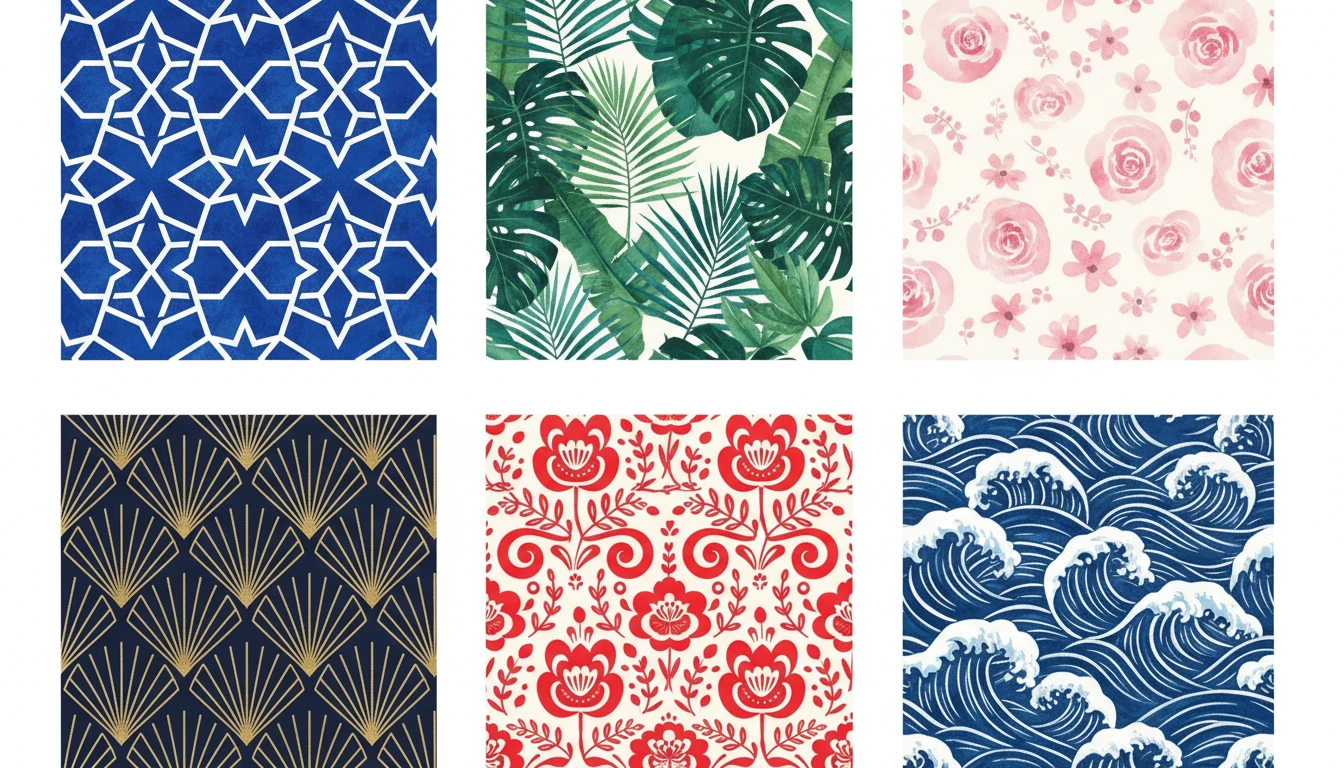
Describe Your Pattern
Say the motif and colors, pick a style, then open it in AI Image Studio to generate.
Runs inside the AI Image Studio — generate and edit in one place.
Textile and Fabric Design
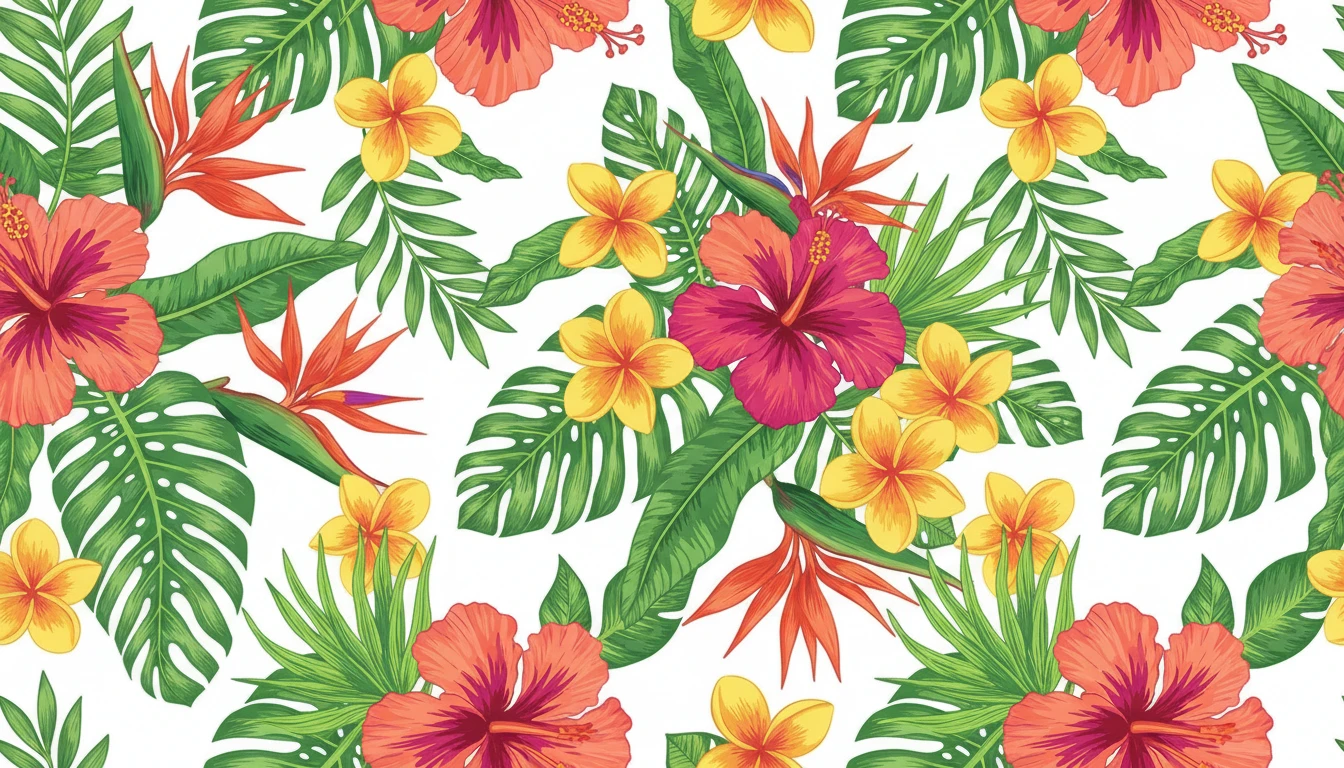
Create unique allover prints, border patterns, and surface designs for clothing, upholstery, and home textiles. Describe the motif, palette, and scale to generate an entire collection in minutes.
Generate a Fabric Pattern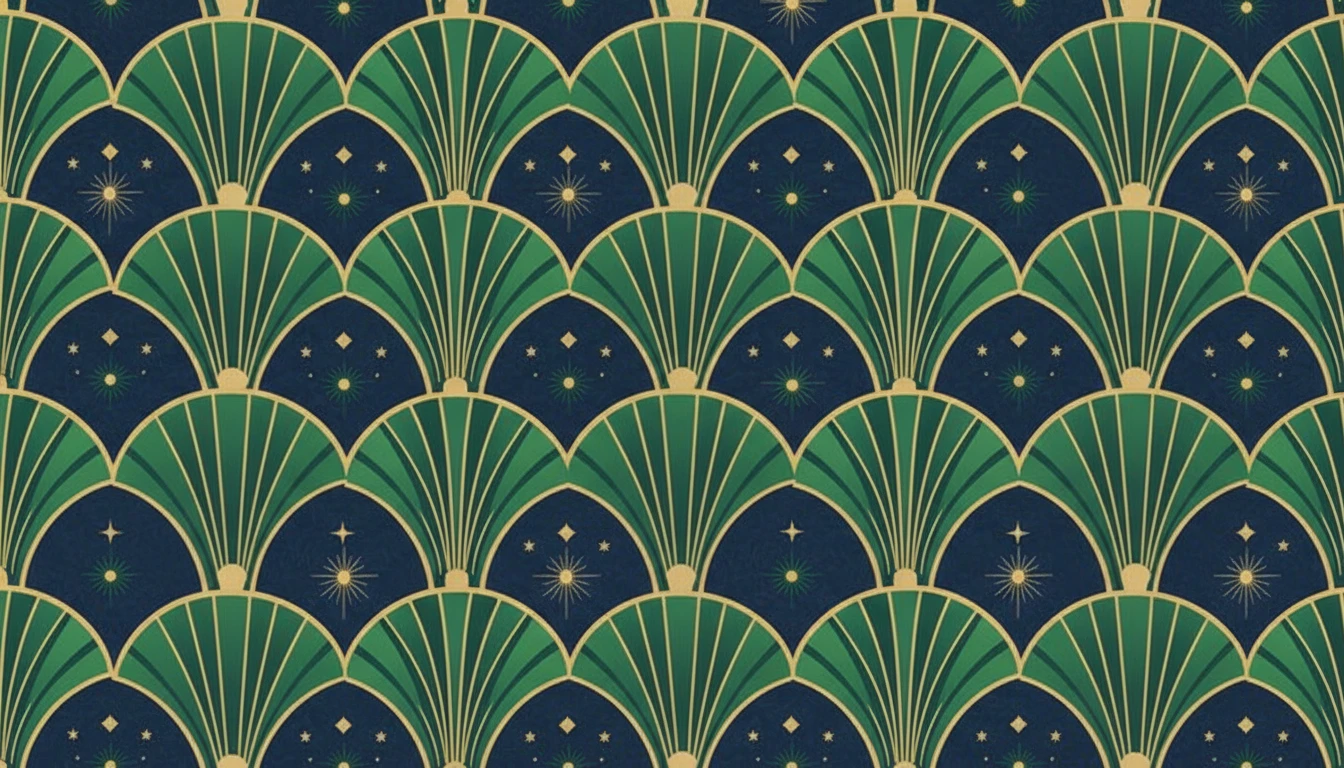
Wallpaper and Home Décor
Generate seamless wallpaper patterns, gift wrap, and decorative surface designs. From maximalist florals to clean minimalist geometrics, there is a style for every room and every brand.
Generate a Wallpaper Pattern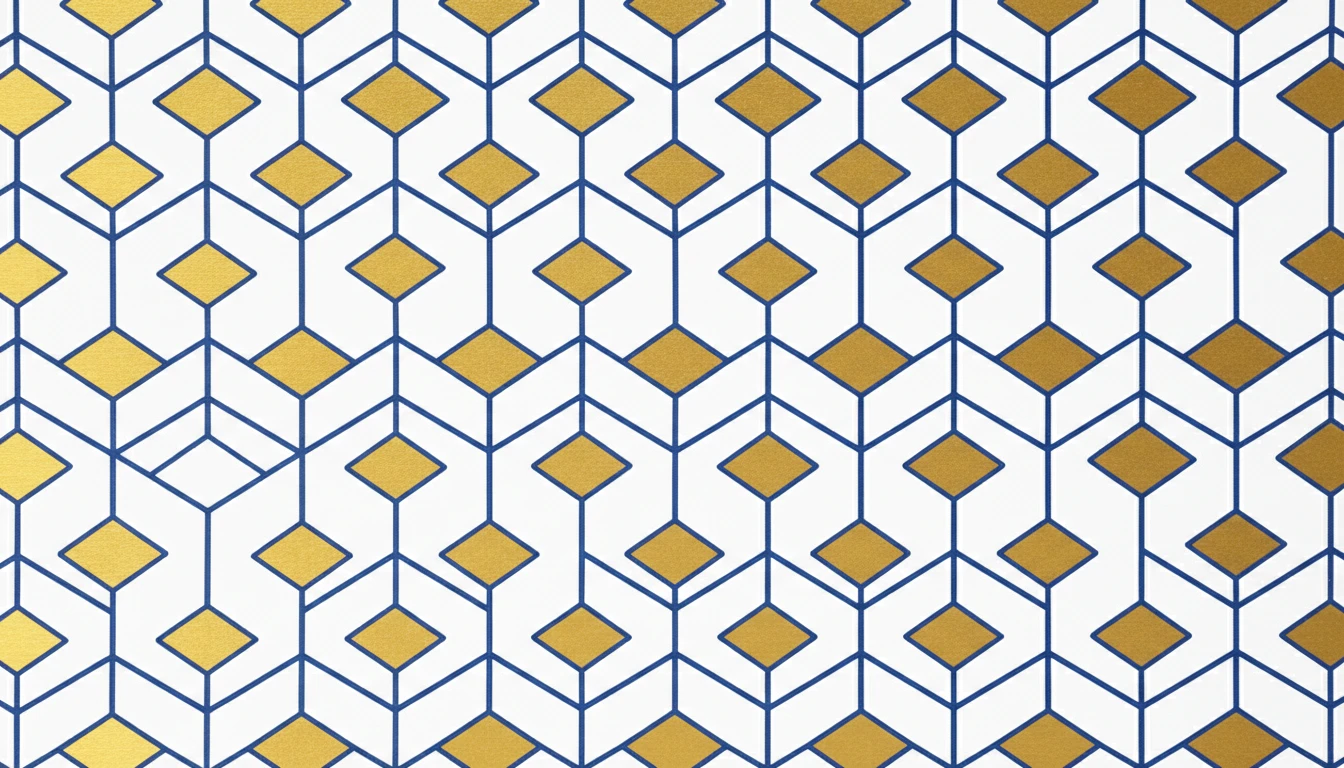
Packaging and Brand Design
Design custom pattern backgrounds for product packaging, shopping bags, tissue paper, and branded stationery that stand out on shelf and online.
Generate a Brand Pattern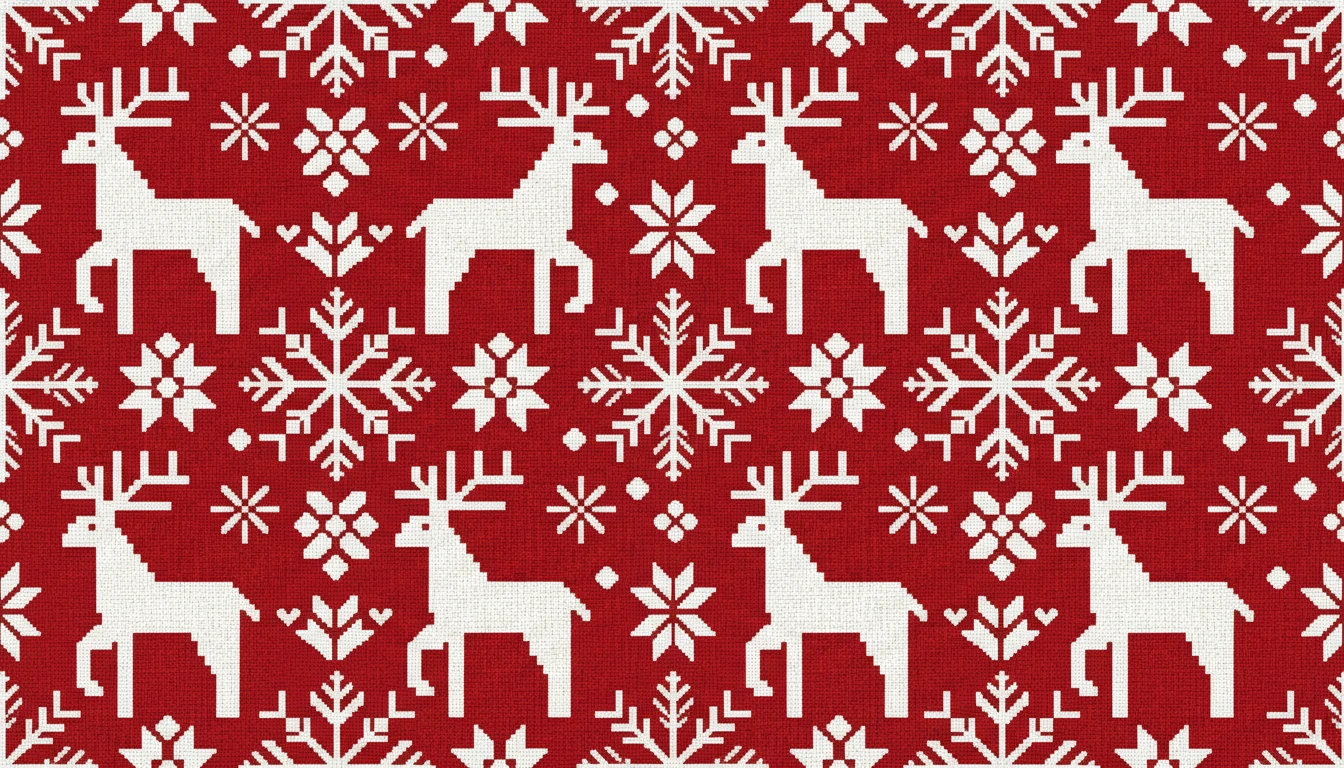
Print-on-Demand Products
Generate print-ready patterns for leggings, phone cases, tote bags, mugs, and merchandise. Describe your motif and color palette to get a production-ready pattern in seconds.
Generate a Print PatternWho Uses AI Pattern Generator
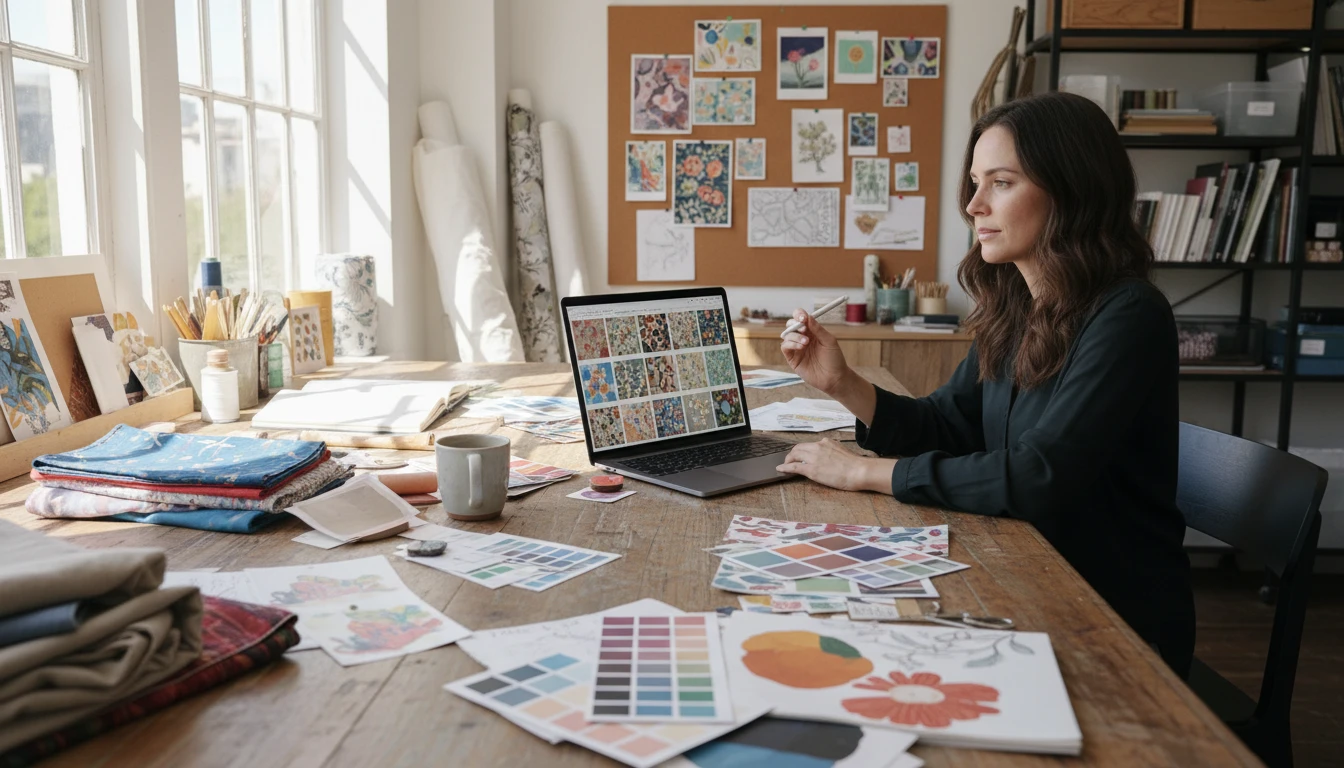
Surface Designers and Textile Studios
Generate seasonal collections of coordinating patterns (florals, geometrics, and abstract prints) in minutes instead of days. Use reference images to maintain a consistent aesthetic across a full range.
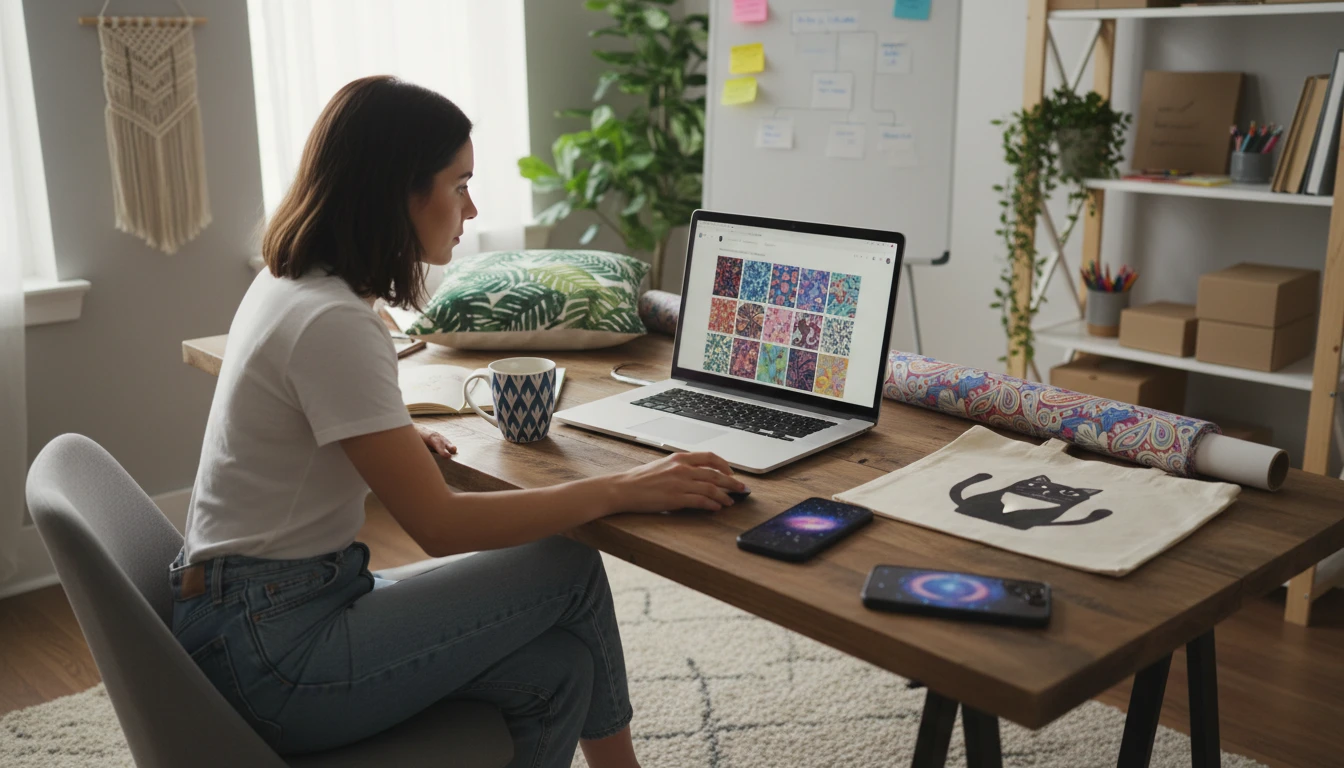
Print-on-Demand Sellers
Create original patterns for leggings, phone cases, tote bags, and home décor products. Generate unique, production-ready designs in any style without hiring a designer.
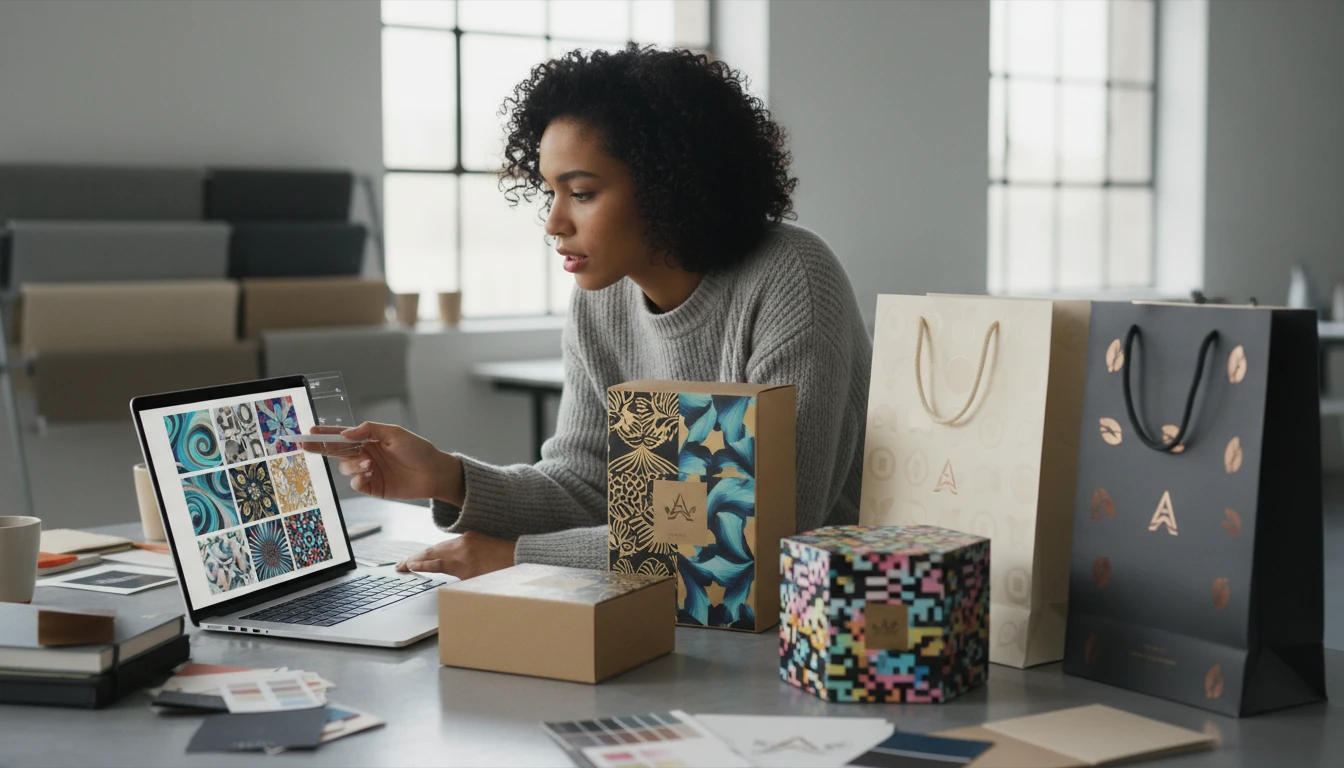
Packaging and Brand Designers
Design custom patterned backgrounds for boxes, bags, tissue paper, and wrapping. Generate a signature brand pattern that reinforces identity across all touchpoints.
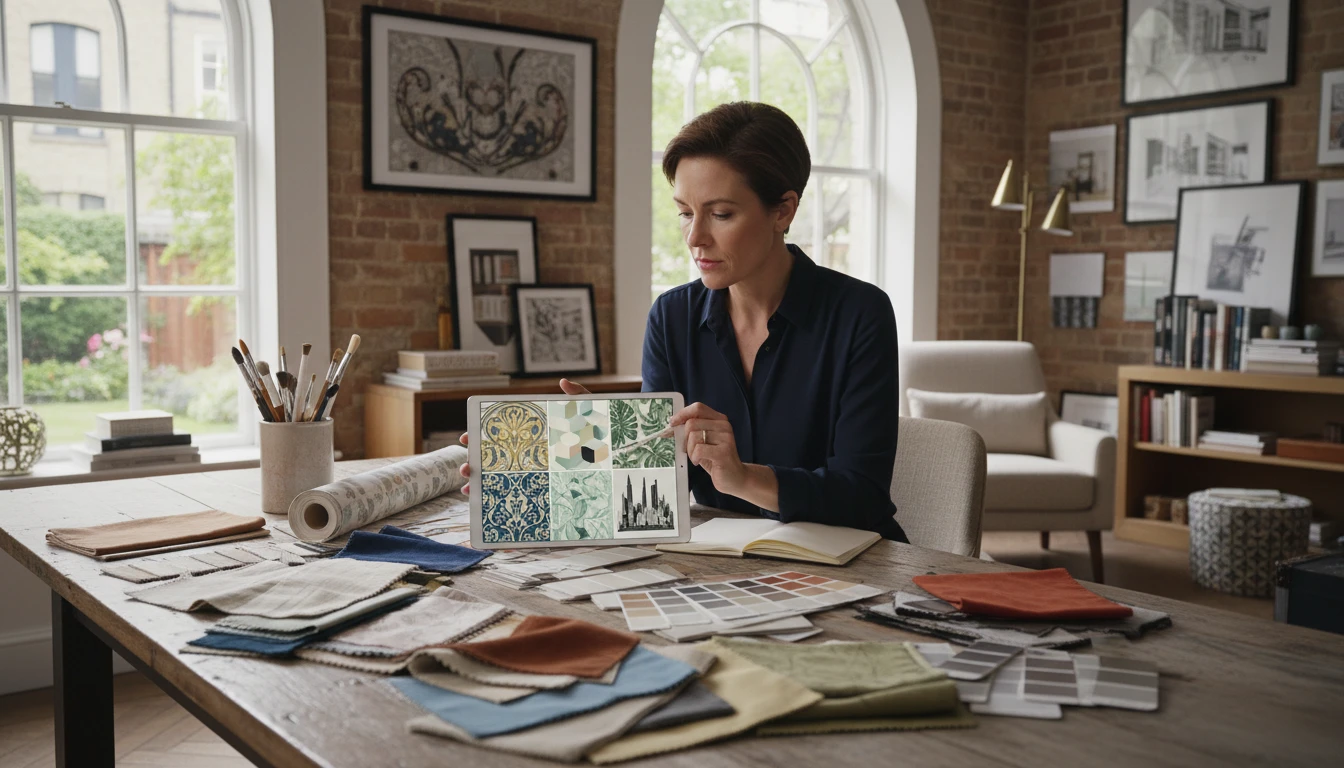
Wallpaper and Interior Designers
Generate seamless wallpaper designs for residential and commercial projects. Describe the room mood and style. AI delivers a pattern that fits perfectly.
How to Generate AI Patterns
From description to seamless repeating pattern in four simple steps
Describe Your Pattern
Write the motif, arrangement, and color palette. For example: "tiny daisies scattered on cream" or "bold Moroccan tile in cobalt and white". The more specific, the better the result.
Choose a Pattern Style
Select from Geometric, Floral, Botanical, Ethnic, Abstract, Art Deco, Damask, Watercolor, Scandinavian, or Japanese to define the visual treatment of your pattern.
Pick Aspect Ratio (and Optionally Upload a Reference)
Use square (1:1) for seamless tiling on fabric and wallpaper. Optionally upload a reference image to guide the motif style, palette, or arrangement.
Generate and Download
Click Generate and your pattern is ready in seconds. Download as PNG for use in fabric printing, wallpaper, packaging, web design, or any digital product.
Explore More
More AI Studio Tools
Discover other powerful AI tools to enhance your creative workflow
AI Clipart Generator
Generate high-quality clipart from text descriptions in flat design, cartoon, sticker, hand-drawn, and more styles
AI Illustration Generator
Generate stunning digital illustrations from text descriptions in watercolor, digital painting, storybook, fantasy, anime, and more styles
AI Mockup Generator
Generate professional product mockup images from text descriptions. Mugs, t-shirts, phones, packaging, and more in studio, lifestyle, flat lay, and premium styles.
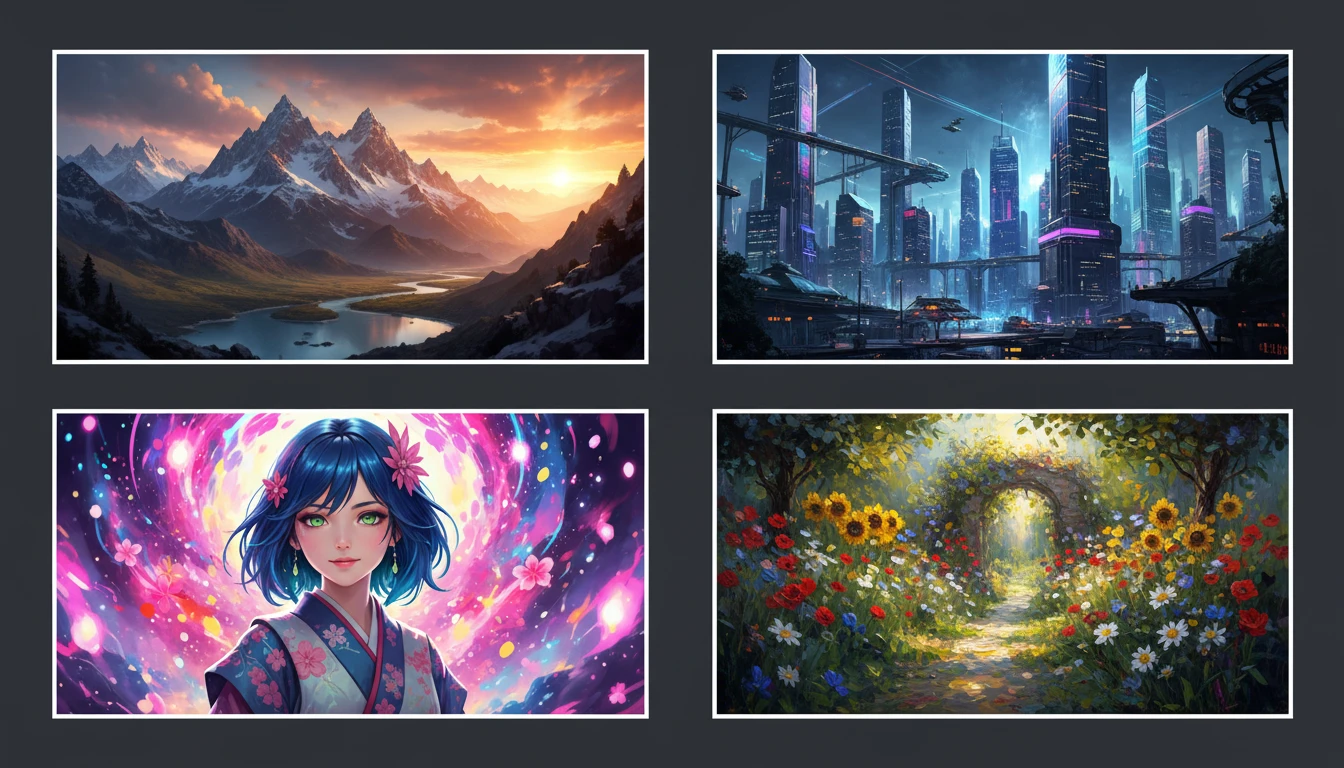
AI Text to Image
Describe any scene, character, or concept and AI generates a high-quality image in seconds. Choose from 10 artistic styles including photorealistic, cinematic, anime, oil painting, watercolor, and more, plus full aspect ratio control. Supports detailed prompt inputs and optional reference image uploads to guide the composition or style.
Opens in
Image Studio
Frequently Asked Questions
Everything you need to know to get started.
What is AI Pattern Generator?
AI Pattern Generator creates seamless, tileable repeating patterns from text descriptions. Describe a motif, style, and color palette. AI generates a surface design ready for fabric, wallpaper, packaging, and more.
What pattern styles are available?
You can choose from Geometric, Floral, Botanical/Tropical, Ethnic/Tribal, Abstract, Art Deco, Damask/Baroque, Watercolor, Scandinavian Folk, and Japanese. Each style applies a distinct visual language and motif treatment.
Can I upload a reference image?
Yes. Upload a reference pattern, mood board, or fabric photo to guide the AI towards a specific motif style, color relationship, or decorative aesthetic. This is ideal for generating variations within a cohesive collection.
What aspect ratio should I use for seamless patterns?
Square (1:1) is the standard for seamlessly tileable patterns. It works for fabric yardage, wallpaper repeats, and digital background patterns. Landscape ratios (4:3, 3:2) work well for border patterns and panoramic repeats.
How do I write a good pattern prompt?
Name the motif clearly ("tiny daisies", "Moroccan tile", "tribal chevrons"), describe the arrangement ("allover scattered", "half-drop", "stripe border"), and specify the palette ("pastel sage and dusty pink", "bold primary colors"). Named aesthetic styles like "William Morris", "Memphis geometric", or "Japanese shibori" also produce very accurate results.
Can I use generated patterns commercially?
Yes. You retain rights to the patterns you generate on RauGen and can use them commercially for fabric printing, wallpaper, packaging, merchandise, print-on-demand products, and any other commercial application.
Start Generating Patterns Today
Describe any motif and style. AI creates a seamless repeating pattern in seconds.
Generate Your First PatternDisclaimer: This tool uses generative AI technology which may produce content that resembles copyrighted materials or that is inaccurate, incomplete, or out-of-date. It is provided for general information and educational purposes only and is not intended for illegal activities or to replace professional advice, diagnosis, or treatment. Users are solely responsible for how they use the generated content. If you plan to use AI-generated content commercially or publicly, we strongly recommend reviewing it for potential copyright issues and obtaining proper permissions where necessary. We accept no liability for copyright infringement or any other consequences resulting from the use of content generated by this tool.