AI Sunglass Design — Studio Product Photography
Describe any eyewear and AI generates a professional studio product photo — photorealistic aviators, wayfarers, cat eyes and sport wraps on a clean white background, ready for e-commerce and brand presentations
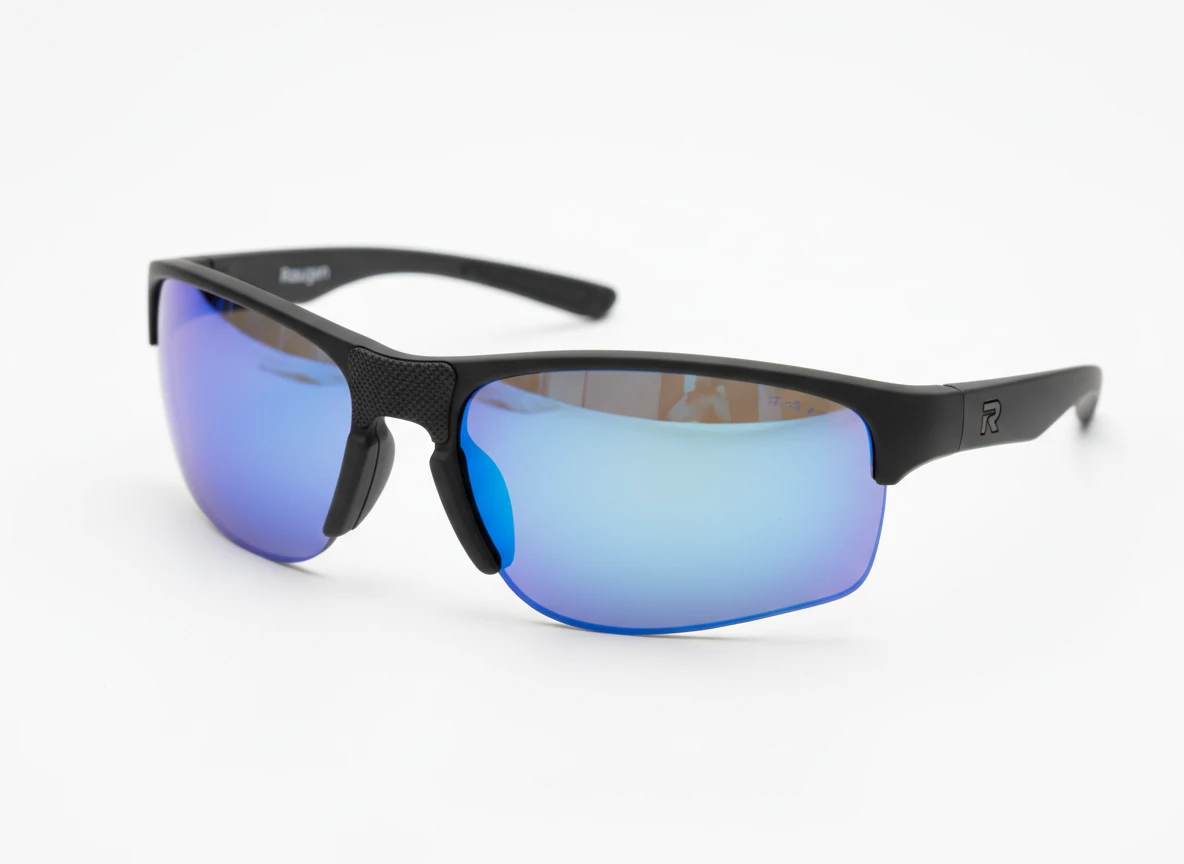
Powerful Features
Everything You Need to Design Sunglasses
Professional AI-powered sunglass product photography at your fingertips
Text-to-Product Generation
Describe any sunglass in natural language — frame style, lens tint, material, shape — and get a photorealistic studio product shot instantly.
Reference Image Editing
Upload an existing eyewear photo and use AI to restyle, recolour, or redesign it — change the frame colour, swap lens tint, alter the shape, and iterate effortlessly.
Multiple AI Models
Choose from cutting-edge AI models optimised for luxury product photography — each excelling at reflections, translucent lens rendering, and frame detail accuracy.
Persistent Design History
All your generated sunglass designs are saved to your account. Browse, download, and use past designs as references for new iterations.
How to Generate Sunglass Photos with AI
From concept to studio-quality product shot in three simple steps
Describe Your Sunglasses
Type a description of the eyewear you want — style (aviator, wayfarer, cat eye, round, sport wrap), frame material and colour, lens type and tint, bridge style, and any special details.
Choose a Model & Aspect Ratio
Select the AI model that best suits your vision and pick the output format — square for flat lays, portrait for standing shots, landscape for styled lifestyle scenes.
Generate & Download
Click Generate and your product photo is ready in seconds. Download it, use it as a reference for further edits, or save it to your design history.
Perfect For
Trusted by eyewear brands, luxury retailers, designers, and content creators worldwide
Eyewear Brands & Startups
Prototype new frames before expensive tooling and sampling. Generate frame shape, colour, and lens variations in seconds for team review and investor presentations.
Retailers & Boutiques
Create clean, white-background product images for listings, ads, and lookbooks without expensive photoshoots or waiting for physical samples to arrive.
Eyewear Designers
Rapidly explore new frame shapes, lens configurations, and material combinations to present to clients, manufacturers, or editorial teams.
Content Creators & Influencers
Visualise custom sunglass looks and styles for social media content, mood boards, and fashion editorial before commissioning real-world builds.
Expert Tips & Insights
Everything you need to know to get the best sunglass photography results every time
Writing Great Sunglass Prompts
Precision in your prompt leads to more realistic, usable product photos. Think like a product spec sheet sent to a luxury eyewear photographer.
Key Facts
Start with the frame style — "classic aviator", "oversized wayfarer", "sport wraparound", "vintage cat eye", "round wire frame"
Specify frame material and colour — "gold metal", "black acetate", "tortoiseshell", "titanium", "rose gold"
Describe the lenses — "grey gradient polarized", "blue mirrored", "photochromic amber", "flat tinted smoke"
Using Reference Images Effectively
Upload an existing sunglass photo to guide AI edits — restyle the frame colour, change the lens tint, adjust the shape, or add embellishments while preserving the overall silhouette.
Key Facts
Clean, well-lit photos on white or neutral backgrounds work best for editing
Describe the specific change in your prompt — "change to rose gold frame", "add blue mirrored lenses", "make it oversized"
Use the "Use as Reference" button on any generated design to iterate from it
Choosing the Right AI Model
Different AI models excel at different visual styles. Some produce hyper-realistic reflections and transparent lenses while others excel at creative product photography.
Key Facts
Nano Banana is fast and great for quick concept exploration
SeeDream v5 Lite excels at diverse style interpretation and complex scene composition
Aspect Ratio Tips for Eyewear Photos
The aspect ratio you choose significantly affects how product shots are composed and which details are most visible.
Key Facts
1:1 (Square) is ideal for flat-lay shots and e-commerce product listings
4:5 or 3:4 works great for angled shots showing the frame and lens together
16:9 (Landscape) is perfect for styled lifestyle shots and banner ads
Iterating on Your Designs
Eyewear design is an iterative process. Use each generation as a stepping stone — the "Use as Reference" feature lets you refine and evolve concepts across multiple passes.
Key Facts
Generate multiple frame colour or lens tint variations of the same style and compare
Use the output as a reference image to refine specific elements in a follow-up generation
Combine prompt changes with reference images to steer the design in precise directions
Commercial Use & Rights
AI-generated product photos can be used commercially in most cases, but always verify the terms of the underlying AI model and ensure you're not infringing on existing brand IP.
Key Facts
AI-generated outputs are generally owned by the person who prompted them
Avoid prompting for specific branded eyewear designs (e.g. exact Ray-Ban or Oakley replicas)
Use generations as inspiration and concept references rather than final production-ready assets
Pro Tips for Stunning Sunglass Photos
Get the most impactful results with these practical techniques
Be Specific with Frame & Lens
Include precise specs — "gold double-bridge aviator with grey gradient polarized lenses" yields far better results than just "gold sunglasses"
Add Photography Context
Include how you want the piece shot — "clean white studio background", "flat lay", or "angled three-quarter view" to control the composition
Iterate Rapidly
Generate 3-5 quick frame colour or lens tint variations and use the best one as a reference image to refine it in the next generation for a polished final result
Explore More
More AI Studio Tools
Discover other powerful AI tools to enhance your creative workflow
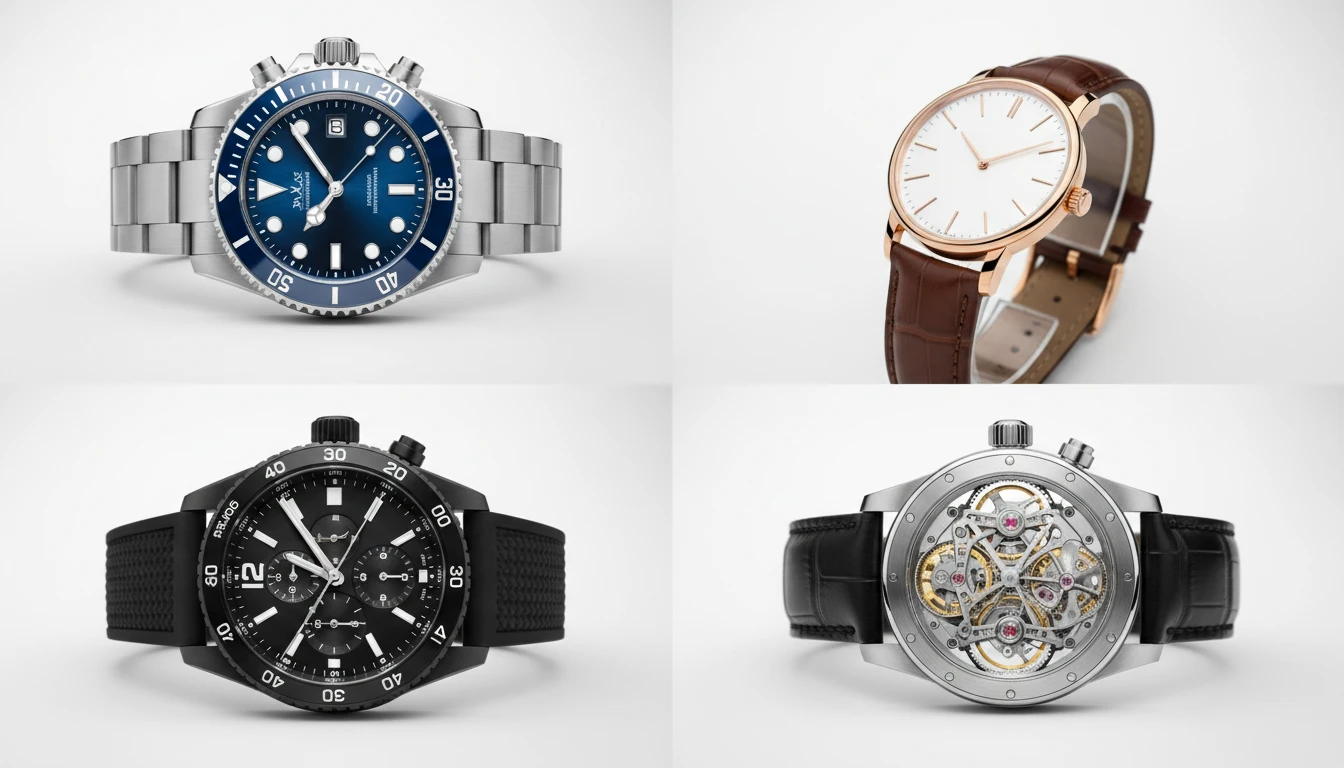
AI Watch Design Generator
Generate realistic watch product photos from text descriptions. Dive, dress, chronograph, pilot, GMT, skeleton, luxury, and more styles.
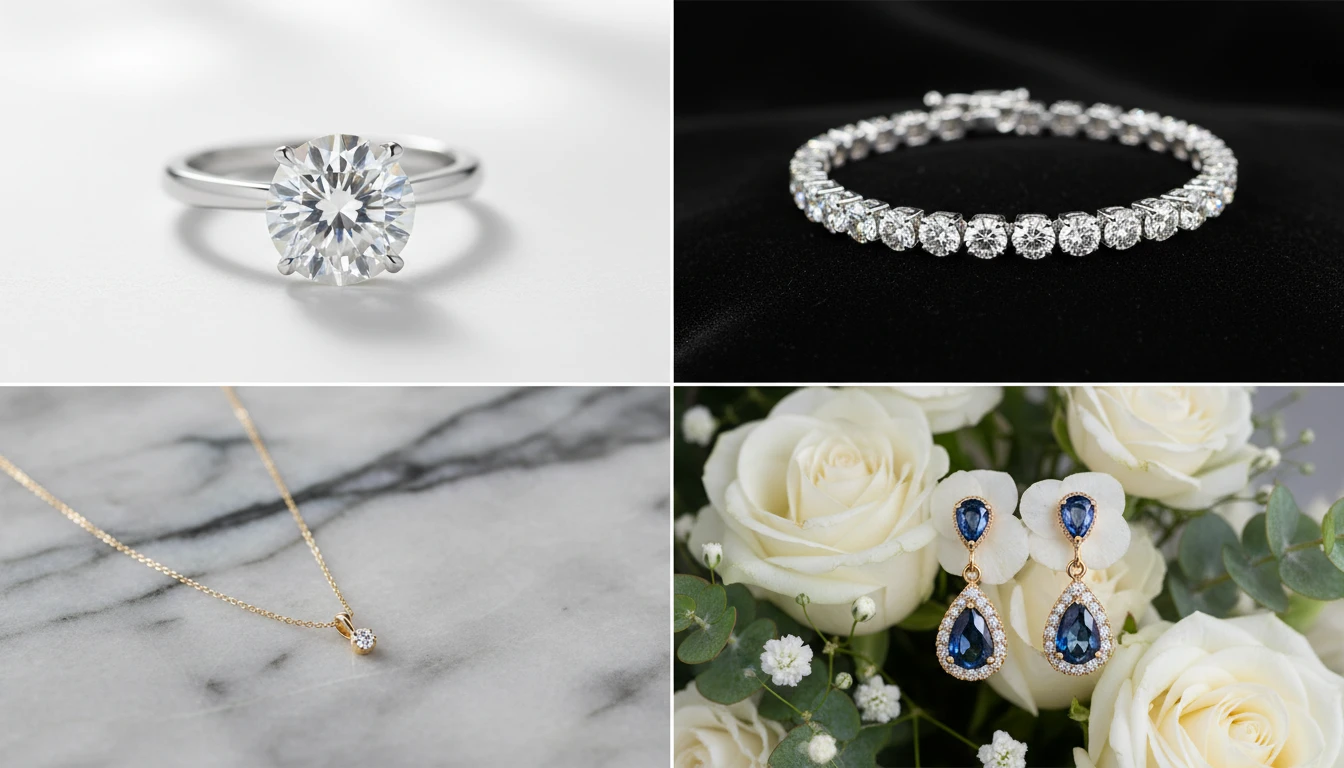
AI Jewellery Design Generator
Generate professional jewellery product photos from text descriptions. Studio white, marble, editorial, macro, bridal, dark drama, and more presentation styles.
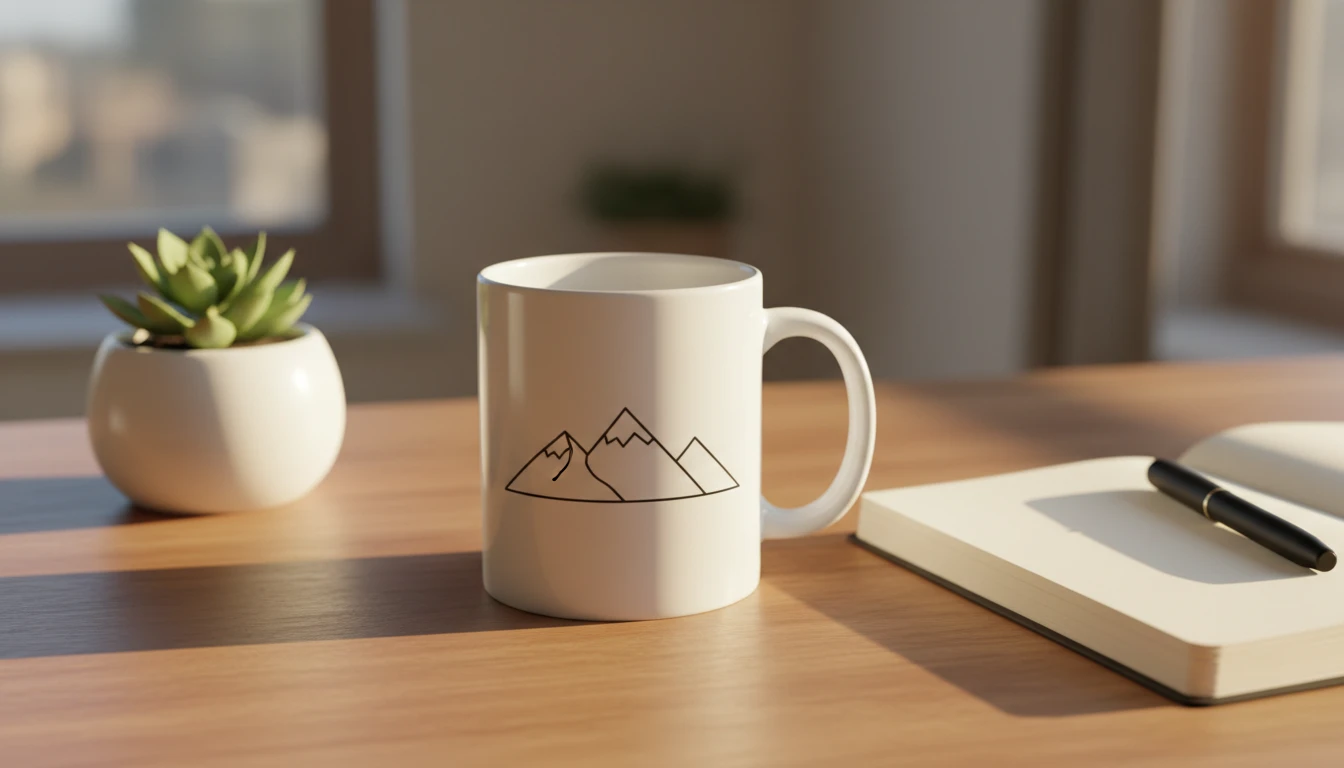
AI Mockup Generator
Generate professional product mockup images from text descriptions. Mugs, t-shirts, phones, packaging, and more in studio, lifestyle, flat lay, and premium styles.
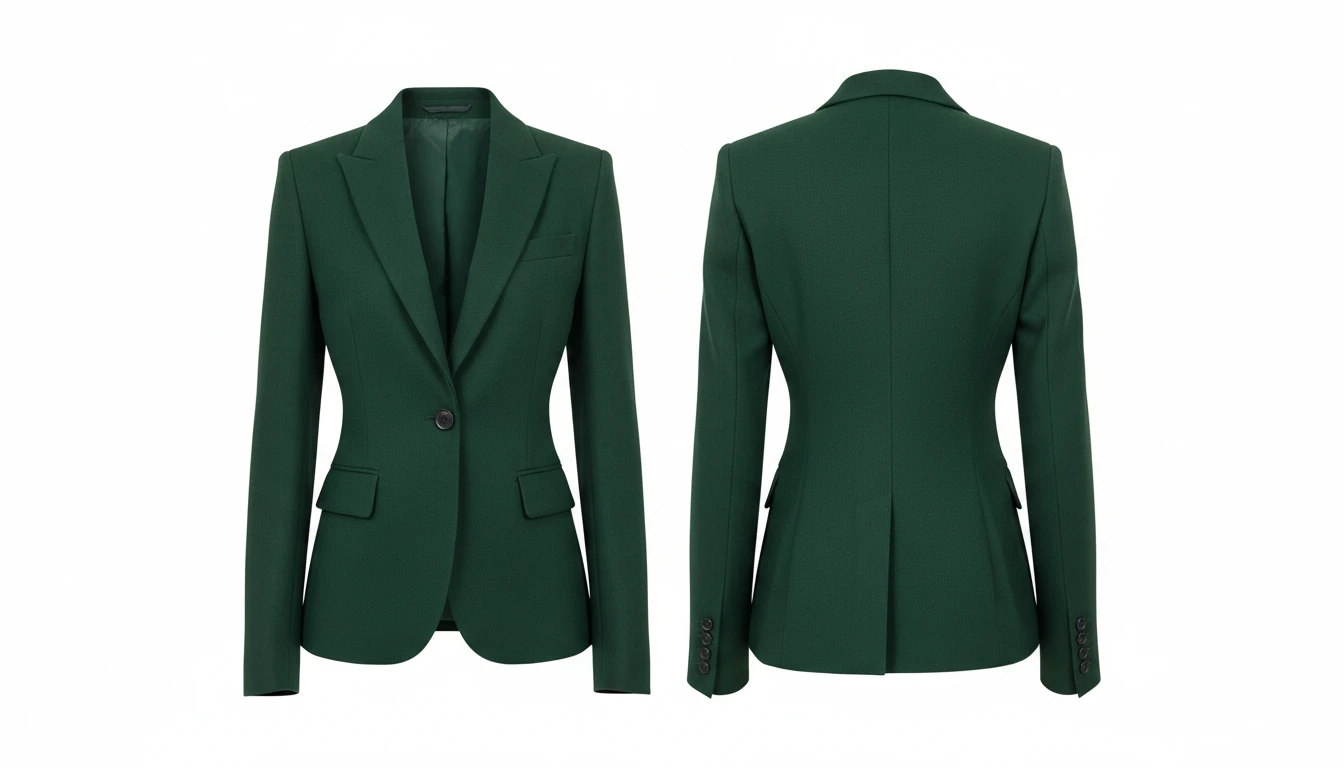
AI Clothing Generator
Generate any clothing or garment design from a text description with professional presentation styles
Opens in
Image Studio
Ready to Design Your Next Eyewear?
Try AI Sunglass Design Generator now and bring your eyewear vision to life in seconds
Launch Sunglass DesignerDisclaimer: This tool uses generative AI technology which may produce content that resembles copyrighted materials or that is inaccurate, incomplete, or out-of-date. It is provided for general information and educational purposes only and is not intended for illegal activities or to replace professional advice, diagnosis, or treatment. Users are solely responsible for how they use the generated content. If you plan to use AI-generated content commercially or publicly, we strongly recommend reviewing it for potential copyright issues and obtaining proper permissions where necessary. We accept no liability for copyright infringement or any other consequences resulting from the use of content generated by this tool.