Generate Any Sticker from a Text Description
Describe the subject and AI creates a sticker in seconds. Kawaii, chibi, cartoon, die-cut, holographic, retro, pixel art, and more.
Generate a Sticker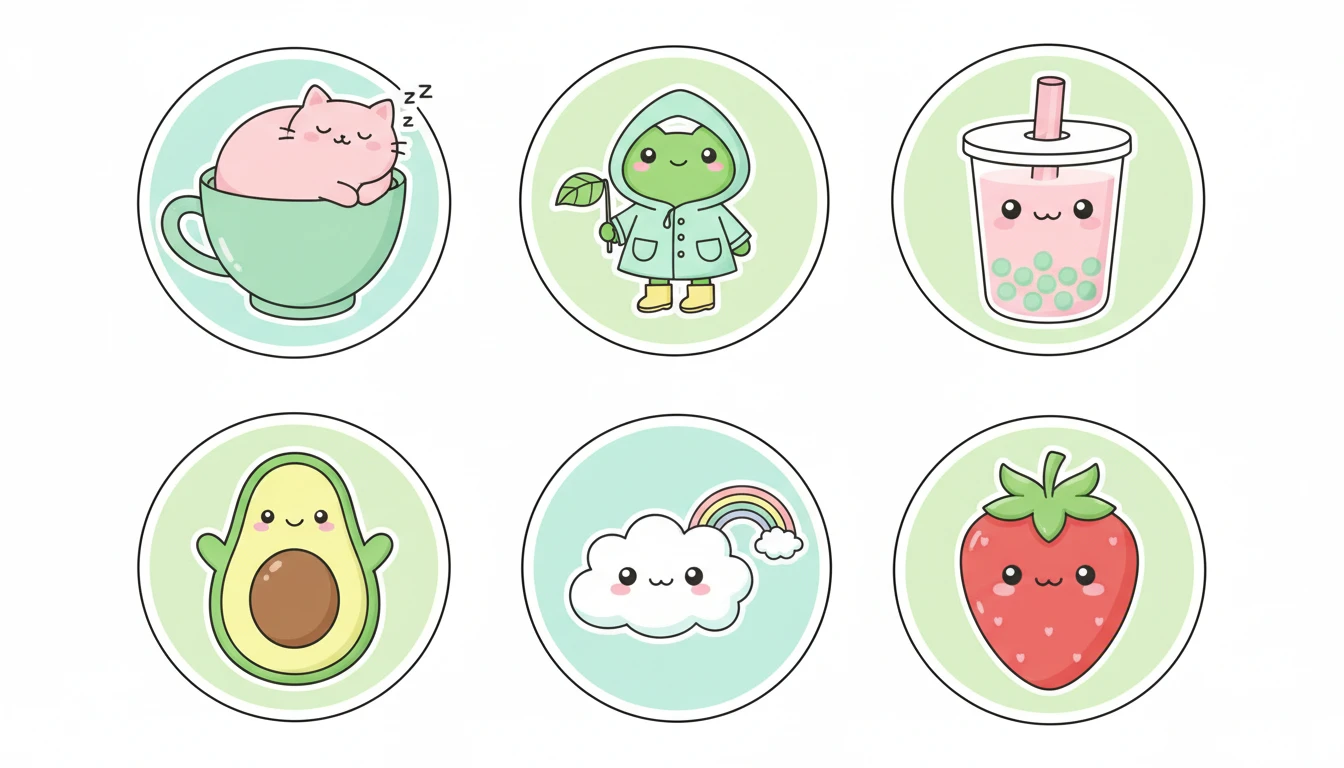
Describe Your Sticker
Say the subject, pick a style, then open it in AI Image Studio to generate.
Runs inside the AI Image Studio — generate and edit in one place.
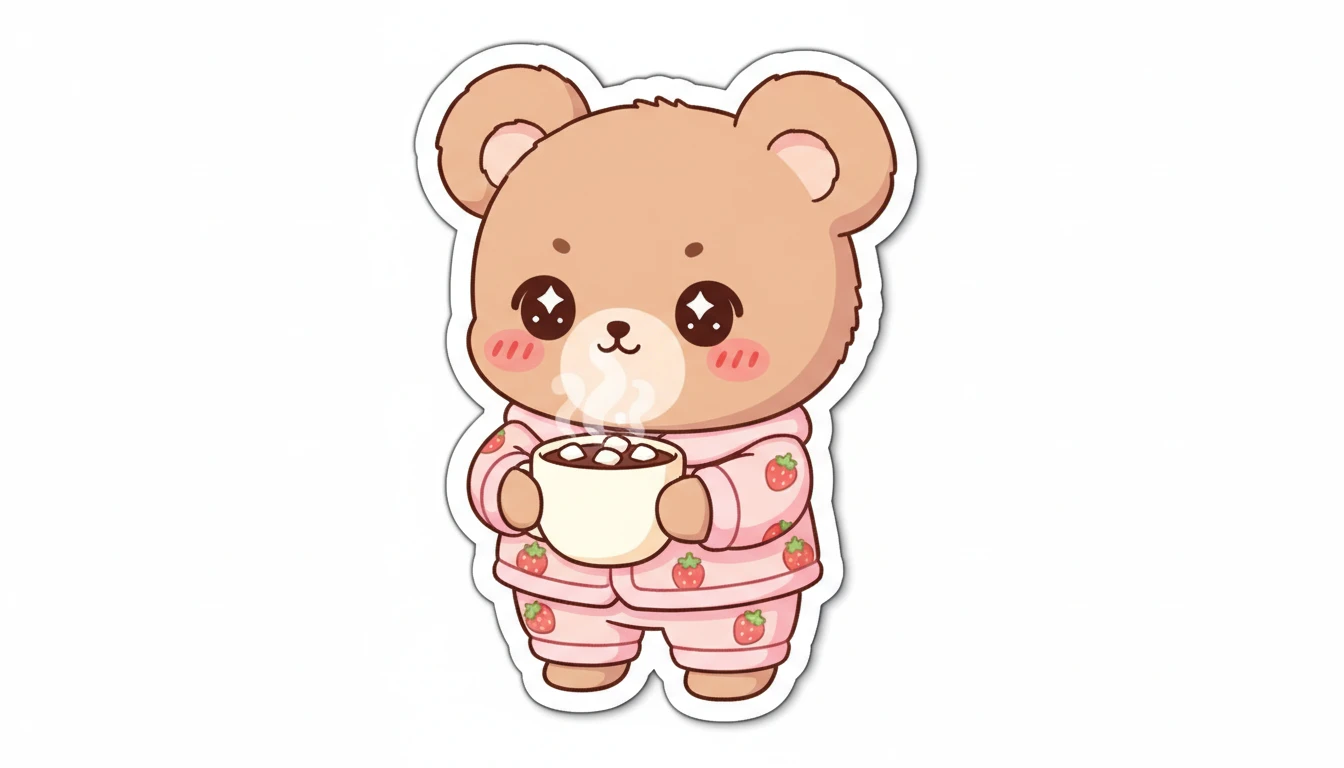
Kawaii and Chibi Characters
Big eyes, rosy cheeks, and round soft shapes in pastel colors. The most popular sticker style for messaging apps, merchandise, and digital planners. From animals and food to fantasy creatures.
Generate a Kawaii Sticker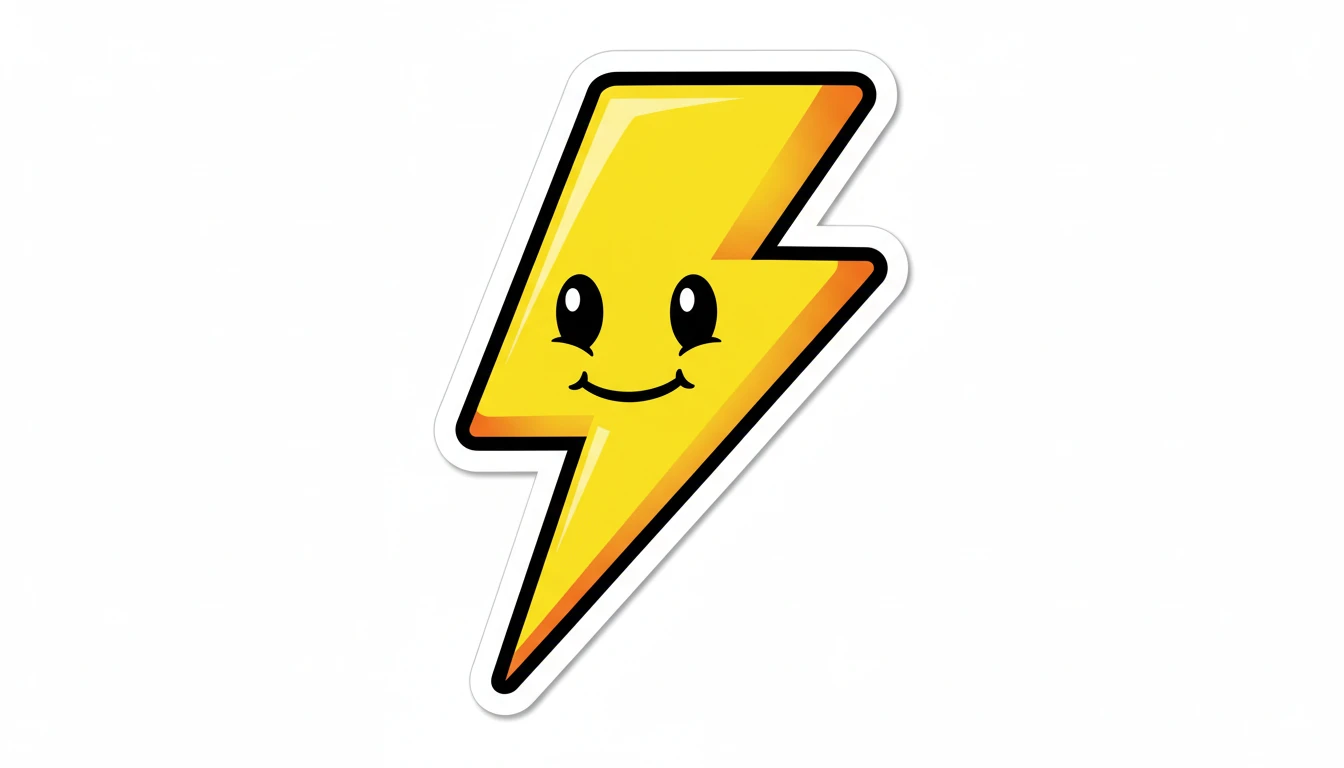
Die-Cut and Cartoon Stickers
Bold outlines, vivid saturated colors, and clean flat illustrations. The go-to style for physical die-cut sticker sheets, laptop stickers, planner decorations, and product packaging.
Generate a Die-Cut Sticker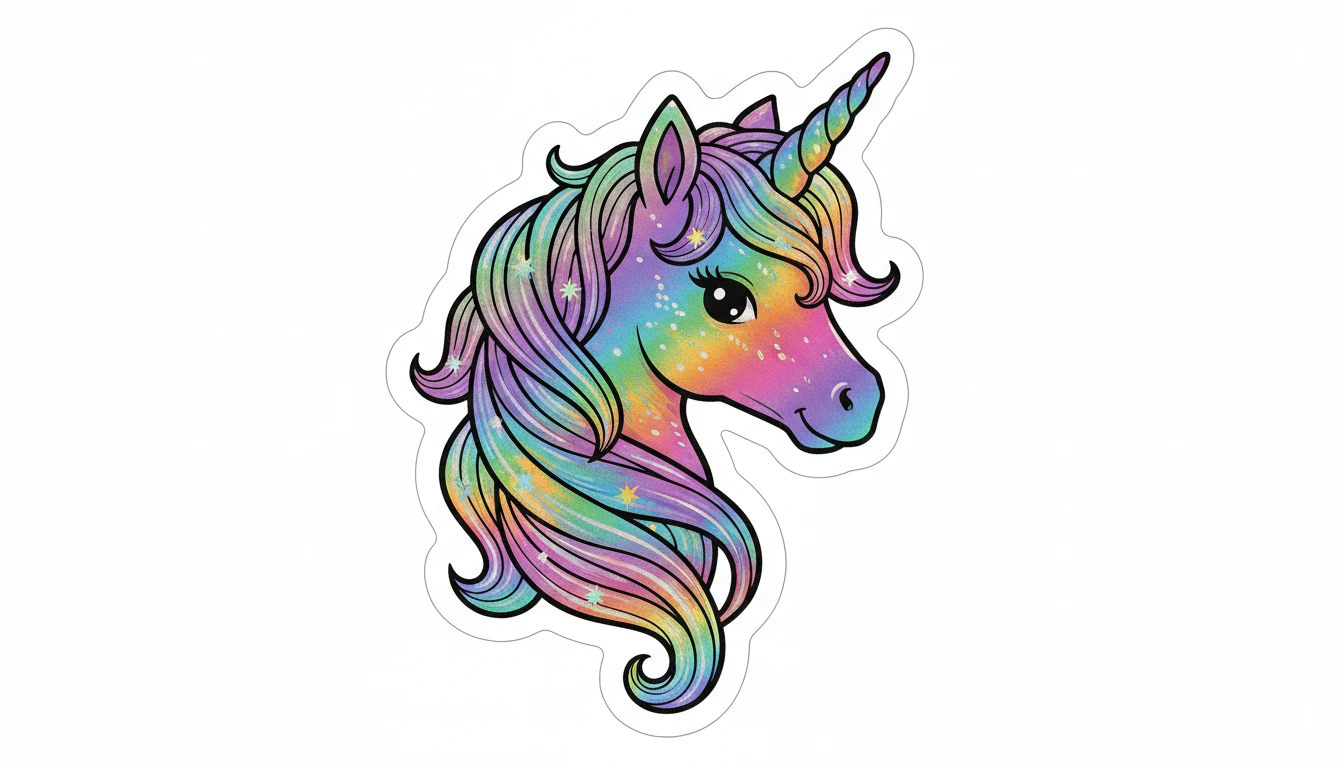
Holographic and Special Effects
Rainbow prismatic color shifts, metallic sheens, and sparkle details. Holographic stickers stand out on merchandise, packaging, and collector items. Retro and pixel art styles also available.
Generate a Holographic Sticker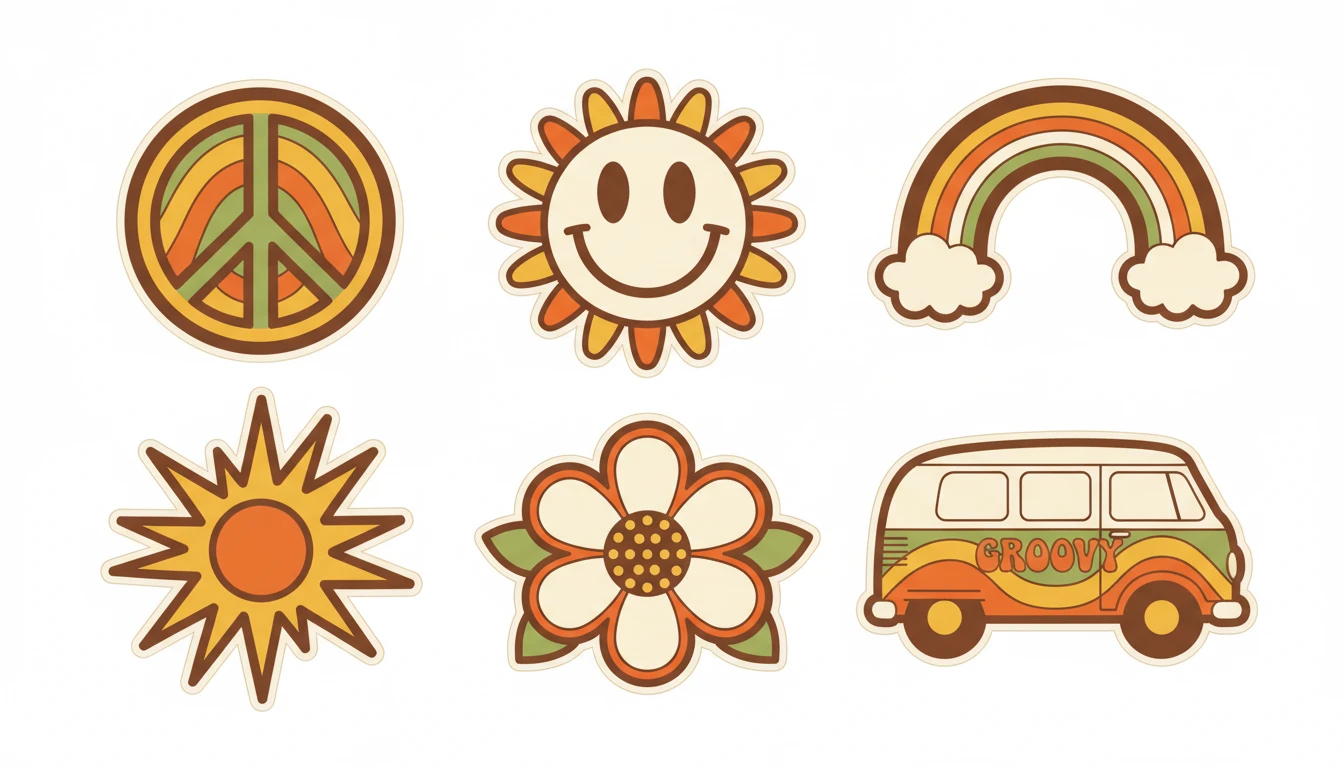
Sticker Packs
Generate a complete matching sticker pack in one go. Six coordinated designs in a consistent visual style and color palette, ready to use as a messaging app pack or print-on-demand sticker sheet.
Generate a Sticker PackWho Uses AI Sticker Generator
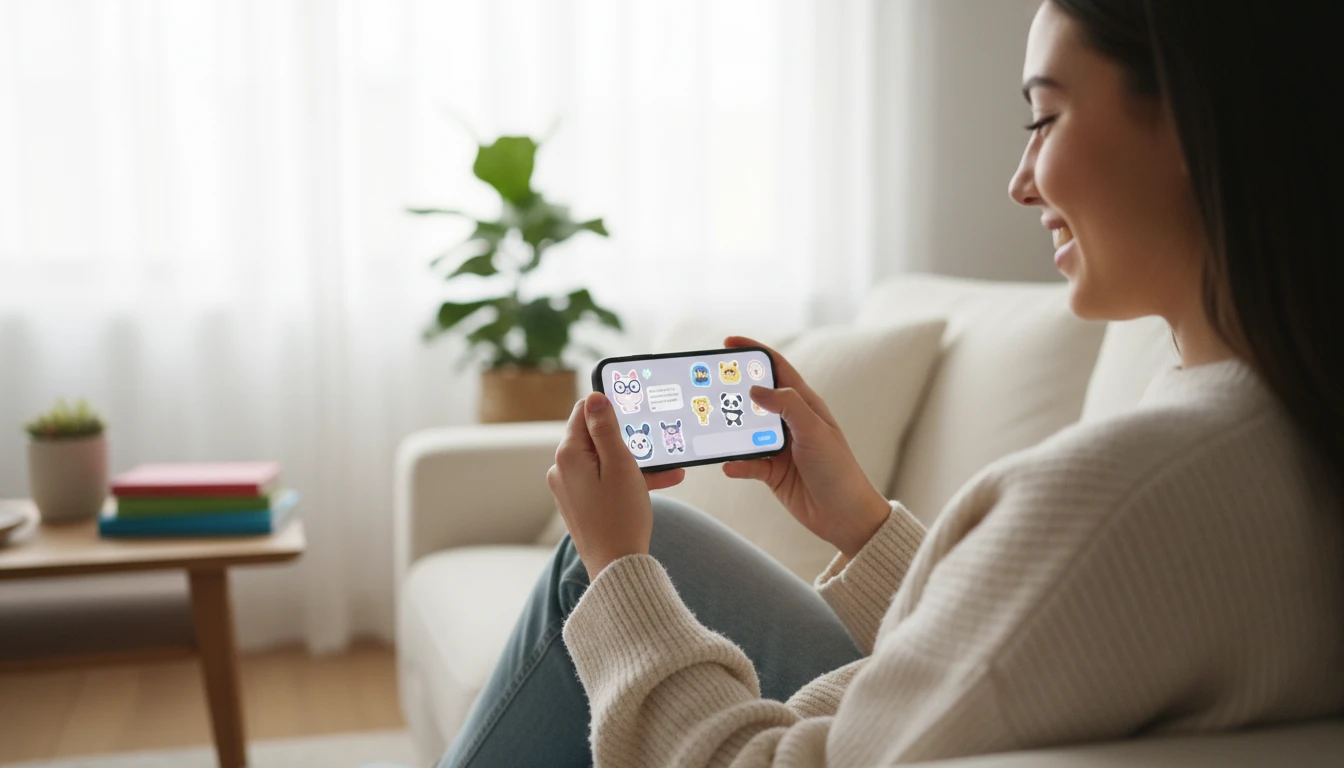
Messaging App Creators
Create personalized sticker packs for WhatsApp, Telegram, iMessage, and Discord. Express yourself with unique characters and designs that match your personality.
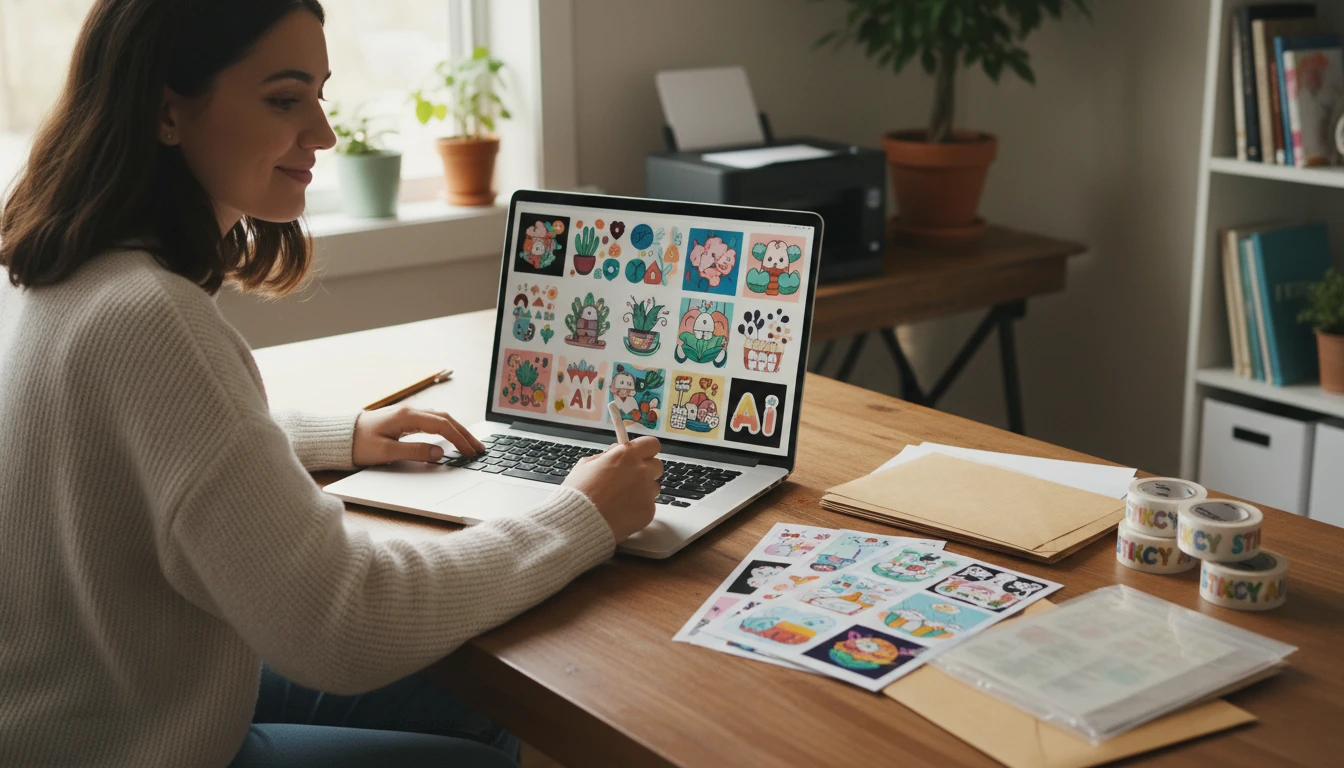
Merchandise and Print Sellers
Design eye-catching stickers for physical merchandise: laptop stickers, planner decorations, product packaging, and custom die-cut sticker sheets for Etsy and print-on-demand.
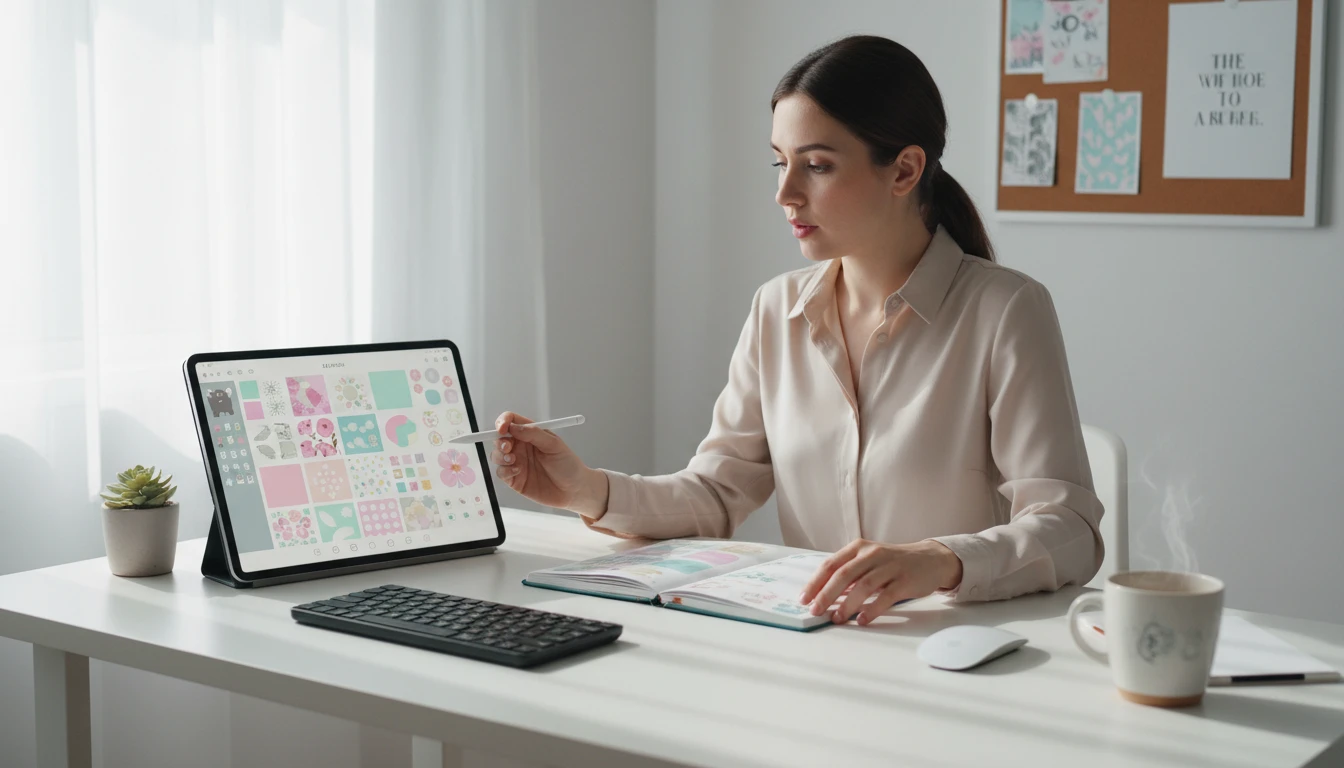
Digital Planner Designers
Generate themed sticker collections for digital bullet journals, planners, and scrapbooks. Create cohesive seasonal sets or character-driven packs in minutes.
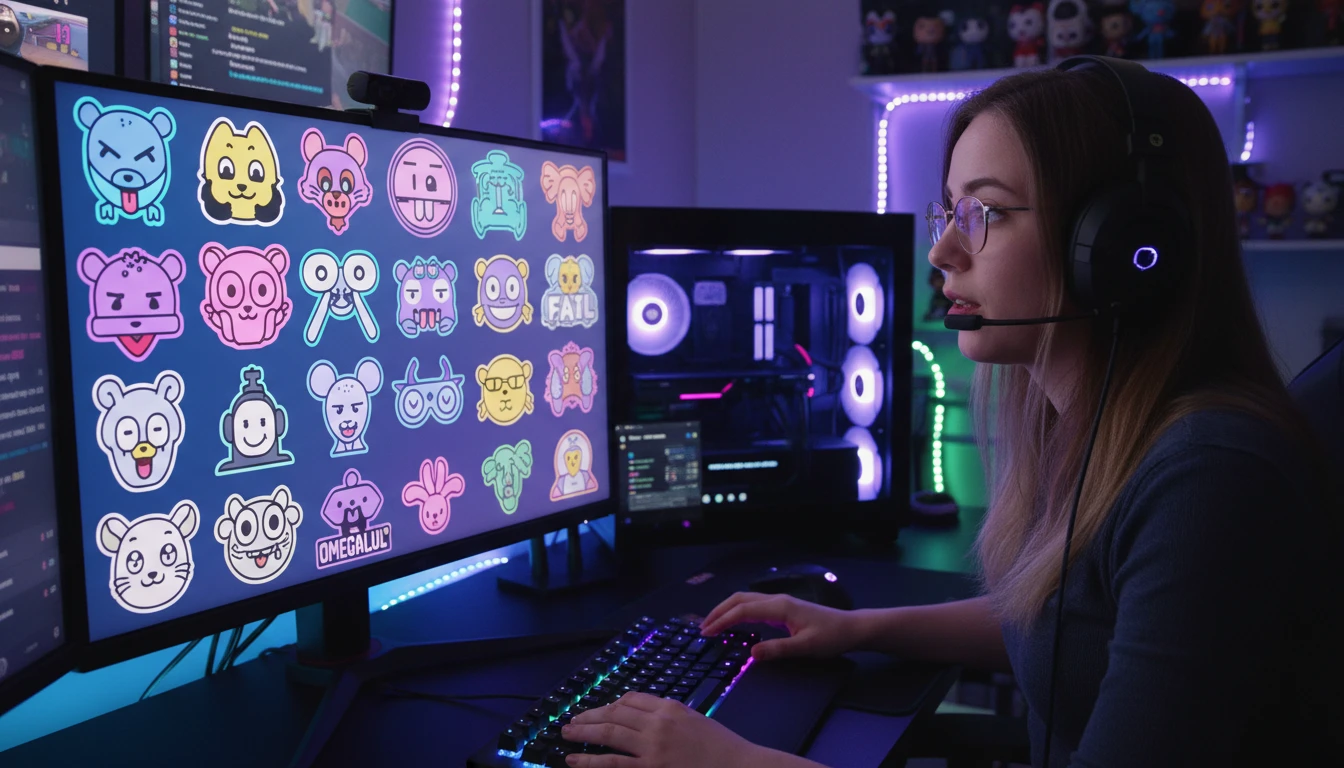
Content Creators and Streamers
Design branded sticker assets for YouTube thumbnails, Twitch emotes, brand mascots, and social media content that makes your channel instantly recognizable.
How to Generate AI Stickers
From description to cute sticker in four simple steps
Describe Your Sticker
Write what you want: the subject, character, or concept. Be specific. "A sleepy cat in a teacup" or "a tiny frog wearing a yellow raincoat" works far better than just "a frog".
Choose a Sticker Style
Select from Kawaii, Chibi, Cartoon, Die-Cut, Flat Design, Retro, Holographic, Watercolor, Pixel Art, or Sticker Pack. Each style applies a distinct visual treatment.
Pick Aspect Ratio and Upload a Reference (Optional)
Use square (1:1) for most stickers. Upload a reference sticker or character image to maintain style and design consistency across a pack.
Generate and Download
Click Generate and your sticker is ready in seconds. Download as PNG for messaging apps, merchandise, die-cut printing, digital planners, or any creative project.
Explore More
More AI Studio Tools
Discover other powerful AI tools to enhance your creative workflow
AI Clipart Generator
Generate high-quality clipart from text descriptions in flat design, cartoon, sticker, hand-drawn, and more styles
AI Character Generator
Generate unique characters for games, stories, comics, and art from text descriptions in fantasy, anime, chibi, sci-fi, and more styles
AI Icon Generator
Generate beautiful icons and app icons from text descriptions in flat, app icon, line, gradient, 3D, isometric, and more styles
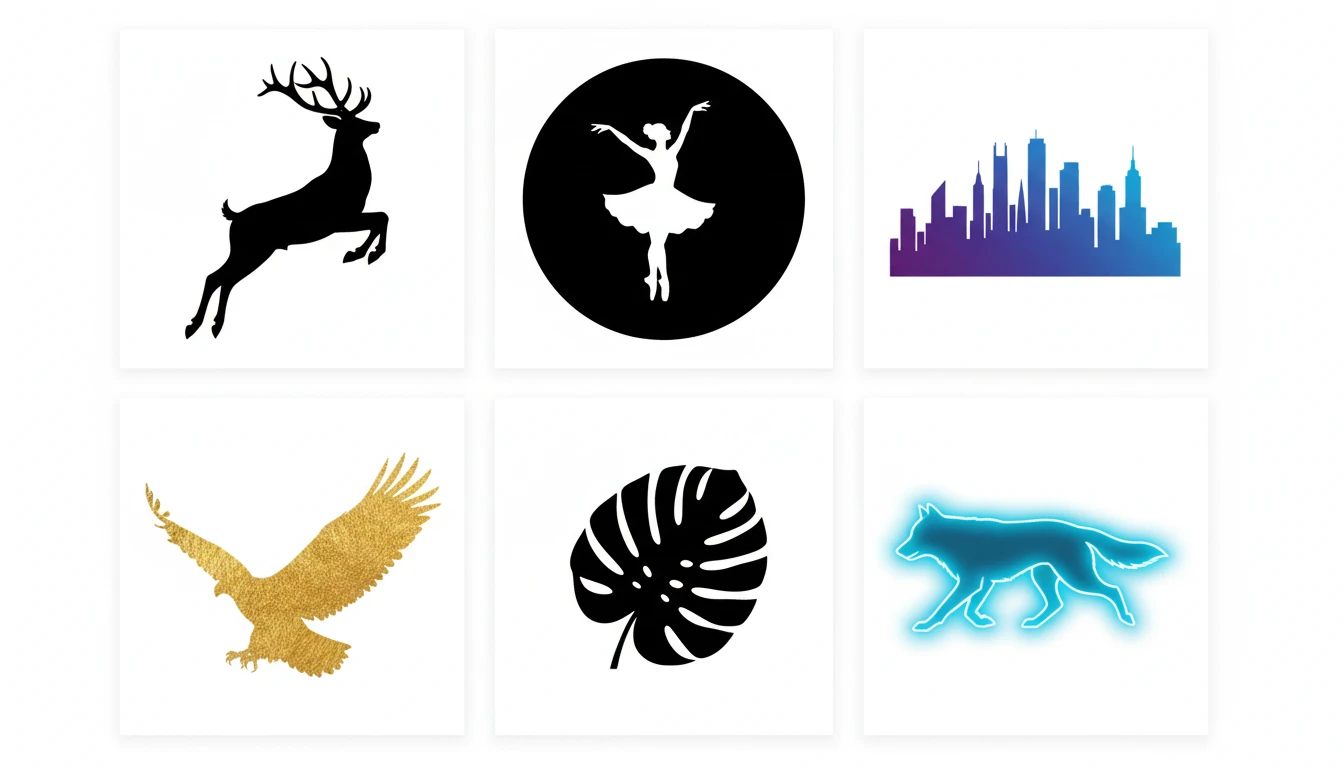
AI Silhouette Generator
Generate clean, crisp silhouette images from text descriptions. People, animals, scenes, and objects in classic black, gradient, gold, neon, and more styles.
Opens in
Image Studio
Frequently Asked Questions
Everything you need to know to get started.
What is AI Sticker Generator?
AI Sticker Generator creates cute, ready-to-use sticker images from text descriptions. Describe any character or subject, pick a style, and AI generates the sticker in seconds. Kawaii, chibi, die-cut, holographic, retro, and more.
What sticker styles are available?
You can choose from Kawaii, Chibi, Cartoon, Die-Cut, Flat Design, Retro, Holographic, Watercolor, Pixel Art, and Sticker Pack. The Sticker Pack style generates a grid of six matching designs in one go.
How do I write a good sticker prompt?
Name the subject clearly and be specific about the pose or situation. "A sleepy panda holding a tiny pillow" works much better than "a panda". Add color details like "pastel pink" or "bright primary colors" for more control over the result.
Can I upload a reference image?
Yes. Upload an existing sticker or character reference to guide the AI toward a specific style, color palette, or character design. This is ideal for building a cohesive sticker pack where all pieces share the same visual identity.
What aspect ratio should I use for stickers?
Square (1:1) is the standard for most character stickers and messaging app formats. Portrait (2:3, 3:4) suits tall characters or elongated designs. Landscape (4:3, 16:9) works for scene stickers and banner-style designs.
Can I use generated stickers commercially?
Yes. You retain rights to the stickers you generate on RauGen and can use them commercially for merchandise, print-on-demand, messaging app packs, digital planner products, and any other commercial application.
Start Generating Stickers Today
Describe any character or concept. AI creates a cute sticker in seconds.
Generate Your First StickerDisclaimer: This tool uses generative AI technology which may produce content that resembles copyrighted materials or that is inaccurate, incomplete, or out-of-date. It is provided for general information and educational purposes only and is not intended for illegal activities or to replace professional advice, diagnosis, or treatment. Users are solely responsible for how they use the generated content. If you plan to use AI-generated content commercially or publicly, we strongly recommend reviewing it for potential copyright issues and obtaining proper permissions where necessary. We accept no liability for copyright infringement or any other consequences resulting from the use of content generated by this tool.