Generate Any Icon from a Text Description
Describe any icon and AI generates it in your chosen style instantly. Flat design, app icon, line, gradient, 3D, isometric, pixel art, and more.
Generate an Icon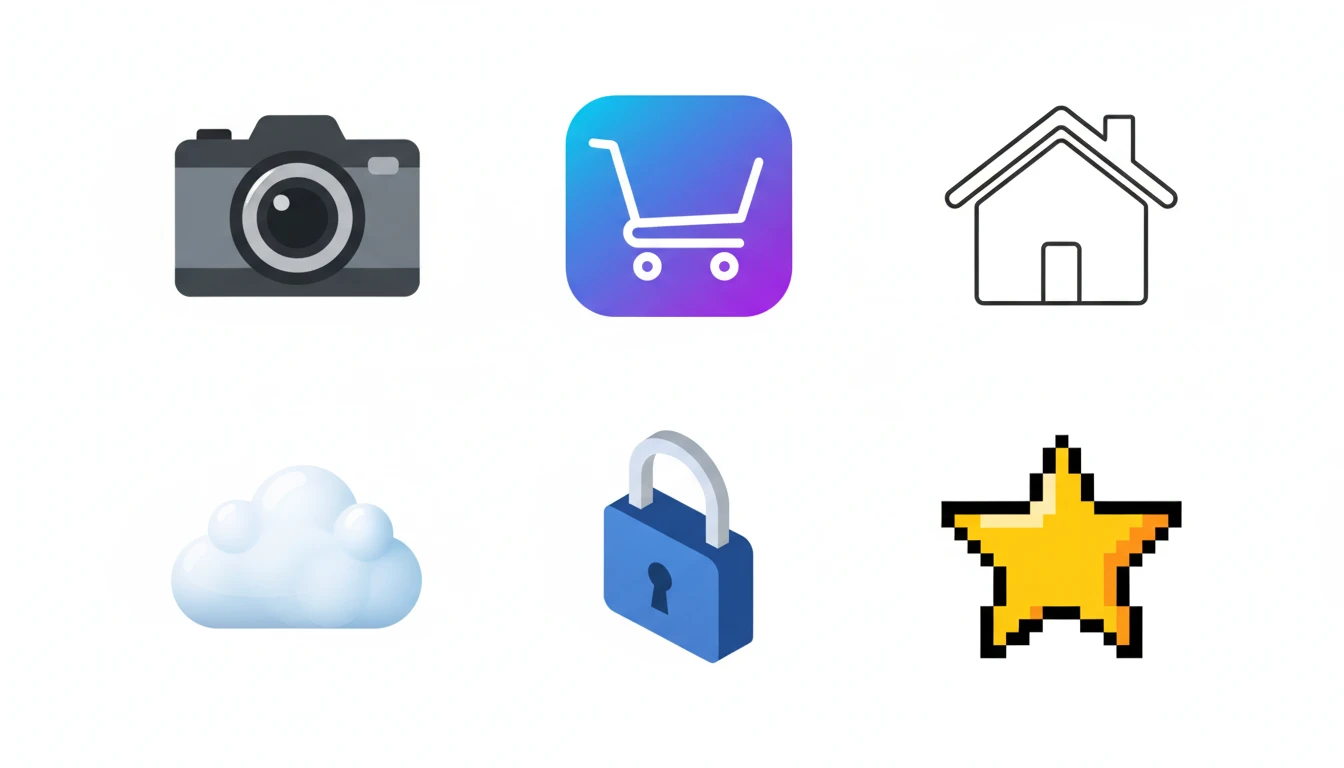
Describe Your Icon
Say what the icon represents and pick a style, then open it in AI Image Studio to generate.
Runs inside the AI Image Studio — generate and edit in one place.
App Icons for iOS and Android
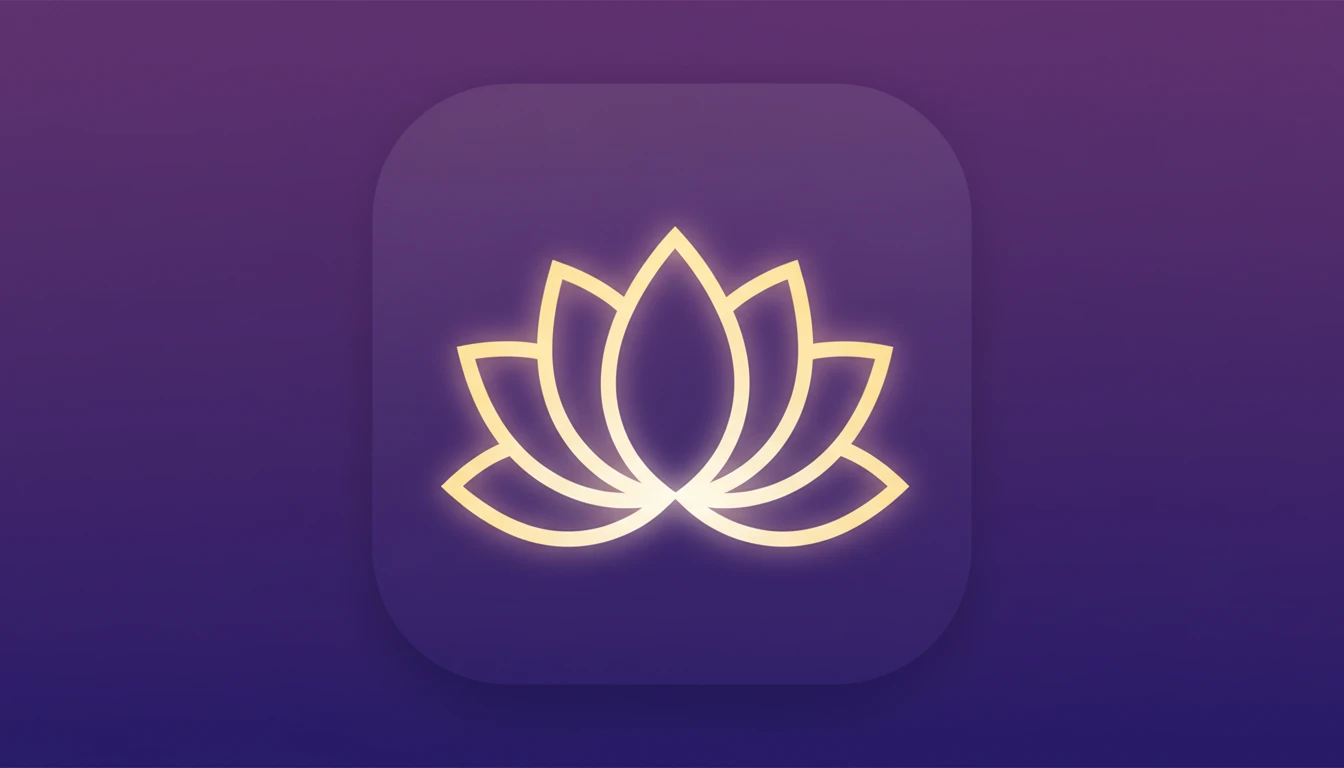
Generate polished app icons with gradient backgrounds, clean centered symbols, and the rounded-square canvas used by iOS and Android. Describe your app concept and AI produces a ready-to-test icon.
Generate an App Icon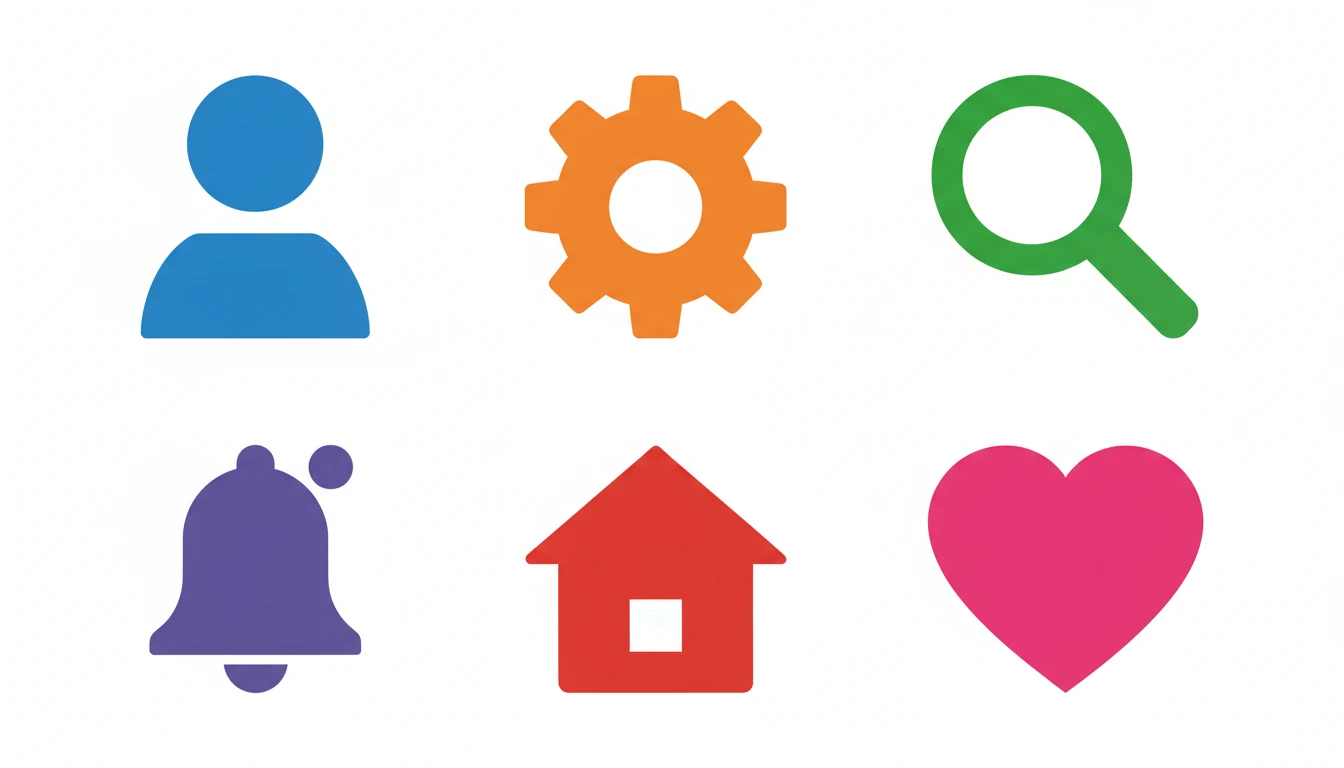
Flat and Line Icon Sets
Create consistent flat design and line icon sets for websites, dashboards, and UI kits. Describe each icon and keep the same style setting to maintain visual consistency across your entire set.
Generate Flat Icons
3D and Isometric Icons
Generate eye-catching 3D and isometric icons for landing pages, marketing materials, and premium app UI. Describe any concept and get depth, volume, and polish without a 3D modeling tool.
Try 3D Icon Style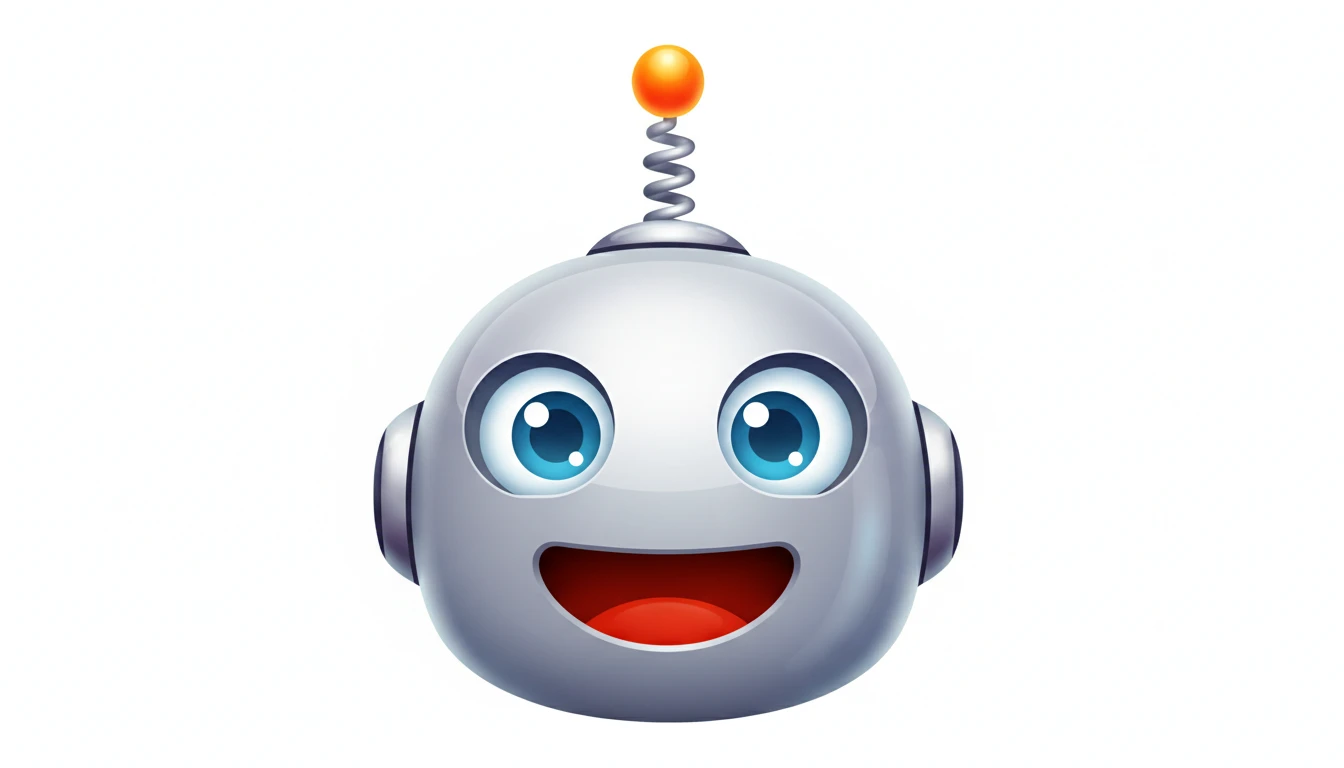
Emoji-Style and Expressive Icons
Create expressive, character-rich emoji-style icons for messaging apps, sticker packs, and playful product interfaces. Describe any object, animal, or expression and get a vivid result.
Try Emoji StyleWho Uses AI Icon Generator

App Developers and Indie Makers
Generate app icons and UI icons for iOS, Android, and web apps without a designer. Test multiple icon directions quickly before committing to a final design.

UI/UX Designers
Rapidly prototype icon sets and explore visual directions for design systems. Use AI-generated icons as placeholders in Figma or as inspiration for final illustration work.
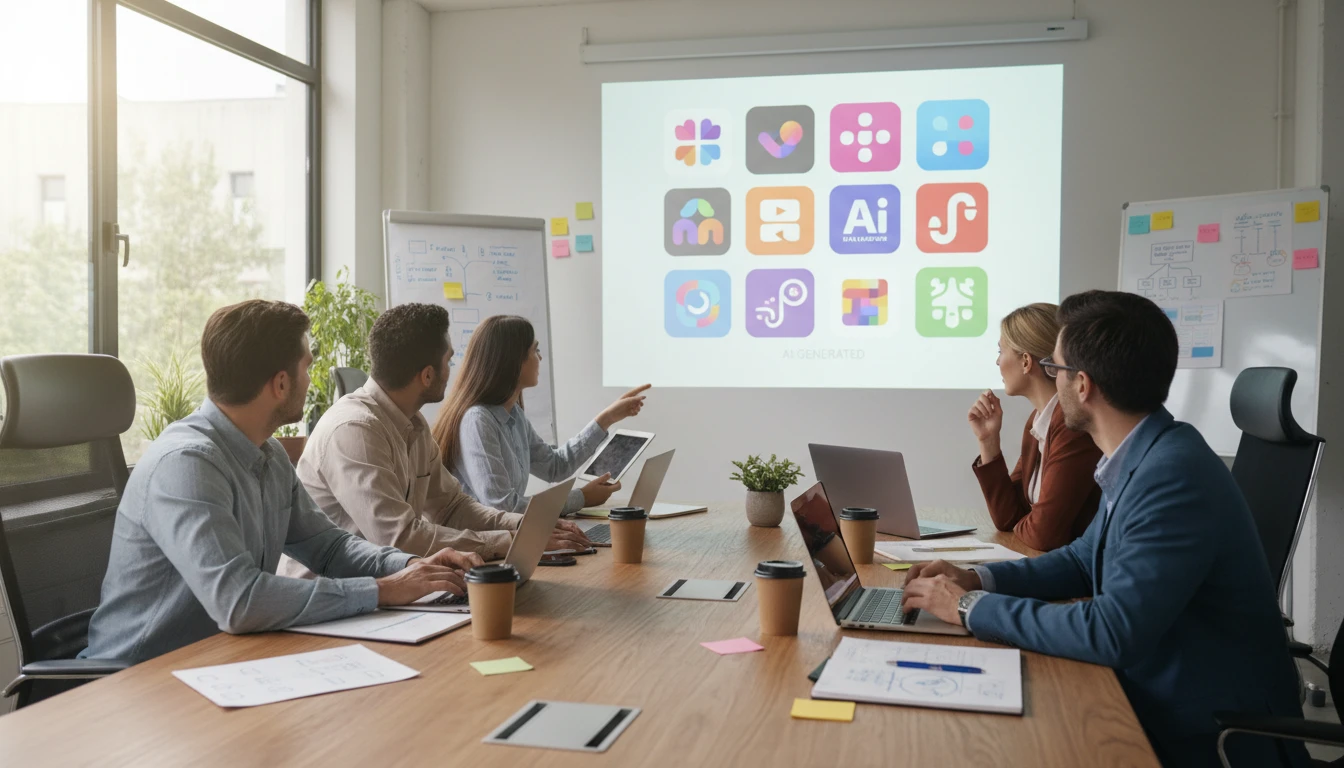
Marketing and Brand Teams
Create custom icons for presentations, pitch decks, landing pages, and marketing materials that match your brand. No icon library subscription or design handoff required.
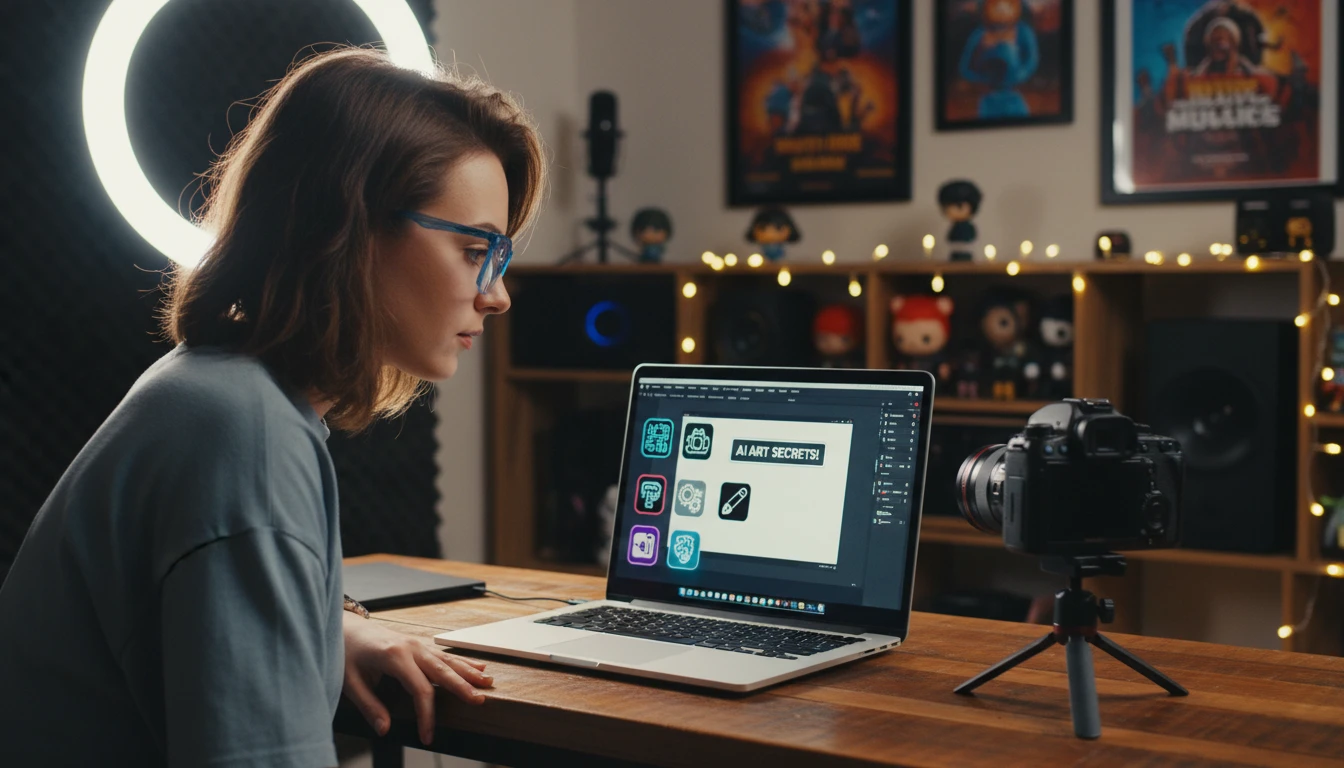
Content Creators and Educators
Generate icons for YouTube thumbnails, course materials, worksheets, and social media graphics. Describe what you need and get a matching icon in any style instantly.
How to Generate AI Icons
From description to ready-to-use icon in four simple steps
Describe Your Icon
Write what the icon should represent: an object, action, or concept. Be specific. "A camera lens with a shutter" produces better results than "camera".
Choose an Icon Style
Select from flat design, app icon, line, gradient, glyph, isometric, 3D, pixel art, emoji, or minimal to set the visual style of your icon.
Pick an Aspect Ratio
Use square (1:1) for standard icons and app icons. Switch to landscape for banner icons or wide icon compositions.
Generate and Download
Click Generate and your icon is ready in seconds. Download as PNG and use it directly in your app, website, or design tool.
Explore More
More AI Studio Tools
Discover other powerful AI tools to enhance your creative workflow
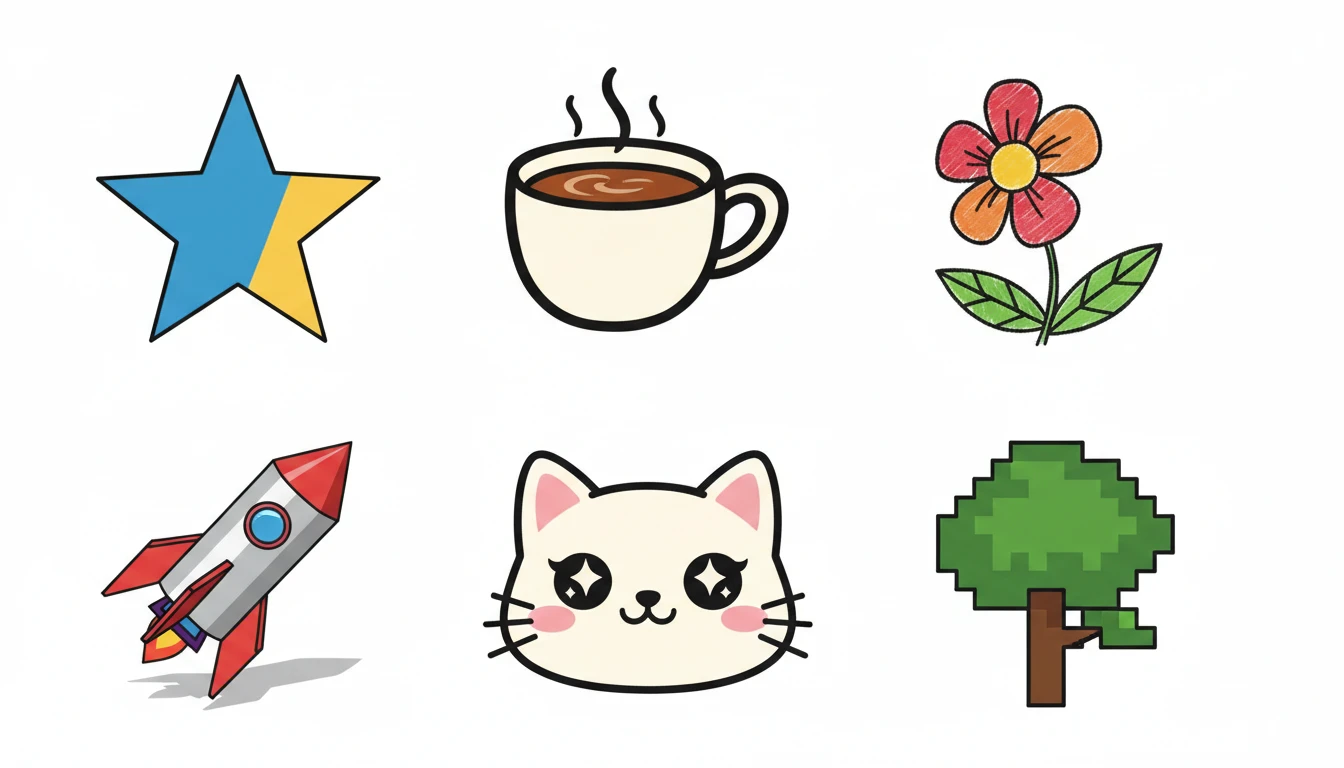
AI Clipart Generator
Generate high-quality clipart from text descriptions in flat design, cartoon, sticker, hand-drawn, and more styles
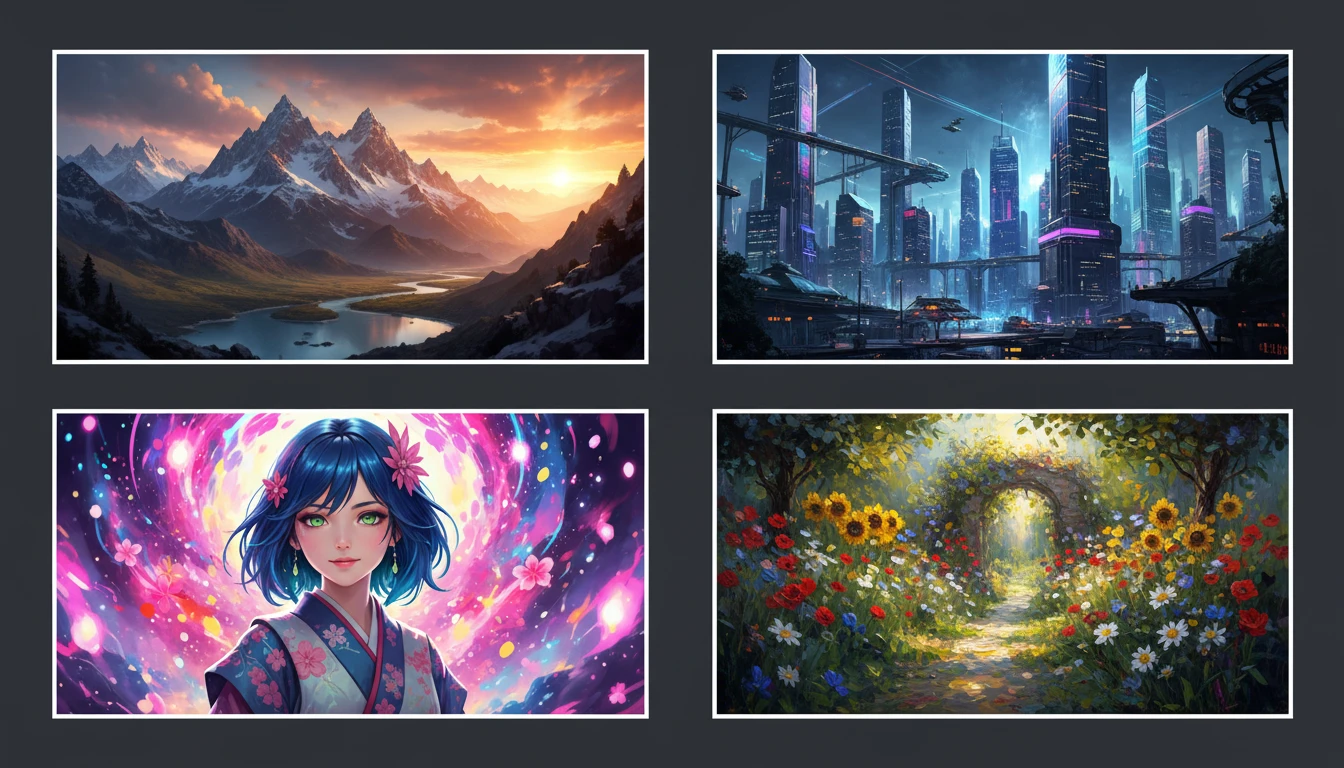
AI Text to Image
Describe any scene, character, or concept and AI generates a high-quality image in seconds. Choose from 10 artistic styles including photorealistic, cinematic, anime, oil painting, watercolor, and more, plus full aspect ratio control. Supports detailed prompt inputs and optional reference image uploads to guide the composition or style.
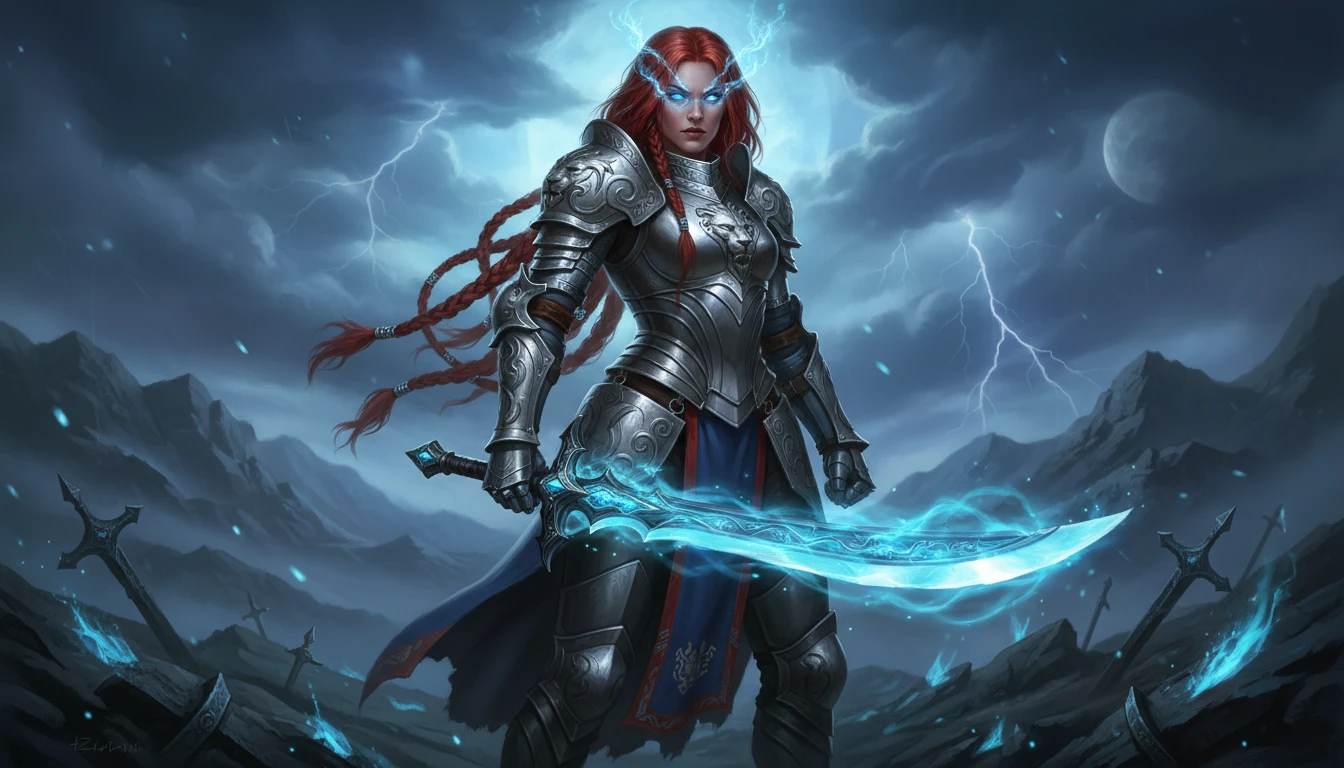
AI Character Generator
Generate unique characters for games, stories, comics, and art from text descriptions in fantasy, anime, chibi, sci-fi, and more styles
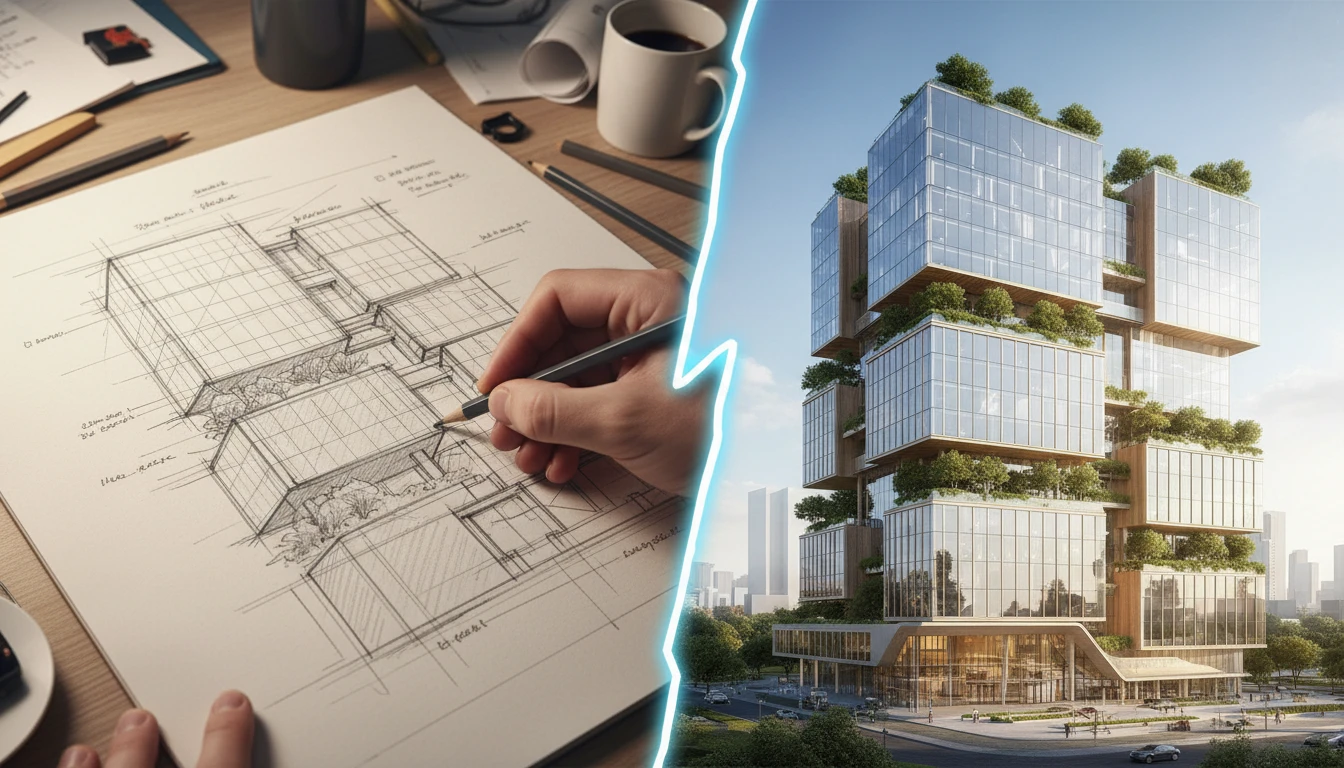
AI Sketch to Image
Upload any hand-drawn sketch, pencil drawing, blueprint, or concept line art and AI converts it into a detailed, fully rendered image. The model interprets the outline structure and fills it with colors, textures, lighting, and lifelike detail. Works for character concepts, architectural sketches, product designs, storyboards, and more.
Opens in
Image Studio
Frequently Asked Questions
Everything you need to know to get started.
What is AI Icon Generator?
AI Icon Generator creates icons from text descriptions. Describe any concept and choose a style (flat design, app icon, line, gradient, 3D, isometric, pixel art, glyph, emoji, or minimal). AI generates the icon in seconds.
What icon styles are available?
You can choose from Flat Design, App Icon, Line / Outline, Gradient, Glyph / Filled, Isometric, 3D, Pixel Art, Emoji Style, and Minimal. Each applies a distinct visual treatment to your icon subject.
What aspect ratio should I use for icons?
Square (1:1) is the standard for most icons and app icons. Use landscape ratios for wider icon compositions or banner-style graphics.
How do I generate a consistent icon set?
Keep the same style setting across all generations and use consistent descriptive language. For example, generate "a camera", "a microphone", "a speaker" all with "flat design" selected. The shared style setting helps maintain visual consistency.
Can I use the generated icons commercially?
Yes. You retain rights to the icons you generate on RauGen and can use them for personal and commercial purposes including apps, websites, presentations, and marketing materials.
How do I get the best icon results?
Be specific about the subject and keep it simple. Icons work best with a single clear concept. Avoid complex scenes. For example: "a shield with a checkmark" or "a cloud with an upload arrow" rather than vague descriptions like "security" or "cloud storage".
Start Generating Icons Today
Describe any icon, pick a style, and get a ready-to-use image in seconds.
Generate Your First IconDisclaimer: This tool uses generative AI technology which may produce content that resembles copyrighted materials or that is inaccurate, incomplete, or out-of-date. It is provided for general information and educational purposes only and is not intended for illegal activities or to replace professional advice, diagnosis, or treatment. Users are solely responsible for how they use the generated content. If you plan to use AI-generated content commercially or publicly, we strongly recommend reviewing it for potential copyright issues and obtaining proper permissions where necessary. We accept no liability for copyright infringement or any other consequences resulting from the use of content generated by this tool.