Generate Any Shoe Design from a Text Description
Describe your material, colorway, and silhouette. AI renders a studio-quality product photo in seconds. Sneakers, boots, oxfords, heels, sandals, and more.
Generate a Shoe Design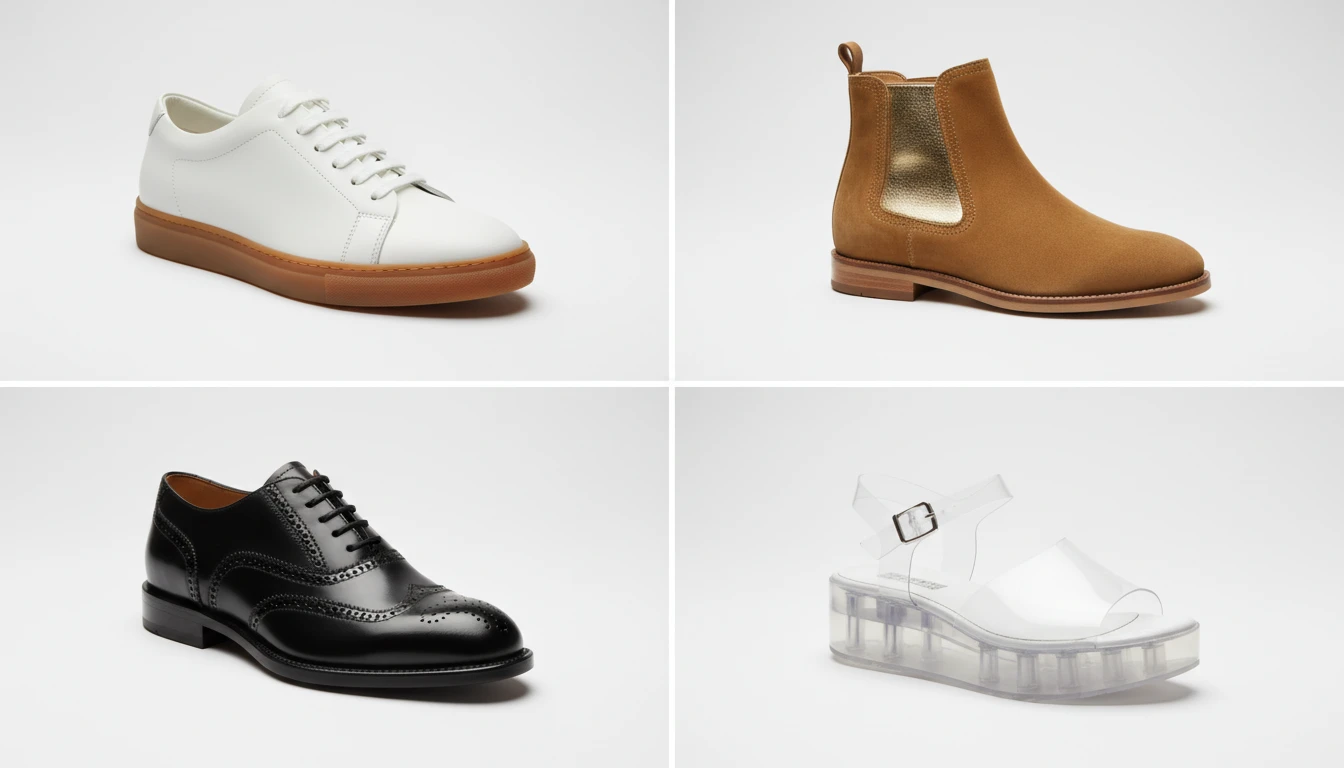
Describe the Shoe
Pick a shoe type, then describe the design. We'll open AI Product Studio ready to generate a four-view product sheet.
Runs inside the AI Product Studio — product photography in one place.
Sneakers and Athletic Footwear
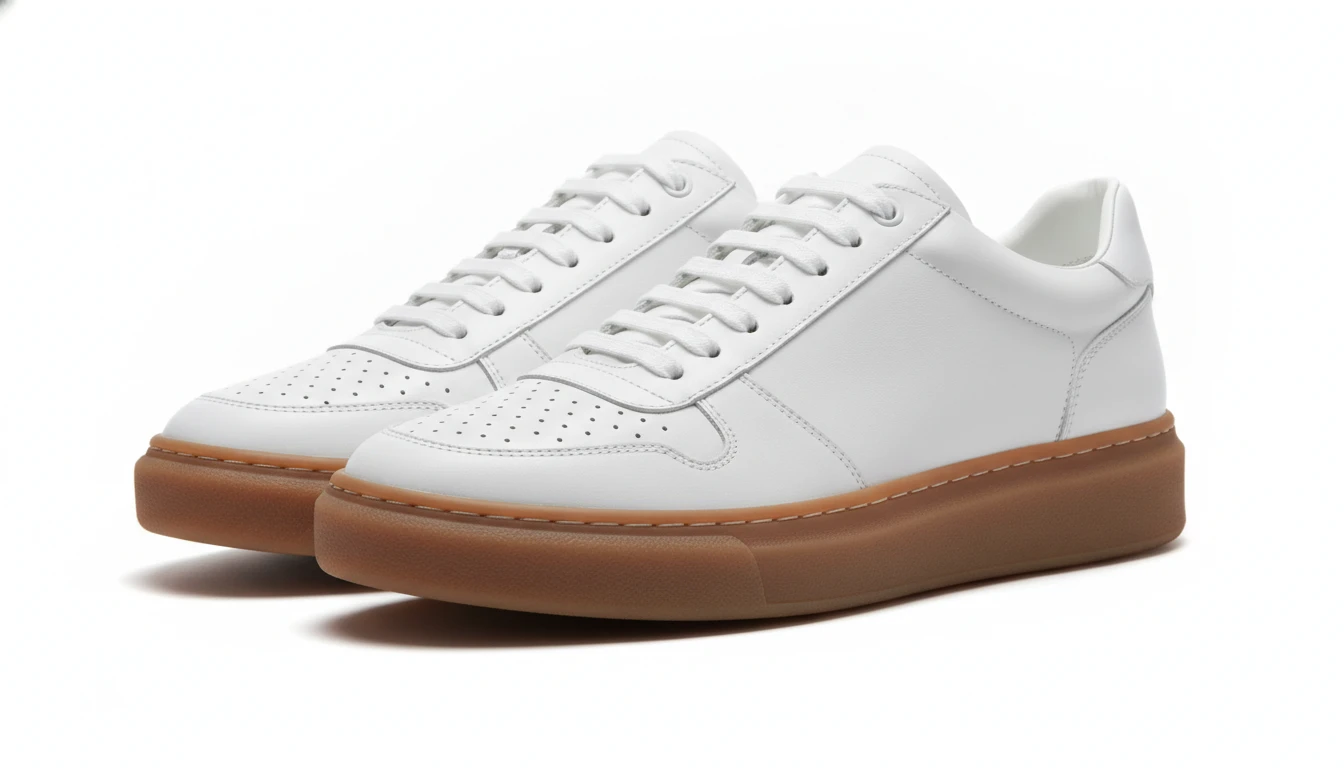
From minimalist leather low-tops to chunky dad sneakers and performance runners, generate crisp studio product shots for any athletic or lifestyle sneaker design. Perfect for DTC brands and retailers.
Generate a Sneaker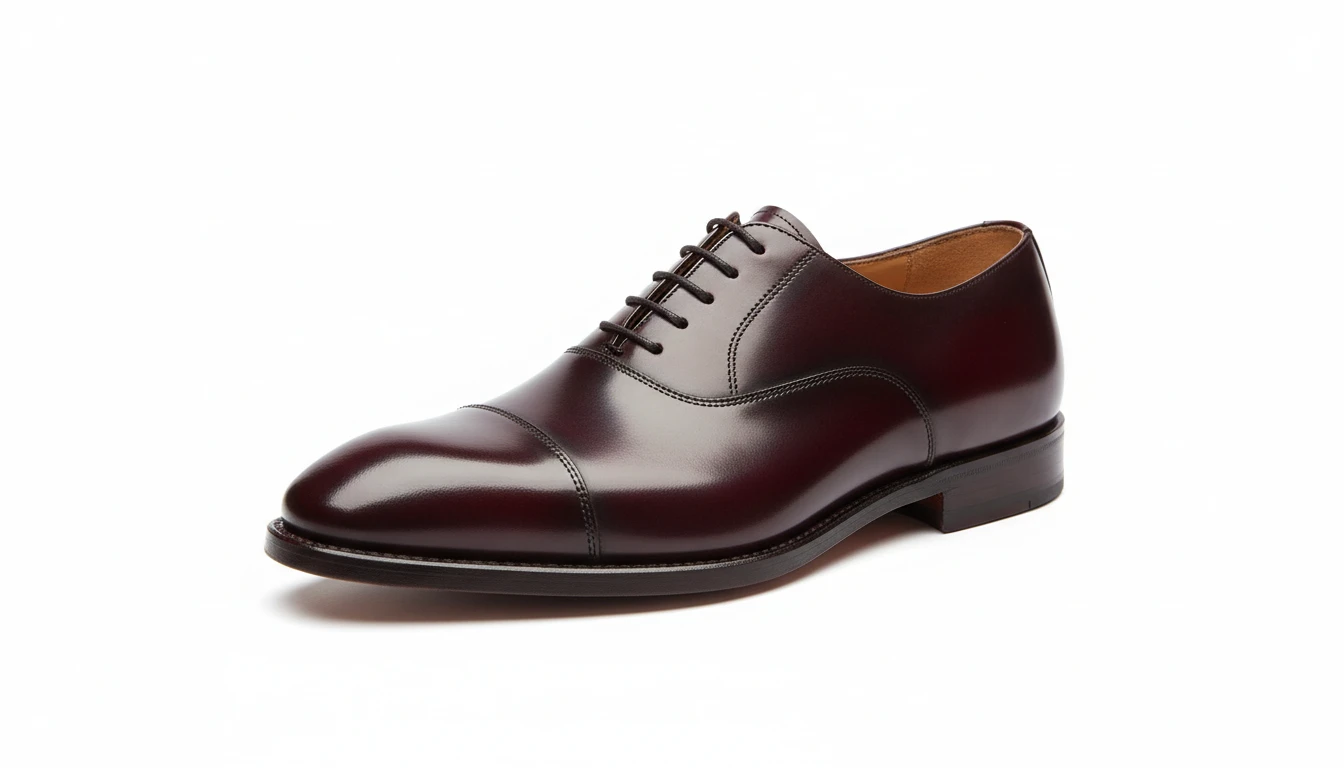
Dress Shoes and Formal Footwear
Oxford, Derby, loafer, and monk strap styles with polished leather, burnished finishes, and brogueing detail. Studio shots that communicate craftsmanship and quality for formal and smart-casual footwear.
Generate a Dress Shoe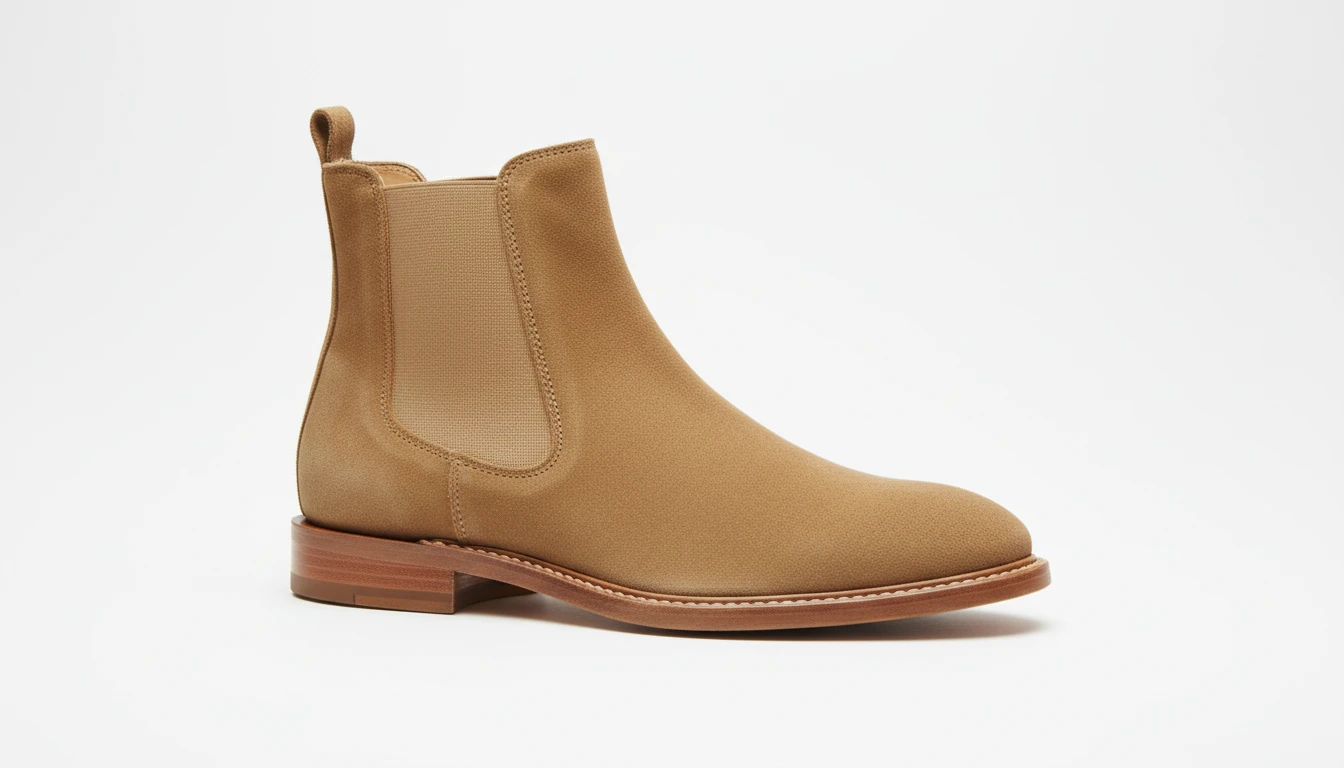
Boots from Chelsea to Hiking
Generate product shots for any boot silhouette: Chelsea, ankle, chukka, combat, Western, and rugged trail boots. Show leather grain, suede texture, lug soles, and hardware in precise studio detail.
Generate a Boot Design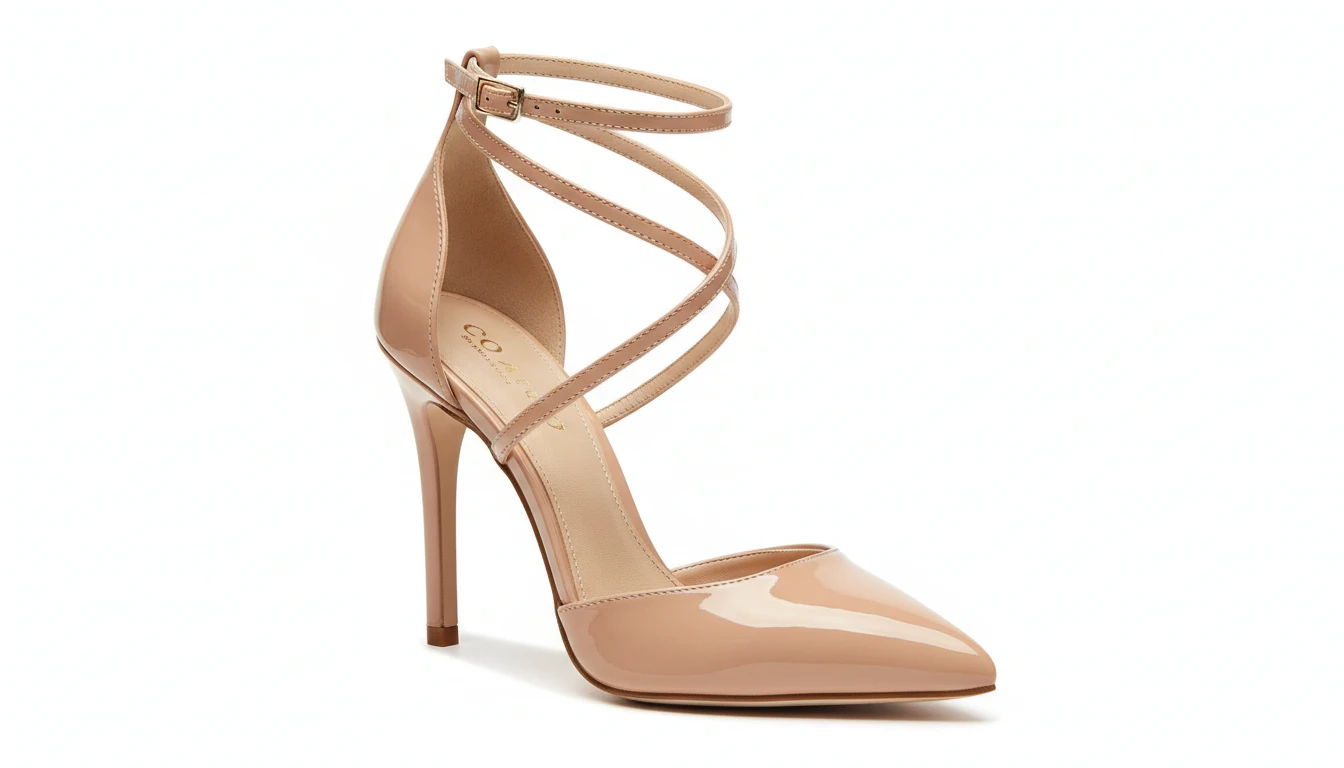
Heels, Sandals, and Women's Styles
Generate elegant product shots for heels, stilettos, mules, platform sandals, and espadrilles. Show heel height, toe box shape, strap construction, and material finish in studio-quality photography.
Generate a Heel or SandalWho Uses AI Shoe Design Generator
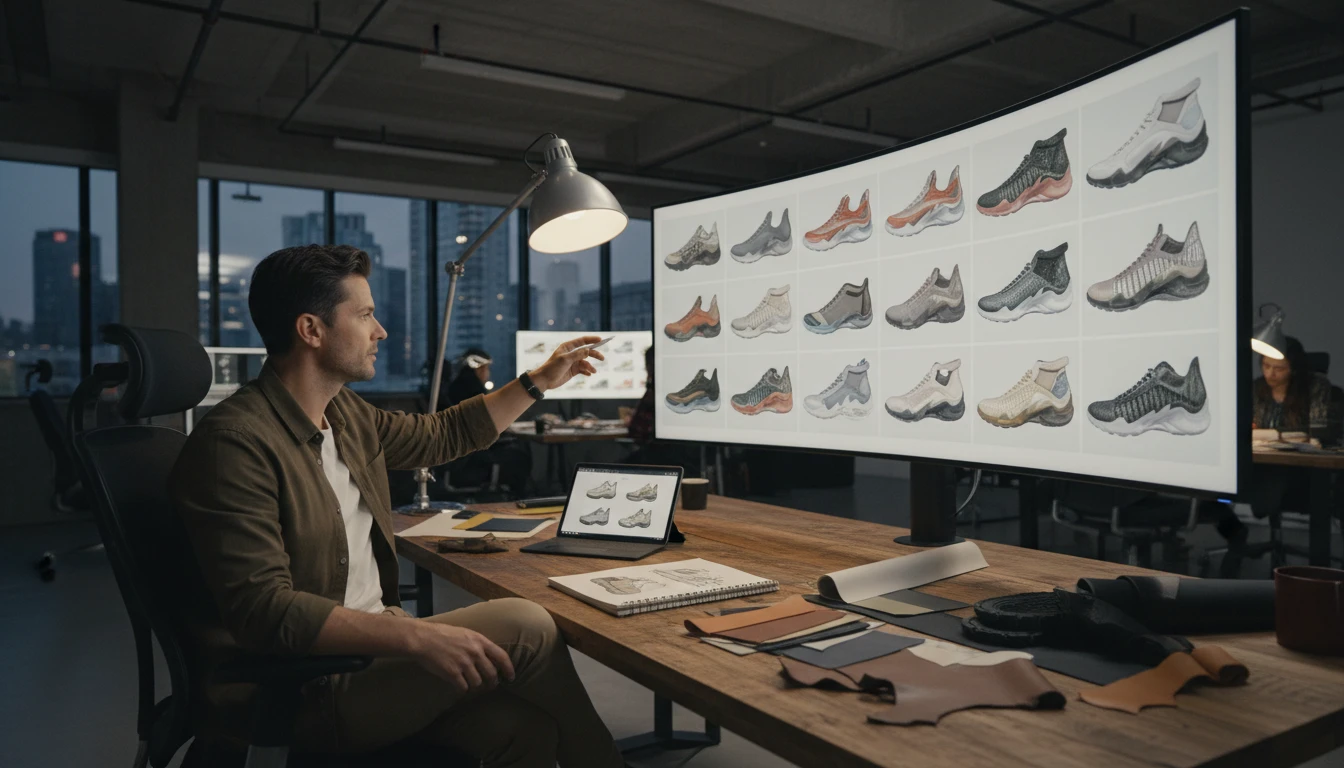
Footwear Brands and Startups
Prototype new colorways, materials, and silhouettes before expensive sampling. Generate design variants for team review, investor decks, and pre-order campaign pages in seconds.
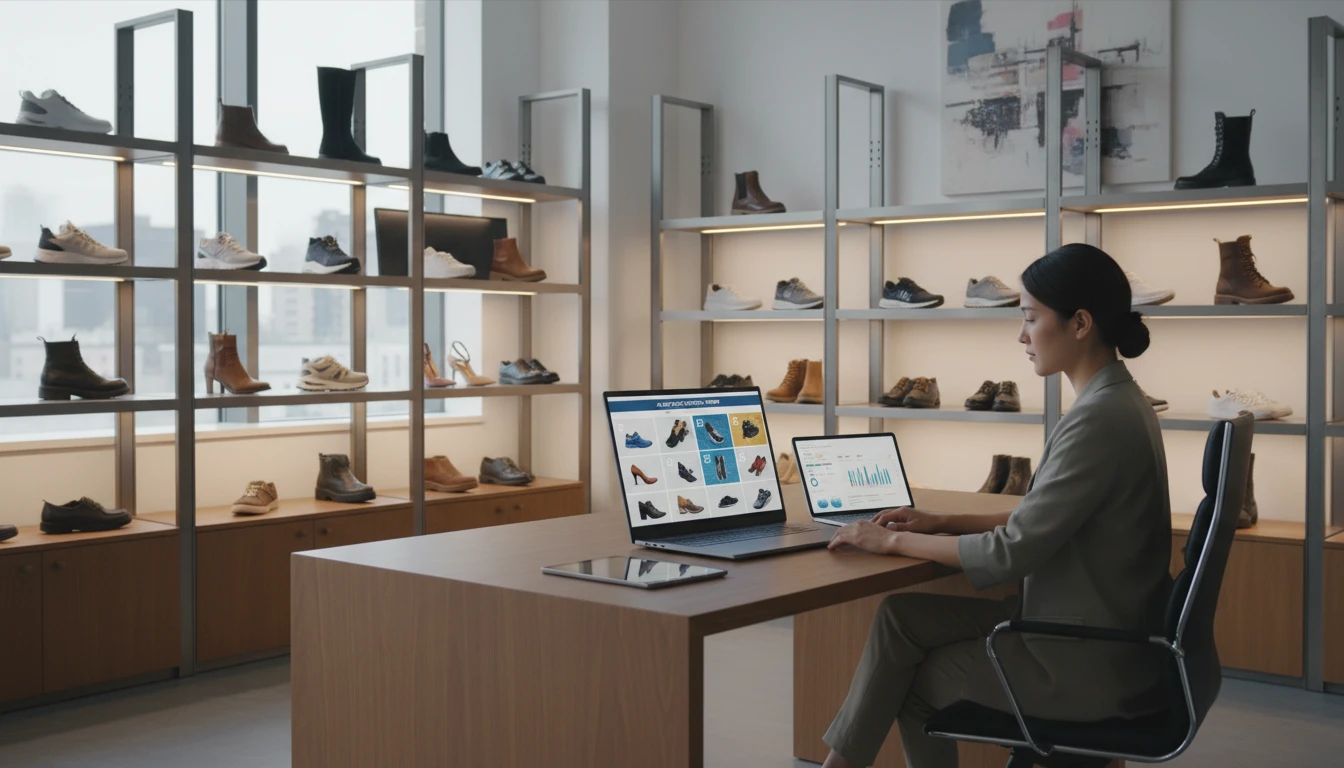
Shoe Retailers and E-Commerce
Create clean white-background product images for listings and lookbooks without expensive photoshoots. Generate variants across colors and materials faster than receiving physical samples.
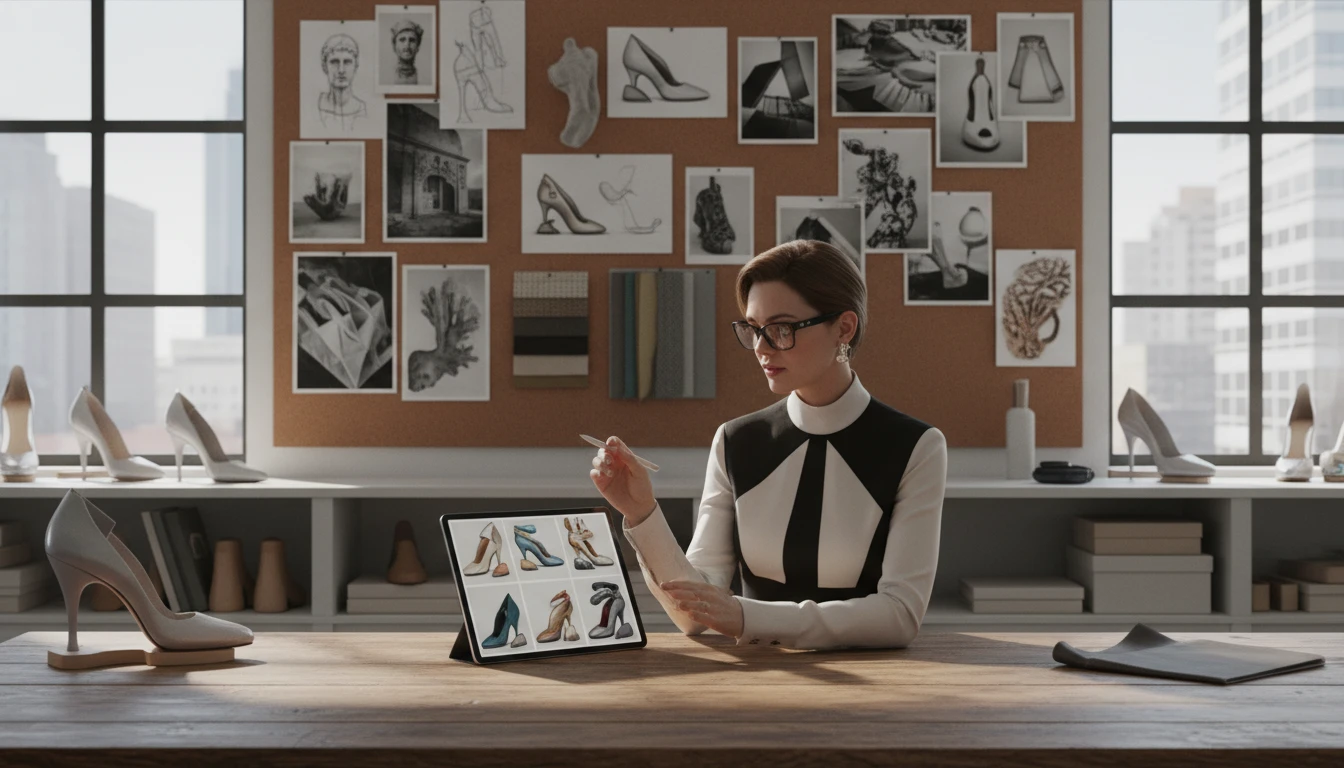
Fashion Designers
Rapidly explore new silhouettes, material combinations, and hardware details to present to clients, manufacturers, or editorial teams without building physical samples first.
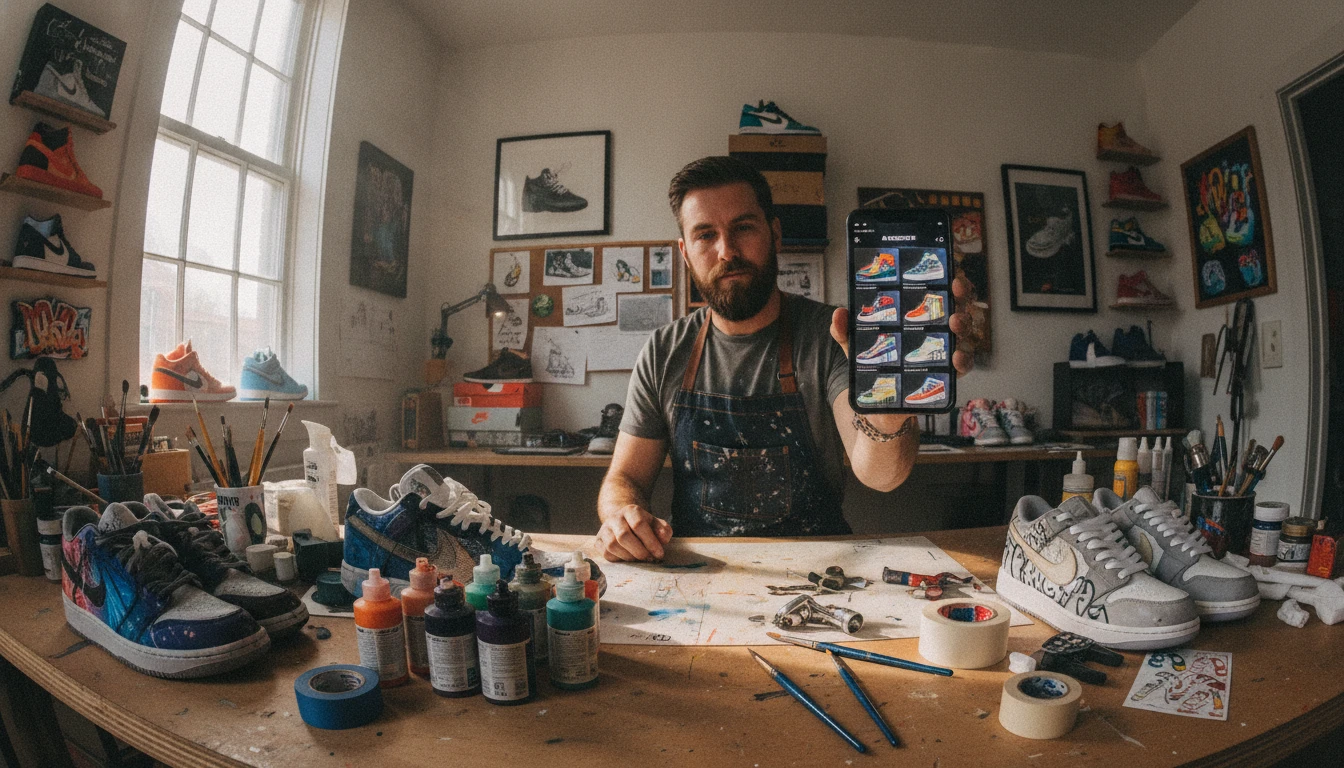
Custom Shoe and Sneaker Artists
Visualize custom paint jobs, material swaps, and modification ideas before committing to real work. Create social content showing concept designs for community engagement.
How to Generate Shoe Designs with AI
From description to a four-view product sheet in three steps
Choose a Shoe Type
Select from Sneaker, Running, Basketball, Loafer, Oxford, Derby, Boot, Hiking, Sandal, Platform, Heel, or Luxury.
Describe Your Shoe Design
Write the silhouette, upper material, colorway, sole type, and any key details. For example: "low-top sneaker with white leather upper, gum rubber sole, perforated toe box".
Generate the Product Sheet
AI renders a four-view studio sheet of the same shoe. Download it for listings, lookbooks, or the next design pass.
Explore More
More AI Studio Tools
Discover other powerful AI tools to enhance your creative workflow
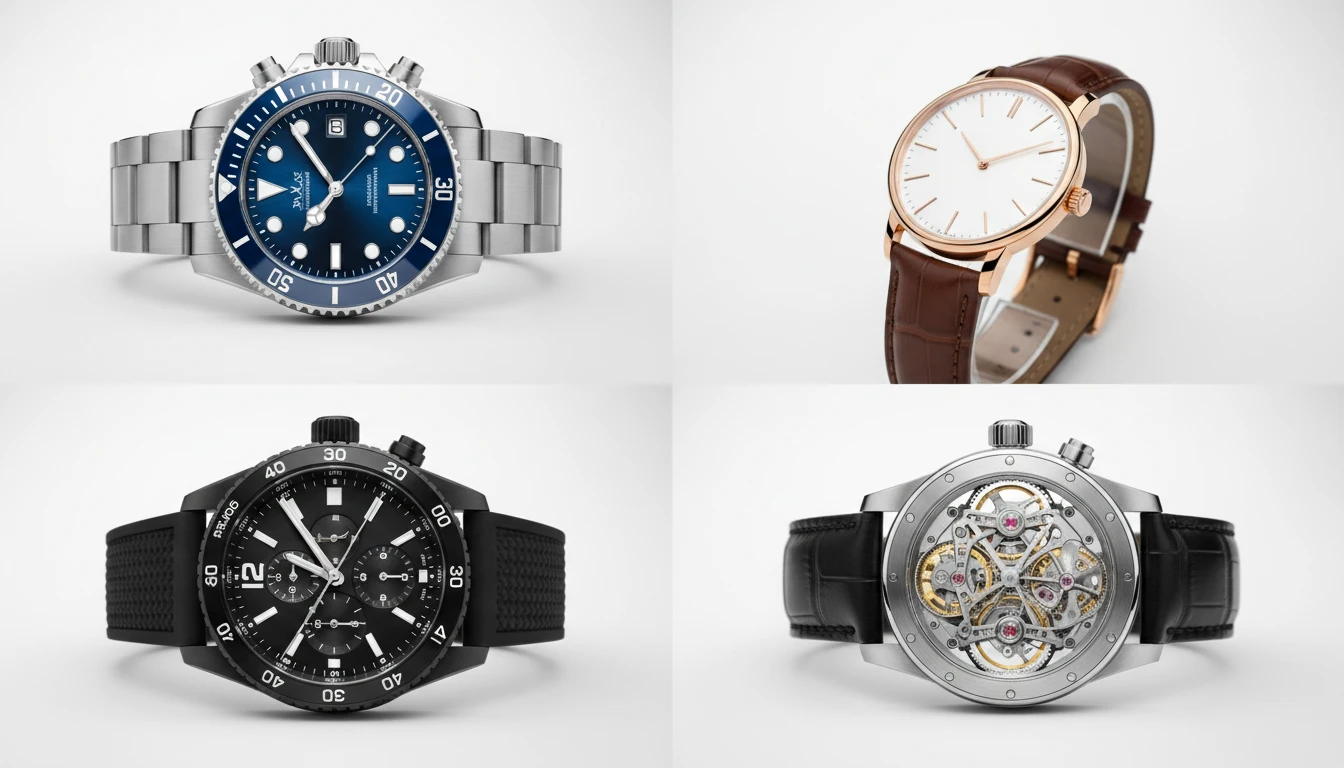
AI Watch Design Generator
Generate realistic watch product photos from text descriptions. Dive, dress, chronograph, pilot, GMT, skeleton, luxury, and more styles.
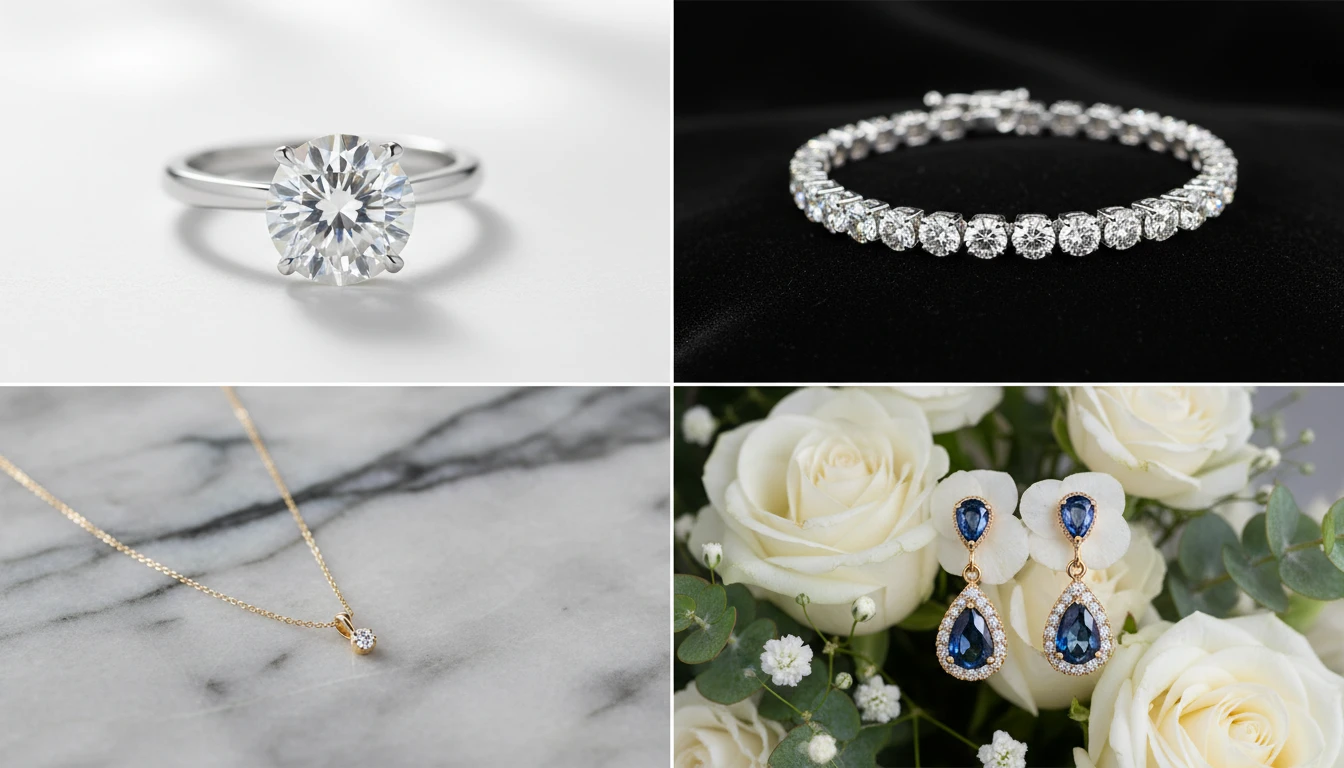
AI Jewellery Design Generator
Generate professional jewellery product photos from text descriptions. Studio white, marble, editorial, macro, bridal, dark drama, and more presentation styles.
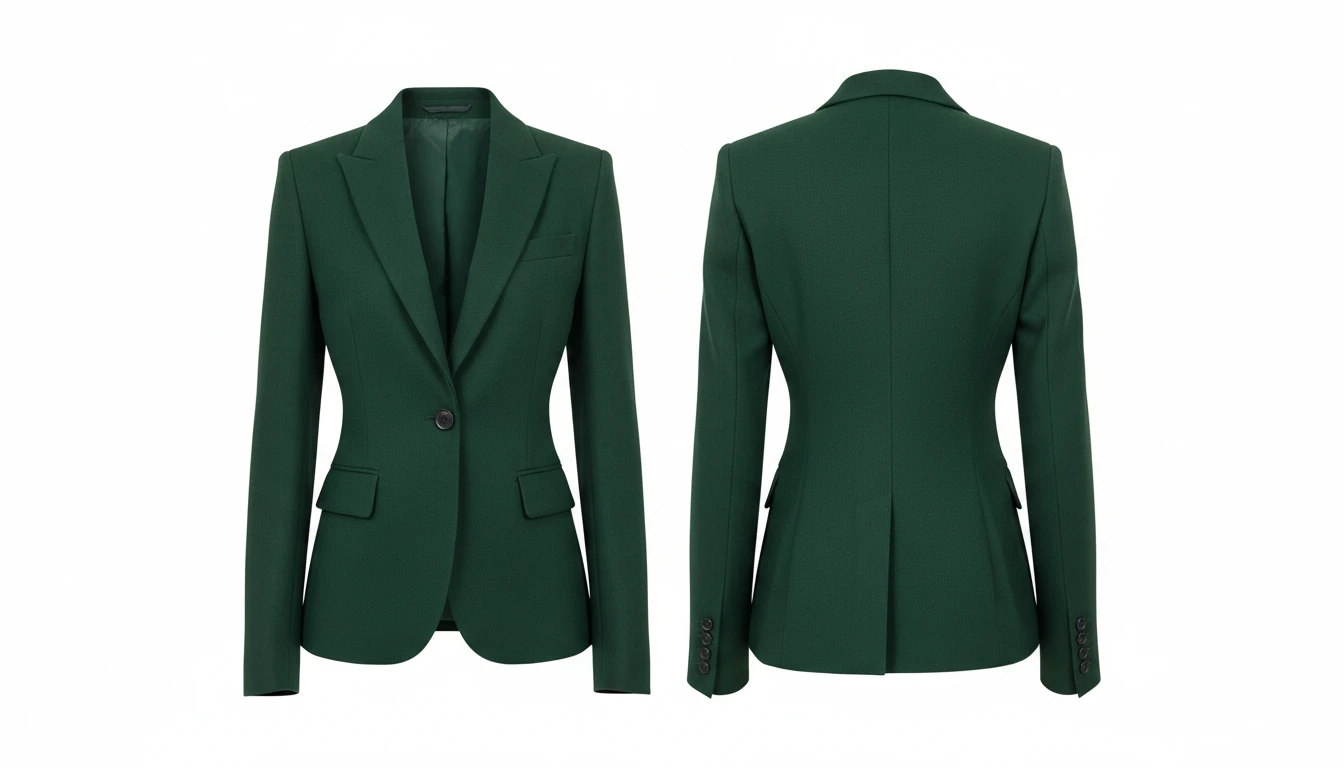
AI Clothing Generator
Generate any clothing or garment design from a text description with professional presentation styles

AI Product Lifestyle Scene
Place your product naturally into real-world lifestyle environments (kitchens, cafés, beaches, wellness spas, rooftops, and more) with photorealistic AI.
Opens in
Image Studio
Frequently Asked Questions
Everything you need to know to get started.
What is AI Shoe Design Generator?
AI Shoe Design Generator creates photorealistic shoe product photos from text descriptions. Describe the silhouette, upper material, sole, colorway, and any hardware or detail. AI renders a studio-quality product shot in seconds.
What shoe types are available?
You can choose from Sneaker, Running Shoe, Basketball Shoe, Loafer, Oxford, Derby/Brogue, Boot/Chelsea, Hiking Boot, Sandal/Slide, Platform, High Heel, and Luxury/Designer. Each applies the correct photography context and styling.
How do I write a good shoe prompt?
Describe the upper material ("white leather", "tan suede"), sole construction ("gum rubber sole", "leather welt sole"), key details ("perforated toe box", "brogueing", "gold eyelets"), and colorway ("tonal", "contrast stitching"). The more specific, the more accurate and consistent the result.
What does the output look like?
You get a 2x2 product sheet of the same shoe from four angles — typically front, side, 3/4, and heel or sole — on a clean studio background.
What aspect ratio should I use?
Square (1:1) is ideal for e-commerce product listings and flat lays. Portrait (4:5, 3:4) suits editorial angles. Wide (16:9) works for lifestyle or campaign compositions. Tall (9:16) is ideal for Instagram Stories and TikTok content.
Can I use generated shoe images commercially?
Yes. You retain rights to shoe images you generate on RauGen and can use them commercially for product listings, brand presentations, ads, and social content. Avoid prompting for designs that closely replicate specific branded shoes to prevent IP issues.
Start Designing Shoes Today
Describe any shoe design and AI generates a studio-quality product photo in seconds.
Generate Your Shoe DesignDisclaimer: This tool uses generative AI technology which may produce content that resembles copyrighted materials or that is inaccurate, incomplete, or out-of-date. It is provided for general information and educational purposes only and is not intended for illegal activities or to replace professional advice, diagnosis, or treatment. Users are solely responsible for how they use the generated content. If you plan to use AI-generated content commercially or publicly, we strongly recommend reviewing it for potential copyright issues and obtaining proper permissions where necessary. We accept no liability for copyright infringement or any other consequences resulting from the use of content generated by this tool.