Relight Any Photo with a Single Tap
Upload a photo, pick a lighting look — golden hour, studio, cinematic, neon and more — and AI relights the whole scene while keeping the subject, framing and colors exactly as they were.
Relight Your Photo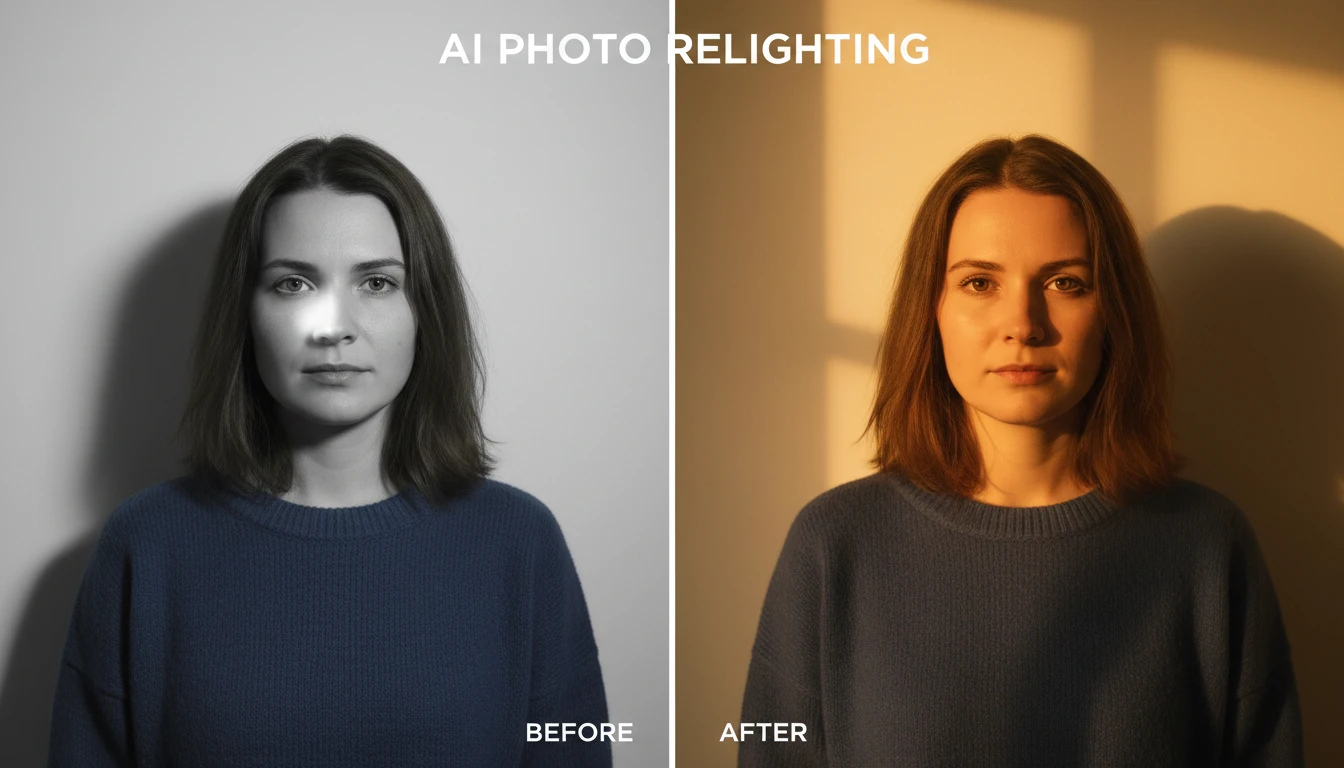
Relight Any Photo in One Tap
Add a photo and we'll open AI Image Studio ready to relight it.
Drag & drop your photo here
or click to browse — JPG, PNG or WebP, up to 15MB
Your photo is used only to relight it for you.
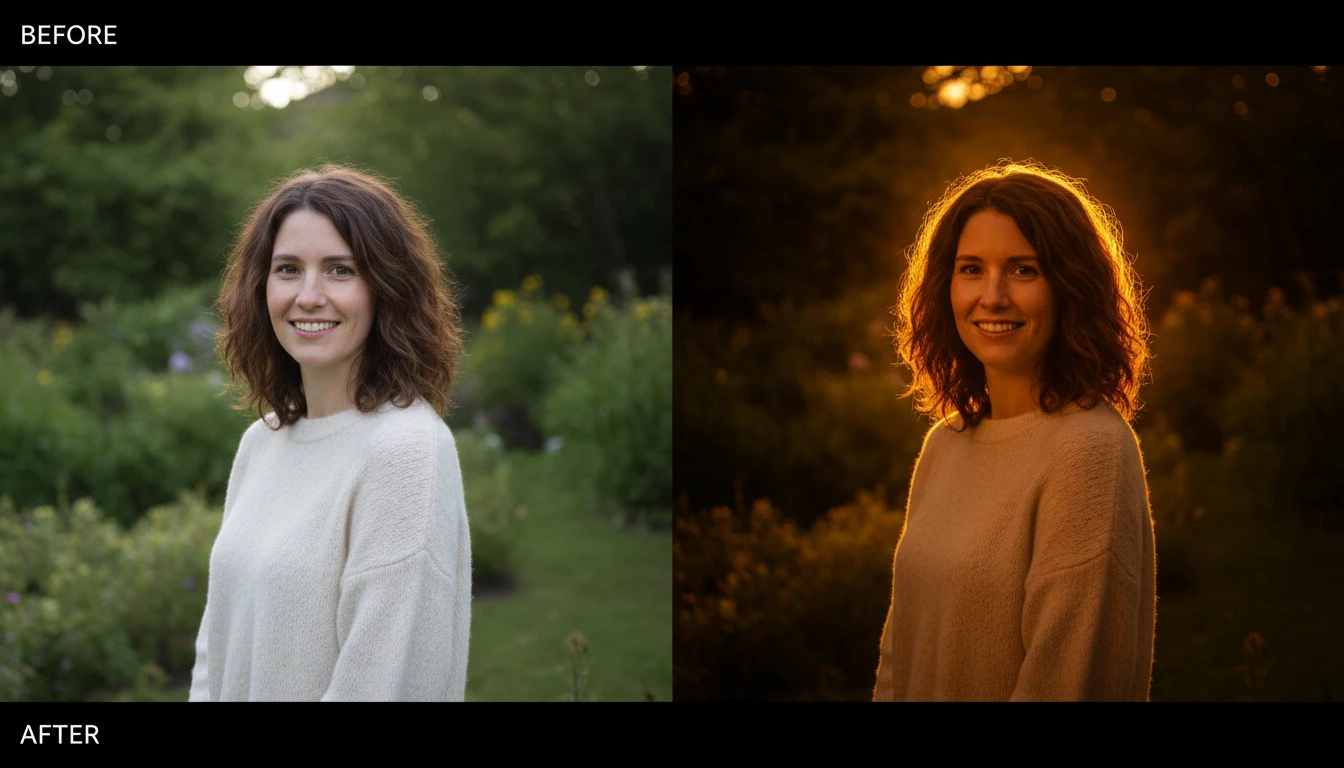
Golden Hour, Any Time
Bathe any photo in warm sunset light with a soft amber glow and long gentle shadows. Turn a midday snapshot into a cinematic golden-hour moment without waiting for the perfect sky.
Add Golden Hour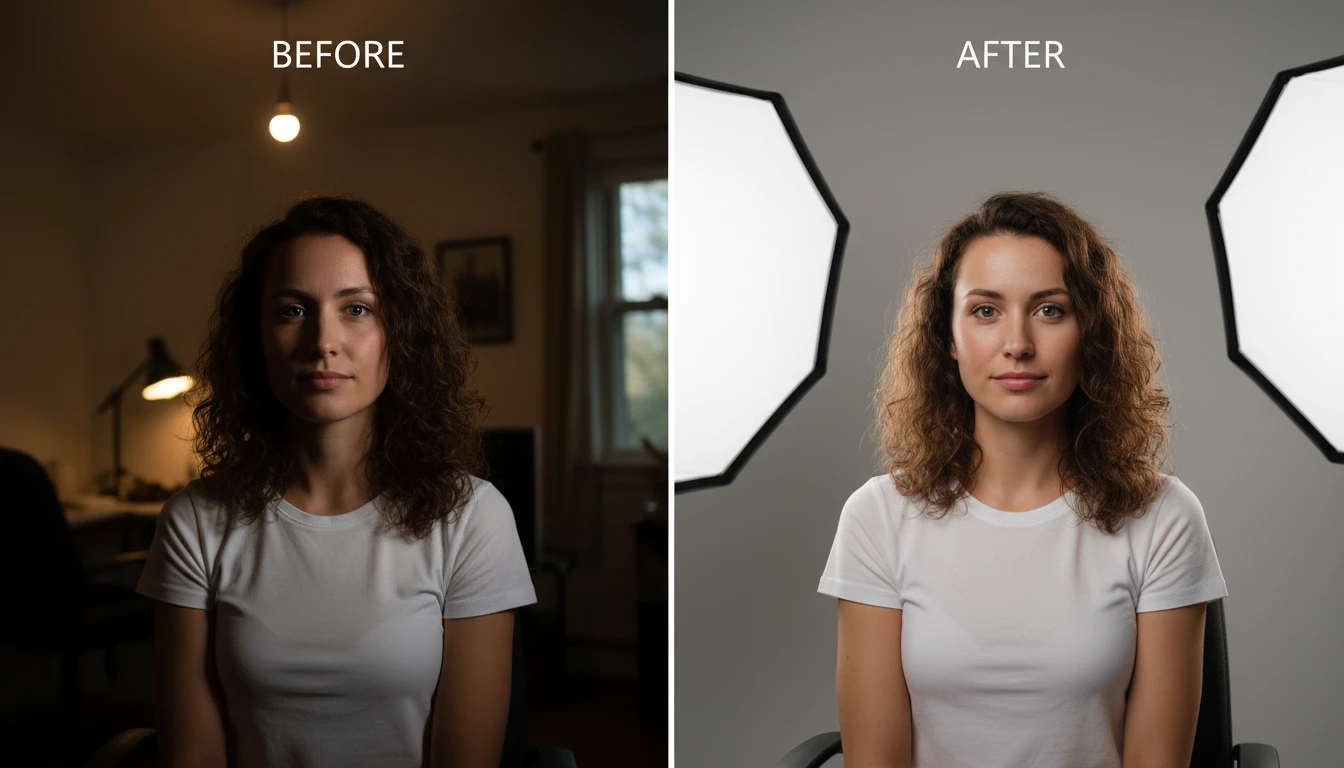
Studio-Quality Lighting
Give portraits and products clean, even studio light with soft diffused highlights and balanced exposure — a professional finish from a phone photo.
Add Studio Light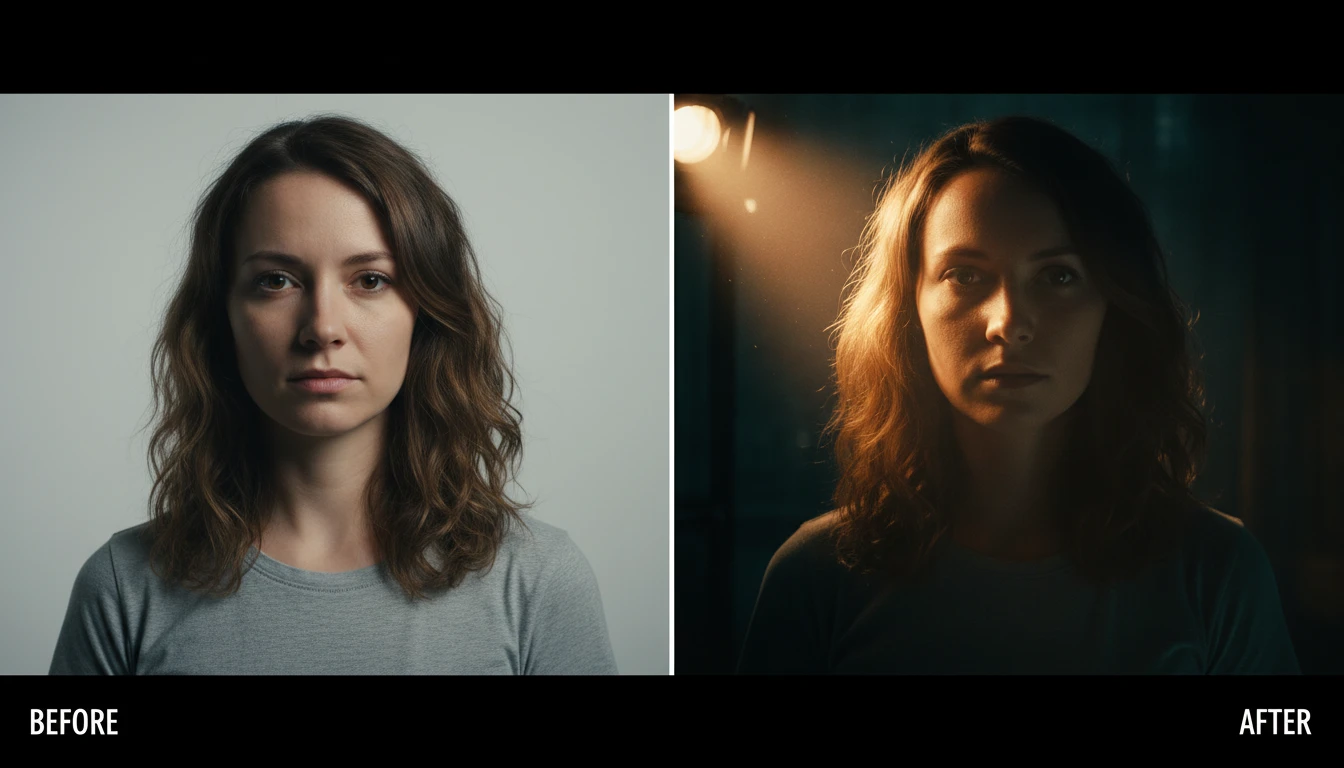
Cinematic Mood
Add film-style key lighting, deep contrast and a moody color grade to make any shot feel like a frame from a movie, while keeping the subject perfectly recognizable.
Go Cinematic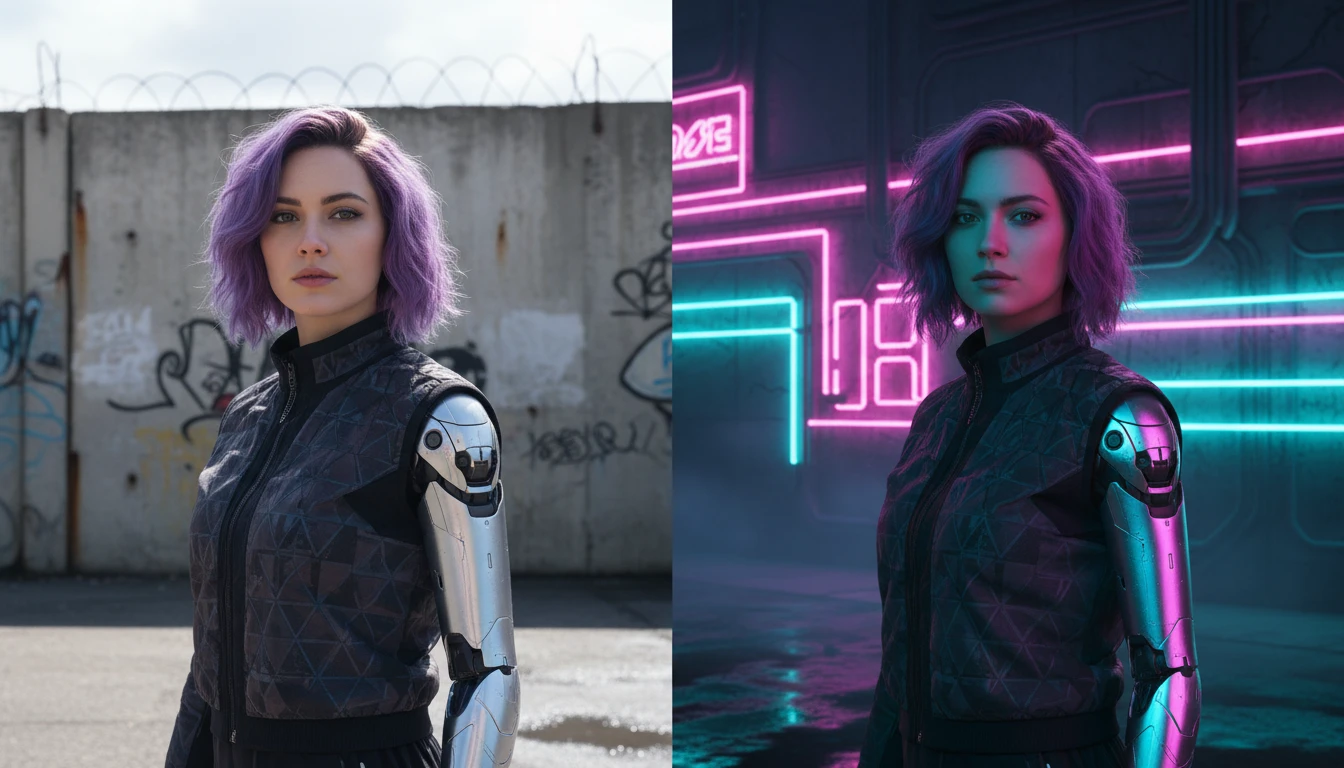
Neon and Night Looks
Drop your subject into vibrant neon glow or cool silver moonlight for a bold nighttime aesthetic, complete with colored ambient light and soft atmospheric shadows.
Add Neon GlowWho Uses AI Photo Relighting
Portrait Photographers
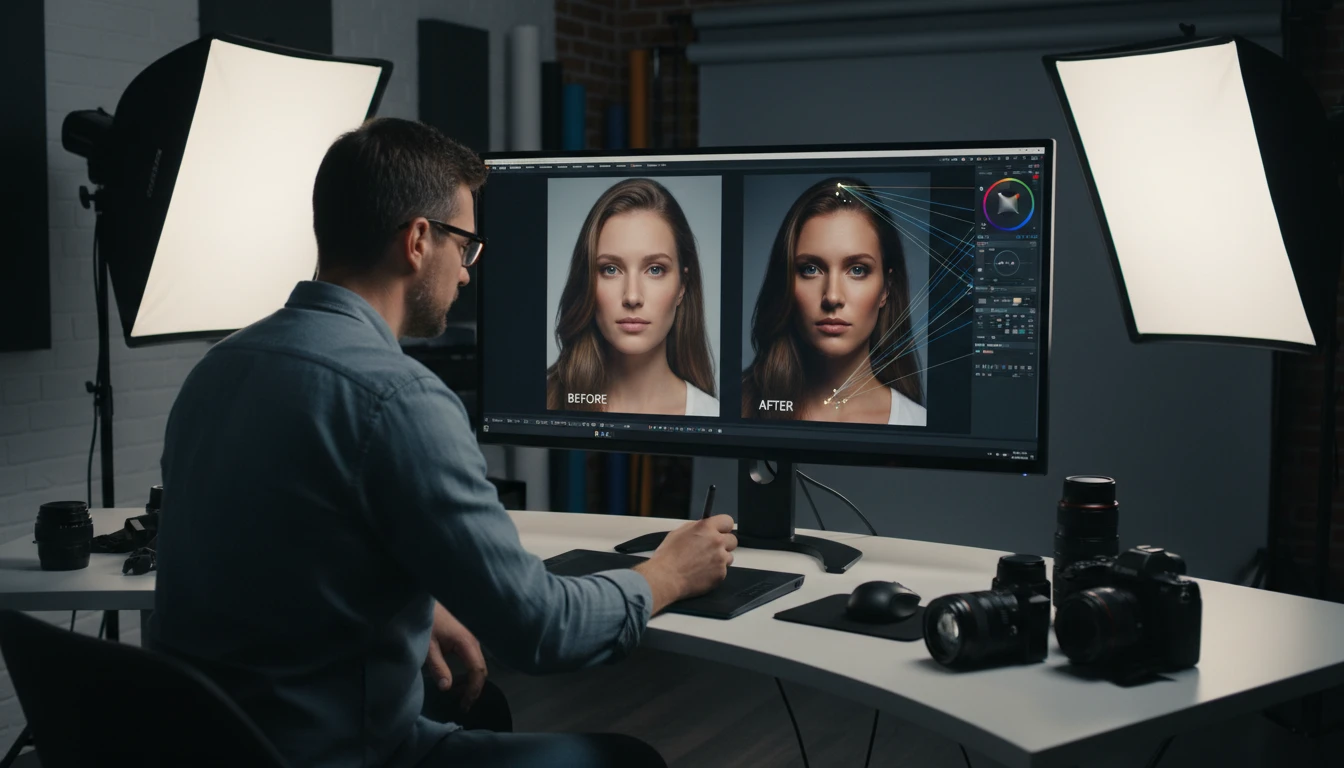
Rescue portraits shot in bad light and offer clients multiple lighting looks from a single frame — golden hour, studio, or dramatic — in seconds.
Content Creators
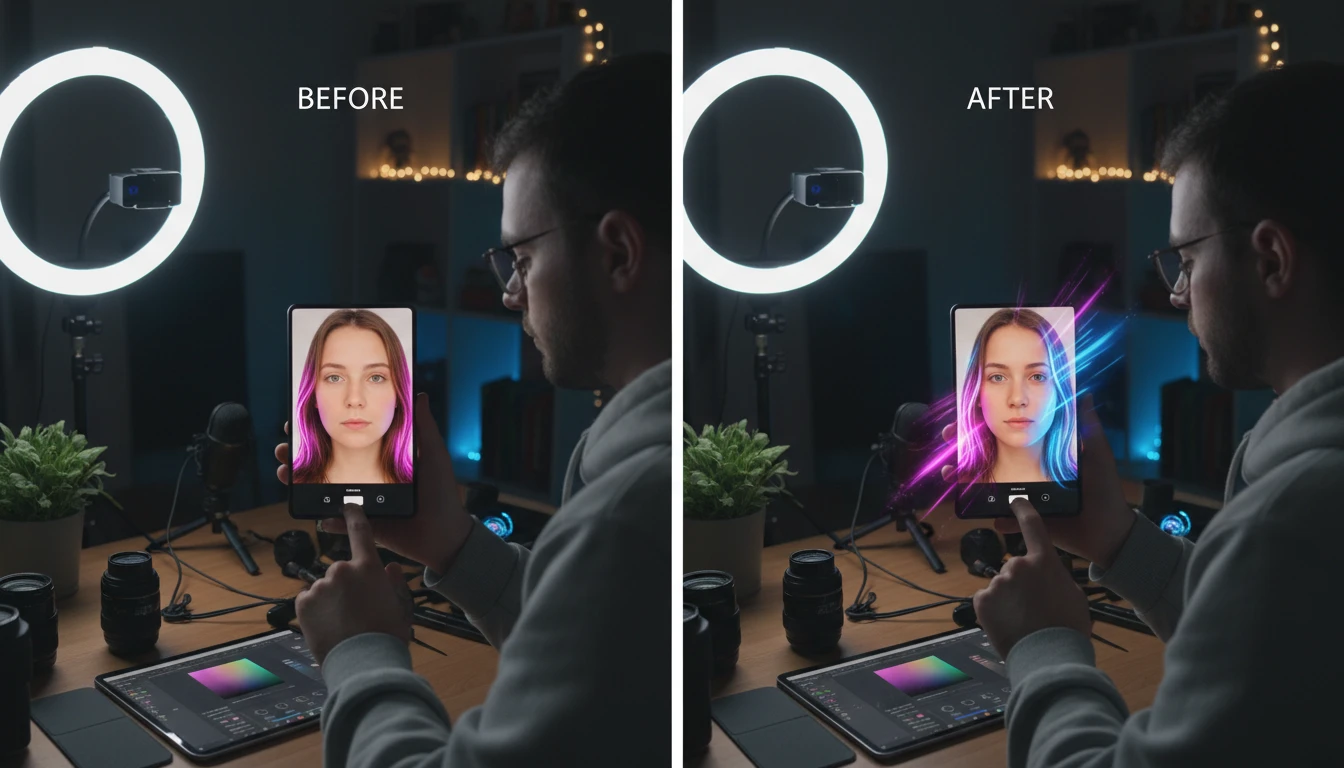
Give selfies and thumbnails a cinematic or neon glow that stands out in the feed, without expensive lighting gear or editing software.
Product Sellers
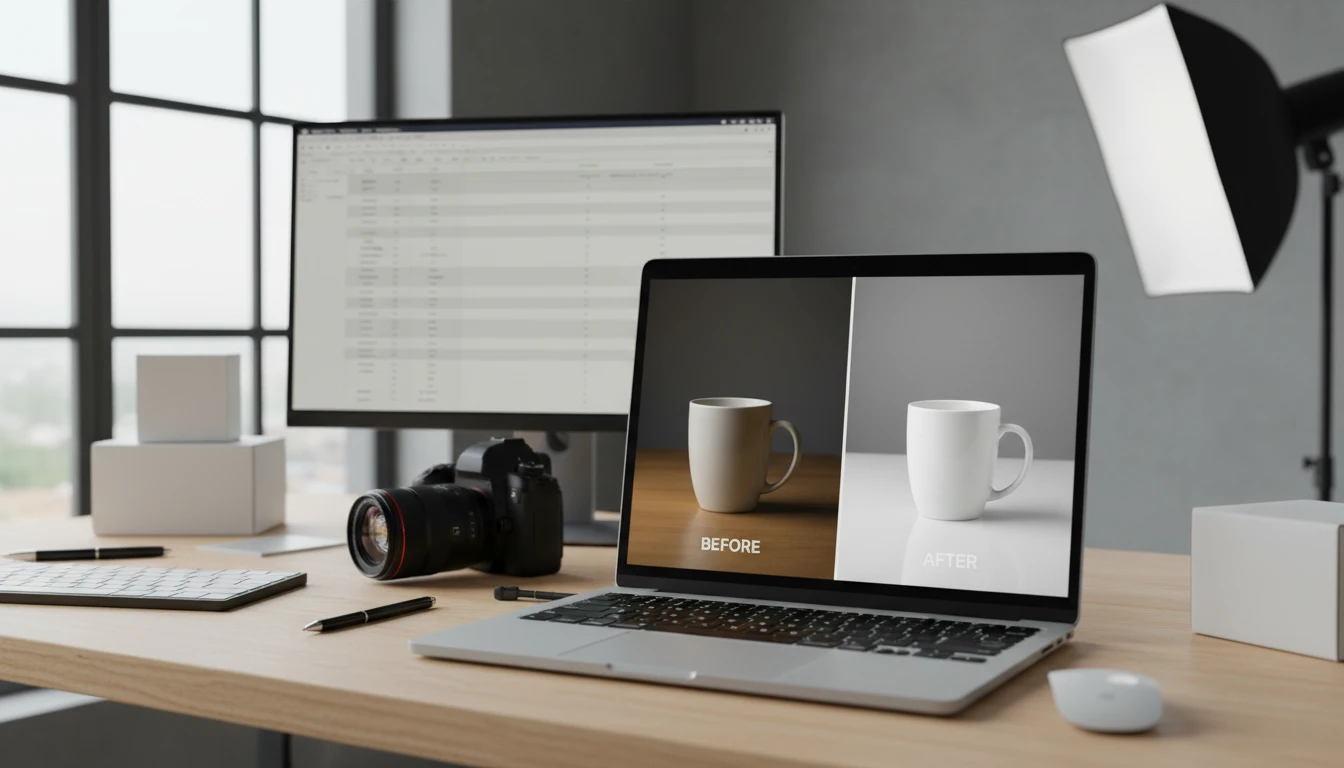
Relight product photos with clean studio light or warm ambience so listings look polished and consistent across your store.
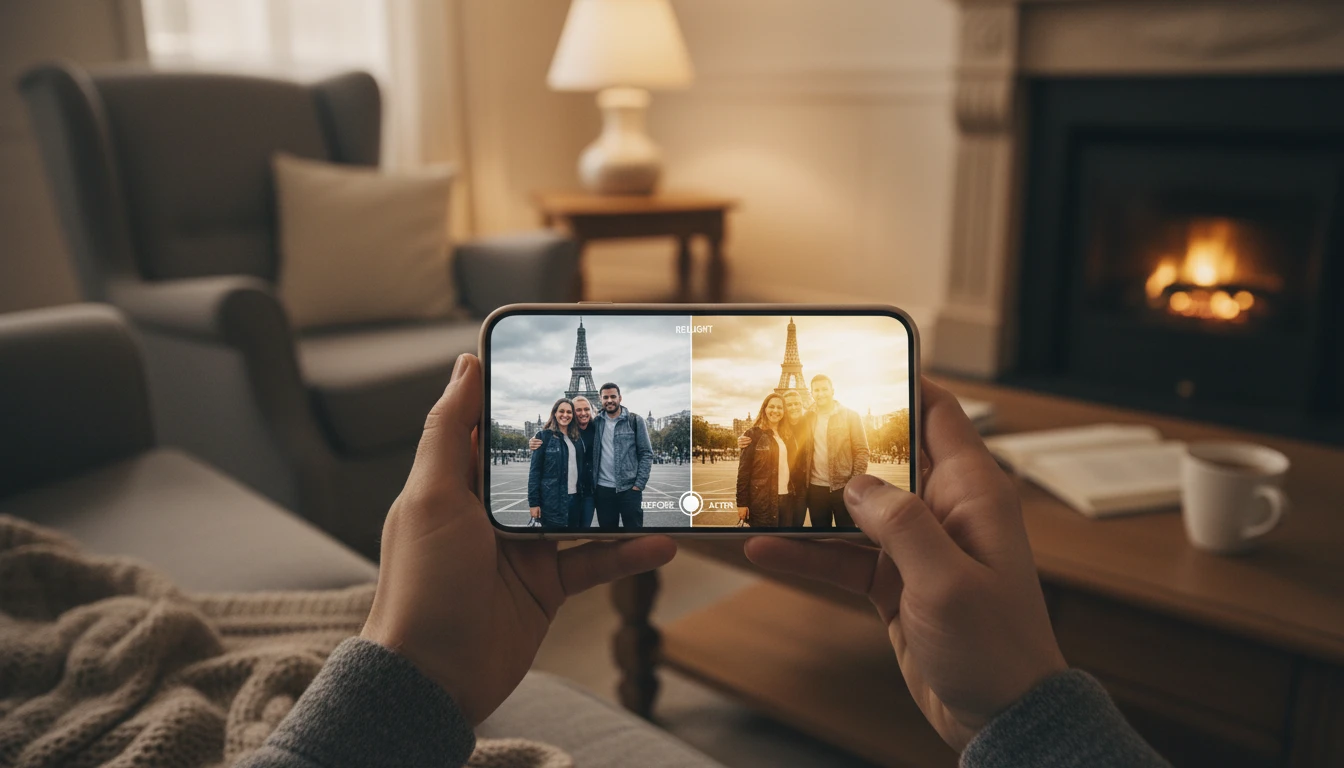
Everyday Photos
Fix flat, dim, or harshly-lit family and travel photos with a warmer, softer look that keeps the moment exactly as you remember it.
How to Relight a Photo with AI
Change the lighting of any photo in three simple steps
Upload Your Photo
Upload any photo — a portrait, product shot, or scene. JPG, PNG, or WebP all work.
Pick a Lighting Look
Choose from lighting presets like golden hour, studio, cinematic, neon, moonlight and more. No prompts or sliders — just tap the look you want.
Compare and Download
AI relights the scene while keeping the subject and composition intact. Compare before and after with the slider, then download your relit photo.
Explore More
More AI Studio Tools
Discover other powerful AI tools to enhance your creative workflow
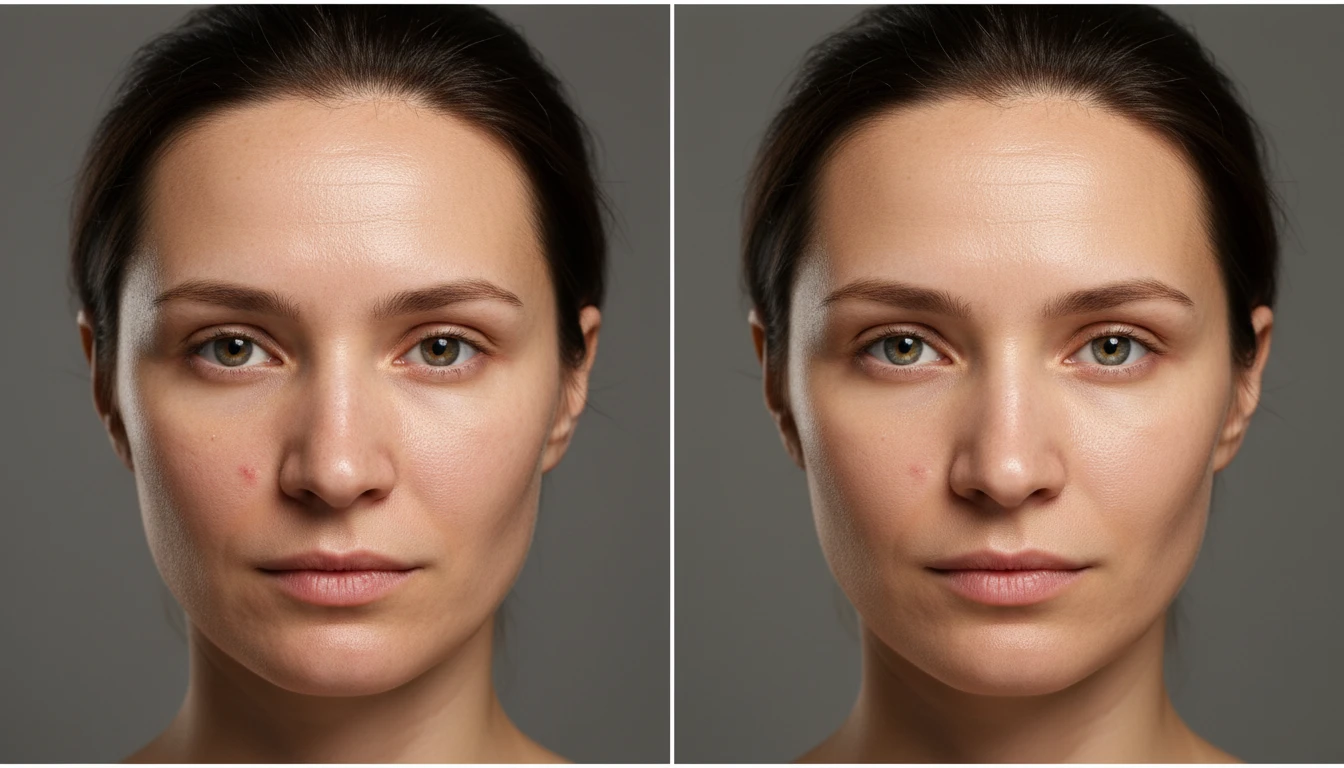
AI Photo Retouch
Retouch any portrait in one tap with AI. Smooth skin, reduce blemishes and shine, brighten eyes and teeth, and add soft natural lighting while keeping your natural look.
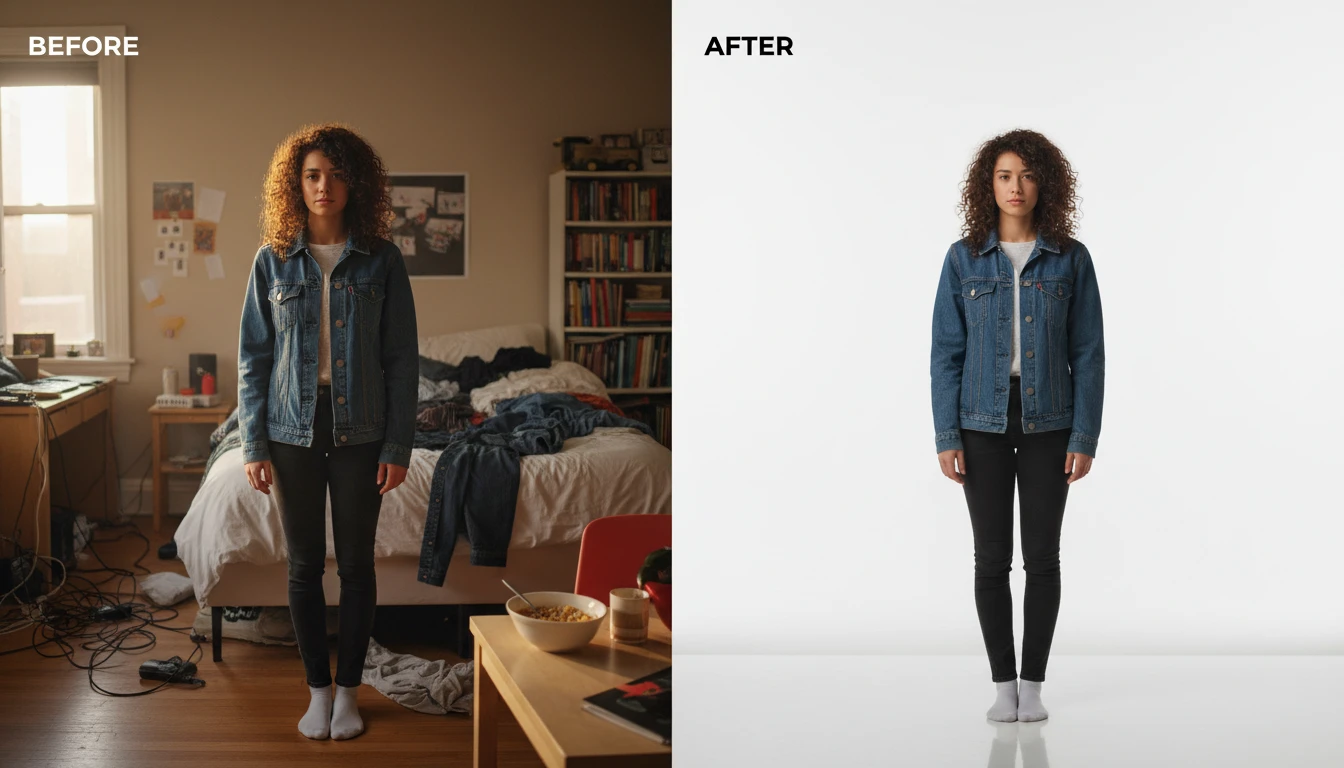
AI Change Background
Change the background of any photo with AI. Keep the subject and swap the scene to studio white, beach, city, forest, sunset, and more.
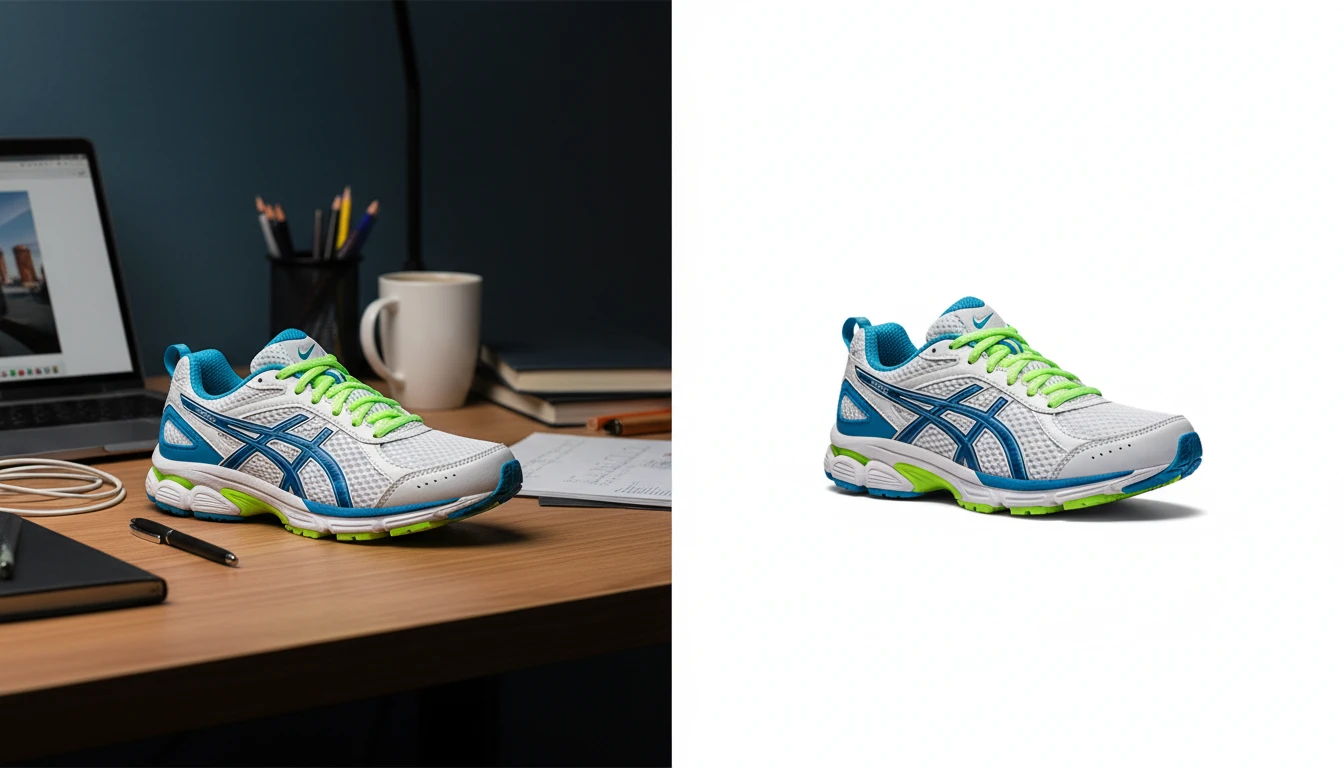
AI Background Remover
Upload any photo or product image and AI removes the background in seconds, delivering a clean transparent PNG. No manual masking required. Ideal for profile photos, marketing materials, and design assets.
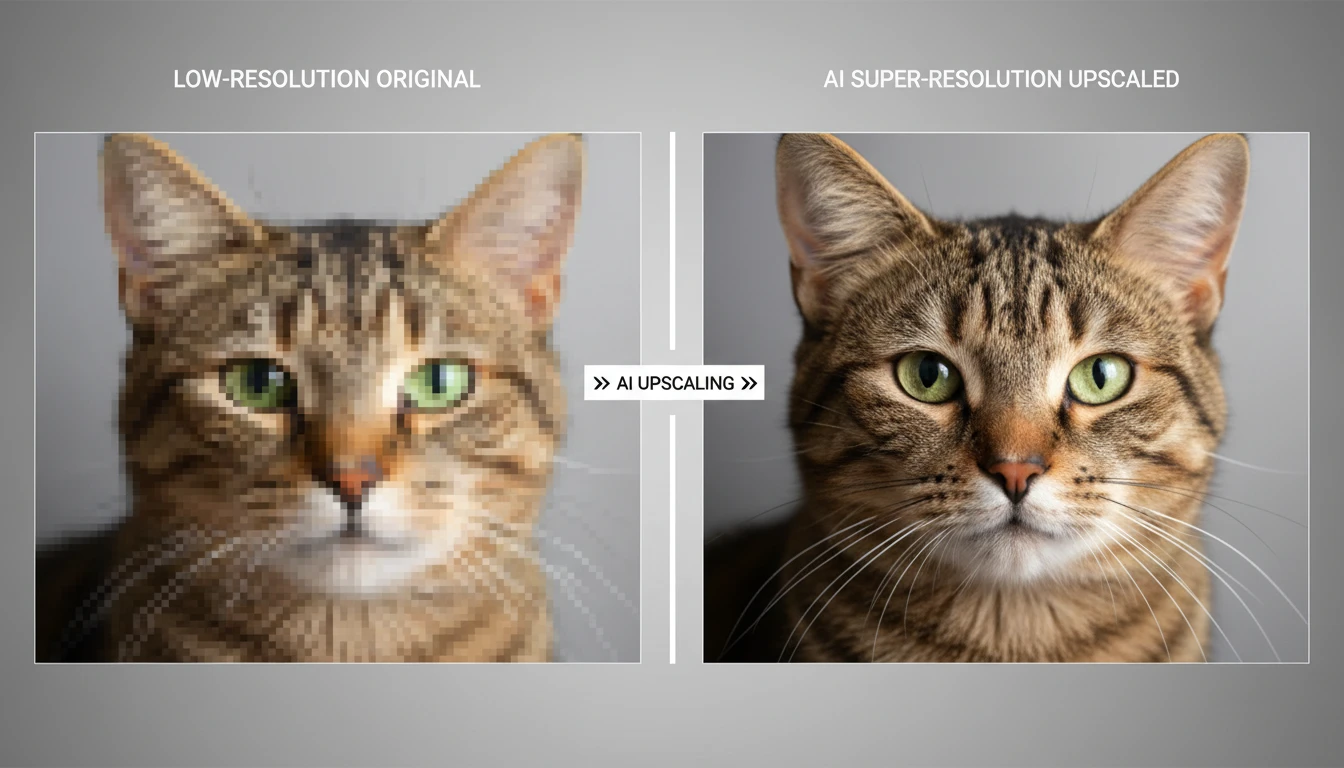
AI Image Upscaler
Upscale any image to higher resolution with AI. Enlarge photos without losing sharpness, detail, or quality. Perfect for printing, product photos, and restoring small images.
Opens in
Image Studio
Frequently Asked Questions
Everything you need to know to get started.
What is AI Photo Relighting?
AI Photo Relighting changes the lighting of a photo with one tap. Upload an image, pick a lighting look — such as golden hour, studio, cinematic, neon or moonlight — and AI re-renders the scene with that light while keeping the subject, composition and colors unchanged.
Will the subject still look the same?
Yes. Relighting only changes how light falls on the scene. The subject, framing, and colors stay intact, so it looks like the same photo captured under different lighting rather than a different image.
Do I need to type a prompt?
No. Just upload a photo and tap a lighting preset. If you want fully custom lighting described in your own words, use the Photo Edit tool inside AI Image Studio.
What kinds of photos work best?
Portraits, products, and scenes all work. Clear, well-framed photos give the most convincing relighting. For very small or blurry images, run the AI Image Upscaler first.
Can I use relit photos commercially?
Yes. You keep the rights to your relit images and can use them for social media, marketing, product listings, and other commercial purposes.
Relight Your First Photo Instantly
Upload a photo, pick a lighting look, and AI relights the whole scene in seconds — no editing skills required.
Relight Your Photo NowDisclaimer: This tool uses generative AI technology which may produce content that resembles copyrighted materials or that is inaccurate, incomplete, or out-of-date. It is provided for general information and educational purposes only and is not intended for illegal activities or to replace professional advice, diagnosis, or treatment. Users are solely responsible for how they use the generated content. If you plan to use AI-generated content commercially or publicly, we strongly recommend reviewing it for potential copyright issues and obtaining proper permissions where necessary. We accept no liability for copyright infringement or any other consequences resulting from the use of content generated by this tool.