Put Any Photo on a New Backdrop
Upload a photo, pick a background — studio white, beach, city, forest, sunset and more — and AI swaps the scene while keeping the subject, pose and clothing the same.
Change the Background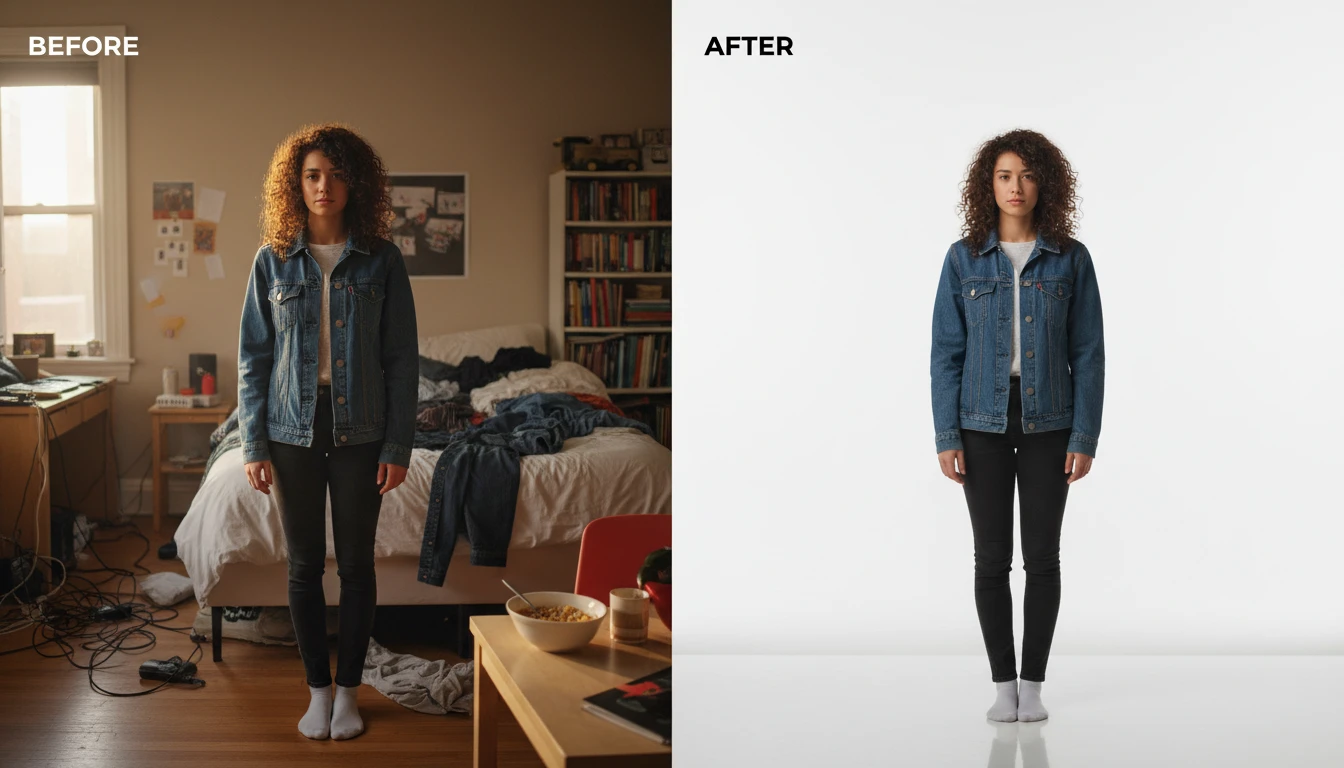
Put Any Photo on a New Backdrop
Add a photo and we'll open AI Image Studio ready to swap the background.
Drag & drop your photo here
A clear portrait or product shot works best — JPG, PNG or WebP, up to 15MB
Your photo is used only to change the background for you.
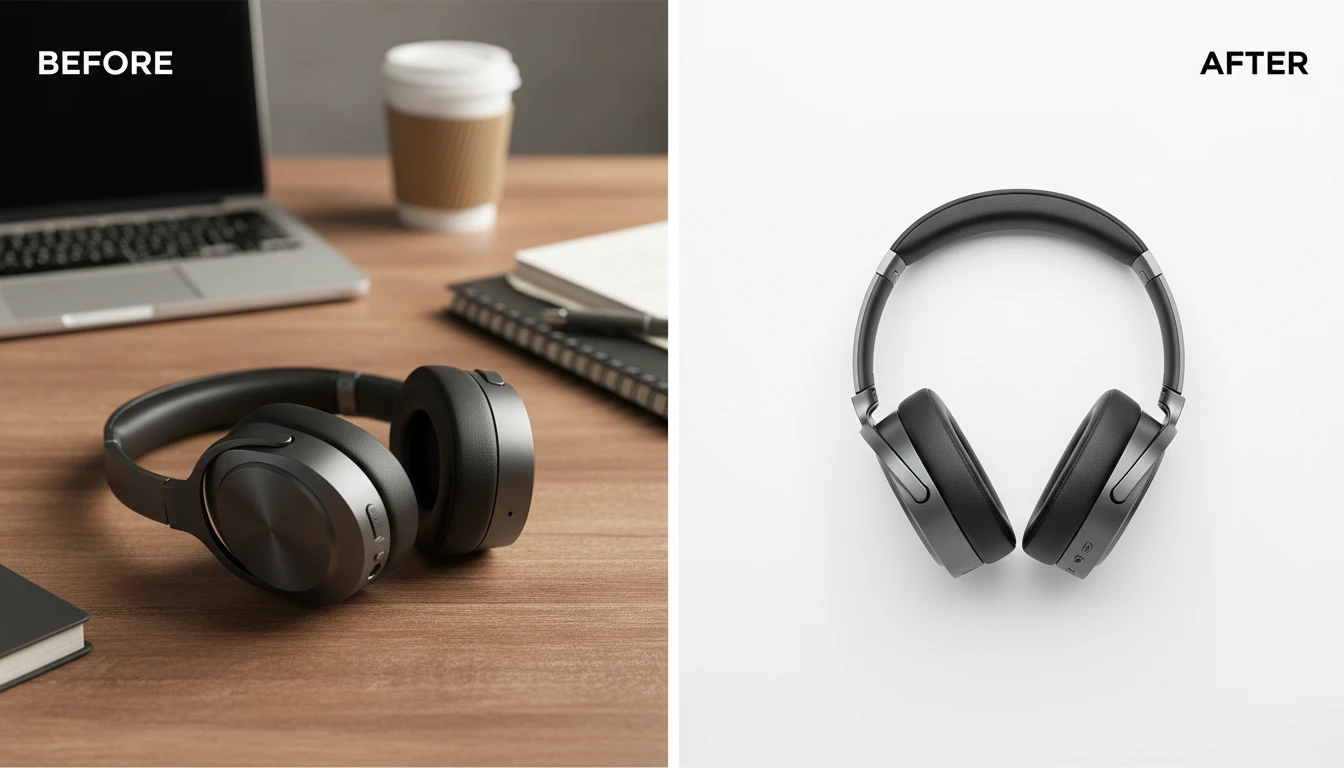
Clean Studio White
Drop a product or portrait onto a seamless white studio backdrop for listings, catalogs, and profile photos.
Use Studio White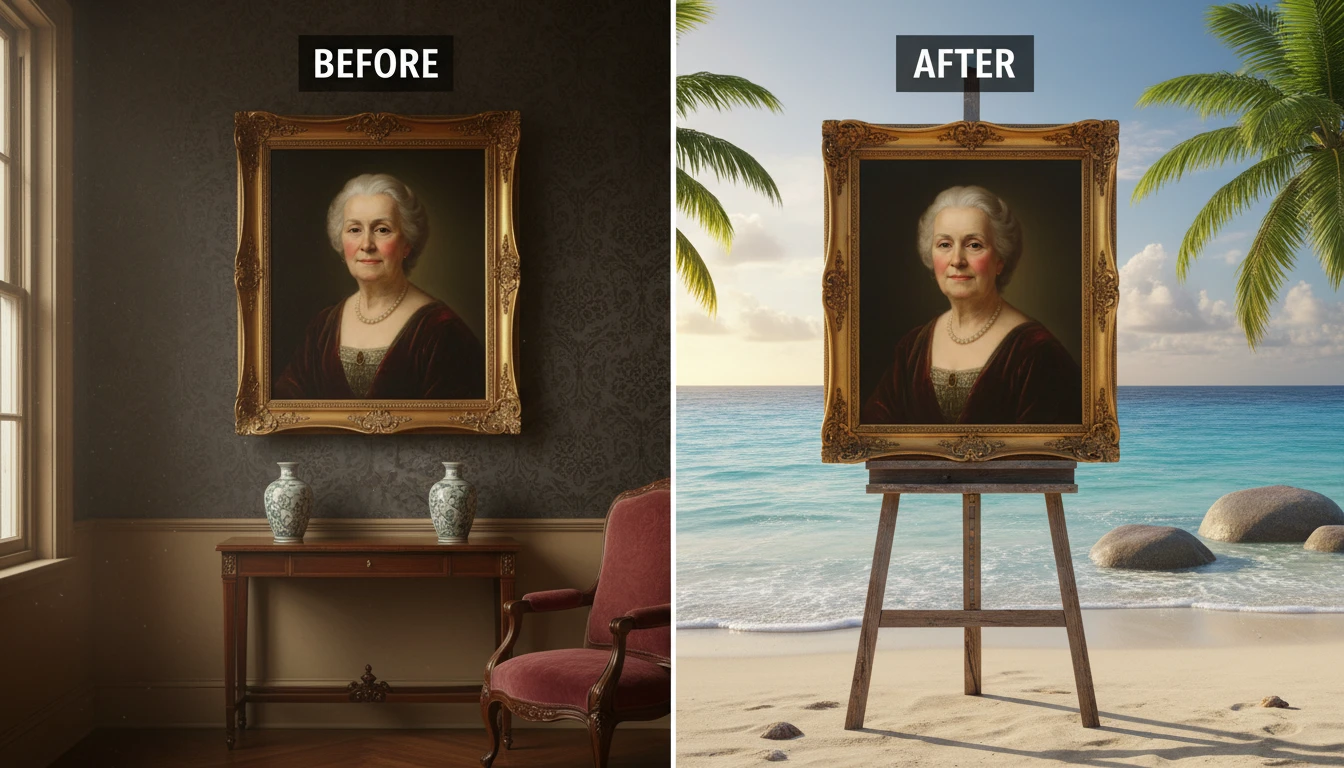
Travel Anywhere
Place the same subject on a beach, in a forest, or against a mountain range without a photoshoot.
Try a Scene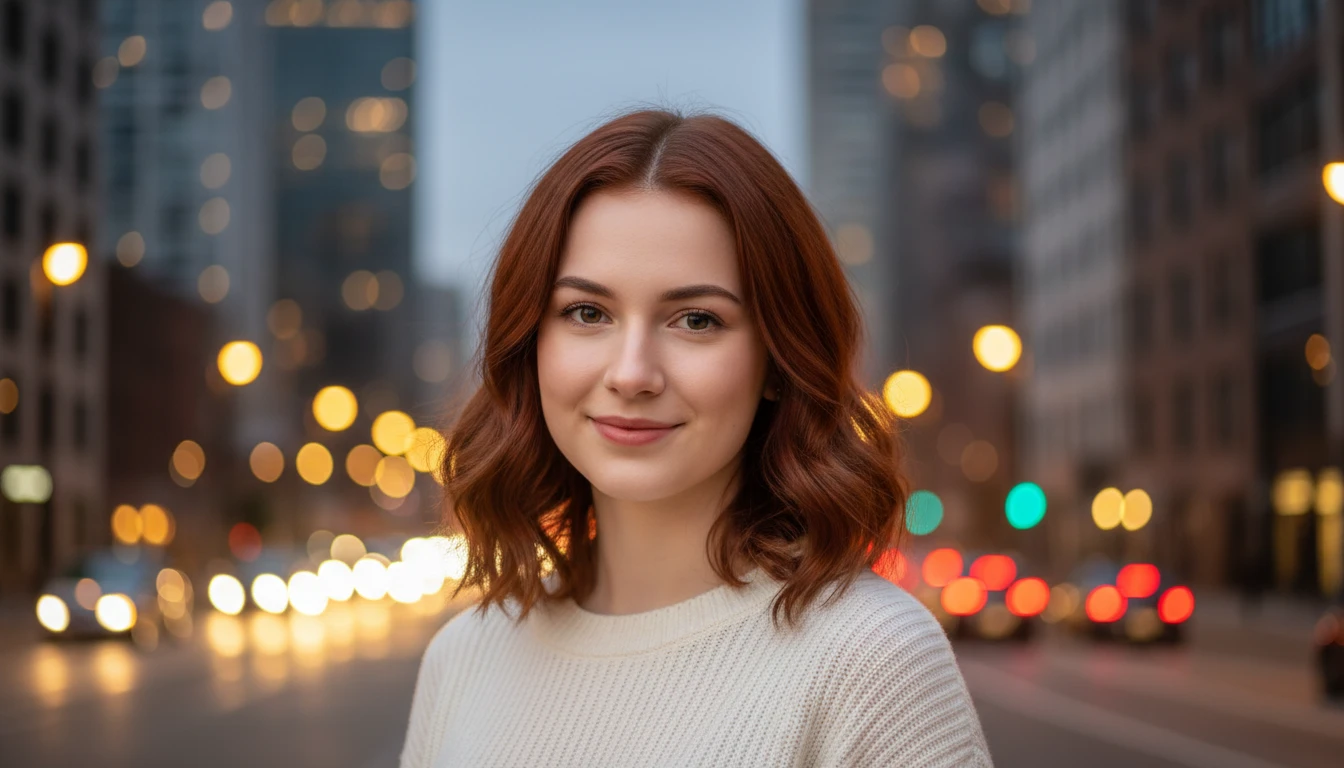
City and Night Looks
Swap a plain wall for a blurred city street or a moody cinematic backdrop in one tap.
Go Urban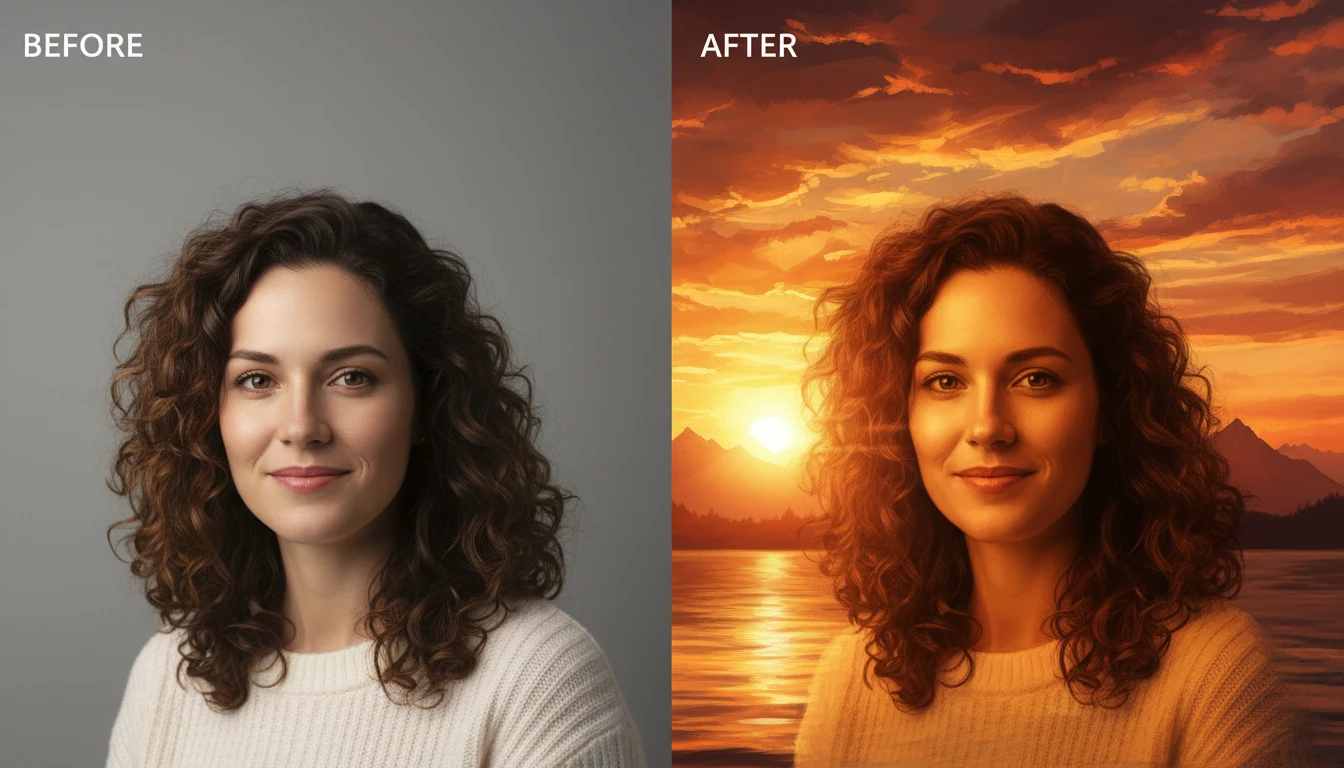
Who Uses AI Change Background
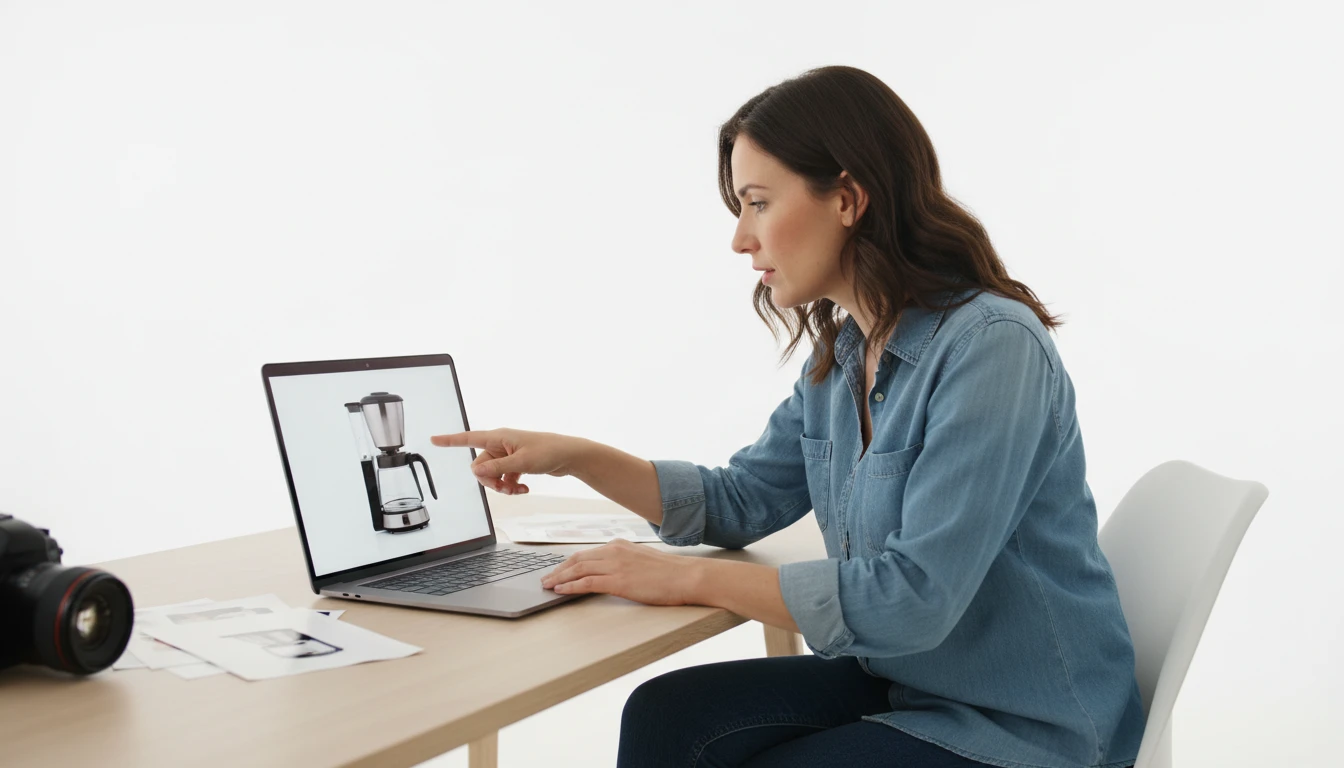
Product and Catalog Photos
Put products on a consistent white or lifestyle backdrop so the set looks professional and on-brand.
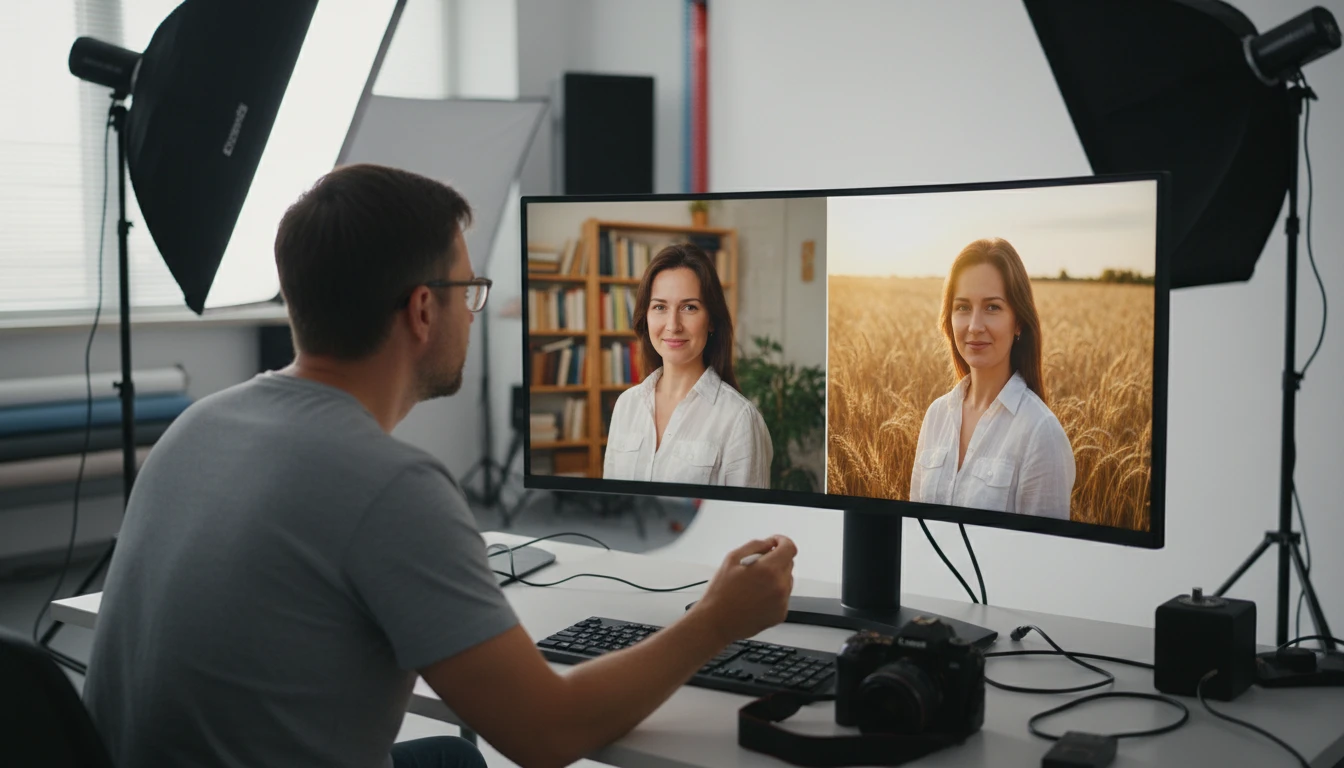
Portrait Photographers
Rescue portraits shot in cluttered rooms by moving the subject onto a studio, interior, or outdoor scene.
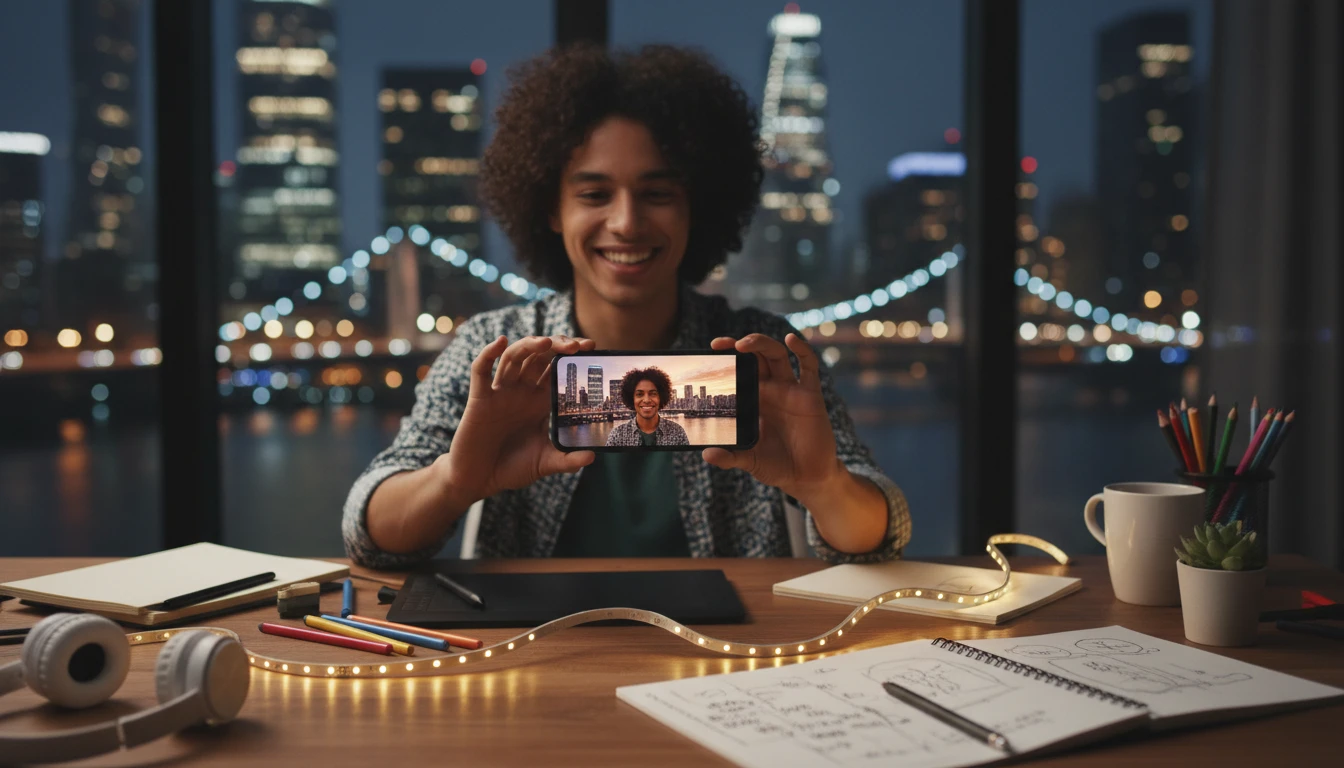
Content Creators
Place yourself in a beach, city, or sunset scene for thumbnails and social posts without traveling.
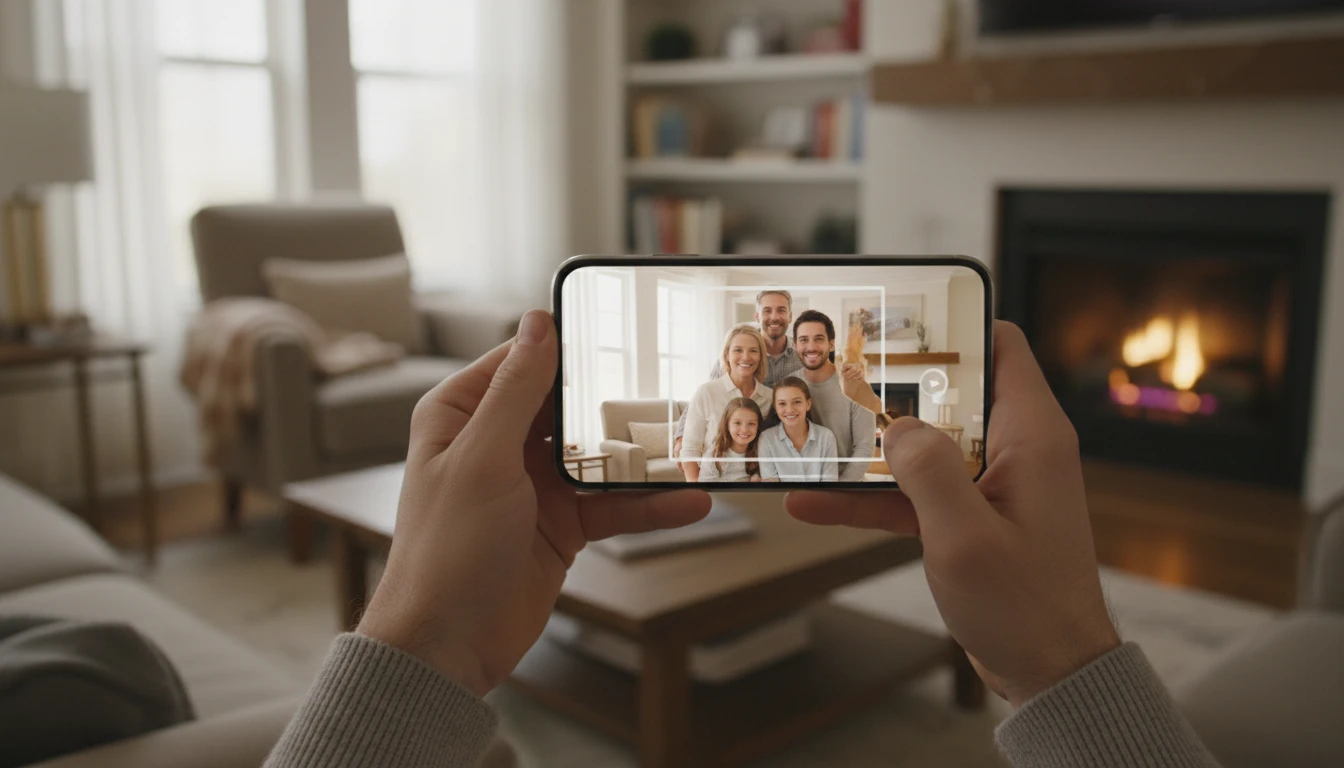
Everyday Photos
Clean up family and profile photos by replacing a messy room or busy street with a simple backdrop.
How to Change a Photo Background with AI
Swap the backdrop of any photo in three simple steps
Upload Your Photo
Upload any portrait, product, or full-body shot. JPG, PNG, or WebP all work.
Pick a Backdrop
Choose from studio white, beach, city, forest, sunset, and more. No masking or prompts required.
Compare and Download
AI replaces the background and keeps the subject intact. Compare before and after, then download.
Explore More
More AI Studio Tools
Discover other powerful AI tools to enhance your creative workflow
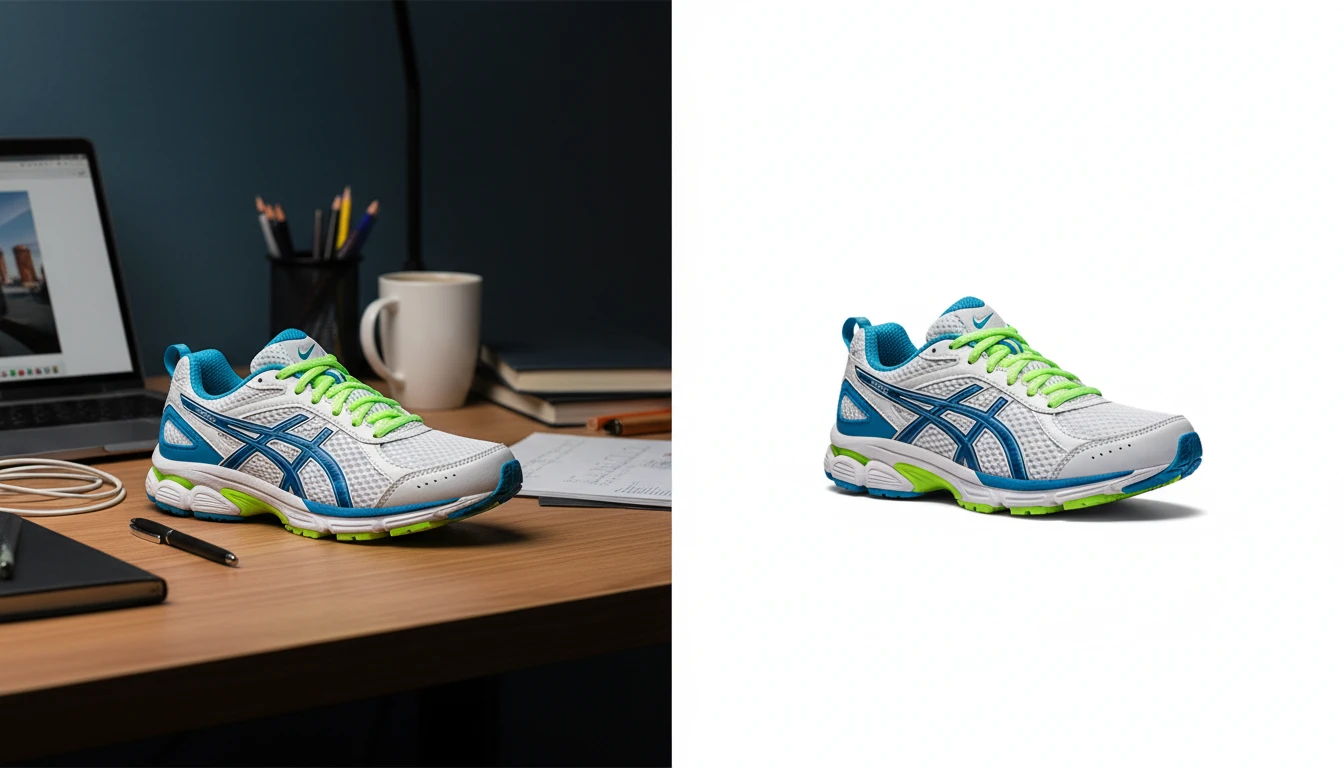
AI Background Remover
Upload any photo or product image and AI removes the background in seconds, delivering a clean transparent PNG. No manual masking required. Ideal for profile photos, marketing materials, and design assets.
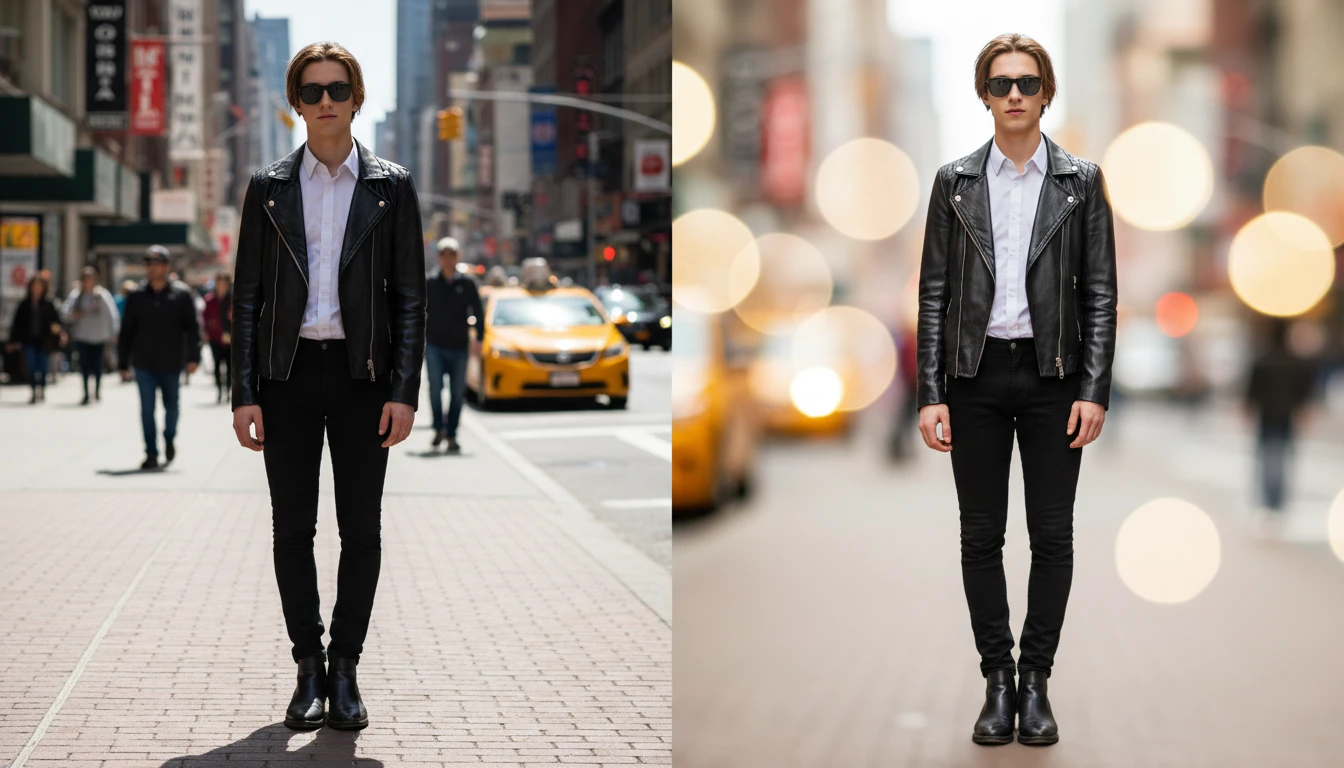
AI Blur Background
Blur the background of any photo with AI. Create professional DSLR bokeh, portrait, product photography, tilt-shift, and cinematic blur effects instantly.
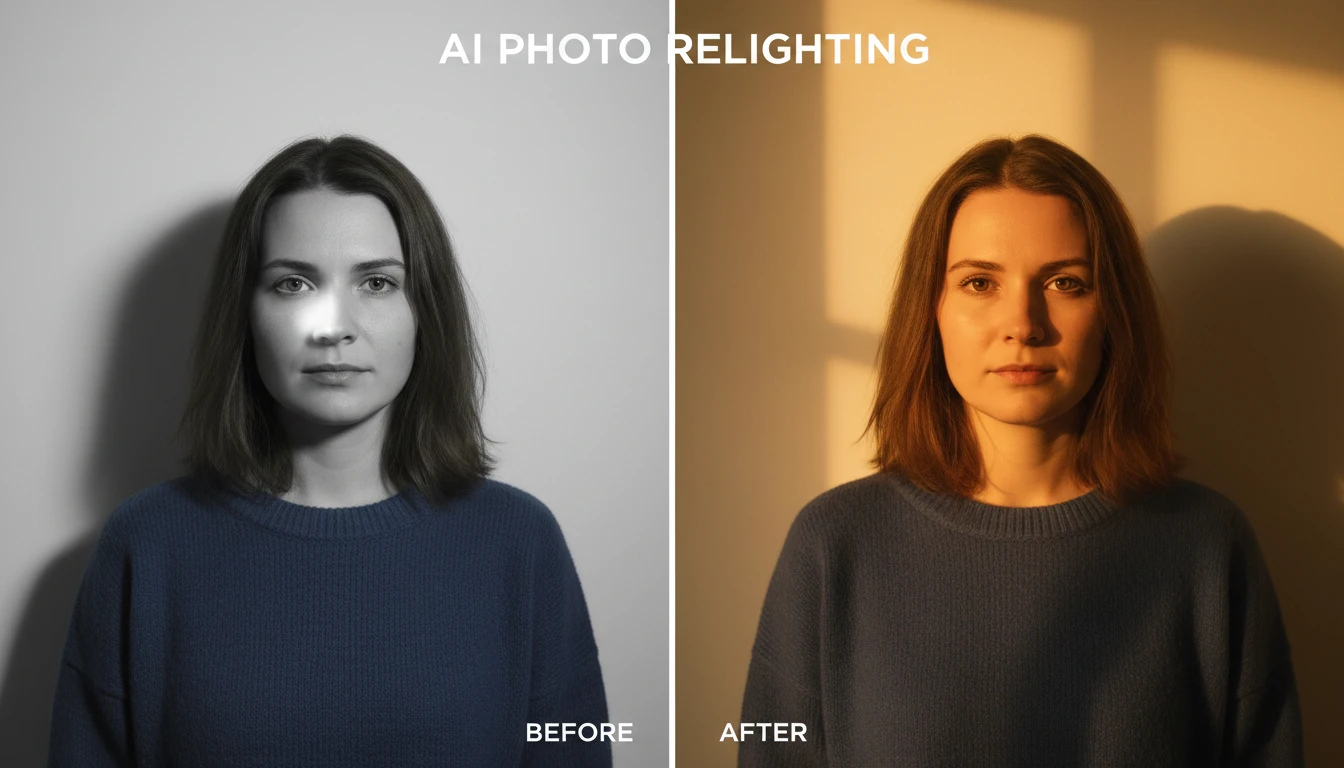
AI Photo Relighting
Relight any photo with AI. Pick golden hour, studio, cinematic, neon, moonlight and more — AI changes the lighting while keeping the subject, composition and colors intact.
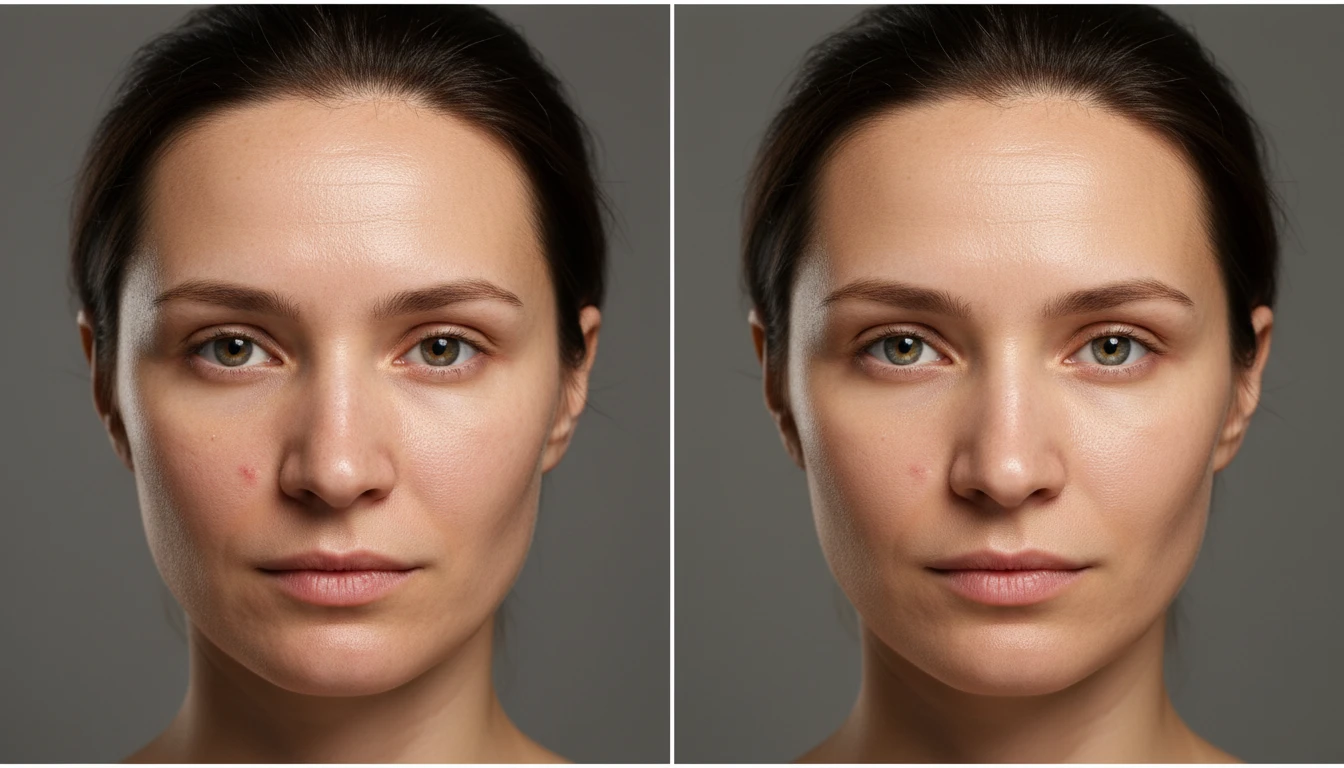
AI Photo Retouch
Retouch any portrait in one tap with AI. Smooth skin, reduce blemishes and shine, brighten eyes and teeth, and add soft natural lighting while keeping your natural look.
Opens in
Image Studio
Frequently Asked Questions
Everything you need to know to get started.
What is AI Change Background?
AI Change Background replaces the backdrop of a photo while keeping the subject the same. Upload an image, pick a scene — such as studio white, beach, city, or sunset — and AI re-renders the photo on that background.
Will the subject still look the same?
Yes. The tool keeps the subject, pose, clothing, and framing. Only the background changes, with clean edges around the person or product.
Do I need to cut out the subject first?
No. You do not need to mask or remove the background yourself. Upload the original photo and pick a backdrop.
What kinds of photos work best?
Portraits, products, and full-body shots with a clear subject work best. Very busy photos with many overlapping people can be harder to separate cleanly.
Can I use the results commercially?
Yes. You keep the rights to your generated images and can use them for listings, social media, marketing, and other commercial purposes.
Change Your First Background Instantly
Upload a photo, pick a backdrop, and AI swaps the scene in seconds — no masking required.
Change the Background NowDisclaimer: This tool uses generative AI technology which may produce content that resembles copyrighted materials or that is inaccurate, incomplete, or out-of-date. It is provided for general information and educational purposes only and is not intended for illegal activities or to replace professional advice, diagnosis, or treatment. Users are solely responsible for how they use the generated content. If you plan to use AI-generated content commercially or publicly, we strongly recommend reviewing it for potential copyright issues and obtaining proper permissions where necessary. We accept no liability for copyright infringement or any other consequences resulting from the use of content generated by this tool.