Retouch Any Portrait in One Tap with AI
Upload a photo and AI gently retouches it: smoother skin, fewer blemishes, brighter eyes, and soft natural lighting — while keeping your identity and features completely intact.
Retouch Your Photo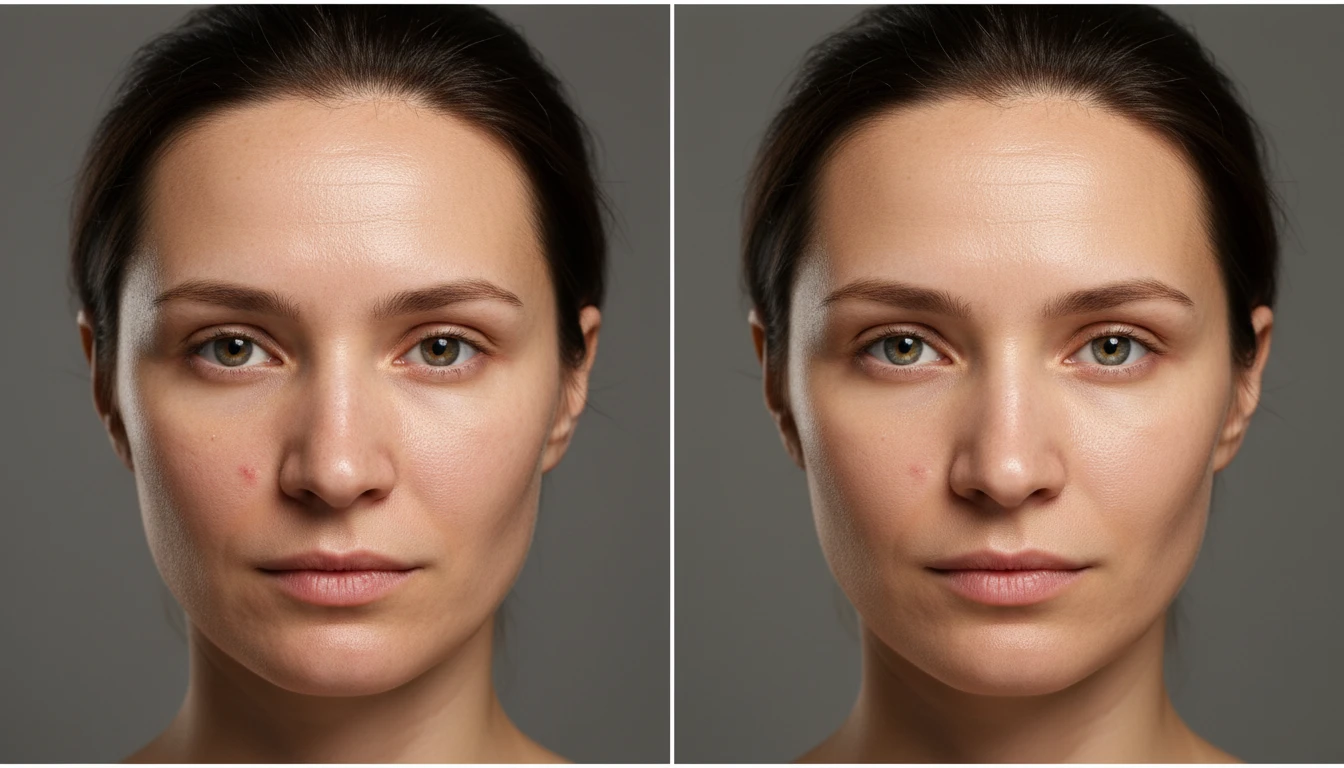
Retouch Any Portrait in One Tap
Add a photo and we'll open AI Image Studio ready to retouch it.
Drag & drop your photo here
or click to browse — JPG, PNG or WebP, up to 15MB
Your photo is used only to retouch it for you.
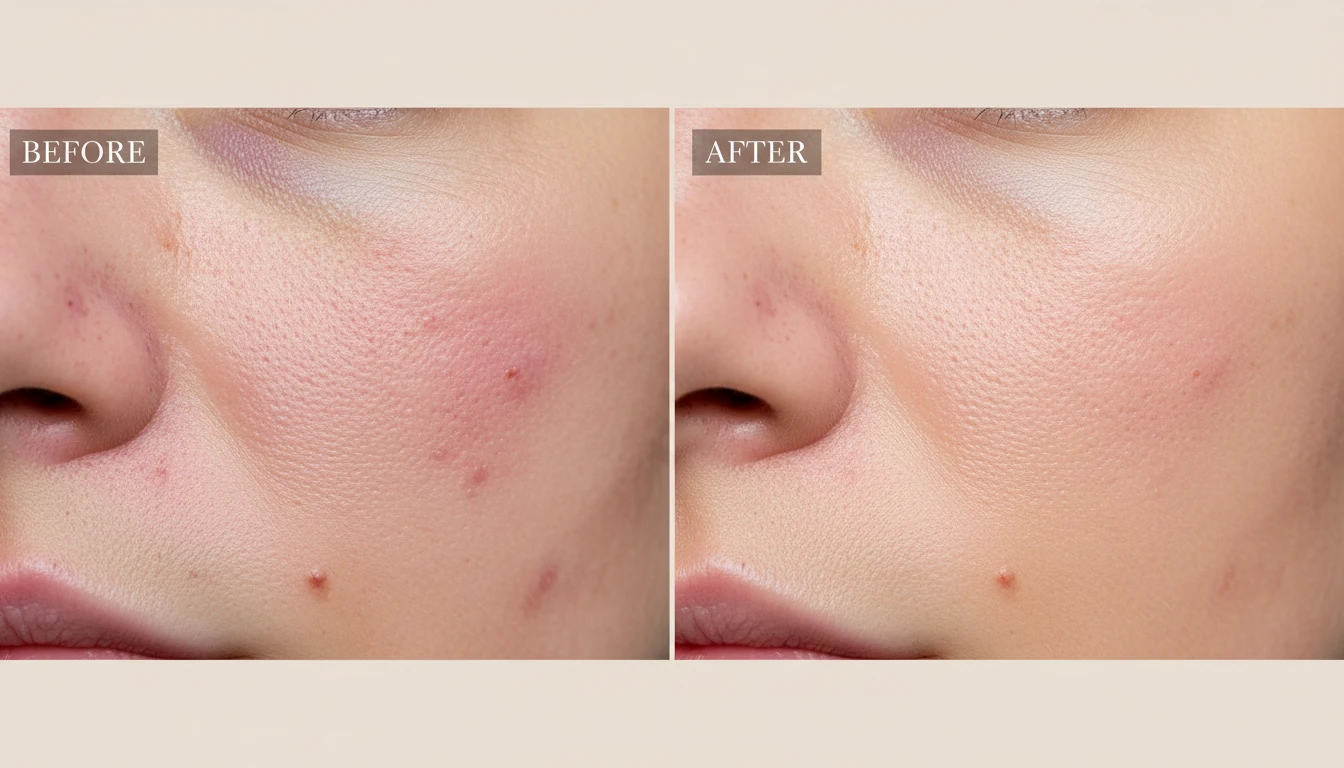
Natural Skin Retouching
Even out skin tone, reduce blemishes, redness and shine, and soften texture without the over-smoothed plastic look. The result keeps pores and natural detail so it still looks like you.
Retouch Skin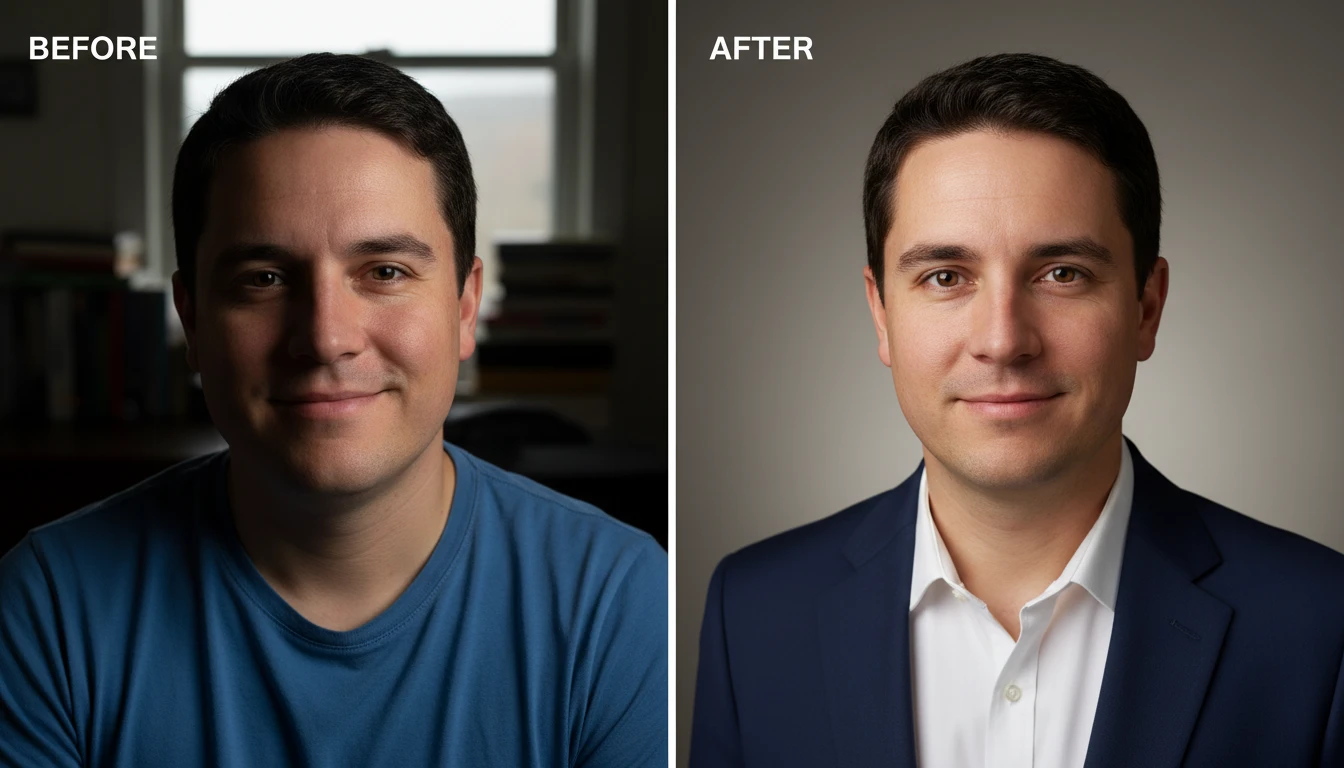
Polished Professional Headshots
Turn a casual snapshot into a clean, professional headshot. Great for LinkedIn, résumés, team pages, and speaker bios — a subtle, believable cleanup rather than a heavy filter.
Retouch a Headshot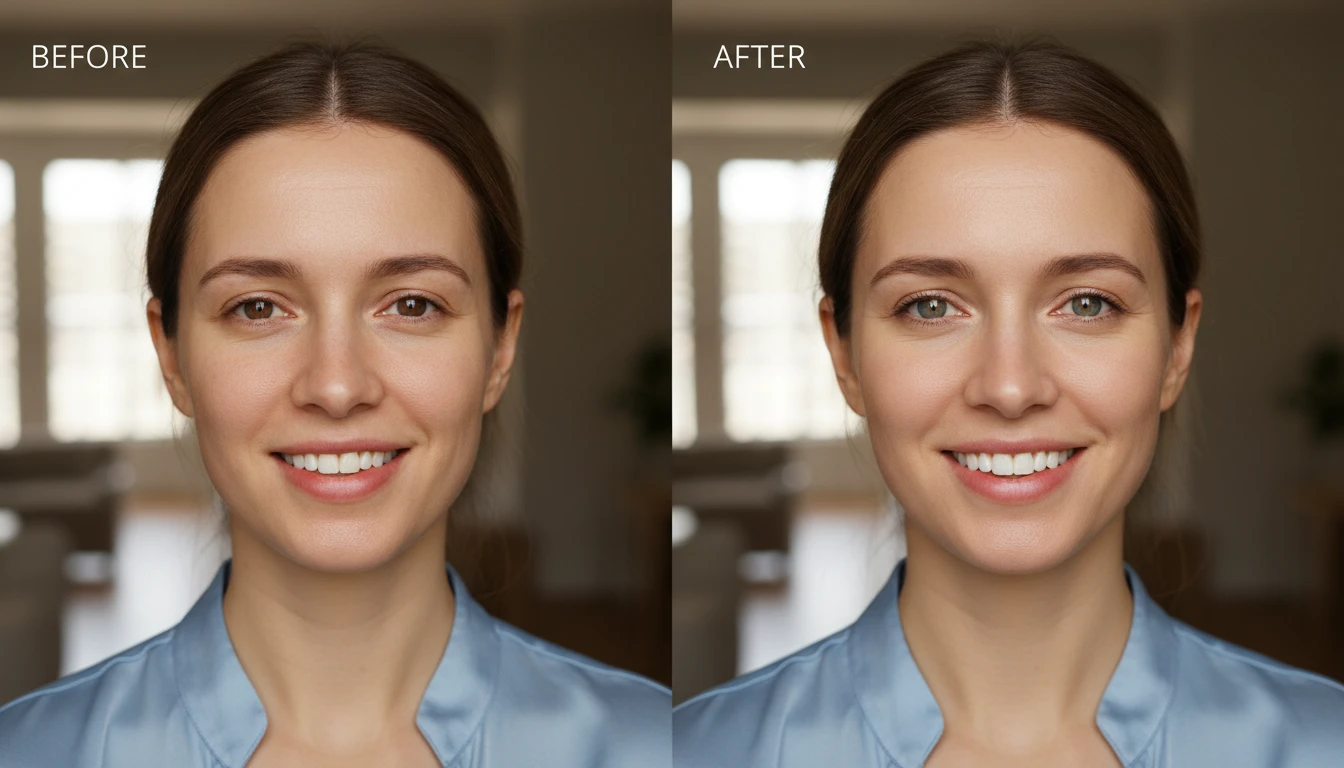
Bright Eyes and Smile
Gently brighten the eyes and whiten teeth for a fresh, awake look. The enhancement stays natural — no glowing whites, just a healthy, rested version of the original.
Brighten a Portrait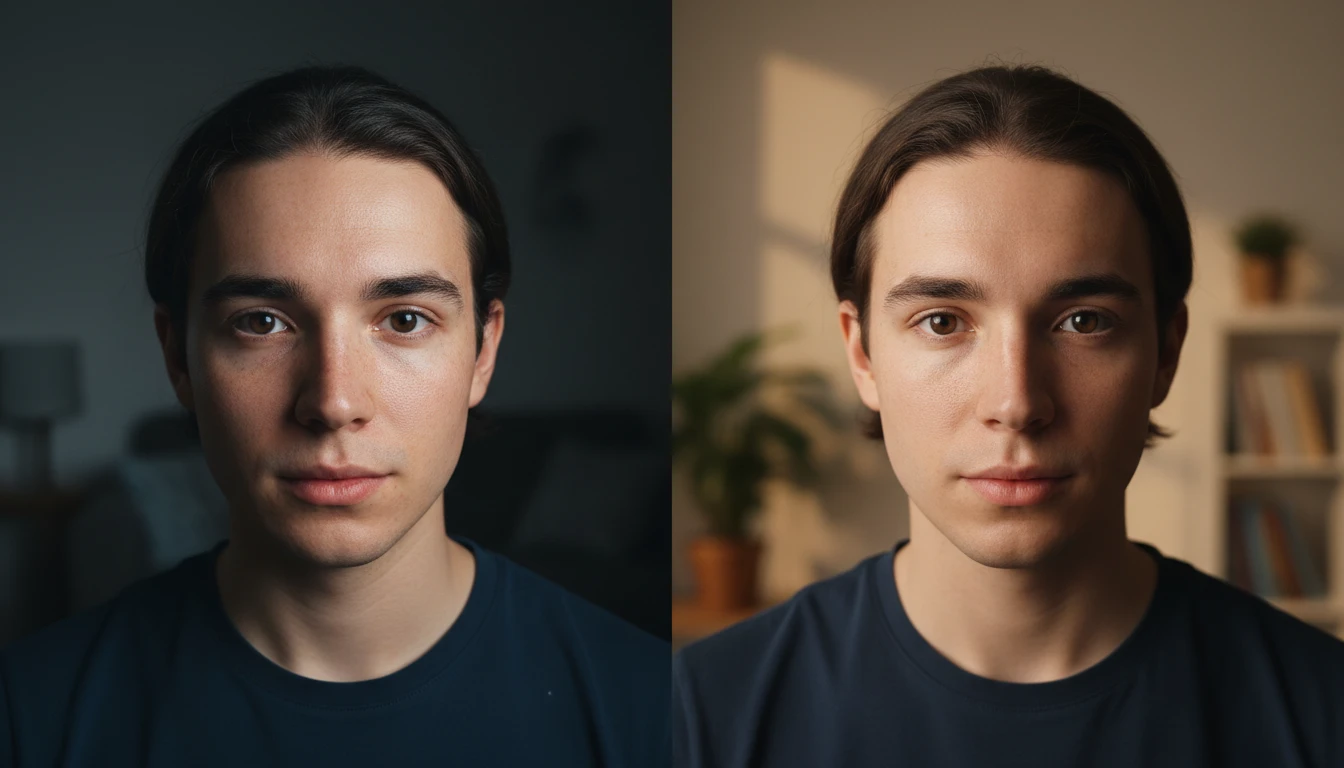
Soft Natural Lighting
Add flattering, diffused light that lifts shadows and evens out the exposure on the face, giving flat phone photos a soft studio-style finish.
Relight a PortraitWho Uses AI Photo Retouch
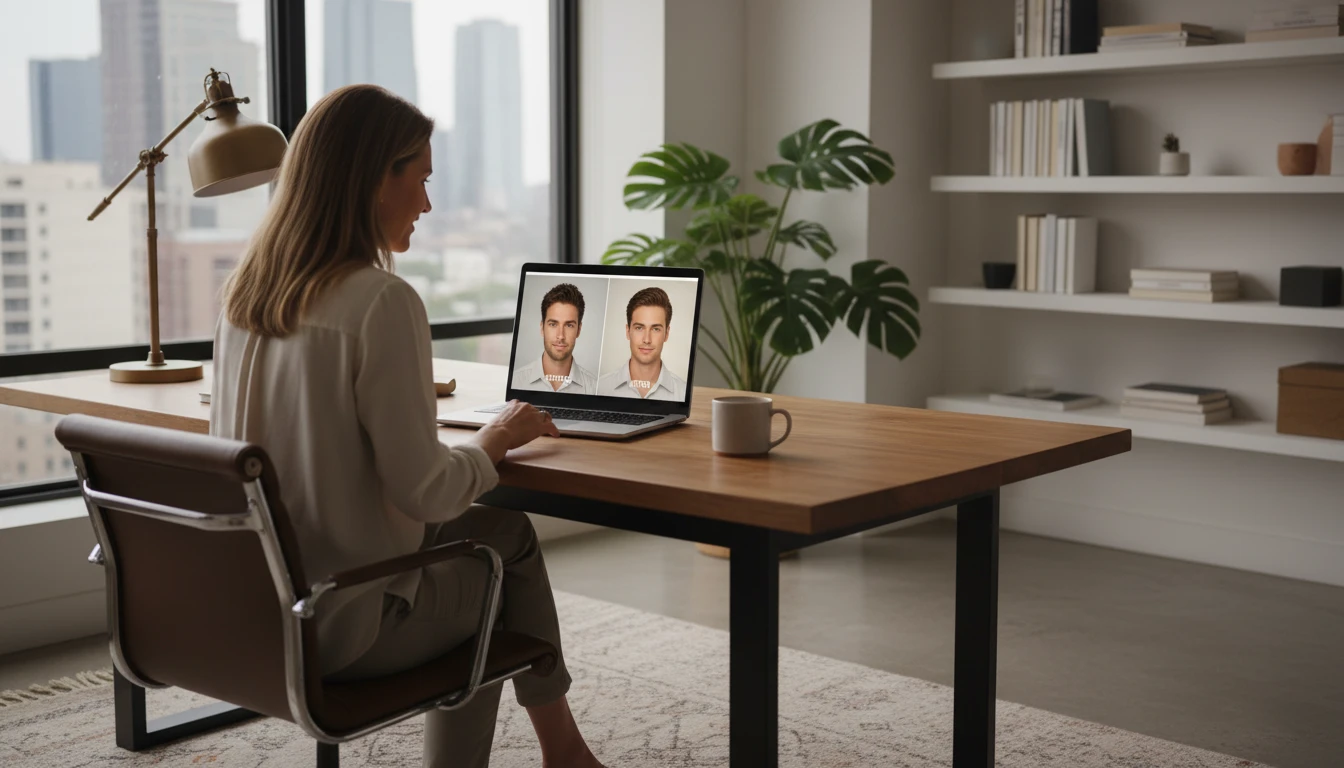
Professionals and Job Seekers
Get a clean, polished headshot for LinkedIn, résumés, and company pages without booking a photographer or learning Photoshop.
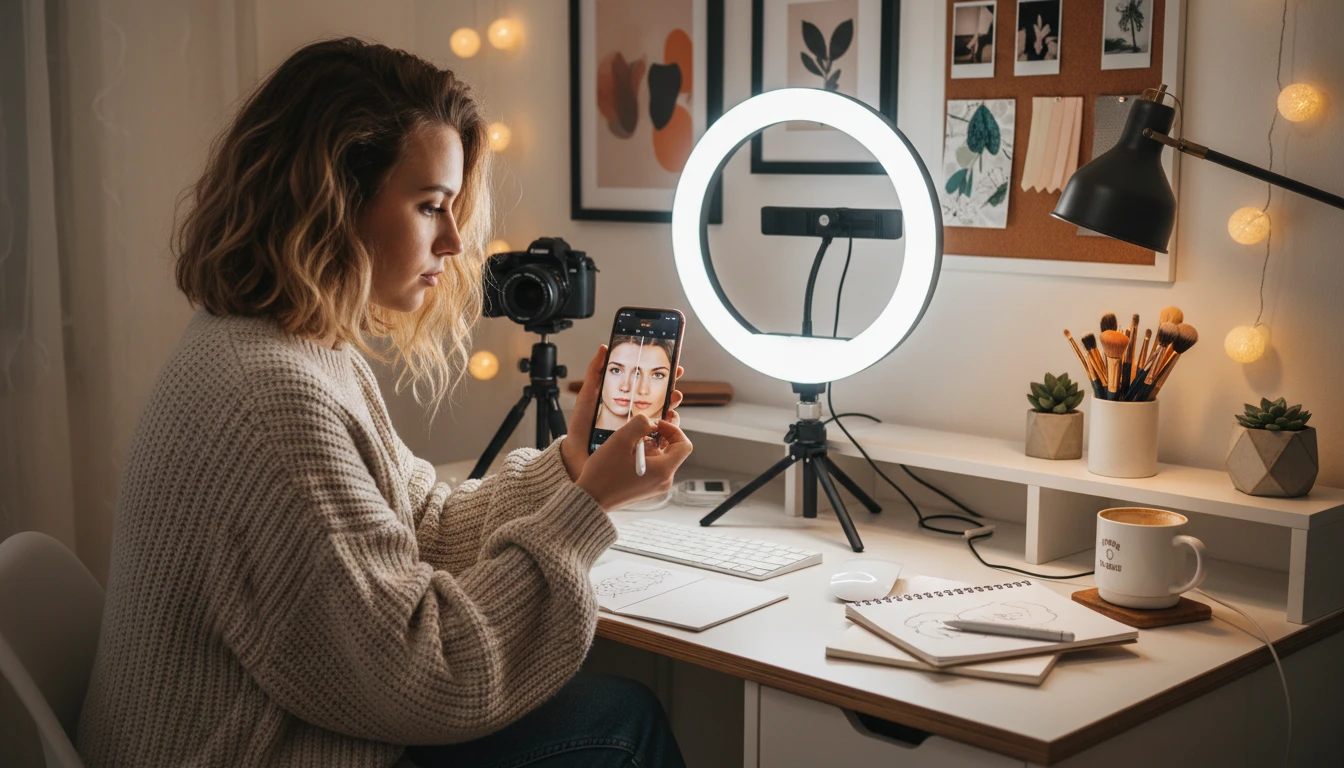
Content Creators and Influencers
Quickly retouch selfies and portraits for Instagram, TikTok, and YouTube thumbnails while keeping a natural, authentic look.
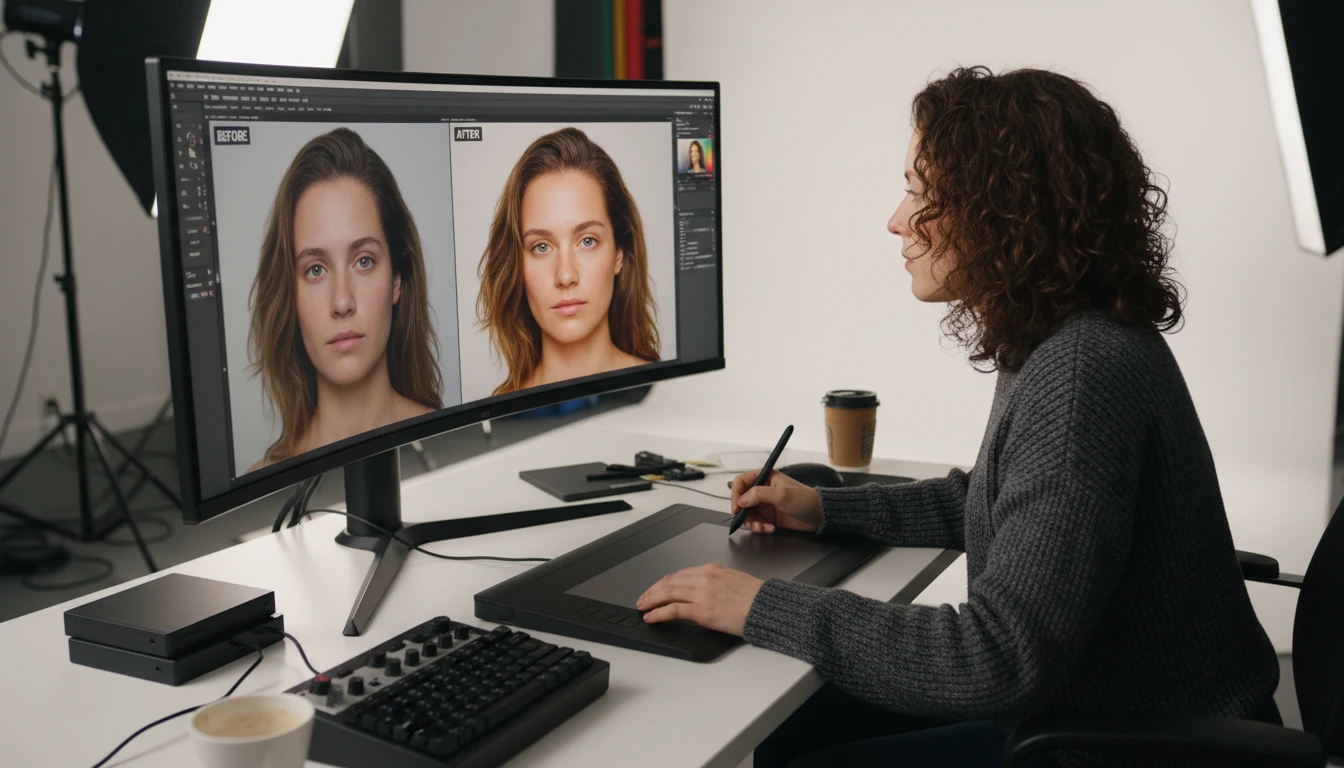
Photographers
Speed up client delivery with a first-pass automatic retouch, then fine-tune only where needed. Batch through portraits in a fraction of the time.
Everyday Photos
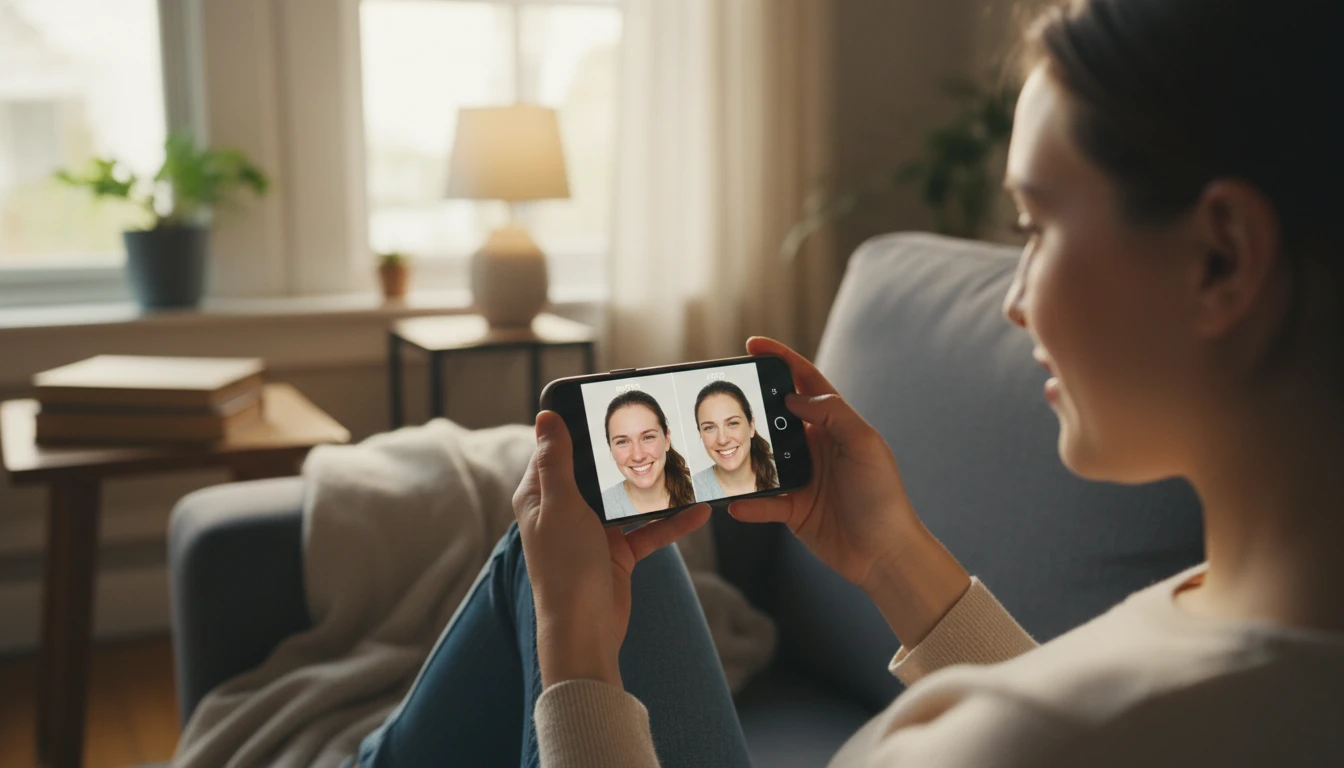
Freshen up family photos, dating profile pictures, and event snapshots with a subtle, believable cleanup that still looks like you.
How to Retouch a Photo with AI
Natural, professional retouching in three simple steps
Upload Your Portrait
Upload any portrait or photo with a face. JPG, PNG, or WebP. Works with selfies, headshots, and casual snapshots.
Tap Retouch
No sliders or settings. AI automatically smooths skin, reduces blemishes, brightens eyes and teeth, and adds soft natural lighting — while preserving your identity.
Compare and Download
Compare the original and retouched versions side by side with the before/after slider, then download your polished photo.
Explore More
More AI Studio Tools
Discover other powerful AI tools to enhance your creative workflow
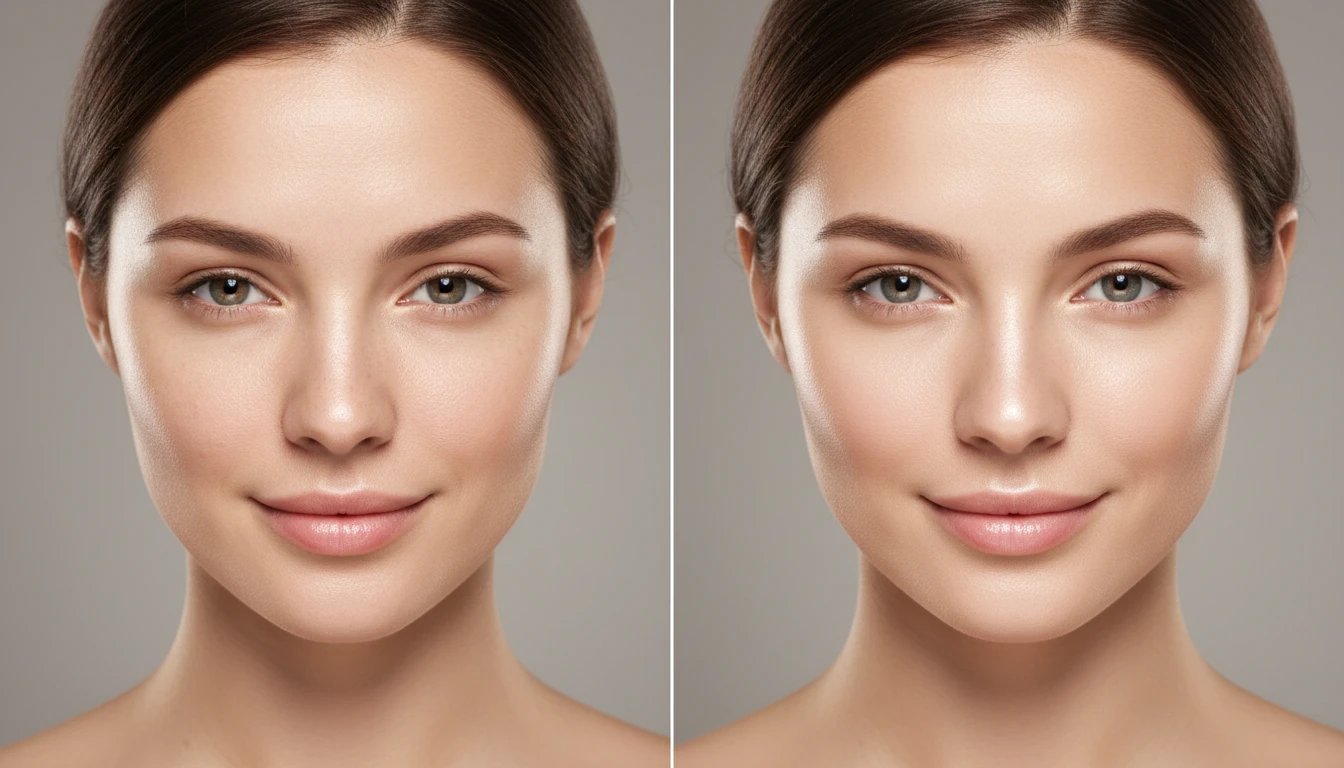
AI Face Retouching
Subtly improve your features and showcase your natural beauty. Smooth, clear, and flawless results — without harsh filters or excessive editing.
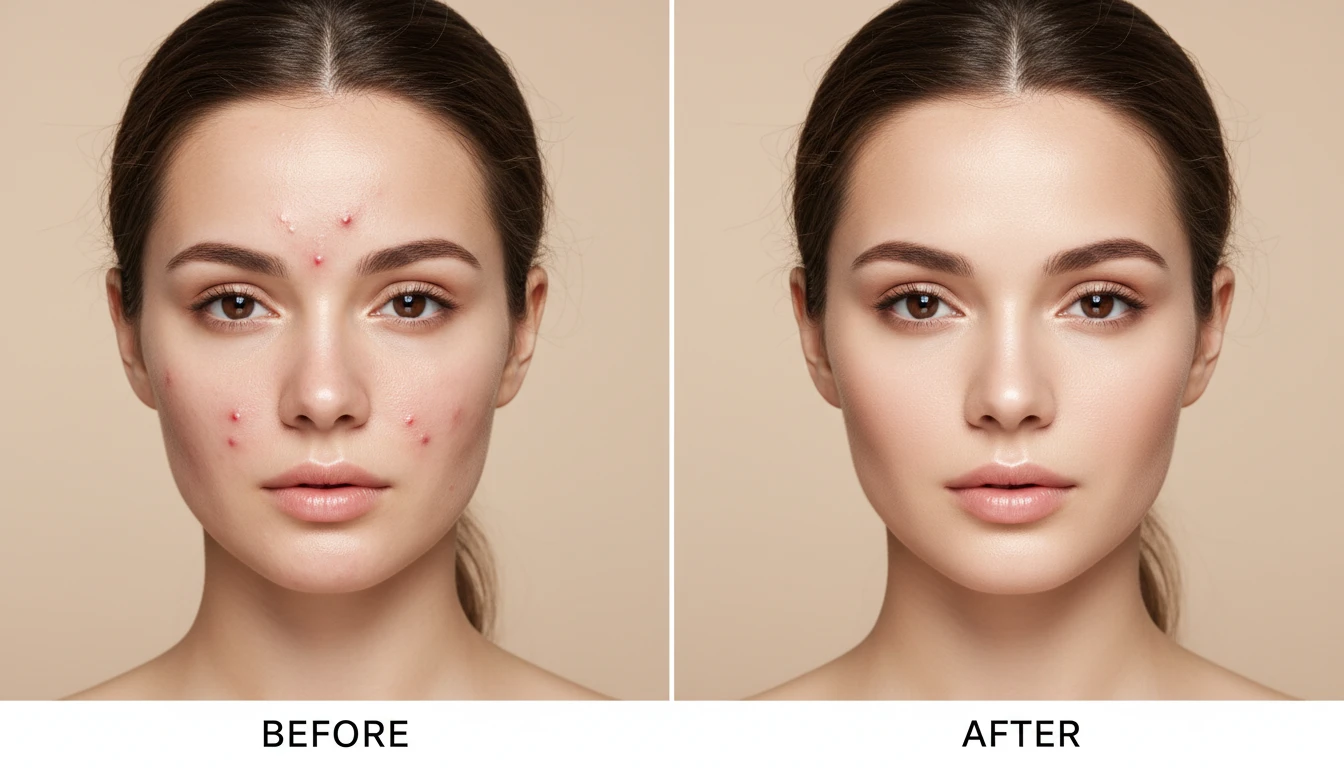
AI Blemish Remover
Remove pimples, scars, and any blemishes from your photo with ease. Upload a portrait and get a clean, retouched result in seconds.
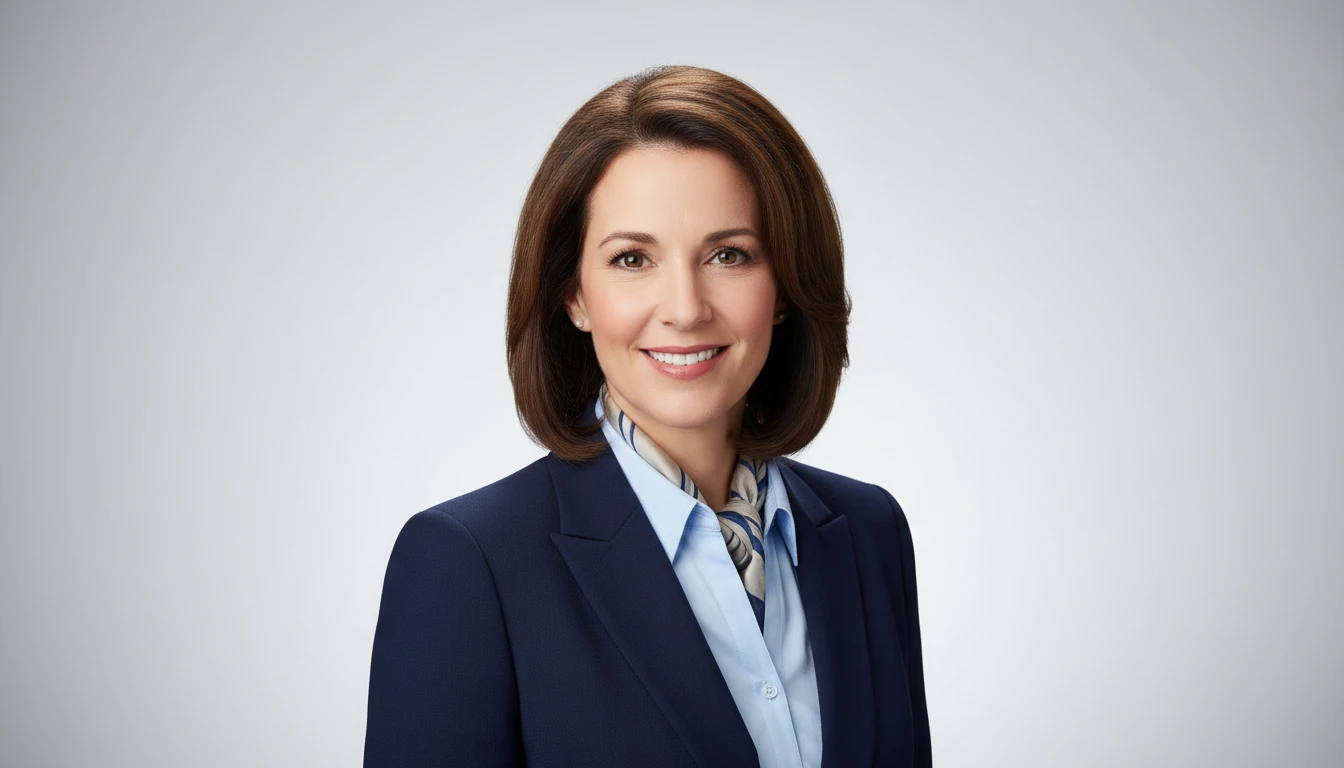
AI Professional Headshot Generator
Upload any casual portrait and AI generates a studio-quality professional headshot in seconds. Choose from 14 styles including LinkedIn Profile, Corporate Business, Executive Portrait, Creative Professional, Tech Startup, Real Estate Agent, and Personal Brand. No photographer, studio, or scheduling required. Supports a wide range of ages, genders, and professional contexts.
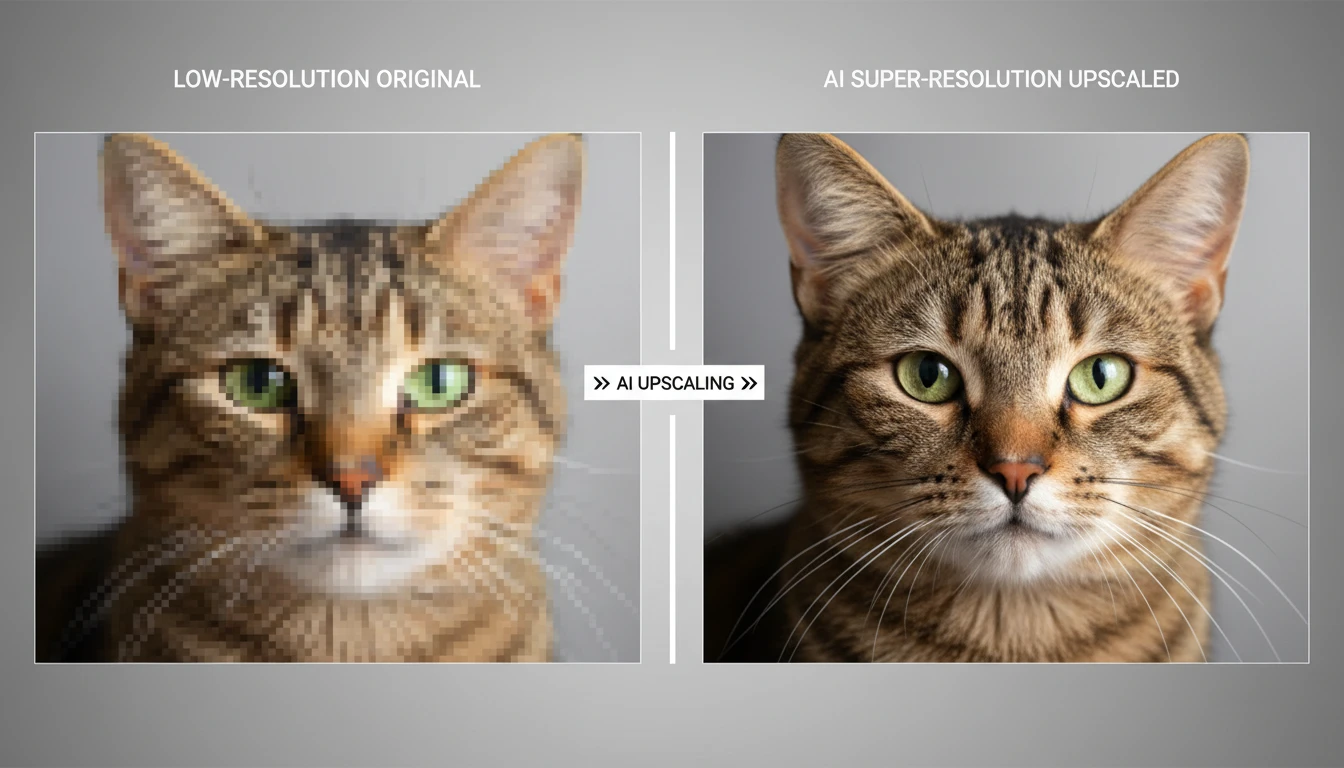
AI Image Upscaler
Upscale any image to higher resolution with AI. Enlarge photos without losing sharpness, detail, or quality. Perfect for printing, product photos, and restoring small images.
Opens in
Image Studio
Frequently Asked Questions
Everything you need to know to get started.
What is AI Photo Retouch?
AI Photo Retouch is a one-tap portrait retoucher. Upload a photo and AI evens out skin tone, reduces blemishes and shine, brightens the eyes and teeth, and adds soft natural lighting — all automatically, while keeping your identity and features unchanged.
Will it still look like me?
Yes. The retouch is intentionally subtle and identity-preserving. It keeps your facial features, expression, hair, and natural skin texture, so the result looks like a well-lit, rested version of you rather than a heavy filter.
Do I need to type a prompt or adjust settings?
No. Retouch is fully automatic — just upload and tap Retouch. There are no sliders or prompts. If you want more control over a specific change, try the Photo Edit tool inside AI Image Studio.
What types of photos work best?
Portraits and photos with a clear, well-framed face work best. Selfies, headshots, and casual snapshots all work. For very low-resolution images, run the AI Image Upscaler first for a sharper result.
Can I use the retouched photos commercially?
Yes. You retain rights to your retouched images and can use them for professional profiles, marketing, social media, and other commercial purposes.
Retouch Your First Photo Instantly
Upload a portrait and AI gives it a natural, professional retouch in one tap — no filters, no Photoshop.
Retouch Your Photo NowDisclaimer: This tool uses generative AI technology which may produce content that resembles copyrighted materials or that is inaccurate, incomplete, or out-of-date. It is provided for general information and educational purposes only and is not intended for illegal activities or to replace professional advice, diagnosis, or treatment. Users are solely responsible for how they use the generated content. If you plan to use AI-generated content commercially or publicly, we strongly recommend reviewing it for potential copyright issues and obtaining proper permissions where necessary. We accept no liability for copyright infringement or any other consequences resulting from the use of content generated by this tool.