Remove Pimples, Scars & Blemishes from Your Photo
Upload a portrait and get a clean, professionally retouched result in seconds. Choose from 3 retouching levels — from natural touch to fully airbrushed.
Remove Blemishes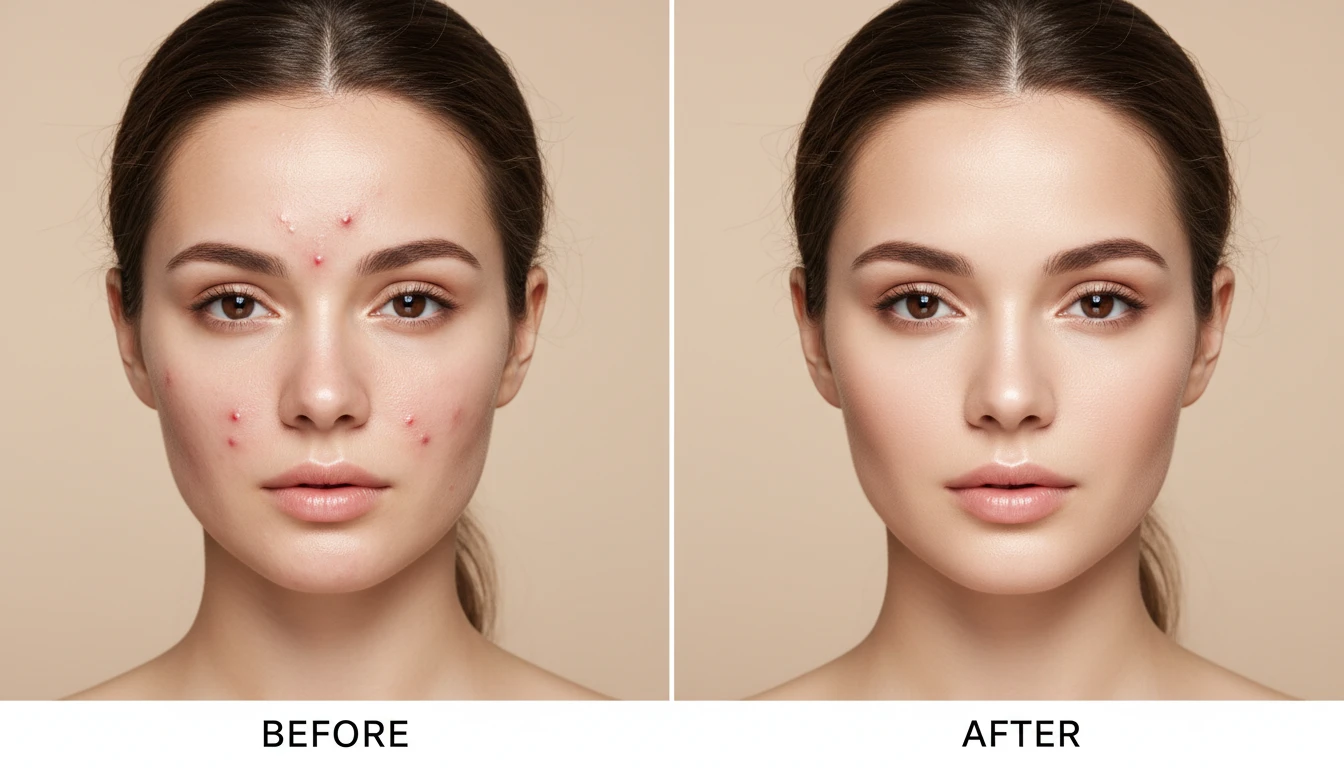
Upload Your Portrait
We'll open AI Face Studio next so you can pick a retouching level and clear blemishes.
Drag & drop your portrait here
A clear, even-lit face works best — JPG, PNG or WebP, up to 15MB
Your photo is used only to retouch this portrait for you.
Instantly Clear Your Skin in Photos
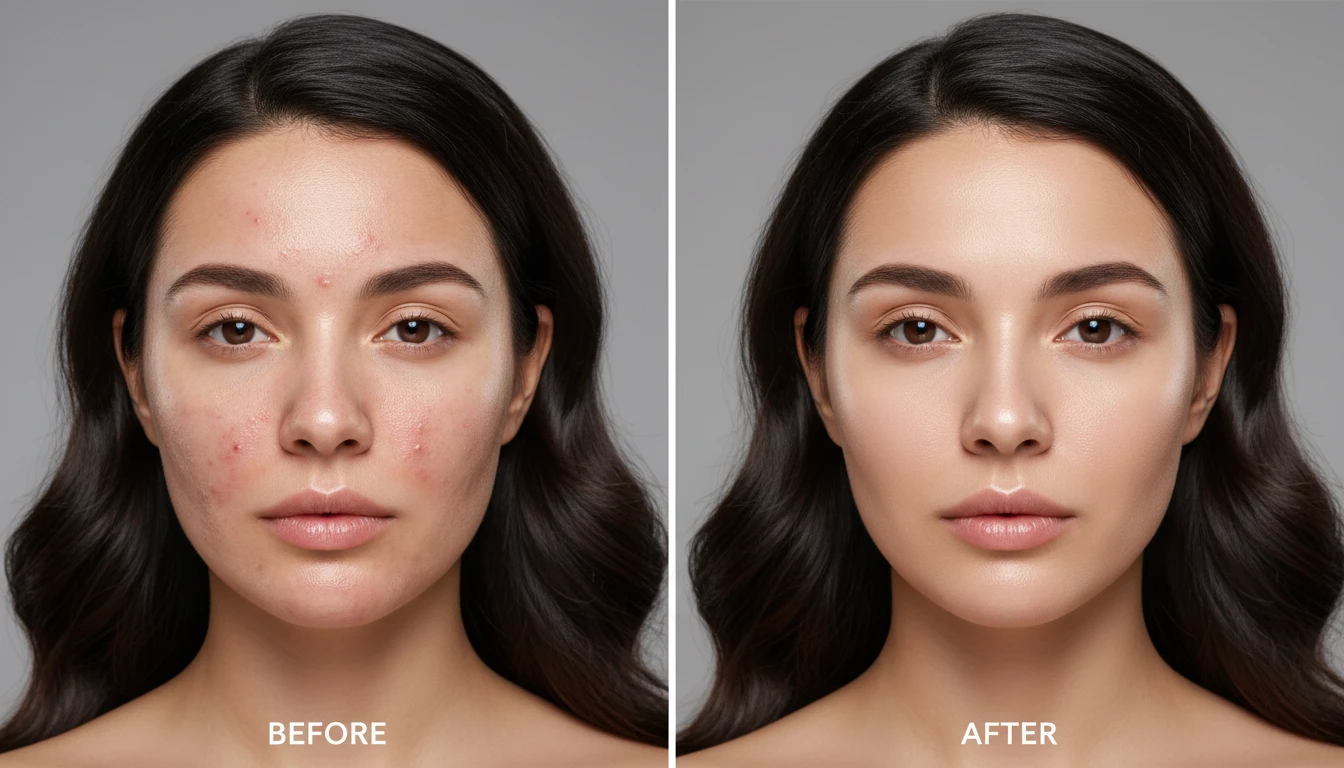
Upload any portrait and watch pimples, acne, dark spots, and scars disappear. Get a clean, polished result that still looks completely real.
Try It Now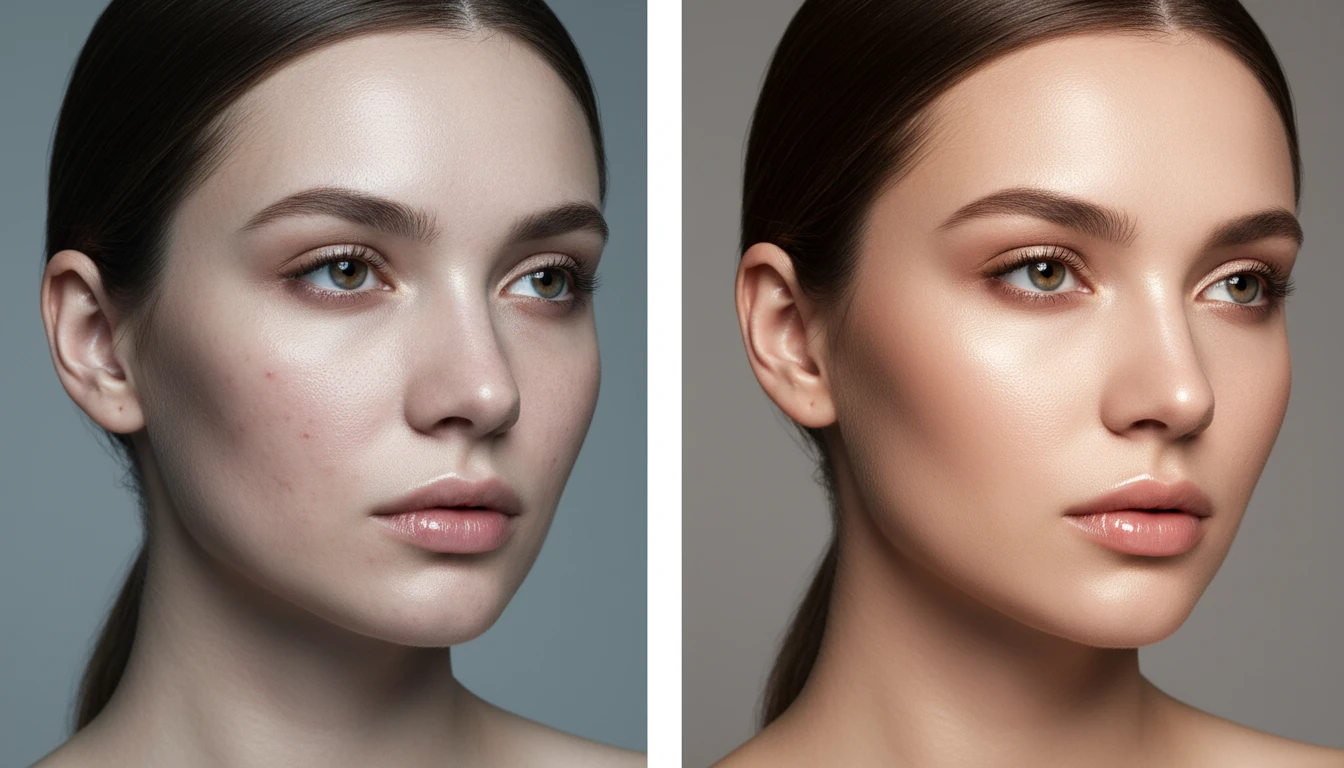
3 Retouching Levels for Any Look
Natural Touch keeps things realistic, Full Clear removes all visible blemishes, and Airbrushed delivers a flawless editorial finish. Pick the level that fits your style.
Explore Levels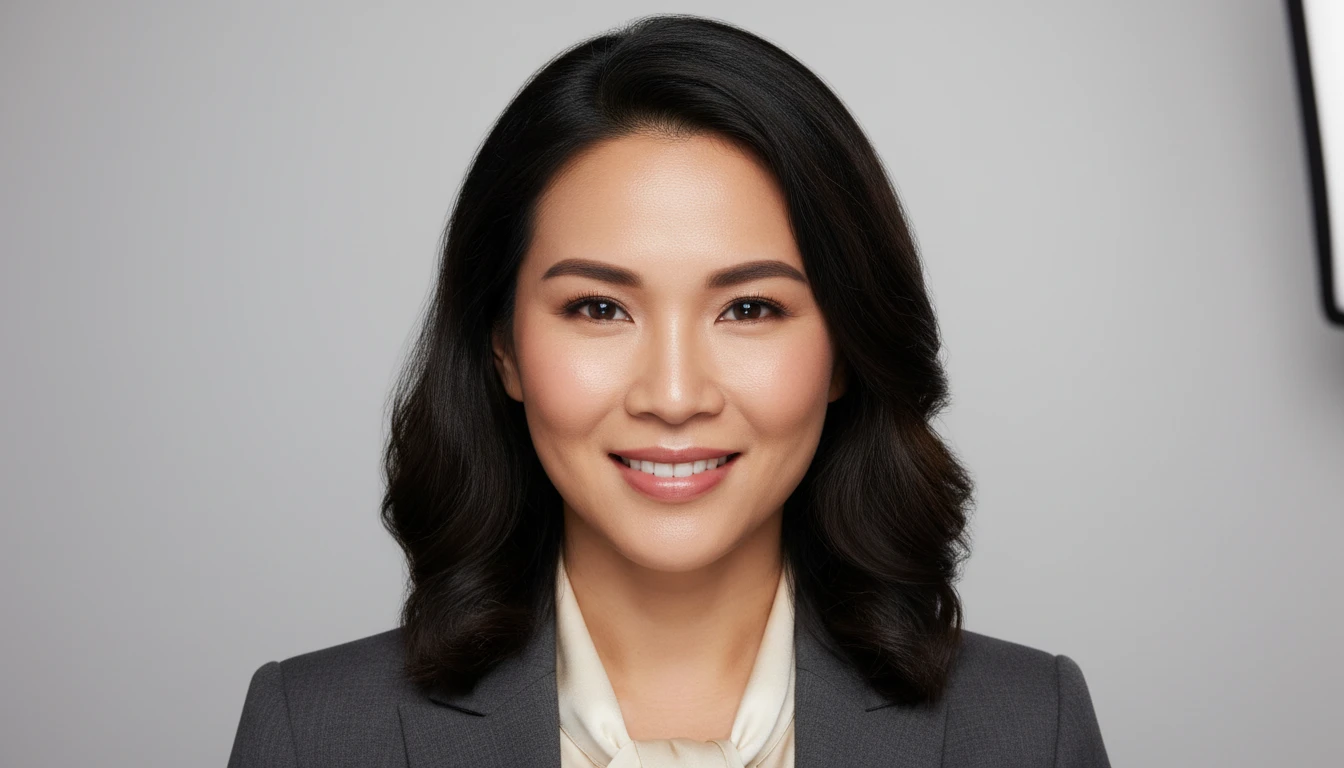
Perfect for Profile Photos and Portraits
Whether it is a LinkedIn headshot, a social media profile photo, or a personal portrait, a quick blemish removal pass makes every photo look its best.
Retouch Your PhotoWho Uses the AI Blemish Remover
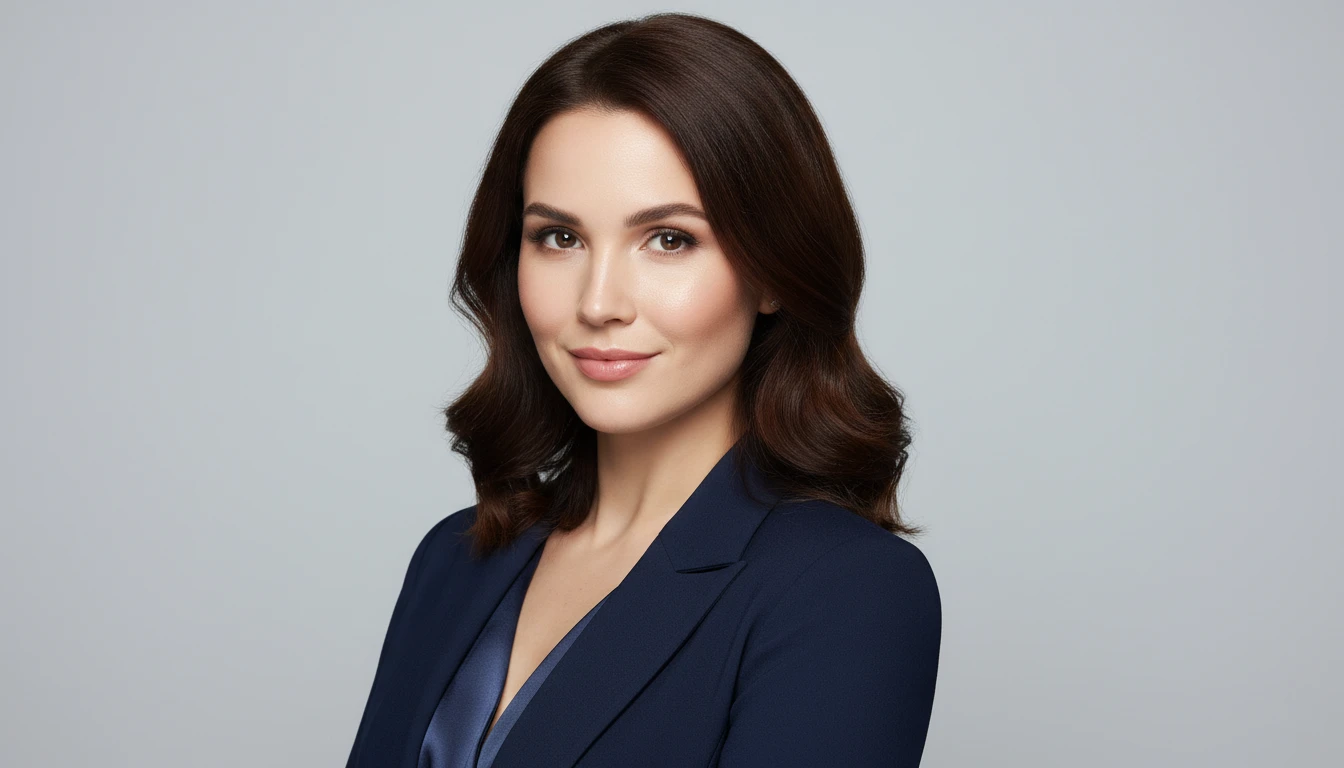
For Profile Photos and Headshots
Need a polished photo for LinkedIn, your resume, or a dating app? Remove any blemishes and put your best face forward without booking a photographer.
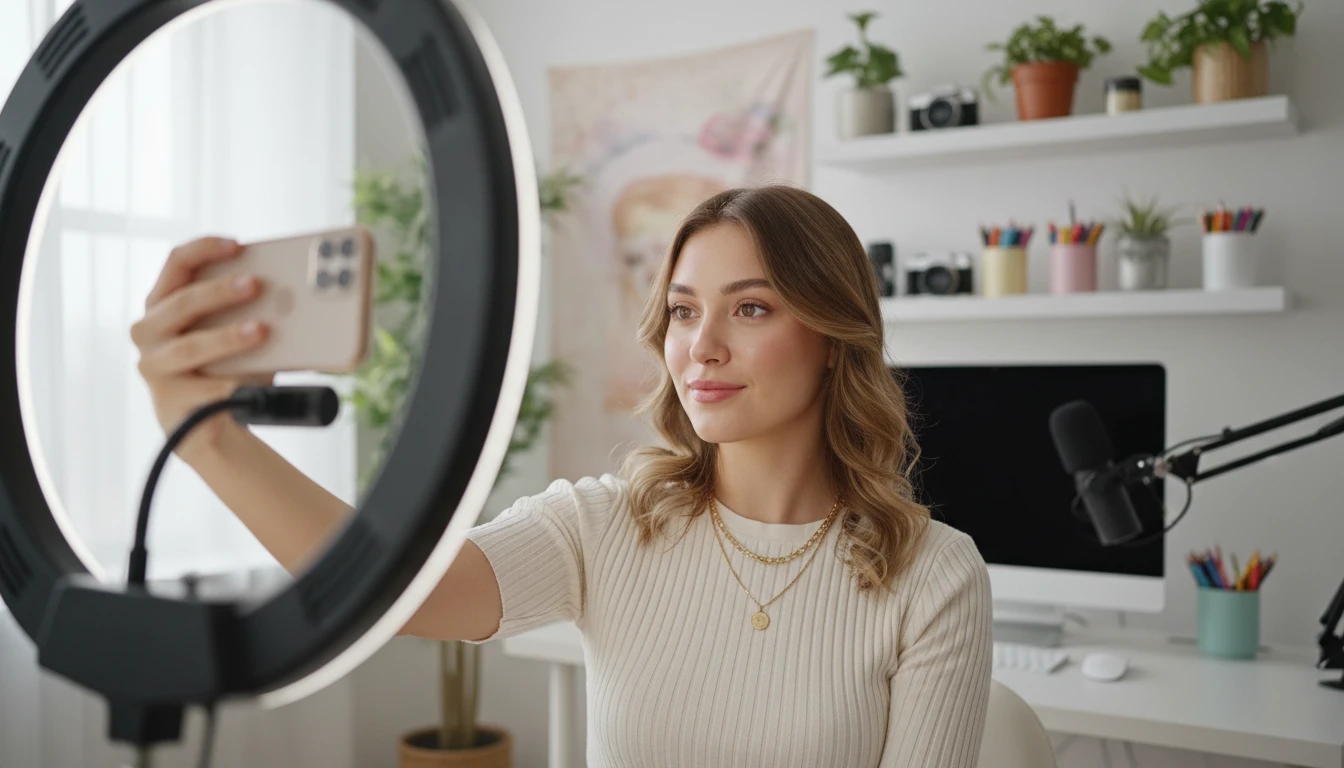
For Social Media and Content
Create clean, camera-ready portraits for Instagram, TikTok, or brand content. Get a consistent, polished look across all your photos in seconds.

For Special Occasion Photos
Graduations, weddings, events — quickly retouch any portrait from a special day to make it look its absolute best before sharing or printing.
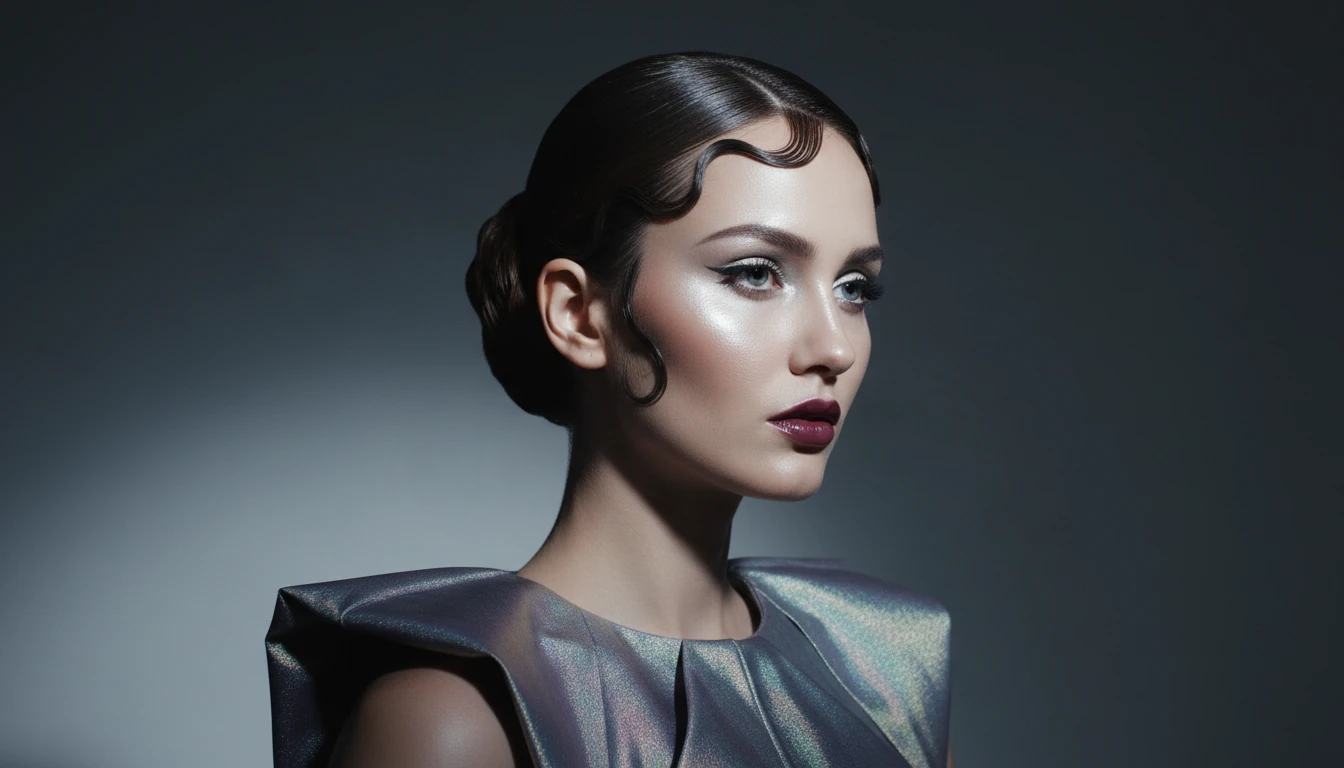
For Creative and Editorial Projects
Prepare portraits for lookbooks, mood boards, or creative shoots. The Airbrushed level delivers a high-fashion finish ready for editorial use.
How to Remove Blemishes with AI
Upload Your Portrait and Choose a Level
Add a front-facing portrait, then pick Natural Touch, Full Clear, or Airbrushed on the same screen. Even lighting and a clear view of the skin gives the best result.
Get Your Retouched Photo
Receive a photorealistic retouched portrait in seconds. Use the Before / After preview to compare, then download the result.
Explore More
More AI Studio Tools
Discover other powerful AI tools to enhance your creative workflow
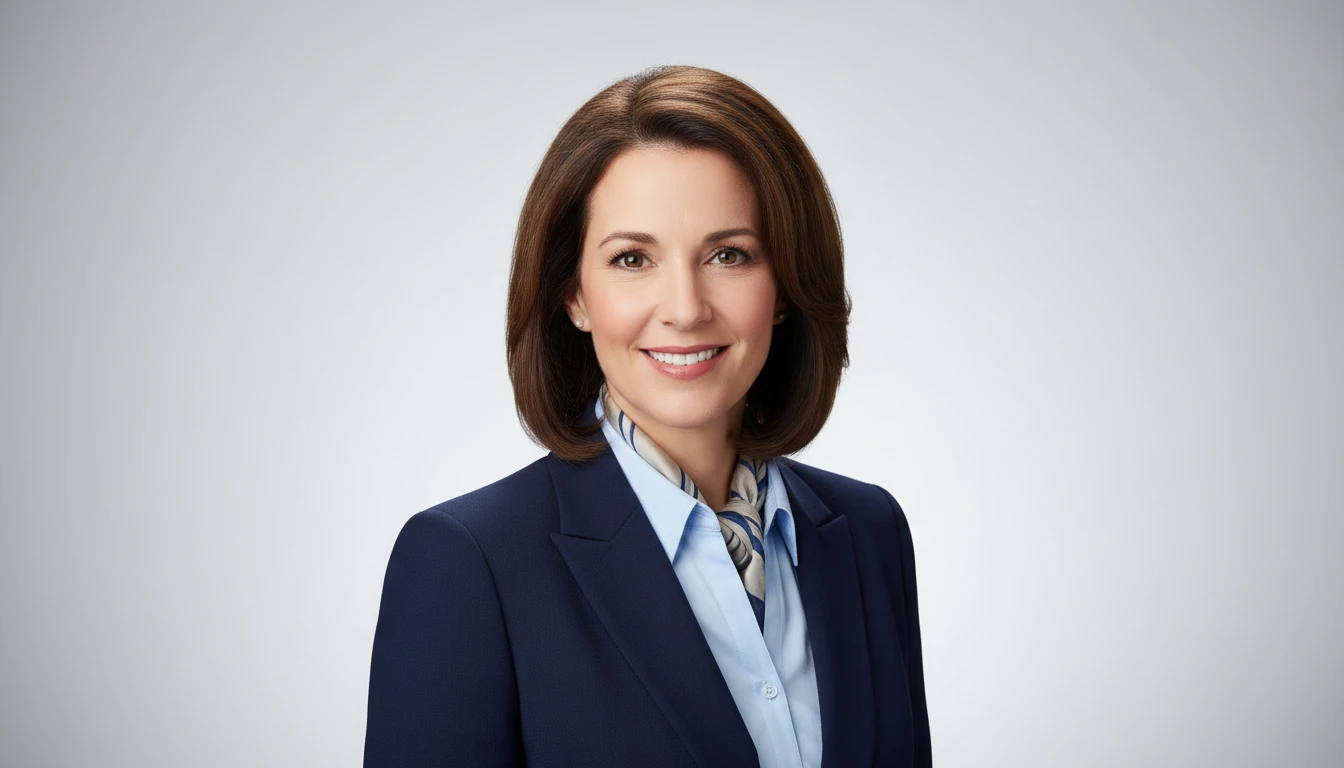
AI Professional Headshot Generator
Upload any casual portrait and AI generates a studio-quality professional headshot in seconds. Choose from 14 styles including LinkedIn Profile, Corporate Business, Executive Portrait, Creative Professional, Tech Startup, Real Estate Agent, and Personal Brand. No photographer, studio, or scheduling required. Supports a wide range of ages, genders, and professional contexts.
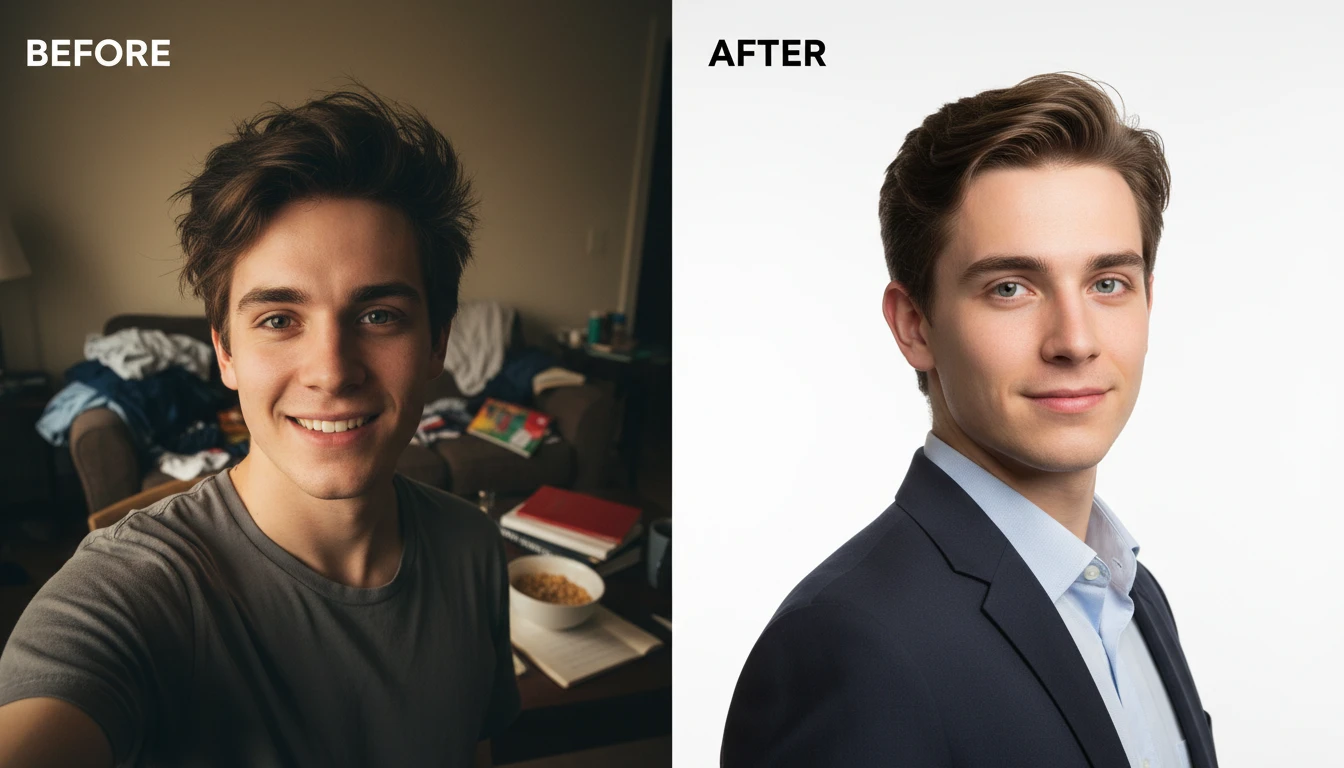
AI Profile Photo Maker
Transform any portrait photo with a new professional background. Studio white, gradient, office blur, outdoor, dark professional, and more styles.
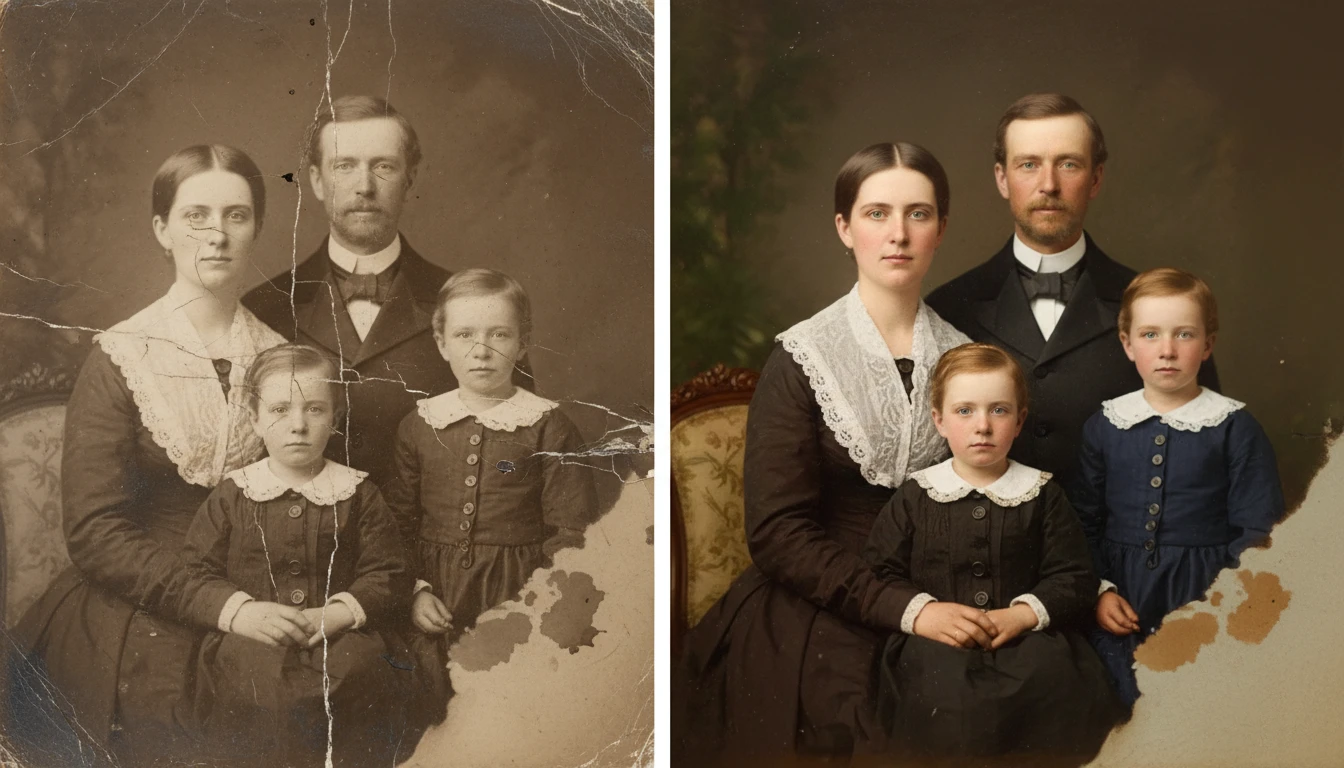
AI Photo Restoration
Restore old and damaged photos with AI. Repair scratches, fix fading, remove noise, and recover lost detail in one click.
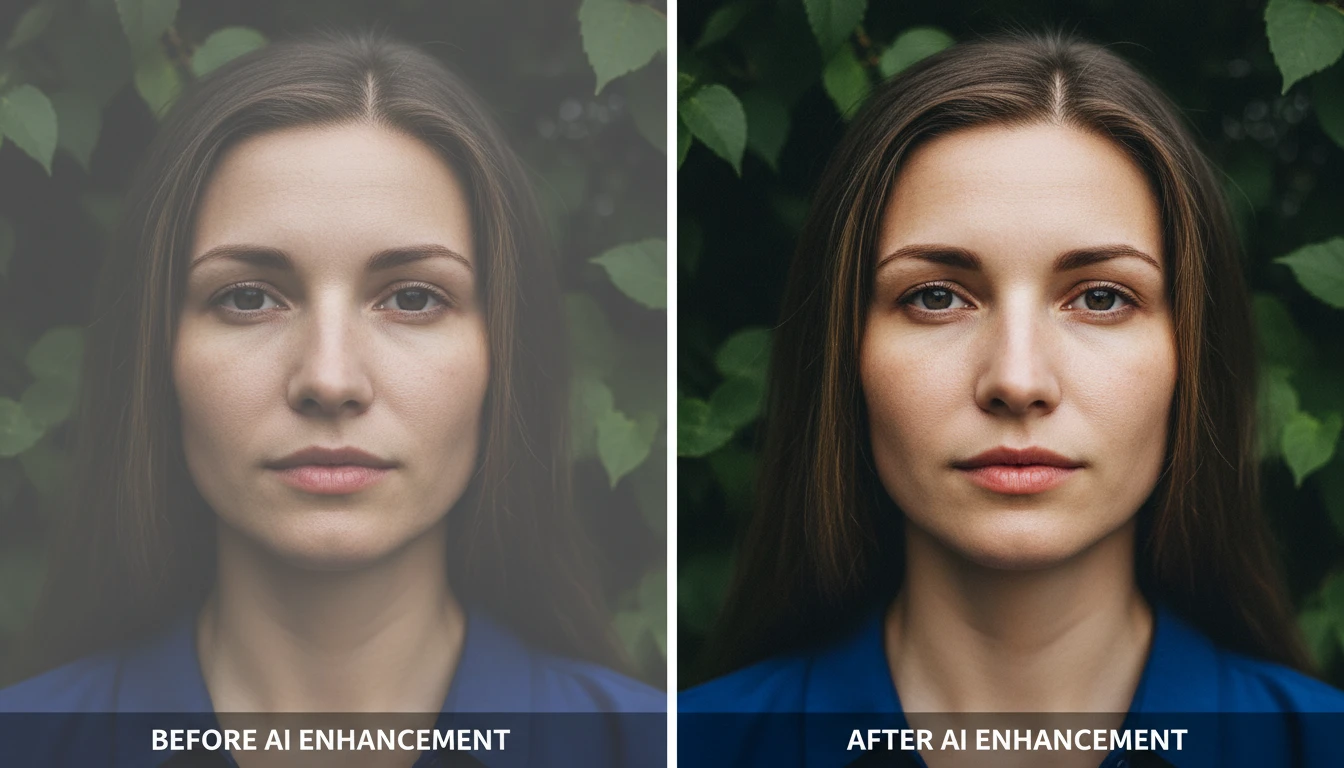
AI Image Enhancer
Bring any photo back to life with sharper details, better color, and improved clarity. Auto enhance, sharpen, vivid colors, portrait, landscape, low-light, product, and HDR modes.
Opens in
Image Studio
Frequently Asked Questions
Everything you need to know to get started.
What types of blemishes can it remove?
The AI can remove pimples, acne spots, dark spots, minor scars, redness, and general skin imperfections. Results vary depending on the size and complexity of the blemish and the quality of the source photo.
What is the difference between the 3 retouching levels?
Natural Touch removes the most visible blemishes while keeping skin texture realistic. Full Clear removes all visible blemishes for a clean, even complexion. Airbrushed delivers a fully smooth, editorial-style skin finish.
Will the rest of my photo stay the same?
Yes. The AI focuses on skin retouching and keeps everything else — your face shape, features, hair, background, and expression — identical to the original.
What makes a good source photo?
A front-facing portrait with even lighting works best. Make sure your skin is clearly visible. Avoid very dark, blurry, or heavily filtered photos as these can reduce retouching accuracy.
Can I keep my freckles or natural marks?
Yes — add "keep freckles" or "keep natural marks" in the optional instructions field and the AI will try to preserve them while still removing other blemishes.
Get a Clear, Polished Portrait in Seconds
Sign up free and get 100 credits instantly. Remove pimples, scars, and blemishes from any photo with one click.
Remove Blemishes NowDisclaimer: This tool uses generative AI technology which may produce content that resembles copyrighted materials or that is inaccurate, incomplete, or out-of-date. It is provided for general information and educational purposes only and is not intended for illegal activities or to replace professional advice, diagnosis, or treatment. Users are solely responsible for how they use the generated content. If you plan to use AI-generated content commercially or publicly, we strongly recommend reviewing it for potential copyright issues and obtaining proper permissions where necessary. We accept no liability for copyright infringement or any other consequences resulting from the use of content generated by this tool.