Extract Any Outfit Into a Clean Fashion Visual, Instantly
Upload a photo of a person wearing any outfit and AI extracts the clothing into a polished fashion visual. Flat lay, ghost mannequin, fashion card, or product shot — your choice.
Extract Outfit Now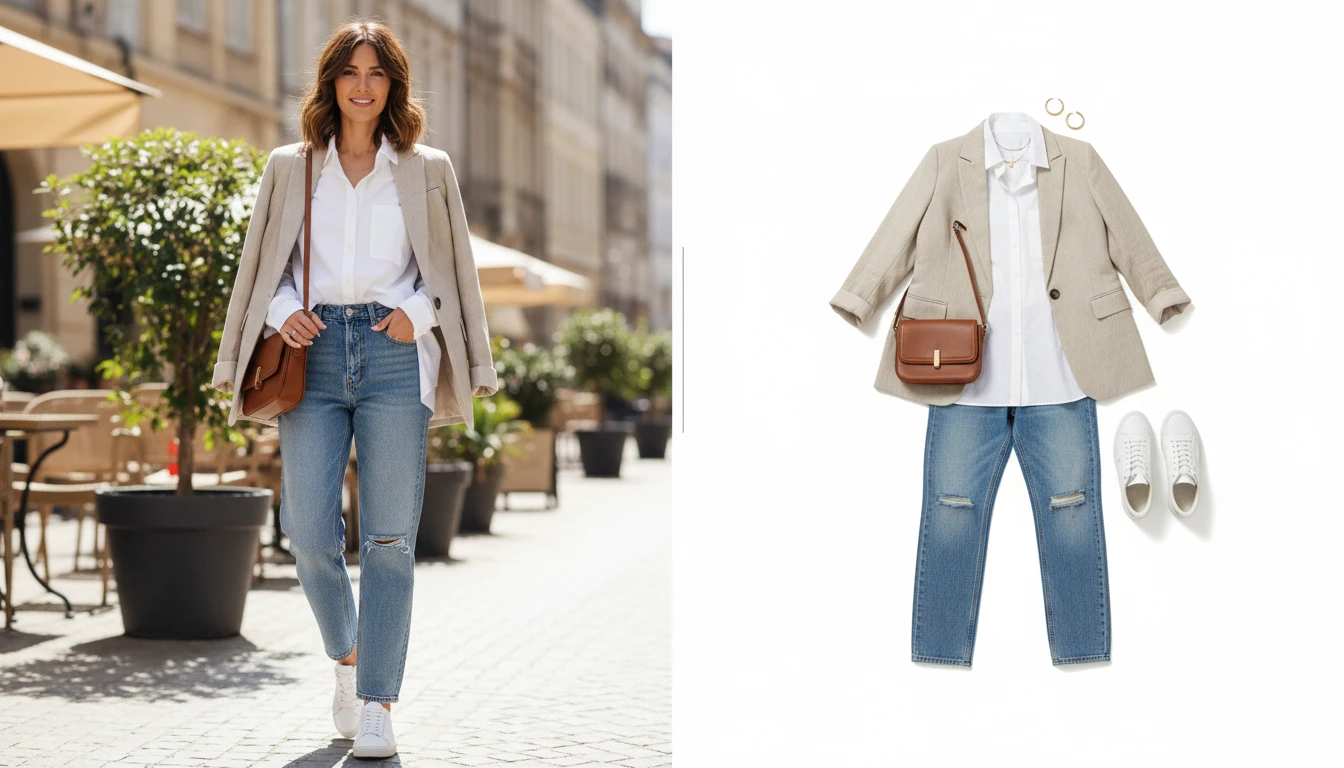
Extract an Outfit from Any Photo
Add a photo of a person and we'll open AI Product Studio ready to pull the garments into a product grid.
Drag & drop a person photo here
Full-body or half-body shots work best — JPG, PNG or WebP, up to 15MB
Your photo is used only to extract the outfit for you.
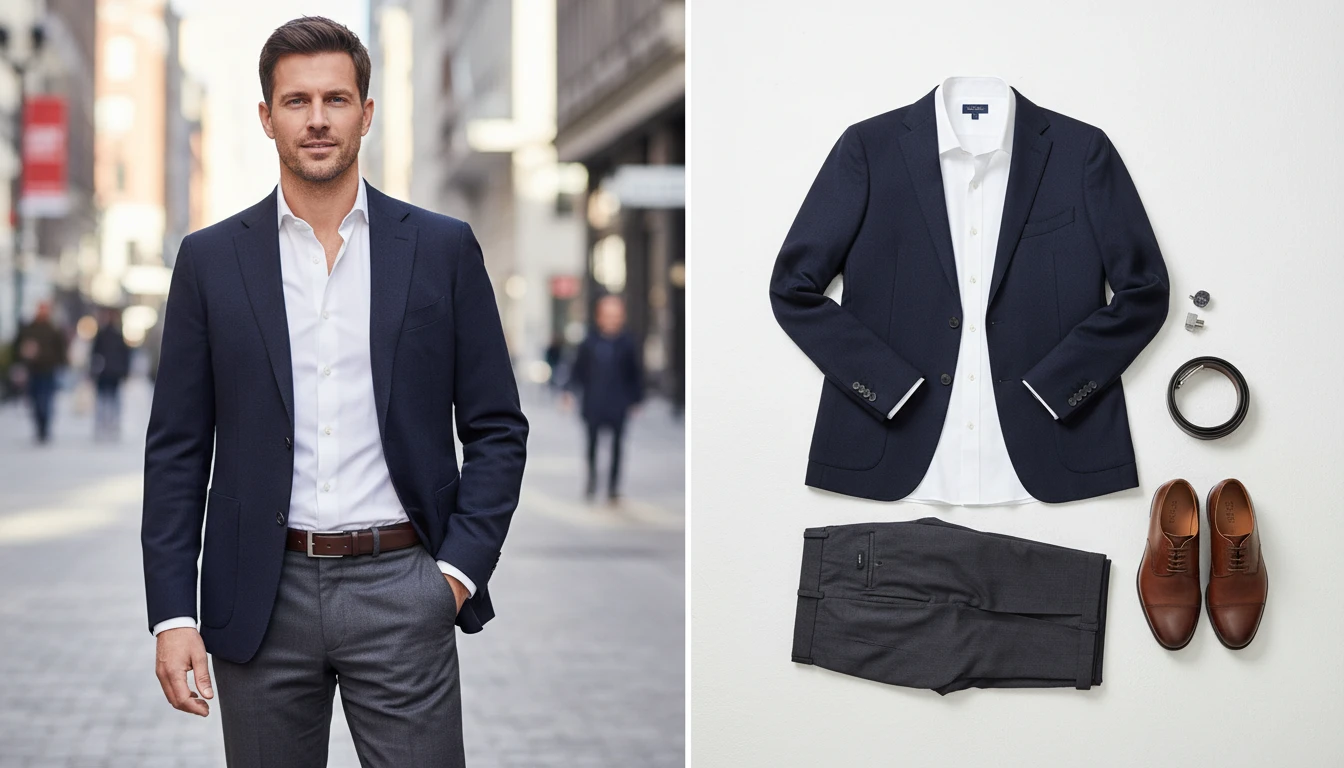
From Worn to Clean Product Visual in One Click
Upload any full-body or half-body photo and AI separates the outfit from the person, rendering each garment as a clean, professional fashion visual ready for content, commerce, or inspiration boards.
Try It Now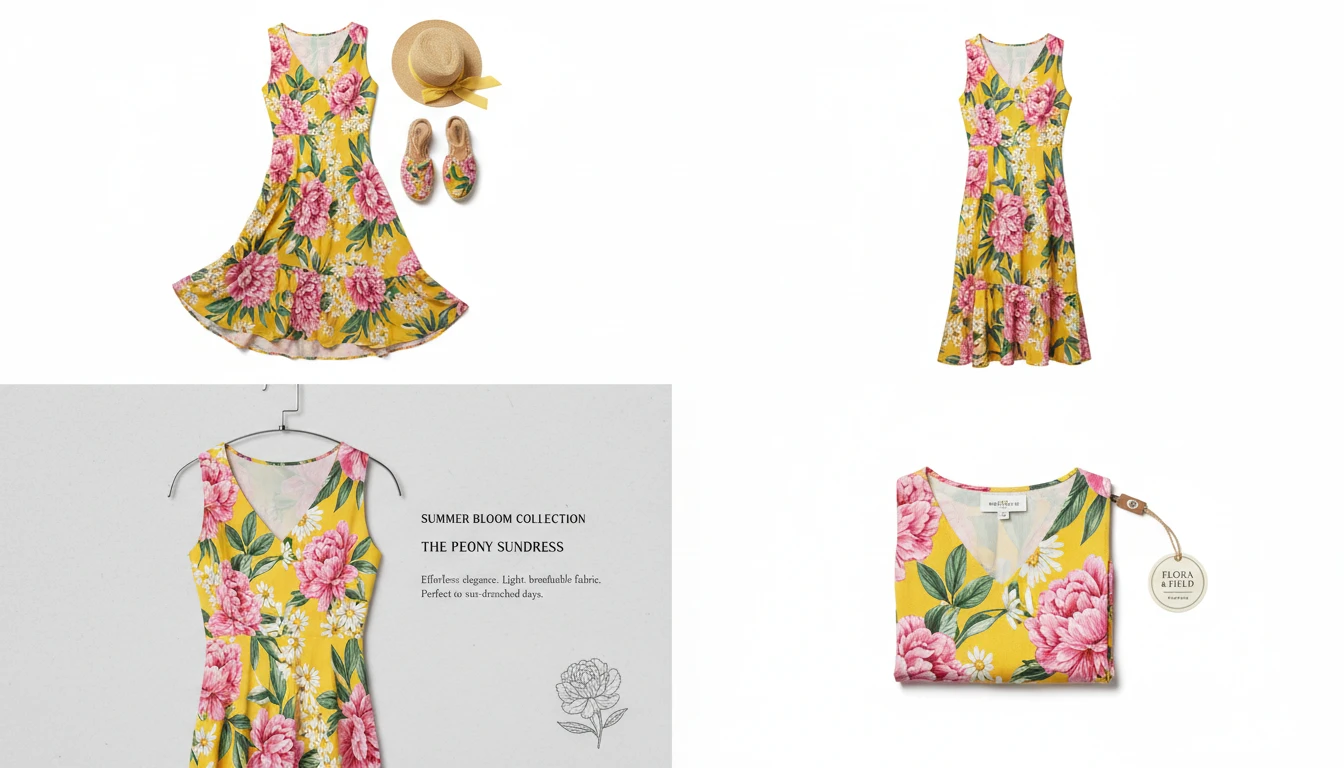
4 Output Styles for Every Use Case
Flat Lay for styled lookbook shots, Ghost Mannequin for e-commerce product listings, Fashion Card for editorial breakdowns, and Product Shot for online store displays.
Explore Styles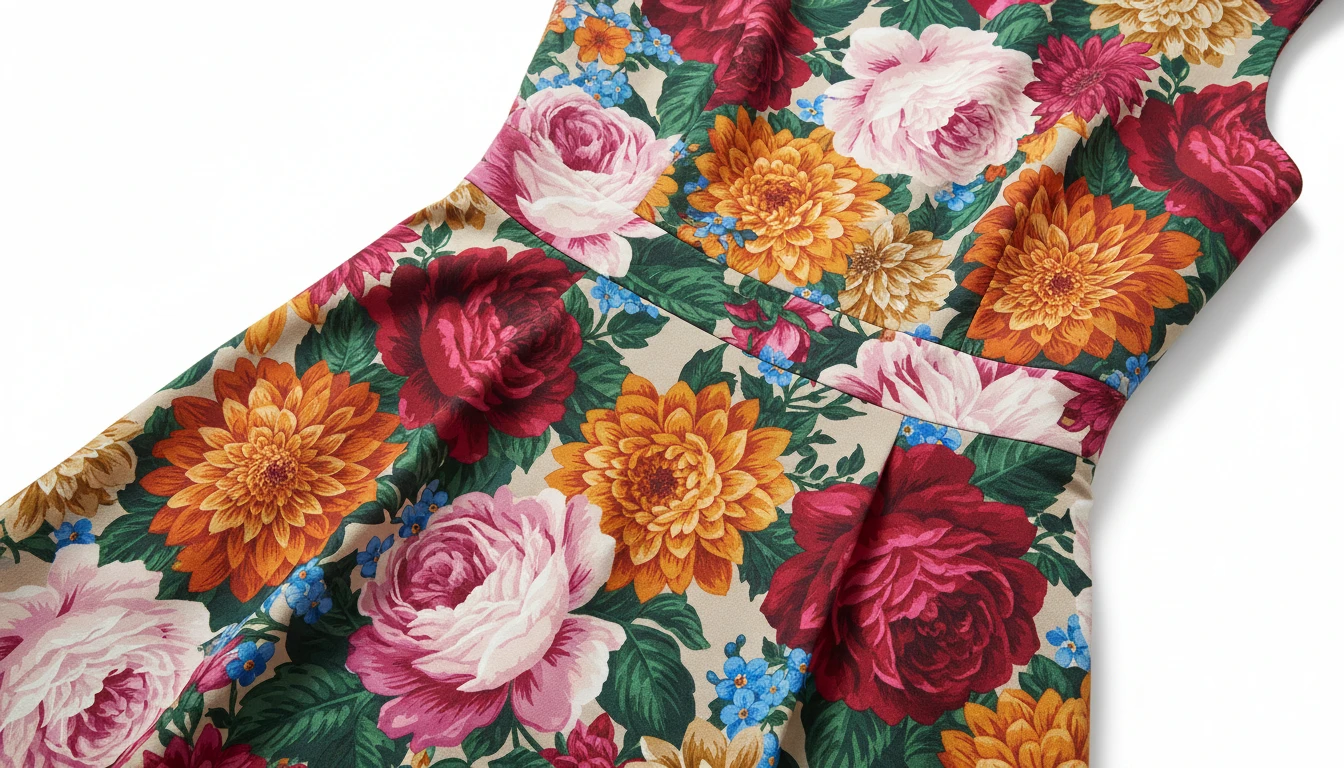
Every Detail Preserved, Perfectly
Colors, prints, fabric textures, logos, stitching — the AI captures every element of the original garment and reproduces it faithfully in the new visual format, with no distortion or loss of detail.
Extract Your OutfitWho Uses AI Outfit Extractor
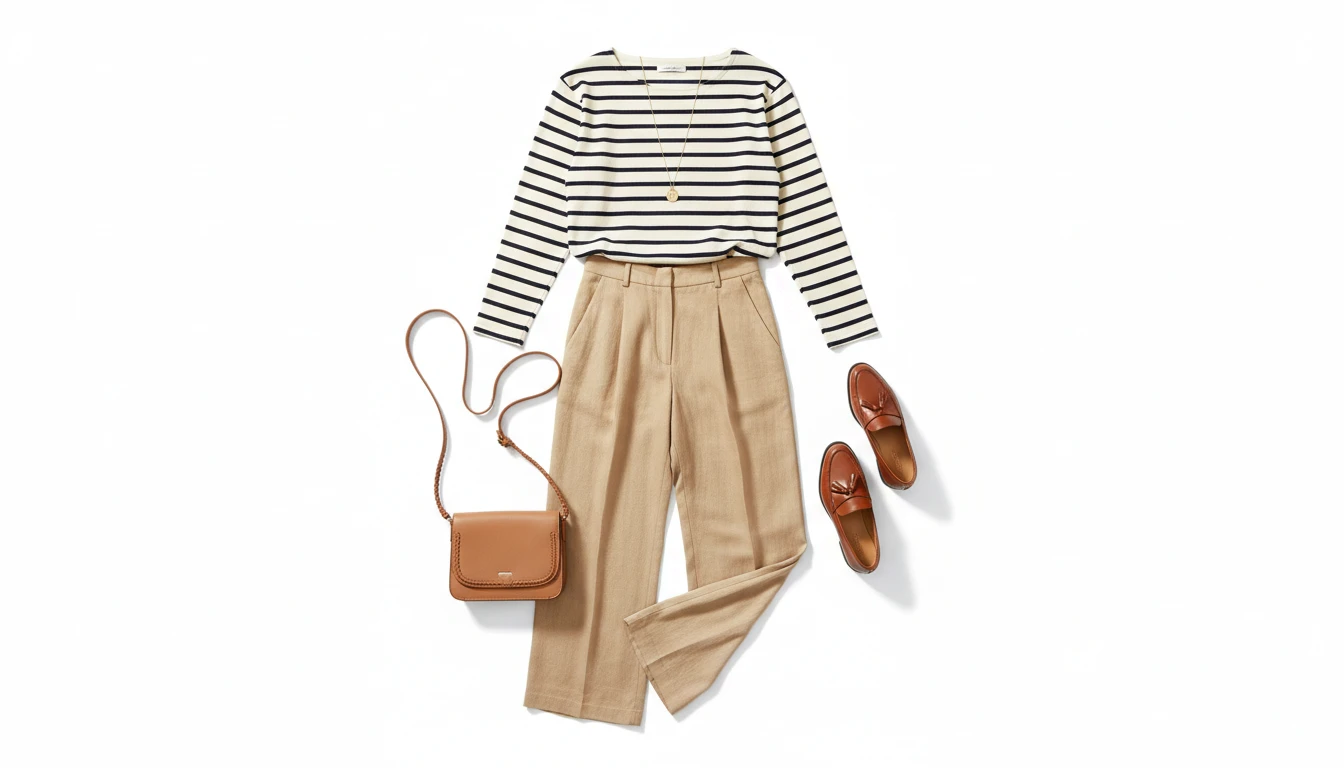
For Fashion Content Creators
Turn any OOTD photo into a clean flat-lay or fashion card for your feed, stories, or blog. Create polished content without a second photoshoot.
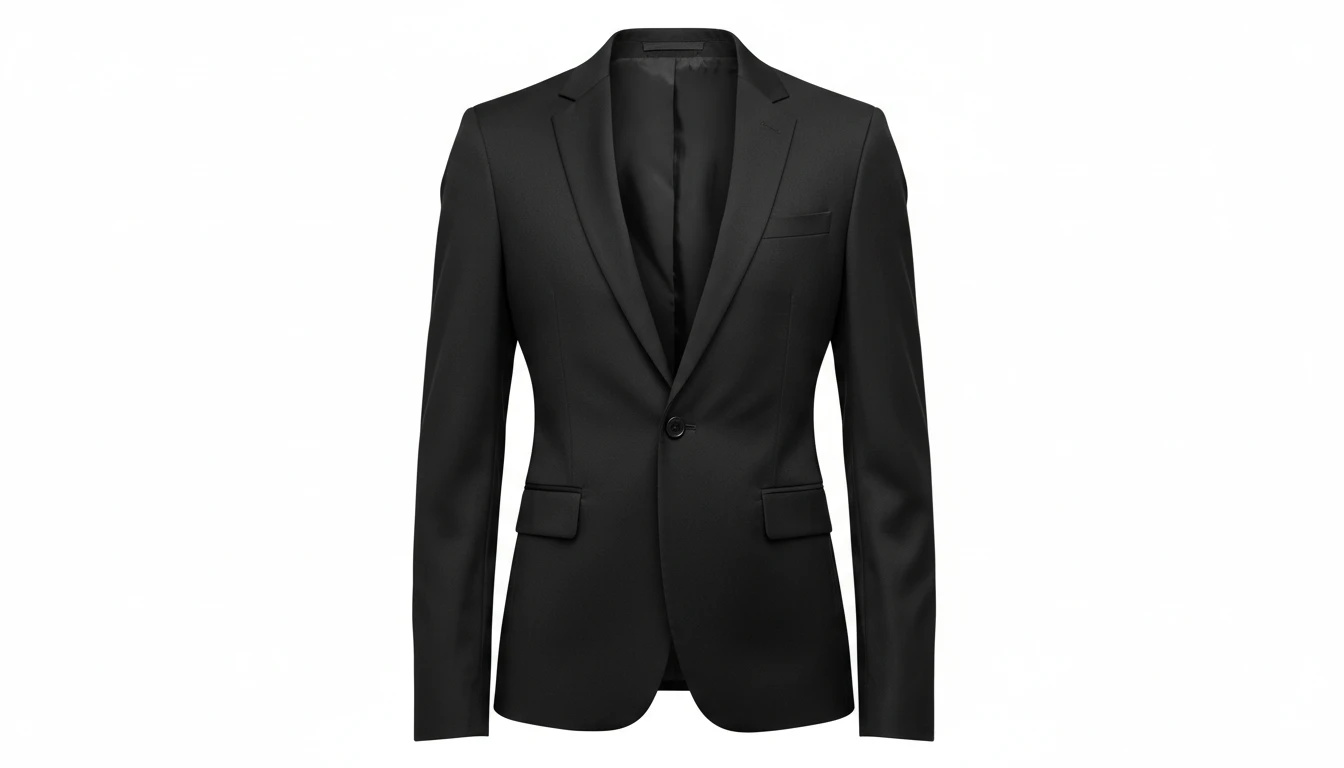
For Lookbooks and Catalogs
Transform worn clothing photos into clean ghost mannequin or product shots instantly. No studio setup, no mannequin required — just upload a photo and get a catalog-ready image.
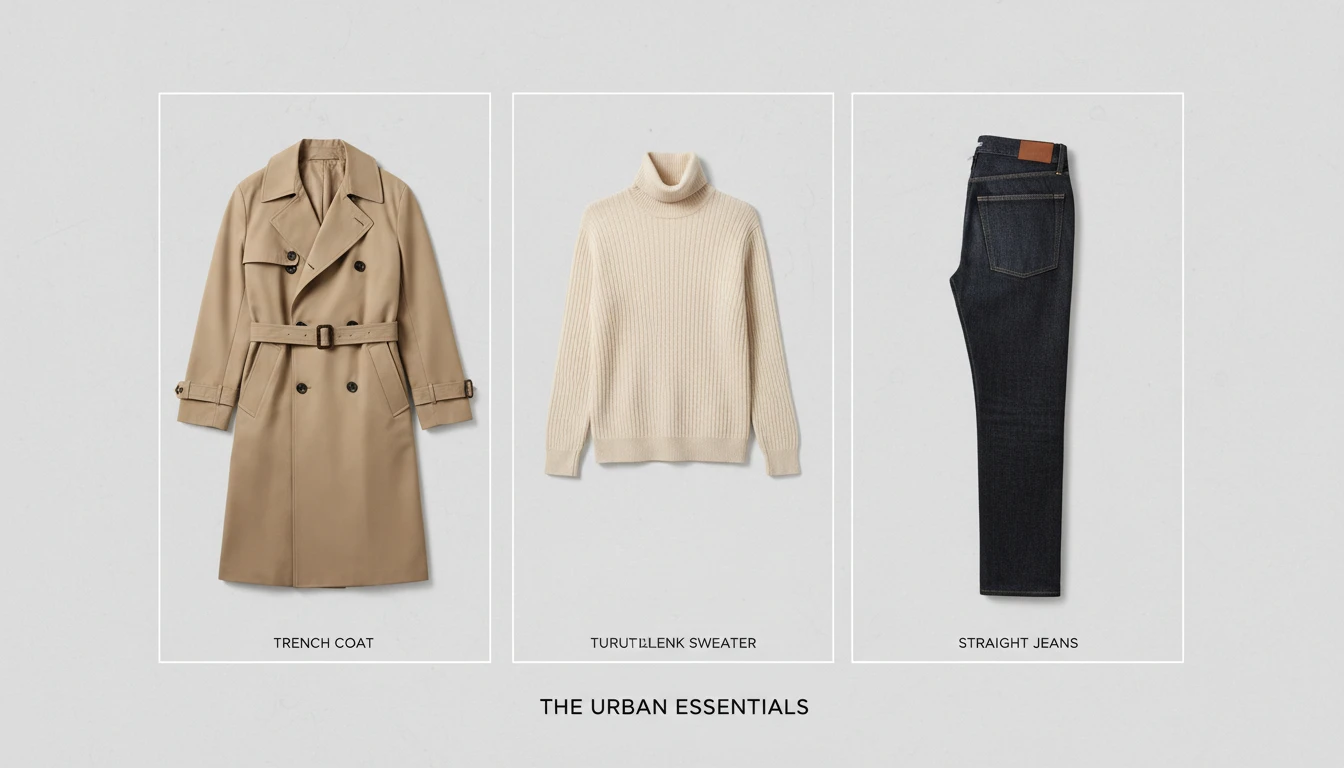
For Personal Stylists and Shoppers
Identify and document outfits from inspiration photos or your own wardrobe. Create clean outfit cards to share with clients or save to a lookbook.
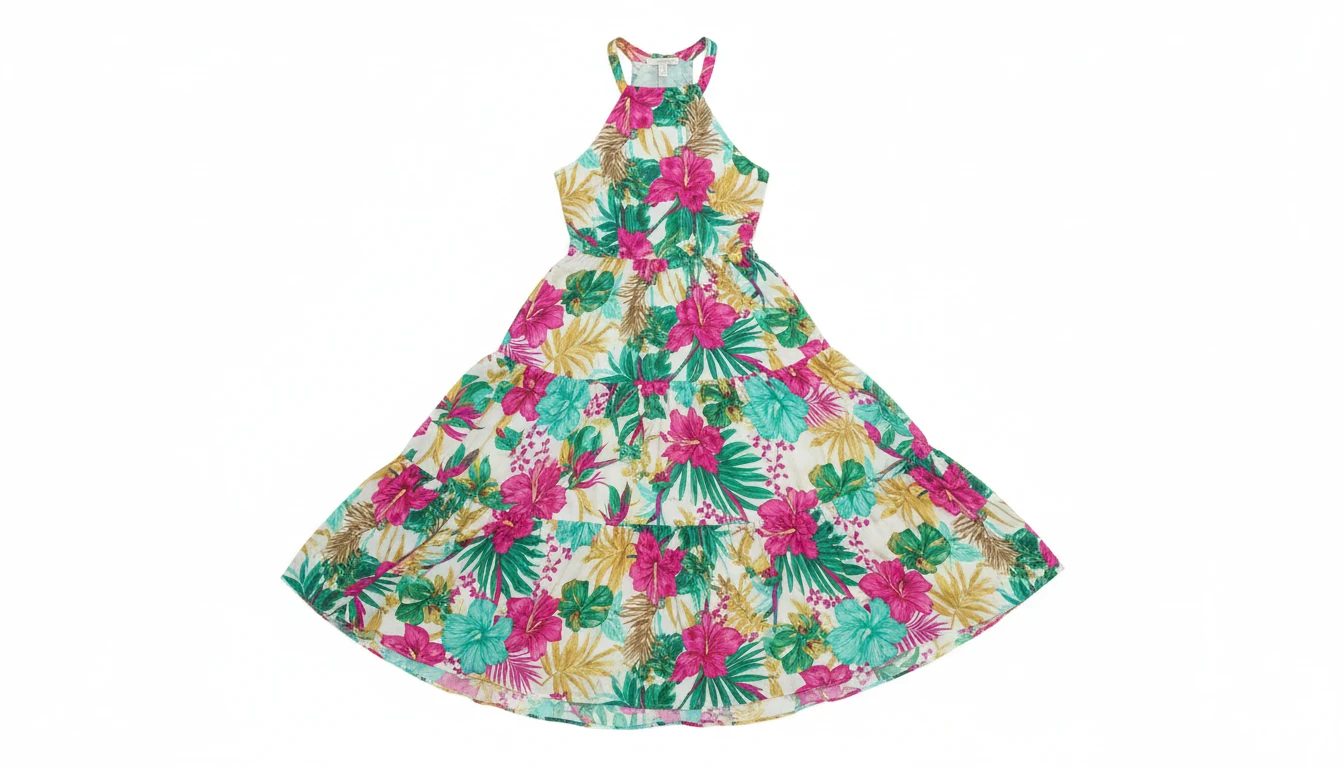
For Brands and Marketing Teams
Quickly extract outfits from campaign photos to create product spotlights, social posts, or catalog assets — without re-shooting every garment individually.
How to Extract an Outfit with AI
Upload a Photo of a Person in an Outfit
Upload any clear photo where the outfit is fully visible. Full-body or half-body shots work best. The better the lighting and visibility, the more accurate the extraction.
Choose Your Output Style
Select Flat Lay for a top-down styled layout, Ghost Mannequin for a 3D e-commerce look, Fashion Card for an editorial breakdown, or Product Shot for a clean single-garment display.
Get Your Clean Fashion Visual
Receive a professional outfit visual in seconds with no person visible. Use the Before / After preview to compare, then download the result for content, listings, or boards.
Explore More
More AI Studio Tools
Discover other powerful AI tools to enhance your creative workflow
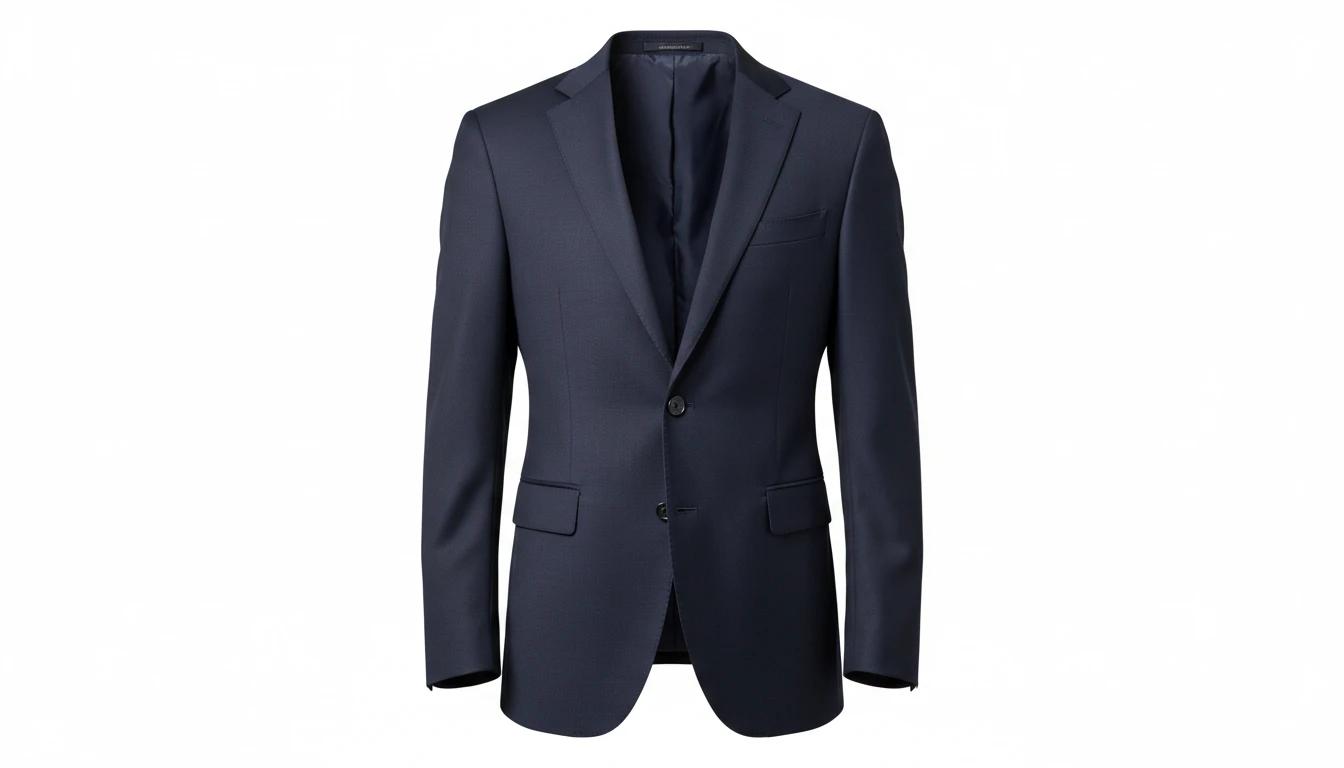
AI Ghost Mannequin
Upload a flat-lay, hanger, or model photo of any garment and AI shapes it onto a professional invisible mannequin. Automatically removes the background and applies realistic 3D fabric draping, producing the hollow neckline and sleeve effect used in professional fashion e-commerce. Outputs a clean transparent PNG ready for product listings. Works for tops, dresses, jackets, knitwear, pants, and coats.
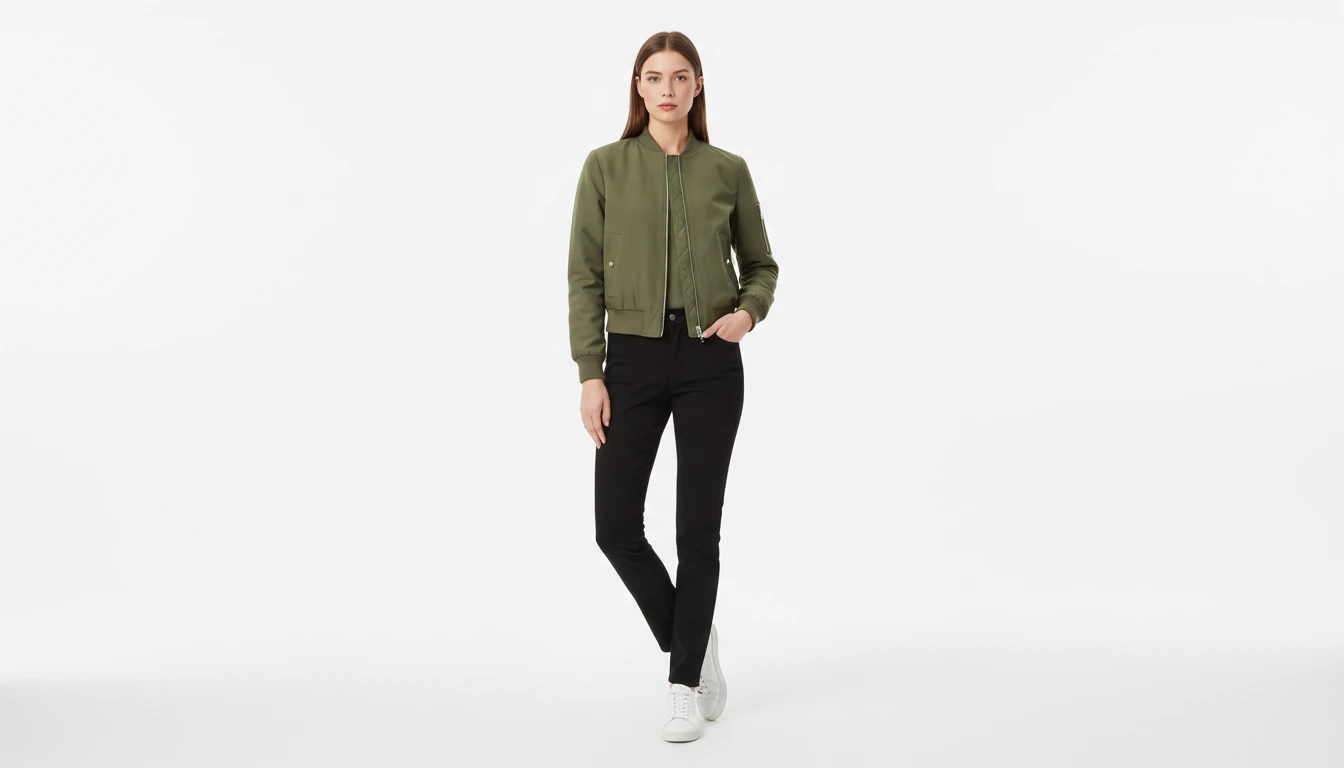
AI Virtual Try-On
Upload a garment photo and a model photo and AI generates a photorealistic image of the model wearing the outfit. The garment is fitted naturally to the model body with correct fabric draping, color, and texture. No studio booking, fitting sessions, or photoshoots required. Works for tops, dresses, jackets, pants, and full outfits.
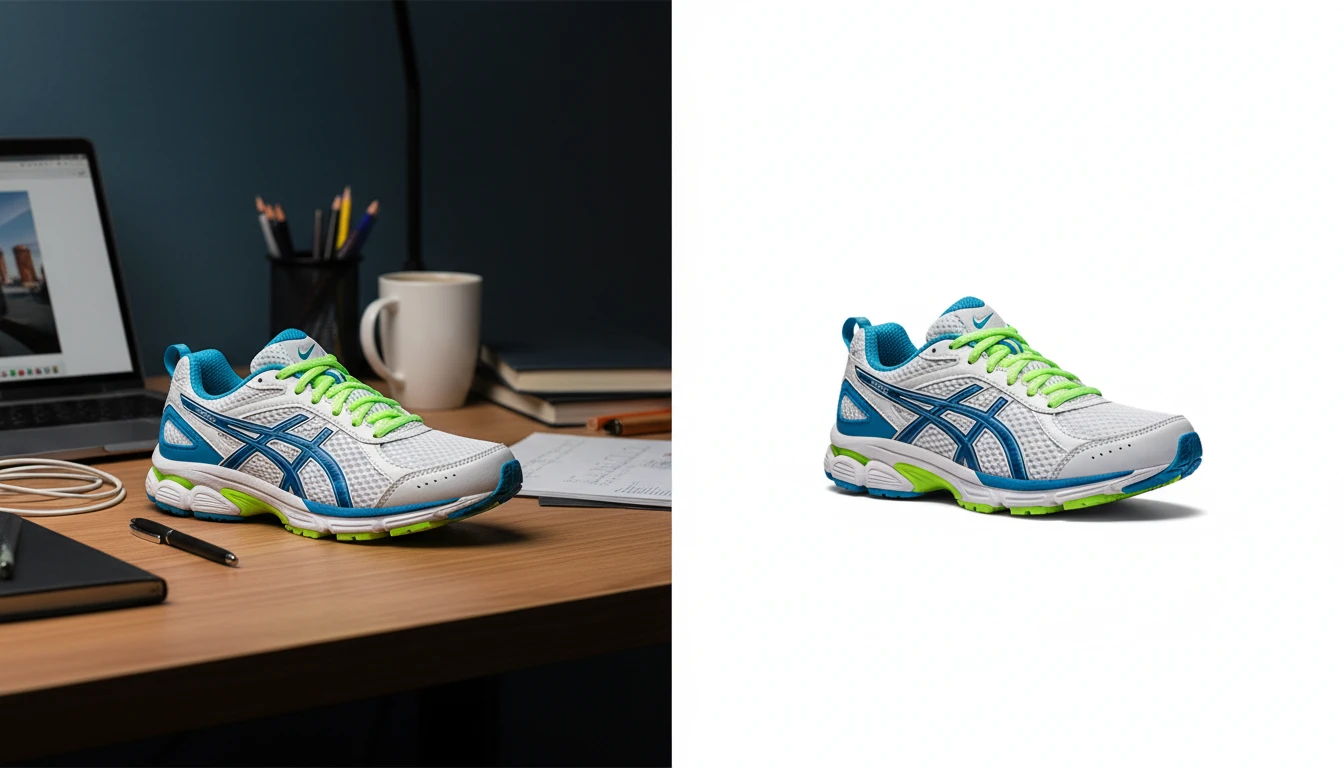
AI Background Remover
Upload any photo or product image and AI removes the background in seconds, delivering a clean transparent PNG. No manual masking required. Ideal for profile photos, marketing materials, and design assets.
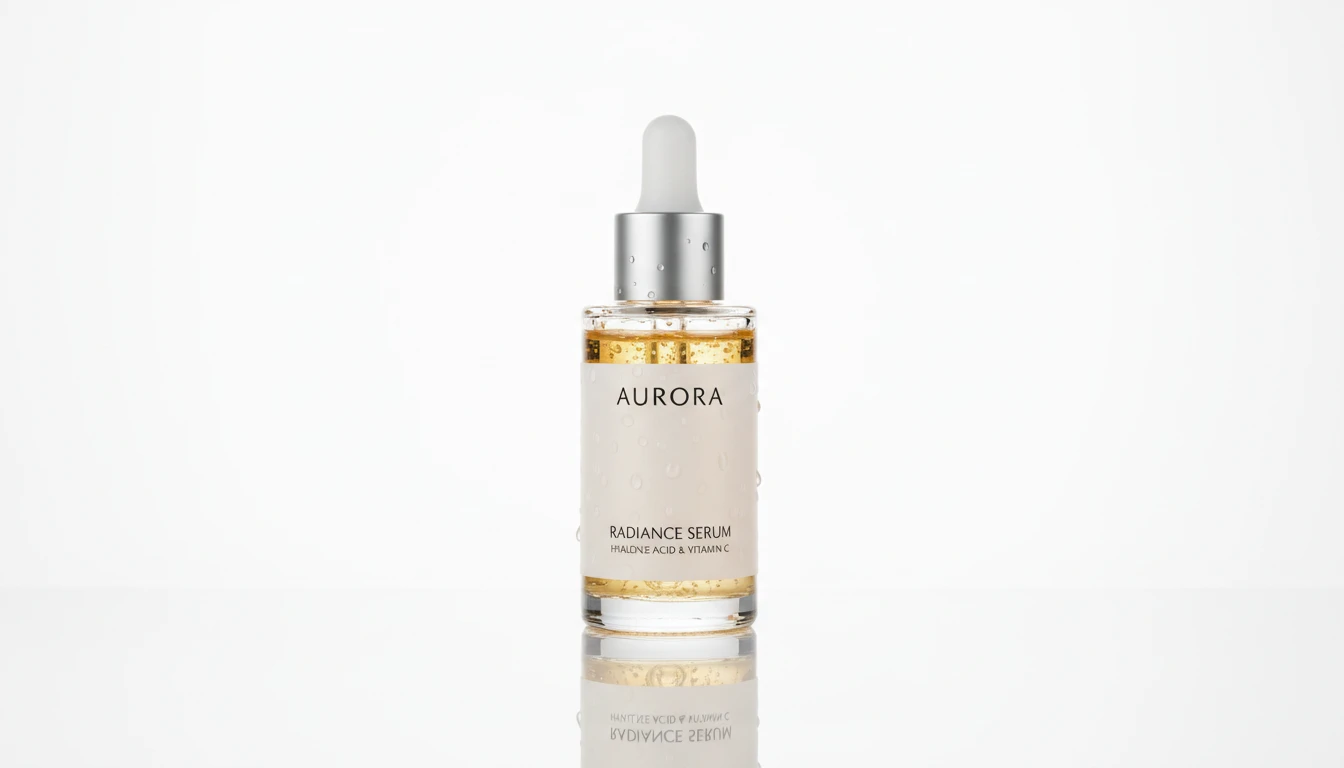
AI Product Spotlight
Generate cinematic hero product shots with dramatic AI lighting. Spotlight, rim, neon, golden hour, dark drama, and more styles.
Opens in
Image Studio
Frequently Asked Questions
Everything you need to know to get started.
What types of photos work best?
Full-body or half-body photos with clearly visible clothing and good, even lighting work best. The outfit should be unobstructed — avoid photos where the clothing is heavily covered, very dark, or blurry. Front-facing shots with a simple background give the most accurate extraction.
What is the difference between the 4 output styles?
Flat Lay renders the outfit as a top-down styled layout on white — great for lookbooks and social media. Ghost Mannequin gives the garments natural 3D body volume on white — ideal for e-commerce listings. Fashion Card presents the outfit as an editorial breakdown on a light neutral background. Product Shot displays each garment individually as a clean hanging or displayed item — perfect for online store product pages.
Will it extract all the pieces from a full outfit?
Yes. The AI identifies and extracts all clearly visible garments in the photo — tops, bottoms, dresses, jackets, and layering pieces. For best results, ensure all items are visible and not obscured in the source photo.
Are colors and prints preserved accurately?
Yes. The AI is specifically instructed to preserve every detail of the original garments — colors, patterns, prints, logos, fabric textures, and stitching. The extraction aims to be a faithful reproduction, not a reinterpretation.
Can I use this for e-commerce product photos?
Yes, absolutely. The Ghost Mannequin and Product Shot styles are designed specifically for e-commerce use — giving you professional product images from a simple photo of a person wearing the garment.
Does it work with accessories like bags or shoes?
The AI focuses primarily on clothing garments. If accessories are clearly part of the outfit and prominently visible, they may be included in the extraction. For dedicated shoe or bag product shots, try the Product Spotlight tool.
Turn Any Outfit Photo Into a Clean Fashion Visual
Sign up free and get 100 credits instantly. Extract any outfit from a photo into a flat lay, ghost mannequin, or product shot — no editing skills required.
Extract My Outfit NowDisclaimer: This tool uses generative AI technology which may produce content that resembles copyrighted materials or that is inaccurate, incomplete, or out-of-date. It is provided for general information and educational purposes only and is not intended for illegal activities or to replace professional advice, diagnosis, or treatment. Users are solely responsible for how they use the generated content. If you plan to use AI-generated content commercially or publicly, we strongly recommend reviewing it for potential copyright issues and obtaining proper permissions where necessary. We accept no liability for copyright infringement or any other consequences resulting from the use of content generated by this tool.