Generate Any Handbag Design from a Text Description
Describe your material, hardware, silhouette, and colorway. AI renders a studio-quality product photo in seconds. Totes, crossbody, clutches, satchels, and more.
Generate a Handbag Design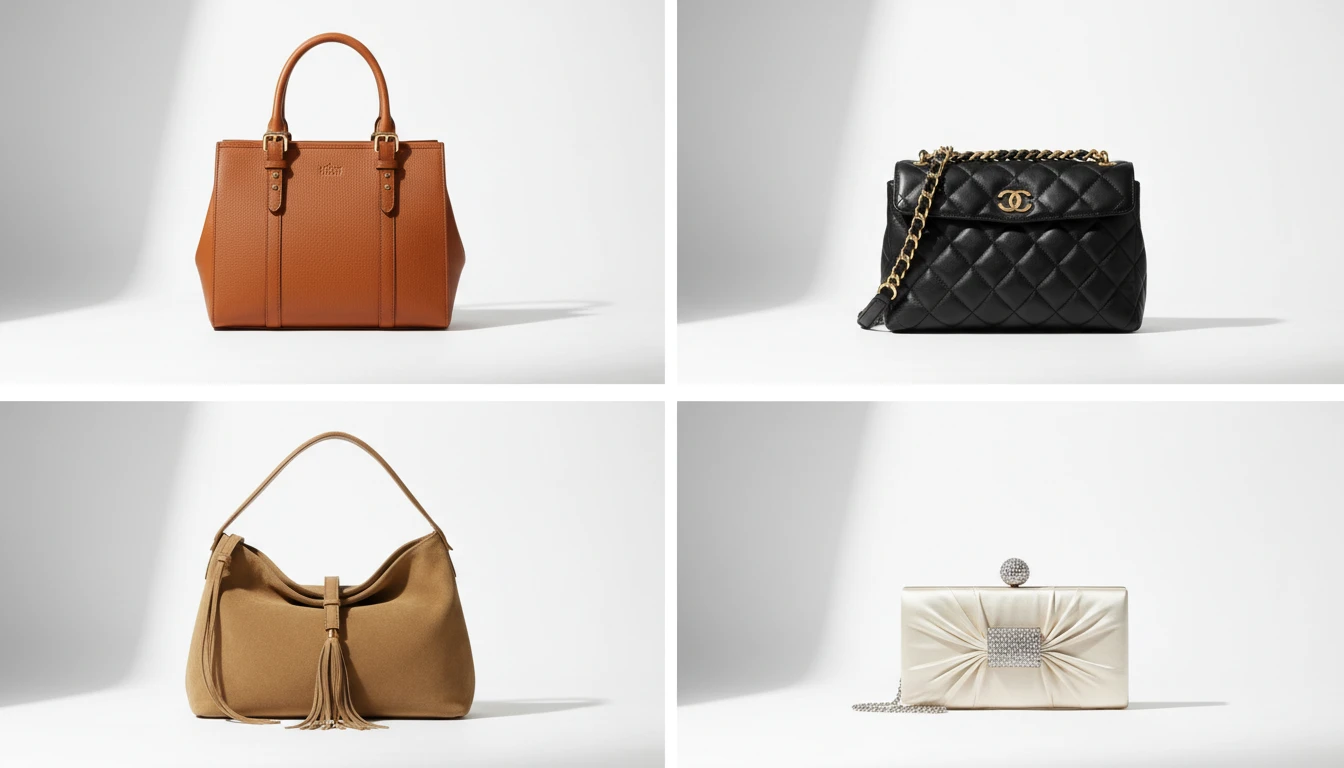
Describe the Handbag
Pick a bag type, then describe the design. We'll open AI Product Studio ready to generate a four-view product sheet.
Runs inside the AI Product Studio — product photography in one place.
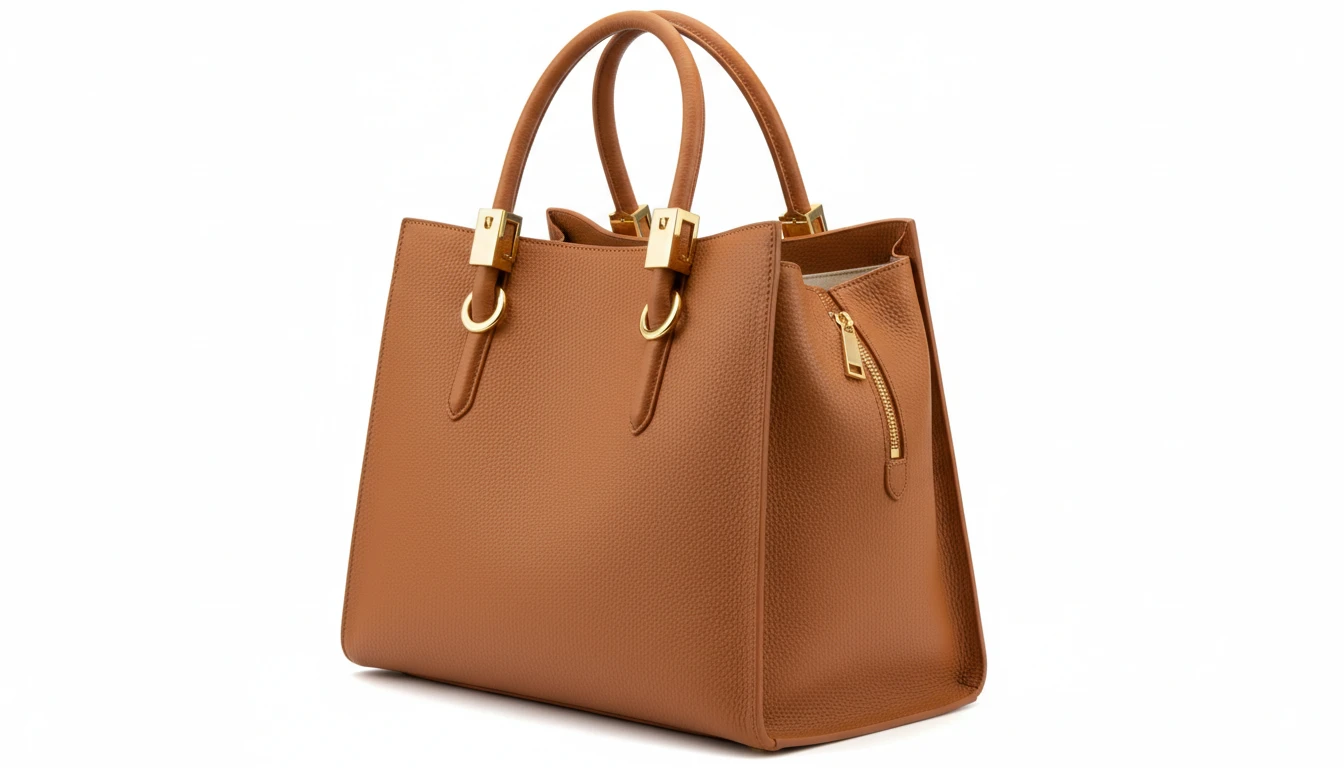
Totes, Shoulder Bags, and Everyday Styles
Generate studio product shots for everyday carry bags: structured totes, shoulder bags with flap closures, and versatile carryall styles. Show leather grain, hardware, handle drop, and interior details in precise studio photography.
Generate a Tote or Shoulder Bag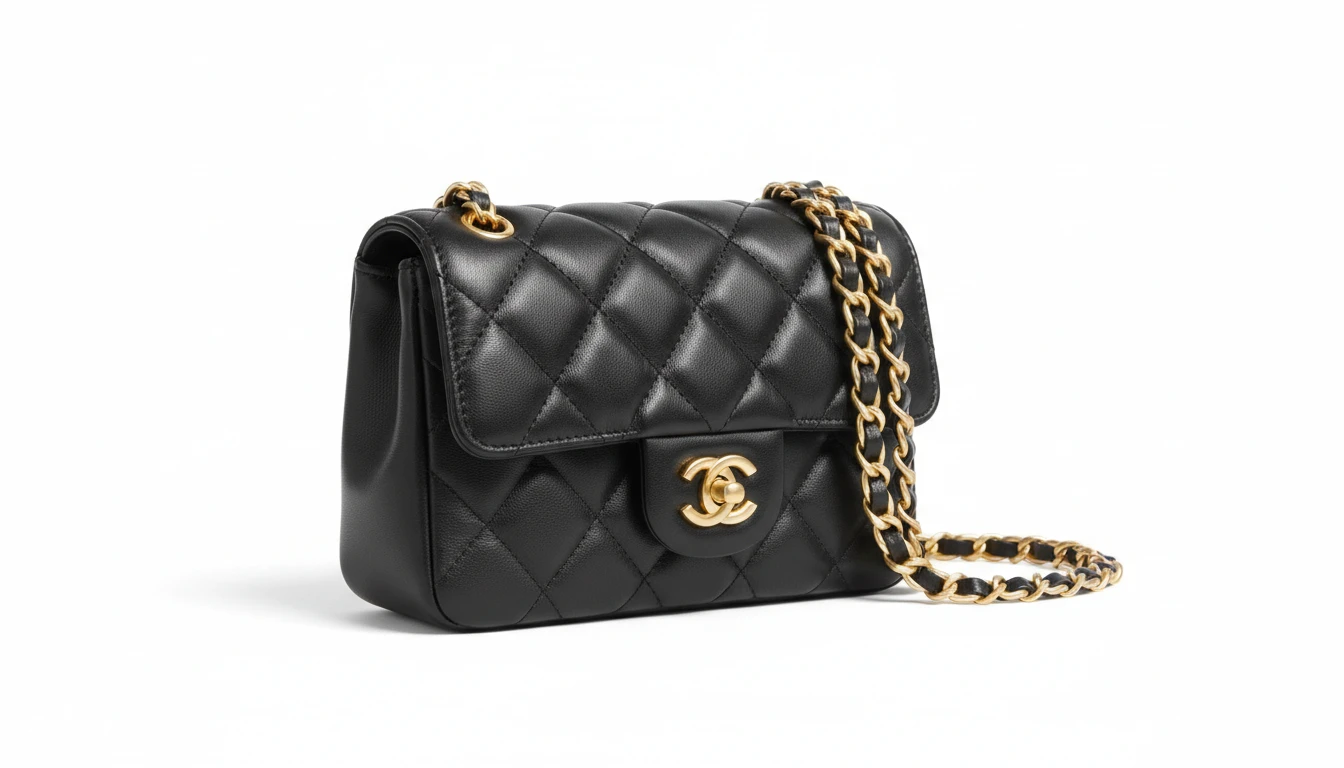
Crossbody and Compact Styles
Crossbody bags, bucket bags, mini bags, and wristlets. Compact silhouettes with maximum style detail. Long adjustable straps, chain hardware, flap closures, and zip pockets rendered in precise studio quality.
Generate a Crossbody Bag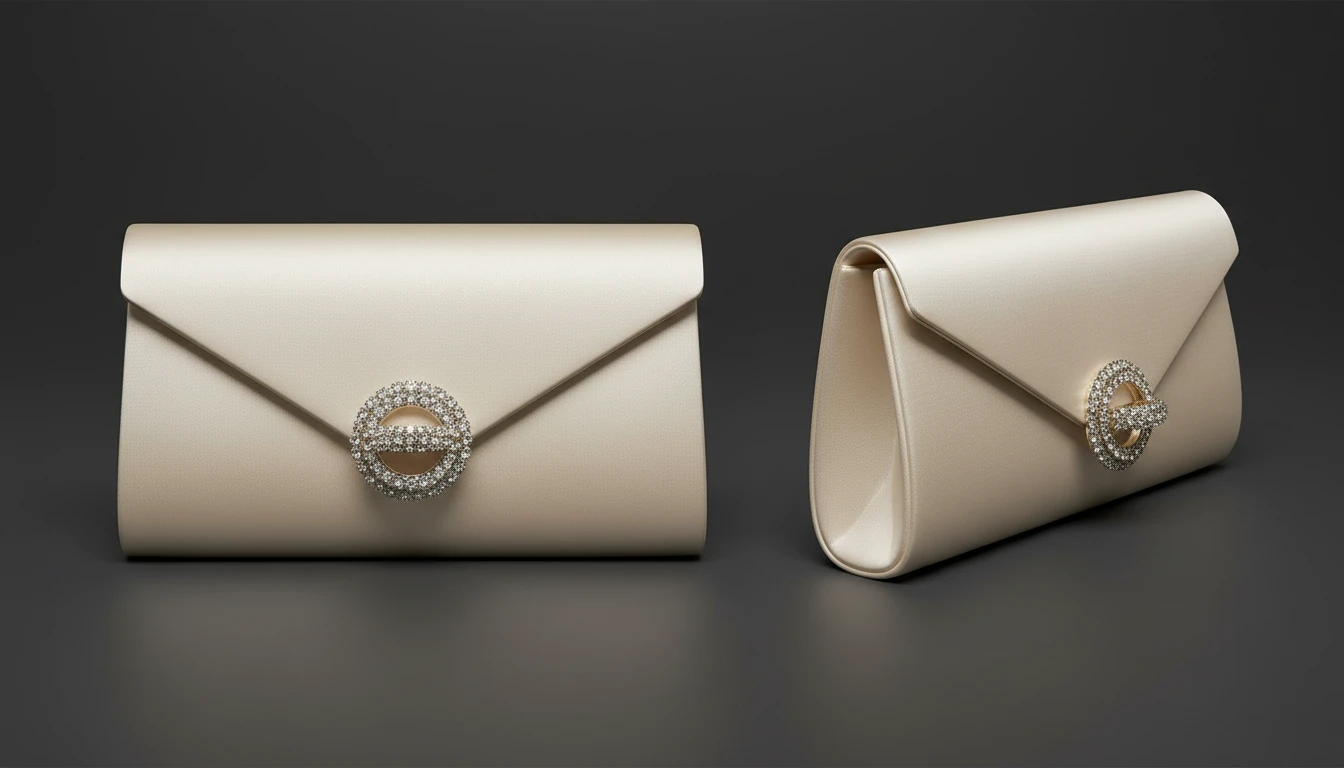
Evening Clutches and Occasion Bags
Satin, beaded, metallic, and minaudière clutches for formal and evening occasions. Show closure hardware, texture, and scale in editorial-quality product photography ready for lookbooks and luxury retail.
Generate a Clutch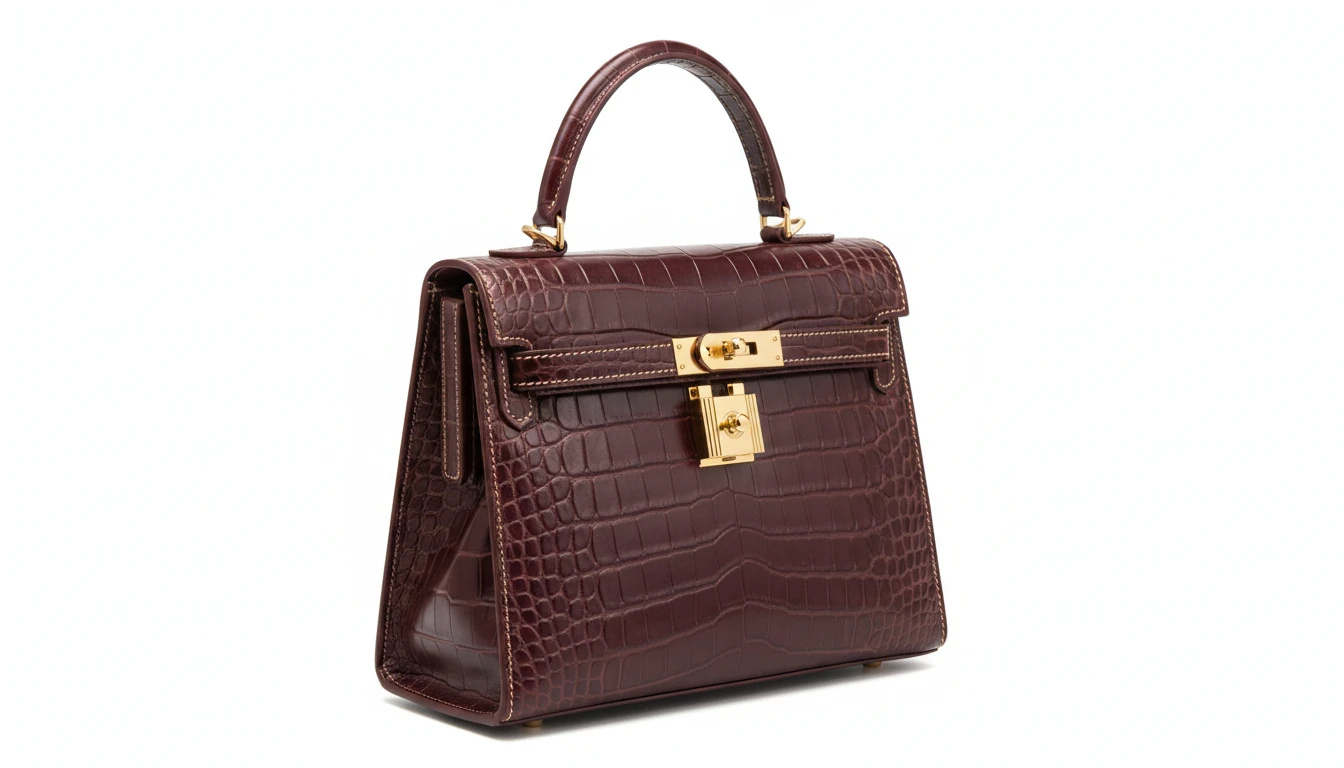
Luxury and Designer Quality
Ultra-luxury handbags in exotic leathers, quilted caviar, crocodile embossed, and premium suede. Precision studio lighting that showcases stitching, hardware, and material texture at the level of haute couture product photography.
Generate a Luxury BagWho Uses AI Handbag Design Generator
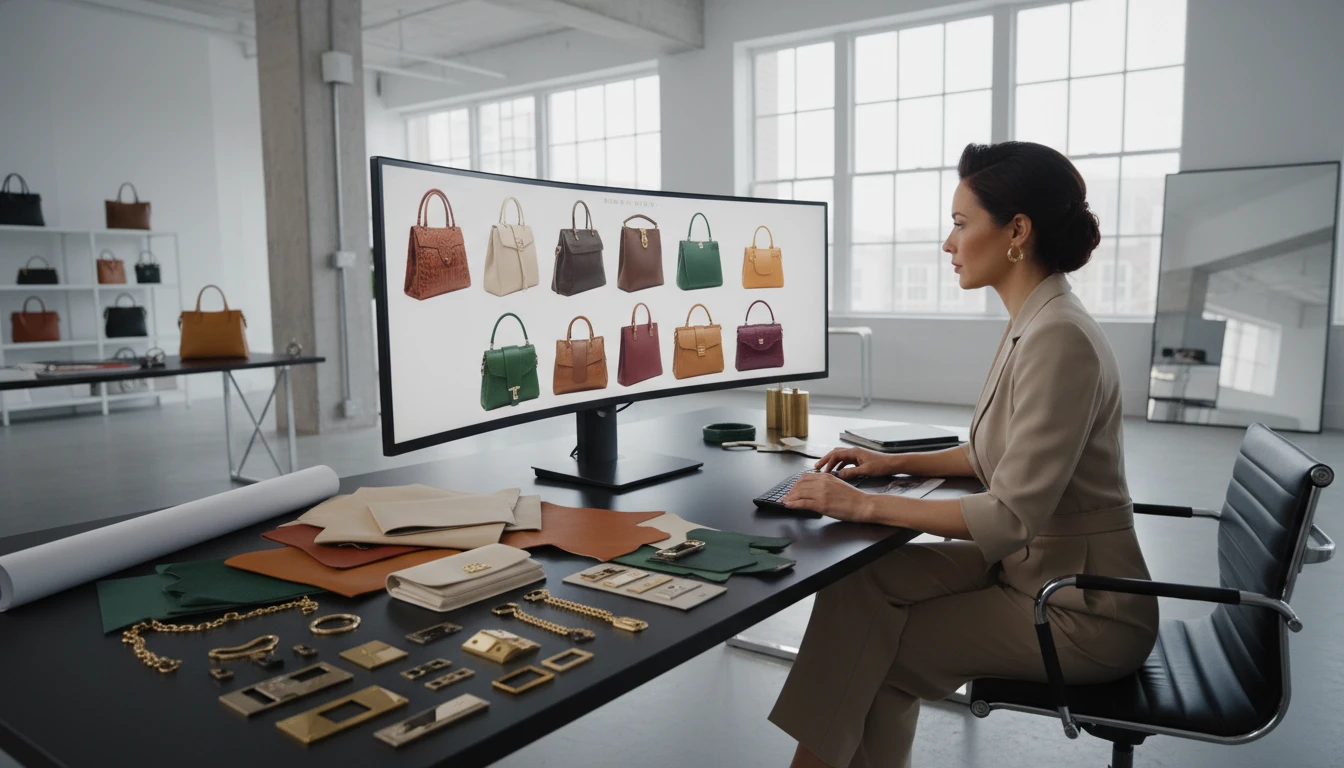
Handbag Brands and Startups
Prototype new silhouettes, colorways, and materials before expensive tooling and sampling. Generate concept renders for team review, investor presentations, and pre-order campaign pages.
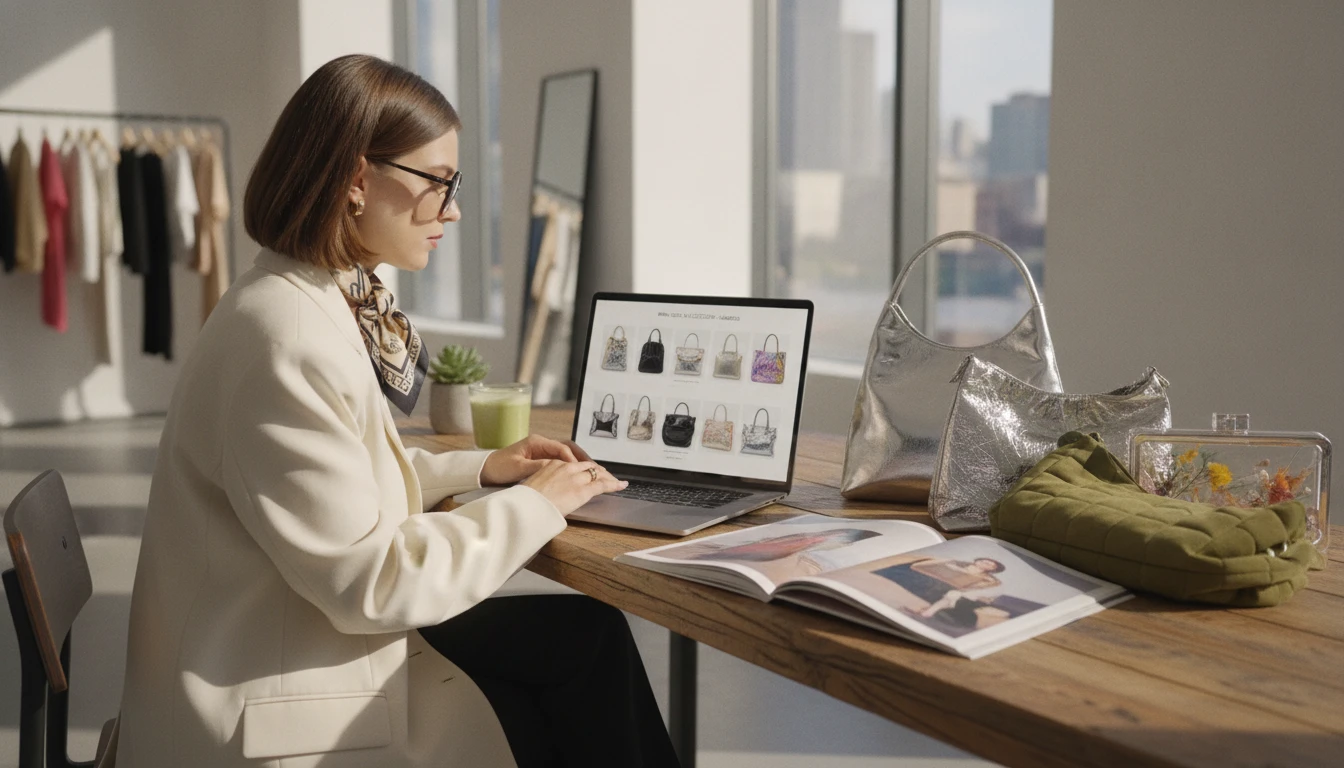
Fashion Retailers and Boutiques
Create clean white-background product images for listings, lookbooks, and seasonal campaigns without booking photoshoots. Generate color and material variants faster than waiting for physical samples.
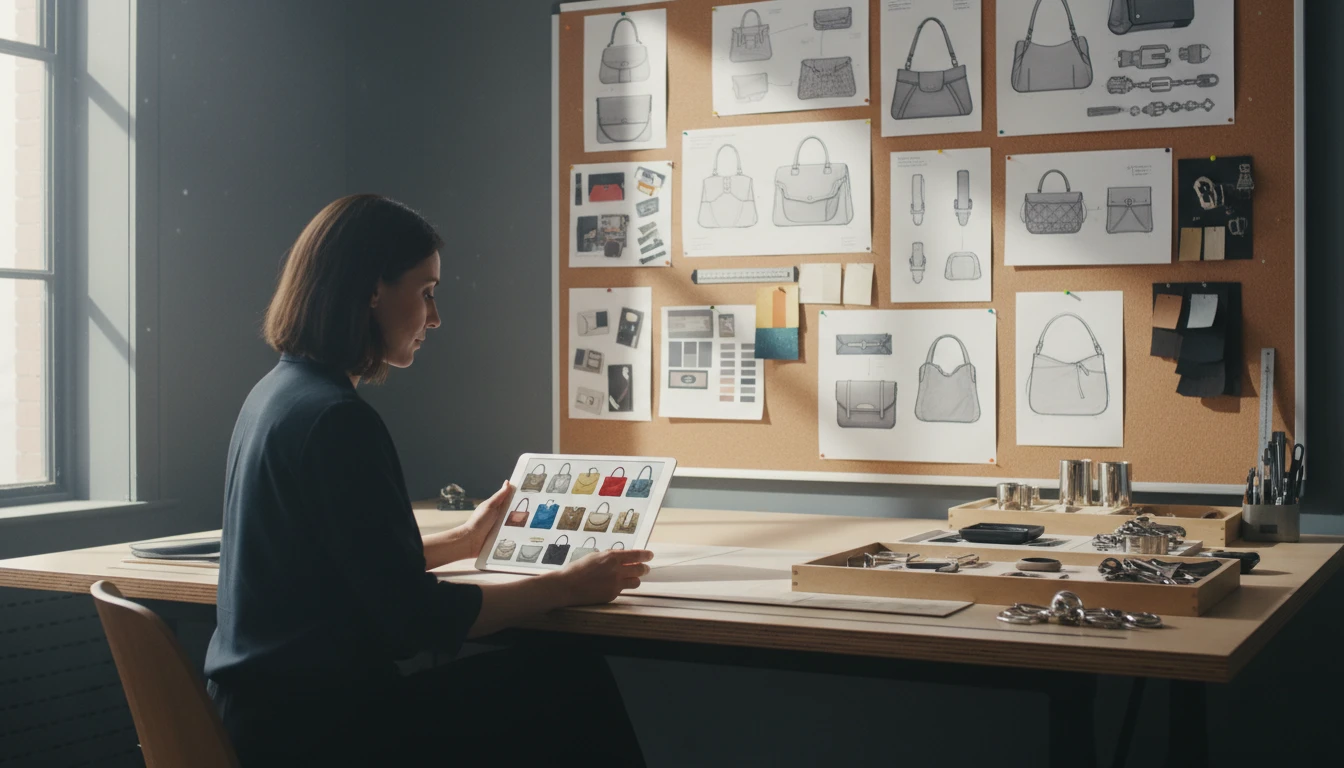
Accessory Designers
Rapidly explore new hardware placements, closure styles, gusset depths, and strap configurations to present to manufacturers or clients without producing physical prototypes first.
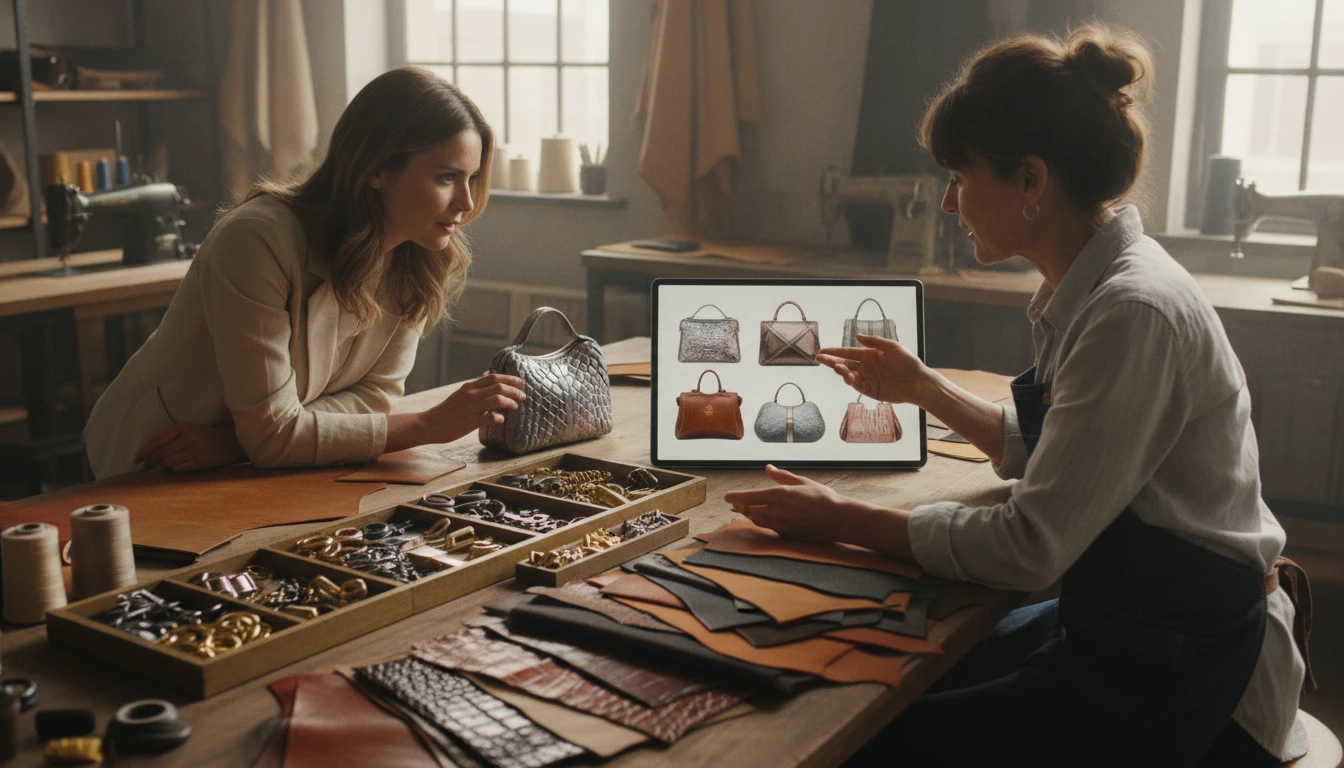
Custom and Bespoke Bag Makers
Visualize custom material combinations, monogram placements, and strap options before committing to production. Share concept renders with clients for approval during the commissioning process.
How to Generate Handbag Designs with AI
From description to studio-quality product shot in four steps
Describe Your Handbag Design
Write the material, color, hardware, and structural details. For example: "structured tote in caramel pebbled leather, double top handles, gold turn-lock hardware, interior zipper pocket" gives precise results.
Choose a Bag Type
Select from Tote, Shoulder Bag, Crossbody, Clutch/Evening, Satchel, Fashion Backpack, Hobo, Bucket Bag, Mini/Micro, Wristlet, Top-Handle/Doctor, or Luxury/Designer. Each applies the correct photography context.
Set Aspect Ratio and Upload a Reference (Optional)
Square (1:1) is ideal for e-commerce listings. Portrait suits editorial angles. Optionally upload an existing bag photo to restyle the material, swap the hardware finish, or change the colorway.
Generate and Download
AI renders your handbag design in seconds. Download for product listings, lookbooks, brand presentations, social content, or as a reference for your next design iteration.
Explore More
More AI Studio Tools
Discover other powerful AI tools to enhance your creative workflow
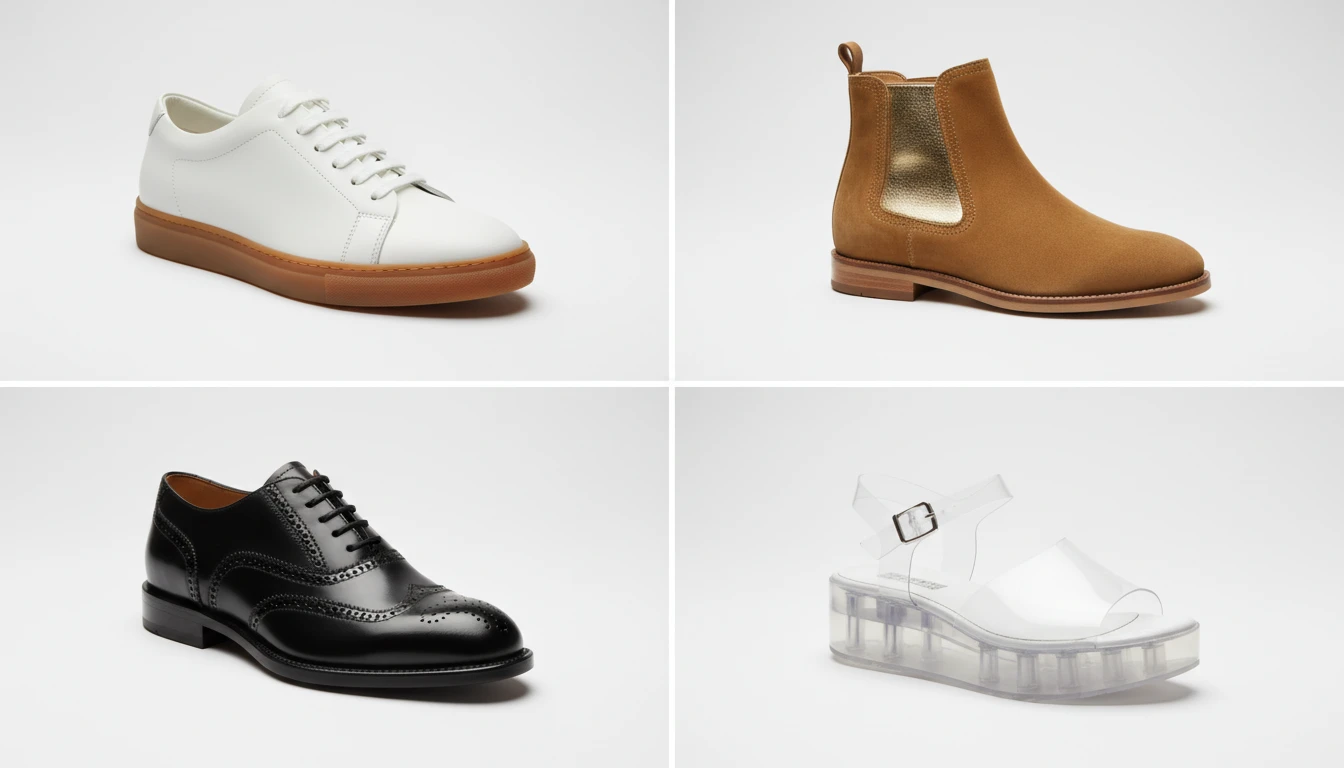
AI Shoe Design Generator
Generate realistic shoe product photos from text descriptions. Sneakers, running shoes, dress shoes, boots, heels, sandals, and luxury designer styles. Optional reference image support.
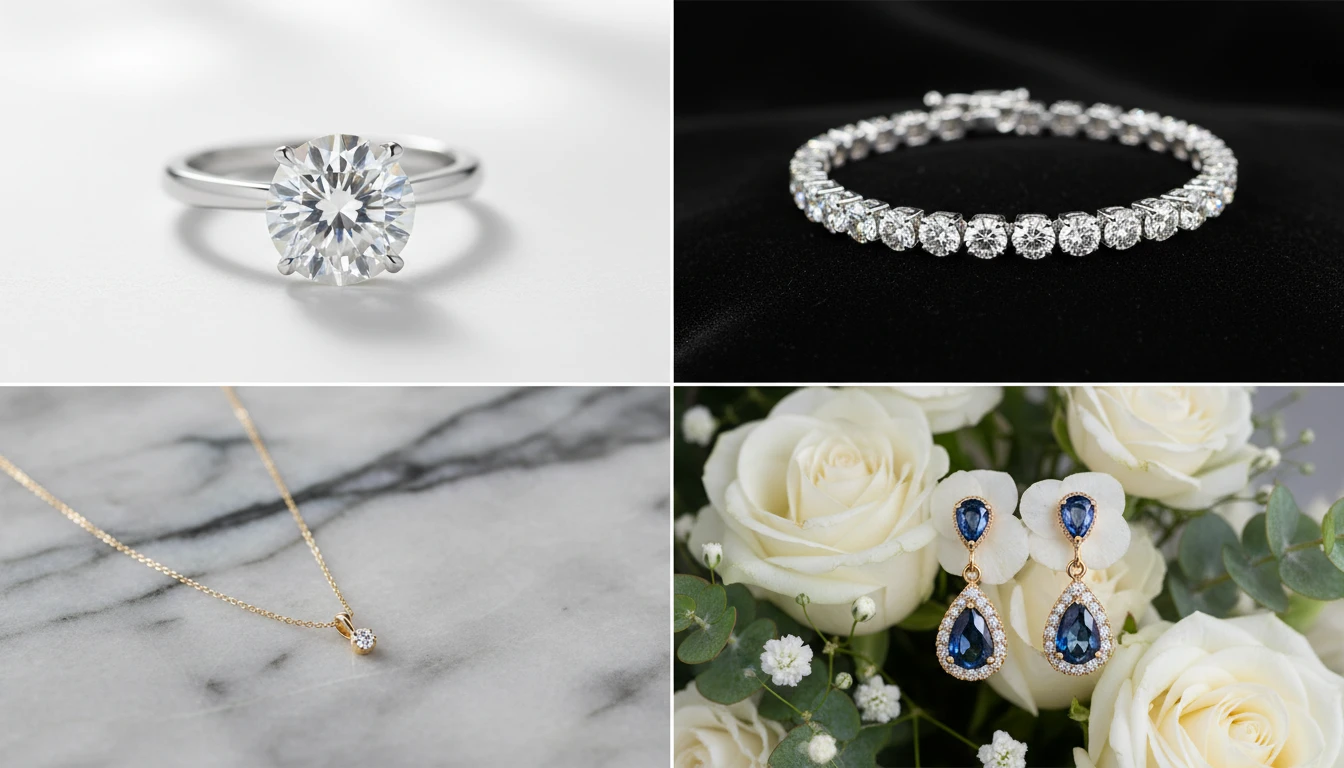
AI Jewellery Design Generator
Generate professional jewellery product photos from text descriptions. Studio white, marble, editorial, macro, bridal, dark drama, and more presentation styles.
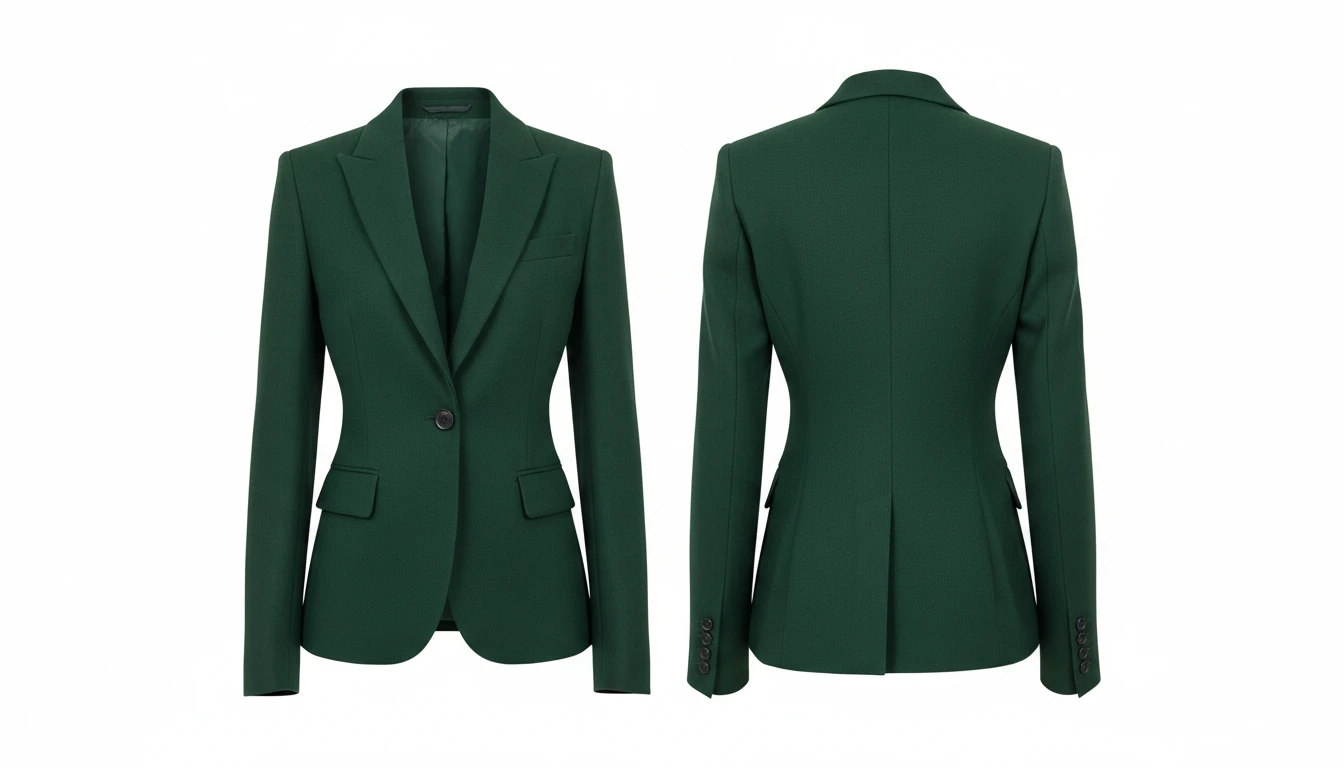
AI Clothing Generator
Generate any clothing or garment design from a text description with professional presentation styles
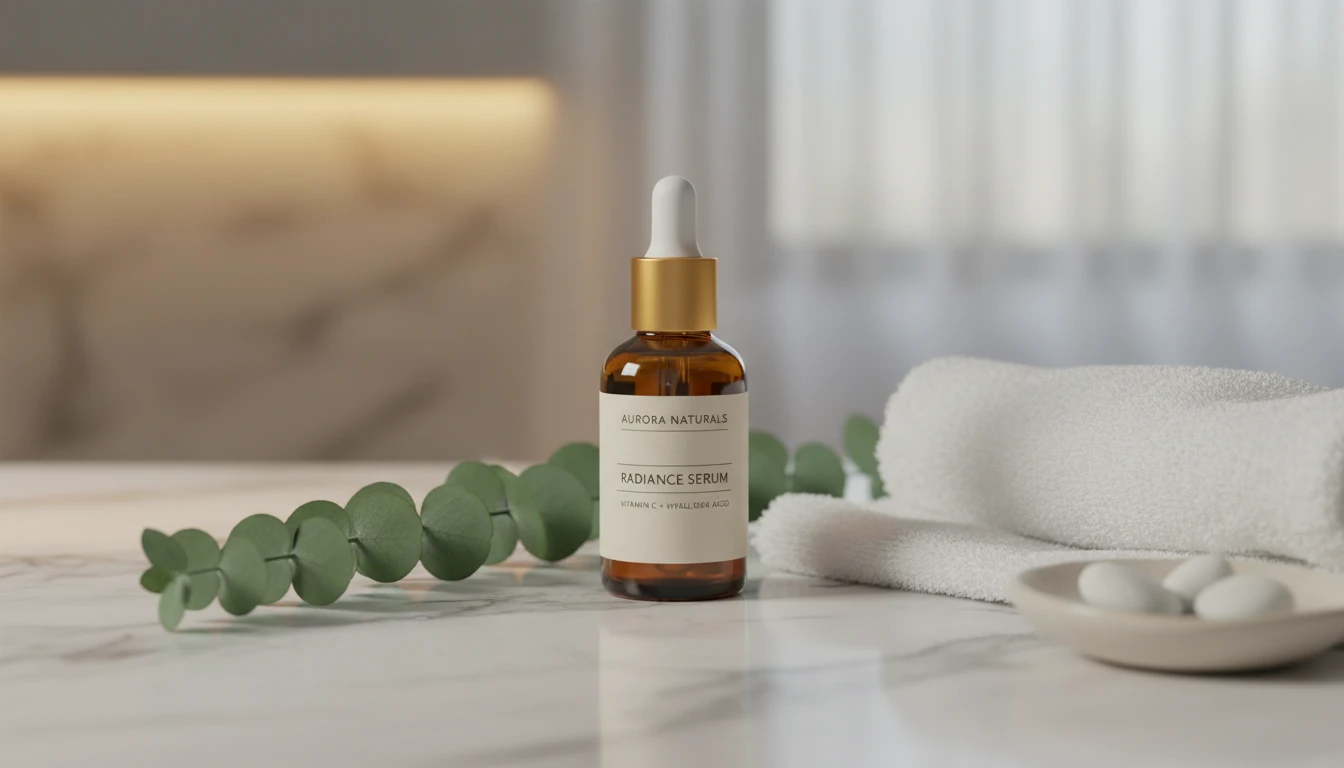
AI Product Lifestyle Scene
Place your product naturally into real-world lifestyle environments (kitchens, cafés, beaches, wellness spas, rooftops, and more) with photorealistic AI.
Opens in
Image Studio
Frequently Asked Questions
Everything you need to know to get started.
What is AI Handbag Design Generator?
AI Handbag Design Generator creates photorealistic handbag product photos from text descriptions. Describe the material, hardware, silhouette, and colorway. AI renders a studio-quality product shot in seconds.
What bag types are available?
You can choose from Tote Bag, Shoulder Bag, Crossbody, Clutch/Evening, Satchel, Fashion Backpack, Hobo Bag, Bucket Bag, Mini/Micro Bag, Wristlet, Top-Handle/Doctor Bag, and Luxury/Designer. Each applies the correct photography context and angle.
How do I write a good handbag prompt?
Describe the material ("pebbled leather", "quilted lambskin", "satin"), color ("caramel", "black", "ivory"), hardware ("gold turnlock", "silver chain", "antique brass"), and structure ("structured base", "slouchy", "top handle"). The more specific, the more accurate the result.
Can I upload a reference photo?
Yes. Upload an existing bag photo to restyle the material, swap the hardware finish, change the colorway, or adjust proportions while preserving the overall silhouette. Well-lit photos on neutral or white backgrounds work best.
What aspect ratio should I use?
Square (1:1) is ideal for e-commerce listings and flat lays. Portrait (4:5, 3:4) suits editorial and three-quarter angles. Wide (16:9) works for campaign and lifestyle compositions. Tall (9:16) for Stories and TikTok content.
Can I use generated handbag images commercially?
Yes. You retain rights to images you generate on RauGen and can use them commercially for product listings, brand presentations, advertising, and social content. Avoid prompting for designs that closely replicate specific branded bags to prevent IP issues.
Start Designing Handbags Today
Describe any handbag design and AI generates a studio-quality product photo in seconds.
Generate Your Handbag DesignDisclaimer: This tool uses generative AI technology which may produce content that resembles copyrighted materials or that is inaccurate, incomplete, or out-of-date. It is provided for general information and educational purposes only and is not intended for illegal activities or to replace professional advice, diagnosis, or treatment. Users are solely responsible for how they use the generated content. If you plan to use AI-generated content commercially or publicly, we strongly recommend reviewing it for potential copyright issues and obtaining proper permissions where necessary. We accept no liability for copyright infringement or any other consequences resulting from the use of content generated by this tool.