Make Your WMA Files Play Everywhere
WMA is a Microsoft-only format that stops working the moment you leave Windows. AAC plays on every iPhone, Android phone, browser, and streaming platform. Upload your WMA file and get a universally compatible AAC in seconds.
Convert Now
Audio Format Converter
Upload any audio file, choose an output format, and download the converted result. Supports MP3, WAV, FLAC, AAC, OGG, ALAC, WMA, Opus and M4A.
Drop your audio file here
or click to browse

Play Your Windows Media Library on iPhone and Android
WMA files created in Windows Media Player, ripped from CD collections, or downloaded from legacy Microsoft services will not play on an iPhone or in Apple Music without conversion. AAC is the native audio codec for both iOS and Android, and imports directly into Apple Music, Spotify, and every other mobile music player. Converting WMA to AAC means your entire library travels with you on any device.
Convert Now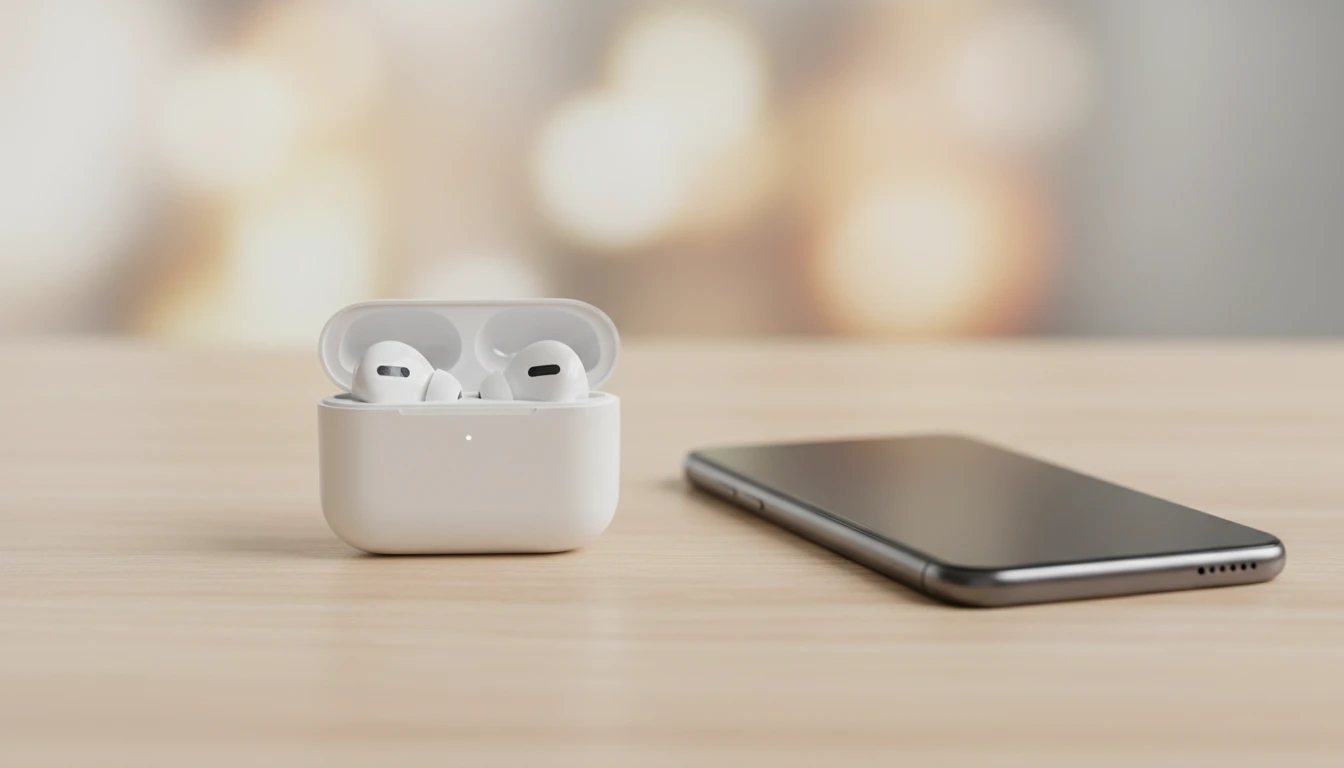
The Codec Behind Apple Music, YouTube, and Every Streaming Platform
AAC (Advanced Audio Coding) is the default delivery codec for Apple Music, YouTube audio tracks, and most podcast platforms. It achieves near-transparent quality at 256 kbps with file sizes that are a fraction of uncompressed alternatives. Converting WMA to AAC aligns your audio with the format that the entire streaming ecosystem is already built around, giving you the widest compatibility without any additional steps.
Try It Now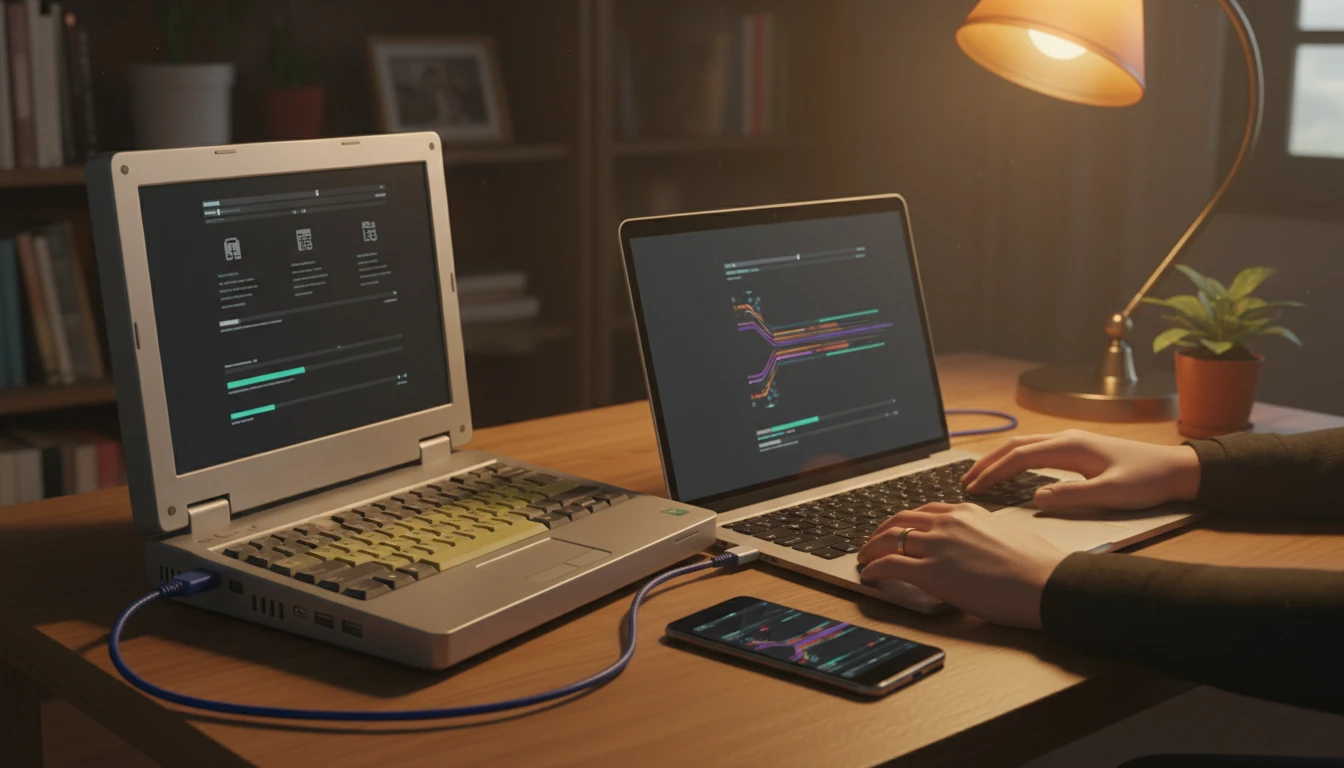
Rescue a Legacy Zune or Windows Media Player Collection
The Microsoft Zune marketplace, Windows Media Player CD ripping, and corporate training audio libraries all produced WMA files. As Windows-centric hardware ages out, those libraries need a new home. Converting to AAC gives each track a widely supported container that imports into Apple Music, plays on Android, and uploads to any content platform without compatibility errors.
See It in ActionThree steps from WMA to a universally playable AAC
Upload your WMA file
Drop any WMA file onto the tool or click to browse. Files from Windows Media Player, Zune, Windows Media Center, or any application that outputs WMA are accepted.
Convert to AAC
Click "Convert". FFmpeg decodes the WMA stream to PCM and re-encodes it as AAC at a high bitrate, preserving as much of the original audio quality as possible.
Download your AAC file
Preview the output in the browser player, then download your .aac file ready for iPhone, Apple Music, Android, YouTube, or any podcast platform.
Deep Dive
WMA vs AAC: Windows-Only Codec vs Universal Standard
WMA is Microsoft's proprietary format, optimised for the Windows ecosystem. AAC is the open successor to MP3, adopted by Apple, Google, YouTube, and every major streaming platform as their default delivery codec.
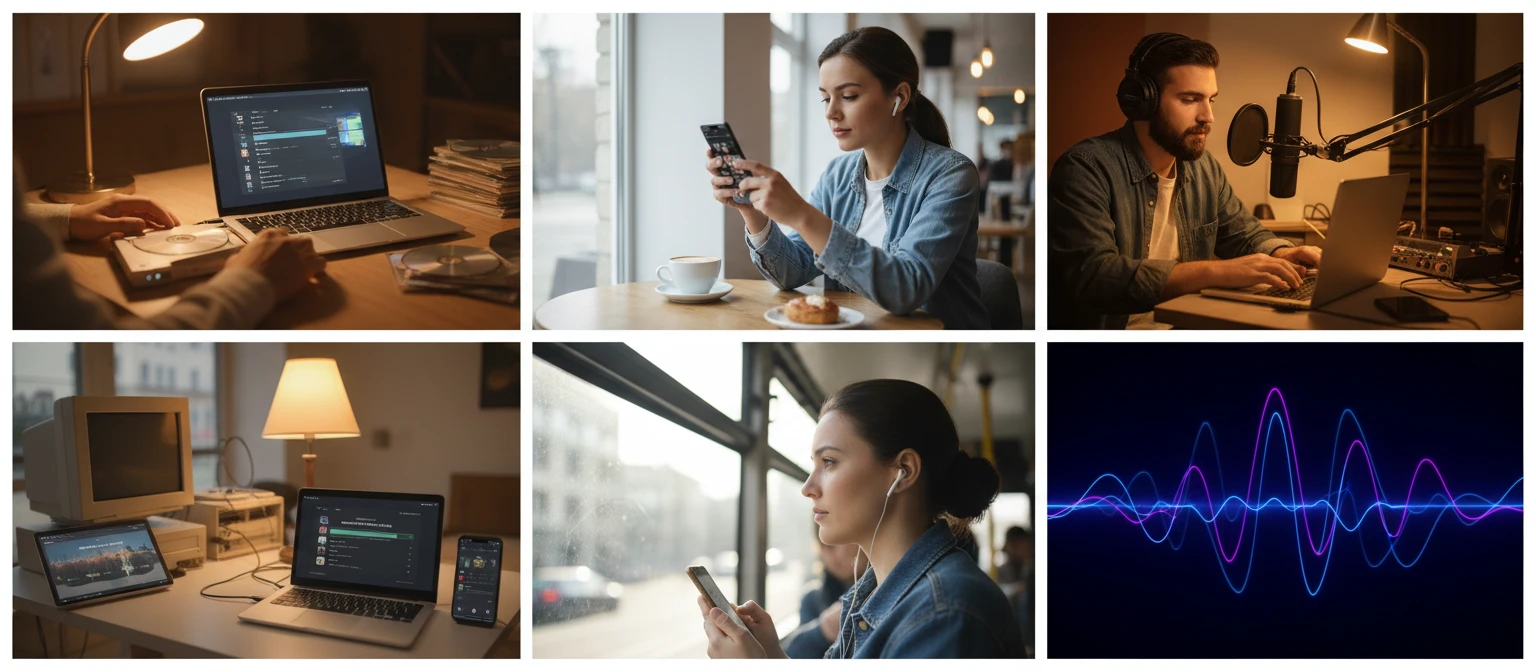
Our converter uses FFmpeg to decode WMA and re-encode as AAC at a high bitrate, minimising the quality impact of the lossy-to-lossy conversion.
Why Convert WMA to AAC
Plays on iPhone and Android
AAC is the native audio codec for both iOS and Android. Converted files play in every music app, browser, and media player without additional software.
Compatible with Every Platform
Apple Music, YouTube, Spotify, and virtually every modern streaming service and podcast host accept AAC. WMA is rejected by most of them.
Better Quality per Kilobit
AAC achieves near-identical quality to WMA at lower bitrates, using more efficient psychoacoustic models developed after WMA was designed.
Fast, Server-Side Conversion
Conversion runs on dedicated FFmpeg servers. Most WMA files are ready to download in under 30 seconds.
Who Uses It
Who Converts WMA to AAC
Windows-to-mobile switchers with WMA libraries, Zune owners moving to iPhone, podcasters working with legacy recordings, and anyone whose audio pipeline was built on Windows and now needs to reach a cross-platform audience.

Converts using FFmpeg on dedicated servers.
Frequently Asked Questions
Does converting WMA to AAC reduce audio quality?
Yes. Both WMA and AAC are lossy formats, so converting between them applies a second round of perceptual compression on top of the original WMA encoding. At a high AAC bitrate (256 kbps), the additional quality loss is small and typically not noticeable for most content. At lower bitrates (128 kbps and below), some artefacts may appear on complex musical material. Keep your original WMA files as a master copy since the quality of the original WMA encoding cannot be recovered from the AAC output.
Why does WMA not play on iPhone or Apple Music?
WMA is a Microsoft proprietary codec that Apple has never included in its audio stack. iTunes and Apple Music only support AAC, MP3, WAV, AIFF, and Apple Lossless (ALAC). Converting to AAC produces a file that imports directly into Apple Music and plays natively on every Apple device.
What bitrate should I use when converting WMA to AAC?
The converter uses a high AAC bitrate to minimise the quality impact of re-encoding. For reference, 256 kbps AAC is considered transparent for most music content, and 128 kbps is acceptable for speech and podcasts. If your original WMA was encoded at a low bitrate, the output quality ceiling is already set by that original encoding regardless of the AAC bitrate used.
Will the converted AAC file play on Android?
Yes. AAC is natively supported across all versions of Android and plays in every major Android media player, streaming app, and browser. It is the same codec used internally by YouTube, Spotify, and most Android-native audio applications.
What is the difference between WMA and AAC?
WMA (Windows Media Audio) is a Microsoft proprietary lossy codec built for the Windows ecosystem. AAC (Advanced Audio Coding) is an open standard developed by the MPEG group as the successor to MP3. AAC achieves better audio quality at the same bitrate, supports more audio channels, and is natively supported on iOS, Android, macOS, Windows, and in every major browser and streaming platform. WMA is primarily useful only within Windows and Xbox.
Is there a file size limit?
The upload limit is 100 MB per file. Most WMA audio files are well within this range.
Ready to Convert Your WMA to AAC?
Upload your WMA file above and get a compact, universally compatible AAC in seconds.