Convert STL Meshes to OFF for Computational Geometry and Mesh Processing
Convert STL triangle meshes into the Object File Format for use in CGAL, MeshLab, Gmsh, OpenMesh, and other computational geometry and mesh processing tools that read OFF natively. Bridge 3D print geometry into research pipelines and geometry algorithm workflows.
Convert Now
Convert STL to OFF
Upload a STL file and download the converted OFF — all processing happens on the server.
Drop your STL file here
or click to browse
Accepts .stl files

From 3D Print Geometry to Computational Processing
STL is the universal 3D printing standard but is not the preferred input for computational geometry libraries and mesh processing tools. OFF is widely used in the geometry processing community as a lightweight, plain-text format that CGAL, MeshLab, Gmsh, and OpenMesh read natively. Converting STL to OFF prepares print geometry for computational processing without format-specific library dependencies.
Convert Now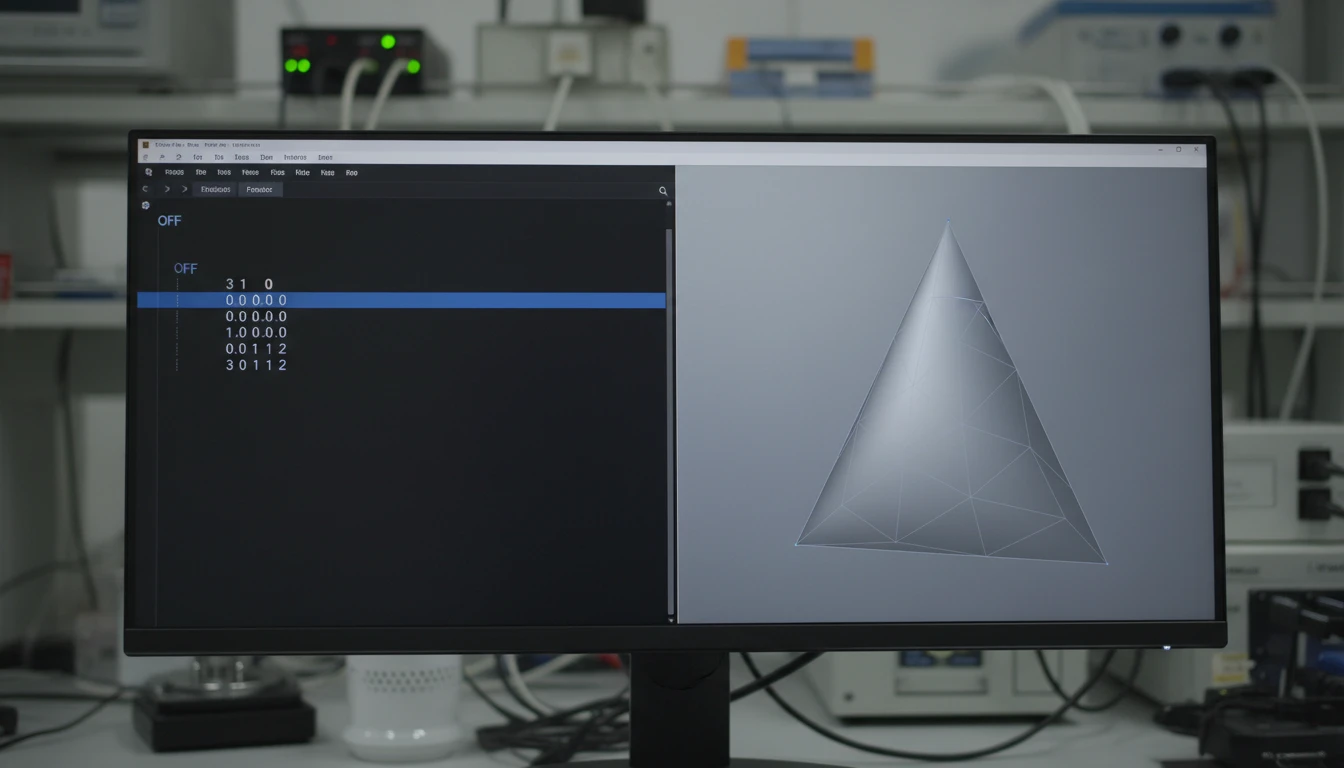
Minimal Plain-Text Format for Custom Parsing
OFF stores vertex positions and face indices in a minimal plain-text structure with no binary encoding, no material references, and no scene graph overhead. This makes OFF files straightforward to parse in custom C++, Python, MATLAB, or research scripts without format-specific library dependencies, and easy to version-control and diff for geometry tracking.
Convert Now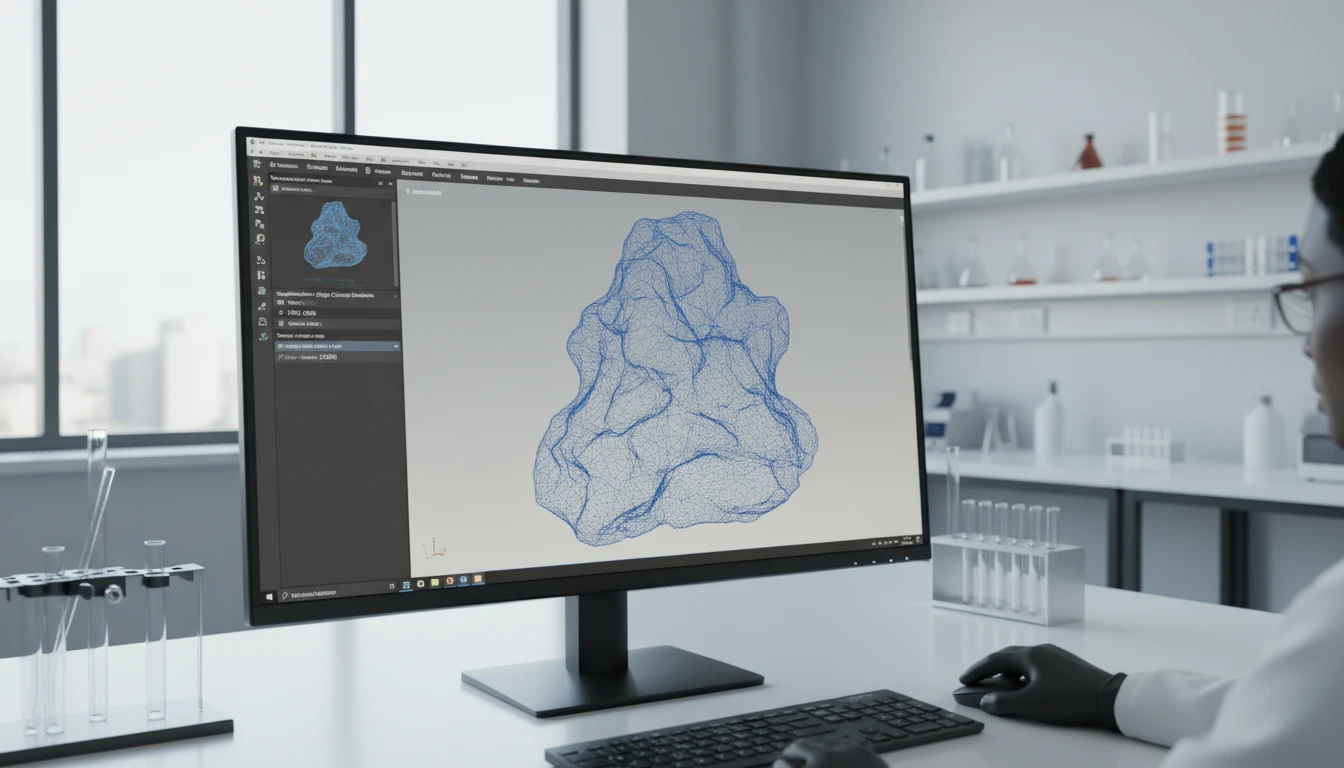
Mesh Repair, Remeshing, and Algorithm Input
CGAL, MeshLab, and Gmsh read OFF directly as input for mesh repair, simplification, remeshing, and surface reconstruction algorithms. Converting STL to OFF prepares print geometry for these operations without requiring format conversion as part of the processing pipeline itself, reducing tool dependencies in research and engineering workflows.
Convert NowHow to Convert STL to OFF
Upload Your STL File
Drag and drop an STL file into the upload zone or click to browse. Both ASCII and binary STL files up to 100 MB are supported.
Sign In and Convert
Sign in to start the conversion. The server reads the STL triangle geometry and writes vertex positions and face indices into a clean OFF file.
Download the OFF File
Once ready, click Download. The OFF file is immediately usable in CGAL, MeshLab, Gmsh, OpenMesh, libigl, and any other computational geometry or mesh processing tool.
Deep Dive
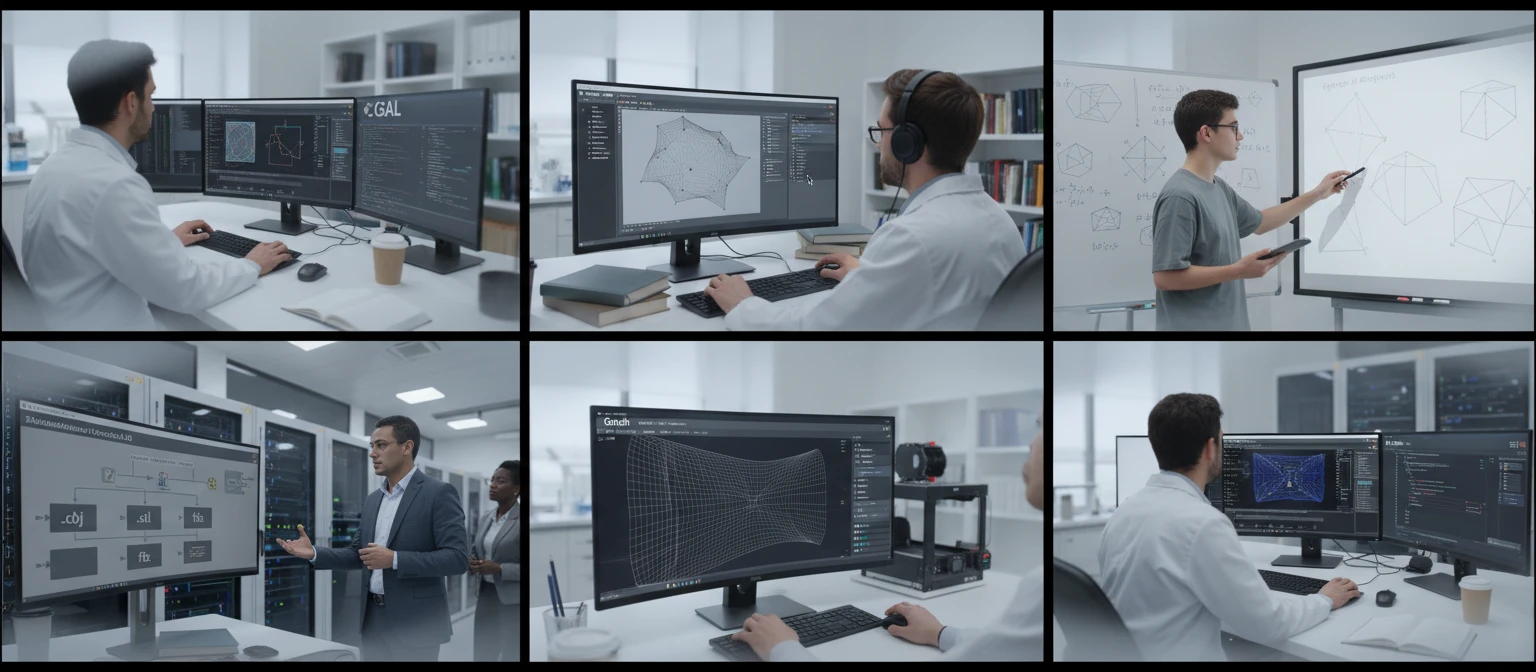
STL and OFF: Print Triangle Format vs. Geometry Processing Format
Why Use It
No Software to Install
The conversion runs on the server. No MeshLab batch scripts, CGAL pipelines, or local Assimp CLI tools needed. Upload and download directly from your browser.
Minimal and Parseable
OFF is a plain-text format with vertex positions and face indices and nothing else. The output is easy to parse with custom scripts or geometry libraries without format-specific library dependencies.
Compatible with Geometry Tools
CGAL, MeshLab, Gmsh, OpenMesh, and libigl read OFF natively. The converted file integrates directly into computational geometry research and mesh processing pipelines.
Print to Research Pipeline
STL is the 3D printing standard. OFF is the geometry processing community's compact exchange format. Converting STL to OFF bridges print geometry into computational geometry workflows for mesh repair, remeshing, and algorithm development.
Who Uses It
Who Converts STL to OFF

Frequently Asked Questions
Are both ASCII and binary STL files supported?
Yes. The converter handles both ASCII and binary STL input. Binary STL is more compact and the standard output of most CAD tools and slicers, but ASCII STL is also fully supported.
Does the OFF output preserve the STL triangle faces?
Yes. The triangle facets from the STL file are written as triangular faces in the OFF output, preserving the mesh topology from the source STL.
Does the OFF output include normals from the STL?
Standard OFF does not include per-vertex or per-face normals as separate entries. The vertex positions and face indices from the STL are written to the OFF file. Normals are not stored in the basic OFF format.
What tools read OFF files?
CGAL, MeshLab, Gmsh, OpenMesh, libigl, and many other computational geometry and mesh processing libraries and tools read OFF natively. It is a standard exchange format in the geometry processing research community.
What is the maximum STL file size?
The converter supports STL files up to 100 MB. OFF is an ASCII format, so the output may be larger than a binary STL source for the same geometry.
Convert Your STL File to OFF Now
Upload your STL mesh and get a compact OFF file in seconds. No install, no manual steps.