Convert OFF Research Meshes to the Flexible PLY Format
Convert OFF (Object File Format) meshes from computational geometry research into PLY and unlock richer per-vertex property support — normals, colors, and custom scalar fields — for use in MeshLab, Open3D, PCL, CloudCompare, and advanced mesh processing pipelines.
Convert Now
Convert OFF to PLY
Upload a OFF file and download the converted PLY — all processing happens on the server.
Drop your OFF file here
or click to browse
Accepts .off files

Richer Per-Vertex Properties Than OFF
OFF stores vertex positions and optional RGBA colors in a minimal ASCII structure. PLY extends this with dedicated property fields for normals, color components, confidence values, and arbitrary custom scalars. Converting OFF to PLY unlocks MeshLab's full filter library and Open3D's processing capabilities that rely on structured per-vertex properties.
Convert Now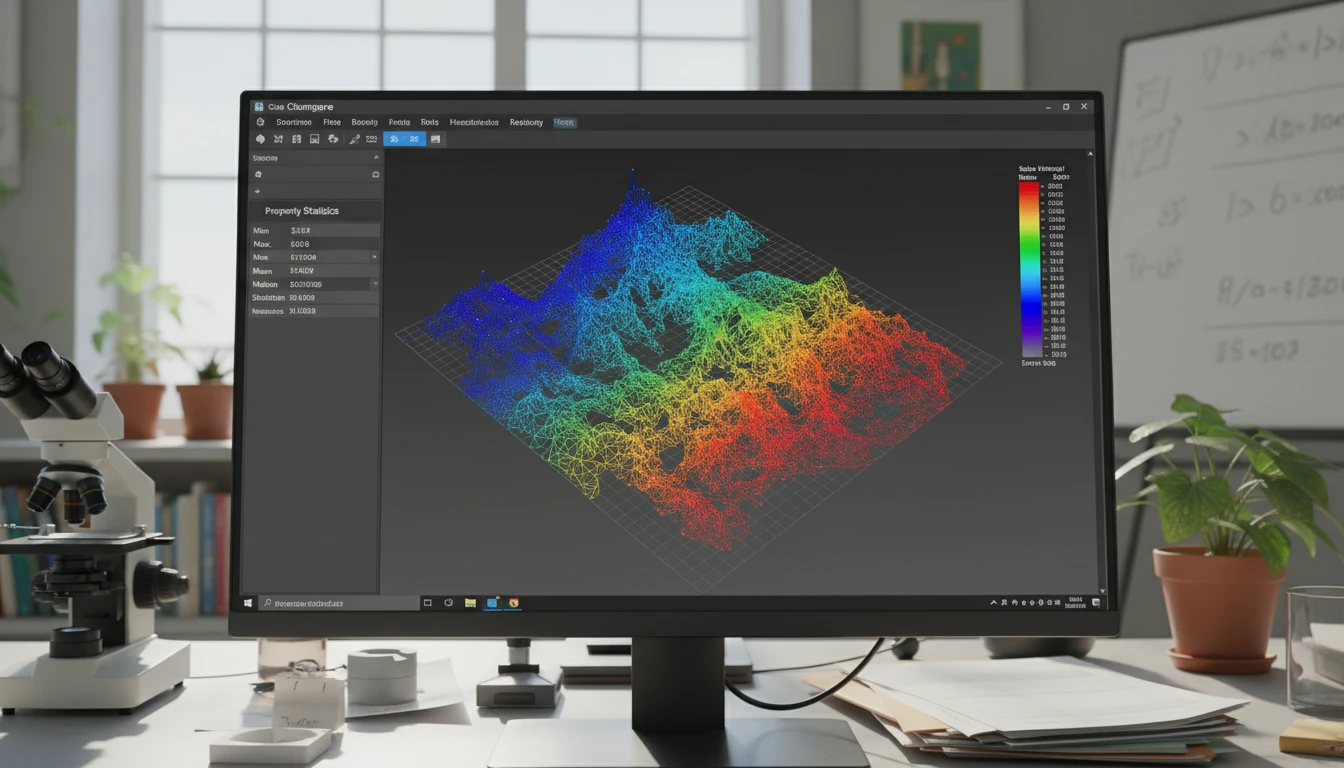
Vertex Colors as PLY Per-Vertex RGB
OFF per-vertex RGBA color columns are read and written as PLY per-vertex RGB properties, preserving the color distribution from the original research mesh in a structured format that MeshLab, Open3D, and CloudCompare all display correctly.
Convert Now
Binary PLY for Compact Storage and Fast Parsing
OFF is always ASCII — human-readable but slow to parse and large for dense meshes. The converter produces binary PLY, which is significantly more compact and faster to load in Open3D, PCL, and custom geometry pipelines that process large research mesh datasets.
Convert NowHow to Convert OFF to PLY
Upload Your OFF File
Drag and drop an OFF file into the upload zone or click to browse. Files up to 100 MB are supported.
Sign In and Convert
Sign in to start the conversion. The server parses the OFF geometry and vertex color data, then writes them into a binary PLY file with structured per-vertex properties.
Download the PLY
Once ready, click Download. The binary PLY is immediately usable in MeshLab, Open3D, PCL, CGAL, Blender, CloudCompare, and any other PLY-compatible research or processing tool.
Deep Dive
OFF and PLY: Minimal ASCII vs. Flexible Research Format

Why Use It
No Software to Install
The conversion runs on the server. No MeshLab batch scripts, local Assimp CLI pipelines, or Python geometry libraries needed. Upload and download directly from your browser.
Vertex Colors as Structured Properties
OFF RGBA color columns are written as PLY per-vertex RGB properties in a structured format that MeshLab, Open3D, and CloudCompare display correctly with full color fidelity.
Compact Binary Output
Binary PLY is significantly more compact than ASCII OFF and faster to parse in Open3D, PCL, and custom pipeline code — a practical advantage for dense research meshes with millions of vertices.
Extended Property Support
PLY's flexible property system supports per-vertex normals, color, confidence, and custom scalar fields. Converting from OFF to PLY opens the door to attaching additional computed properties to the geometry in downstream processing steps.
Who Uses It
Who Converts OFF to PLY

Frequently Asked Questions
What is the difference between OFF and PLY?
OFF is a minimal ASCII format with vertex positions, face indices, and optional color columns in a simple flat structure. PLY is more flexible — it supports ASCII and binary encoding, structured named per-vertex properties (position, normal, color, custom scalars), and is optimized for both scan data and research mesh storage.
Are vertex colors from the OFF file preserved in the PLY output?
Yes. Per-vertex RGBA color columns from the OFF file are written as per-vertex RGB properties in the PLY output, preserving the color distribution in a structured format that MeshLab, Open3D, and CloudCompare display correctly.
Is the PLY output ASCII or binary?
The converter produces binary PLY output, which is more compact and faster to parse than ASCII PLY — a practical advantage for dense OFF meshes with millions of vertices.
Does the PLY output include vertex normals?
Standard OFF does not store vertex normals. The converter writes vertex positions and face indices from the OFF geometry. Vertex normals can be computed and added to the PLY in MeshLab (Filters → Normals, Curvatures and Orientation → Compute Normals) or in Open3D after conversion.
What is the maximum OFF file size?
The converter supports OFF files up to 100 MB. The binary PLY output will be significantly more compact than the ASCII OFF source for the same geometry.
Convert Your OFF File to PLY Now
Upload your OFF research mesh and get a binary PLY in seconds. No install, no manual steps.