Bring 3MF Print Files into DCC and Engine Pipelines
Convert 3MF files to COLLADA DAE format for import into Blender, Maya, Cinema 4D, Unity, or any professional pipeline that relies on the widely supported XML-based interchange format.
Convert Now
Convert 3MF to DAE
Upload a 3MF file and download the converted DAE — all processing happens on the server.
Drop your 3MF file here
or click to browse
Accepts .3mf files
From Print Format to Editing Format
3MF is optimized for slicers and printers. COLLADA is optimized for DCC tools and engines. Converting 3MF to DAE brings your print-ready geometry into Blender, Maya, or Cinema 4D for further editing, rigging, or rendering.
Convert Now
Color and Material Data Transferred
Color assignments stored in the 3MF material definitions are mapped into COLLADA material elements, giving the DAE a head start with the intended color layout for rendering or further material authoring.
Convert Now
Widely Supported Across Tools
COLLADA is natively supported by Blender, Maya, 3ds Max, Cinema 4D, Unity, Godot, and dozens of other applications. The converted DAE opens without plugins or workarounds.
Convert NowHow to Convert 3MF to DAE
Upload Your 3MF File
Drag and drop a 3MF file into the upload zone or click to browse. Files up to 100 MB are supported.
Sign In and Convert
Sign in to start the conversion. The server extracts geometry and color data from the 3MF archive and builds a COLLADA document.
Download the DAE
Once ready, click Download and import the DAE into your DCC tool or game engine.
Deep Dive
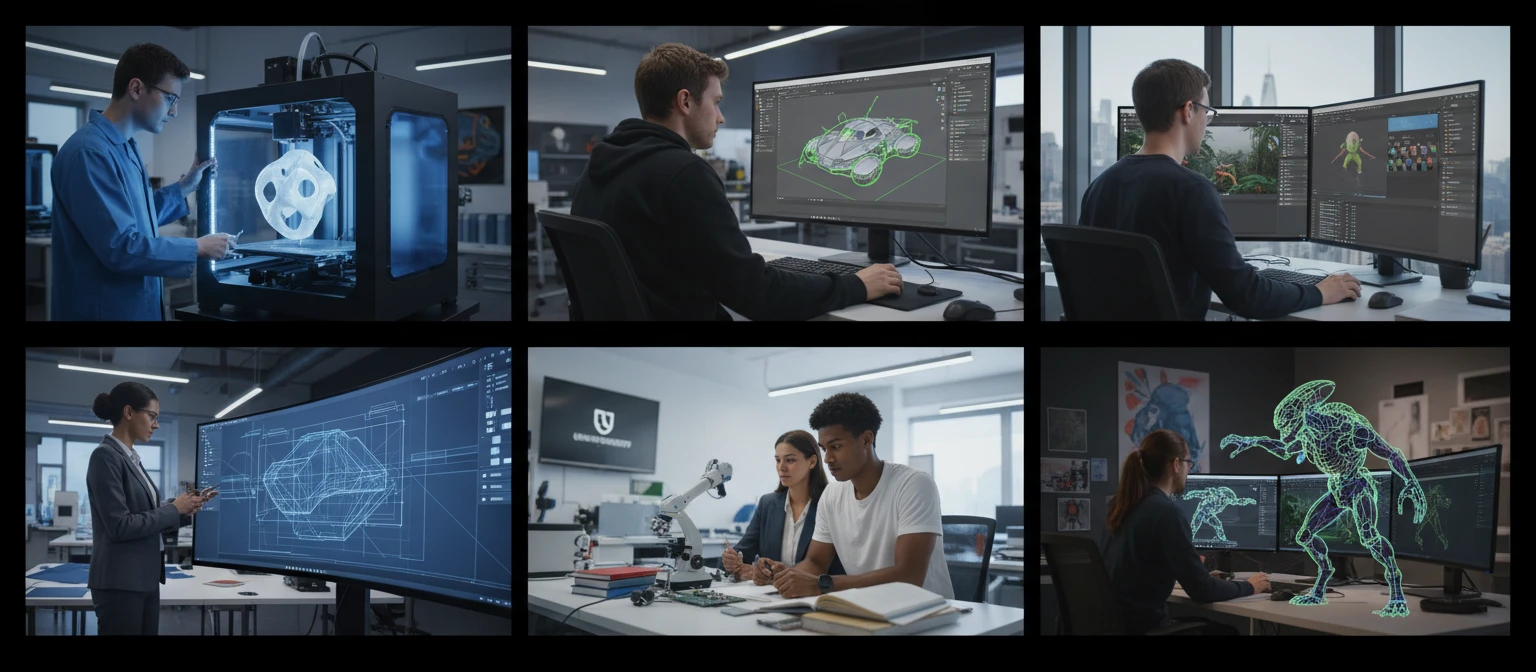
3MF and COLLADA: Two Formats, Two Purposes
Why Use It
No Software to Install
The conversion runs on the server. No Blender scripts, no Assimp CLI, no local COLLADA libraries required.
Scene Geometry Preserved
Mesh geometry, vertex normals, and UV coordinates from the 3MF are written into the COLLADA document for accurate re-import into editing tools.
Multi-object Support
3MF files often contain multiple mesh components. Each component is mapped to a separate COLLADA geometry and node entry, preserving the object structure.
Broad DCC Compatibility
COLLADA has been an industry standard since 2004. Blender, Maya, 3ds Max, Cinema 4D, Unity, Godot, and many more support it natively without plugins.
Who Uses It
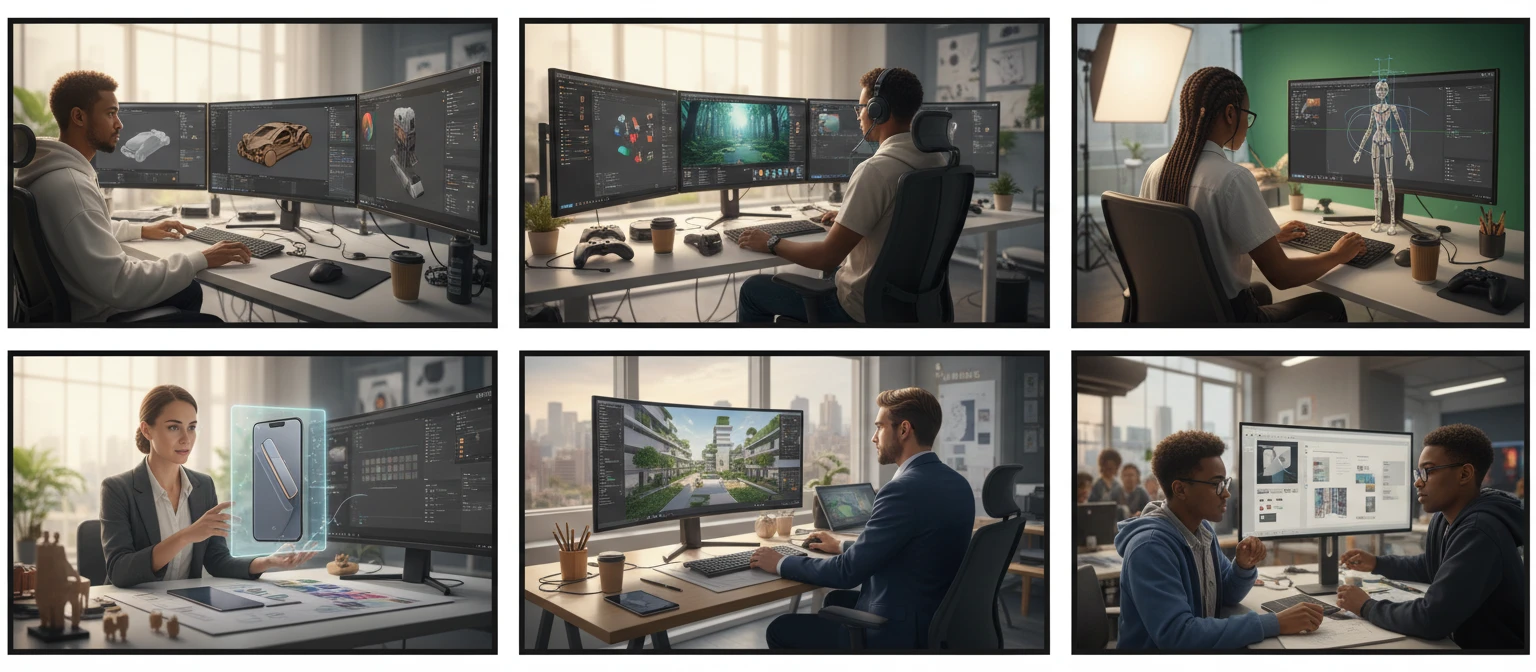
Who Converts 3MF to DAE
Frequently Asked Questions
Does the DAE include colors from the 3MF?
Yes. Color and material definitions stored in the 3MF are mapped to COLLADA material elements, giving the DAE a starting point for color-aware editing or rendering.
Can I edit the resulting DAE in Blender?
Yes. Blender imports COLLADA DAE files natively. After import, meshes, materials, and object structure from the 3MF are accessible in the Blender scene for further editing.
Are multiple objects from the 3MF preserved in the DAE?
Yes. Each mesh component in the 3MF is written as a separate geometry entry in the COLLADA document, maintaining the individual object structure.
What is the maximum 3MF file size?
The converter supports 3MF files up to 100 MB. Dense multi-object 3MF archives may produce verbose COLLADA files due to the XML nature of the format.
Does COLLADA support the print metadata stored in 3MF?
No. COLLADA is a general 3D interchange format and does not carry print-specific metadata such as layer height, infill, or support settings. Only geometry and material data transfer.
Convert Your 3MF to DAE Now
Upload your 3MF and get a COLLADA DAE in seconds. No install, no manual steps.