Identify Treats and Kibble from a Photo
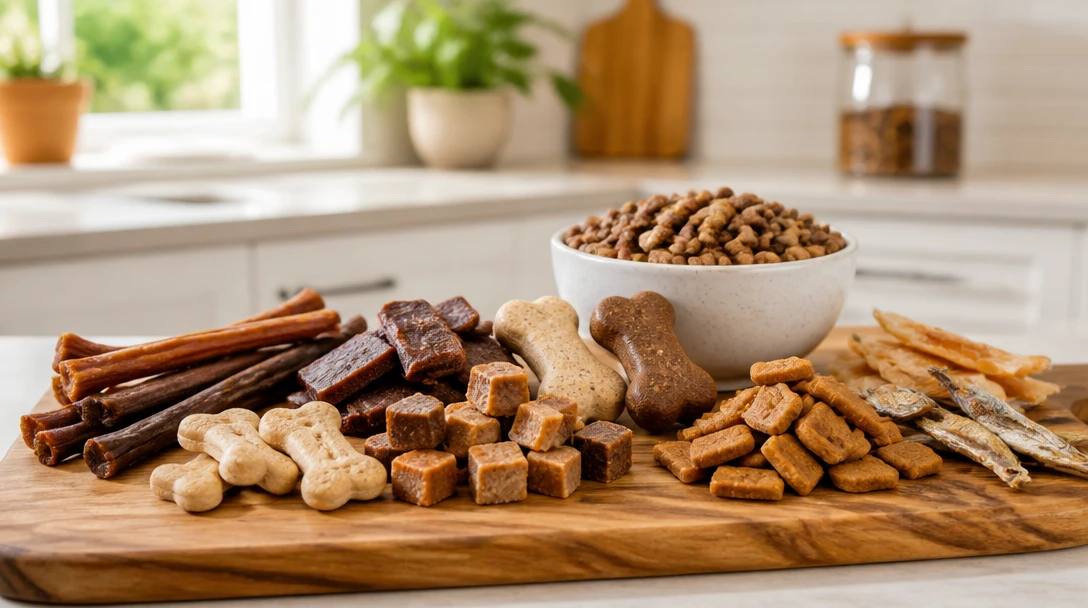
Upload a close-up of biscuits, soft treats, dental chews, freeze-dried pieces, jerky-style strips, or dry food. We describe shape, color, and texture and guess a category. Printed names appear only when the bag is readable. This is not a verdict that a treat is healthy or right for your pet.
Identify Treat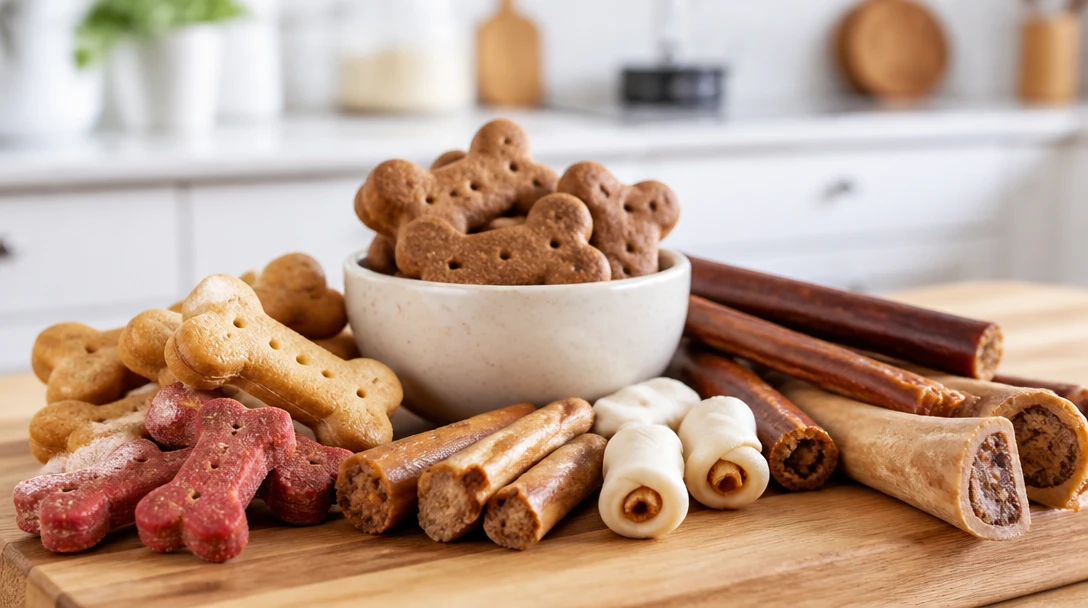
Upload a Treat or Kibble Photo
A close-up of the pieces or the bag front. We'll open AI Pet Studio for a visual category guess — not a feeding recommendation.
Drag & drop the treat photo here
A sharp close-up of biscuits, chews, or kibble works best. JPG, PNG or WebP, up to 15MB
Educational only. Not a brand guarantee and not advice to offer this treat.
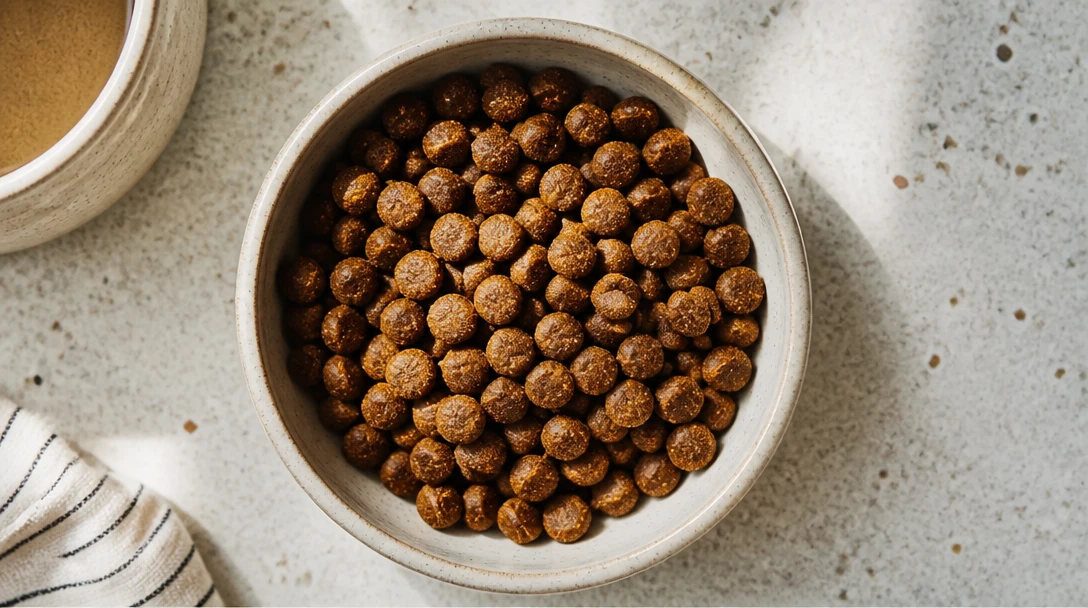
Biscuits, Chews, and Kibble
A structured guess at the category — biscuit, soft treat, dental stick, freeze-dried, jerky-style, or dry food — based on what the photo actually shows.
Identify Treat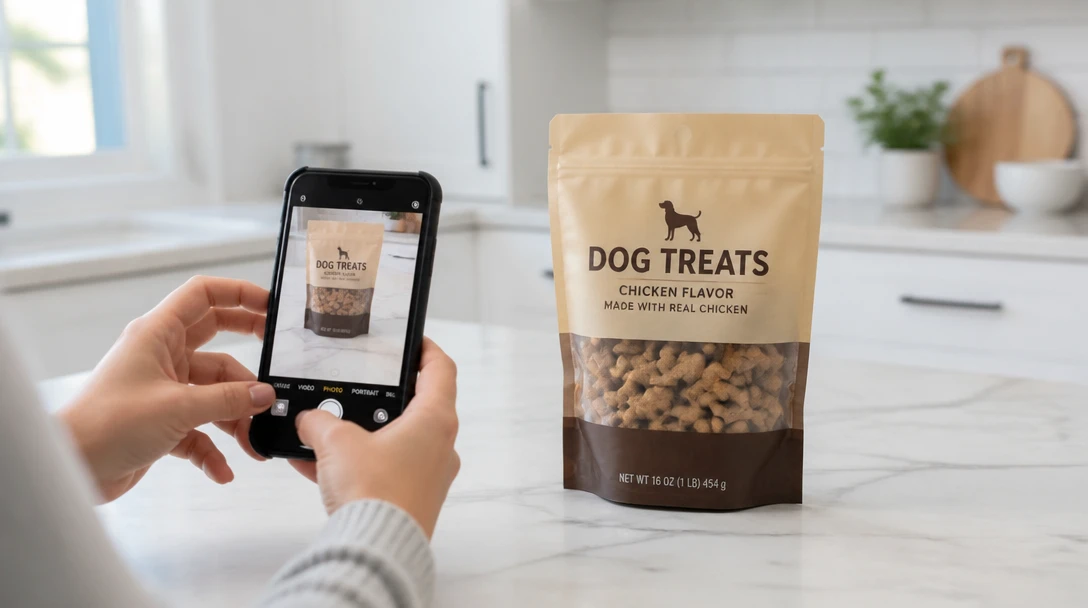
Printed Names Stay Honest
If the bag front is in the shot and readable, we transcribe it. If not, printed name stays “not visible.” We do not invent a brand or flavor.
Identify from a Bag
Not a Feeding Plan
The report does not say how many treats to give, whether a chew is safe for this dog, or if the kibble matches a medical diet. That stays with you and a veterinarian.
Open Pet StudioHow It Works
Photograph the Pieces or the Bag
A close-up of a few pieces in daylight works well. Include the bag front if you want a printed name. Avoid a distant shot of a full pantry.
Open Pet Studio
Upload here. We open AI Pet Studio for a visual category guess.
Read the Guess, Then Check the Package
Treat the result as a look. For ingredients and guaranteed analysis, use the food label reader. Ask a veterinarian about allergies or how many treats fit this pet.
When People Use It
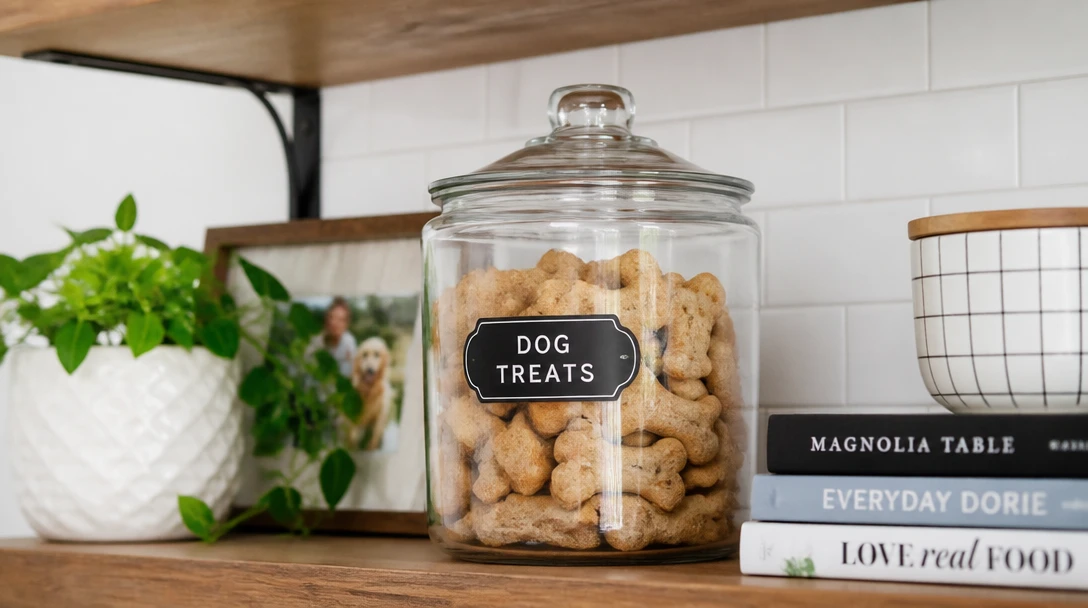
Loose Treats in a Jar
The bag is gone. A photo of the pieces can still suggest biscuit vs chew vs freeze-dried so you know what you are looking at.
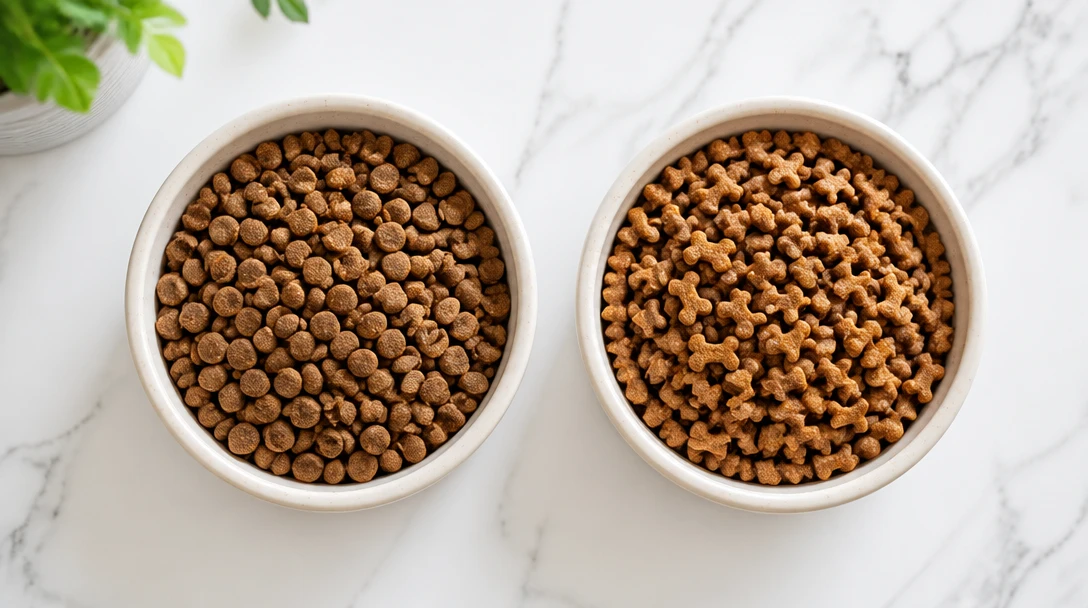
Comparing Two Kibbles
Shape and color notes help you tell two dry foods apart in a photo. It is not a nutrition comparison — use the label reader for printed analysis.

A Chew You Did Not Buy
Someone else brought a chew. A category guess is a start. Still check the package and a veterinarian before offering it, especially to chewers who swallow chunks.
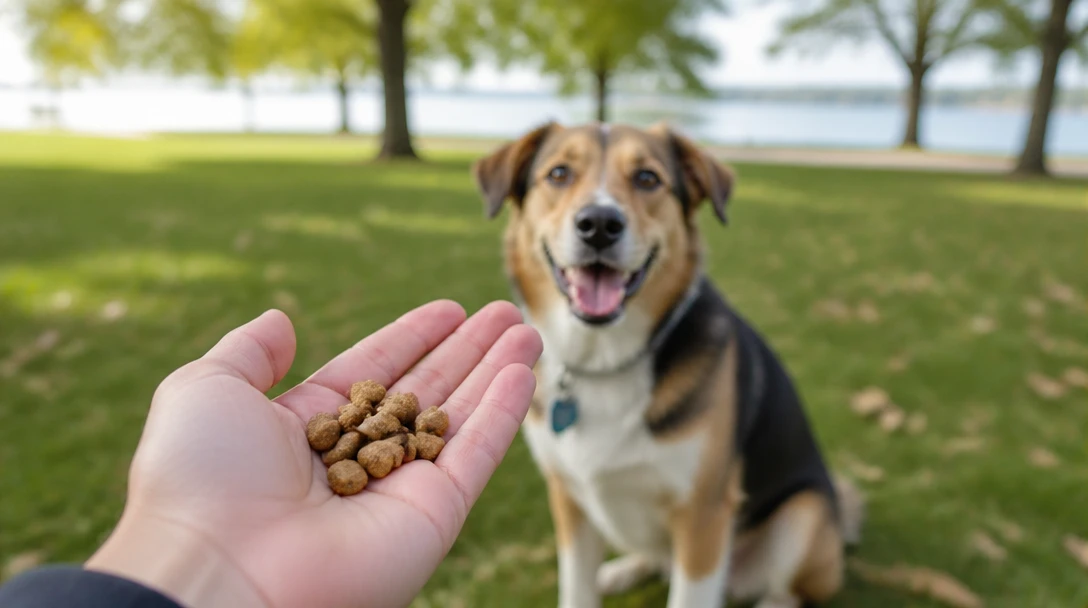
Training Treats on the Go
A quick photo in a class or park when you want to remember what the pieces looked like. Still not a calorie or training plan.
Deep Dive
What the Identifier Covers
A visual category and appearance notes. Not a brand guarantee and not a feeding recommendation.
This tool is for general educational and informational purposes only. A photo guess is not a guarantee of brand, ingredients, or safety. Always read the package and consult a licensed veterinarian before offering a new treat or changing a diet.
Why Use It
A Category When the Bag Is Gone
Biscuit, chew, or kibble is often enough to know what you are looking at.
No Fake Brand Names
Printed text is copied only when it is readable. Everything else stays blank.
Pairs with the Label Reader
Use this for loose pieces. Use the label reader when you still have the panel.
Not a Green Light
Chews, calories, and allergies stay with you and a veterinarian.
Frequently Asked Questions
Will it name the exact brand?
Only if the package text is clear in the photo. Loose treats without a bag get a category guess, not an invented brand.
Is this a feeding recommendation?
No. It does not say a treat is healthy, how many to give, or whether a chew is appropriate for this pet. Ask a veterinarian about diet and chewing safety.
What should I photograph?
A sharp close-up of a few pieces, or the bag front if you want printed text. Daylight helps. A blurry pile in a dark pantry is harder.
Can it tell grain-free or limited-ingredient?
Not from the pieces alone. Those claims live on the label. Use the food label reader on the guaranteed analysis and ingredients panel.
Does it work for cat treats and cat kibble?
Yes, if the pieces are clear. The same limits apply: visual category, no invented brand, no diet advice.
What about rawhide or dental chews?
The report may guess a chew or dental-stick category when the photo supports it. That is not a safety rating. Some chews are a choking or blockage risk — ask a veterinarian or groomer/trainer who knows this pet.
Identify a Treat or Kibble
Upload a close-up. Visual category only — not a feeding recommendation.
Disclaimer: This tool uses generative AI technology which may produce content that resembles copyrighted materials or that is inaccurate, incomplete, or out-of-date. It is provided for general information and educational purposes only and is not intended for illegal activities or to replace professional advice, diagnosis, or treatment. Users are solely responsible for how they use the generated content. If you plan to use AI-generated content commercially or publicly, we strongly recommend reviewing it for potential copyright issues and obtaining proper permissions where necessary. We accept no liability for copyright infringement or any other consequences resulting from the use of content generated by this tool.