Turn a Pet Photo Into a Styled Portrait
Upload a clear photo of your dog, cat, or any pet, then pick a style. The generator keeps the same face, markings, and coat so the portrait still looks like your pet — not a random animal in that look.
Create a Pet Portrait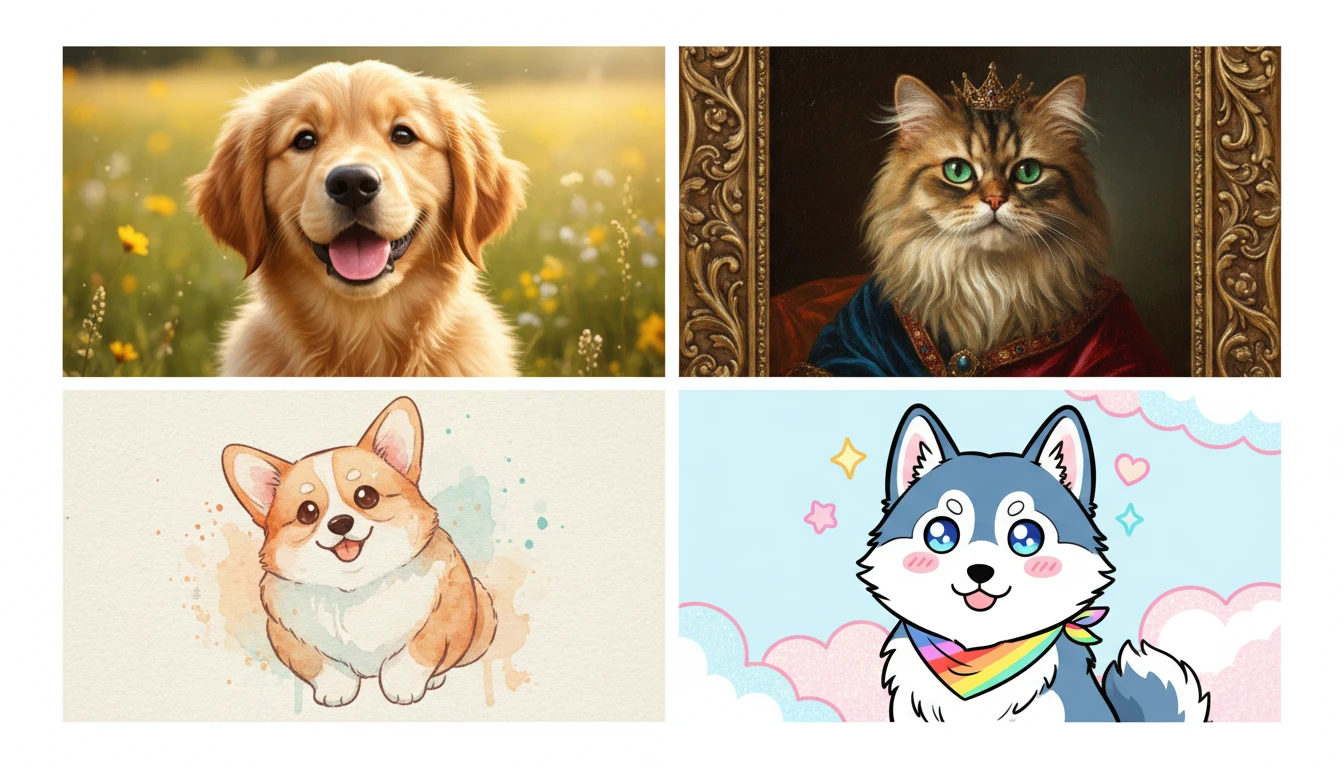
Upload Your Pet Photo
Upload a clear photo, then pick photorealistic, oil, royal, watercolor, cinematic, anime, impressionist, sketch, fantasy, or vintage. Face and markings stay the same. We'll open AI Pet Studio next.
Drop your pet photo here
or take a photo — JPG, PNG or WebP, up to 15MB
Runs inside the AI Pet Studio — pet portraits in one place.
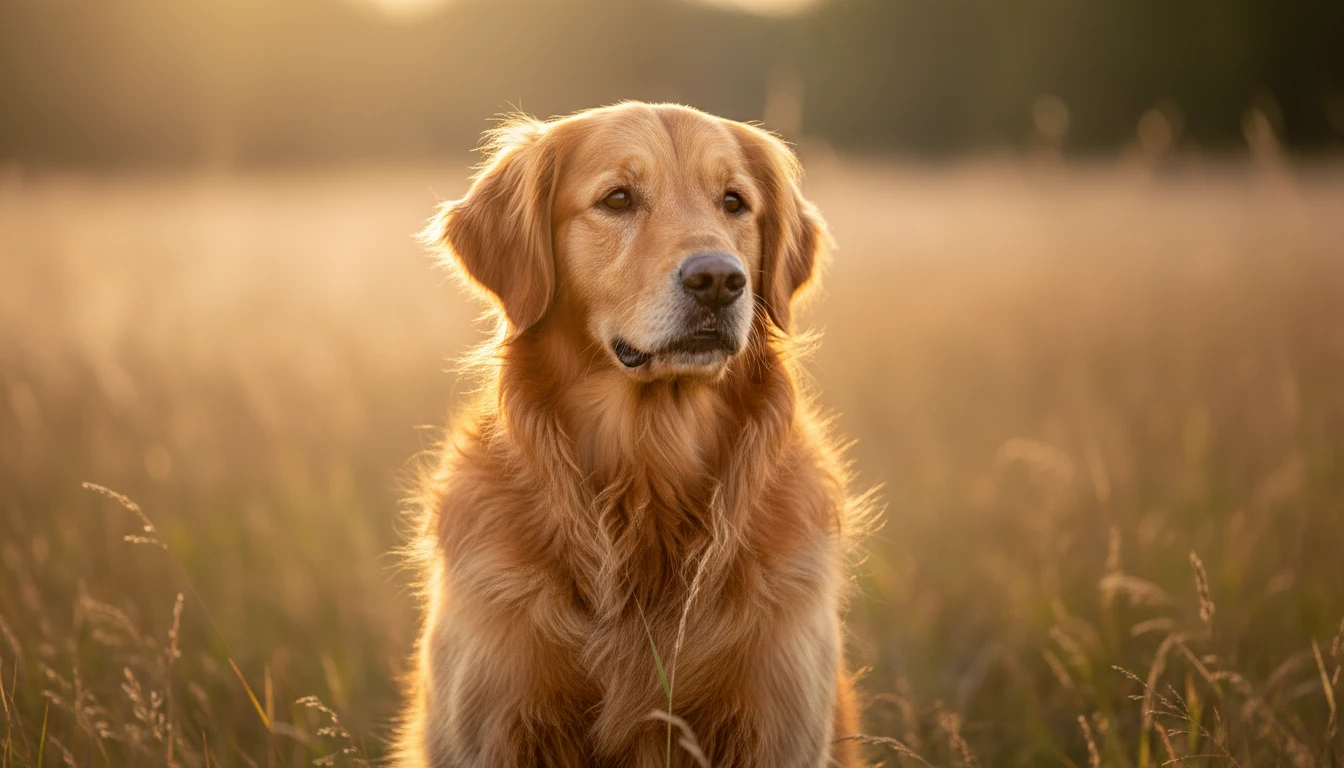
Photorealistic Studio Portraits
Clean up a phone snapshot into a DSLR-looking portrait of the same pet. Useful for prints, profiles, and wallpapers when you do not want a studio session.
Try Photorealistic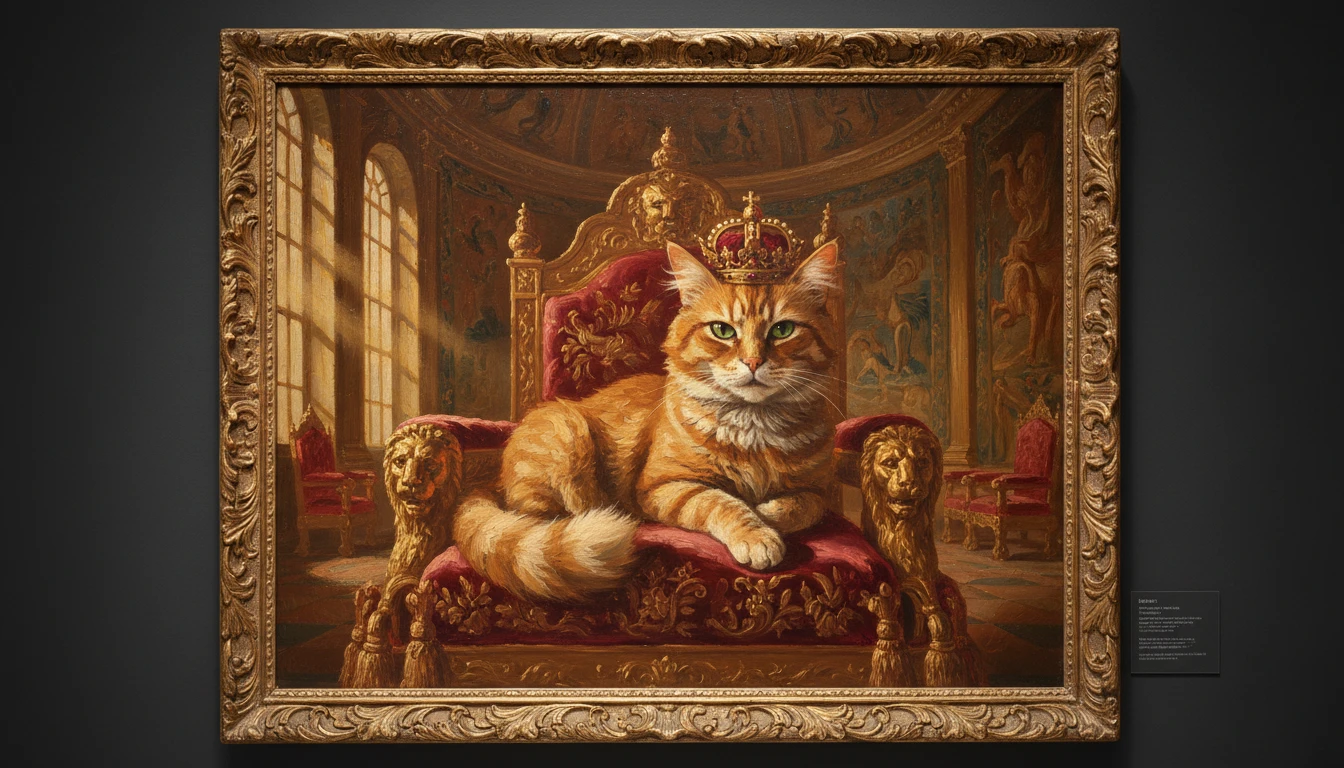
Royal Oil Painting Portraits
Keep the same face and markings, then paint them on a velvet cushion with a gilded frame. A gift print that still looks like the pet in the photo you uploaded.
Try a Royal Portrait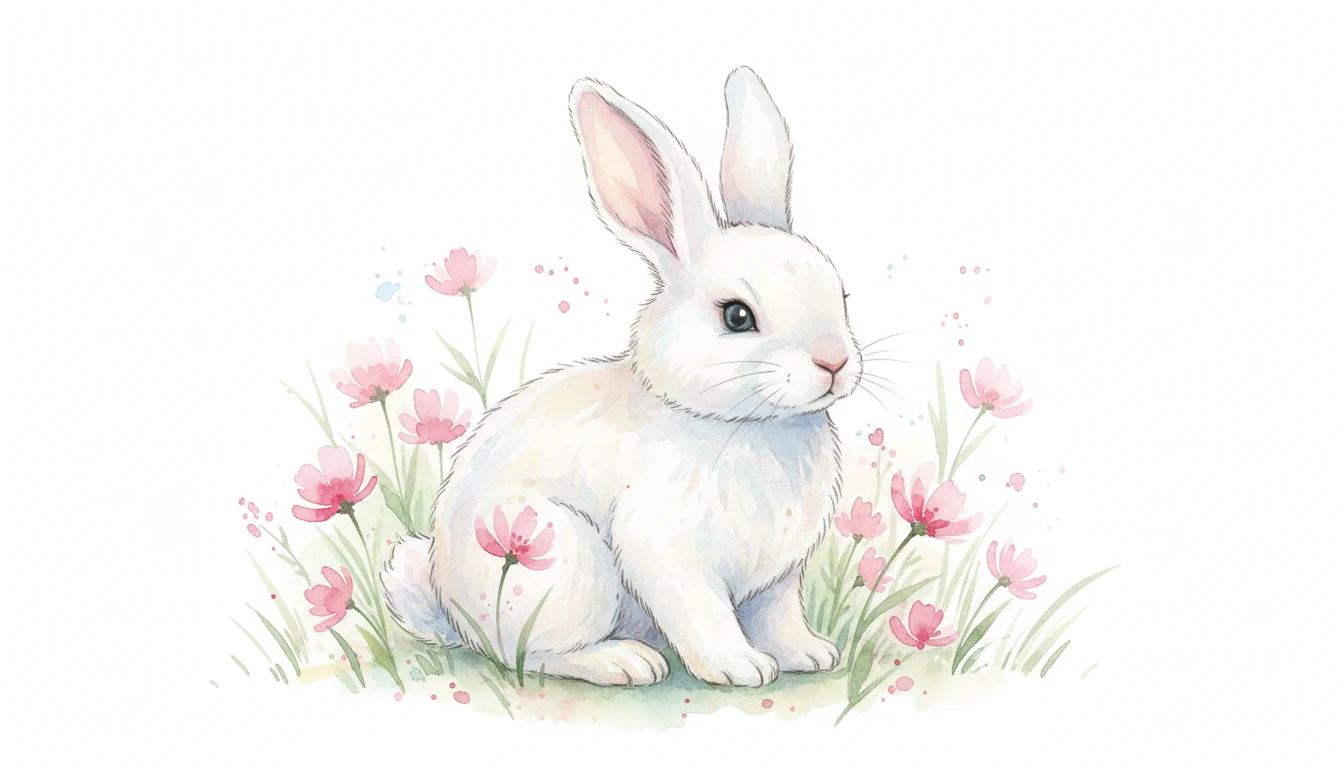
Watercolor Pet Illustrations
Turn the uploaded photo into a soft watercolor of the same animal. Gentle washes and pastel tones work well for cards, nurseries, and framed gifts.
Try Watercolor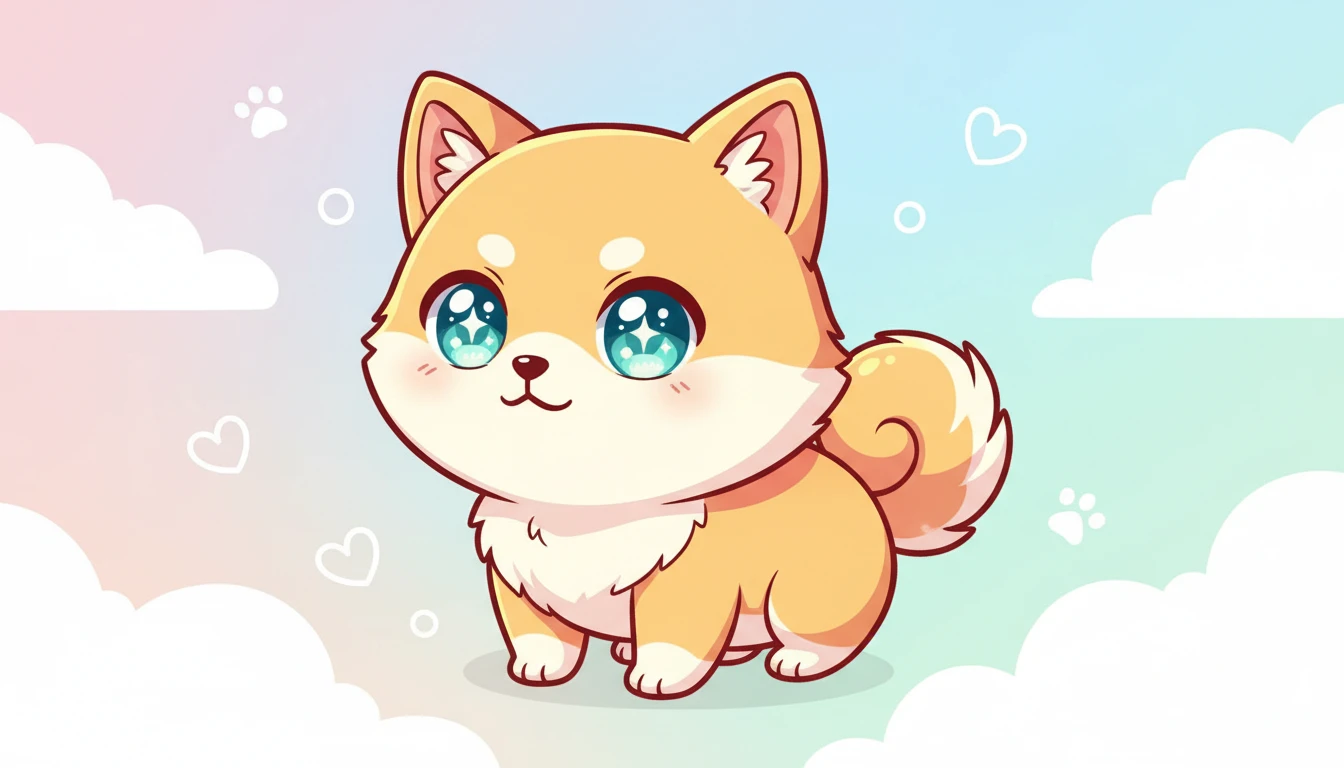
Anime and Sketch Looks
Restyle the same pet as anime art or a pencil sketch. Markings and coat color stay recognizable so a sticker or profile still reads as your pet.
Try Anime or SketchWhat People Create with AI Pet Portraits
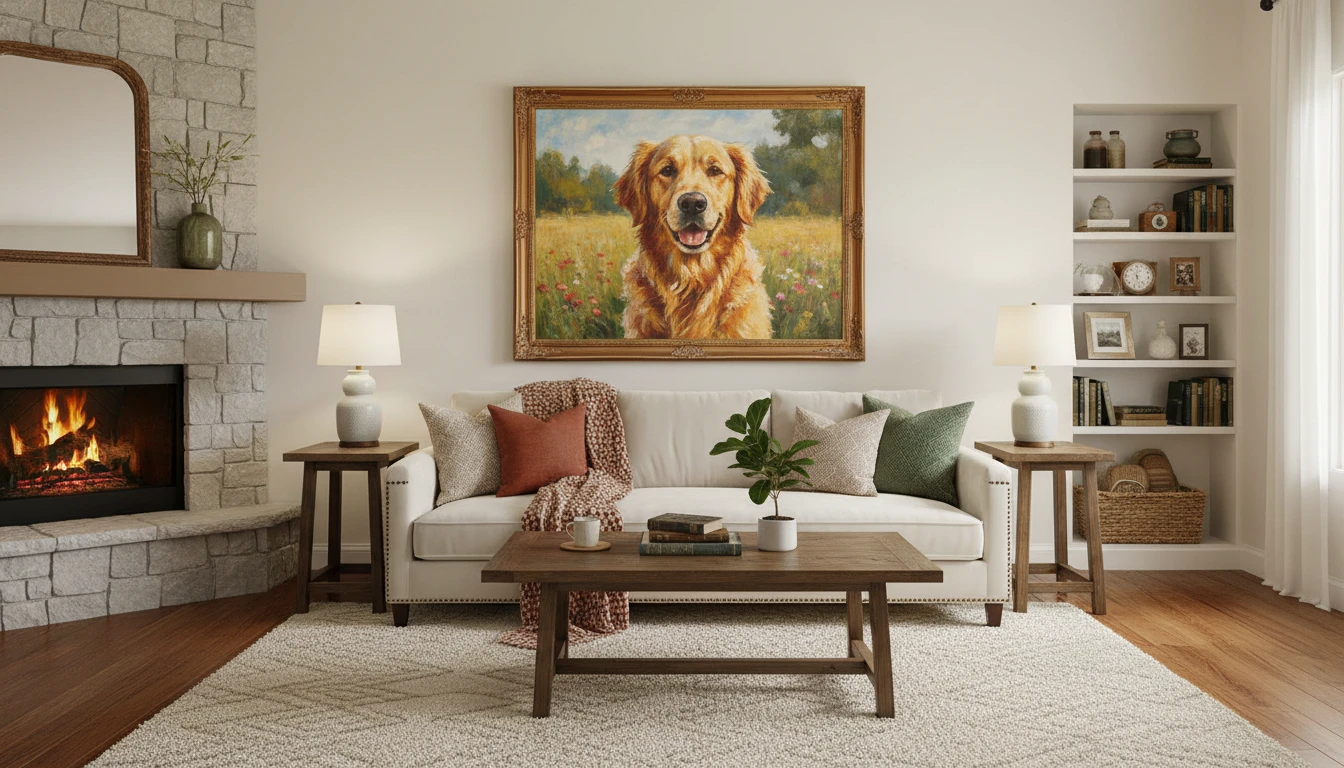
Wall Art and Home Decor
Print the restyled photo as canvas or a framed piece. The portrait starts from your upload, so it still looks like the animal on your couch.
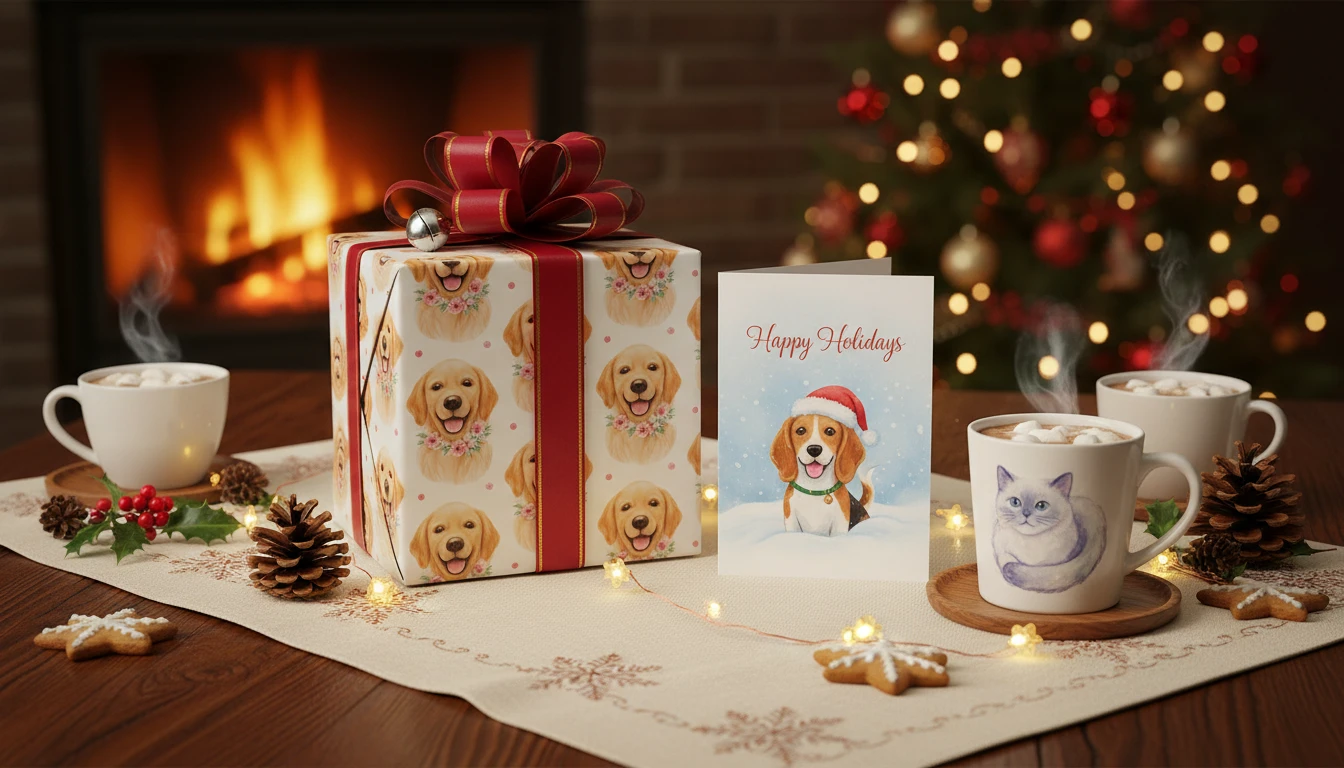
Gifts for Pet Lovers
Upload their pet photo, pick oil or watercolor, and print a mug, card, or frame. Better than a generic stock-animal gift.
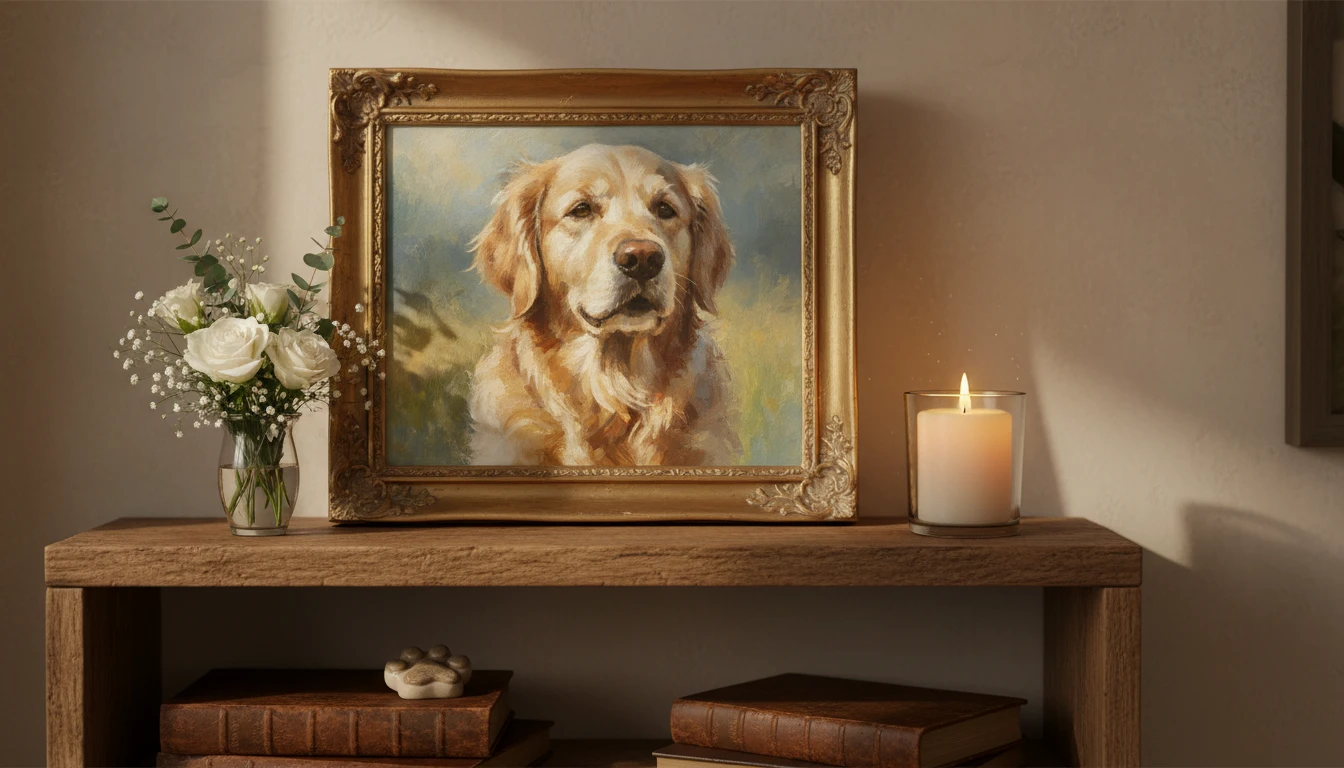
Adoption Day and Birthday Prints
Use a photo from the day you brought them home or a recent snapshot. Restyle it and drop it into a card without booking a photographer.
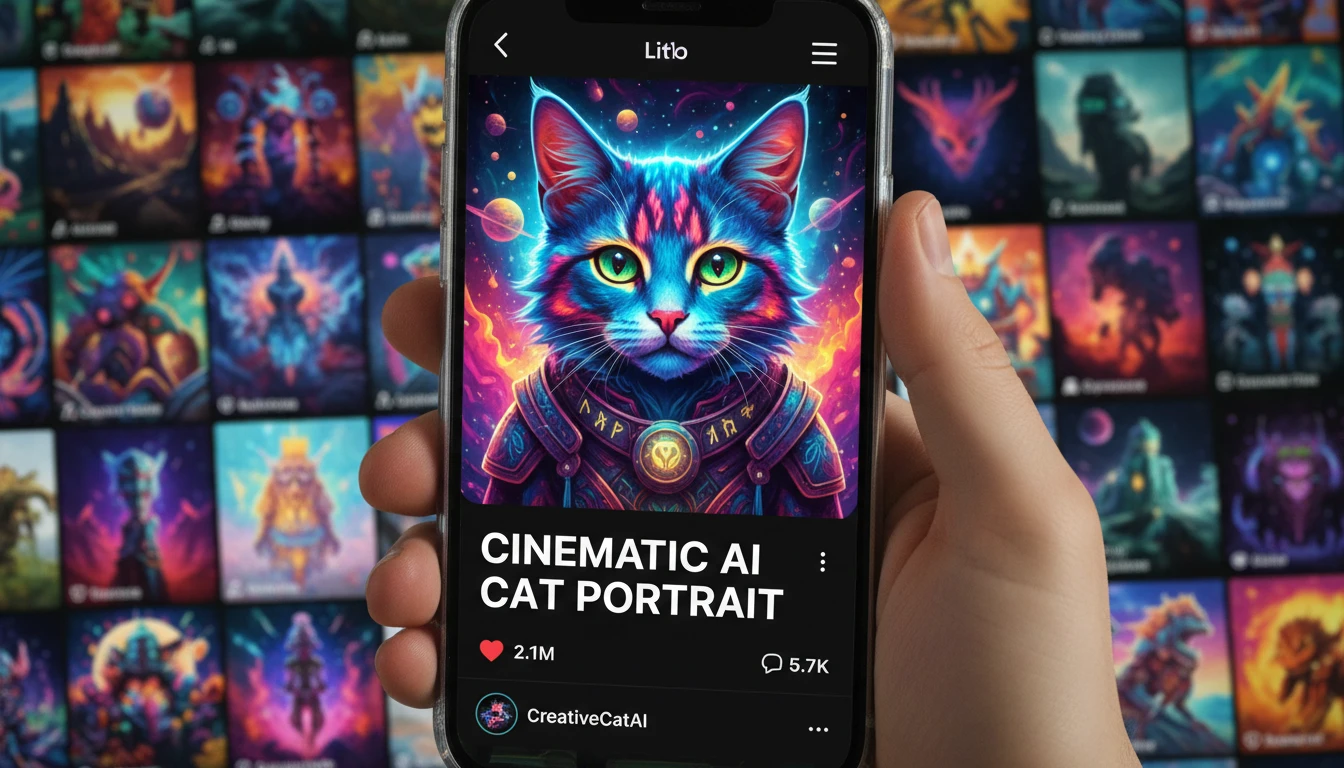
Social Media and Content
A cinematic or anime restyle of a real photo usually lands better than a random generated dog that is not yours.
How to Restyle a Pet Photo
Upload a photo, pick a look, and keep your pet recognizable in four steps
Upload a Clear Pet Photo
Use a front or three-quarter shot with the face in focus and markings visible. Daylight or bright indoor light works better than a dark couch snapshot. The style is applied to this photo, so identity depends on a sharp original.
Pick a Portrait Style
Choose photorealistic, oil painting, royal, watercolor, cinematic, anime, impressionist, pencil sketch, fantasy, or vintage. Each style is written to keep the face, markings, and coat the same.
Choose a Shape
Pick a square, portrait, or landscape ratio for prints, stories, or a feed post. Then generate. You can retake or replace the photo before you run it.
Download and Share
Save the restyled portrait and print, frame, or post it. The result is art from your photo, not a studio session and not a different pet.
Explore More
More AI Studio Tools
Discover other powerful AI tools to enhance your creative workflow
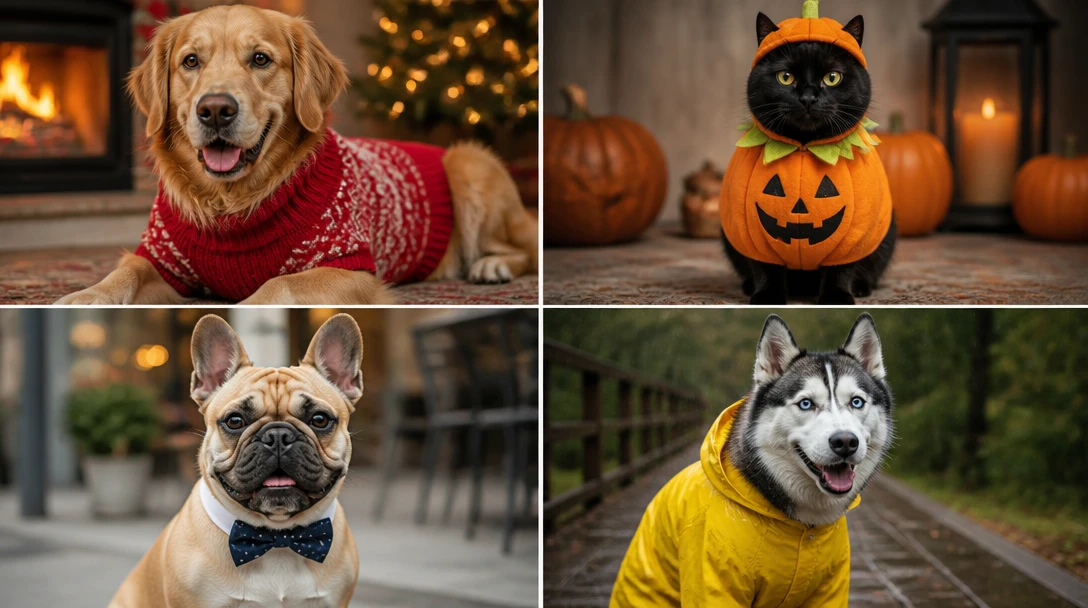
AI Pet Costume Generator
Dress any pet photo in sweaters, Halloween costumes, superhero capes, raincoats, holiday outfits, astronaut suits, and flower crowns. Keeps face, markings, and body shape the same.
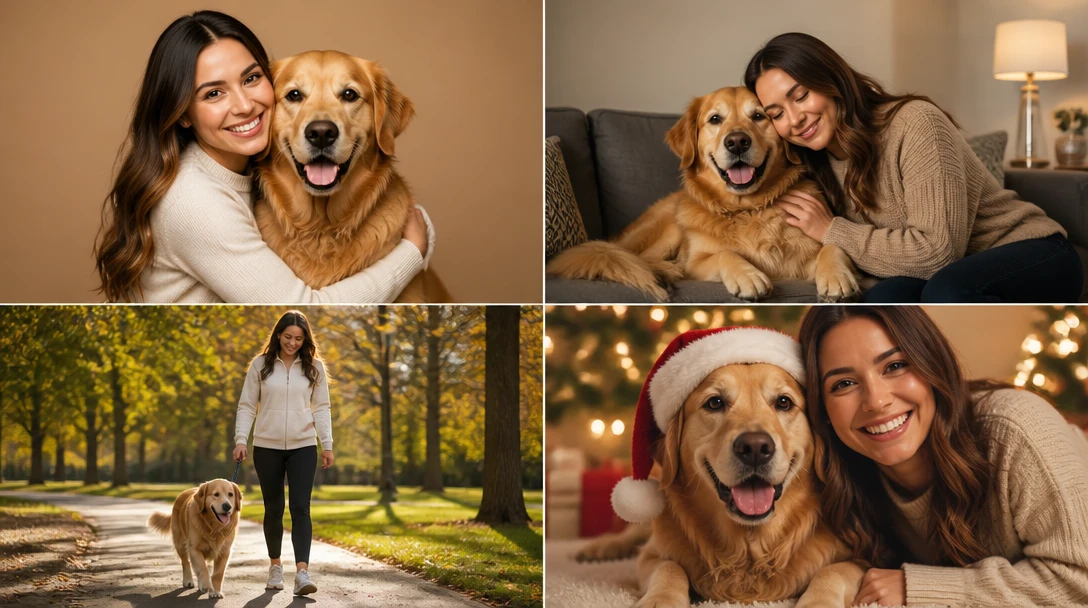
AI Pet and Owner Portrait
Upload a pet photo and a photo of you, then generate a shared studio, home, walk, picnic, or holiday-card portrait. Keeps both faces and the pet's markings recognizable.
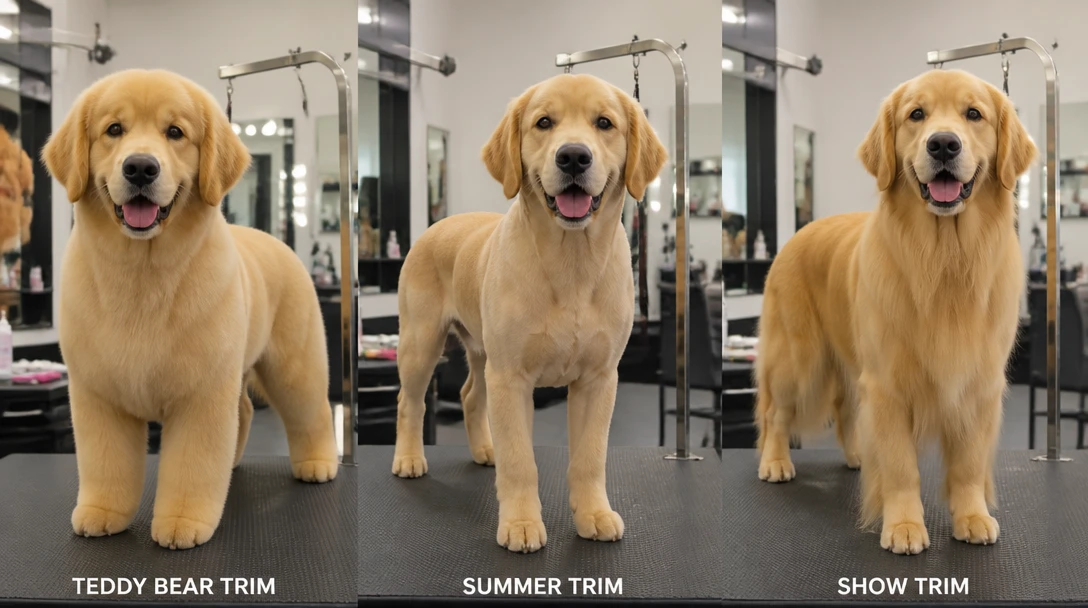
AI Pet Groom Preview
Preview teddy-bear, puppy cut, summer, lion, kennel, lamb, sporting, Asian fusion, terrier, and more on a pet photo. A look to show a groomer, not a salon plan.
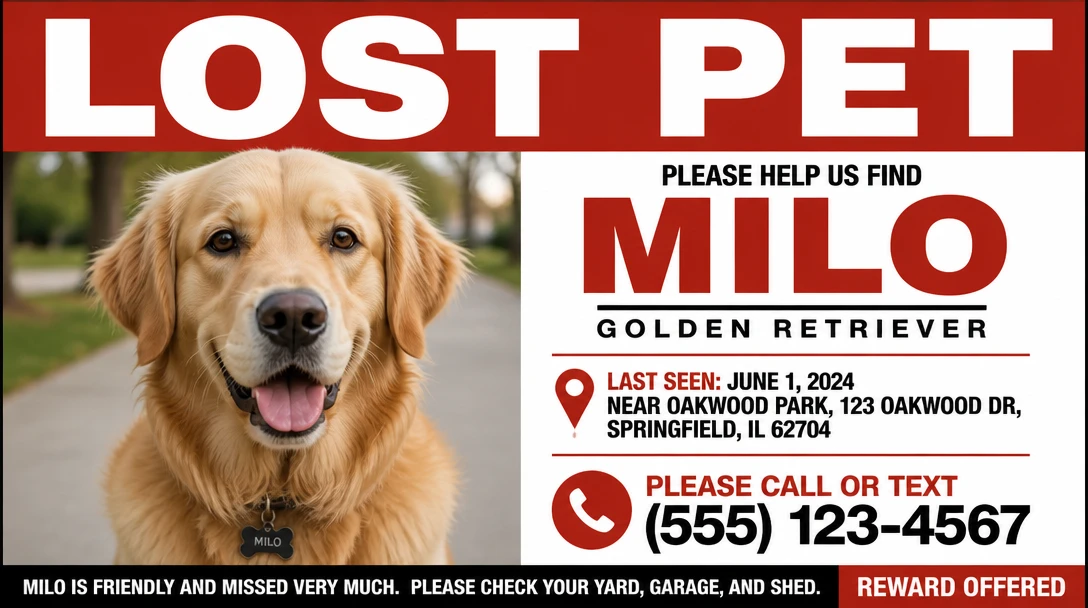
AI Lost Pet Flyer Maker
Turn a pet photo into a printable lost-pet flyer or square social post. Classic posters, neighborhood tear-offs, modern layouts, plus name, last seen, and contact space.
Opens in
Image Studio
Frequently Asked Questions
Everything you need to know to get started.
Do I need a photo of my pet?
Yes. This tool restyles the photo you upload. There is no text-only generate path — pick a photo first, then a style. A front or three-quarter shot with the face in focus works best.
Will the portrait still look like my pet?
That is the point. Styles keep face, markings, fur color, and body shape from the upload. A blurry or cropped face is the usual reason a result drifts.
What makes a good reference photo?
A clear, well-lit front-facing or 3/4 shot. The face should be visible and in focus. Daylight beats harsh flash. You can upload from your library or take a photo in the tool.
Which art style should I choose?
Photorealistic cleans up a snapshot. Royal oil and watercolor are for prints and gifts. Cinematic is for dramatic posts. Anime and pencil sketch are for stickers and profiles. Impressionist, fantasy, and vintage are extra art looks on the same pet.
What types of pets does this work for?
Any pet you can photograph clearly: dogs, cats, rabbits, birds, and others. Identity follows the photo, so a sharp face matters more than the species.
Can I use the portrait for merchandise or printing?
Yes. Downloads are high resolution and suitable for canvas, frames, mugs, cards, and other custom prints. You are restyling your own photo, not generating a random animal.
Turn a Pet Photo Into a Work of Art
Upload a photo, pick a style, and keep the same face and markings. Photorealistic, oil, royal, watercolor, anime, and more.
Create Your Pet PortraitDisclaimer: This tool uses generative AI technology which may produce content that resembles copyrighted materials or that is inaccurate, incomplete, or out-of-date. It is provided for general information and educational purposes only and is not intended for illegal activities or to replace professional advice, diagnosis, or treatment. Users are solely responsible for how they use the generated content. If you plan to use AI-generated content commercially or publicly, we strongly recommend reviewing it for potential copyright issues and obtaining proper permissions where necessary. We accept no liability for copyright infringement or any other consequences resulting from the use of content generated by this tool.