Dress Your Pet Without the Costume Struggle
Upload a clear photo and try a sweater, Halloween look, superhero cape, formal bow tie, raincoat, holiday outfit, astronaut suit, or flower crown. The generator keeps your pet's face, markings, fur color, and body shape so the result still looks like your pet — not a random animal in clothes.
Try a Costume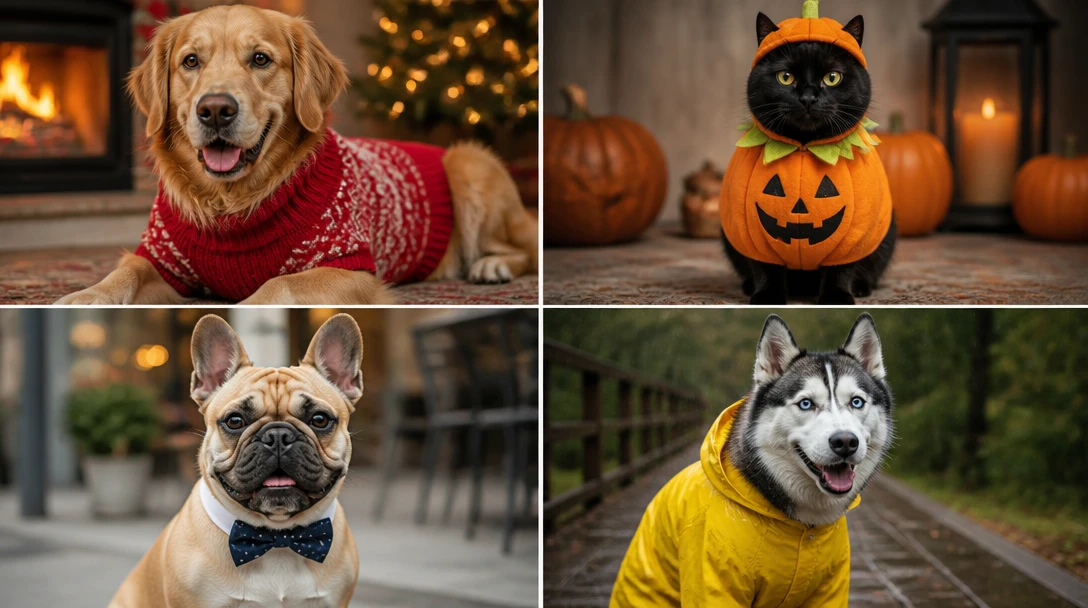
Upload Your Pet Photo
Upload a clear photo, then pick sweater, Halloween, cape, formal, raincoat, holiday, astronaut, or flower crown. Face and markings stay the same. We'll open AI Pet Studio next.
Drop your pet photo here
or take a photo — JPG, PNG or WebP, up to 15MB
Runs inside the AI Pet Studio — pet portraits in one place.
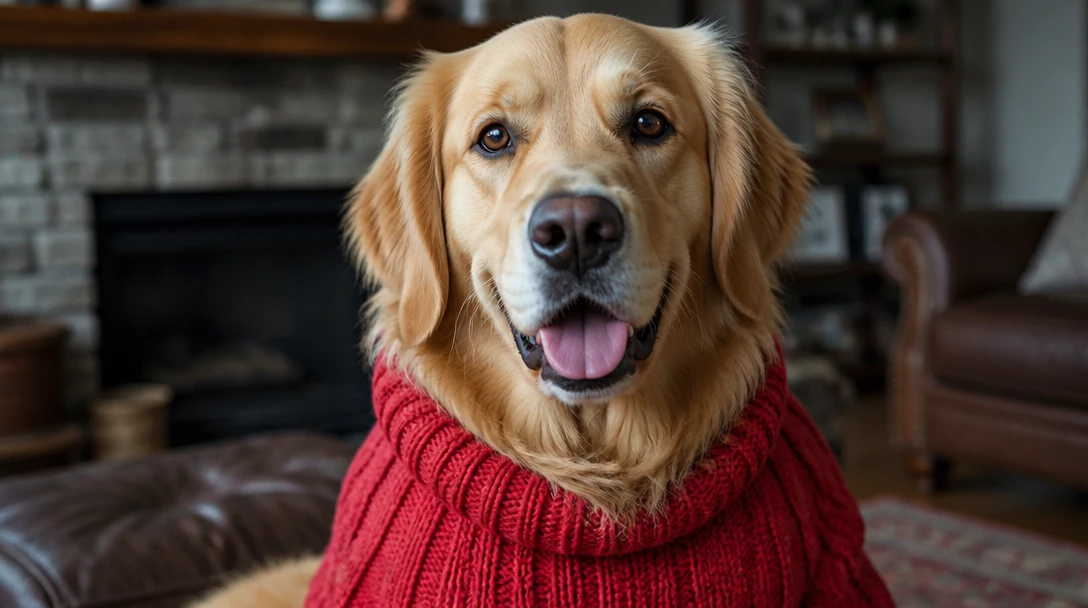
Sweaters and Everyday Wear
See your dog or cat in a cozy knit before you buy and wrestle a sweater over their ears. Useful for holiday cards, winter profile photos, and checking whether a color actually suits their coat.
Try a Sweater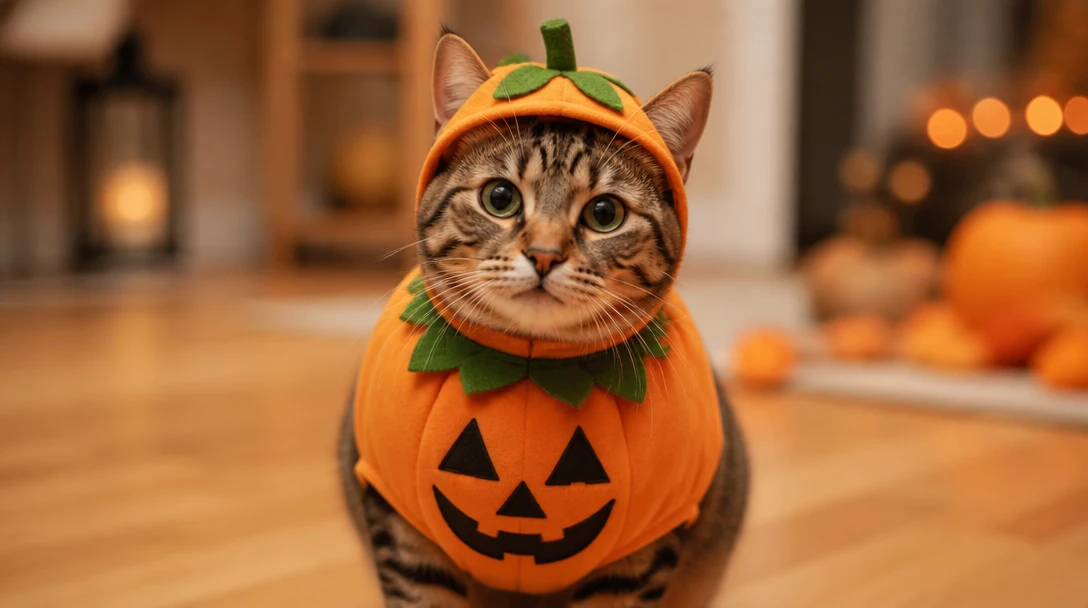
Halloween and Holiday Looks
Preview pumpkin, festive, or seasonal outfits for parties and cards. The face stays fully visible so the photo still reads as your pet, not a costume covering their head.
Try Halloween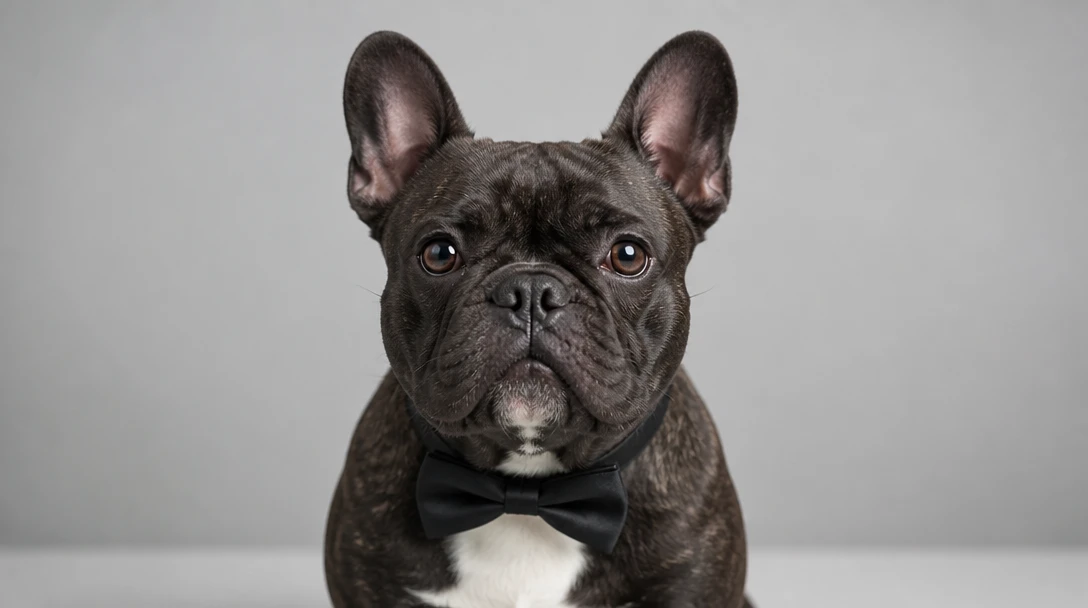
Formal Portraits and Character Looks
Bow ties, flower crowns, astronaut suits, and superhero capes for invitations, adoption-day posts, and social content. Studio lighting keeps both the outfit and the markings sharp.
Try a Formal Look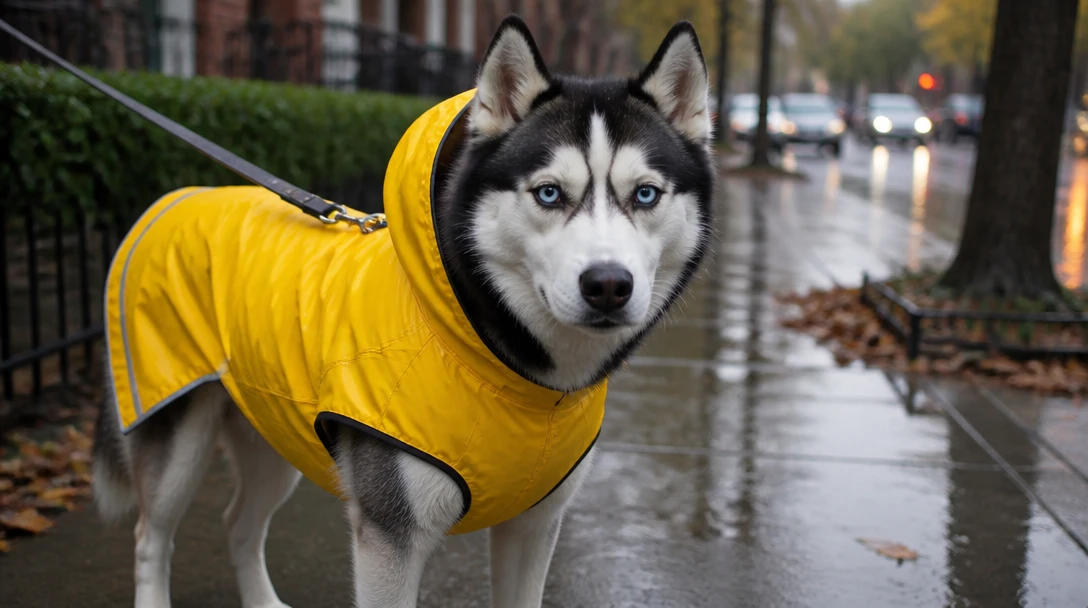
Raincoats and Outdoor Gear
Try a practical raincoat or wet-day look on a normal indoor photo. Helpful when you want a walk-in-the-rain picture without waiting for weather or buying gear first.
Try a RaincoatWhat People Create with Pet Costume Photos
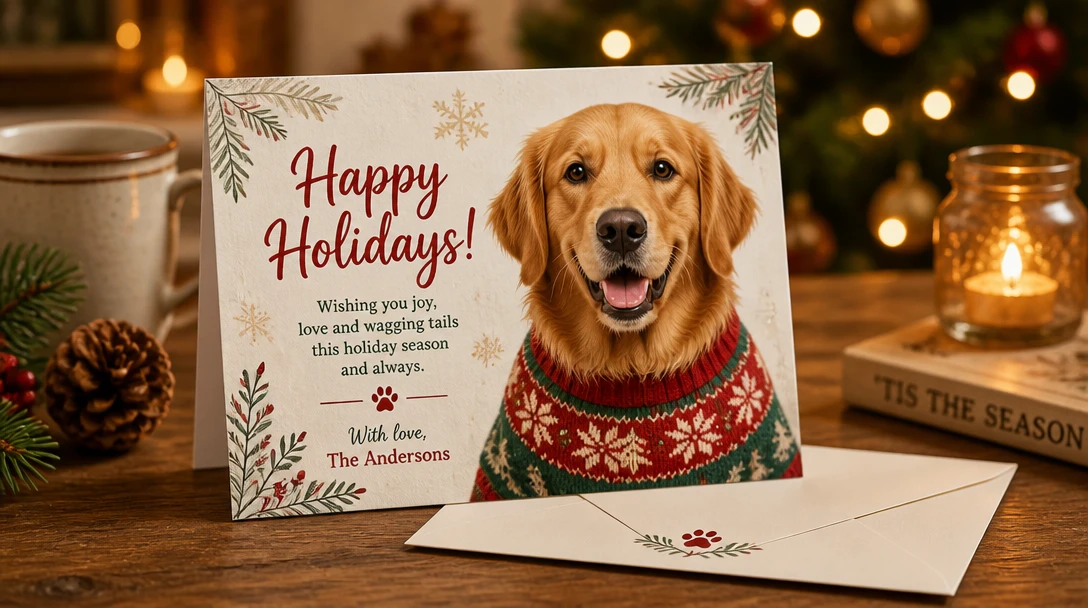
Holiday Cards and Invitations
Generate a festive or formal look for cards, party invites, and family updates without a real costume session. Download and drop the image into any print or digital card.
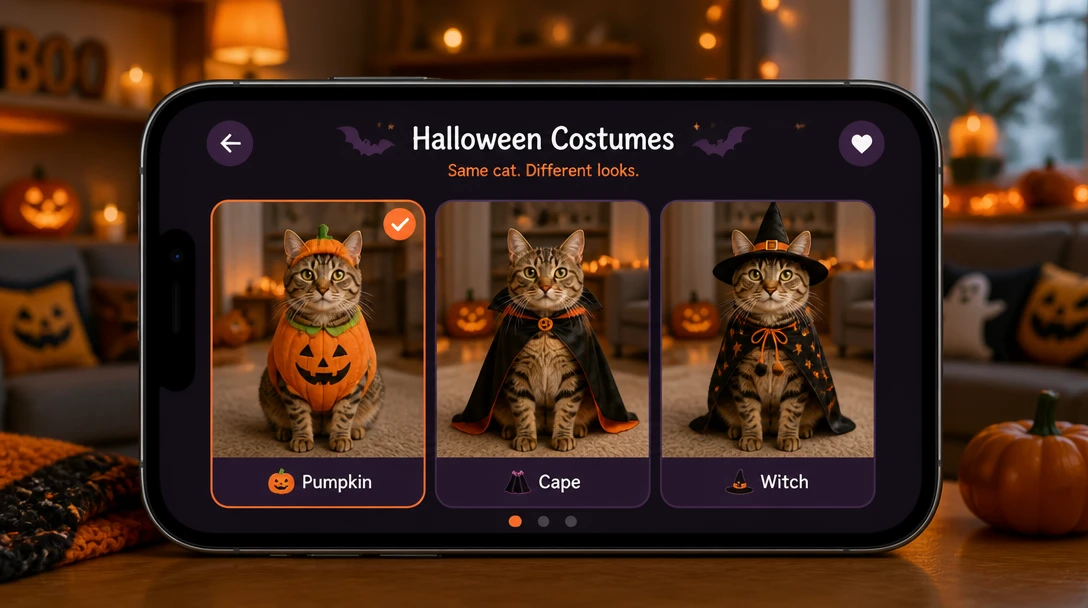
Halloween Previews
Show a few costume options to friends or kids before you spend money. If the look feels too bulky or covers the face, pick another style and generate again.
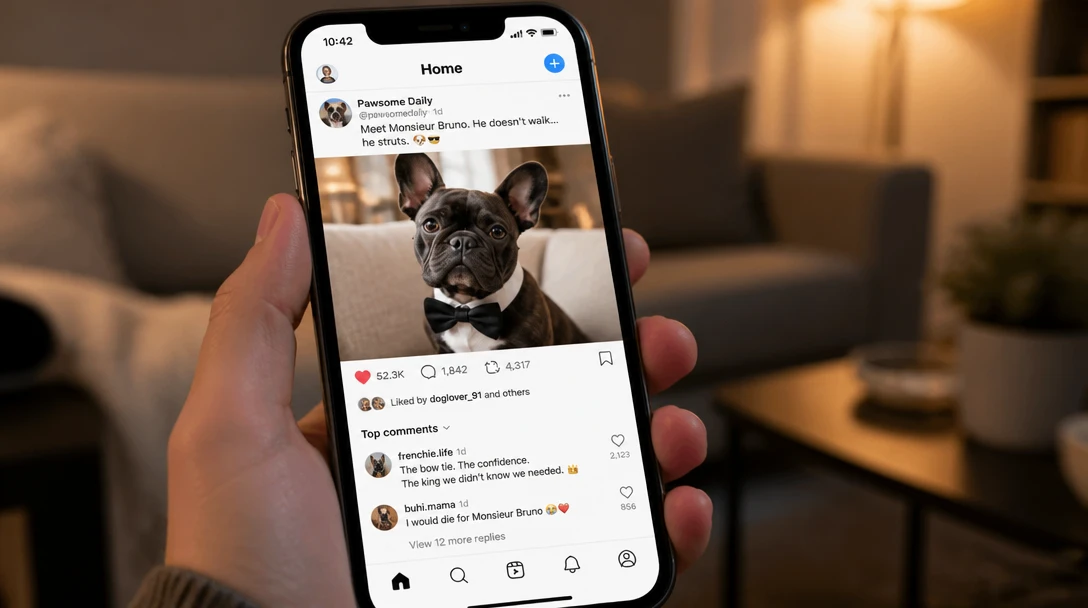
Social Posts and Profile Photos
Capes, flower crowns, and studio bow ties tend to get more comments than a plain snapshot. Keep the identity lock so followers still recognize your pet.
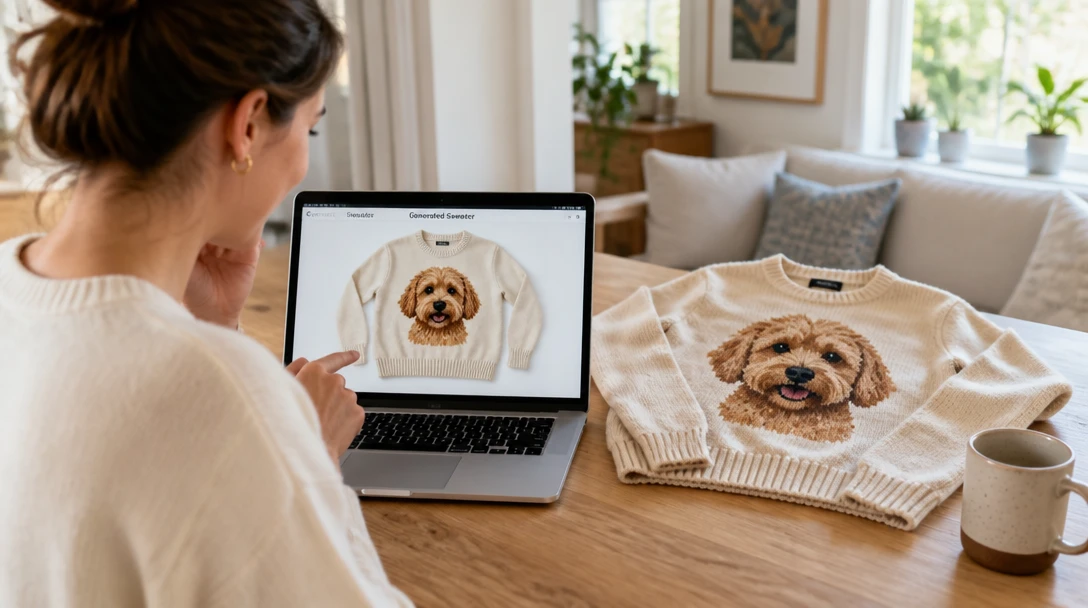
Shopping Before You Buy
Use the preview to decide color, style, and whether a real sweater or raincoat is worth it. The image is a look, not a guarantee of fit or comfort on a live animal.
How to Create a Pet Costume Photo
Upload a photo, pick a look, and keep your pet recognizable in four steps
Upload a Clear Pet Photo
Use a front or three-quarter shot with the face in focus and markings visible. Daylight or bright indoor light works better than a dark couch snapshot. The costume is added to this photo, so identity depends on a sharp original.
Pick a Costume Style
Choose sweater, Halloween, superhero, formal, raincoat, holiday, astronaut, or flower crown. Each style is written to keep the face, markings, fur color, and body shape the same.
Choose a Shape
Pick a square, portrait, or landscape ratio for cards, stories, or a feed post. Then generate. You can replace or retake the photo before you run it.
Download and Share
Save the image for cards, social posts, or to decide whether a real costume is worth buying. Do not treat the result as a fit guide — real garments still need to be sized and introduced safely.
Explore More
More AI Studio Tools
Discover other powerful AI tools to enhance your creative workflow
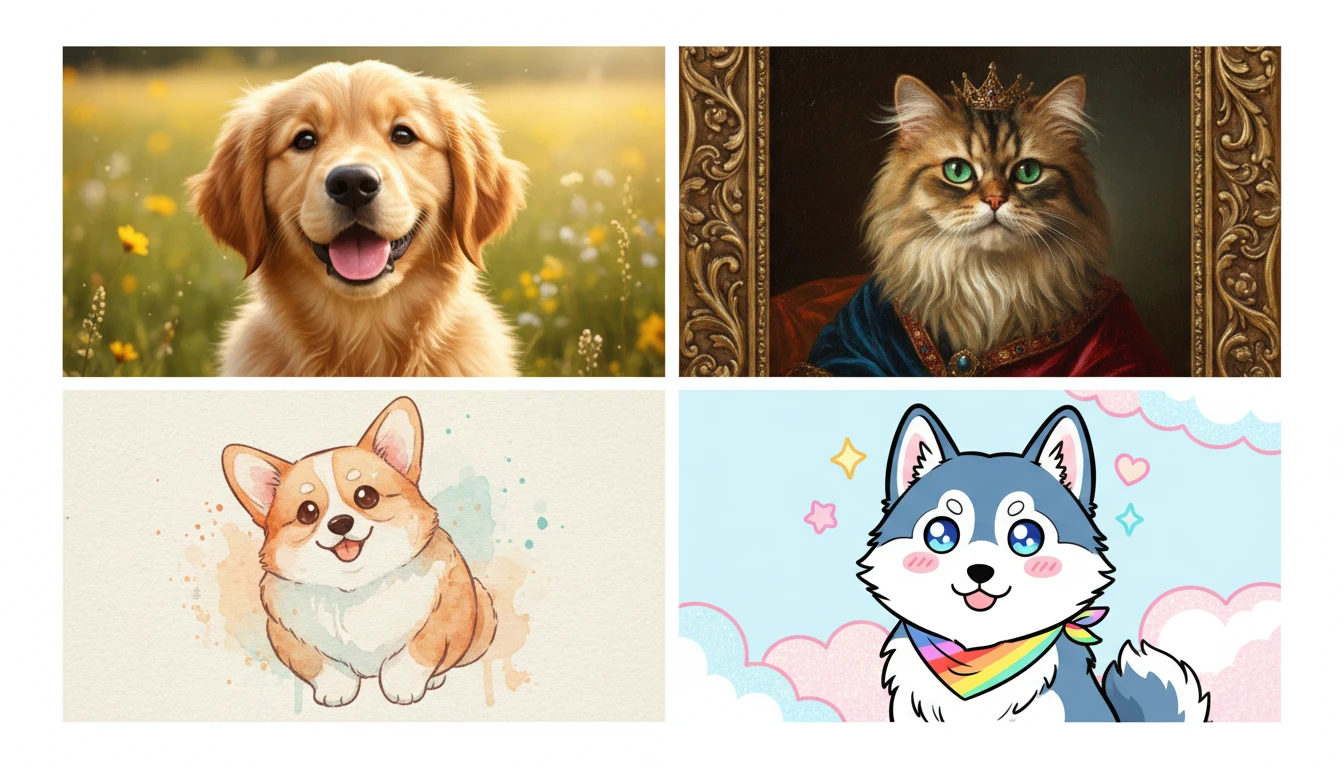
AI Pet Portrait Generator
Upload a pet photo and restyle it as a photorealistic, oil, royal, watercolor, anime, or vintage portrait. Face and markings stay the same.
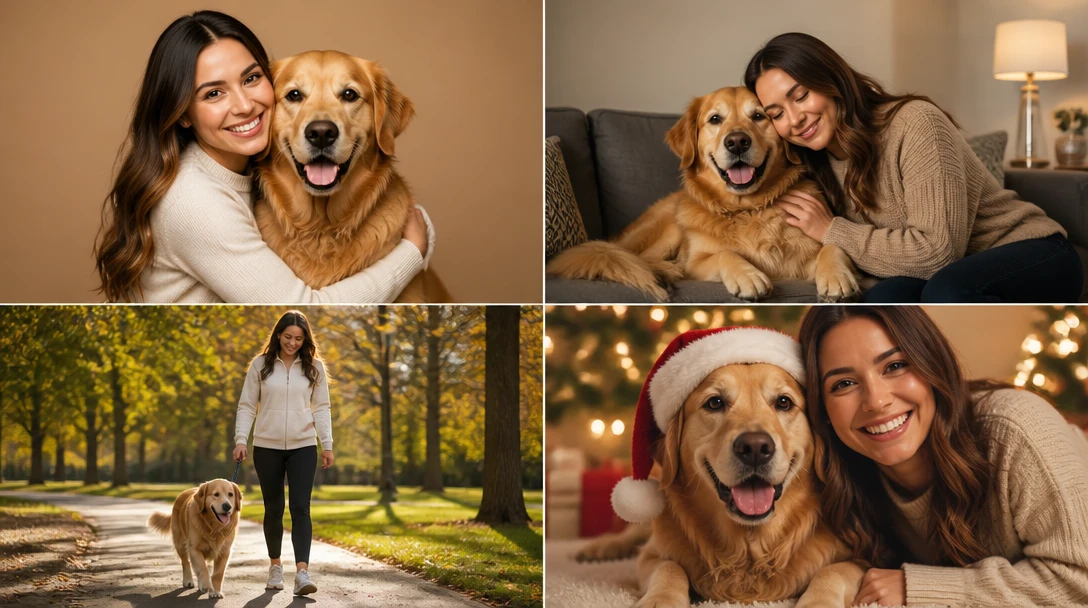
AI Pet and Owner Portrait
Upload a pet photo and a photo of you, then generate a shared studio, home, walk, picnic, or holiday-card portrait. Keeps both faces and the pet's markings recognizable.
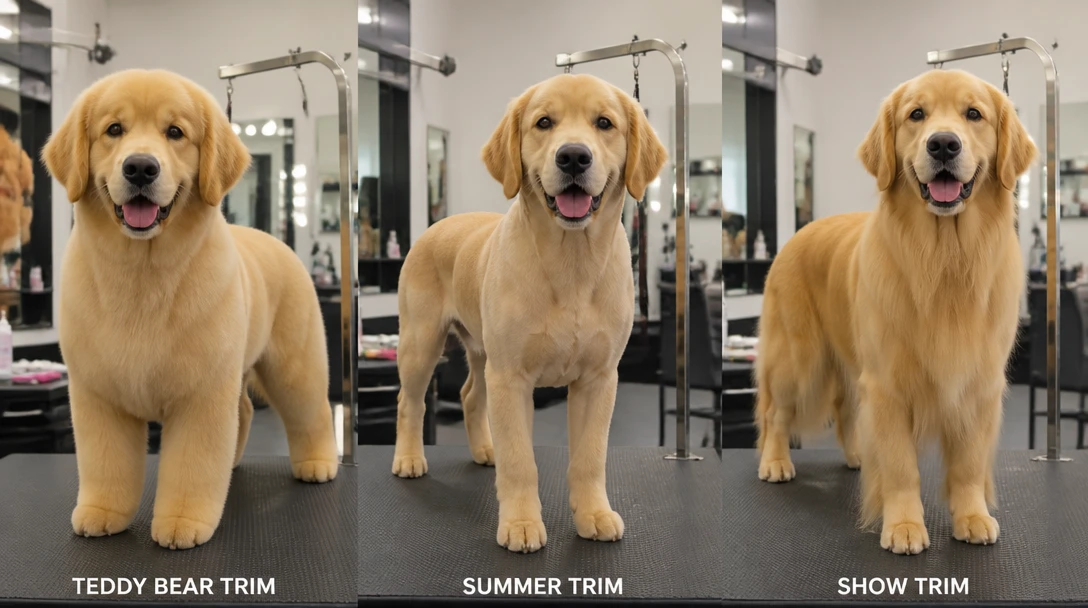
AI Pet Groom Preview
Preview teddy-bear, puppy cut, summer, lion, kennel, lamb, sporting, Asian fusion, terrier, and more on a pet photo. A look to show a groomer, not a salon plan.
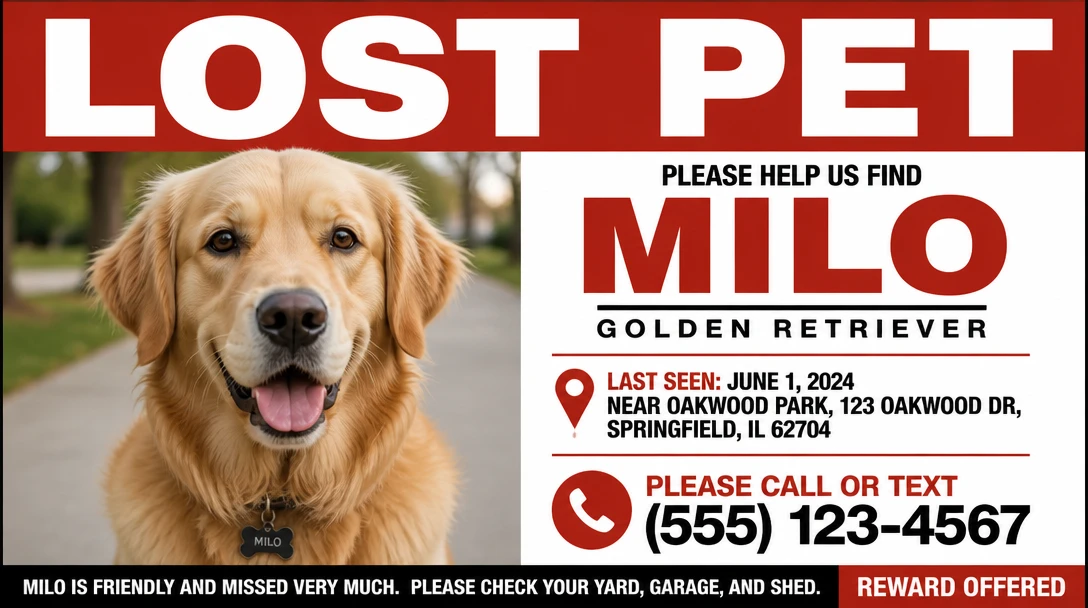
AI Lost Pet Flyer Maker
Turn a pet photo into a printable lost-pet flyer or square social post. Classic posters, neighborhood tear-offs, modern layouts, plus name, last seen, and contact space.
Opens in
Image Studio
Frequently Asked Questions
Everything you need to know to get started.
Will my pet still look like my pet?
Yes — that is the point of this tool. Styles are written to keep face, markings, fur color, and body shape the same and only add the outfit. A sharp, well-lit photo with the face clearly visible gives the closest match. Blurry or heavily cropped photos are more likely to drift.
Do I need a real costume?
No. Upload a normal photo and the generator adds the outfit. That is useful for cards, posts, and previews. If you later buy a real costume, size it for your pet and never force an outfit that restricts breathing, vision, or movement.
What pets does this work for?
Dogs and cats work best because the styles are tuned for those body shapes. Rabbits, small mammals, and other pets can work if the face is clear and well lit. Very small faces or photos taken from far away are harder to keep accurate.
Which costume style should I pick?
Sweater and raincoat are everyday looks. Halloween and holiday are seasonal. Formal and flower crown suit cards and portraits. Superhero and astronaut are playful character looks — the visor stays open so the face is not hidden.
Do I type a costume description?
No. Upload a photo and pick a costume style. The outfit comes from the style you tap — sweater, Halloween, cape, formal, raincoat, holiday, astronaut, or flower crown. There is no describe step.
Can I use the image commercially or for print?
You can download a high-resolution image for personal cards, prints, and social posts. If you need merchandise or a commercial campaign, follow RauGen's current terms for generated images and do not present the photo as a real product shot of a garment you sell.
Try a Costume on Your Pet Photo
Sweaters, Halloween looks, capes, raincoats, and holiday outfits — without the wriggling. Face and markings stay yours.
Open Pet Costume GeneratorDisclaimer: This tool uses generative AI technology which may produce content that resembles copyrighted materials or that is inaccurate, incomplete, or out-of-date. It is provided for general information and educational purposes only and is not intended for illegal activities or to replace professional advice, diagnosis, or treatment. Users are solely responsible for how they use the generated content. If you plan to use AI-generated content commercially or publicly, we strongly recommend reviewing it for potential copyright issues and obtaining proper permissions where necessary. We accept no liability for copyright infringement or any other consequences resulting from the use of content generated by this tool.