A Portrait of You and Your Pet
Upload a photo of both of you together, or a pet photo plus a short description of you. Choose studio, at home on the sofa, a walk, a picnic, or a holiday card. The generator is written to keep both faces and the pet's markings, so the result still looks like the two of you.
Make a Shared Portrait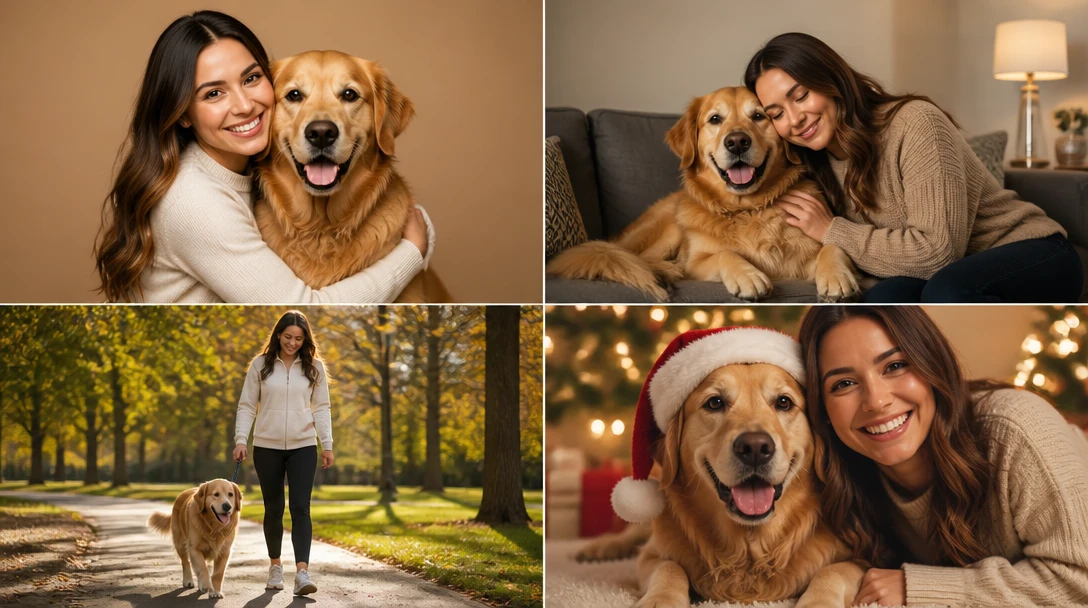
Upload Your Pet Photo
Start with a clear pet photo. Next you'll add a photo of you, then pick studio, sofa, walk, picnic, or holiday card. Both faces stay recognizable. We'll open AI Pet Studio next.
Drop your pet photo here
or take a photo — you'll add the owner photo in the next steps
Runs inside the AI Pet Studio — pet portraits in one place.
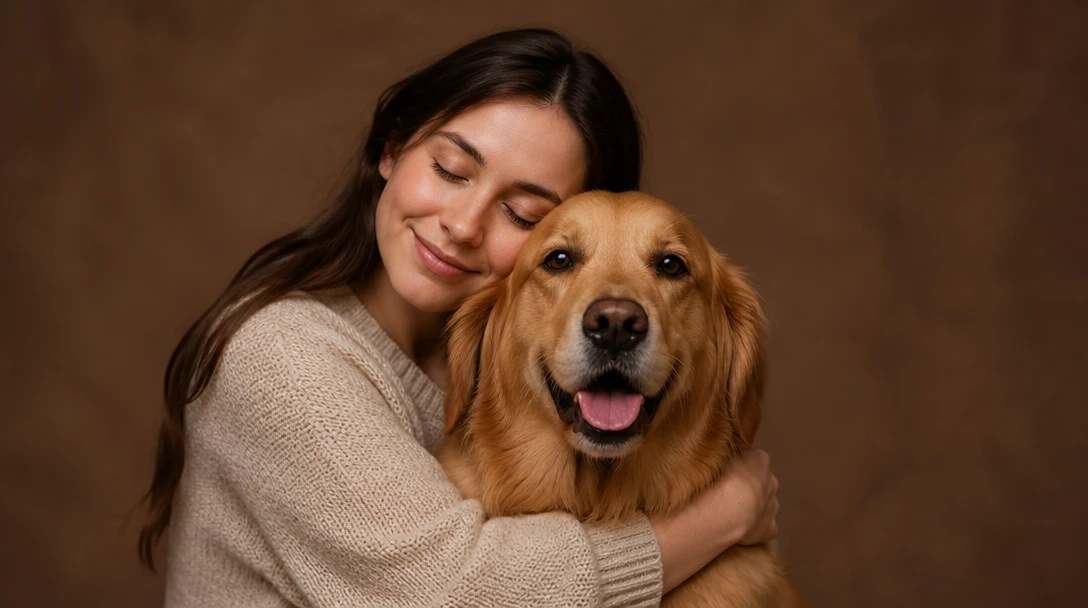
Studio Portraits
Clean backdrop, warm professional light, and a hug or sit-together pose. Useful for prints, framed photos, and profile pictures when you never got a real studio session.
Try Studio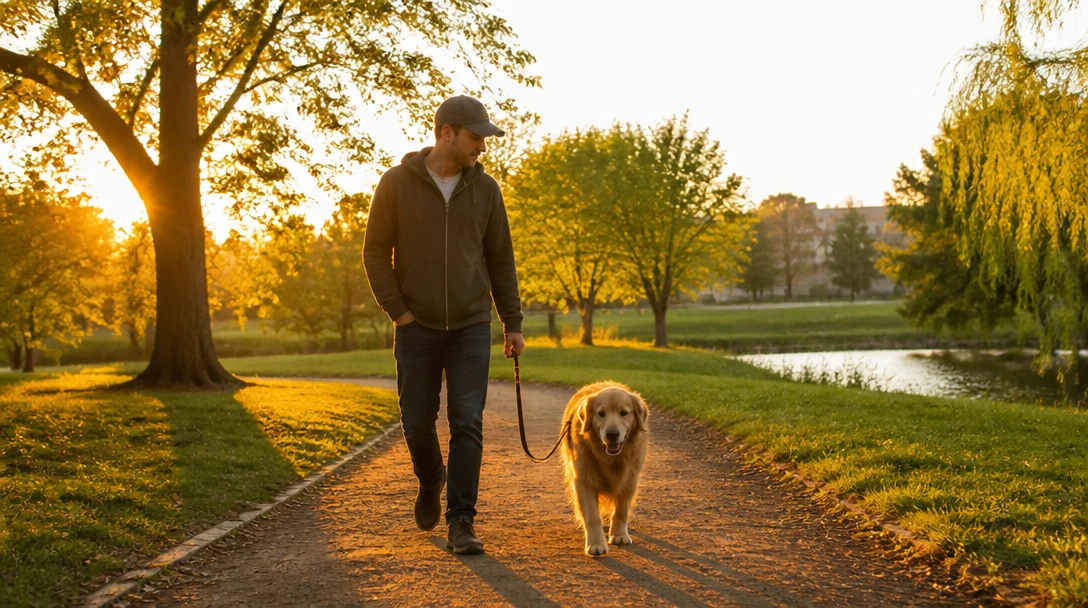
At Home on the Sofa
A cozy window-lit look on the couch. Everyday clothes, a relaxed pose, and both faces clear — the kind of photo people mean to take and never do.
Try At Home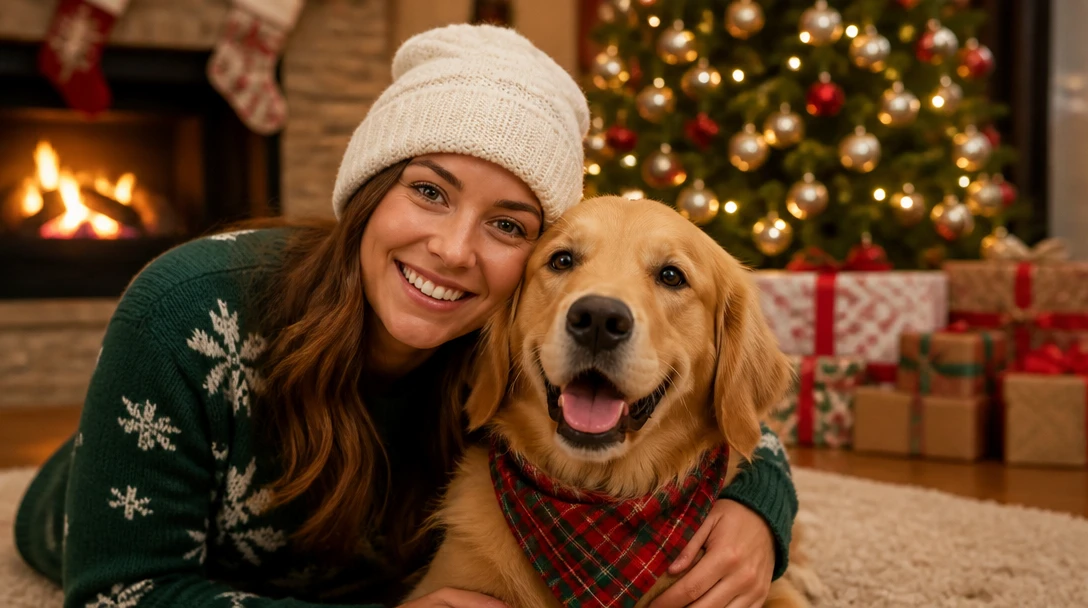
Walks and Picnics
Outdoor looks on a park path or a blanket. Golden-hour light keeps both faces readable instead of turning the pet into a silhouette.
Try Outdoor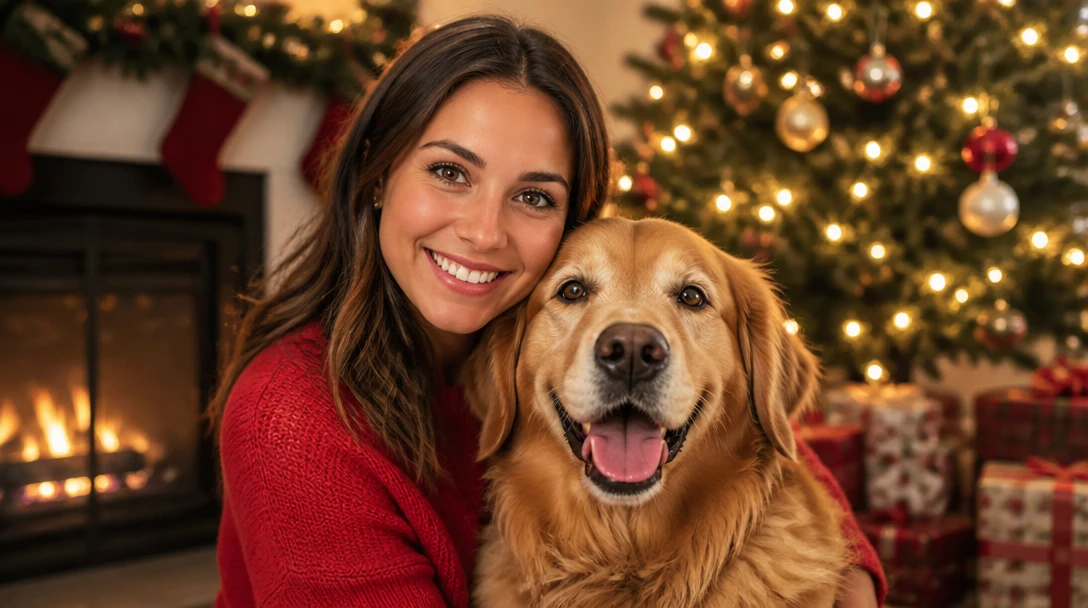
Holiday Cards
A festive card portrait without a wriggling photo session. Faces stay fully visible so relatives can actually see who is in the picture.
Try HolidayWhat People Make with Shared Pet Portraits
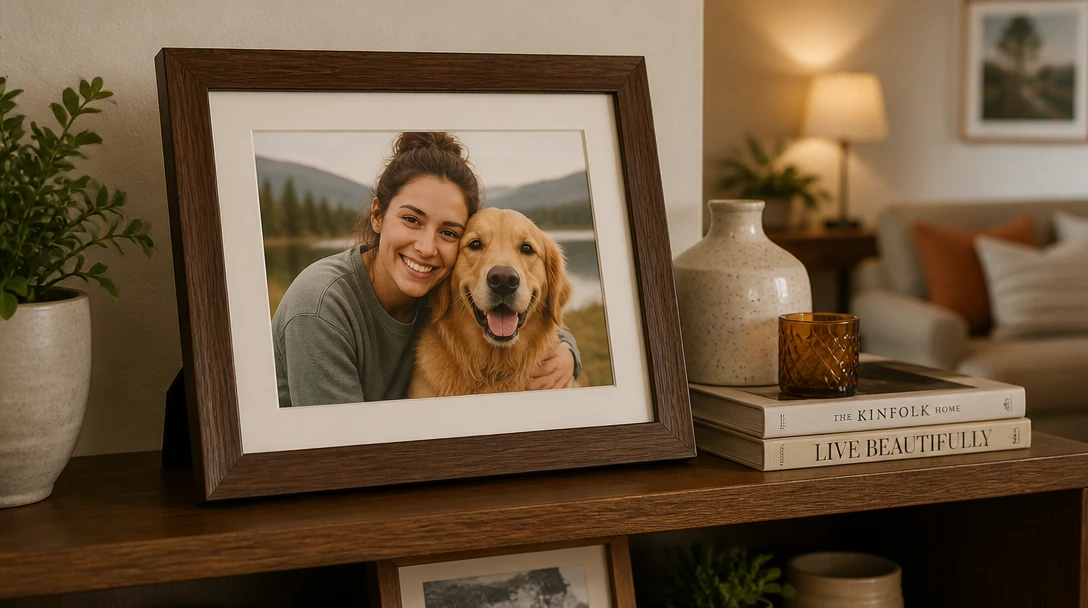
Prints and Frames
Download a studio or sofa portrait and print it for a shelf, desk, or hallway. A single clear photo of both of you is easier to live with than a dozen failed selfies.
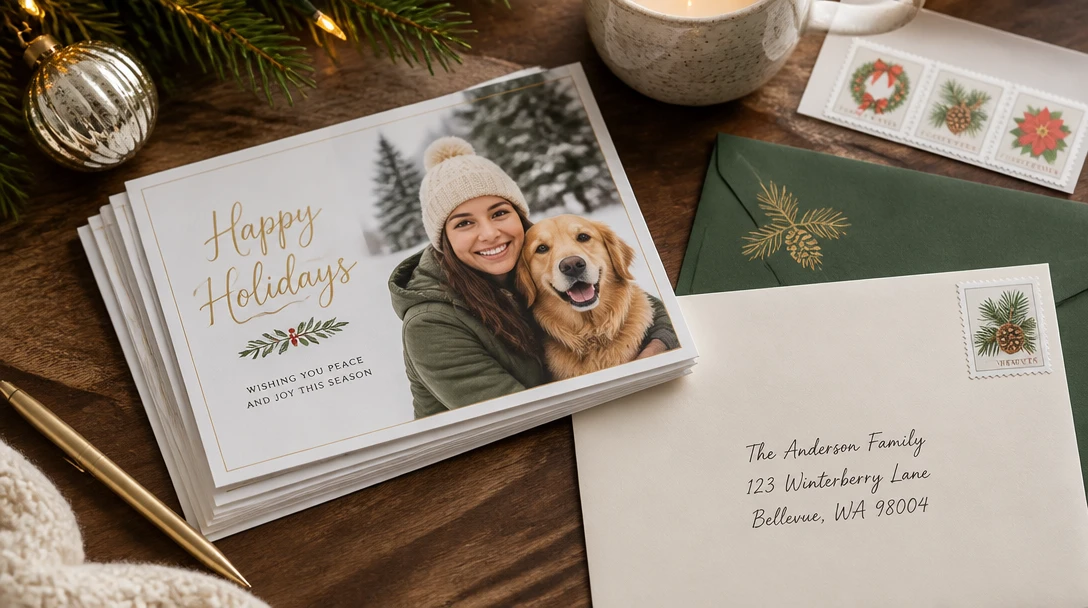
Holiday and Greeting Cards
Generate a holiday-card look, then drop it into any card template. Useful when the pet will not sit still for a real session.
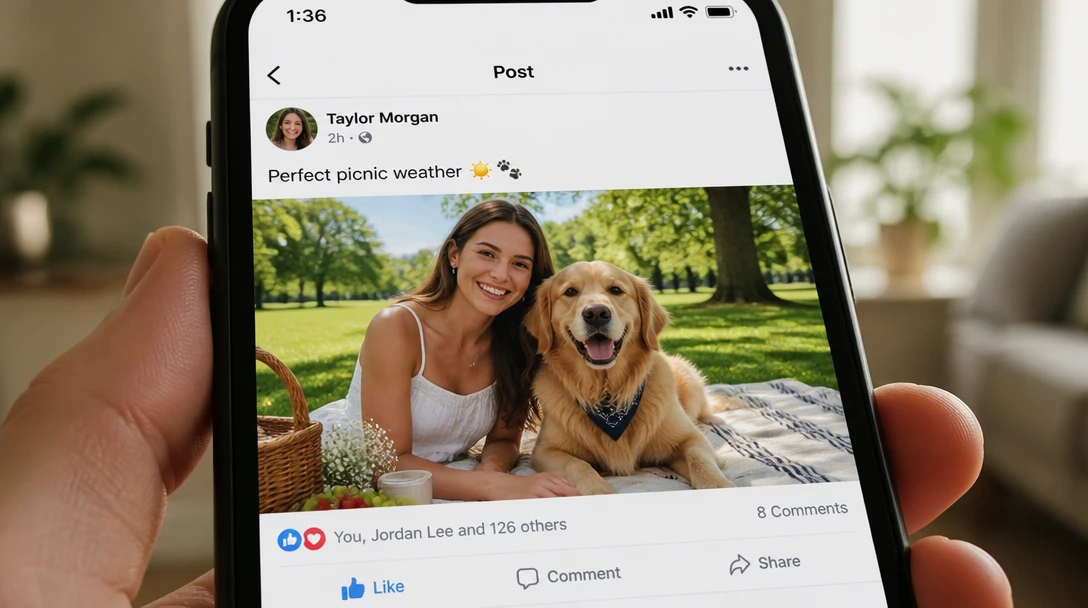
Adoption-Day and Birthday Posts
A picnic or walk portrait works for adoption anniversaries and birthday posts. Keep the identity lock so friends recognize both of you.
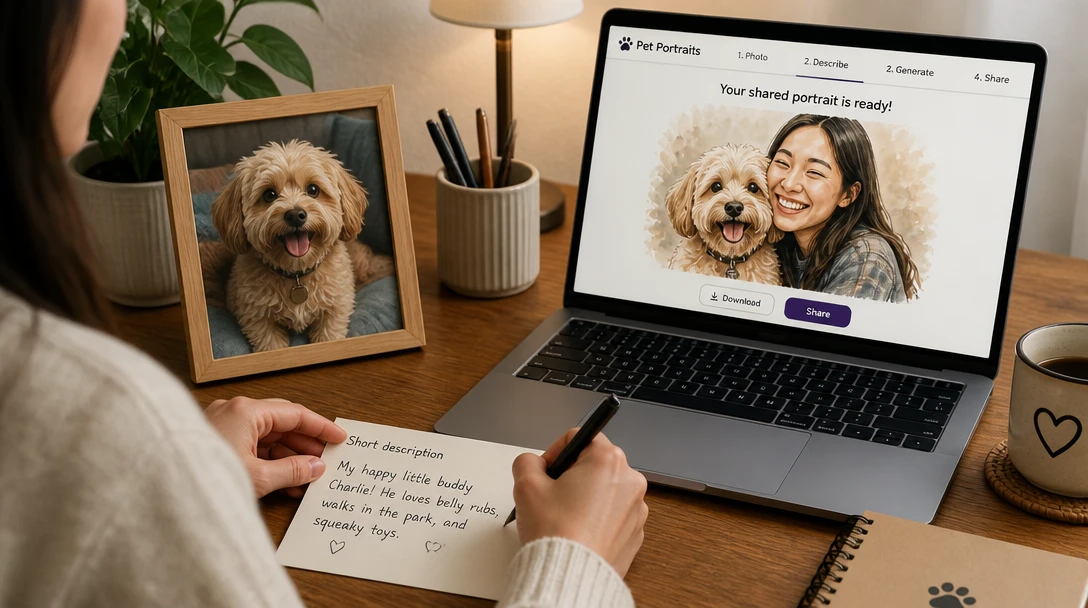
When You Only Have Separate Photos
If you do not have a shot of both of you, upload the pet and describe yourself: hair, clothes, and setting. A photo of both of you still matches more closely.
How to Make a Pet and Owner Portrait
Upload, pick a setting, and keep both faces recognizable
Upload a Photo
A shot of both of you together works best. If you only have a pet photo, add a short description of yourself in the next step: hair, clothes, and roughly how you want to sit or stand.
Pick a Setting
Choose studio, at home, walk, picnic, or holiday card. Each setting keeps both faces and the pet's markings as the priority over props and background.
Add Optional Details
Mention clothes, a location, or a pose if you want, for example "blue sweater, sitting on the sofa" or "walking a leaf-covered path". Keep it short so faces stay accurate.
Download and Print
Save the portrait for prints, cards, or social posts. If a face drifts, try a sharper original or a photo that already shows both of you.
Explore More
More AI Studio Tools
Discover other powerful AI tools to enhance your creative workflow
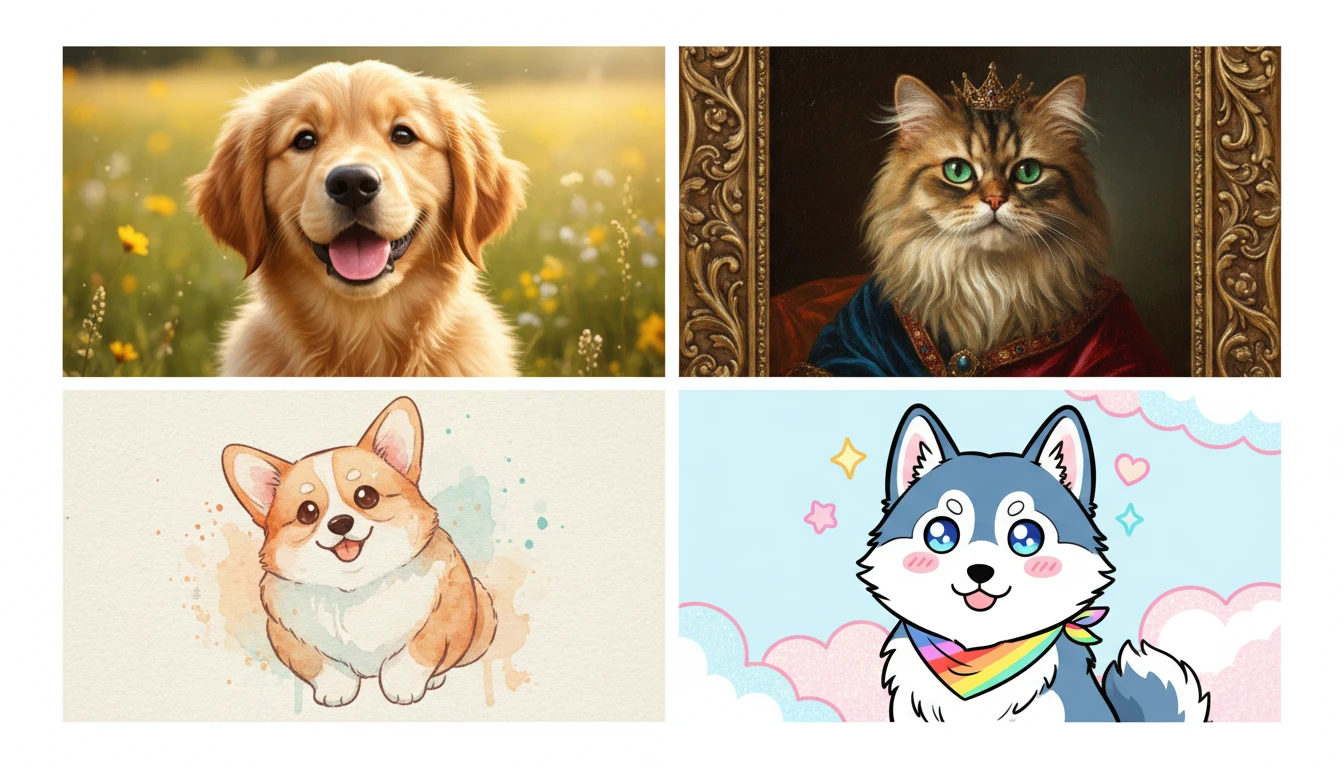
AI Pet Portrait Generator
Upload a pet photo and restyle it as a photorealistic, oil, royal, watercolor, anime, or vintage portrait. Face and markings stay the same.
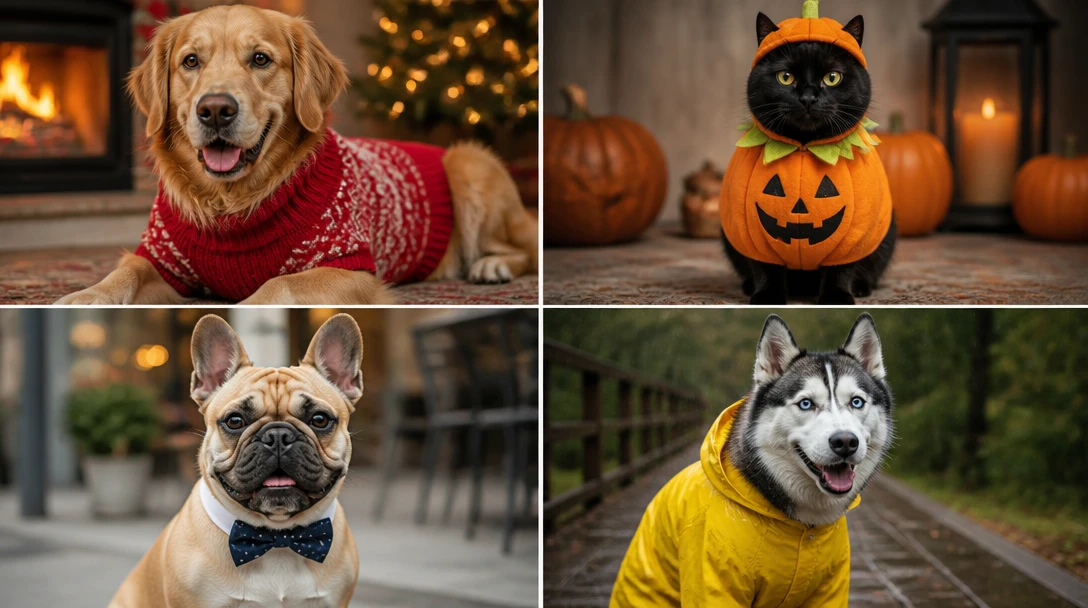
AI Pet Costume Generator
Dress any pet photo in sweaters, Halloween costumes, superhero capes, raincoats, holiday outfits, astronaut suits, and flower crowns. Keeps face, markings, and body shape the same.
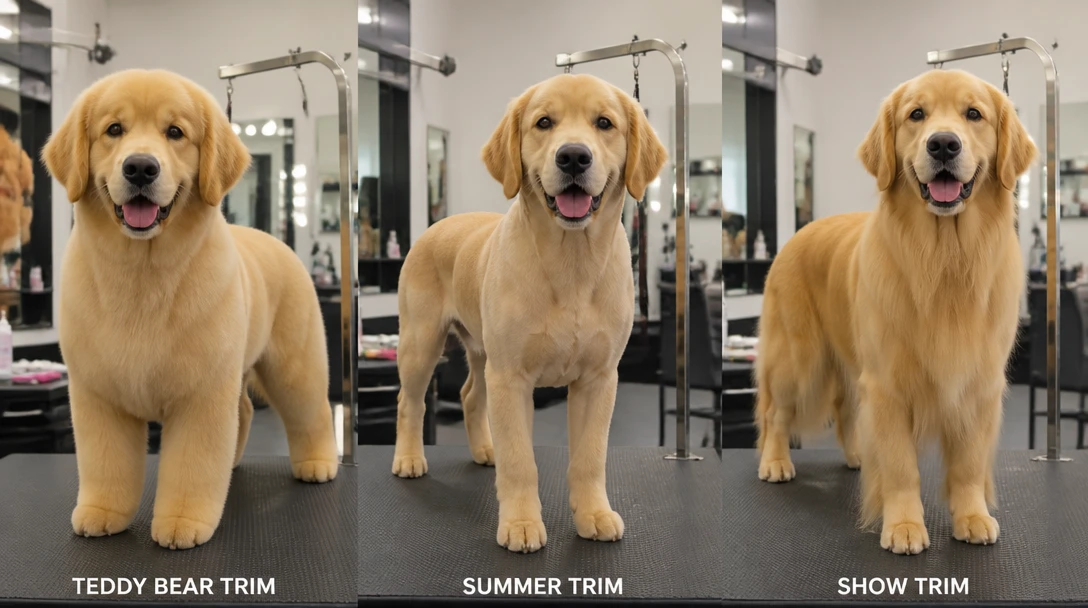
AI Pet Groom Preview
Preview teddy-bear, puppy cut, summer, lion, kennel, lamb, sporting, Asian fusion, terrier, and more on a pet photo. A look to show a groomer, not a salon plan.
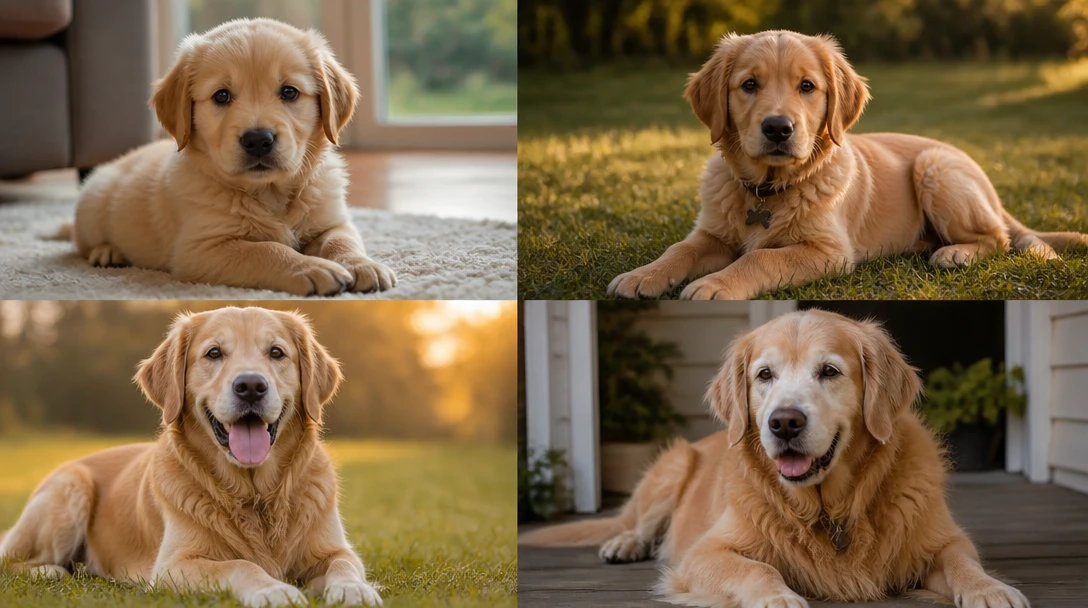
AI Pet Age Look
See an artistic puppy, adolescent, adult, or senior look from a pet photo. Keeps face and markings. Not a medical prediction of size, health, or lifespan.
Opens in
Image Studio
Frequently Asked Questions
Everything you need to know to get started.
Do we both need to be in the photo?
A photo of both of you is best and usually keeps both faces closer to reality. If you only have a pet photo, describe yourself in the prompt: hair color and length, clothes, and the setting. Results are more of an illustration of "you and the pet" than a true likeness of you in that case.
Will we still look like us?
The styles are written to keep both faces and the pet's markings. Sharp, well-lit photos match more closely. Sunglasses, heavy shadows, or a tiny face in the corner of a group shot make identity harder to hold.
What if I only have a selfie and a separate pet photo?
Upload the clearest photo you have of the pair if one exists. If not, start with the pet photo and describe yourself. You can generate more than once and pick the version where both faces feel right.
Which setting should I choose?
Studio is clean for prints. At home is casual. Walk and picnic feel outdoor and seasonal. Holiday card is for festive layouts with faces still fully visible — not buried in props.
What pets work best?
Dogs and cats are the most reliable. Other pets can work if they are large enough in the frame for the face and markings to read. A hamster in the far corner of a sofa photo will not hold identity well.
Can I print the result?
Yes. Download the image and print it as you would any photo. For a large canvas, start from a sharp original and a studio or sofa setting so faces stay detailed.
Make a Portrait of You and Your Pet
Studio, sofa, walk, picnic, or holiday card — both faces stay recognizable, without the wriggling.
Open Pet and Owner PortraitDisclaimer: This tool uses generative AI technology which may produce content that resembles copyrighted materials or that is inaccurate, incomplete, or out-of-date. It is provided for general information and educational purposes only and is not intended for illegal activities or to replace professional advice, diagnosis, or treatment. Users are solely responsible for how they use the generated content. If you plan to use AI-generated content commercially or publicly, we strongly recommend reviewing it for potential copyright issues and obtaining proper permissions where necessary. We accept no liability for copyright infringement or any other consequences resulting from the use of content generated by this tool.