Get a Complete Description and Analysis of Any Image
Upload any image and get a structured report with subjects, mood, accessibility alt text, SEO keywords, and content use suggestions.
Describe an Image
Image Description Generator
Upload any image and get a structured description covering subjects, visual elements, mood, accessibility alt text, SEO keywords, and content use suggestions.
Upload an image to describe
Works with any image type: products, people, landscapes, architecture, artwork, diagrams, and more.
or drag and drop an image here
Results
Image Description Generator
Image Description Generator
Upload a photo on the left and click analyse to see the results.
- Main subject and setting identification
- Visual elements: colors, lighting, composition, style
- Short and long accessibility alt text
- SEO keywords and content tags
- Specific content use suggestions
- Works for any image type

Accessibility Alt Text, Ready to Copy
Every report includes two ready-to-use alt text options: a short version under 125 characters for standard screen reader use and a long description paragraph for complex images. Copy either directly into your HTML, CMS, or accessibility audit without editing.
Generate Alt Text
SEO Keywords and Content Applications
Each report includes 8 to 12 SEO-relevant keyword tags derived directly from the image content, plus a list of specific content use suggestions: blog post type, social format, ad placement, product listing format, and more. Useful for content planning and image metadata.
Get Keywords for Your Images
Complete Visual Element Analysis
The report breaks down every visual dimension of your image: main subject and setting, dominant colors, lighting quality and direction, compositional structure, photographic style, and mood and atmosphere. A comprehensive baseline for any content or marketing decision that depends on the image.
Analyze Your ImageHow to Generate Image Descriptions with AI
Upload Your Image
Upload any image from your device: products, people, landscapes, architecture, artwork, diagrams, or any other visual content.
AI Analyzes Every Element
The AI examines the main subject, visual composition, colors, lighting, mood, and setting to build a comprehensive structured report.
Copy Your Description
Receive a complete report with alt text, SEO keywords, and content use suggestions. Copy any section directly for immediate use.
Who Uses It

Web Developers and Designers
Generate accurate, compliant alt text for every image on a website without writing them manually. Short and long formats are ready to paste directly into HTML or a CMS, saving hours on accessibility audits.
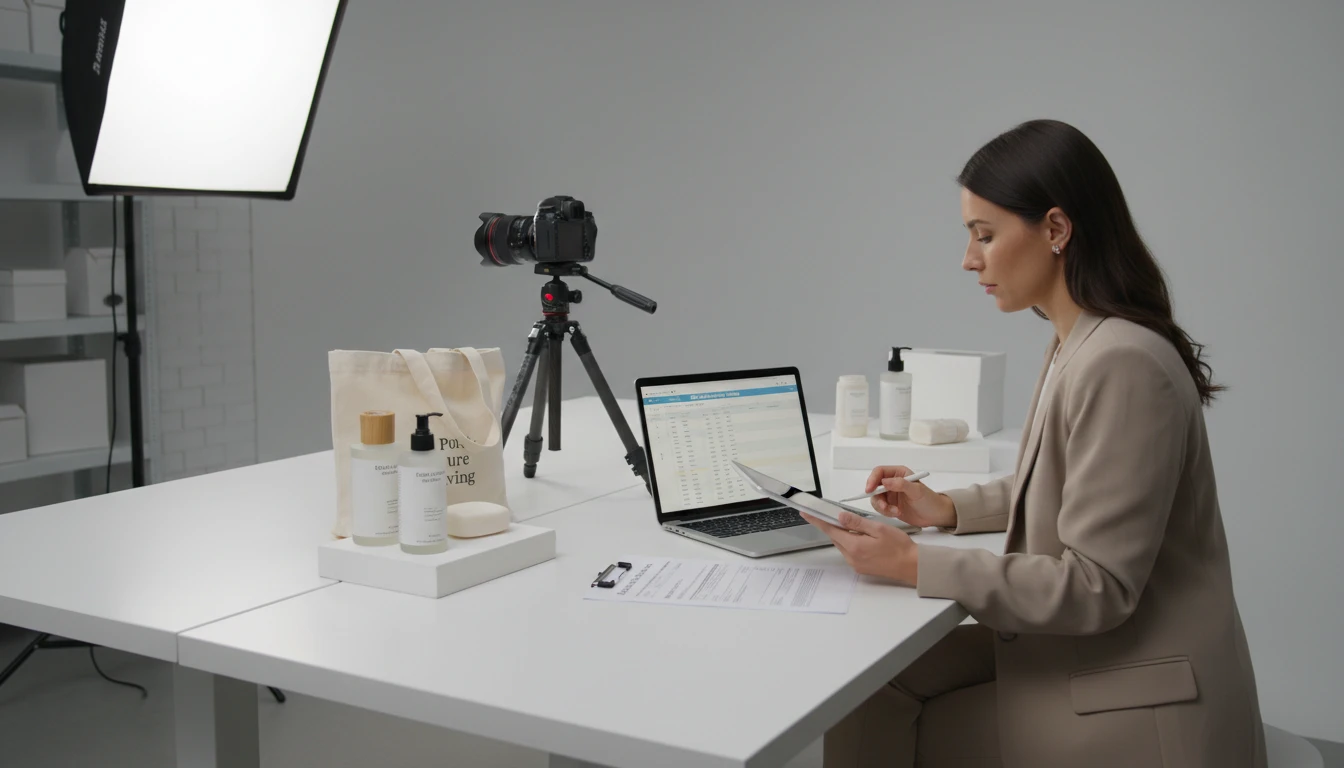
E-commerce Teams
Create detailed product image descriptions for listings, improve image metadata for search indexing, and generate consistent descriptions across large product catalogs without manual effort.

Content Creators and Bloggers
Use image analysis to develop content angles, extract visual themes for article direction, and generate SEO metadata for every image in a post, cutting preparation time for visual content significantly.
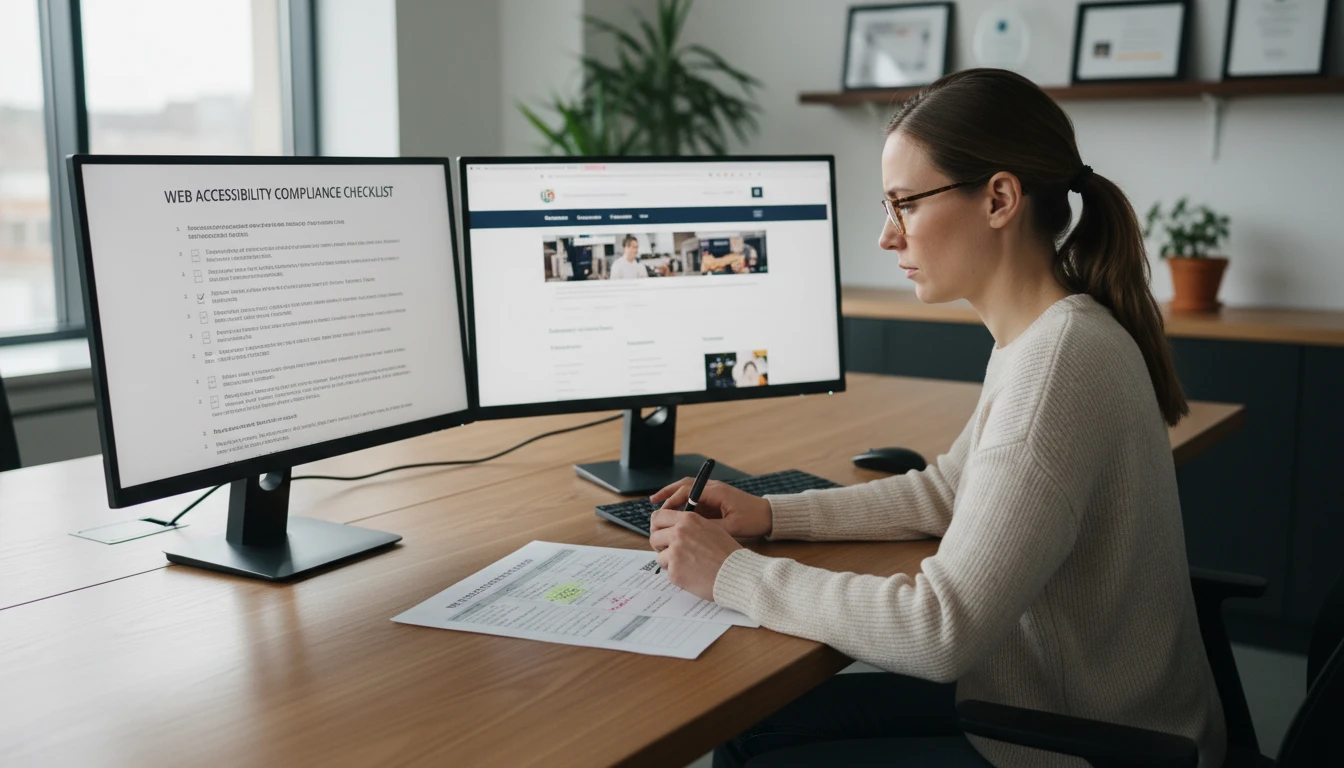
Accessibility Specialists
Audit and improve image accessibility across websites and digital products at scale. Generate compliant short and long alt text for any image type and use the structured output to document compliance decisions.
Deep Dive
Why Image Description Quality Matters
Image descriptions are often treated as a formality, added at the last minute or left incomplete. In practice, they serve three distinct functions: legal accessibility compliance, search engine discoverability, and content coherence. Understanding what makes each type of description effective helps you use the generated output correctly.
Note: AI-generated descriptions are highly accurate for most images. Always review before using in accessibility-critical or legally significant contexts.
Why Use It
Accessibility Compliant Alt Text
Get short and long format alt text ready to paste into HTML, CMS, or accessibility documentation. WCAG-aligned and screen reader optimized.
SEO Keywords Included
Receive 8 to 12 SEO keyword tags derived from the actual image content, ready to use as alt text keywords, image file names, or metadata.
Full Visual Analysis
Colors, lighting, composition, style, mood, and setting are all documented in a structured report, useful for content planning and brand review.
Content Use Suggestions
Get specific recommendations for how the image can be used: blog post type, social format, ad placement, product listing, and more.
Frequently Asked Questions
How does the AI Image Description Generator work?
You upload any image and the AI analyzes its visual elements including main subject, setting, colors, lighting, composition, mood, and style. It then generates a structured report with a subject breakdown, short and long accessibility alt text, SEO keywords, and content use suggestions.
How accurate are the generated descriptions?
Accuracy is high for clear, well-lit images with identifiable subjects. Complex, abstract, or low-quality images may have some variation. We recommend reviewing descriptions before using them in accessibility-critical or legally significant contexts.
What is the difference between short alt text and long description?
Short alt text is one concise sentence under 125 characters, appropriate for most images including products, photos, and simple illustrations. Long description is a detailed paragraph for complex images such as infographics, charts, diagrams, or multi-element product shots where the full meaning cannot be captured in one sentence.
What types of images work best?
The tool works with any image type: products, people, landscapes, architecture, artwork, diagrams, screenshots, and more. Clear images with good lighting and identifiable subjects produce the most detailed and accurate reports.
How can I use the generated descriptions?
Use the short alt text directly in HTML img tags or CMS image fields. Use the long description for aria-describedby or longdesc attributes. Use the SEO keywords for image file naming, alt text enrichment, and metadata. Use content suggestions for editorial and campaign planning.
Is this useful for accessibility compliance?
Yes. The tool generates WCAG-aligned alt text in both short and long formats, covering the primary requirement for image accessibility under WCAG 2.1 Level AA. Always review the generated text to ensure it accurately reflects the informational role of the image in context.
Can I use this for large image libraries?
Yes. Process images one at a time and copy the description output into your image management system. The structured format makes it straightforward to extract just the alt text, keywords, or full description depending on what your workflow needs.
Generate Image Descriptions Instantly
Sign up free and get 100 credits instantly. Upload any image and get a complete description with alt text, SEO keywords, and content use suggestions in seconds.
Disclaimer: This tool uses generative AI technology which may produce content that resembles copyrighted materials or that is inaccurate, incomplete, or out-of-date. It is provided for general information and educational purposes only and is not intended for illegal activities or to replace professional advice, diagnosis, or treatment. Users are solely responsible for how they use the generated content. If you plan to use AI-generated content commercially or publicly, we strongly recommend reviewing it for potential copyright issues and obtaining proper permissions where necessary. We accept no liability for copyright infringement or any other consequences resulting from the use of content generated by this tool.