Generate 8 Ready-to-Use Captions for Any Image
Upload any image and get 8 caption options across different tones, with hashtag suggestions and platform recommendations for each.
Generate Captions
Image Caption Generator
Upload any image and instantly receive 8 caption options with different tones and styles, plus hashtag suggestions and platform recommendations.
Upload an image
Works with any image: products, people, landscapes, food, events, architecture, and more.
or drag and drop an image here
Results
Image Caption Generator
Image Caption Generator
Upload a photo on the left and click analyse to see the results.
- 8 caption options per image
- Multiple tones: professional, casual, inspirational, humorous
- Platform recommendations for each caption
- 10 to 15 relevant hashtag suggestions
- Image mood and style analysis
- Specific tips for your image type

8 Diverse Captions per Upload
Every image you upload generates 8 caption options covering a full range of tones: professional, casual, inspirational, humorous, question-based, storytelling, and more. Short and punchy or multi-sentence and descriptive, you get genuine variety every time, not just the same caption reworded.
Generate Your First Captions
Platform-Ready with Hashtags
Each caption includes a recommended platform (Instagram, LinkedIn, Twitter, Blog, and more) so you know exactly where to use it. The tool also generates 10 to 15 relevant hashtags grouped by theme to help maximize discoverability and reach.
Add Hashtags to Your Posts
Image Mood and Style Analysis
Before generating captions, the AI analyzes your image to identify the main subject, mood and atmosphere, visual style, and dominant colors. This analysis informs more accurate captions and gives you language you can use in your own writing and marketing copy.
Analyze Your ImageHow to Generate Image Captions with AI
Upload Your Image
Upload any image directly from your device. Works with products, people, landscapes, food, events, architecture, and any other visual content.
AI Analyzes the Image
The AI identifies the main subject, mood, visual style, and dominant colors to inform captions that are accurate and contextually relevant.
Get 8 Captions and Hashtags
Receive 8 diverse caption options with tone and platform labels, plus 10 to 15 hashtag suggestions. Copy any caption directly or generate again.
Who Uses It
Social Media Creators
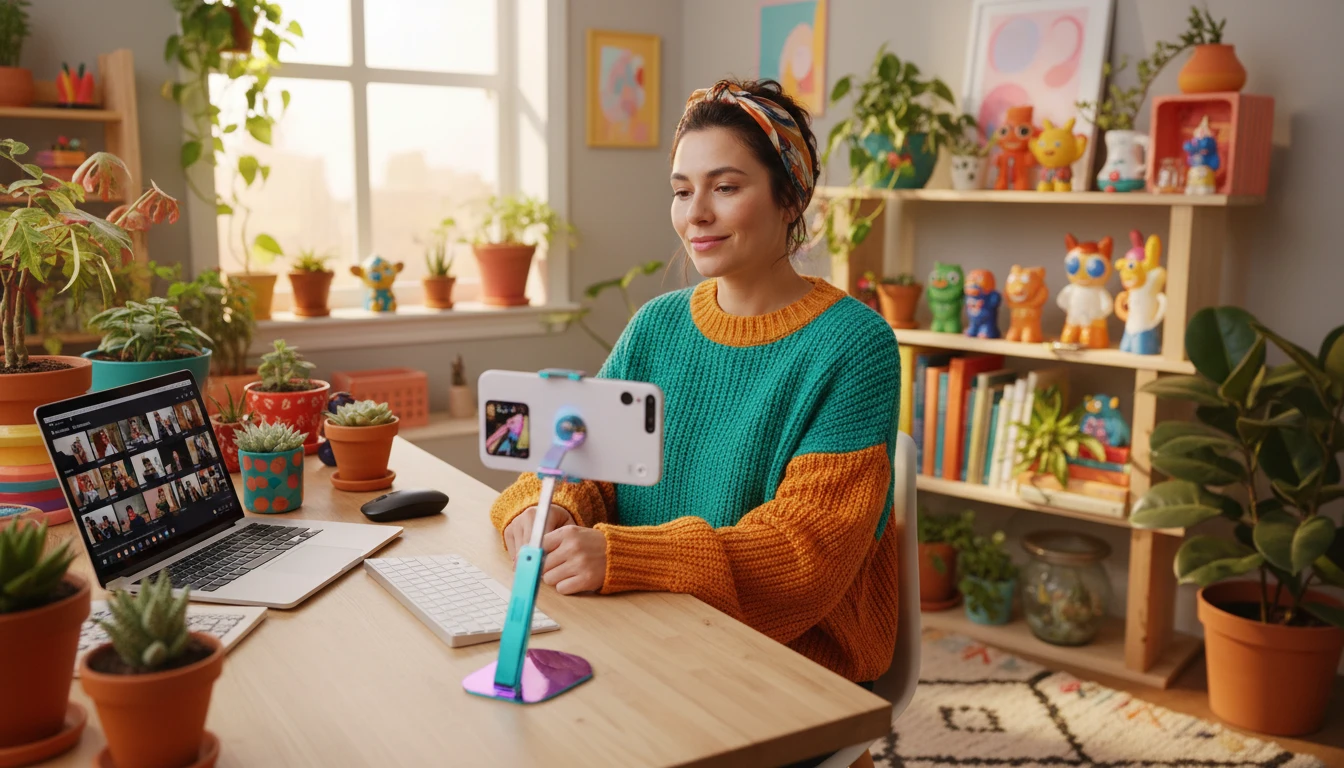
Maintain a consistent posting schedule without spending time on captions. Get 8 options per image, switch between tones to keep content varied, and use the hashtag suggestions to grow reach.

E-commerce Businesses
Create compelling product captions that highlight key features and drive purchases. Upload product photos and get captions ready for Instagram shopping, Facebook ads, and website listings.

Content Marketers
Streamline visual content workflows. Upload campaign images in batches and generate caption options for every asset. Test different messaging approaches and identify which tones drive the most engagement.

Photographers and Creatives
Add professional captions to portfolio pieces, gallery posts, and client deliverables without spending time writing. Use storytelling and professional tone options to frame your work for different audiences.
Deep Dive
What Makes an Image Caption Work
A great image caption does one of two things: it adds context the image cannot communicate on its own, or it amplifies the emotional response the image already creates. Understanding the principles behind high-performing captions helps you select and adapt the best options from any generated set.

Note: AI-generated captions are starting points. Always personalize with your own brand voice and review for accuracy before publishing.
Why Use It
8 Captions per Image
Get 8 genuinely different captions in multiple tones and lengths for every image you upload. No two captions share the same structure.
Platform Recommendations
Each caption includes a recommended platform so you know exactly where it performs best without needing to adapt it yourself.
10 to 15 Hashtags Included
Receive grouped hashtag suggestions with every generation. Copy the full set directly into your post to maximize discoverability.
Image Mood Analysis
Get a structured breakdown of your image including main subject, mood, visual style, and dominant colors, useful for broader marketing copy.
Frequently Asked Questions
How does the AI Image Caption Generator work?
You upload any image and the AI analyzes its visual elements including main subject, mood, visual style, and dominant colors. It then generates 8 diverse caption options across different tones and styles, along with platform recommendations and 10 to 15 hashtag suggestions.
What types of images work best?
The tool works with any type of image including products, people, food, landscapes, events, architecture, and lifestyle photography. Clear images with identifiable subjects produce the most accurate and useful captions.
What tones and styles are included?
Each generation includes a mix of professional, casual, inspirational, humorous, question-based, and storytelling tones. Captions vary in length from short and punchy to multi-sentence and descriptive.
Can I use the captions directly?
Yes. Copy any caption and use it directly on social media, your website, or marketing materials. We recommend reviewing for brand voice accuracy and personalizing where needed before publishing.
How do the hashtag suggestions work?
The tool generates 10 to 15 relevant hashtags organized by theme: broad tags, niche-specific tags, and emerging angle tags. Copy the full set directly into your post or select the most relevant ones for your specific audience.
Which platforms are the captions optimized for?
Captions include recommendations for Instagram, LinkedIn, Twitter, Facebook, blog posts, and general social media. Each option is labeled with the platform where it performs best based on length, tone, and style.
Can I use this for product photography?
Yes. Upload any product image and get captions suited for Instagram shopping, Facebook ads, website product pages, and e-commerce listings. The tool analyzes product details visible in the image to inform accurate captions.
Generate Image Captions Instantly
Sign up free and get 100 credits instantly. Upload any image and get 8 ready-to-use captions with hashtag suggestions in seconds.
Disclaimer: This tool uses generative AI technology which may produce content that resembles copyrighted materials or that is inaccurate, incomplete, or out-of-date. It is provided for general information and educational purposes only and is not intended for illegal activities or to replace professional advice, diagnosis, or treatment. Users are solely responsible for how they use the generated content. If you plan to use AI-generated content commercially or publicly, we strongly recommend reviewing it for potential copyright issues and obtaining proper permissions where necessary. We accept no liability for copyright infringement or any other consequences resulting from the use of content generated by this tool.