Identify Any Haircut with Full Barbering Terminology and Specifications
Upload any haircut photo and get the cut name, length by section, fade type, clipper guard sizes, blending technique, and face shape suitability.
Identify a Haircut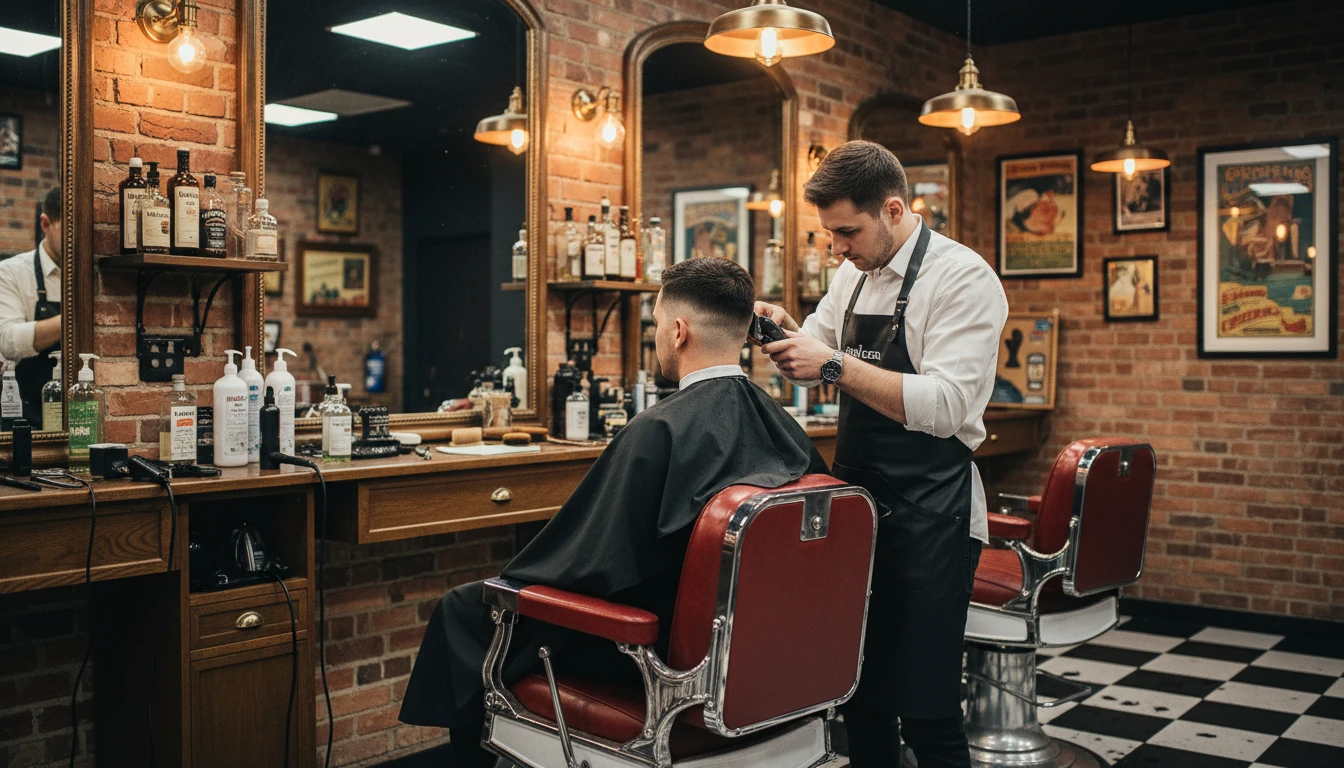
Upload a Clear Haircut Photo
We'll open AI Hair Studio next so you can identify the cut, length by section, fade type, and similar looks.
Drag & drop your photo here
or click to browse — JPG, PNG or WebP, up to 15MB
Your photo is used only to identify this haircut for you.
Technical Cut Identification
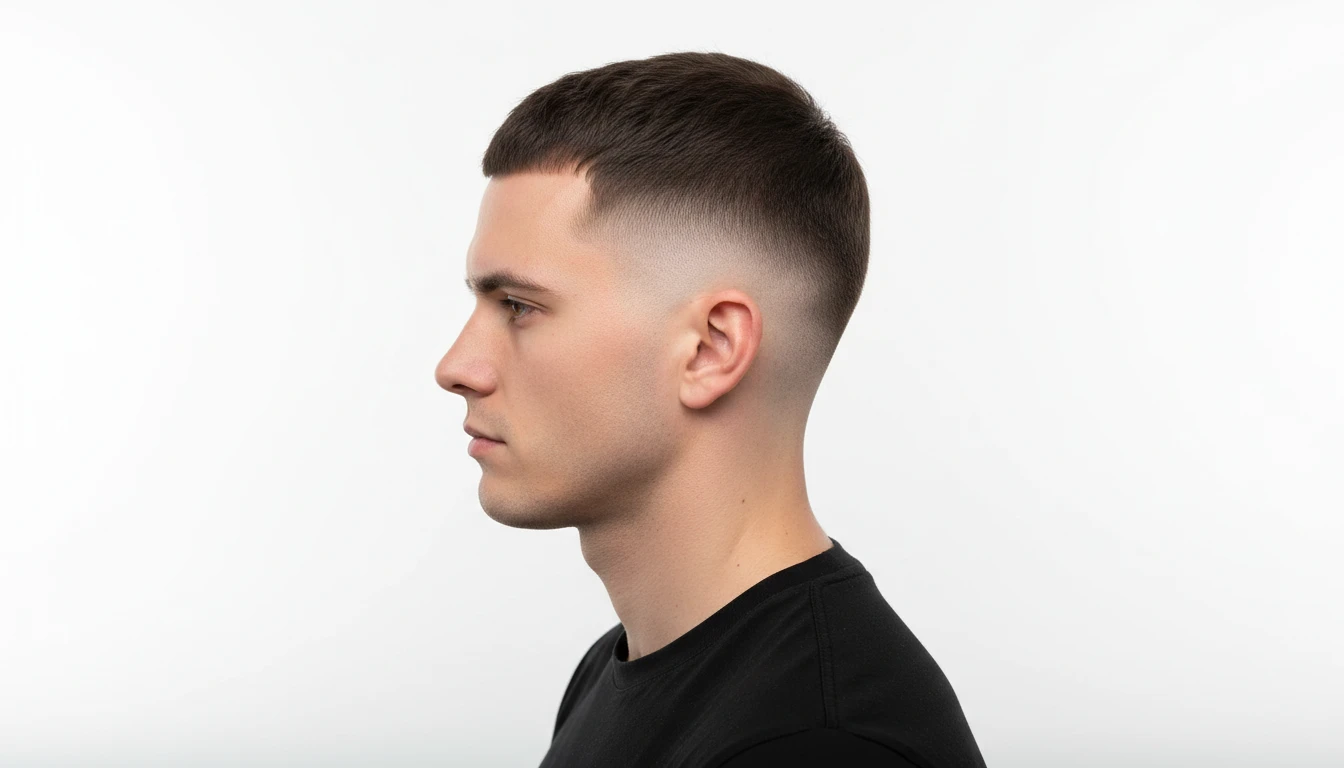
Upload any haircut photo and the AI identifies the cut name with barbering precision: the specific style, broader cut family (fade family, taper family, bob family, etc.), the hair type it works with, and the age groups most associated with the style. The result includes a confidence rating and a precise subcategory so you know exactly what the cut is called in professional barbering terminology.
Identify a Haircut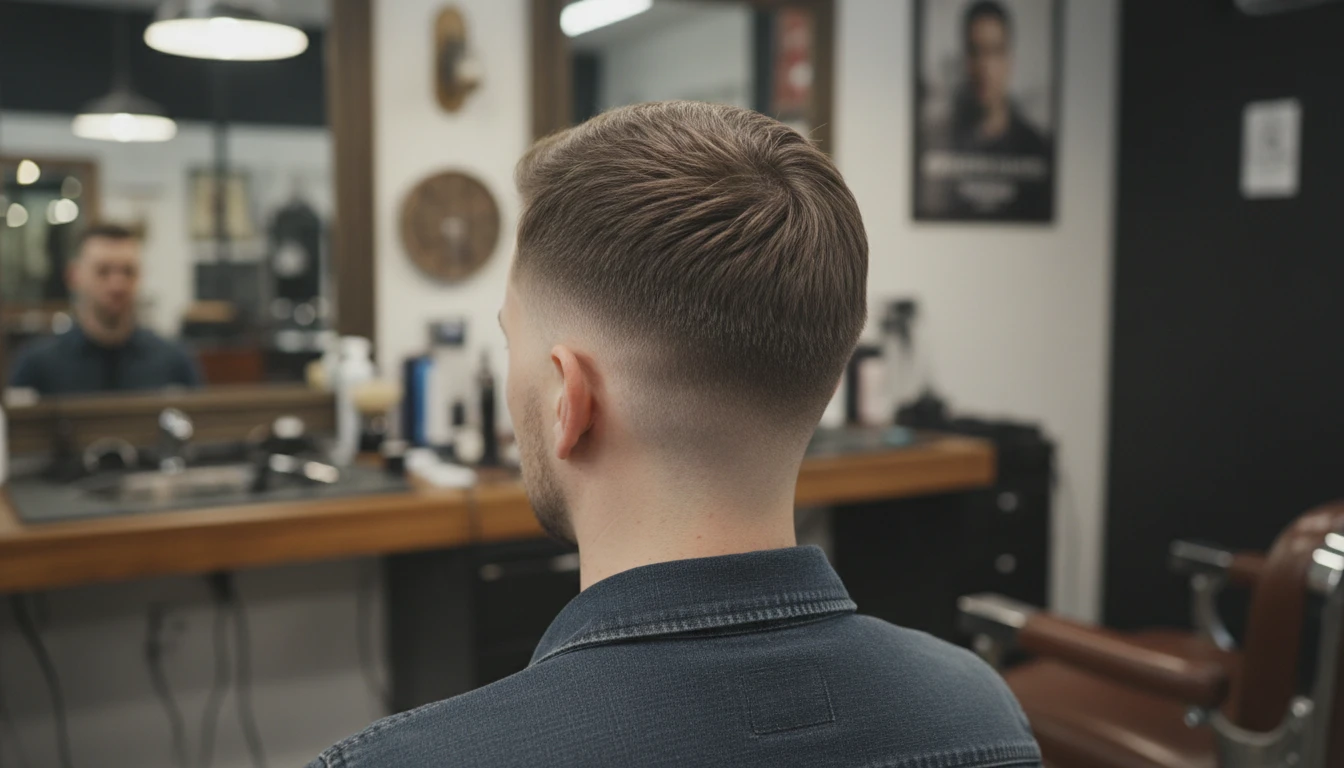
Length Breakdown by Section
Every result includes a precise length breakdown covering all three sections separately: the top, the sides, and the back. The neckline finish style is identified (tapered, squared, rounded, skin faded, or natural) and the overall length relationship between sections is described so you can communicate exactly what you want to your barber or understand what you are looking at in a photo.
See Length Breakdown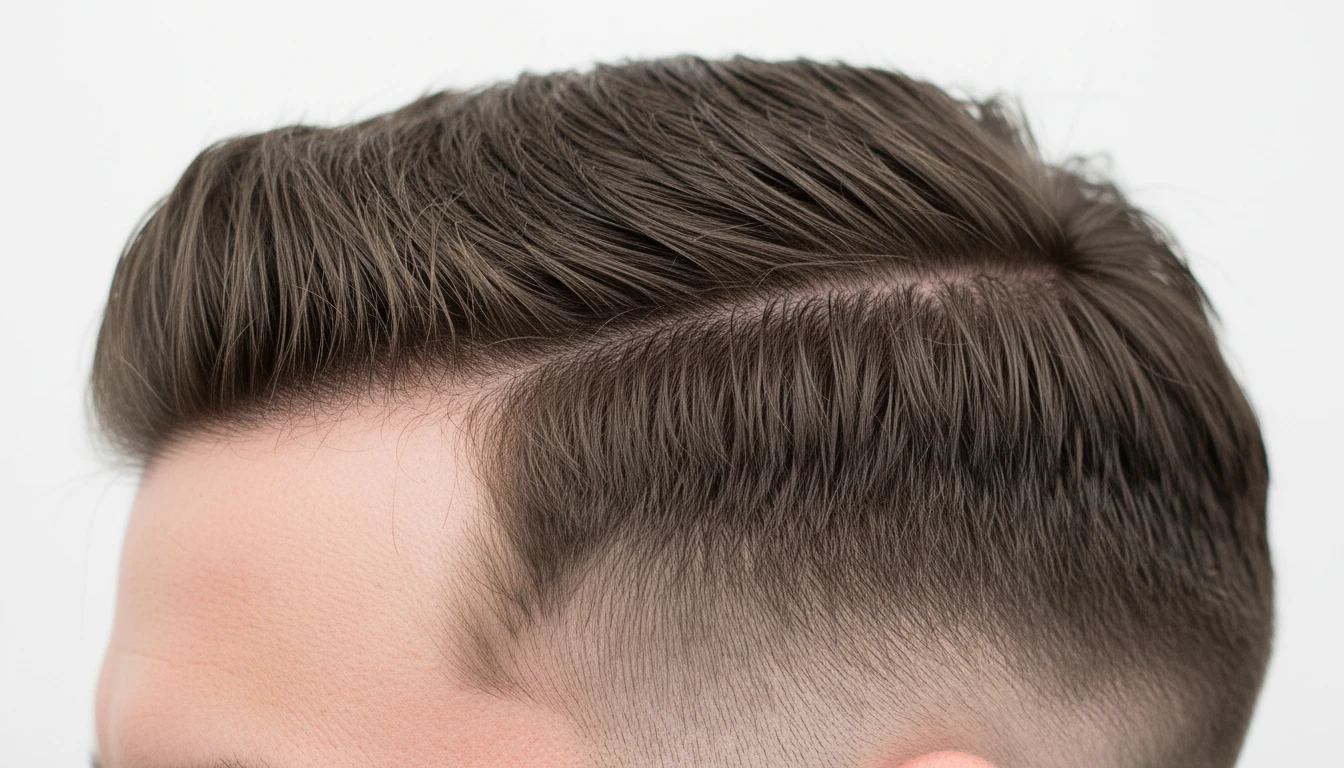
Fade Type, Guard Sizes, and Blending Detail
The cutting and blending section identifies the exact fade type if one is present: skin fade, low fade, mid fade, high fade, drop fade, or burst fade. The clipper guard sizes used across the cut are listed in sequence from shortest to longest, and the blending method is described. Finishing details such as razor lineups, shape-ups, and edge work are also noted, giving you or your barber the precise technical information needed to replicate the cut.
See Fade and Guard DetailsHow to Identify a Haircut with AI
Upload a Haircut Photo
Upload any clear photo showing the haircut. Side or front views that show the fade and length structure clearly work best. Multiple angles improve precision.
AI Analyses the Technical Structure
The AI analyses the length across all three sections, identifies the fade type and height, reads the guard size sequence, blending method, and finishing details.
Get the Full Barbering Profile
Receive a complete technical profile covering the cut name, length breakdown, fade type, guard sizes, blending technique, maintenance frequency, and suitability.
Who Uses It

People Researching Their Next Cut
Seen a haircut you like and want to know what it is called and exactly how it is achieved before you book a barber appointment? Upload the photo and get the precise cut name, fade type, guard sizes, and length breakdown. Walk into the barbershop with the technical details ready so your barber knows exactly what to do.
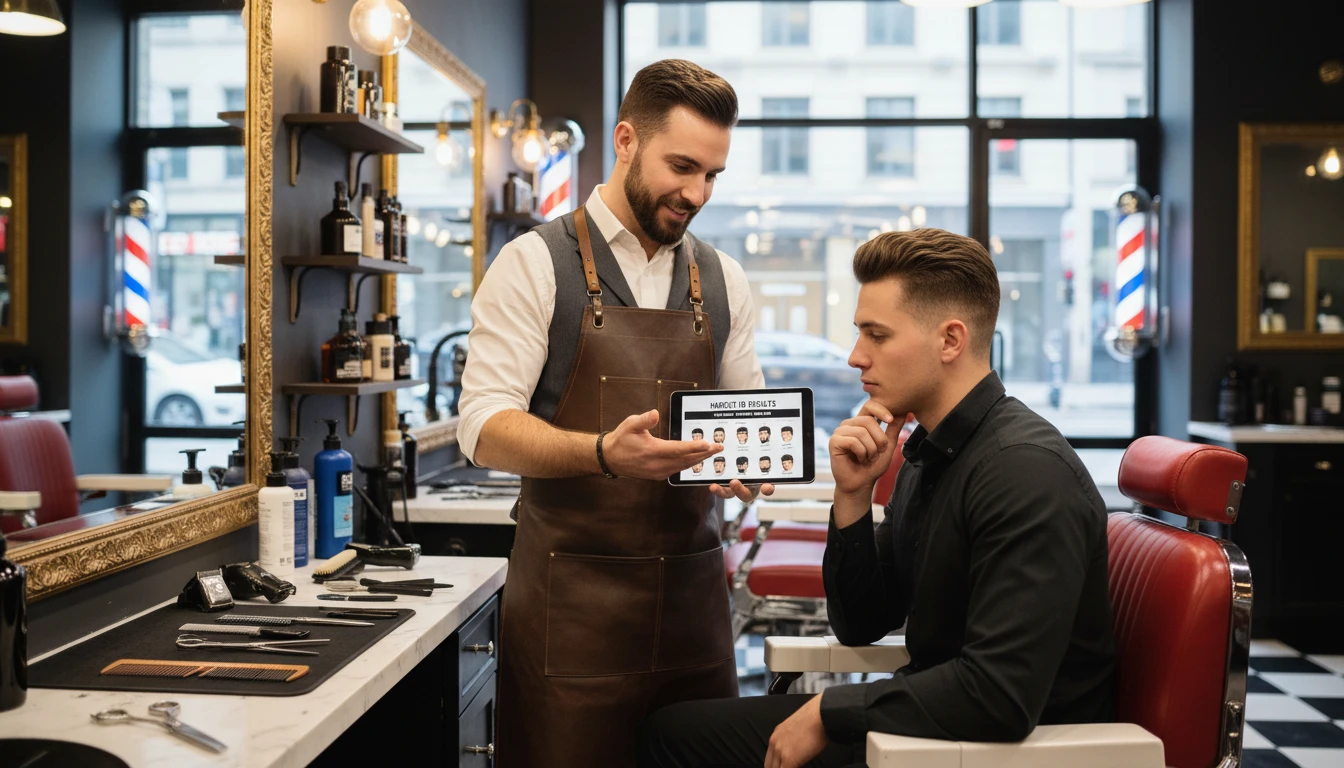
Barbers and Hair Technicians
Clients bring in reference photos and ask for the same cut without knowing the technical name. Use the identifier to quickly confirm the cut name, fade height, guard sequence, and blending technique required, then communicate the plan clearly with the client before picking up the clippers.
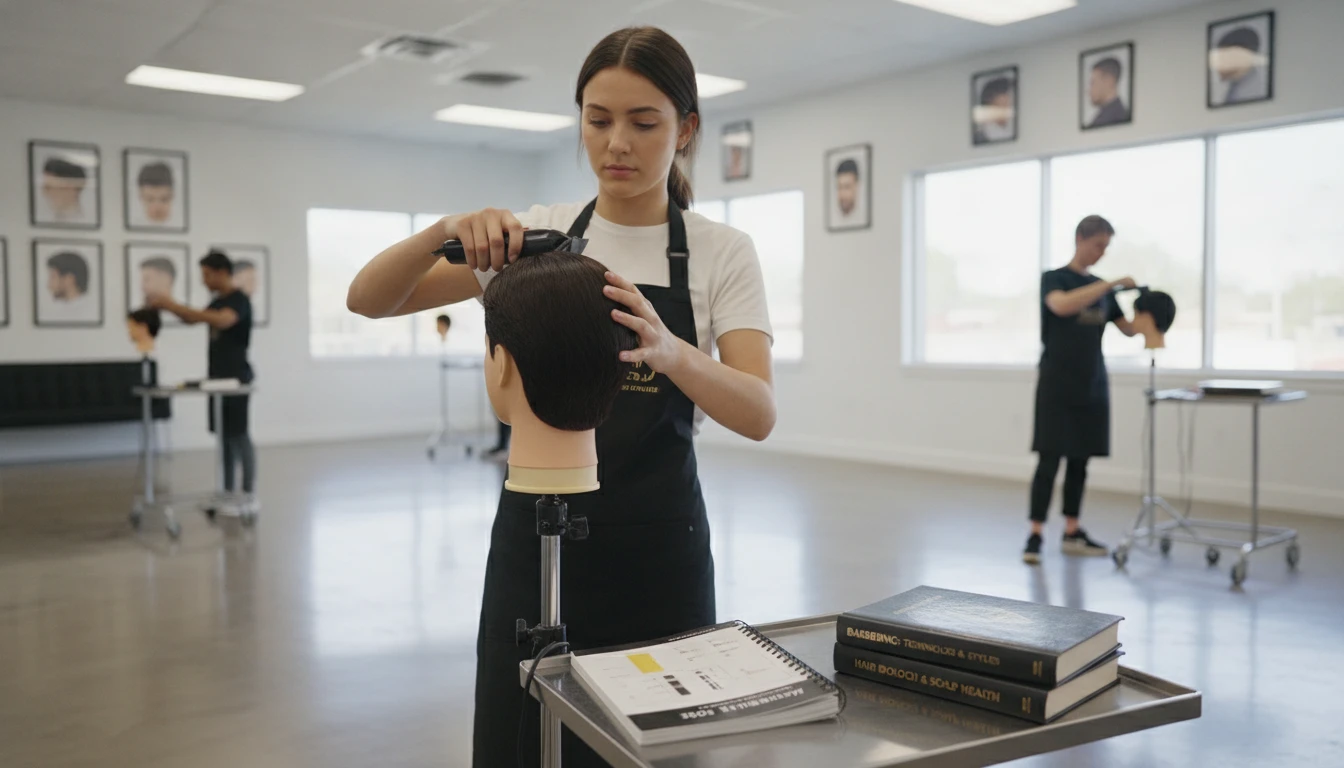
Barbering Students and Apprentices
Learning to identify cuts correctly is a core skill in barbering training. Upload reference photos from textbooks, magazines, or competition images and get a precise technical breakdown covering the fade type, guard sequence, blending method, and finishing detail. Use it as a study aid alongside practical training.
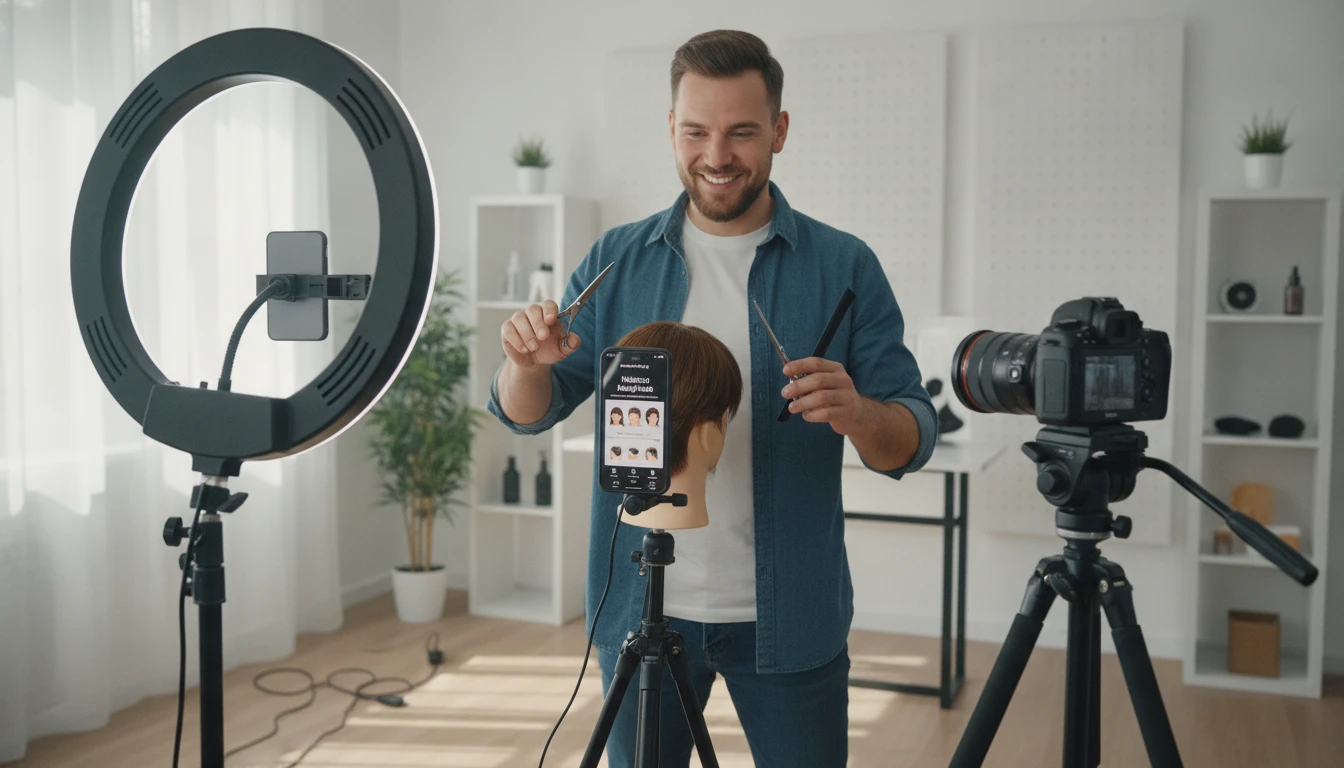
Content Creators and Grooming Writers
Writing about men's or women's grooming, creating tutorials, or producing barbering content? The identifier gives you technically precise cut names, fade descriptions, and blending terminology quickly without needing specialist barbering knowledge, making your content more accurate and credible.
Deep Dive
Understanding Haircut Categories
Haircuts are defined by three main dimensions: the length and length contrast between sections, the cutting technique used to achieve the shape, and the finishing style. Understanding these dimensions helps you identify what you are looking at and communicate precisely with a barber or hairstylist.
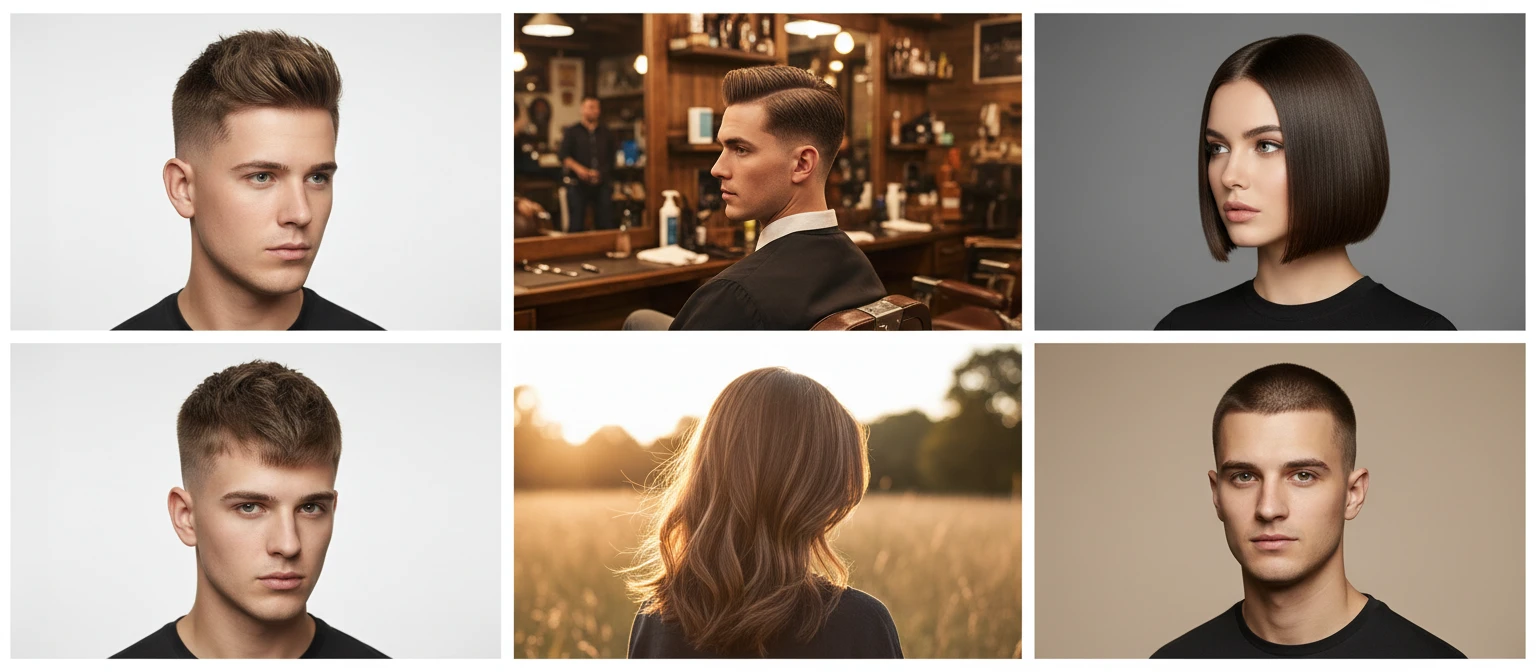
Note: AI haircut identification from photos works best with clear, well-lit images showing the full cut structure from the side or front. Accuracy is highest for well-defined, common styles and may be lower for highly creative or unconventional cuts.
Why Use It
Technical Barbering Detail
Get the precise cut name, fade type, clipper guard sequence, blending method, and neckline finish in one result — the same information a professional barber needs to replicate the cut.
Length Breakdown by Section
Every result breaks down the length across all three sections: top, sides, and back, so you can understand the full structure of the cut and communicate it precisely.
Maintenance Frequency Guidance
Know how often the identified cut needs to be refreshed at the barber to maintain its shape, from every two weeks for skin fades to every six to eight weeks for longer tapers.
Face Shape and Hair Type Suitability
Every profile includes which face shapes the cut flatters most and which natural hair textures it works with, including any adaptations needed for different textures.
Frequently Asked Questions
How does the AI Haircut Identifier work?
You upload a photo showing a haircut and the AI analyses the length structure across the top, sides, and back, identifies the fade type and height if one is present, reads the clipper guard size sequence and blending method, and notes the neckline finish and any razor or lineup work. It then generates a complete technical profile with the cut name, suitability information, and maintenance guidance.
How is this different from the Hairstyle Identifier?
The Haircut Identifier focuses on the technical barbering aspects of a cut: the specific fade type, clipper guard sizes, blending technique, length breakdown by section (top, sides, and back), neckline finish, and maintenance frequency. The Hairstyle Identifier focuses more on the overall style classification, texture, occasion, product recommendations, and styling method. Use the Haircut Identifier when you want technical detail about the cut structure itself.
Can it identify fade haircuts precisely?
Yes. The AI identifies the specific fade type (skin fade, low fade, mid fade, high fade, drop fade, or burst fade), the approximate height at which the fade begins, and the clipper guard sizes used across the cut. Clear side-view photos that show the full side section from temple to ear produce the most precise fade identification.
How accurate is the identification?
Accuracy is highest for clear, well-lit photos that show the full cut structure, particularly from the side. The result includes a confidence rating. Very similar cuts (such as a mid fade vs a high-mid fade) may yield moderate confidence results, and highly creative or unconventional cuts may be harder to classify precisely.
What angle is best for identifying a fade or taper?
A clear side-view photo showing the full side section from the temple down to the ear and neckline produces the most accurate fade and taper identification. A front view is best for identifying the top length and overall structure. If you can, use multiple photos from different angles for the most complete analysis.
Can it identify women's cuts as well as men's?
Yes. The tool identifies cuts across all categories including women's cuts such as bobs, lobs, pixies, and layered cuts, men's cuts such as fades, tapers, crops, pompadours, and buzz cuts, and unisex styles. The category is identified in the result so you know immediately which context the cut belongs to.
Can I use it before a barber appointment?
Yes. Upload a reference photo of the cut you want before your appointment and get the precise technical name, fade type, guard sequence, and length breakdown. Share this information with your barber to ensure you both have the same cut in mind before starting.
Identify Any Haircut Instantly
Sign up free and get 100 credits instantly. Upload any haircut photo and get a complete technical barbering profile in seconds.
Disclaimer: This tool uses generative AI technology which may produce content that resembles copyrighted materials or that is inaccurate, incomplete, or out-of-date. It is provided for general information and educational purposes only and is not intended for illegal activities or to replace professional advice, diagnosis, or treatment. Users are solely responsible for how they use the generated content. If you plan to use AI-generated content commercially or publicly, we strongly recommend reviewing it for potential copyright issues and obtaining proper permissions where necessary. We accept no liability for copyright infringement or any other consequences resulting from the use of content generated by this tool.