Create Stunning Wallpapers from Any Text Description
Describe any scene, mood, or aesthetic and AI generates a breathtaking wallpaper instantly. Nature, cyberpunk, space, abstract, lofi, fantasy, and more.
Generate a Wallpaper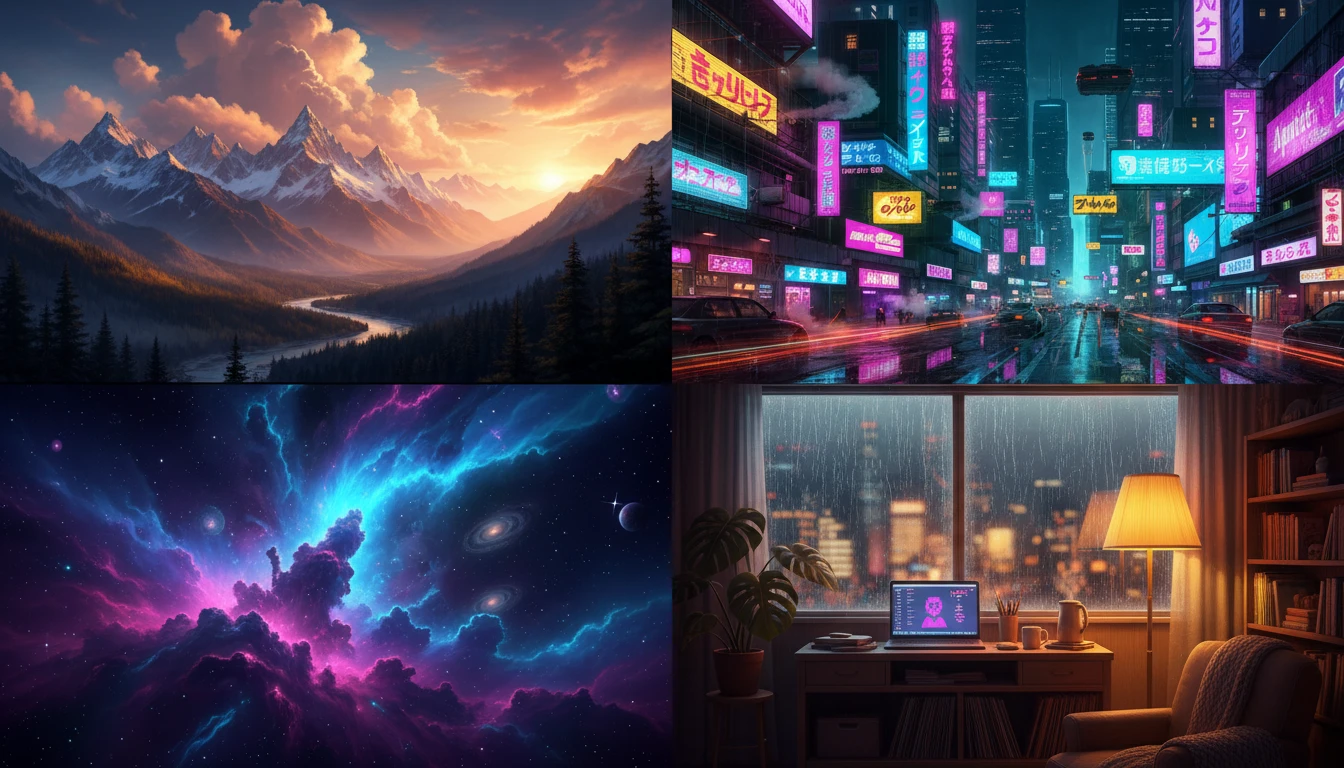
Describe Your Wallpaper
Say the scene or mood, pick a style, then open it in AI Image Studio to generate.
Runs inside the AI Image Studio — generate and edit in one place.
Landscape and Nature Wallpapers
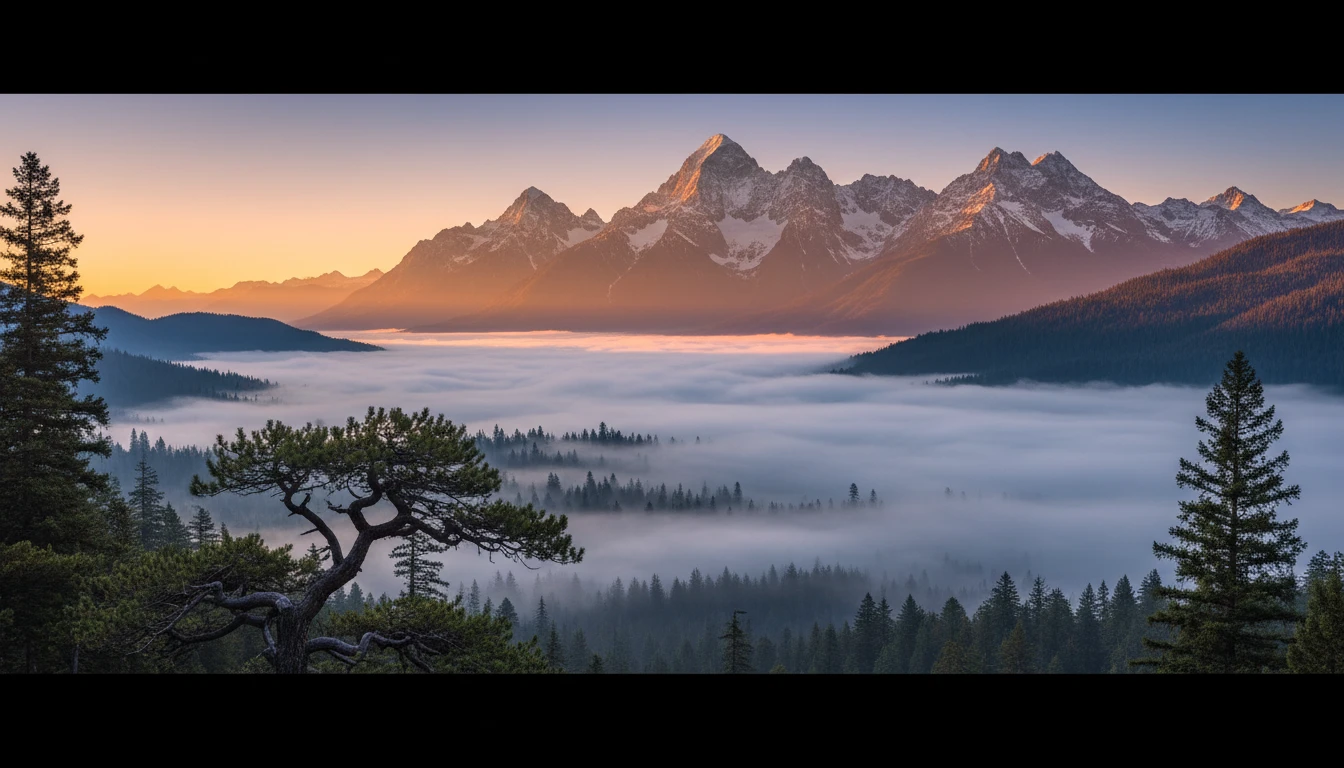
Generate photorealistic mountain ranges, misty forests, dramatic coastlines, and desert sunsets. Every landscape is unique, cinematic, and ready to set as your desktop background.
Generate a Nature Wallpaper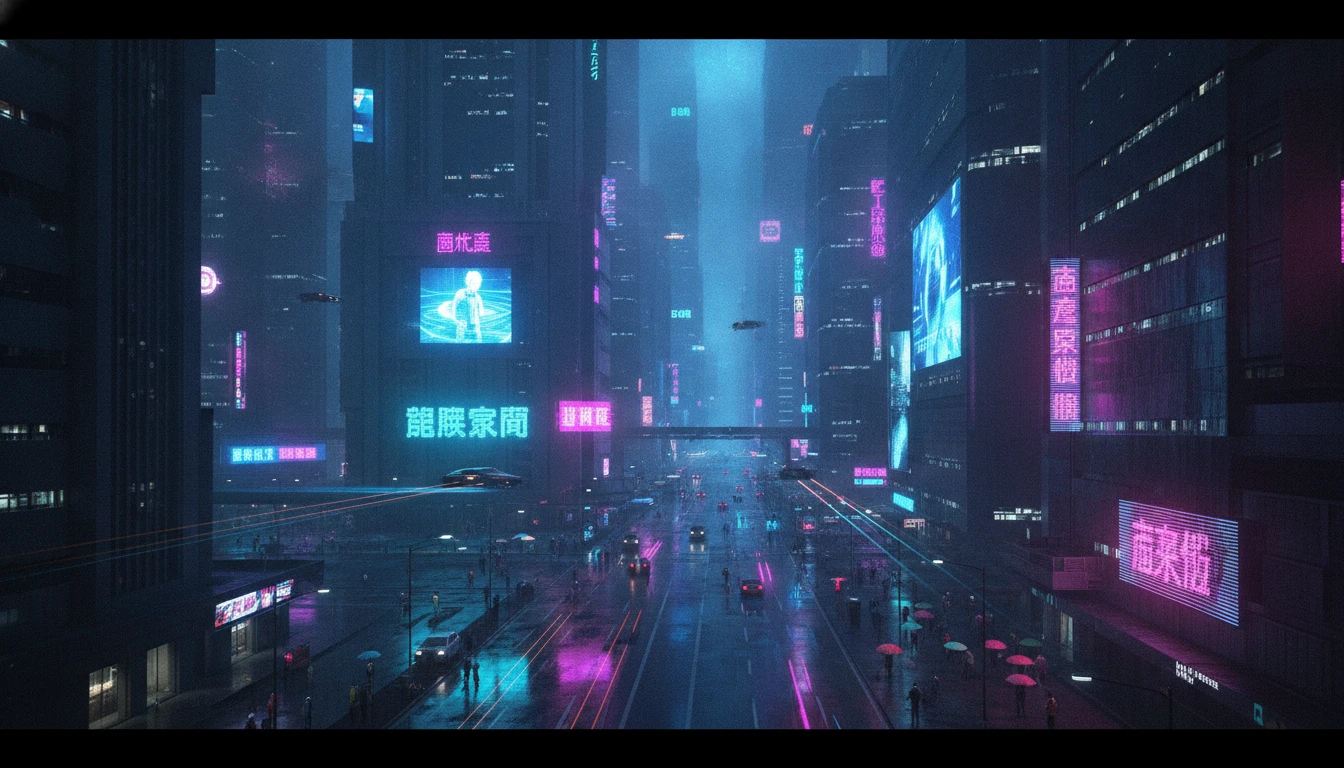
Cyberpunk and Urban Night Scenes
Create vivid neon-lit cityscapes, rain-soaked streets, and dystopian skylines. Perfect for gaming setups, dark mode desktops, and anyone who loves the cyberpunk aesthetic.
Generate a Cyberpunk Wallpaper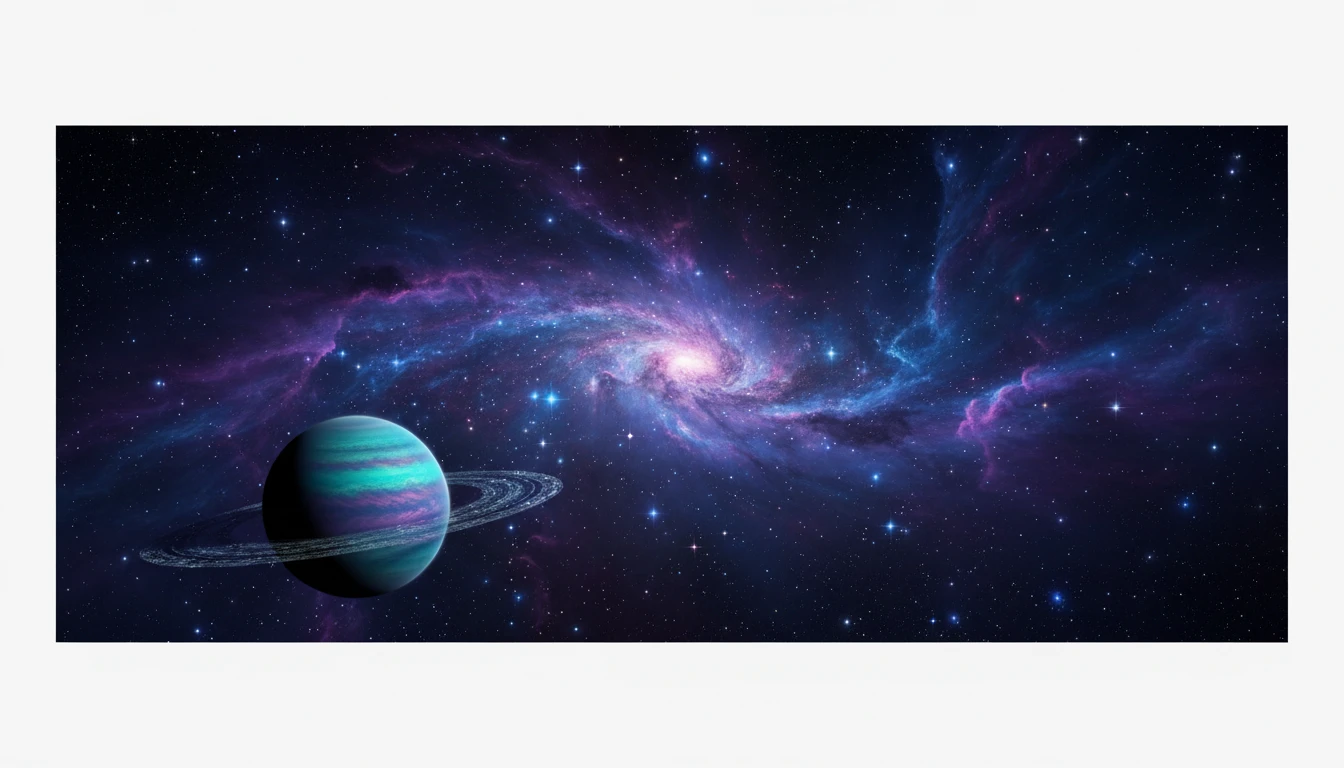
Space and Cosmic Wallpapers
Explore deep space nebulas, swirling galaxies, and alien planets with vivid interstellar colors. Scientifically inspired or purely fantastical, every space wallpaper is awe-inspiring.
Generate a Space Wallpaper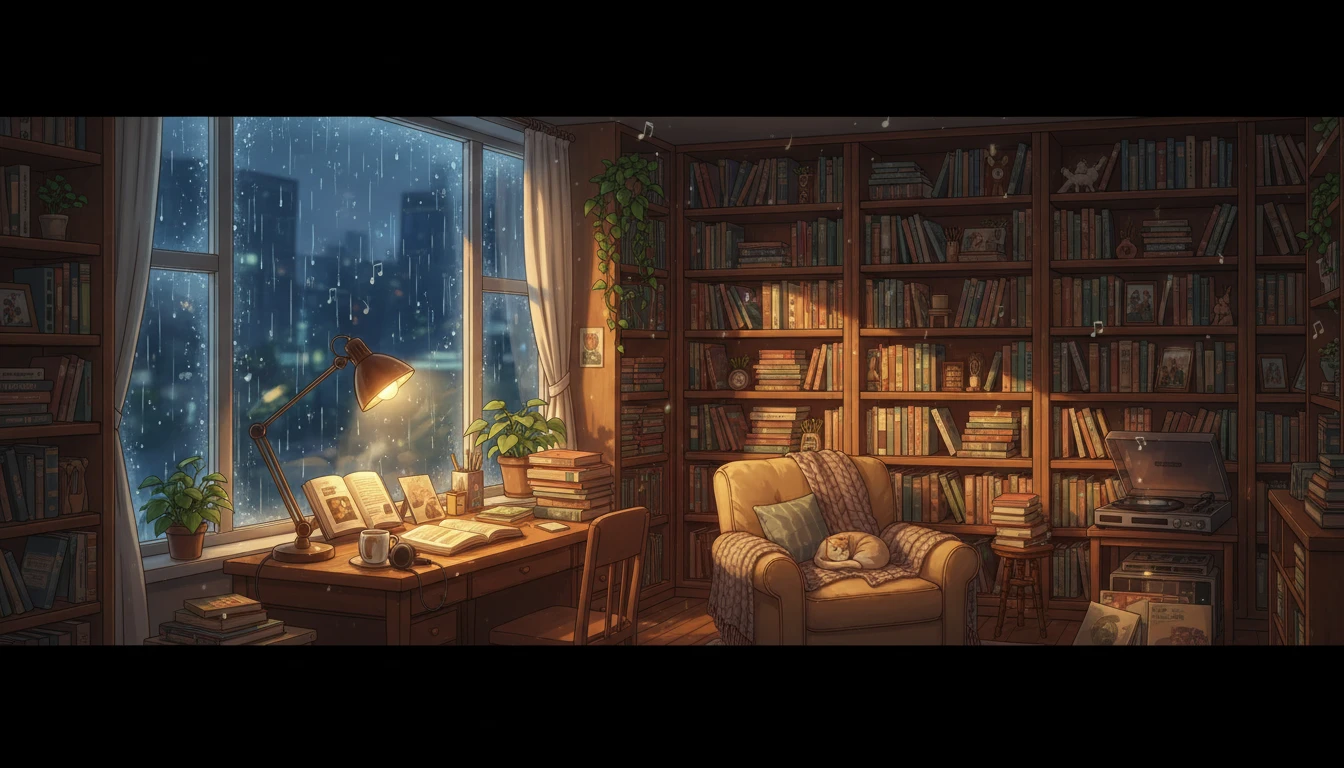
Lofi, Minimalist, and Aesthetic Wallpapers
Generate cozy lofi rooms with warm window light, clean minimalist compositions, dreamy vaporwave aesthetics, and soft abstract art. Perfect for productivity setups and calm home screens.
Generate a Lofi or Minimalist WallpaperWhat People Generate with AI Wallpapers
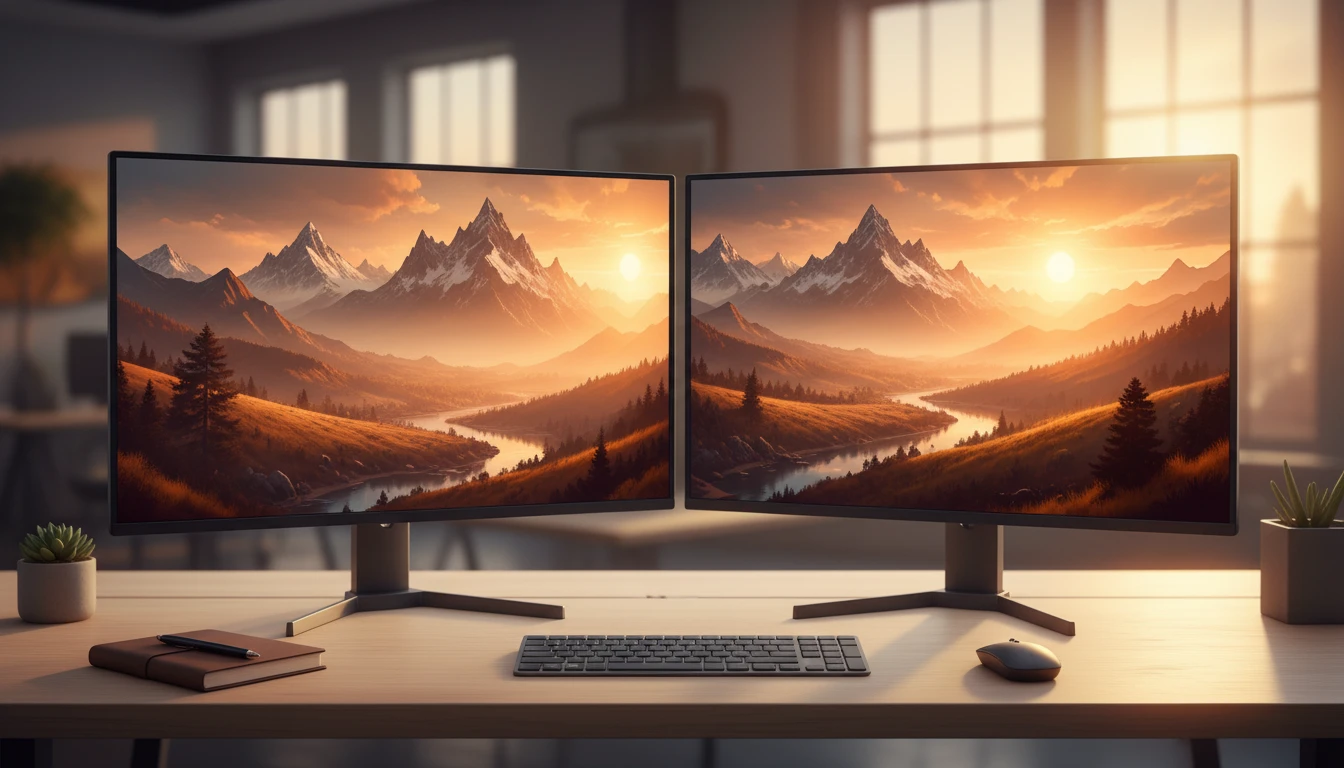
Desktop and Multi-Monitor Setups
Personalize your workspace with unique wallpapers in 16:9 or 21:9 ultrawide. Generate matching sets for multiple monitors that share the same scene, color palette, and mood.
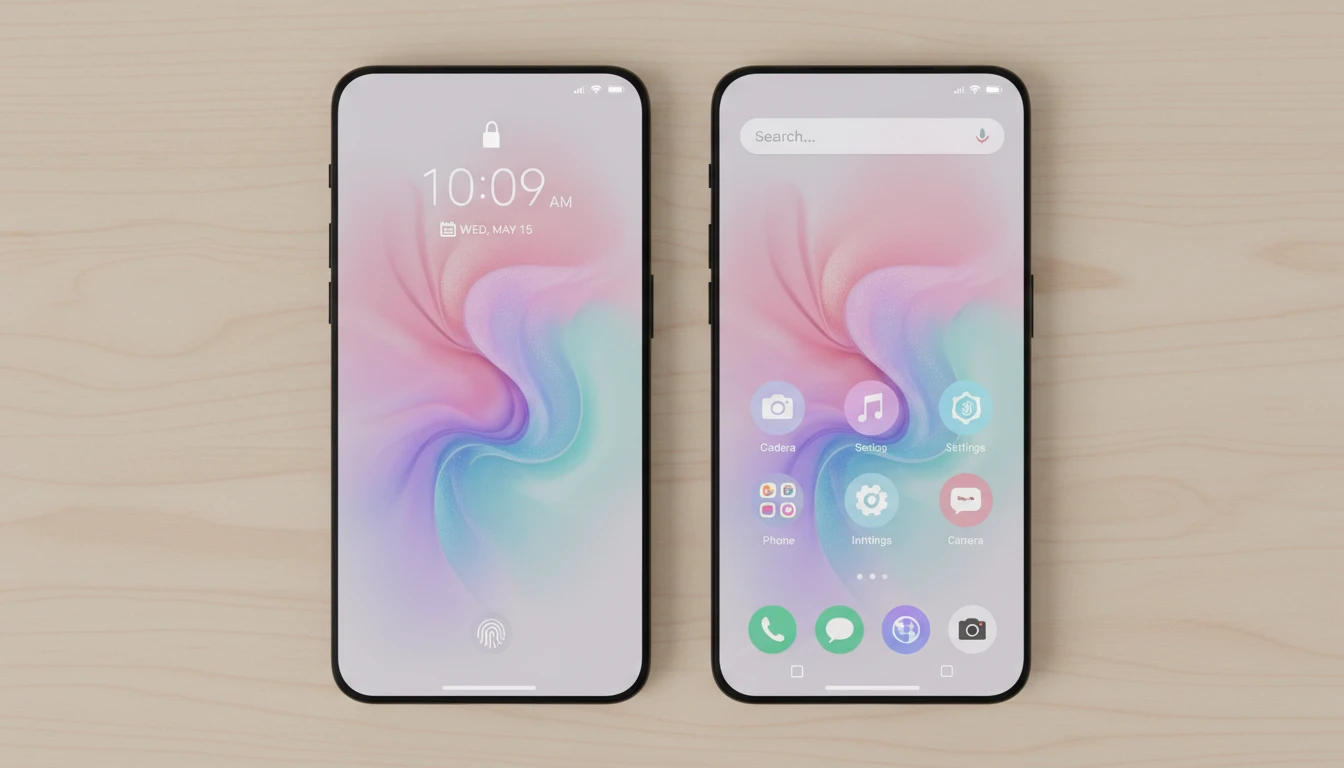
Mobile Home Screen and Lock Screen
Create beautiful 9:16 portrait wallpapers for your iPhone or Android home screen and lock screen. Uniquely yours, never seen on anyone else's phone.
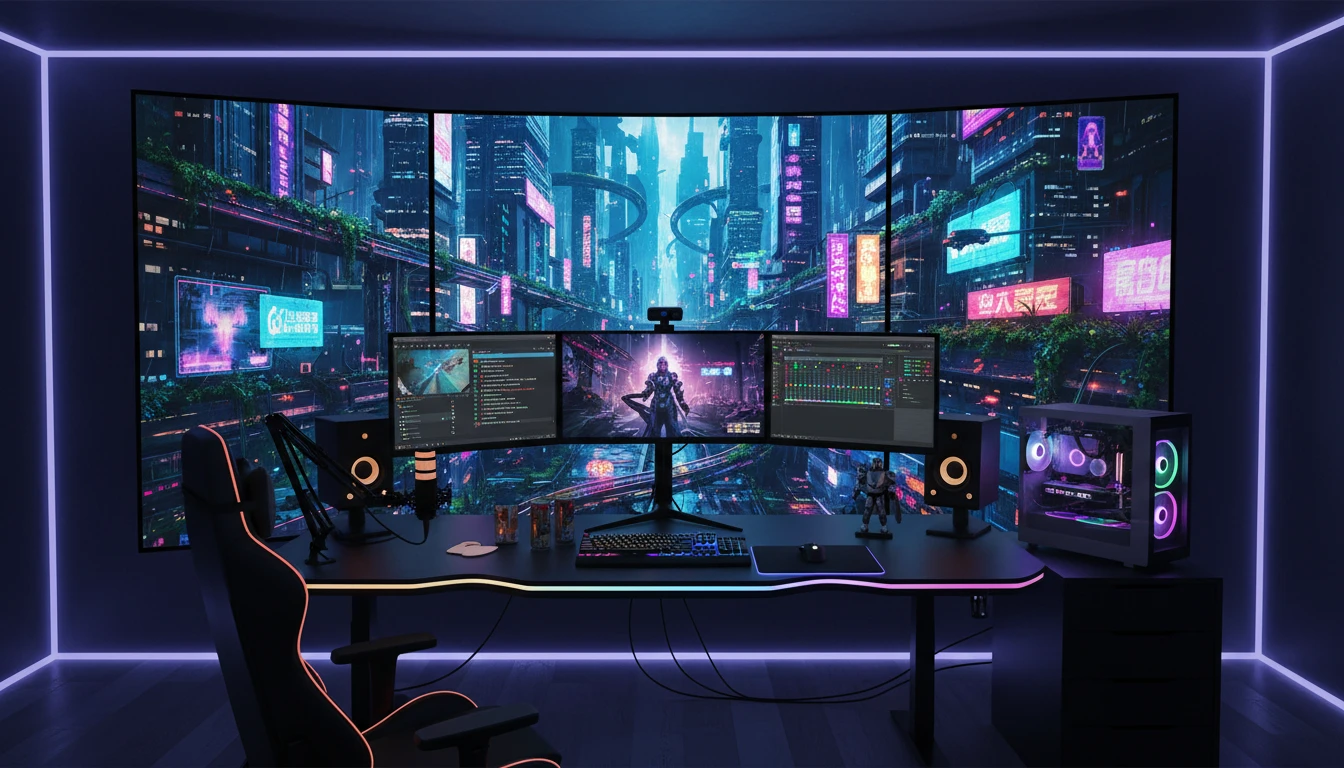
Streaming and Gaming Backgrounds
Generate immersive backgrounds for Twitch, OBS, Zoom, and Teams. Create on-brand scenes that match your channel identity without expensive graphic design work.
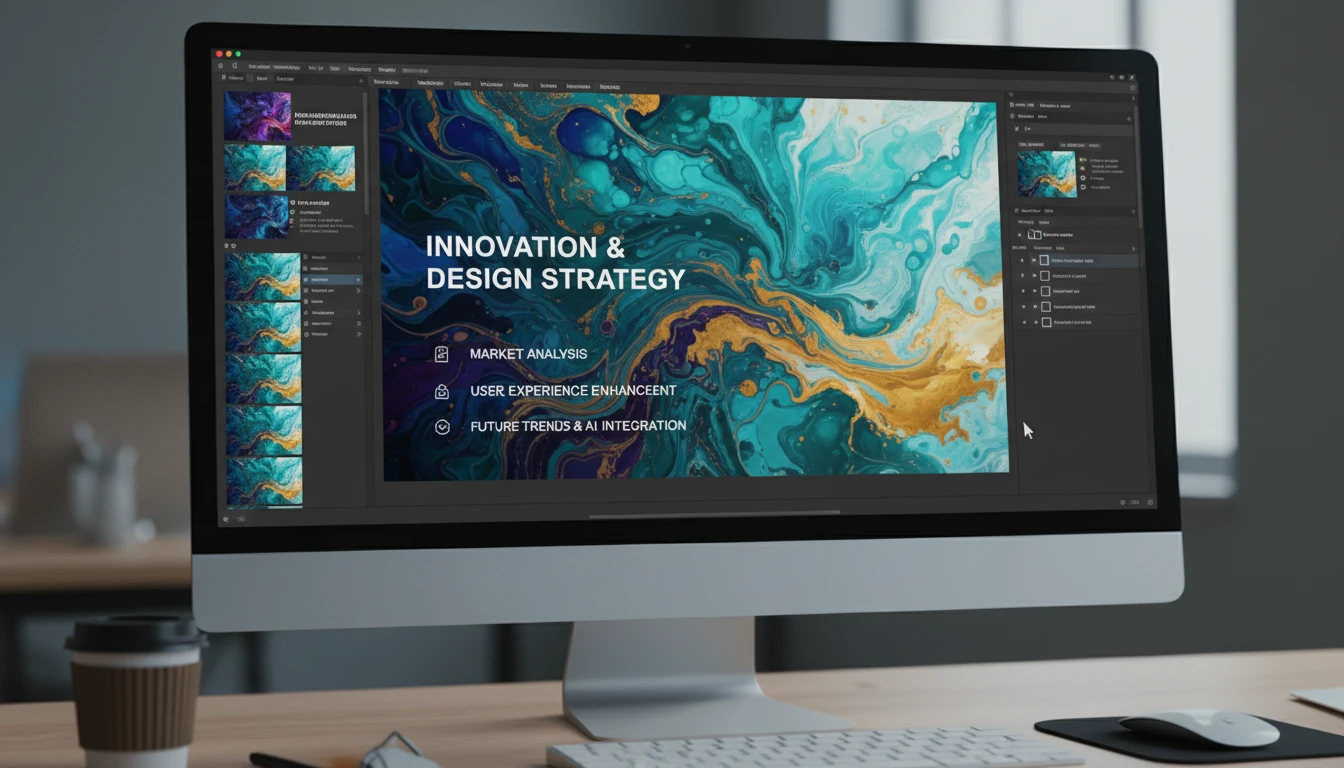
Design and Creative Projects
Use AI wallpapers as backgrounds for presentations, social media headers, YouTube thumbnails, and graphic design projects. Stunning visual backdrops for every creative workflow.
How to Generate AI Wallpapers
Create stunning wallpapers for any device in four simple steps
Describe Your Wallpaper
Write a prompt describing the scene, subject, style, and mood. Be specific: "a misty mountain range at sunrise with golden light and dramatic clouds" produces far better results than "mountain wallpaper".
Upload a Reference (Optional)
Upload an existing wallpaper or artwork to guide the AI toward a specific color palette, style, or composition. Great for generating variations of wallpapers you already love.
Choose Theme and Aspect Ratio
Pick from 10 themes: Nature, Cyberpunk, Abstract, Space, Lofi, Fantasy, Minimalist, Aesthetic, Dark, and Photorealistic. Then select your aspect ratio: 16:9 for desktop, 9:16 for mobile, or 21:9 for ultrawide.
Download and Apply
Get your wallpaper in seconds. Download in high resolution and set it directly as your desktop background, phone screen, or streaming background.
Explore More
More AI Studio Tools
Discover other powerful AI tools to enhance your creative workflow
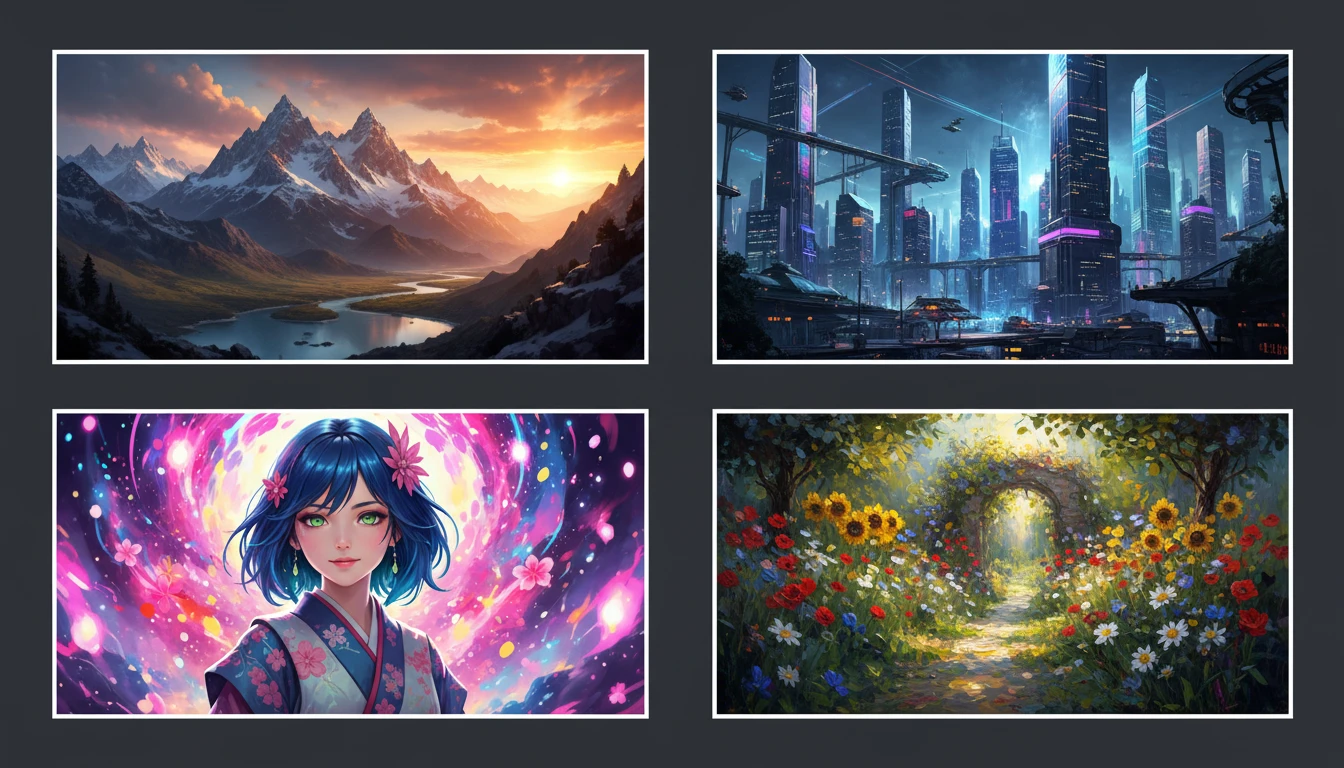
AI Text to Image
Describe any scene, character, or concept and AI generates a high-quality image in seconds. Choose from 10 artistic styles including photorealistic, cinematic, anime, oil painting, watercolor, and more, plus full aspect ratio control. Supports detailed prompt inputs and optional reference image uploads to guide the composition or style.
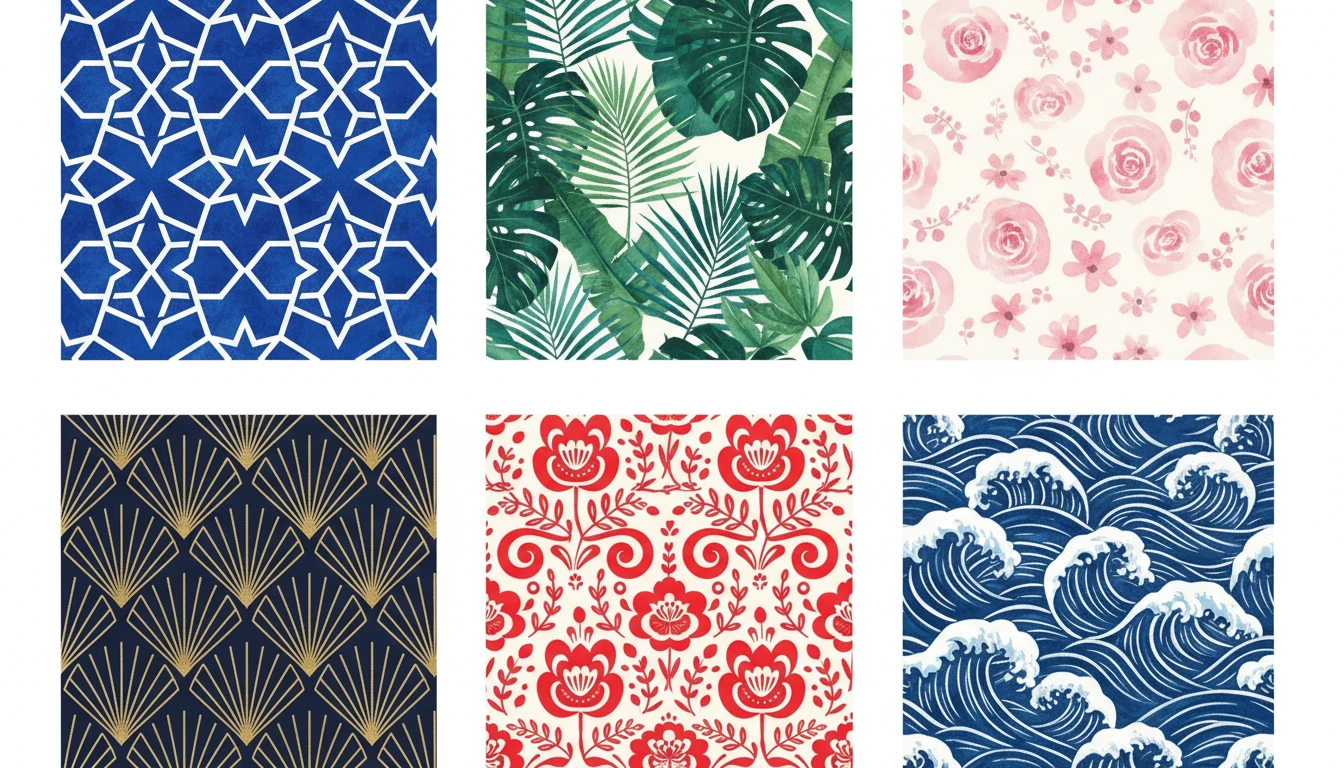
AI Pattern Generator
Generate seamless repeating patterns from text descriptions in geometric, floral, botanical, ethnic, abstract, Art Deco, damask, watercolor, Scandinavian, and Japanese styles
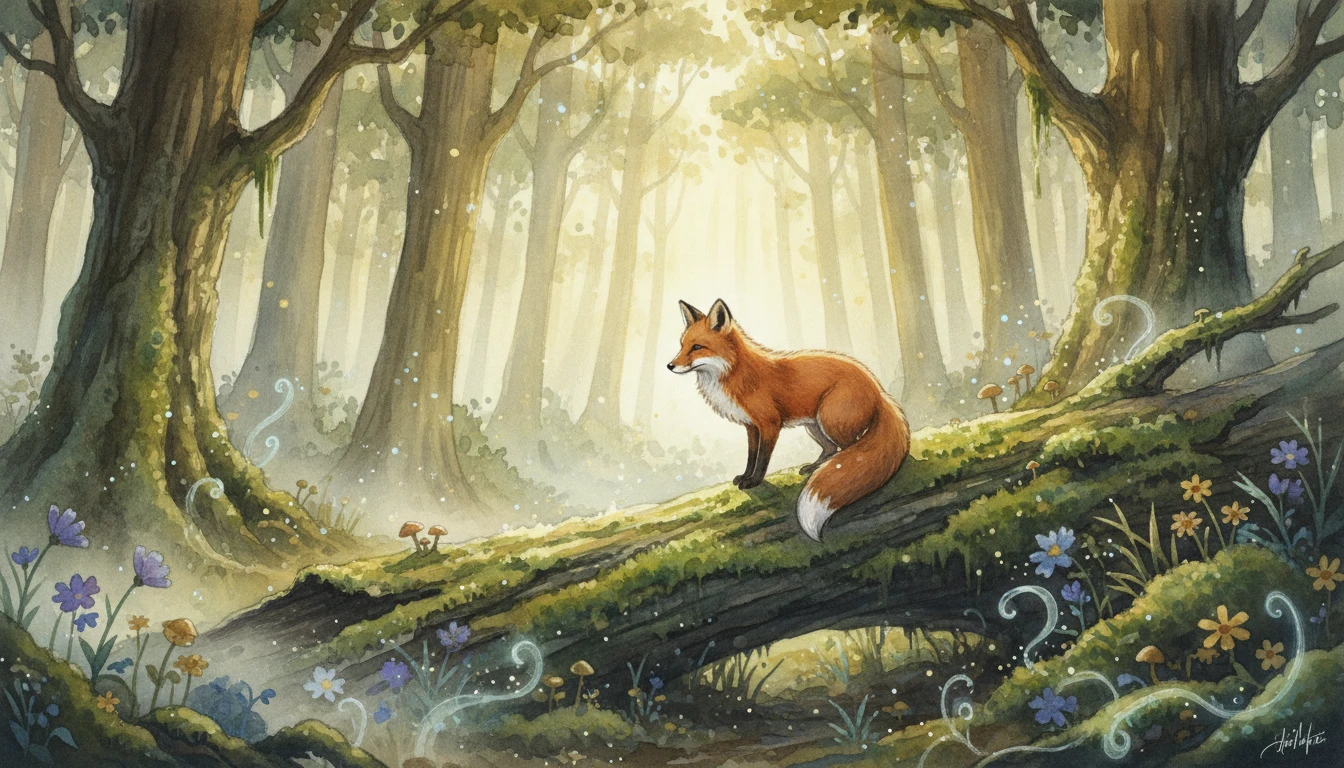
AI Illustration Generator
Generate stunning digital illustrations from text descriptions in watercolor, digital painting, storybook, fantasy, anime, and more styles
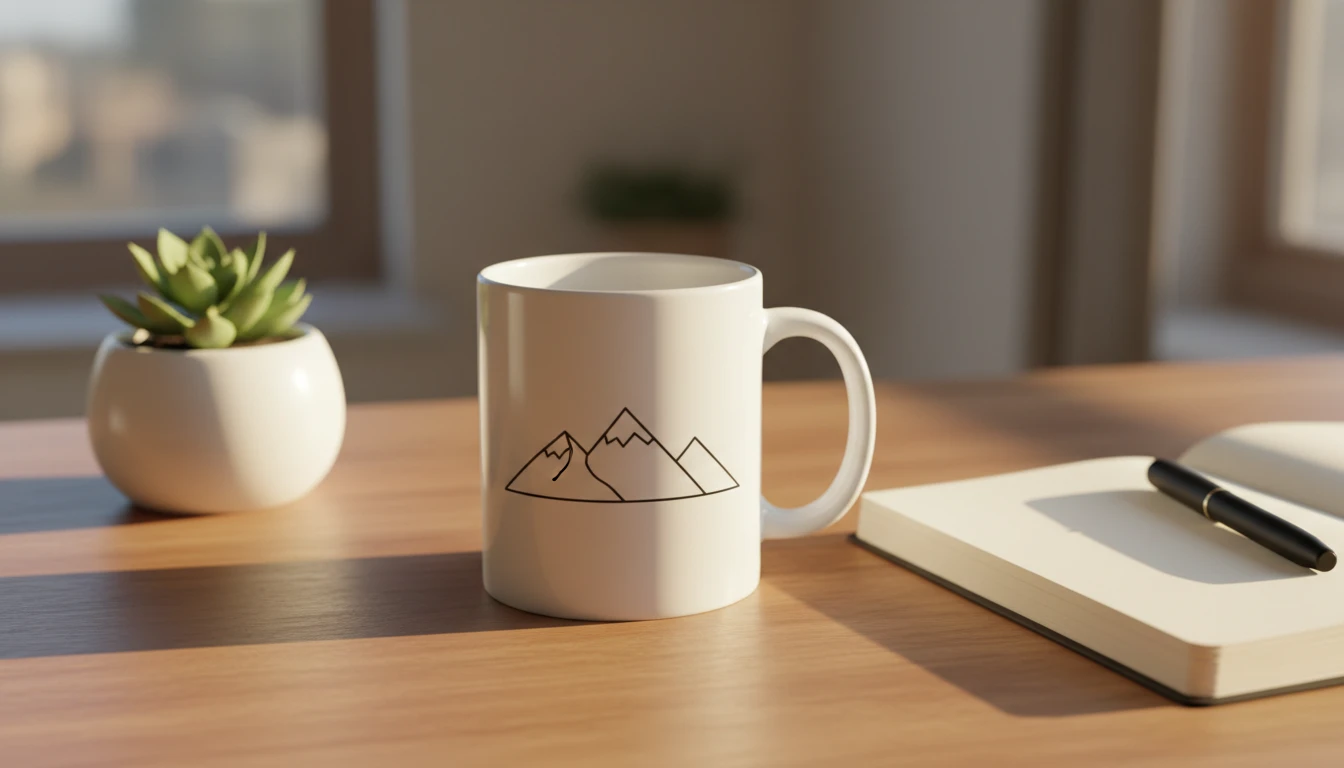
AI Mockup Generator
Generate professional product mockup images from text descriptions. Mugs, t-shirts, phones, packaging, and more in studio, lifestyle, flat lay, and premium styles.
Opens in
Image Studio
Frequently Asked Questions
Everything you need to know to get started.
What themes are available for wallpaper generation?
There are 10 themes: Nature/Landscape, Cyberpunk/Urban, Abstract/Geometric, Space/Cosmic, Lofi/Cozy, Fantasy/Magical, Minimalist, Aesthetic/Vaporwave, Dark/Moody, and Photorealistic. Each applies a specific visual language and quality enhancement to your prompt.
Which aspect ratio should I choose?
16:9 is standard for most desktop and laptop screens. 21:9 fills ultrawide and multi-monitor gaming setups. 9:16 portrait is perfect for mobile home screens and lock screens. 1:1 square works for social media profile pictures and some tablet displays.
How do I write a good wallpaper prompt?
Name your scene clearly: "misty mountain range", "neon cyberpunk city", "deep space nebula". Then add mood and lighting: "golden hour", "stormy dramatic sky", "warm lamp glow". Add style keywords last: "photorealistic", "painterly", "cinematic", "minimalist". Combining all three layers gives the best results.
Can I generate matching wallpapers for desktop and mobile?
Yes. Generate your prompt in 16:9 for desktop, then use that result as a reference image and generate again in 9:16 for mobile. The AI will preserve the color palette, mood, and style while adjusting the composition for the portrait format.
Can I use a reference image to guide the style?
Yes. Upload any wallpaper, artwork, or photo as a reference and the AI will generate new wallpapers inspired by its color palette, mood, or style. The generated result will be a unique variation, not a copy.
Are AI-generated wallpapers high resolution?
Yes. Generated wallpapers are produced at high resolution and are suitable for 1080p and 4K screens. For best print or display results, avoid upscaling the output beyond its native generated dimensions.
Generate Stunning Wallpapers Instantly
Describe any scene and get a beautiful high-resolution wallpaper in seconds. Any theme, any device, any aspect ratio.
Create Your First WallpaperDisclaimer: This tool uses generative AI technology which may produce content that resembles copyrighted materials or that is inaccurate, incomplete, or out-of-date. It is provided for general information and educational purposes only and is not intended for illegal activities or to replace professional advice, diagnosis, or treatment. Users are solely responsible for how they use the generated content. If you plan to use AI-generated content commercially or publicly, we strongly recommend reviewing it for potential copyright issues and obtaining proper permissions where necessary. We accept no liability for copyright infringement or any other consequences resulting from the use of content generated by this tool.