Change the Walls. Keep Everything Else.
Upload a room photo and try a new paint color. Furniture, floors, windows, and art stay. Only the painted walls update.
Try a Wall Color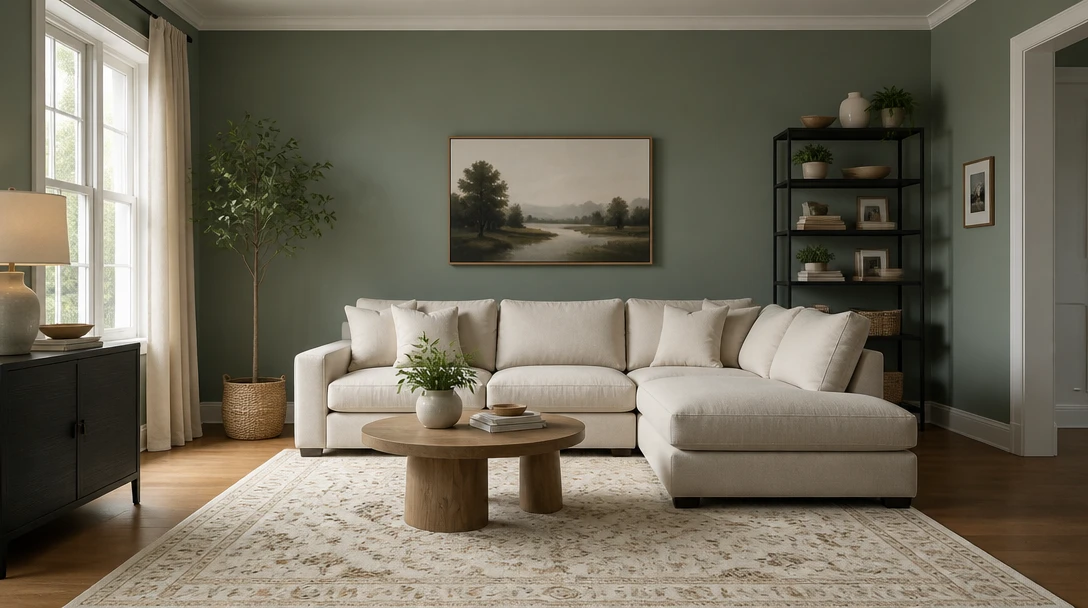
Try a Wall Color on Your Room
Add a photo of the room and we'll open AI Home Studio ready to repaint the walls only.
Drag & drop your room photo here
Furniture can stay in the shot — JPG, PNG or WebP, up to 15MB
Your photo is used only to preview wall color. Furniture and layout stay in place.
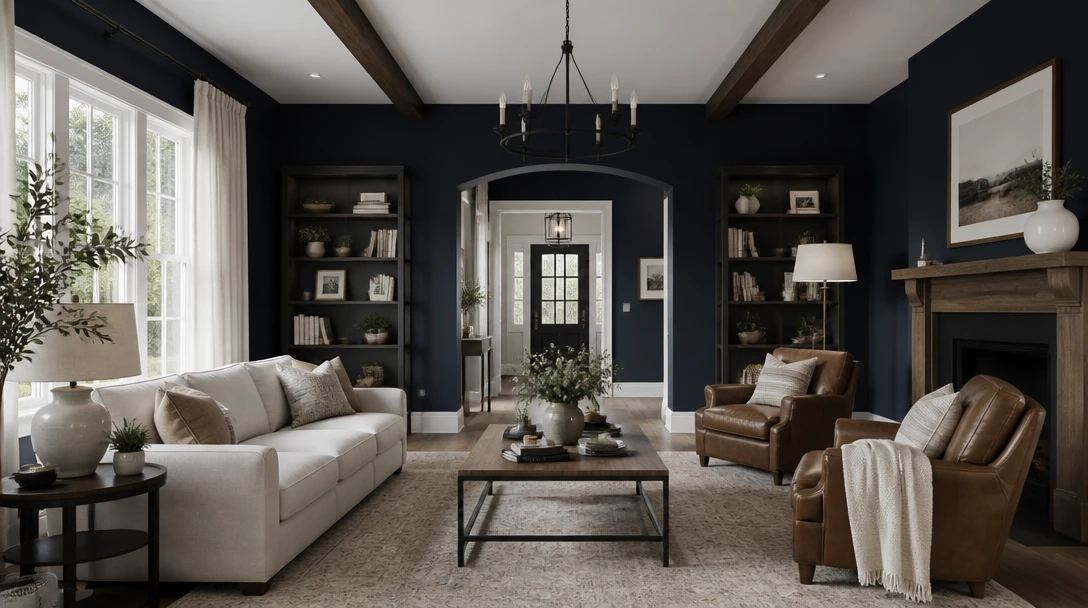
Test Color on the Room You Already Live In
Sage, navy, greige, blush, terracotta, or a warm white — applied to the walls while the sofa, rug, and windows stay exactly where they are.
Try Wall Colors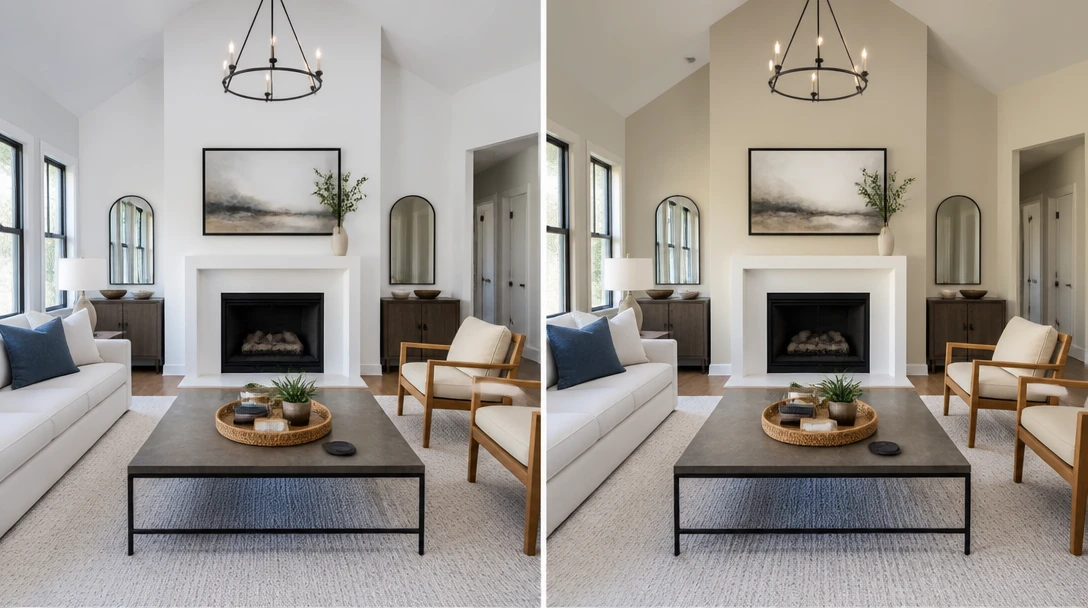
A Fast, Specific Edit — Not a Full Redesign
Interior Design restyles furniture. Wall Paint locks the room and only changes painted surfaces, so you can judge color without a new layout.
Paint, Don't Restyle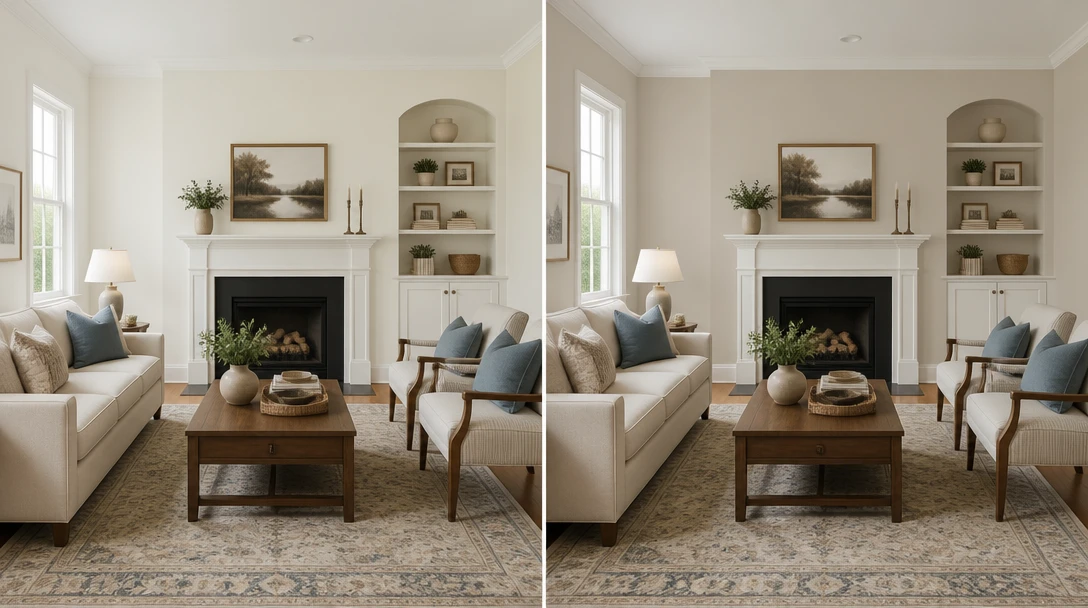
Help Buyers See a Fresh Coat
Listing photos of loud or dated wall color can be shown with a neutral preview, labeled as a visualization.
Preview Listing Paint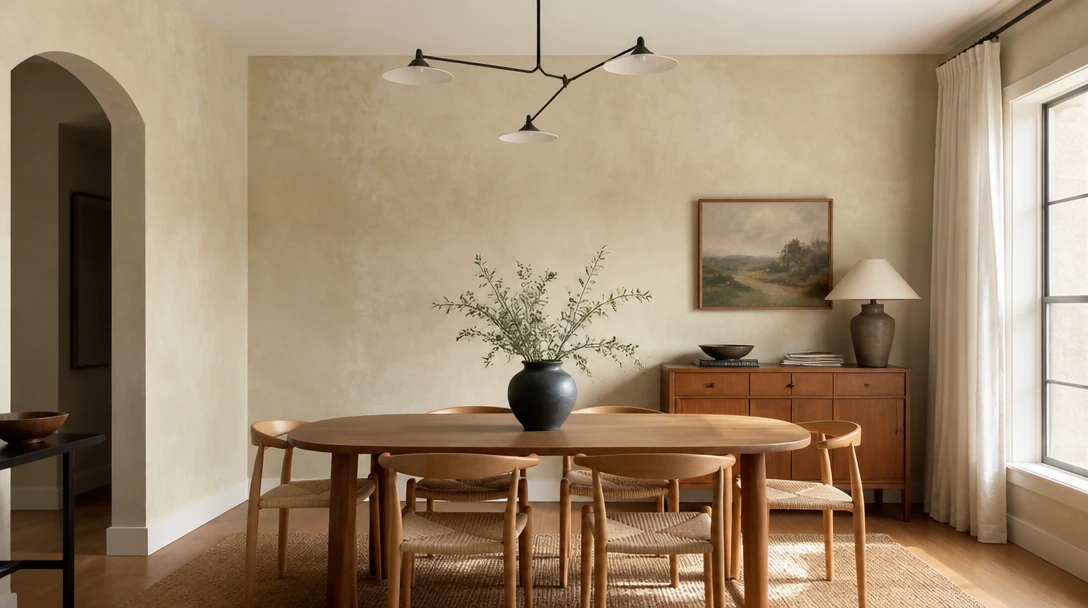
Try Limewash or a Moody Accent Without a Sample Board
Generate a limewash, charcoal, or olive look on your photo, then confirm with real paint samples on the wall in daylight.
Try a FinishWho Uses the Wall Paint Visualizer
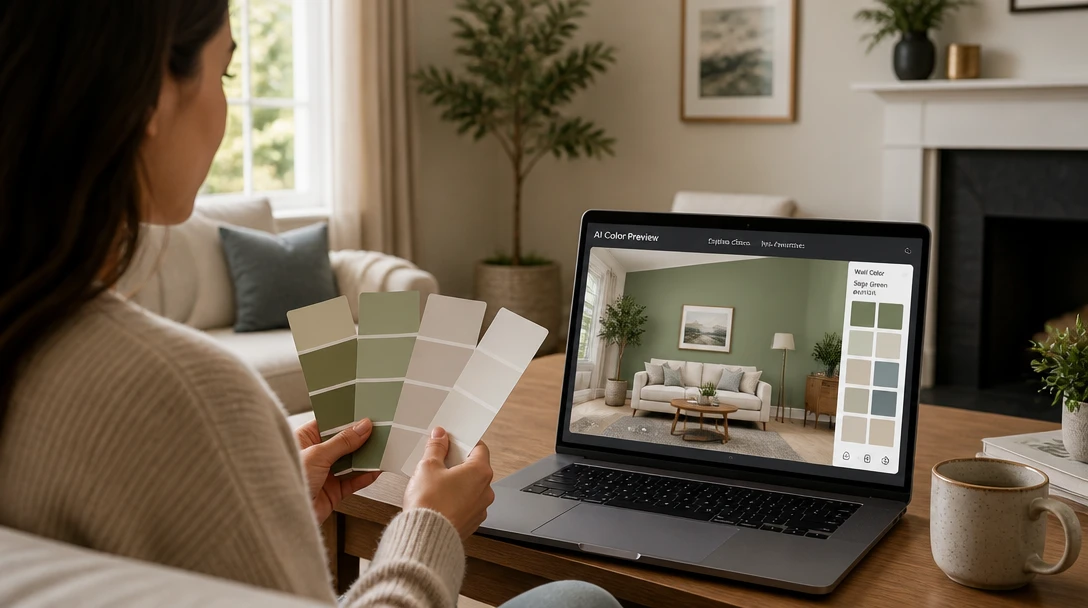
Homeowners Picking Paint
Narrow colors on your own photo before you buy sample pots. Always check a real swatch on the wall — screens lie.
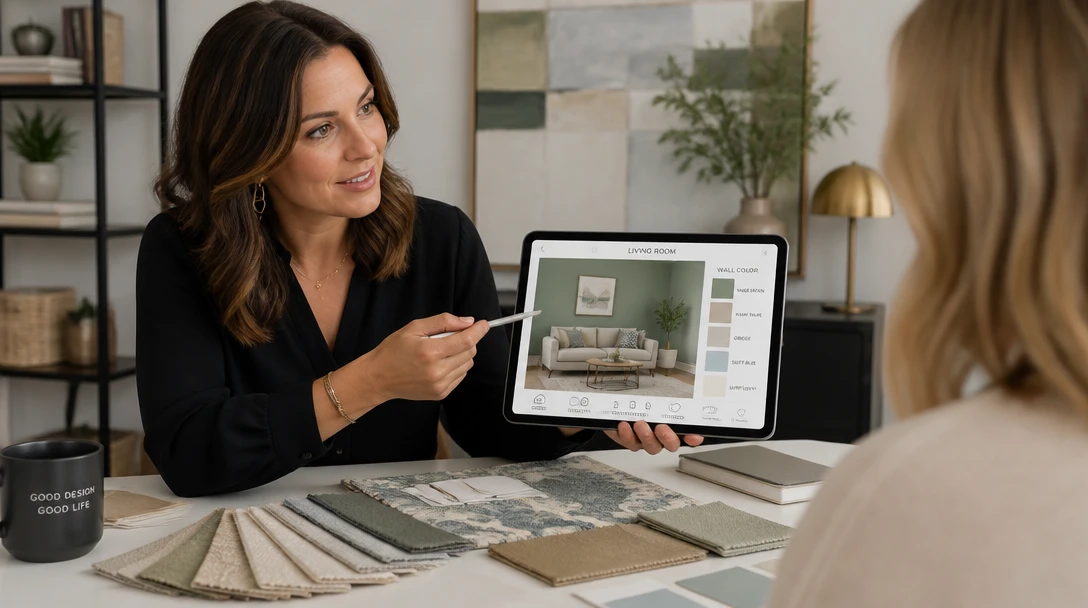
Interior Designers
Show a client one color change without restyling their furniture, so the conversation stays on paint.

Real Estate Agents
Preview a neutral wall color on a listing with a strong existing paint, and disclose that it is a visualization.
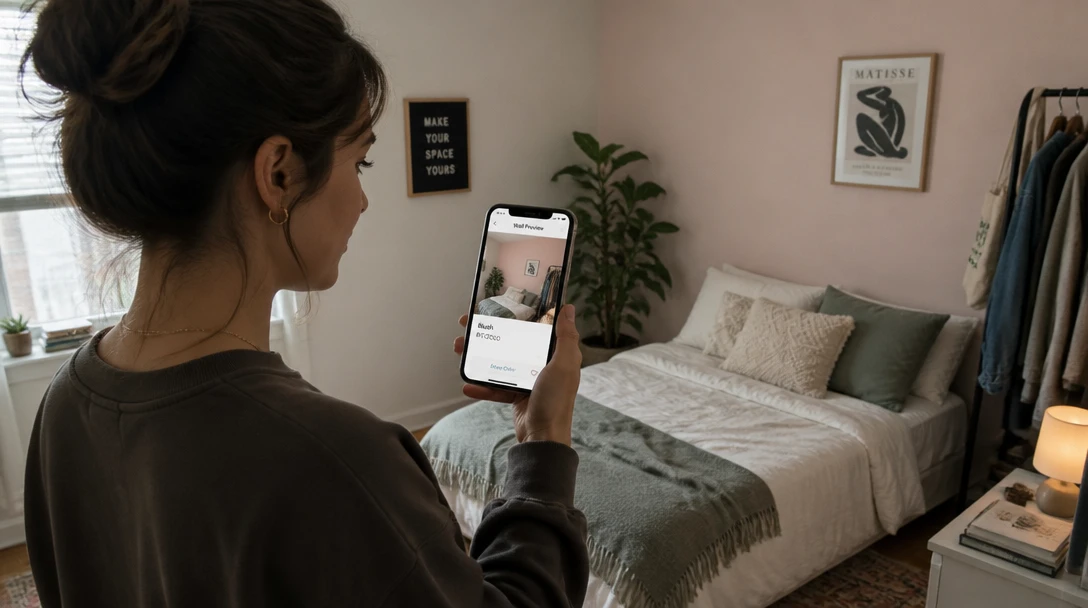
Renters
See how a color might look if you are allowed to paint — without rearranging the furniture in the photo.
How to Preview Wall Paint with AI
Upload the Room Photo
A furnished shot is fine. Include a full wall and some trim so the paint can wrap into corners.
Choose a Wall Color
Warm white, greige, sage, navy, charcoal, blush, terracotta, olive, sky, or limewash.
Generate the Paint Preview
Only painted walls change. Furniture, floors, windows, and the camera stay.
Check a Real Sample
Use the image to shortlist. Confirm color with a sample pot on the actual wall in morning and evening light.
Explore More
More AI Studio Tools
Discover other powerful AI tools to enhance your creative workflow
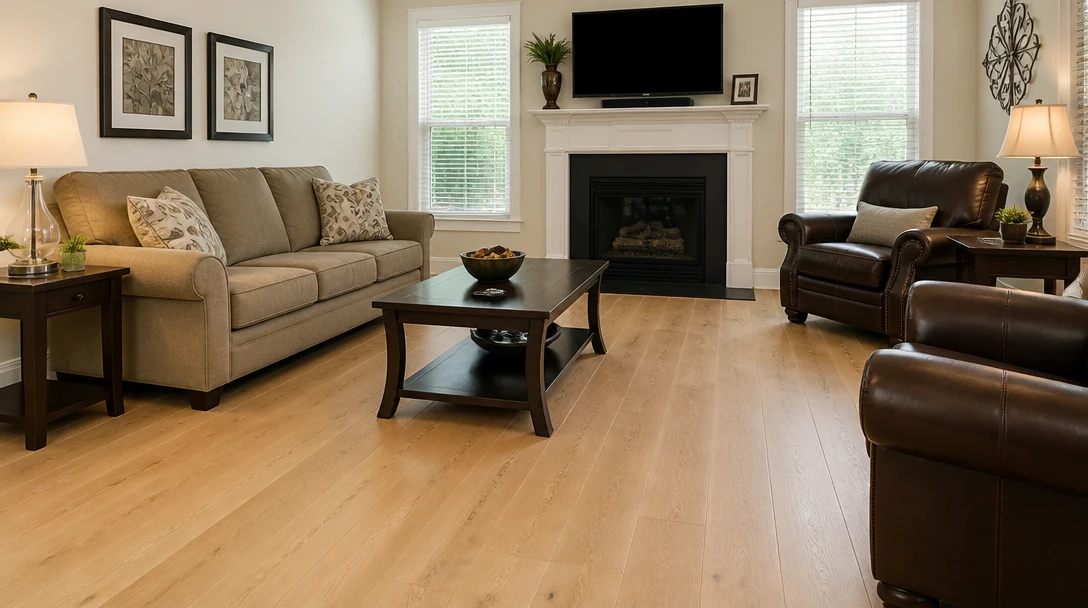
AI Flooring Visualizer
Keep the room and swap wood, tile, or carpet on the floor plane of your photo
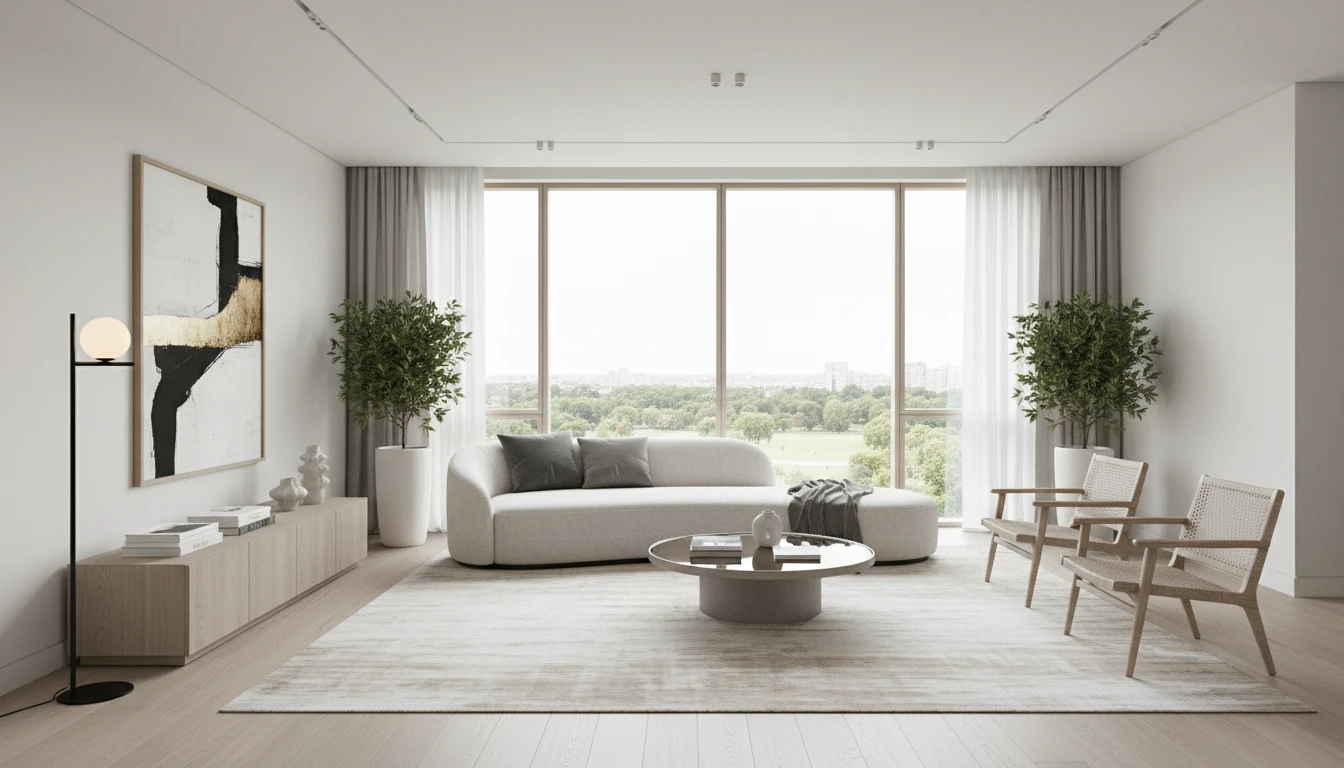
AI Interior Design
Upload a photo of any room and AI generates a photorealistic interior redesign in seconds. Choose from 15 distinct styles including Modern, Scandinavian, Bohemian, Japandi, Hollywood Regency, Art Deco, New York Loft, and more. The result preserves your room layout, windows, and architecture while replacing furniture, finishes, and decor. Works for living rooms, bedrooms, kitchens, bathrooms, and home offices.
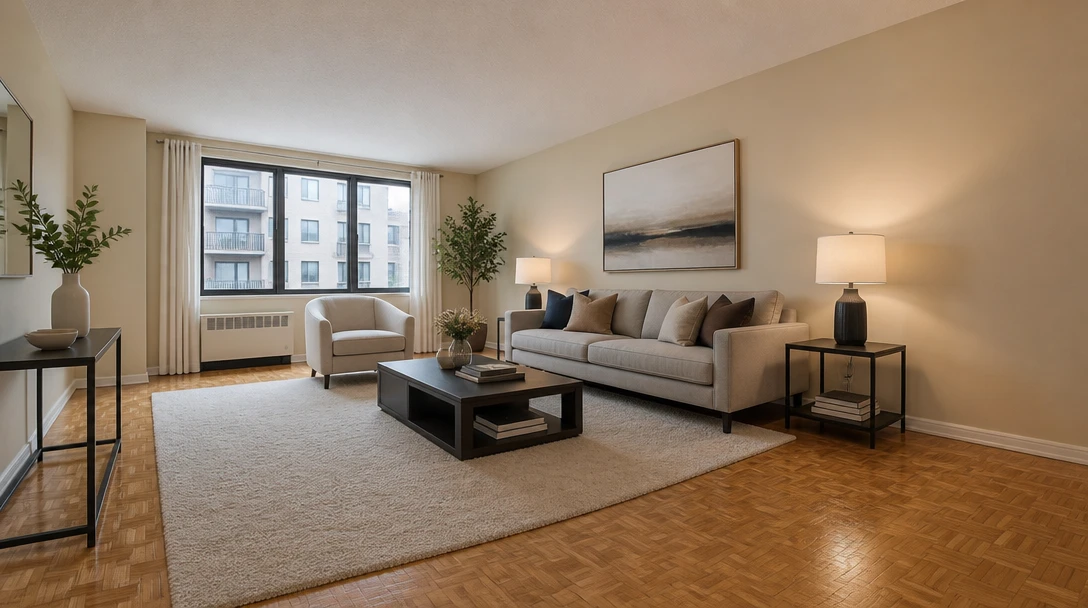
AI Virtual Staging
Furnish an empty room from a photo for real-estate listing previews in 10 staging styles
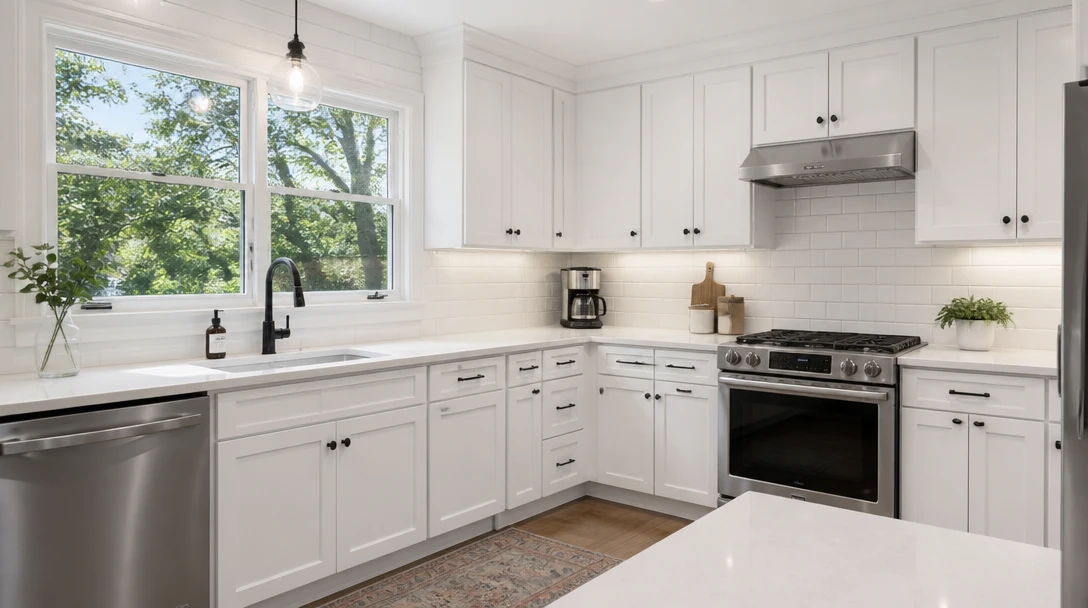
AI Kitchen Remodel
Preview cabinets, counters, and backsplash on your kitchen photo before you spend
Opens in
Image Studio
Frequently Asked Questions
Everything you need to know to get started.
What does the wall paint tool change?
Painted wall surfaces and their color or finish. Furniture, flooring, windows, doors, ceiling, and art stay. It is not a full interior redesign.
Will it paint my furniture or floor?
It should not. If a photo is extremely dark or cropped, edges can be harder to read — use a clear, well-lit room shot.
Is the color a true paint match?
No. Screens and generated images are not a substitute for a brand color chip or a sample pot on your wall in real light.
Can I pick a custom hex?
This version uses curated color looks. Generate a close direction, then match a real paint line at the store.
What rooms work?
Living rooms, bedrooms, dining rooms, and offices. Kitchens and baths may include tile or cabinets you do not want painted — use the remodel tools for those finishes.
What file should I upload?
JPEG, PNG, or WebP up to 15MB. Daylight, a straight-on or slight-angle shot, and visible trim produce the cleanest walls.
Try the Color Before You Open a Can
Sign up free and get 100 credits. Preview wall color on your room, then confirm with a real sample on the wall.
Try a Wall ColorDisclaimer: This tool uses generative AI technology which may produce content that resembles copyrighted materials or that is inaccurate, incomplete, or out-of-date. It is provided for general information and educational purposes only and is not intended for illegal activities or to replace professional advice, diagnosis, or treatment. Users are solely responsible for how they use the generated content. If you plan to use AI-generated content commercially or publicly, we strongly recommend reviewing it for potential copyright issues and obtaining proper permissions where necessary. We accept no liability for copyright infringement or any other consequences resulting from the use of content generated by this tool.