Furnish an Empty Room for the Listing Photo
Upload a vacant living room, bedroom, or dining space and see a photorealistic staged version. The walls and windows stay put — only the furniture arrives.
Stage an Empty Room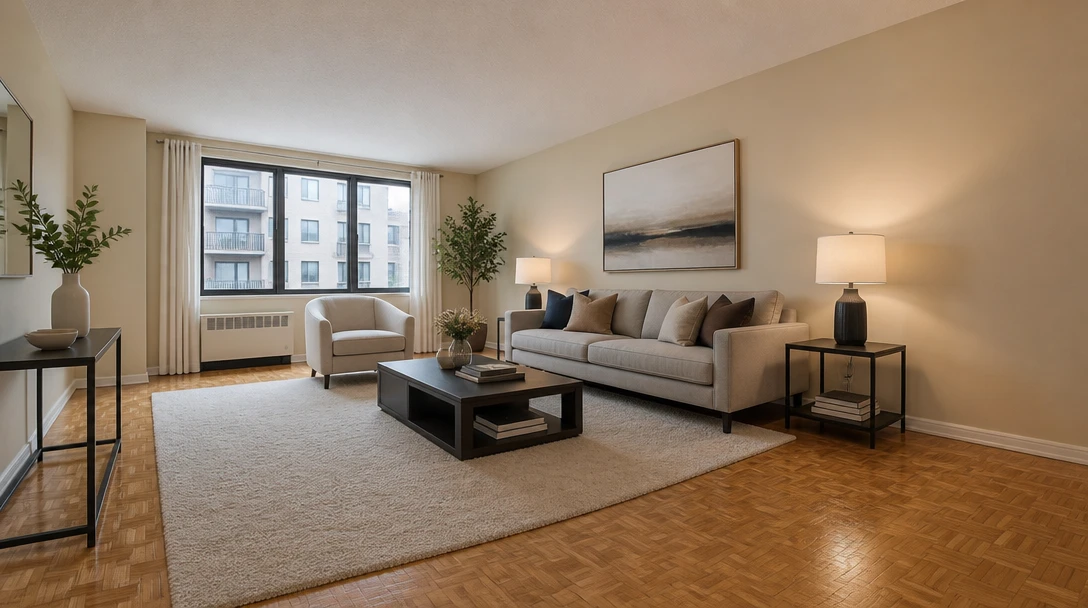
Stage Any Empty Room
Add a photo of the vacant space and we'll open AI Home Studio ready to furnish it for a listing preview.
Drag & drop your empty room photo here
A clear shot of the vacant space works best — JPG, PNG or WebP, up to 15MB
Your photo is used only to stage the room for you. This is listing art, not a construction plan.
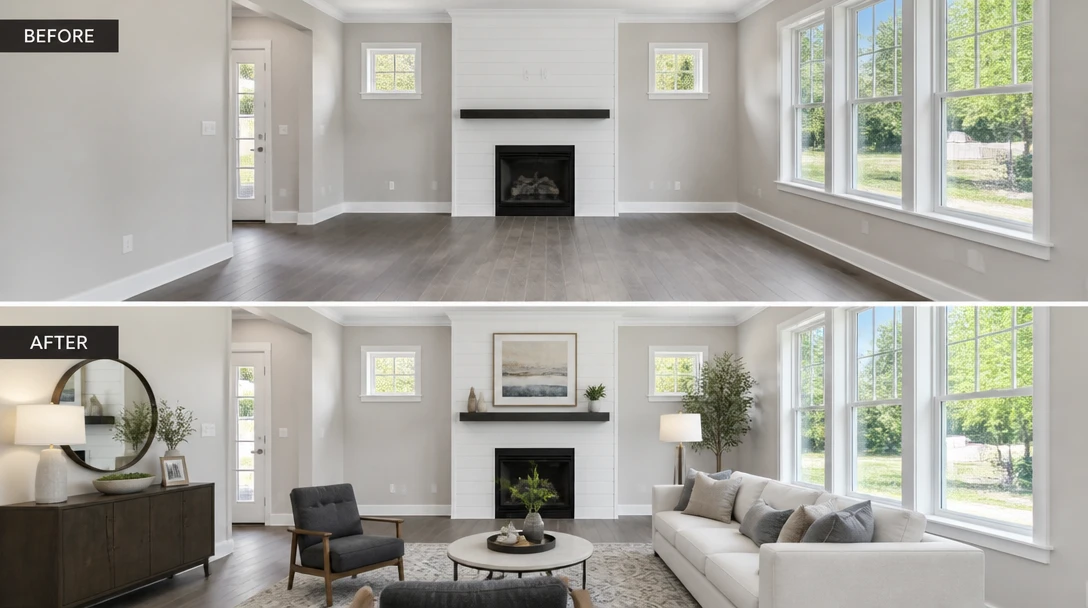
Show Buyers a Furnished Version of a Vacant Listing
Empty rooms photograph small and cold. Virtual staging fills the frame with furniture that matches the room so buyers can picture living there — without renting a truck or a staging crew.
Stage a Vacant Room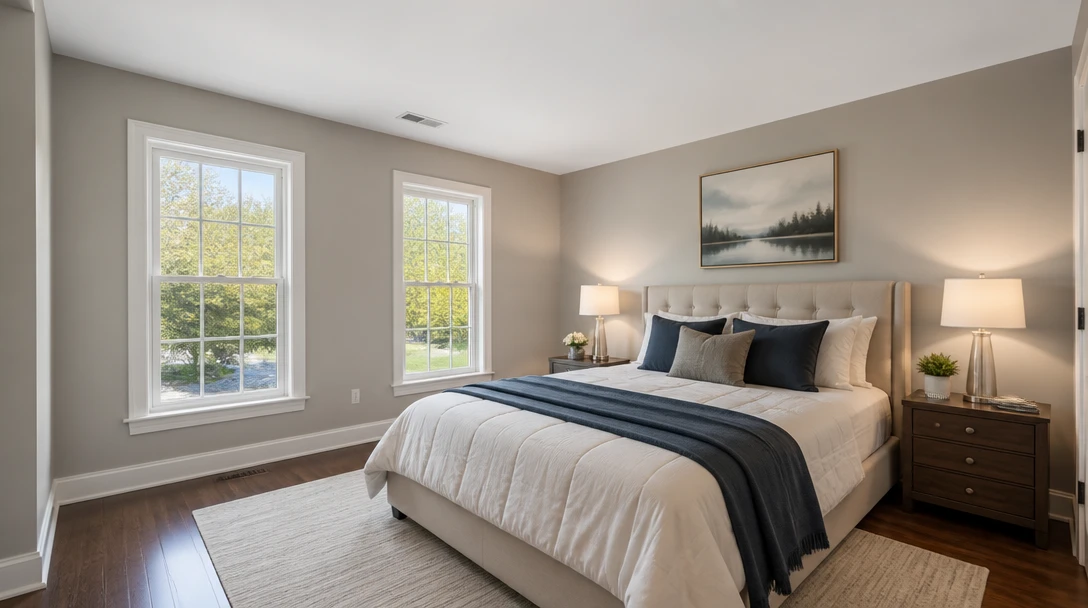
Keep the Architecture. Only Add Furniture.
Windows, doors, and floor plane stay where they are. The model furnishes the existing room instead of inventing a different floor plan, so the preview still matches the property.
Furnish This Room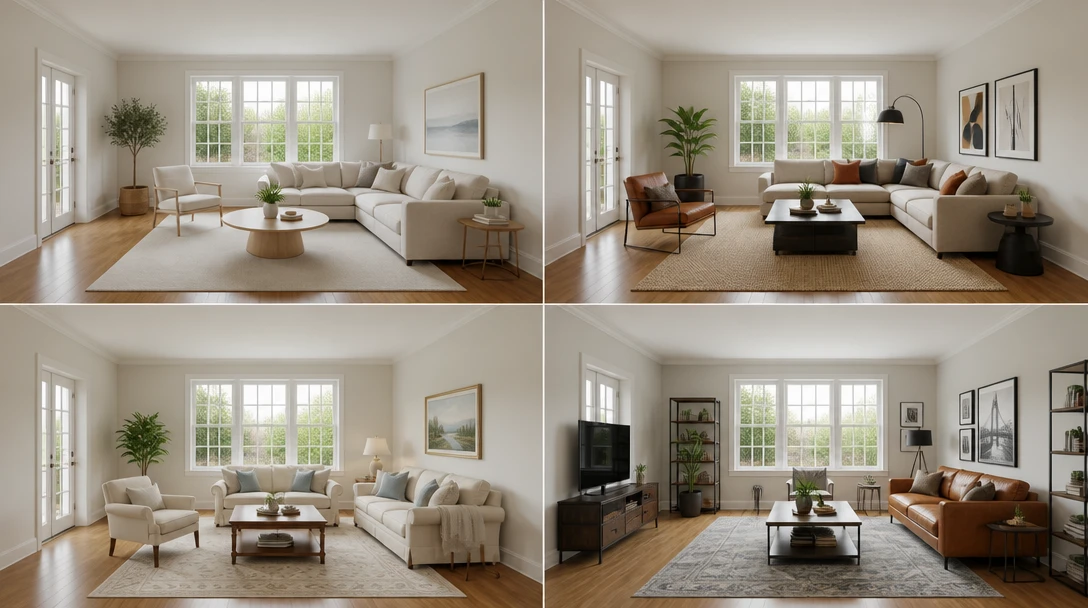
Try Listing Looks Before You Commit to Physical Staging
Modern, Scandi, luxury, family, coastal, and more. Generate a few directions on the same photo and pick the one that photographs best for the listing.
Try Staging Styles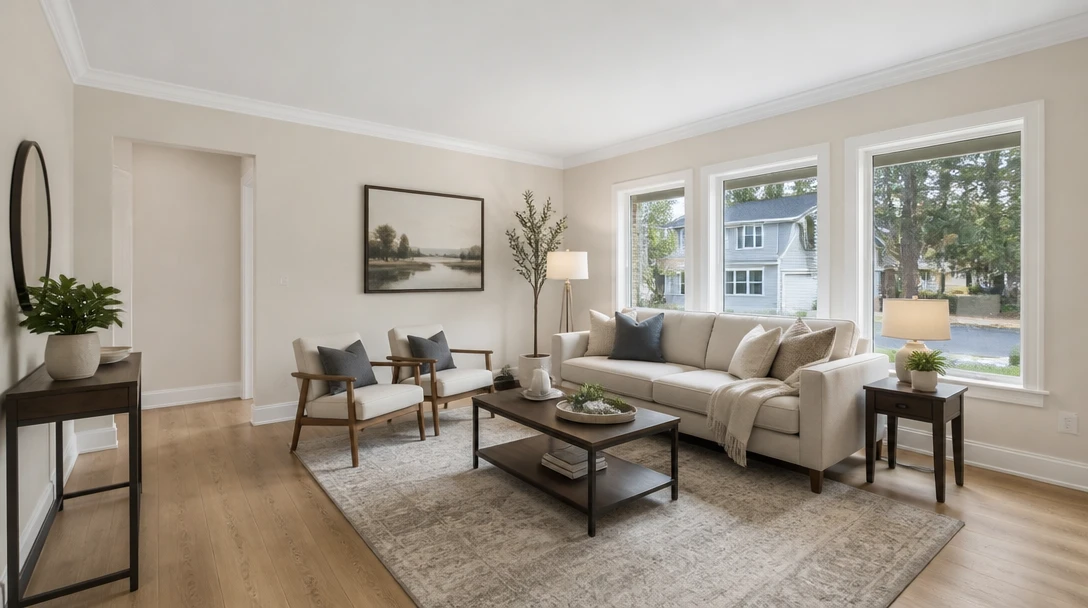
Refresh Outdated Furniture Without a Clean-Out
If a room is sparsely furnished or the existing pieces date the listing, stage a cleaner set on top of the same architecture for marketing photos.
Refresh a Listing PhotoWho Uses AI Virtual Staging
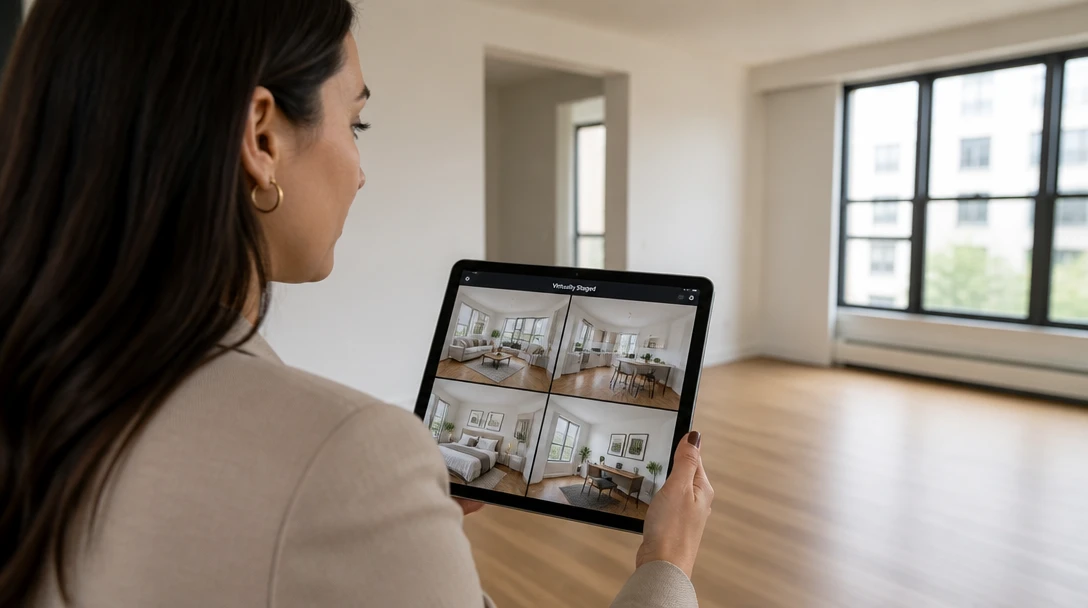
Listing Agents
Turn vacant inventory into furnished marketing photos the same day. Share the preview with sellers as listing art, not as a promise of a build.

Property Developers
Show model-home furniture in unfinished or empty units so floor plans read as livable spaces in brochures and portals.
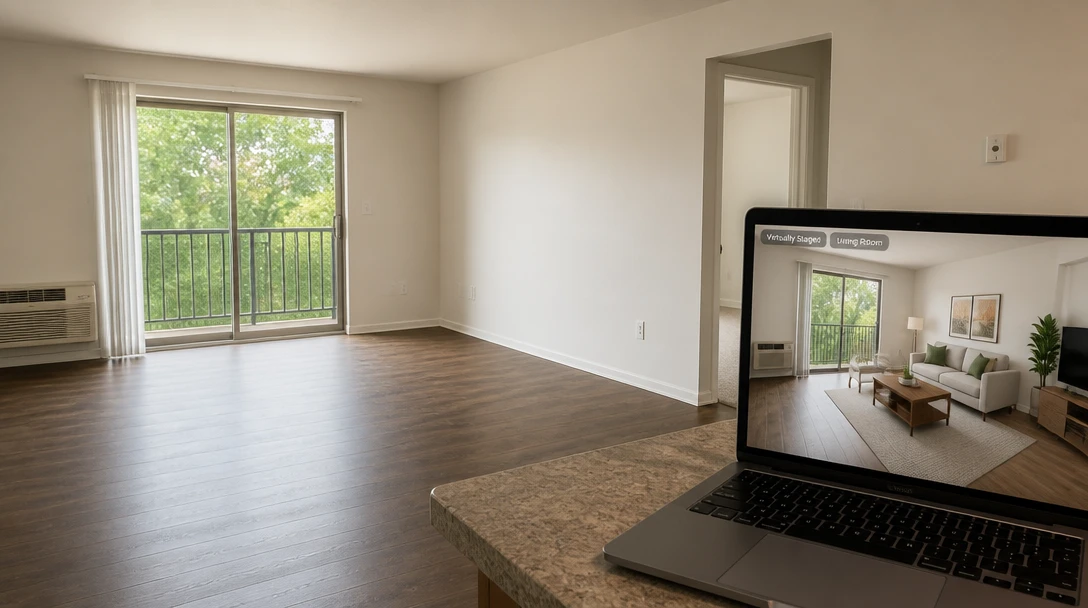
Landlords and Hosts
Preview how a vacant rental or short-stay unit could look furnished before you buy a single piece.
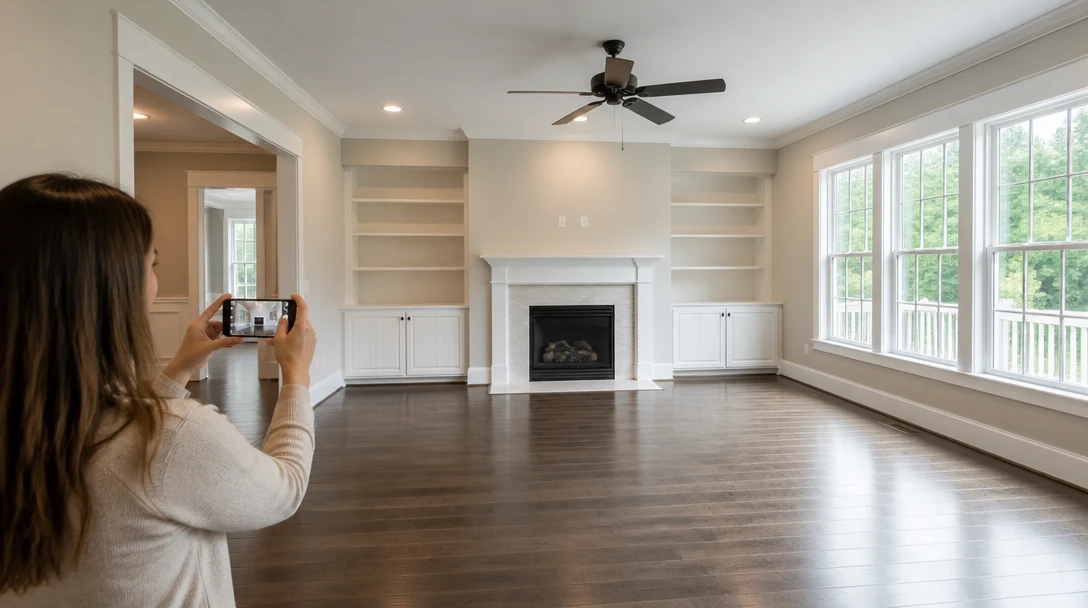
Home Sellers
If you have already moved out, stage the empty rooms for photos instead of leaving buyers to imagine scale from bare walls.
How to Virtually Stage a Room with AI
Upload the Empty Room
Use a well-lit photo taken from a doorway or corner so the floor and windows are visible. Living rooms, bedrooms, and dining rooms all work.
Choose a Staging Look
Pick Modern, Scandi, luxury, family, coastal, mid-century, minimal, farmhouse, loft, or a buyer-ready neutral set.
Generate the Furnished Preview
The room structure stays. Furniture, rugs, and lamps are added at a realistic scale for a listing-style photo.
Download and Compare
Save the result and use it as marketing art. It is a visual preview, not a contractor quote or a furniture order.
Explore More
More AI Studio Tools
Discover other powerful AI tools to enhance your creative workflow
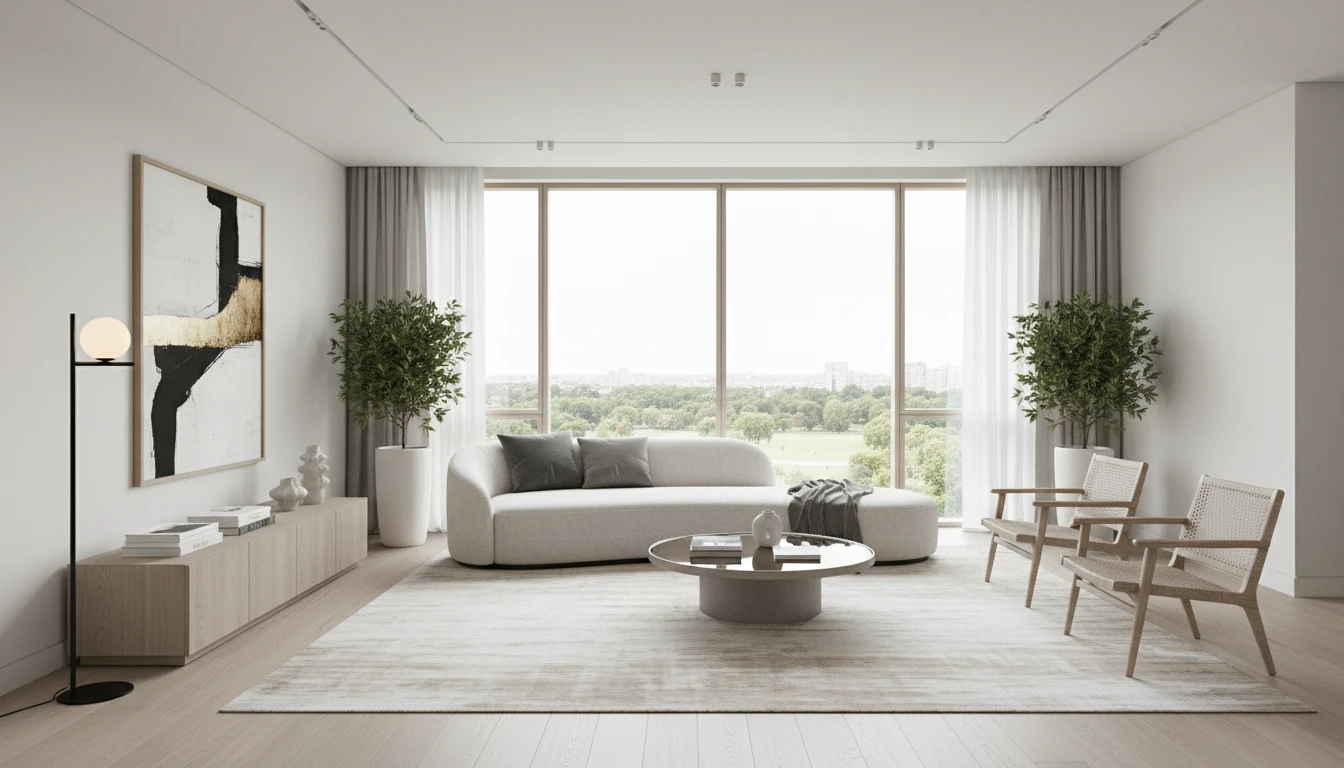
AI Interior Design
Upload a photo of any room and AI generates a photorealistic interior redesign in seconds. Choose from 15 distinct styles including Modern, Scandinavian, Bohemian, Japandi, Hollywood Regency, Art Deco, New York Loft, and more. The result preserves your room layout, windows, and architecture while replacing furniture, finishes, and decor. Works for living rooms, bedrooms, kitchens, bathrooms, and home offices.
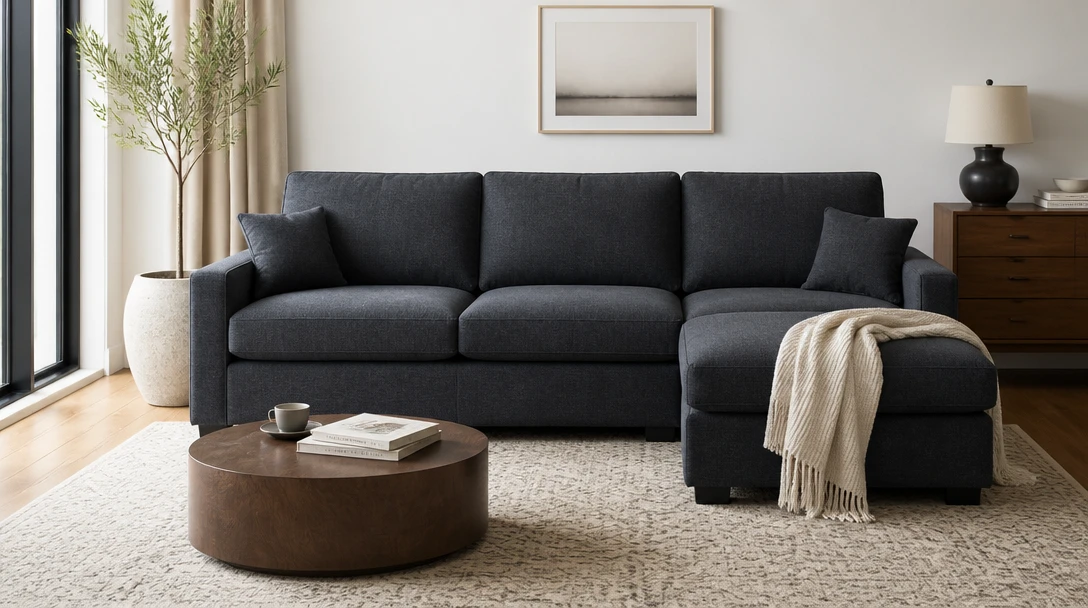
AI Furniture Try-On
Place a product photo into your room photo — dual upload, like trying a piece at home
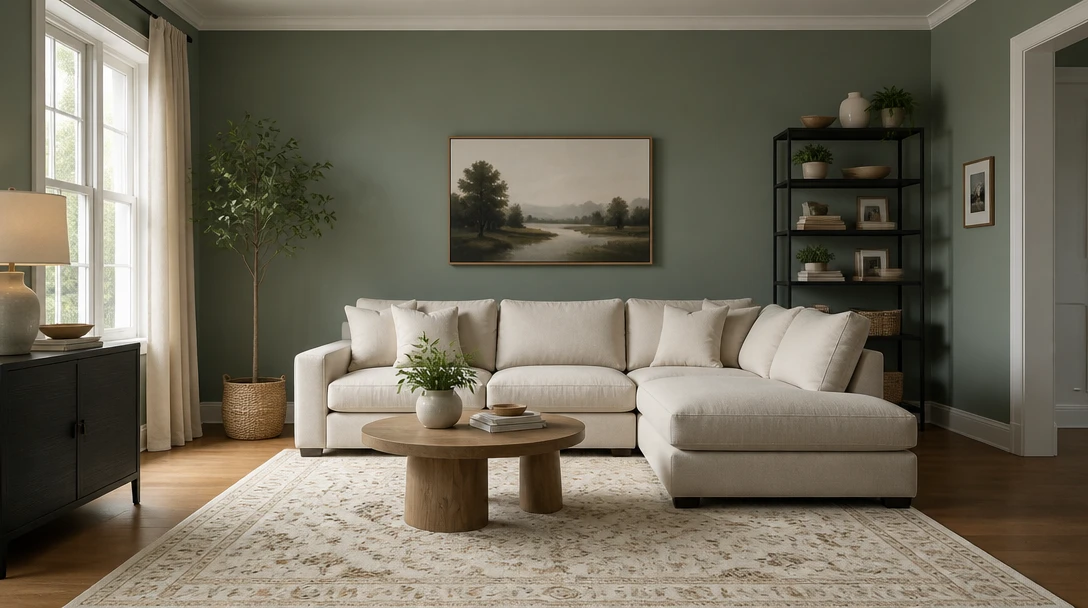
AI Wall Paint Visualizer
Change only the wall color on your room photo. Furniture and layout stay put.
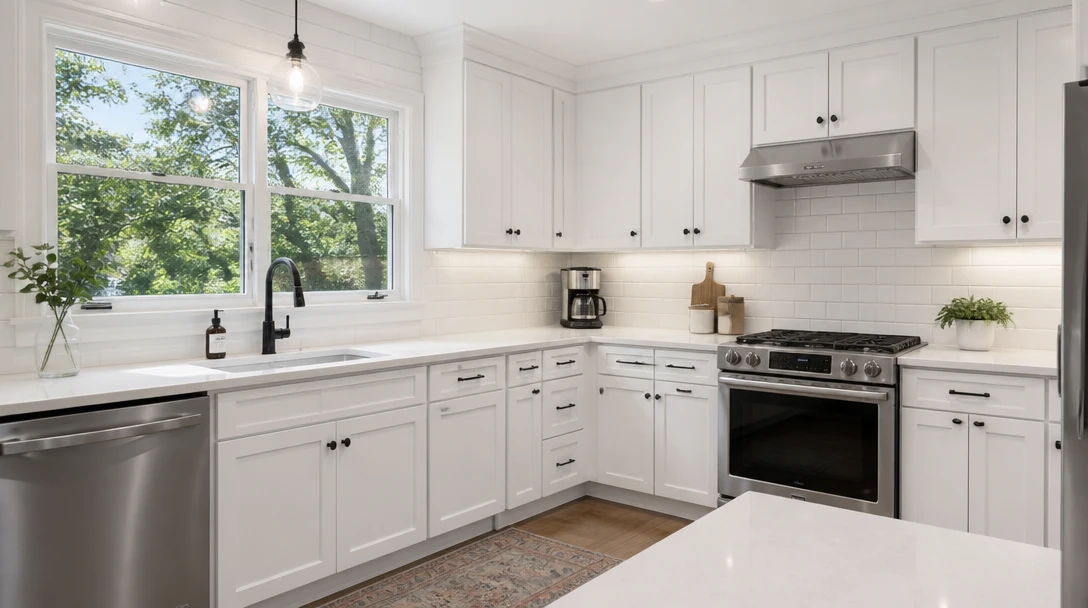
AI Kitchen Remodel
Preview cabinets, counters, and backsplash on your kitchen photo before you spend
Opens in
Image Studio
Frequently Asked Questions
Everything you need to know to get started.
What is AI virtual staging?
You upload a photo of an empty or sparsely furnished room. The tool adds a photorealistic furniture set while keeping the walls, windows, and camera angle. The output is listing art you can share — not a construction drawing.
Will it change the floor plan?
No. Staging keeps the original architecture. It does not move walls, invent windows, or redesign the structure. If you want a full restyle of an already furnished room, use AI Interior Design instead.
Can I use this instead of hiring a staging company?
Many agents use it for listing photos when a unit is vacant. Physical staging is still a different service. Treat the result as a preview for marketing, not as a promise of specific furniture being installed.
What rooms work best?
Living rooms, bedrooms, and dining rooms with a clear floor plane photograph best. Very tight crops, extreme wide-angle distortion, or dark photos are harder to stage cleanly.
Is this a furniture shopping list?
No. The pieces are generated to look right in the photo. They are not a catalog order, a quote, or a guarantee that matching items are for sale.
What image format should I upload?
JPEG, PNG, and WebP up to 15MB. Shoot straight-on or from a corner with daylight if you can. Avoid heavy filters on the original listing photo.
Stage the Empty Room Before the Open House
Sign up free and get 100 credits. Use virtual staging as listing art — a furnished preview of the room you already have.
Stage an Empty Room NowDisclaimer: This tool uses generative AI technology which may produce content that resembles copyrighted materials or that is inaccurate, incomplete, or out-of-date. It is provided for general information and educational purposes only and is not intended for illegal activities or to replace professional advice, diagnosis, or treatment. Users are solely responsible for how they use the generated content. If you plan to use AI-generated content commercially or publicly, we strongly recommend reviewing it for potential copyright issues and obtaining proper permissions where necessary. We accept no liability for copyright infringement or any other consequences resulting from the use of content generated by this tool.