See the Piece in Your Room Before You Buy
Upload the room, then a product shot of the sofa, chair, or table. The model places that exact piece at a realistic scale. The architecture stays yours.
Try Furniture in a Room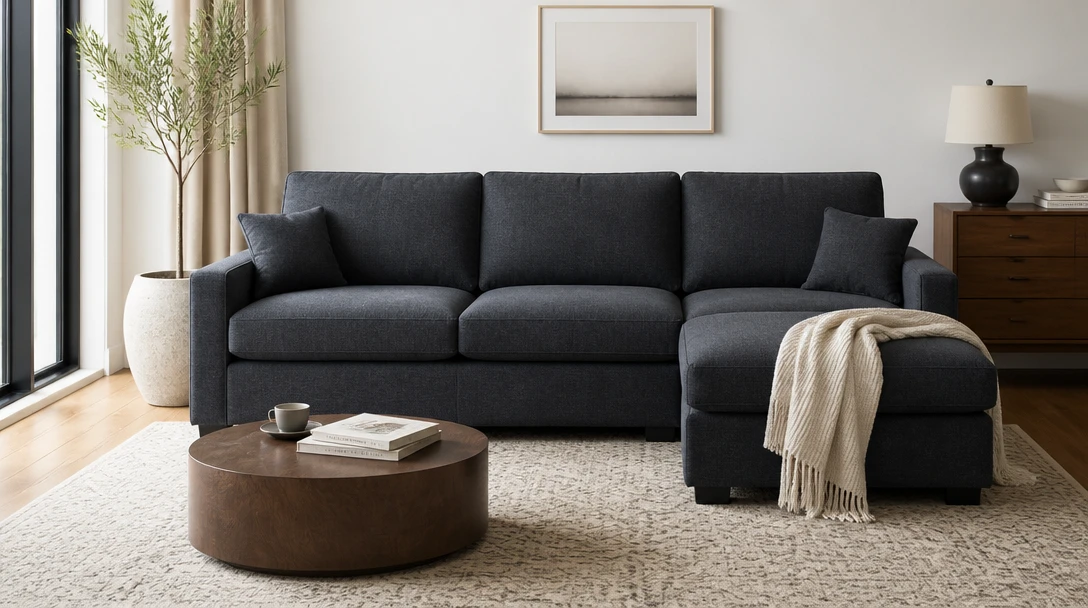
Upload Your Room Photo
Start with a clear room photo. Next you'll add a furniture product shot in Home Studio, then pick how to place it.
Drop your room photo here
or click to browse — you'll add the furniture product photo in the next steps
Your photos are used only to place the piece for you. This is a try-on preview, not a purchase or install plan.
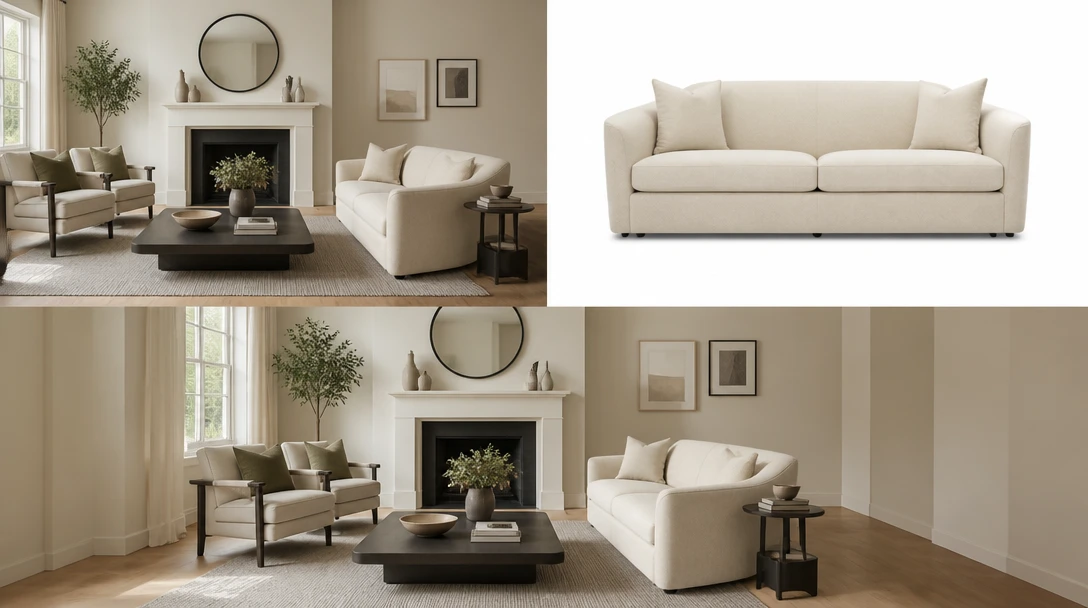
Two Photos: the Room and the Product
Like Pet + Owner portraits, this tool needs both sides. The room is the space. The second image is the sofa, chair, table, or lamp you are considering.
Add Both Photos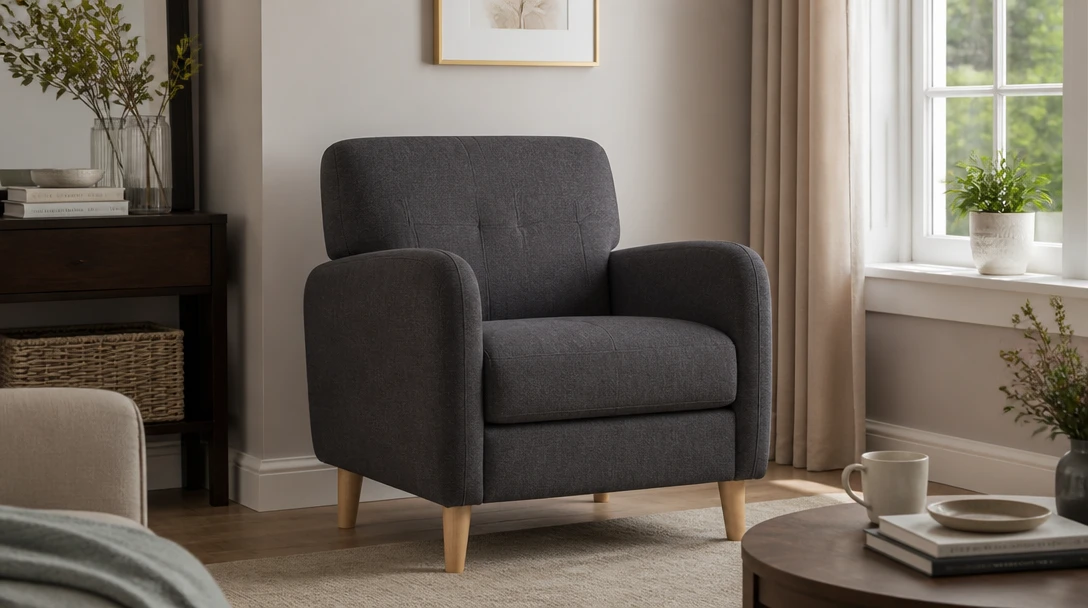
Judge Scale Against Your Actual Walls
A website hero sofa can look smaller in a real room. Placement styles drop the piece on the main wall, in a corner, or as a swap for a similar item you already have.
Check the Scale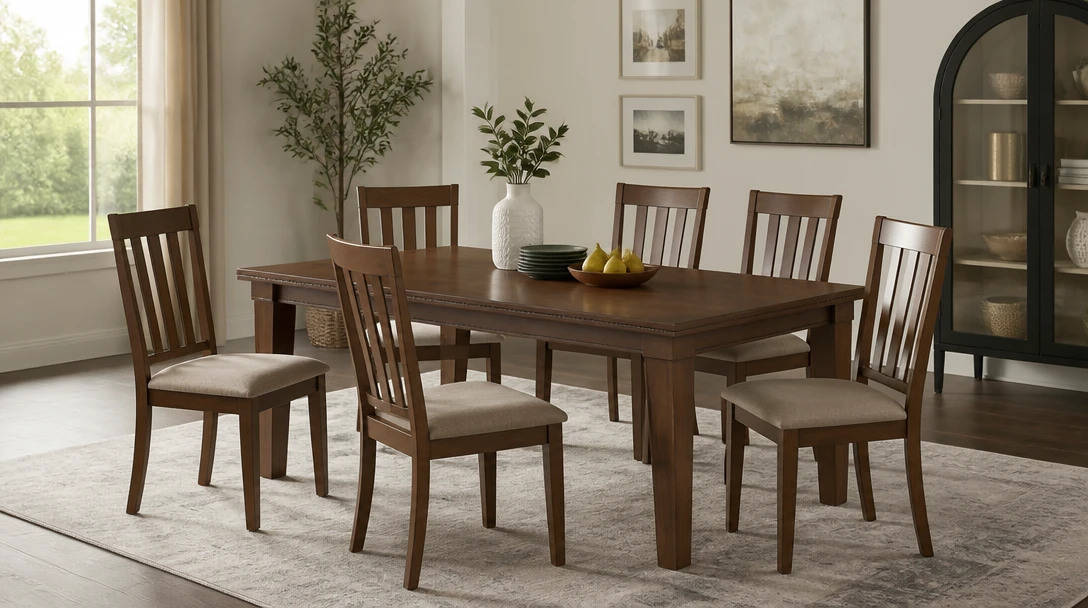
Keep the Room. Place the Exact Piece.
Color, material, and design should follow the product shot. The room's windows and other furniture you are not replacing stay.
Place the Piece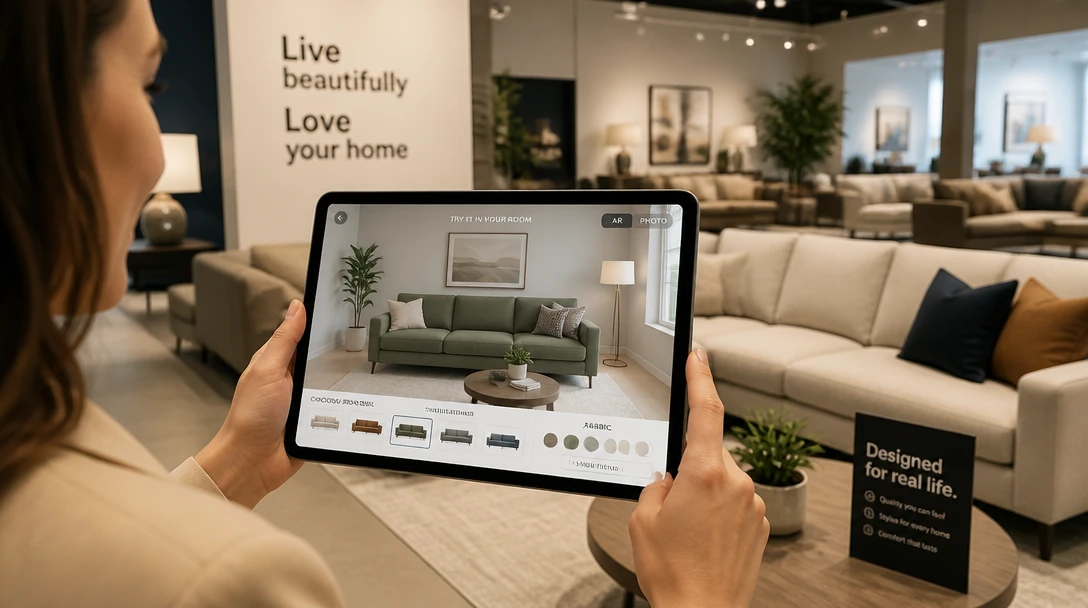
Help Shoppers and Stagers Decide Faster
Retailers, stagers, and homeowners can test a catalog piece in a real interior photo instead of guessing from a white-background pack shot.
Try a Catalog PieceWho Uses Furniture Try-On
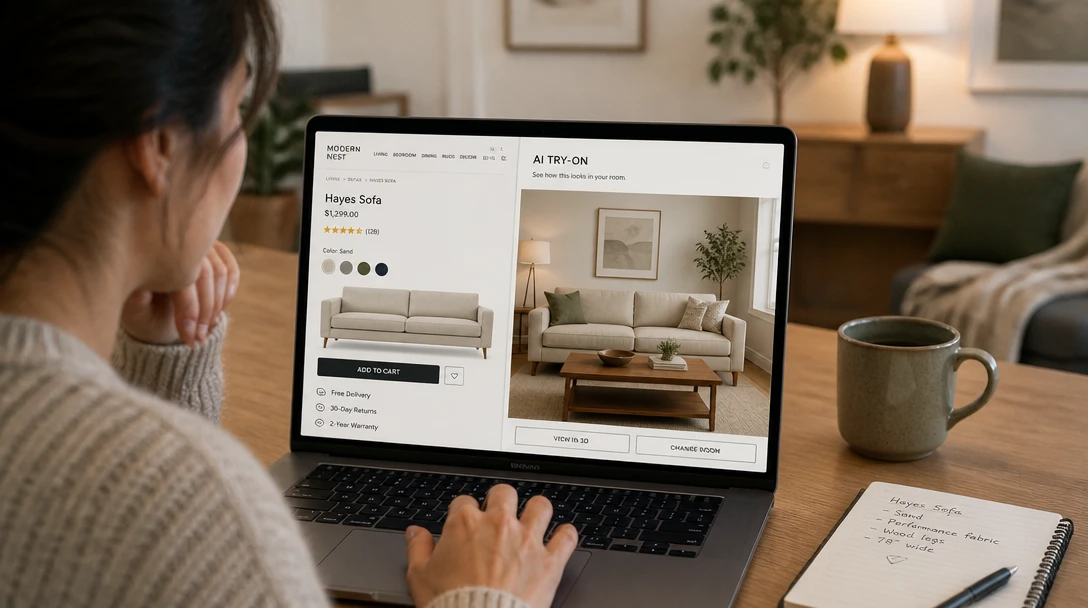
Home Shoppers
Screenshot a product page, add your living room, and see whether the piece fits the wall before you click buy.
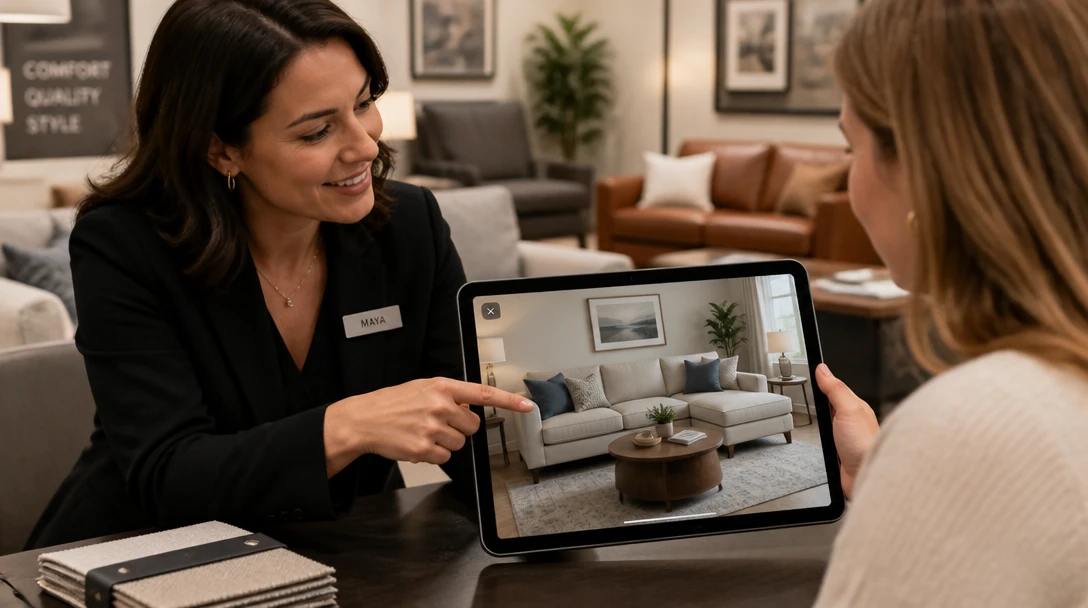
Furniture Retailers
Let a shopper upload their room next to your pack shot. Be clear it is a preview, not a guaranteed delivery photo.
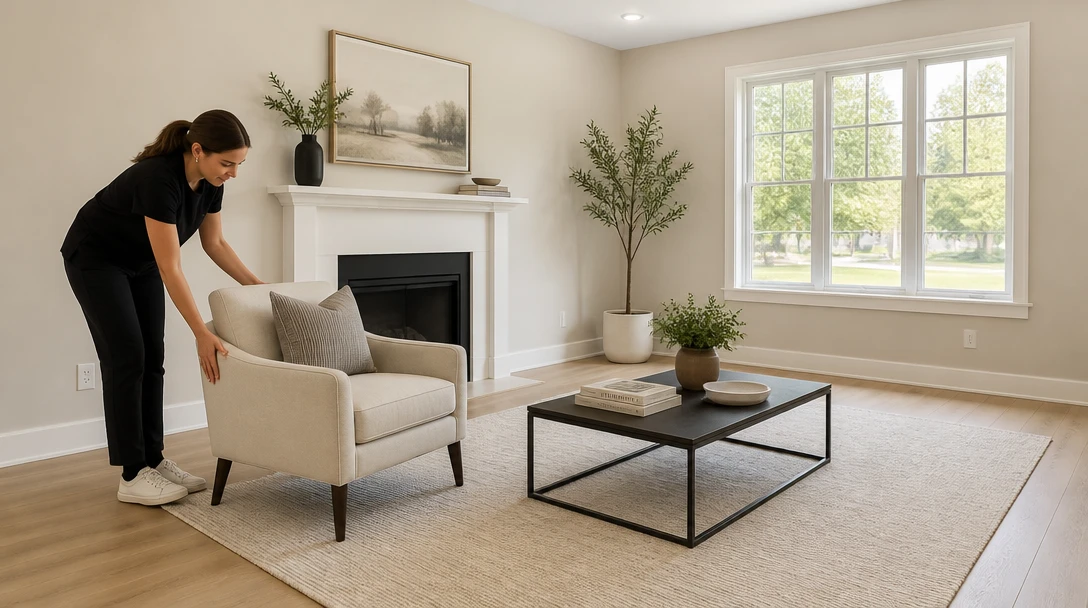
Stagers and Designers
Test a specific SKU in a vacant or furnished room photo before you reserve the piece.
Listing Agents
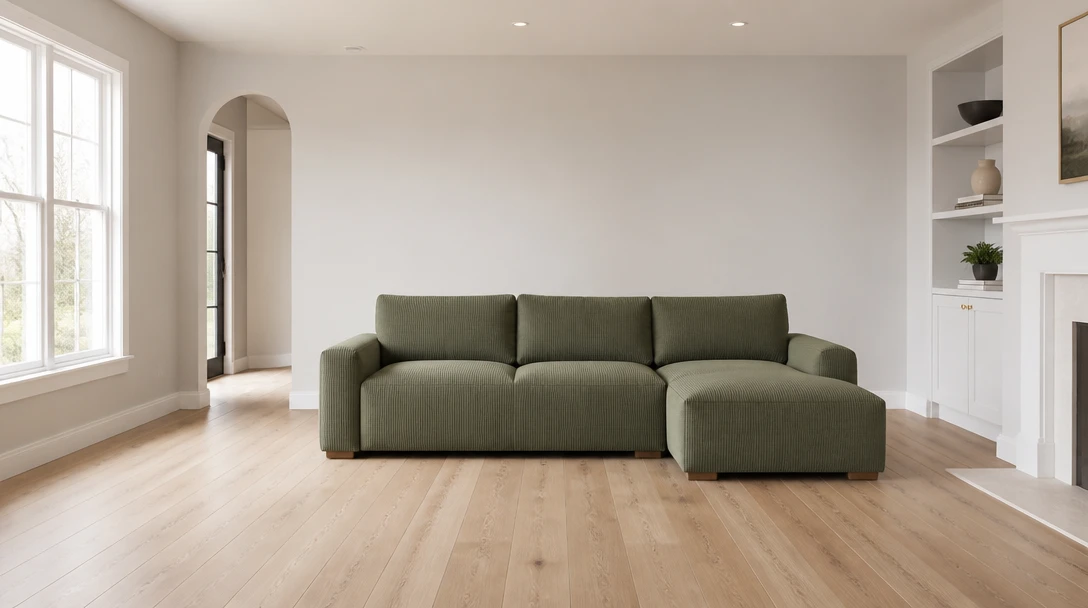
Show one hero piece in an empty room when full staging is more than you need. Disclose visualization.
How to Try Furniture in Your Room
Upload the Room Photo
A clear living room, bedroom, or dining shot with a visible floor and wall. Start here on this page.
Add the Furniture Product Shot
In Home Studio, upload the pack shot, flat-lay, or website image of the piece. Isolated products work better than busy lifestyle photos.
Choose a Placement
Place it, hero wall, swap in, corner, centered, by the window, styled in, or empty-room first piece.
Generate and Compare
Download the try-on. Confirm real dimensions on the product page — the image is a preview, not a tape measure.
Explore More
More AI Studio Tools
Discover other powerful AI tools to enhance your creative workflow
AI Virtual Staging
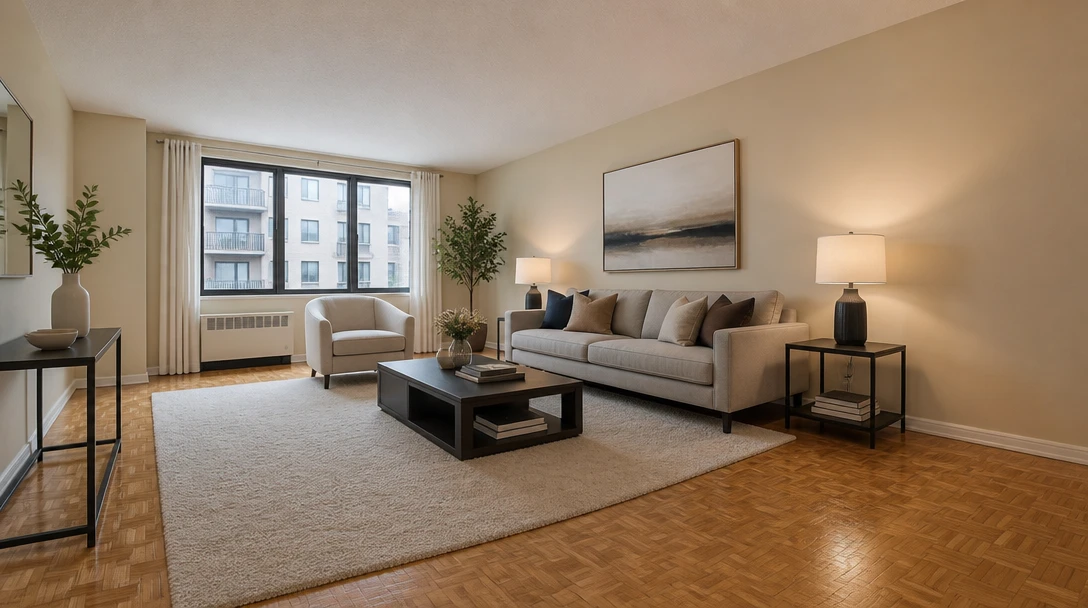
Furnish an empty room from a photo for real-estate listing previews in 10 staging styles
AI Interior Design
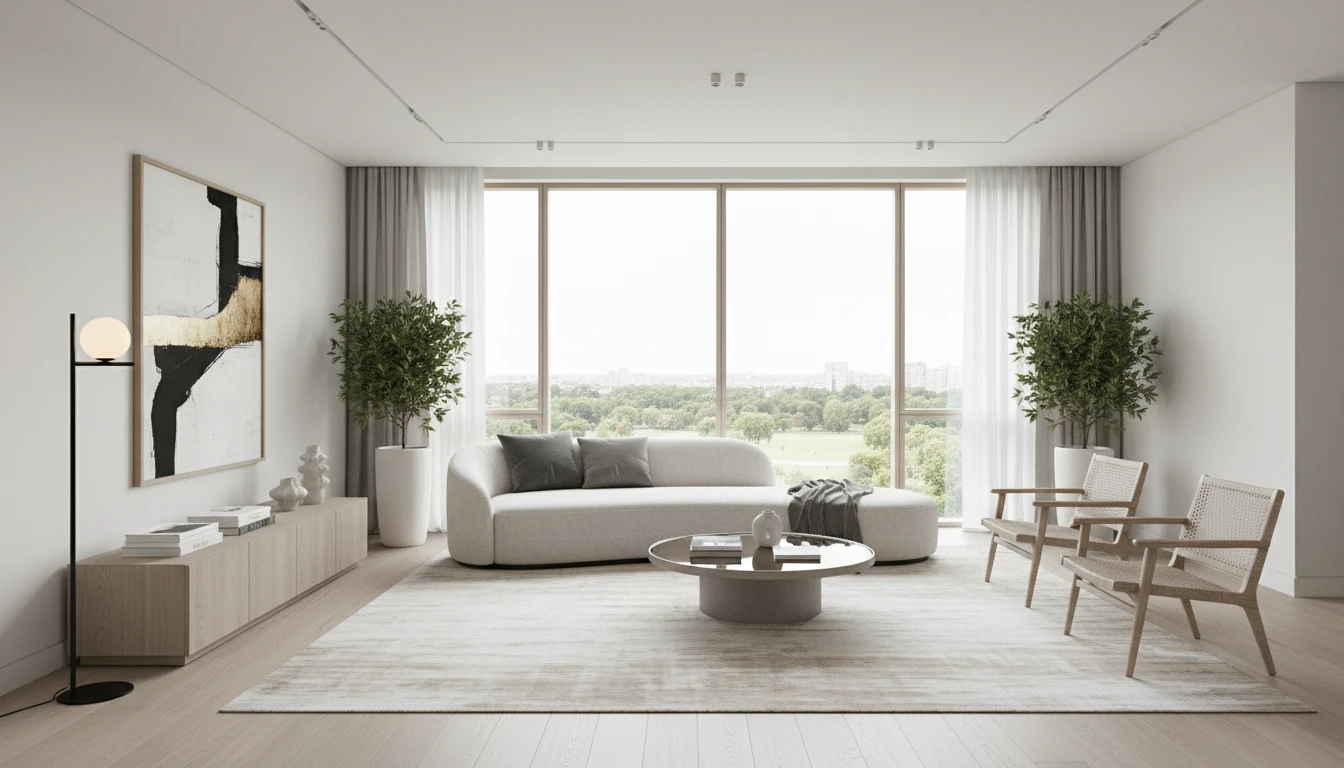
Upload a photo of any room and AI generates a photorealistic interior redesign in seconds. Choose from 15 distinct styles including Modern, Scandinavian, Bohemian, Japandi, Hollywood Regency, Art Deco, New York Loft, and more. The result preserves your room layout, windows, and architecture while replacing furniture, finishes, and decor. Works for living rooms, bedrooms, kitchens, bathrooms, and home offices.
AI Wall Paint Visualizer
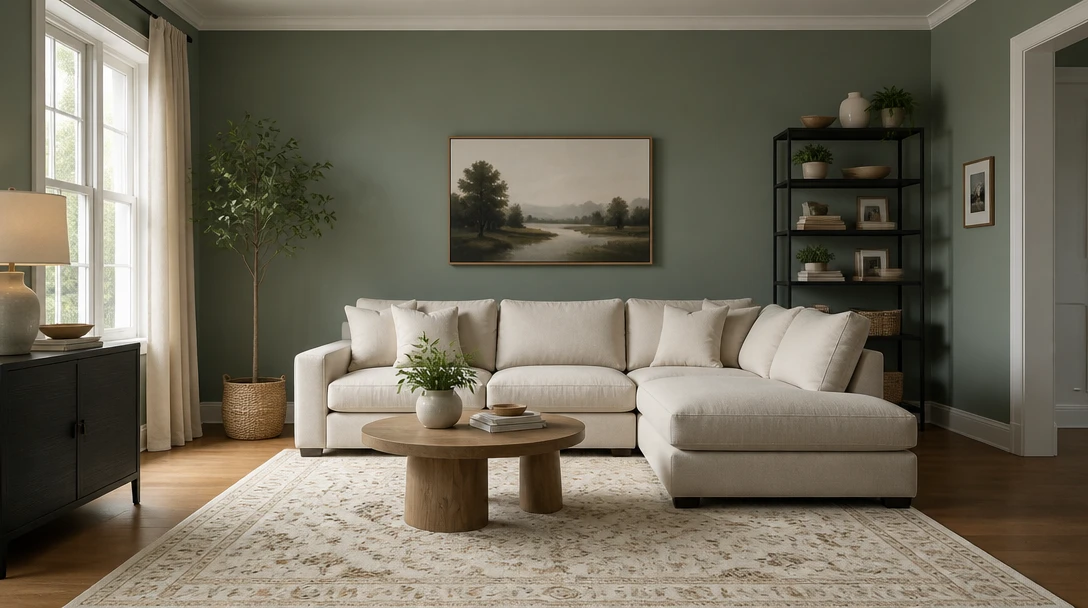
Change only the wall color on your room photo. Furniture and layout stay put.
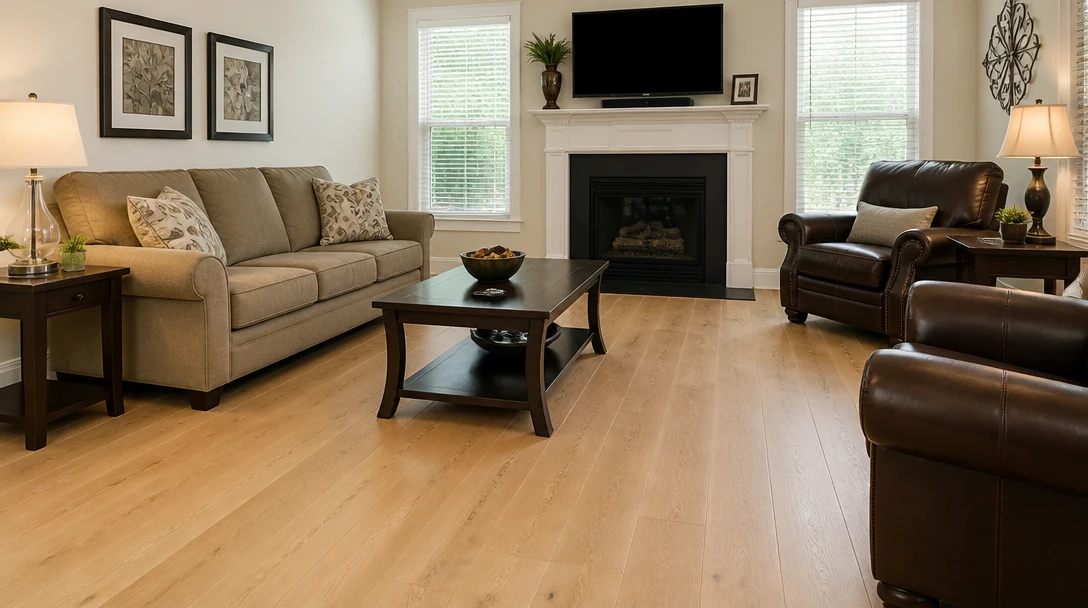
AI Flooring Visualizer
Keep the room and swap wood, tile, or carpet on the floor plane of your photo
Opens in
Image Studio
Frequently Asked Questions
Everything you need to know to get started.
Why do I need two photos?
The room is the space. The product shot is the exact piece. Like Pet + Owner, both identities matter — the architecture and the furniture design.
What product photos work best?
A straight-on pack shot or ghosted product image on a plain background. Busy lifestyle photos with people and props are harder to isolate.
Will it keep my other furniture?
Yes, unless you pick a swap-in placement that replaces a similar piece. The room architecture and camera stay.
Is the scale exact?
It is a realistic try-on, not a measured CAD placement. Always check the product's width and depth against your wall and walkways.
Is this an order or AR app?
No. Nothing is purchased or reserved. There is no live-camera AR overlay. You work from two still photos.
What file types are supported?
JPEG, PNG, and WebP up to 15MB for each photo. Start with the room on this page; add the product in Home Studio.
See the Piece at Home Before You Buy
Sign up free and get 100 credits. Room photo plus product shot — a try-on preview, not a checkout.
Try Furniture in a RoomDisclaimer: This tool uses generative AI technology which may produce content that resembles copyrighted materials or that is inaccurate, incomplete, or out-of-date. It is provided for general information and educational purposes only and is not intended for illegal activities or to replace professional advice, diagnosis, or treatment. Users are solely responsible for how they use the generated content. If you plan to use AI-generated content commercially or publicly, we strongly recommend reviewing it for potential copyright issues and obtaining proper permissions where necessary. We accept no liability for copyright infringement or any other consequences resulting from the use of content generated by this tool.