Keep the Room. Swap the Floor.
Upload a furnished room and try white oak, walnut, herringbone, porcelain, or carpet. Legs stay planted. Only the floor surface updates.
Try New Flooring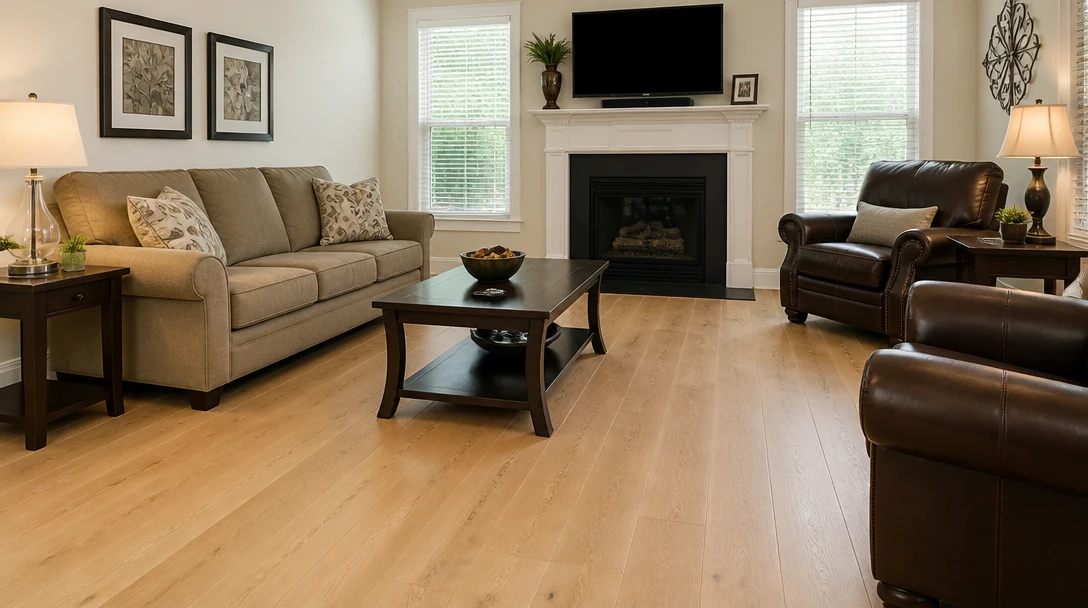
Try New Flooring in Your Room
Add a photo of the room and we'll open AI Home Studio ready to swap wood, tile, or carpet on the floor only.
Drag & drop your room photo here
Show as much floor as you can — JPG, PNG or WebP, up to 15MB
Your photo is used only to preview the floor. Furniture and walls stay. This is not an install quote.
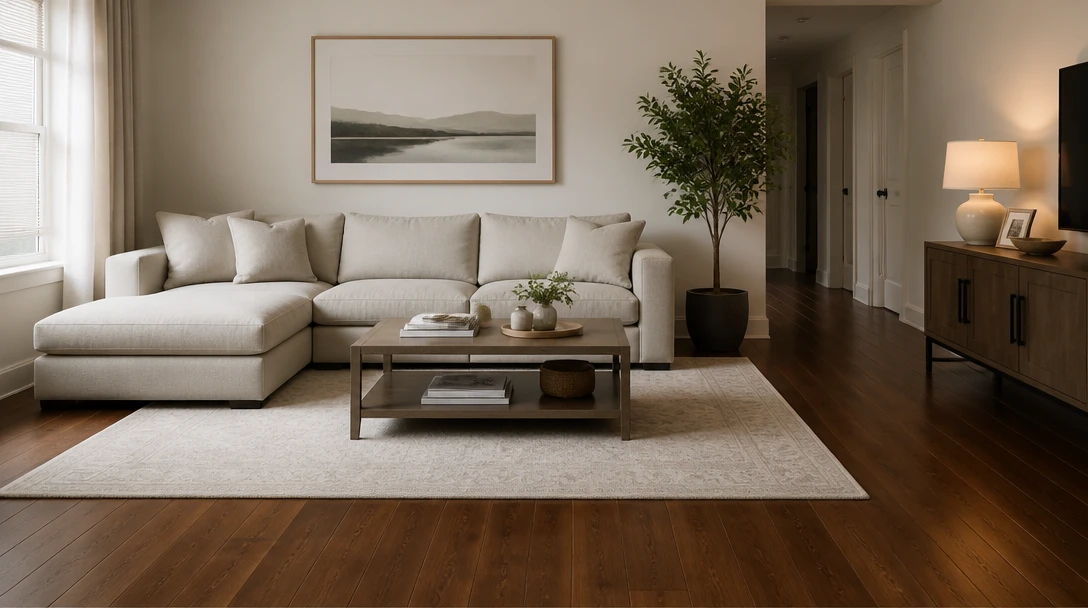
See Hardwood Under Your Existing Furniture
White oak, walnut, wide plank, or herringbone — rendered on the same floor plane so you can judge tone against the sofa you already own.
Try Hardwood Looks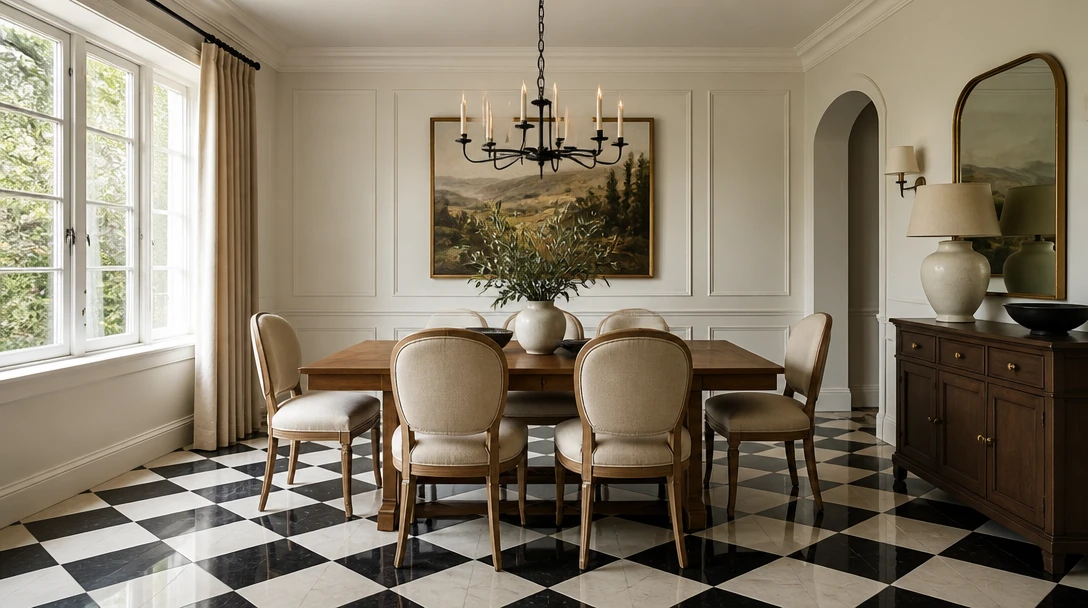
A Locked Edit — Not a New Layout
Wall Paint changes walls. Flooring changes only the floor. Interior Design restyles the room. Use this when you want a floor decision, not a redesign.
Swap the Floor Only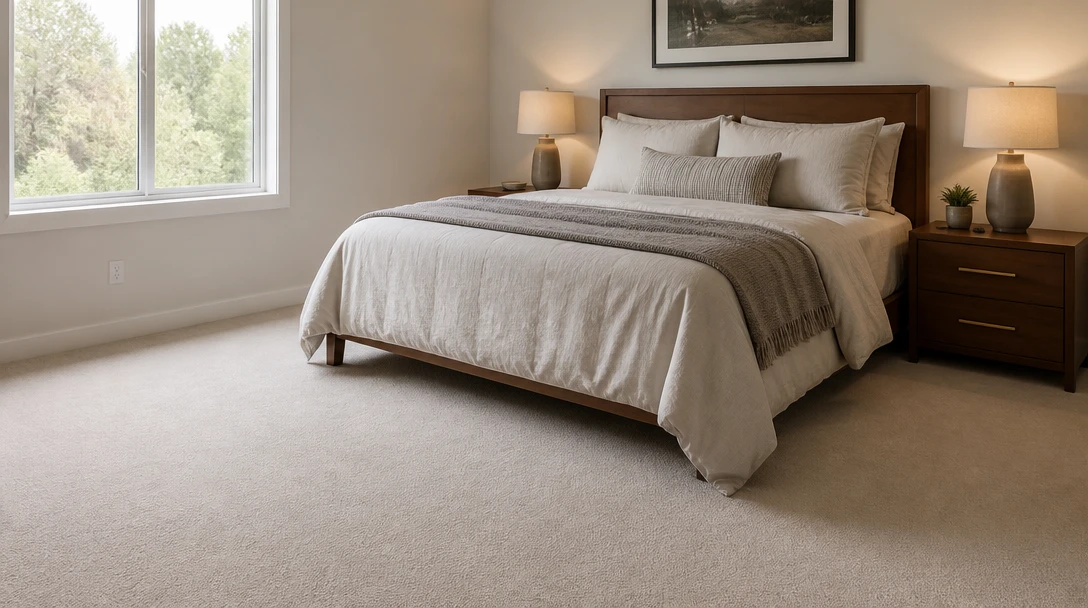
Preview Tile or Carpet Before a Sample Order
Porcelain stone-look, terracotta, checkerboard, plush carpet, concrete, or oak-look LVP — then confirm with a real sample in the room.
Try Tile and Carpet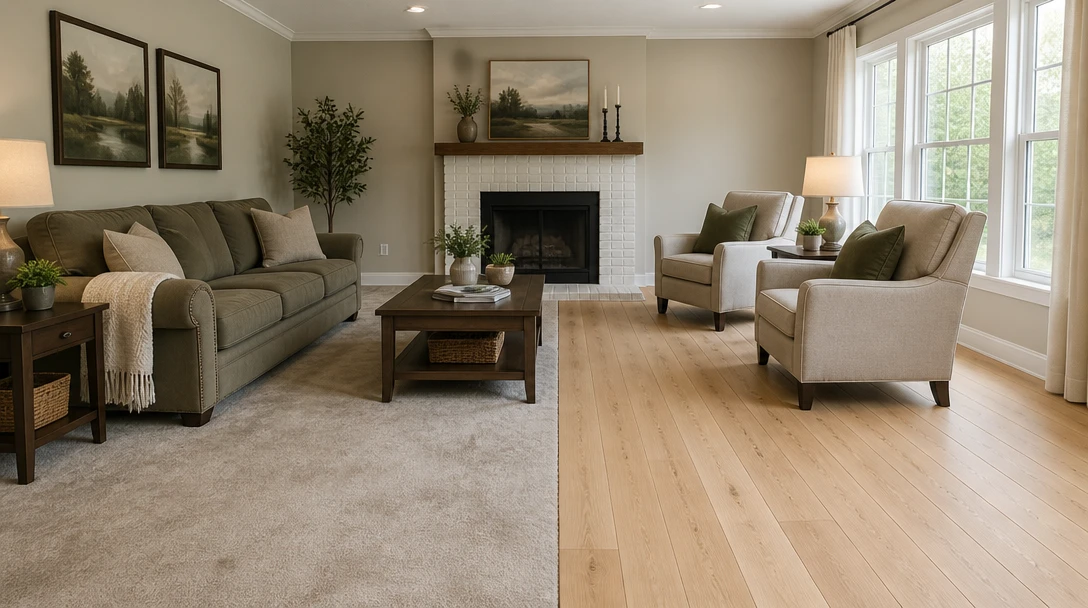
Help a Listing Floor Feel Updated
Show a cleaner floor preview on a dated listing photo and disclose that it is a visualization, not installed material.
Preview Listing FloorsWho Uses the Flooring Visualizer

Homeowners Choosing Floors
Narrow wood tone or tile on your photo before you buy samples. Confirm sheen and grain in the real room.
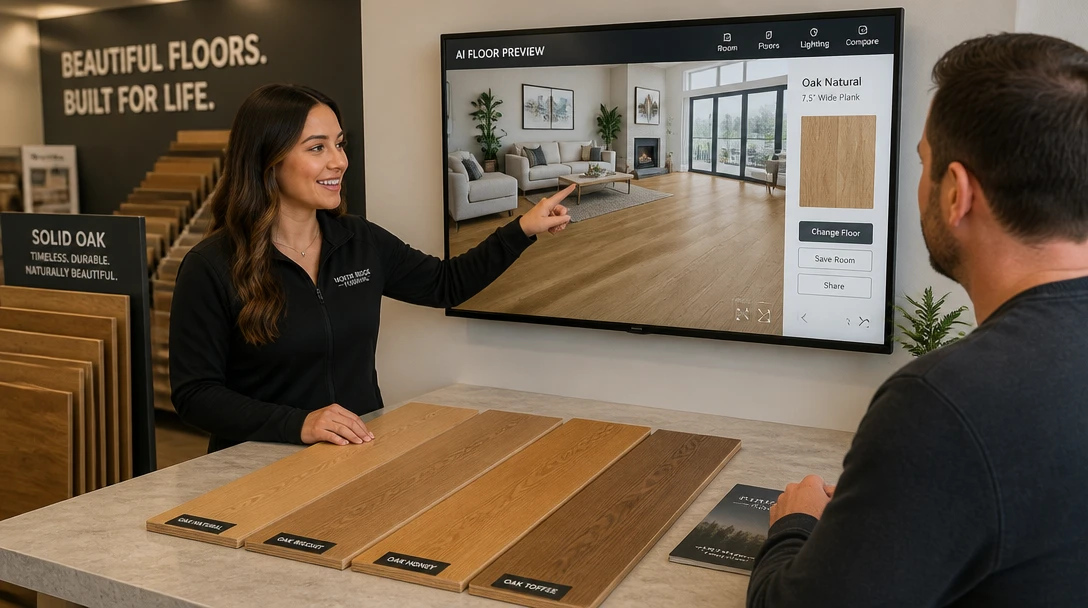
Flooring Showrooms
Help a client see a product family on their own photo, then sell from the actual sample.
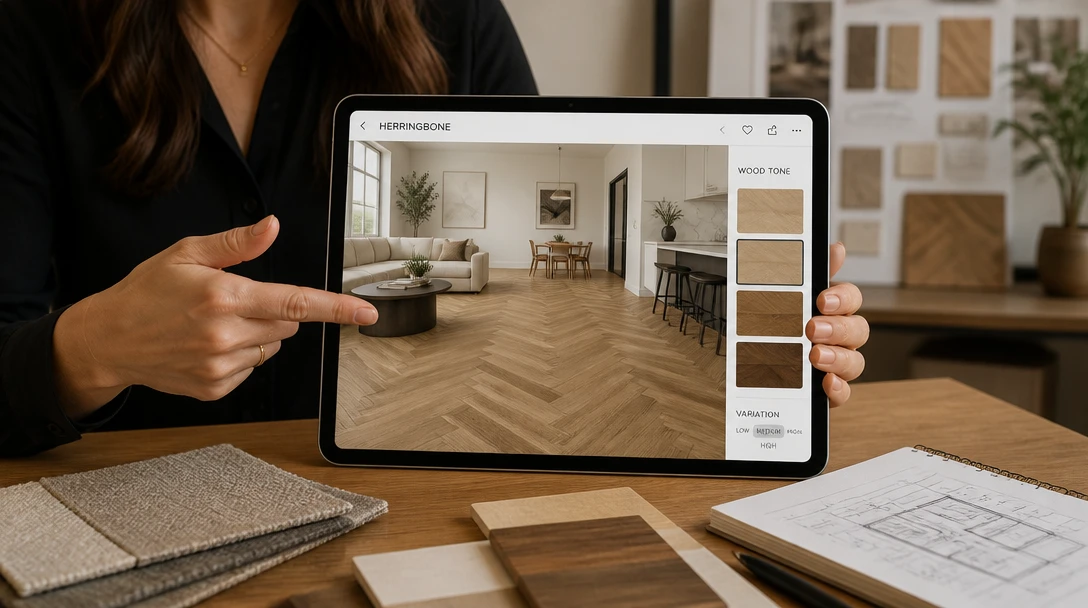
Interior Designers
Isolate the floor decision so a client is not distracted by a new sofa in the same image.
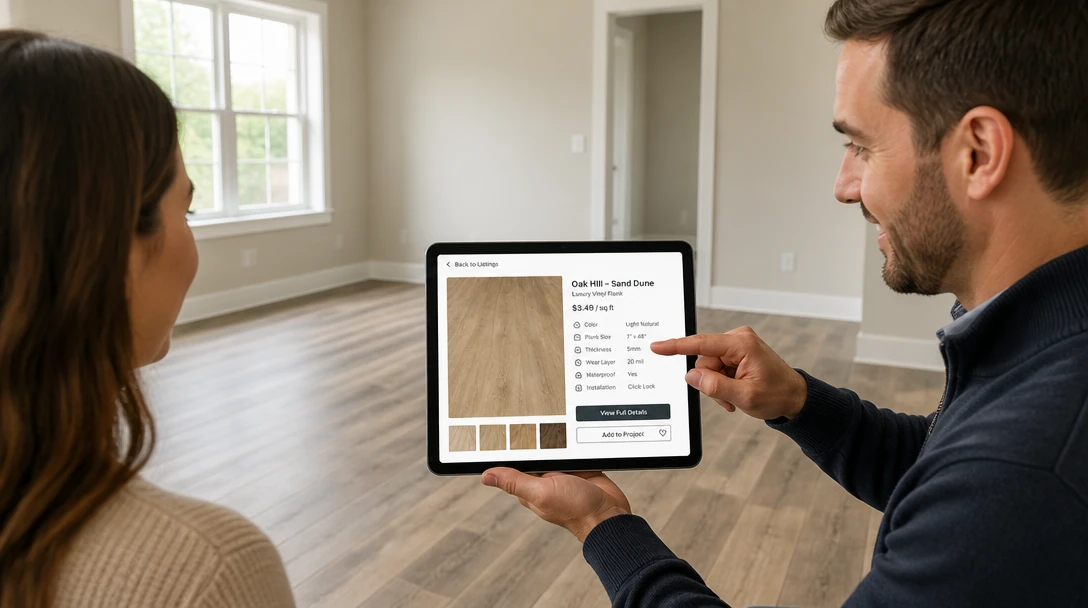
Real Estate Agents
Preview a broader-appeal floor on a listing with tired carpet, labeled as a visualization.
How to Preview Flooring with AI
Upload the Room Photo
Include furniture legs and as much floor as possible. A doorway shot usually shows the plane clearly.
Choose a Floor Look
White oak, walnut, herringbone, wide plank, porcelain, terracotta, checkerboard, carpet, concrete, or LVP oak.
Generate the Floor Preview
Only the floor surface changes. Furniture, walls, and the camera stay.
Confirm with a Real Sample
Use the image to shortlist. Check a physical sample in your light before you order material.
Explore More
More AI Studio Tools
Discover other powerful AI tools to enhance your creative workflow
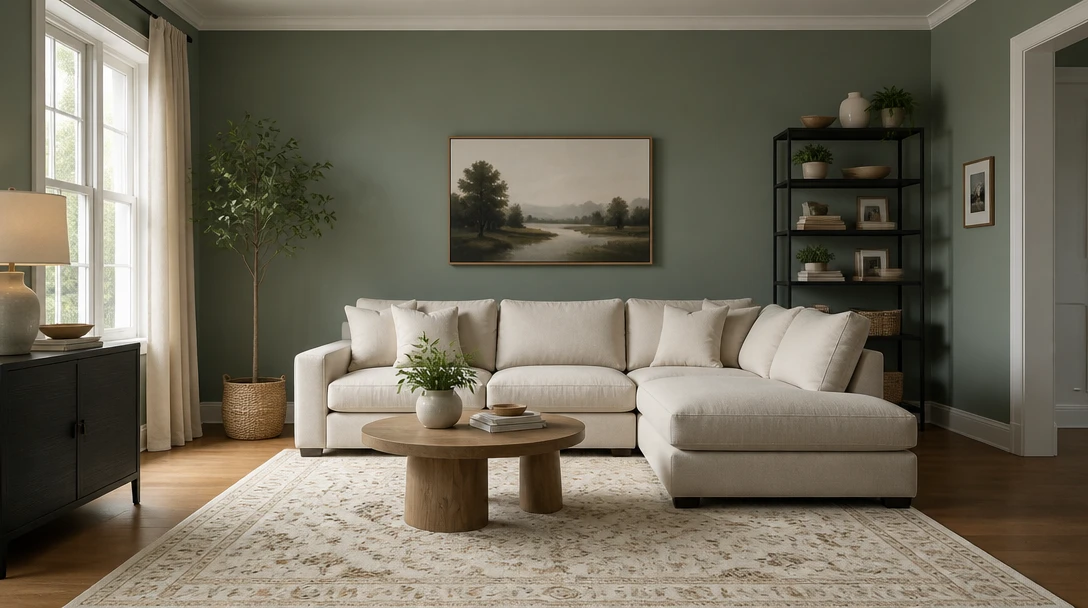
AI Wall Paint Visualizer
Change only the wall color on your room photo. Furniture and layout stay put.

AI Interior Design
Upload a photo of any room and AI generates a photorealistic interior redesign in seconds. Choose from 15 distinct styles including Modern, Scandinavian, Bohemian, Japandi, Hollywood Regency, Art Deco, New York Loft, and more. The result preserves your room layout, windows, and architecture while replacing furniture, finishes, and decor. Works for living rooms, bedrooms, kitchens, bathrooms, and home offices.
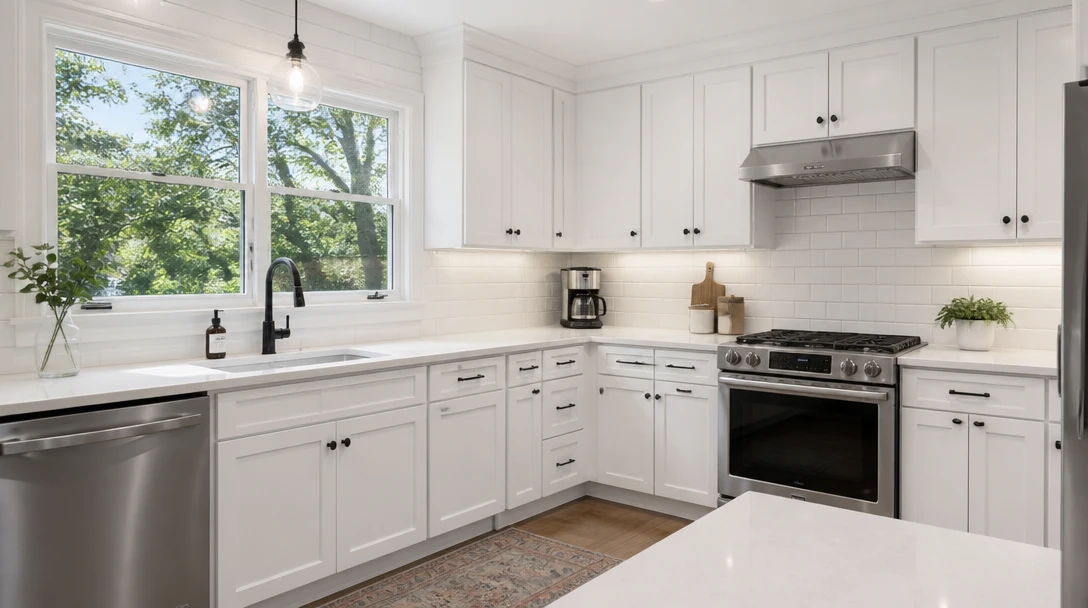
AI Kitchen Remodel
Preview cabinets, counters, and backsplash on your kitchen photo before you spend
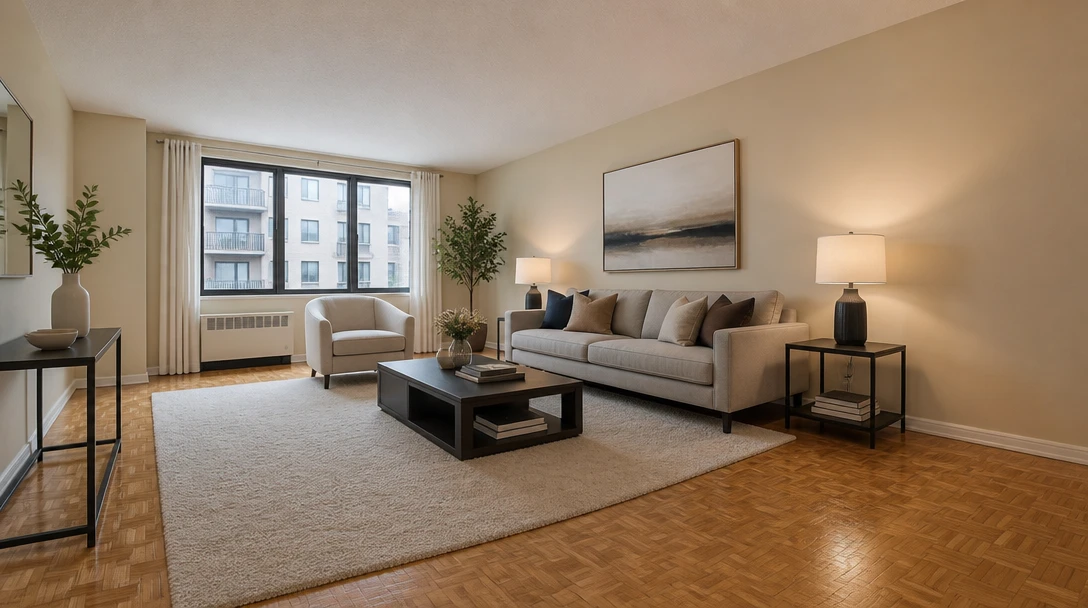
AI Virtual Staging
Furnish an empty room from a photo for real-estate listing previews in 10 staging styles
Opens in
Image Studio
Frequently Asked Questions
Everything you need to know to get started.
What does the flooring tool change?
Only the floor surface. Furniture, walls, windows, and the camera stay. Existing rugs stay if they are already in the photo.
Will furniture float or change?
The new floor should sit under existing legs. A very tight crop or heavy motion blur can make contact shadows harder. Use a clear, well-lit room shot.
Is this a product match from a store?
No. Looks are styled directions — white oak, herringbone, LVP, and so on — not a SKU. Confirm species, wear layer, and price with a retailer.
Can I see the floor without furniture?
You can upload an empty room. For furnishing an empty space, use Virtual Staging after you pick a floor.
Does it work on kitchens and baths?
It can preview the visible floor plane. For cabinet or tile wall changes, use Kitchen Remodel or Bathroom Remodel.
What file should I upload?
JPEG, PNG, or WebP up to 15MB. Stand back so the floor recedes in perspective. Avoid photos that crop out the floor entirely.
See the Floor Before You Order Planks
Sign up free and get 100 credits. Preview wood, tile, or carpet on your room, then confirm with a real sample.
Try New FlooringDisclaimer: This tool uses generative AI technology which may produce content that resembles copyrighted materials or that is inaccurate, incomplete, or out-of-date. It is provided for general information and educational purposes only and is not intended for illegal activities or to replace professional advice, diagnosis, or treatment. Users are solely responsible for how they use the generated content. If you plan to use AI-generated content commercially or publicly, we strongly recommend reviewing it for potential copyright issues and obtaining proper permissions where necessary. We accept no liability for copyright infringement or any other consequences resulting from the use of content generated by this tool.